-
-
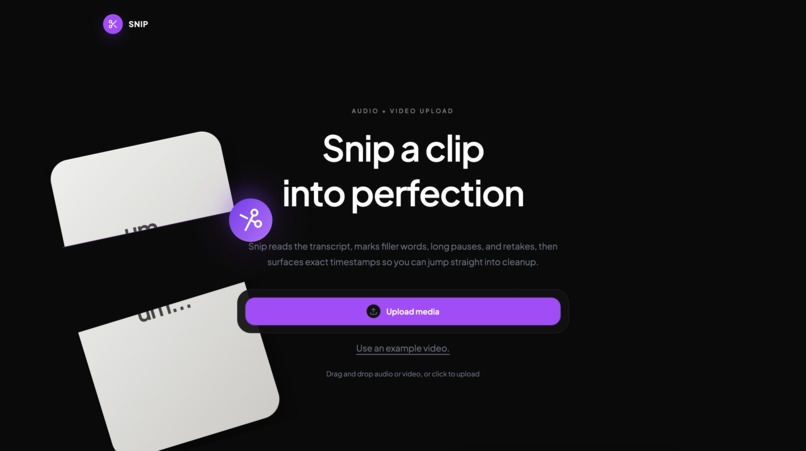
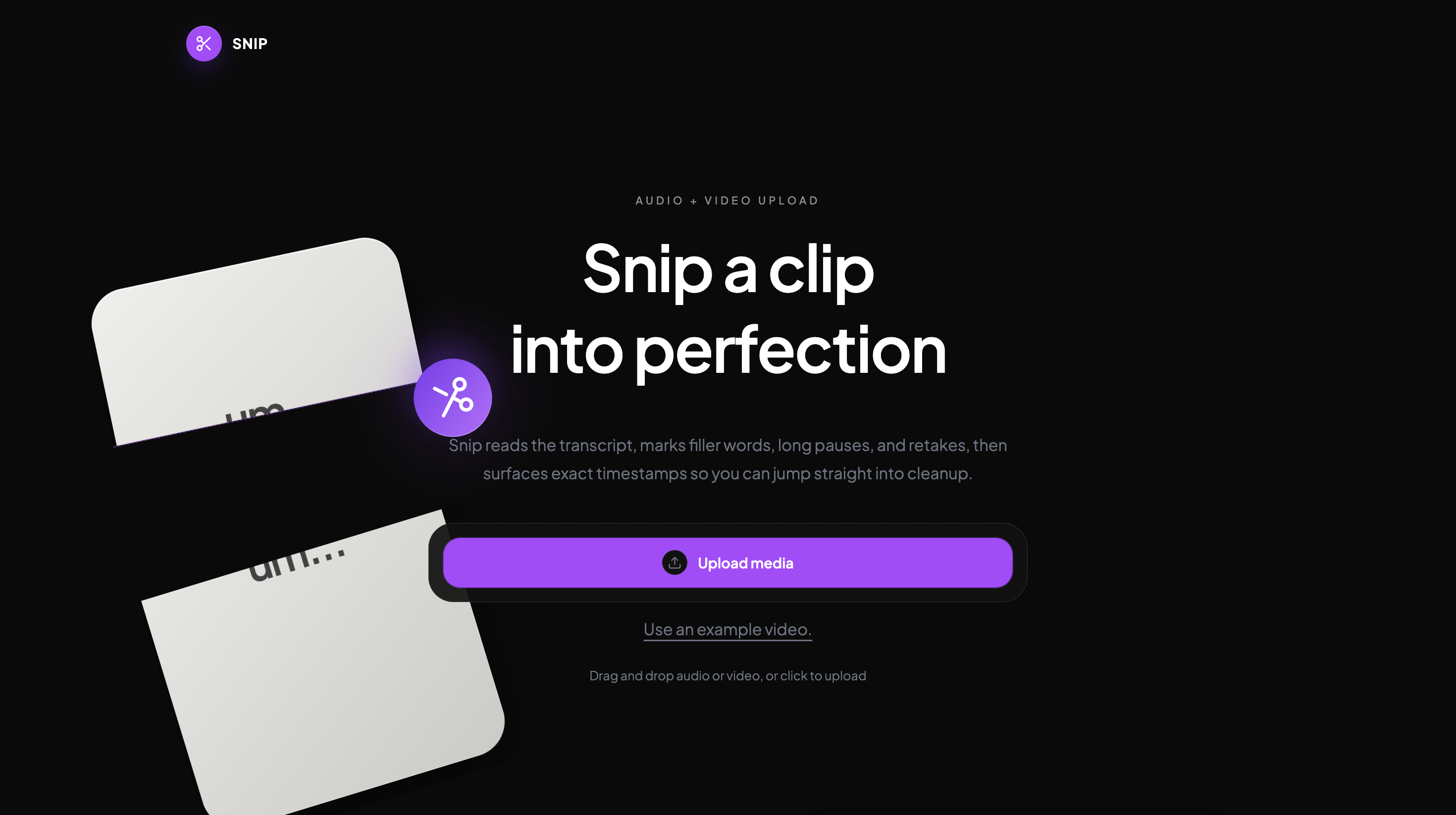
Landing Page
-
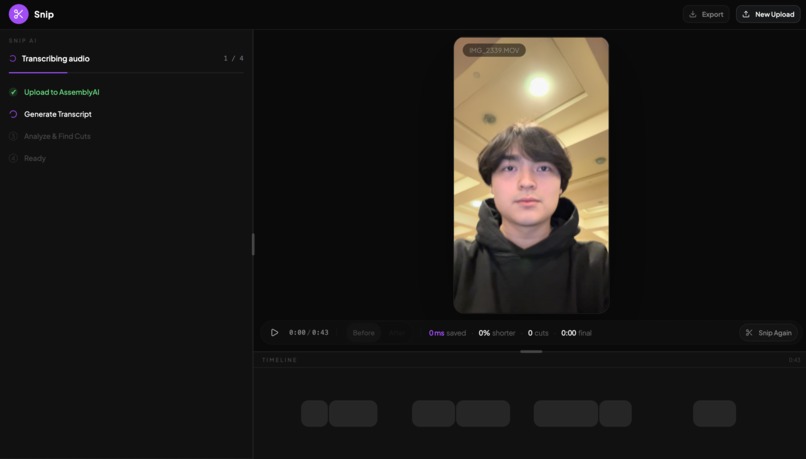
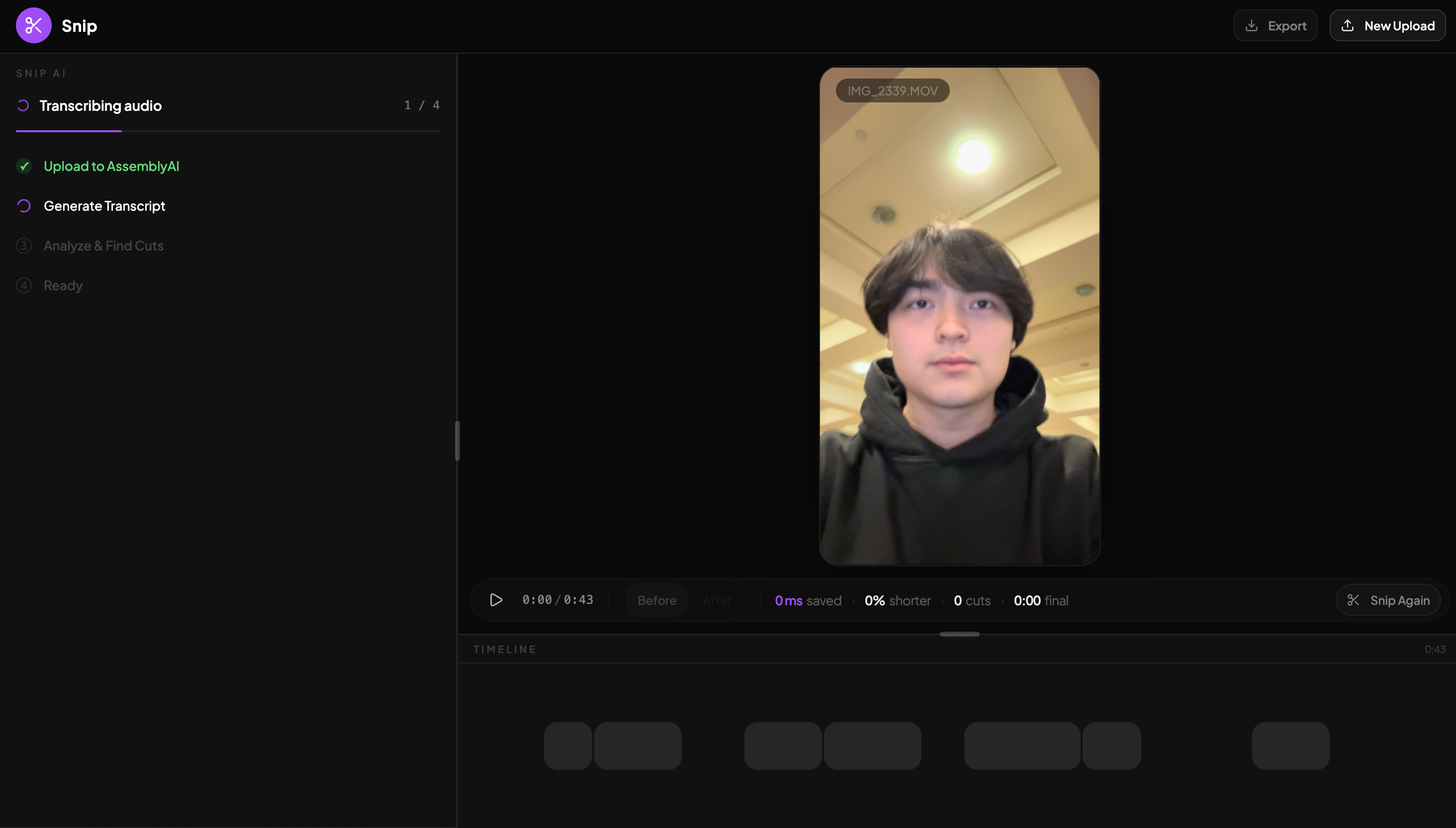
Uploading Video
-
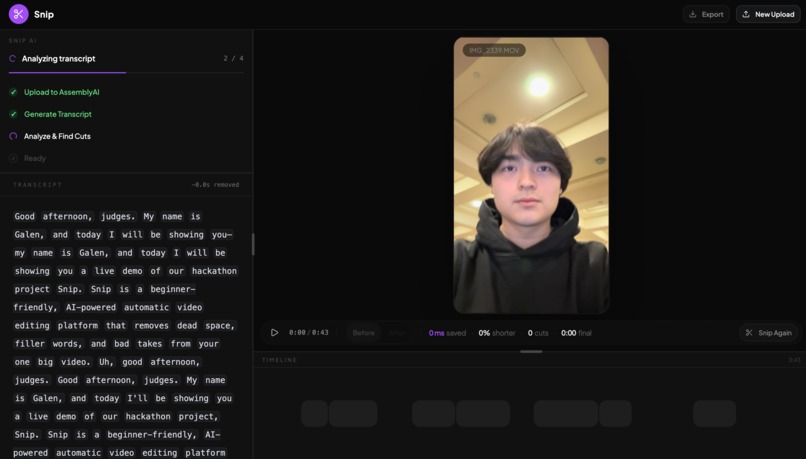
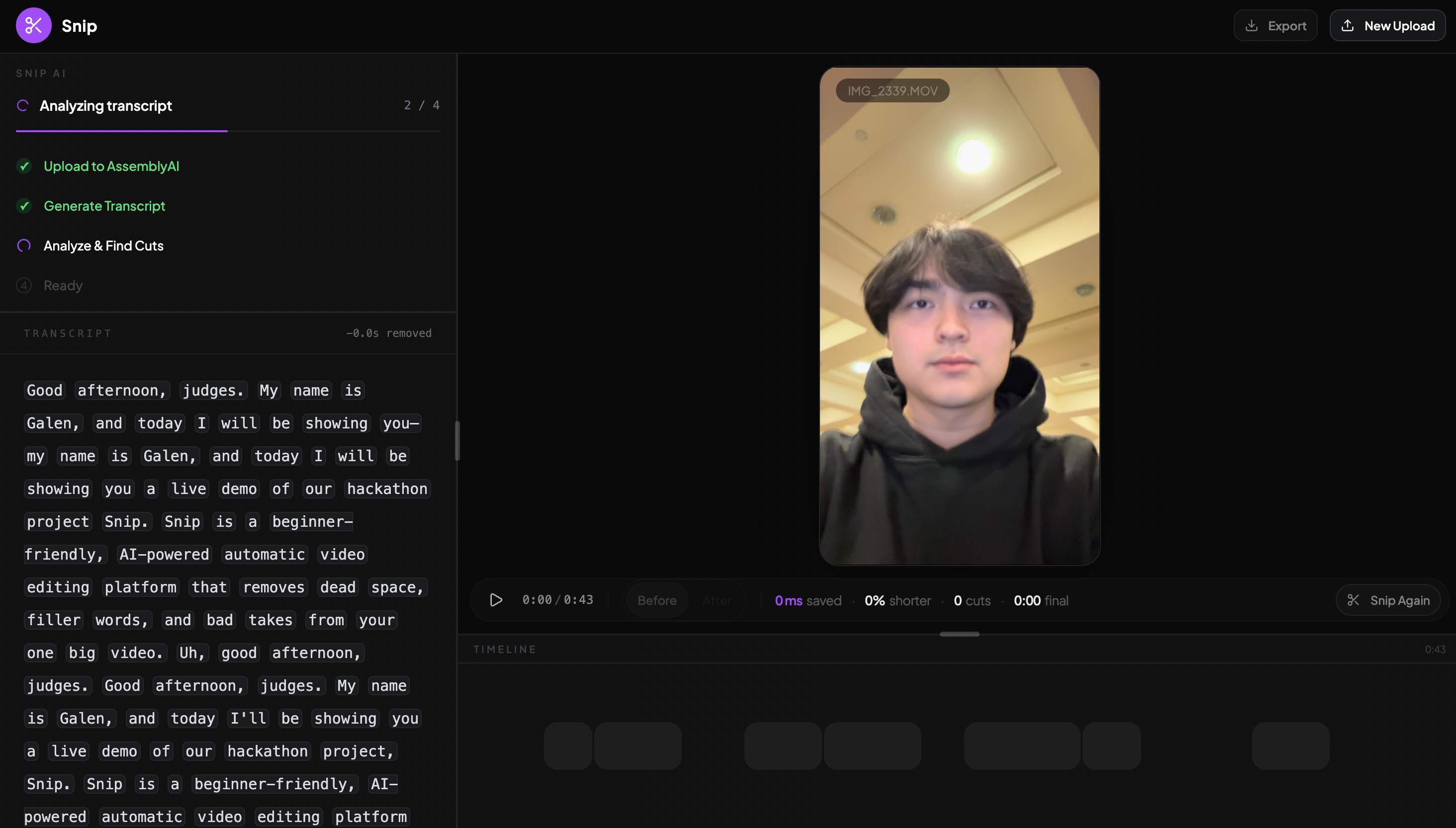
Generating Transcript
-
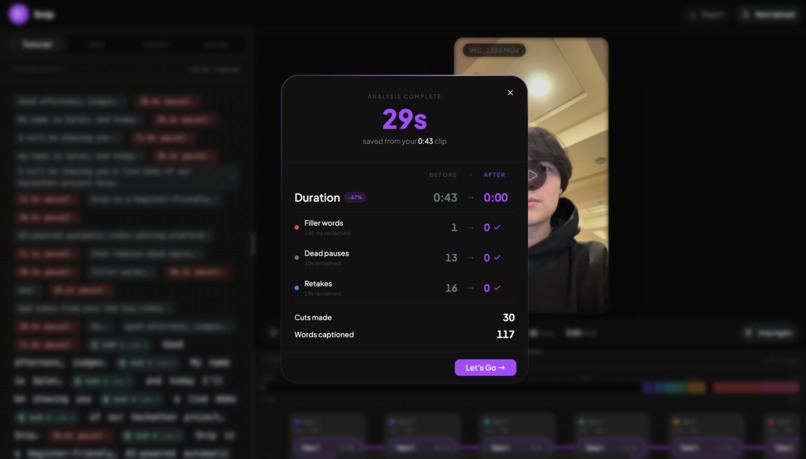
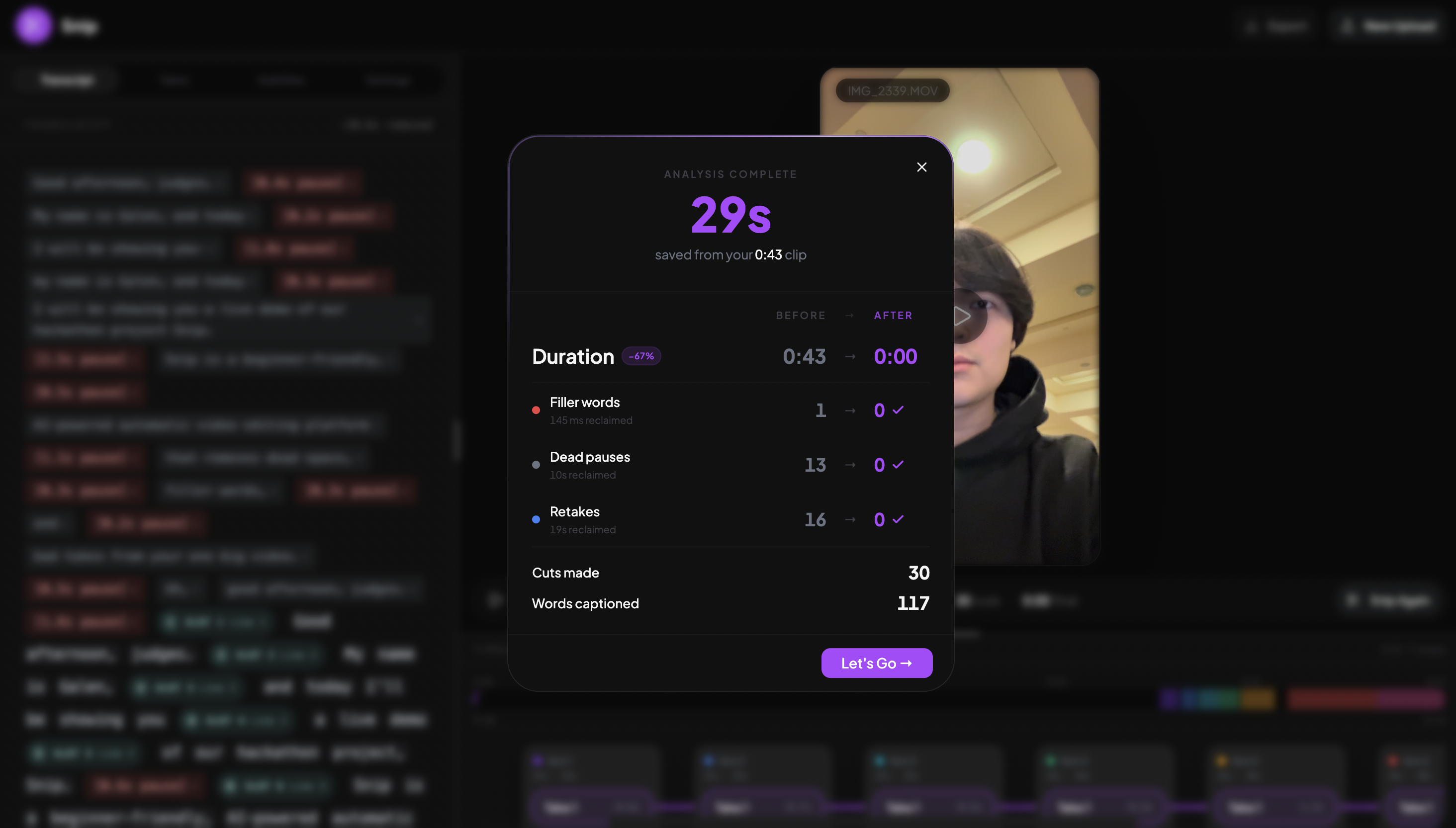
New Video Done!
-
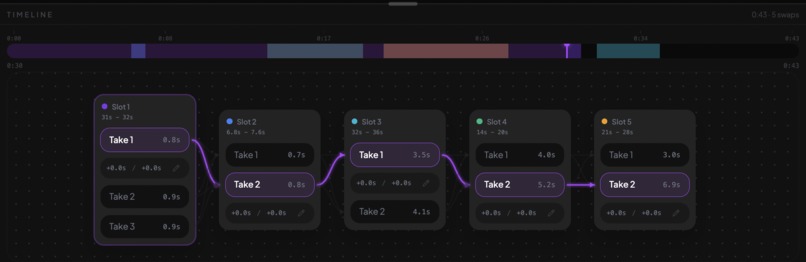
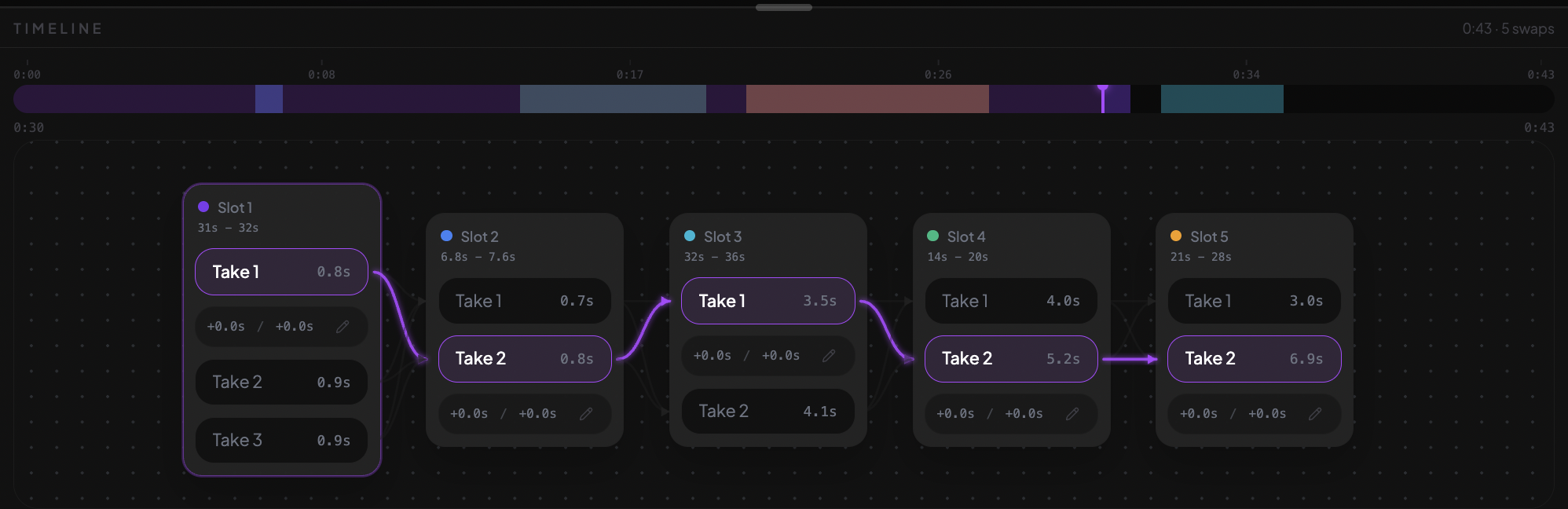
Take Manager Close Up
-
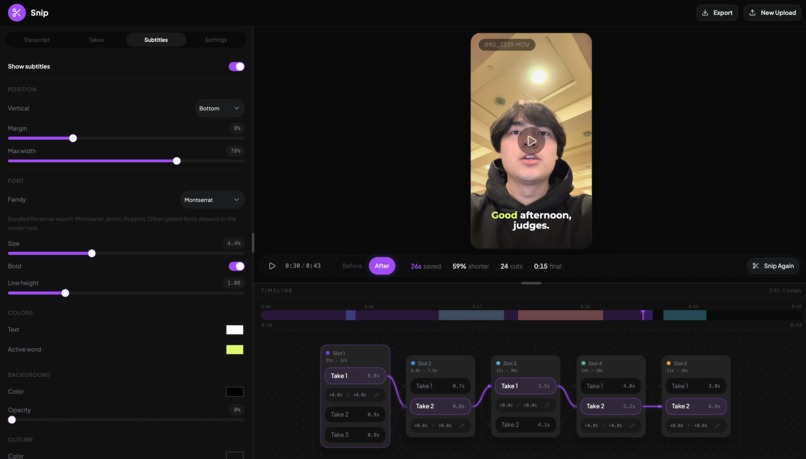
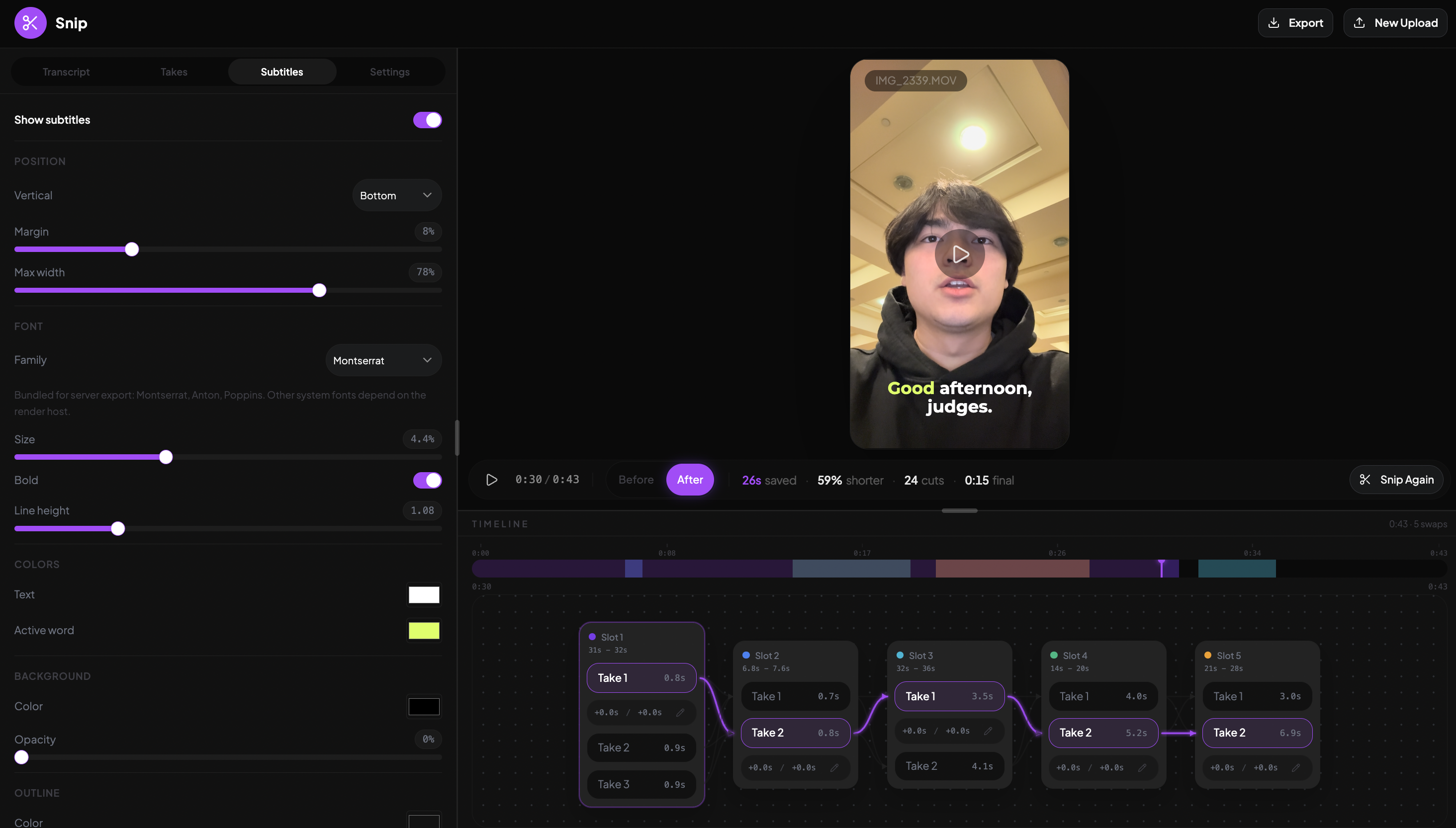
Subtitles Settings
-
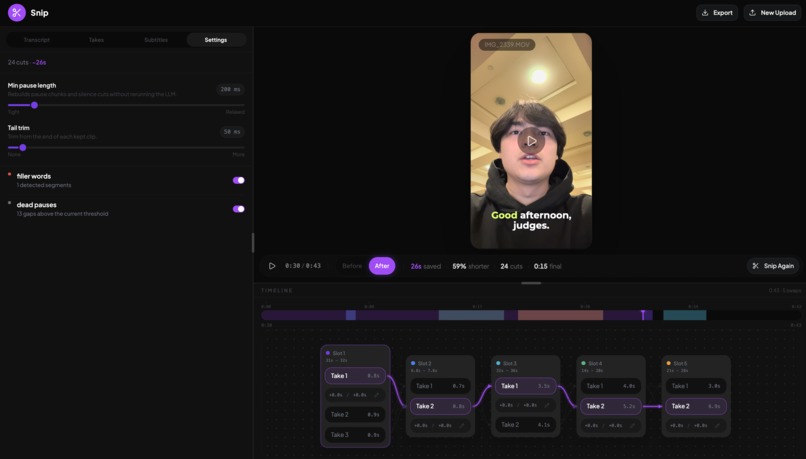
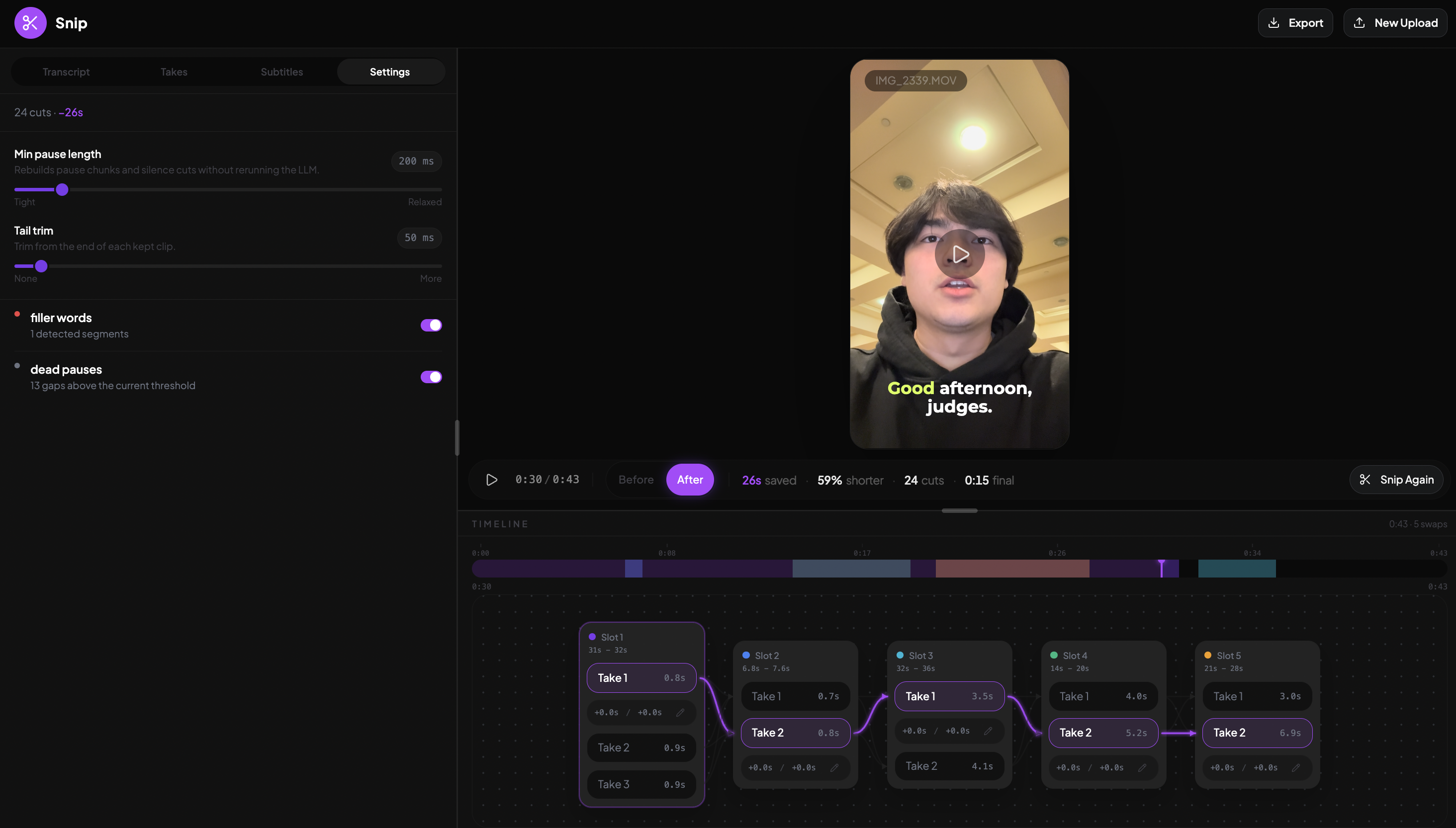
Fine Tune Settings
Inspiration
Jordan tried to make tiktok and instagram reels for his chess startup, but found that he was spending at least 10 minutes per minute of actual video he recorded. It became a tedious, repetitive job of cutting dead space, comparing takes, and removing filler words.
What it does
Snip automatically removes filler words, cuts dead space, and chooses your best takes from one video with multiple takes. It also creates customizable subtitles that highlight each word as its spoken in real time. Scrub through your video, find your best takes, and fine tune trimming on the automatic cuts to make the perfect video with only a couple of sliders. One-click export makes it easy to bring your newly edited video to any platform.
How we built it
We built Snip as a SvelteKit app using Svelte 5 runes for state management and TailwindCSS v4 for styling. The UI is put together with shadcn-svelte and bits-ui components, giving us a clean video editor layout with a sidebar and resizable preview panes.
For the video processing pipeline, we stitched together a few services. When a user uploads a video, we send it to AssemblyAI to get a full transcript with word-level timestamps. Then we pass that transcript to ChatGPT 5.4 (via the Vercel AI SDK and OpenRouter) and ask it to label every single word, deciding which parts are keepers and which are filler, mistakes, or tangents. We force structured output by making GPT use a required tool call, so we always get clean data back.
Once we have the labeled words, we group them into contiguous segments and build an autocut job that tells the editor exactly which clips to keep. The user can then preview the cuts in the browser and tweak anything the AI got wrong. The whole thing runs through a simple polling flow so the UI stays responsive while transcription and analysis happen in the background.
Challenges we ran into
Successfully getting the LLM to find semantic chunks that we can group together and compare to other semantic chunks (to find matching takes in the transcript) was much harder than expected. We ended up having the system assign per-word labels collapsed into contiguous time-bounded segments (put consecutive words with the same label into timed segments). When a speaker retries the same line three times, we get three segments sharing one label, making it obvious which takes are interchangeable and easy to choose the best one.
Once we deployed to Vercel, we realized our video uploads were way too big and Vercel was outright rejecting them. Serverless functions have a hard limit on request body size (around 4.5MB), and most real video files blow right past that. To fix it, we switched to a direct-to-storage upload pattern. Instead of routing the video file through our own API, the browser uploads the file straight to blob storage and only sends us back a URL. Our server then hands that URL off to AssemblyAI for transcription, so our API routes never have to touch the raw video bytes. That sidestepped Vercel's body size limit entirely and made uploads way faster since the file only makes one trip instead of two.
Accomplishments that we're proud of
Interchangeable Take Detection: Getting the system to recognize when a speaker repeated the same line across multiple attempts, and grouping those attempts together as swappable options, took a lot of iteration. We landed on a pipeline that labels every word in the transcript individually, validates 100% coverage, then collapses consecutive same-label words into timed segments. The result: when someone does three takes of the same line, we surface all three as interchangeable, and the editor can pick the best one automatically (or let you choose).
Take-Swapping UI: We argued and brainstormed until 3am trying to figure out how to display multiple takes. We're proud of how natural it feels to swap takes in the editor. Instead of forcing users to scrub through a timeline hunting for alternate attempts, the UI presents grouped takes inline. You see the chosen take in context, with alternates one click away. It turns what's normally a tedious editing chore into something that feels almost conversational: "no, use the second try instead." Making that interaction feel effortless on top of an async transcription + LLM analysis pipeline was a real design and engineering win.
What we learned
We were very lucky to deploy with 5 hours left, since we had such a huge problem with Vercel's size limiting preventing us from doing any transcript of video editing in the deployed version. Deploy early and frequently is a lesson we will take moving forward. ^Update with 40 minutes left: We did not realize our blobs were not being automatically deleted after usage, meaning we quickly ran out of free storage space in Vercel. We have quickly deleted the contents of the blob and wrote a new conditions to automatically delete blobs after users are done or close out of the application. We also learned the importance of designing thoroughly before jumping into development, since undoing and rewriting code is more tedious than designing it correctly from the start. We ran into tons of merge conflicts throughout the course of the hackathon. Finally by the last day, we communicated much more effectively using shared planning docs to prevent us from all working on the same file and wasting time on fixing merge conflicts.
What's next for Snip
We'd love to build mobile and tablet applications for Snip, as that would make the pipeline between taking the video -> posting the video all happen on the same platform. Additionally, we'd love to add features letting you manually mark words in the transcript that are filler words or specific words within the transcript that the user wants to cut. More tiktok-centric editing like changing video speed, adding transitions, etc.
Built With
- aisdk
- assemblyai
- claude
- ffmpeg
- gpt5.4
- svelte
- tailwind
- vercel


Log in or sign up for Devpost to join the conversation.