Inspiration
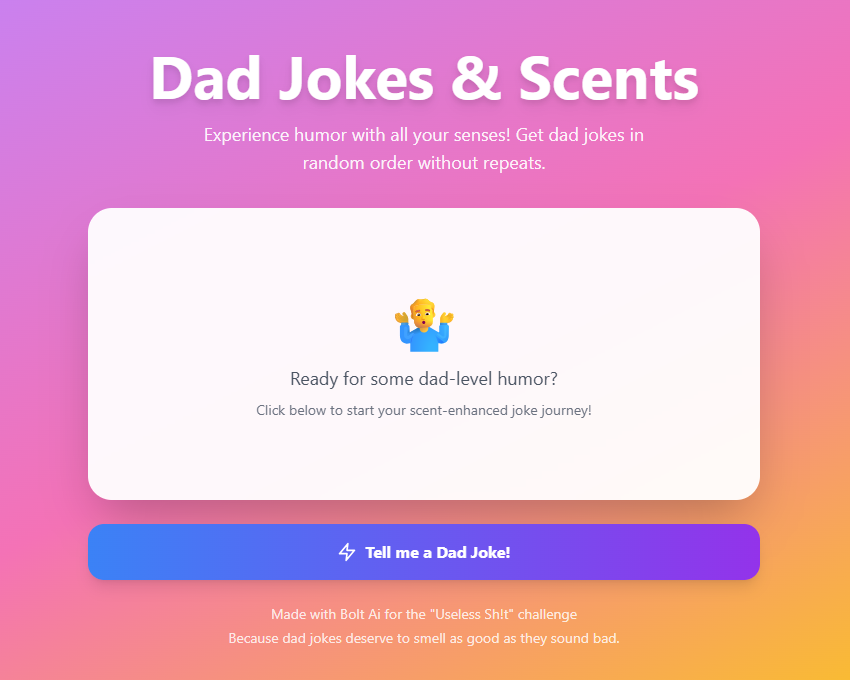
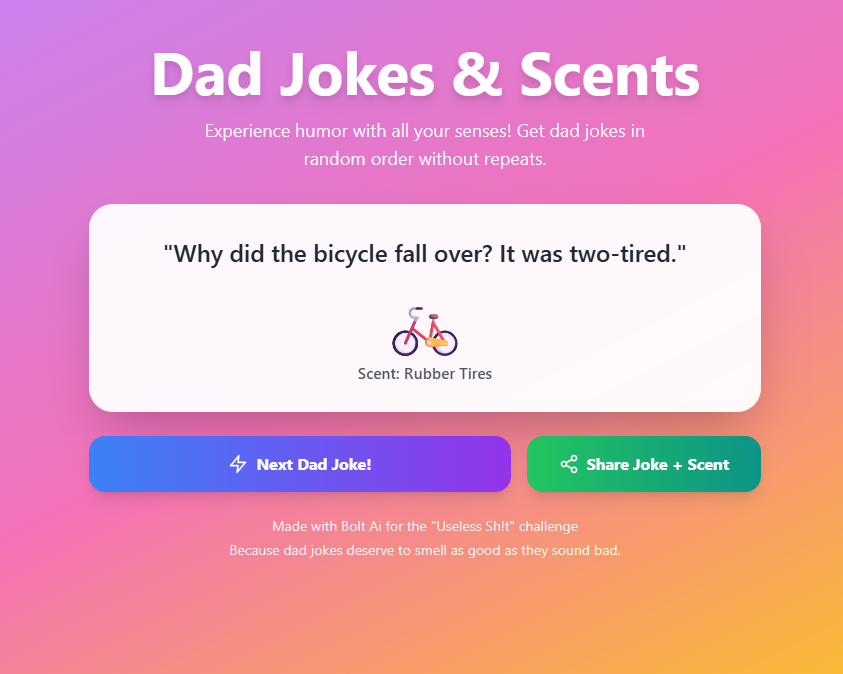
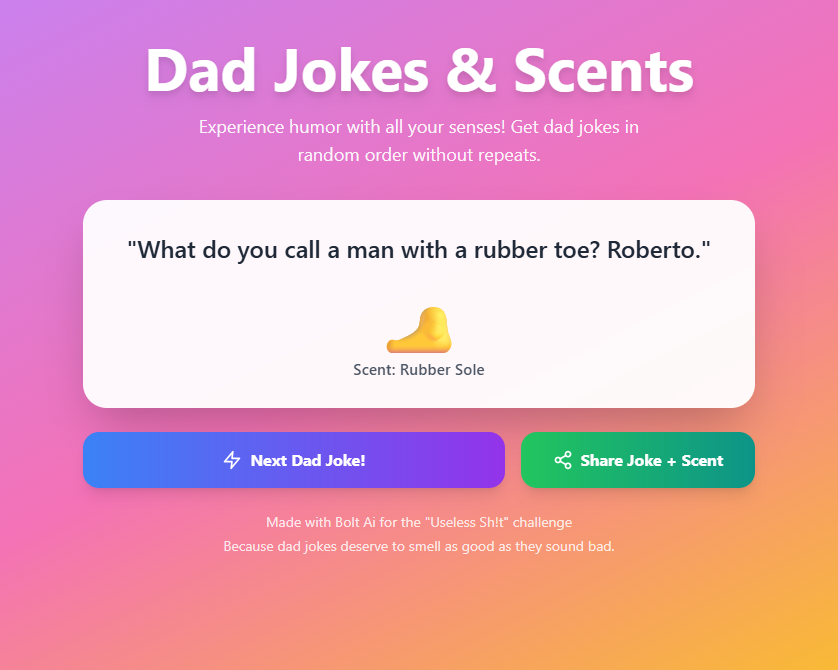
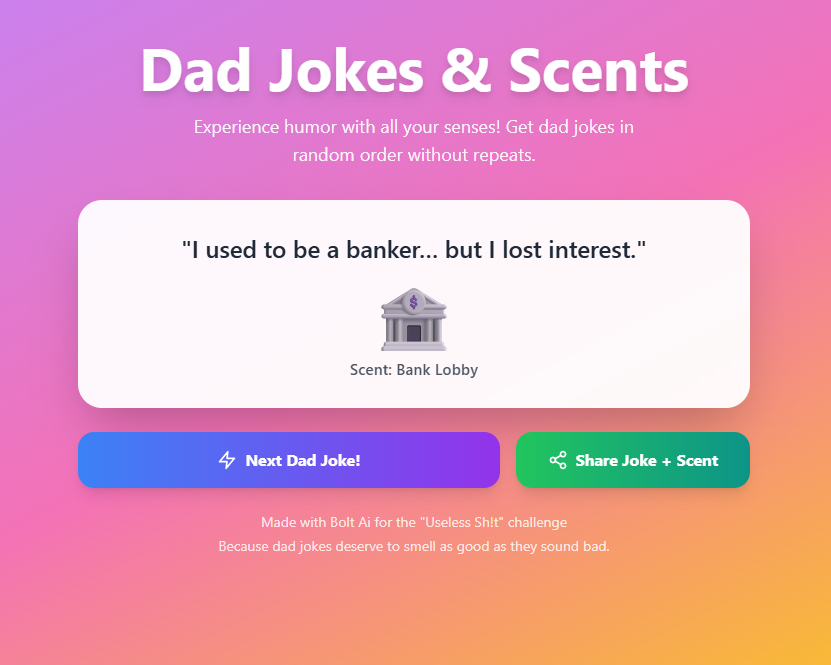
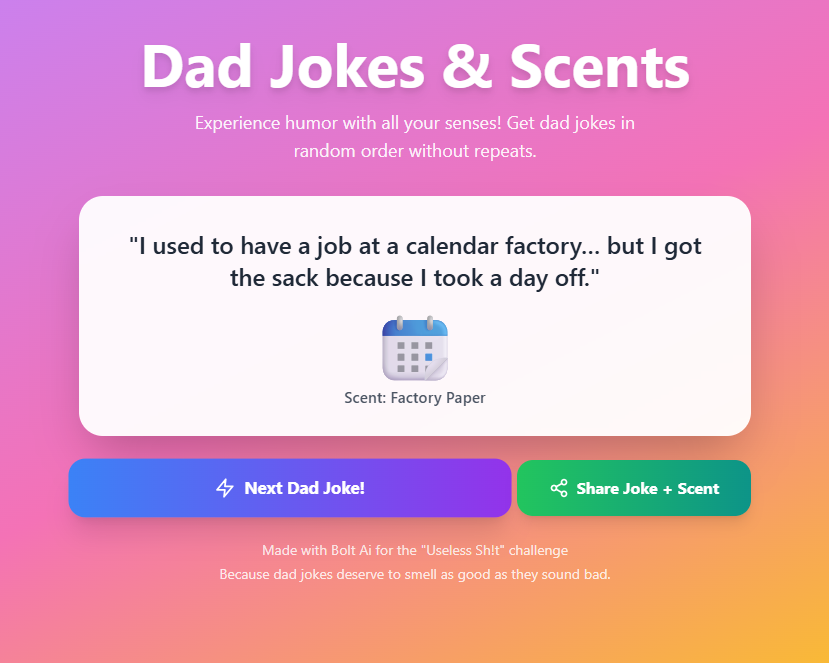
I’ve always loved the groan‑worthy charm of classic dad jokes, and I wanted to add a playful twist that engages more than just your sense of humor. By pairing each punchline with a “scent emoji,” I could evoke the idea of a multi‑sensory experience—without needing any complex AI or hardware integrations. The result? A delightfully absurd web app that leans fully into its own ridiculousness.
What it does
Sniff My Joke delivers:
- Each joke is displayed alongside a matching “scent emoji” (e.g. 🌿 for fresh‑cut grass, 🍞 for burnt toast).
- A simple “Next Joke” button that rotates through the list.
- A lightweight, responsive UI that works on desktop and mobile browsers.
How we built it
- Platform: Bolt.new for rapid prototyping and deployment.
- Logic:
- A JavaScript array stores the 100 jokes and their associated emoji.
- A function
getNextJoke()increments an index and returns the next{ joke, emoji }. - Event handler on the “Next Joke” button calls
getNextJoke()and updates the DOM.
- A JavaScript array stores the 100 jokes and their associated emoji.
- UI:
- Built with Bolt.new’s built‑in layout blocks.
- Styled using simple CSS variables for color and typography.
- Includes a “Built with Bolt.new” badge in the footer.
- Built with Bolt.new’s built‑in layout blocks.
Challenges we ran into
- Joke pacing: Ensuring the “Next Joke” button didn’t feel too slow or too frantic—finding the right animation timing for transitions.
- Emoji selection: Matching each joke to a concise emoji that conveyed the scent idea without confusion.
- Responsive design: Making sure long jokes wrapped gracefully on small screens without pushing the emoji off‑screen.
Accomplishments that we’re proud of
- Curating and formatting 100 distinct dad jokes with corresponding scent emojis.
- Delivering a fully deployed Bolt.new app in under a day.
- Achieving a cohesive, playful UI that leans into the app’s absurd premise.
What we learned
- How to leverage Bolt.new’s static data blocks and front‑end event handlers to build an interactive app without custom back‑end code.
- The importance of micro‑interactions (button feedback, animated transitions) in keeping simple apps engaging.
- Techniques for responsive text layout when joke lengths vary wildly.
What’s next for Sniff My Joke
Login/Sign Up & Profiles
- Enable email or social‑login (Google/GitHub).
- Users get personal dashboards to:
- Save favorite jokes for easy recall.
- Track their own submissions and see community feedback.
- Earn badges (e.g. “Top Jokester” or “Emoji Master”).
- Enable email or social‑login (Google/GitHub).
User submissions & Community
- Allow signed‑in users to submit new jokes + choose scent emojis.
- Public community feed with upvote/downvote and comment threads.
- Moderation tools (flagging, editing) tied to user accounts.
- Allow signed‑in users to submit new jokes + choose scent emojis.
Theme packs & Marketplace
- Curate seasonal or topical packs (e.g. Halloween scents).
- Offer free and premium packs—purchases linked to user accounts.
- “My Packs” section in profile for easy re‑deployment.
- Curate seasonal or topical packs (e.g. Halloween scents).
Ai-Generated jokes

Log in or sign up for Devpost to join the conversation.