Inspiration
Finding a building is usually the easy part. Finding the right room once you’re inside can mean circling the same hallway, checking signs, and asking someone for directions. We wanted to make that experience less frustrating. That led us to SnapWay: snap a photo, figure out where you are, and find your way.
What it does
SnapWay is an indoor navigation project that brings together photo-based location matching, digital floor plans, and visual route guidance.
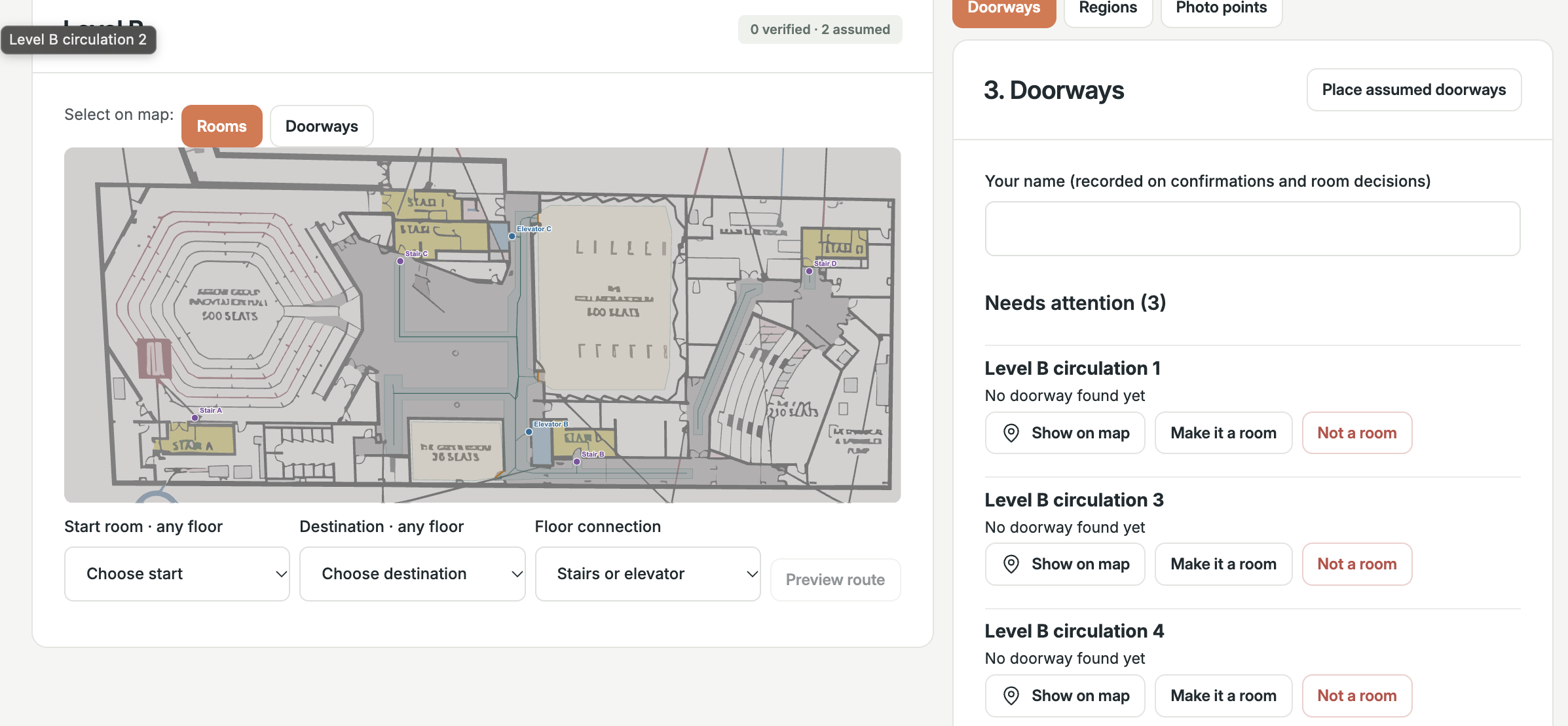
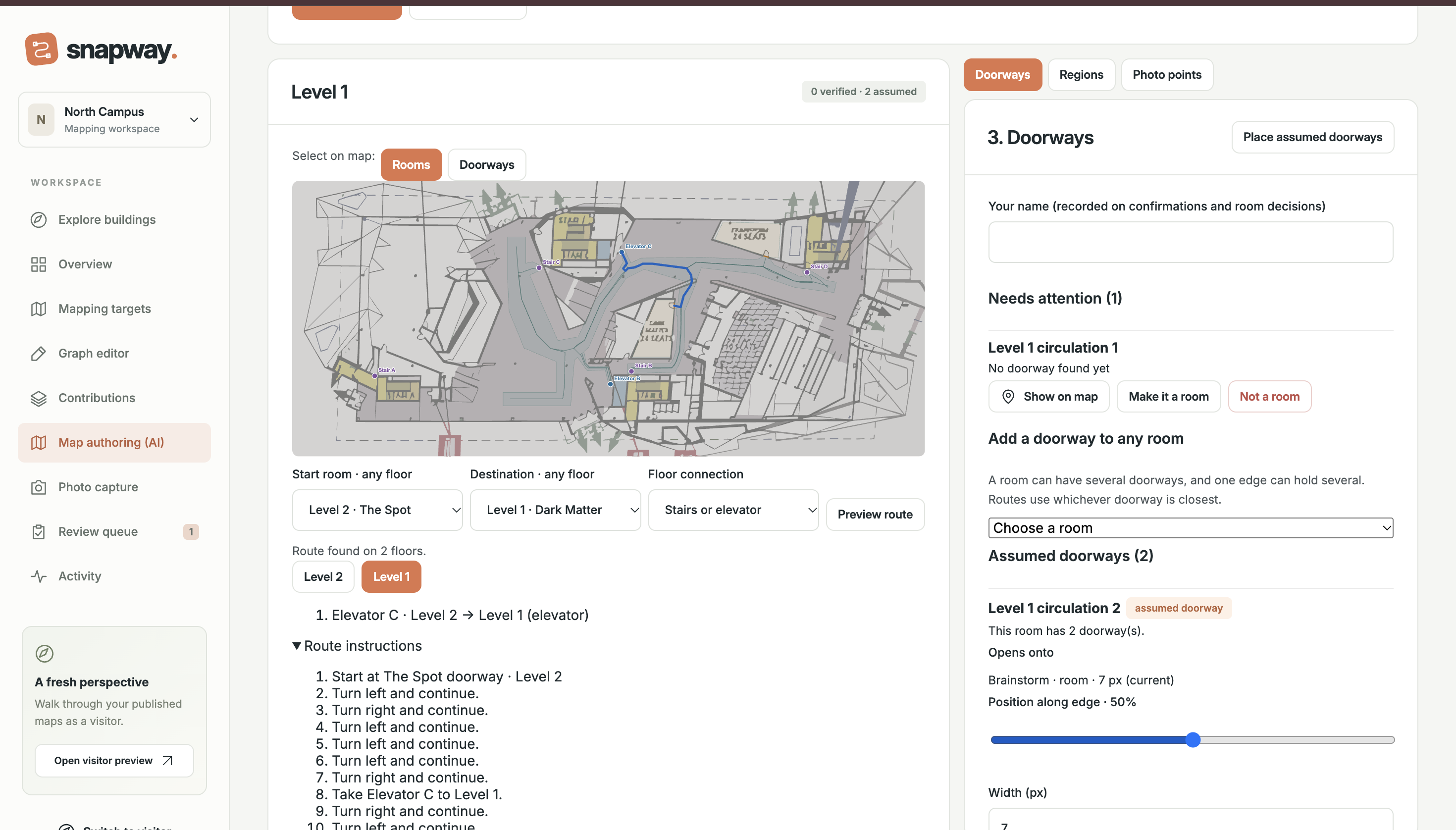
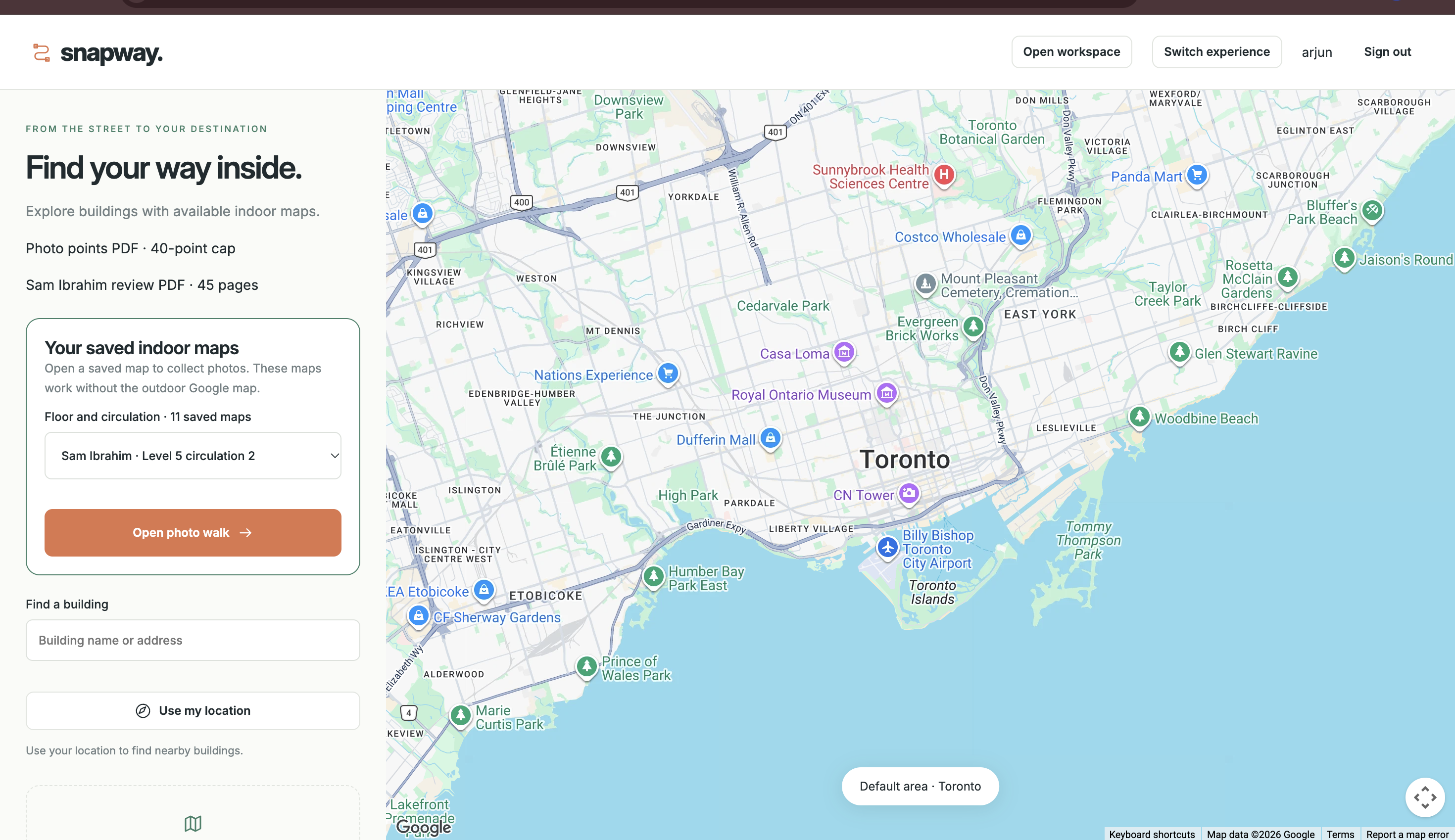
The idea is simple: choose a destination, take a photo of your surroundings, and get help finding your way there. Behind that experience is a mapping workspace where contributors can add checkpoints, connect walking paths, and attach reference photos.
Our current prototype demonstrates the visitor journey, while separate services support map editing, photo matching, and experimental AI-assisted floor-plan conversion. We’re still bringing those pieces together.
How we built it
We built the web interface with Angular and used Django REST Framework for the backend, with PostgreSQL for map and navigation data. The map editor lets contributors place waypoints and connect them into walking paths.
For photo localization, we use MegaLoc to compare captured images with reference photos, with geometric verification to check potential matches. We also explored Gemini through Vertex AI for visual matching and floor-plan interpretation.
Capacitor lets us bring the Angular visitor interface into mobile apps, with native camera support for capturing images.
Challenges we ran into
Indoor spaces can look surprisingly similar. Two hallways might have the same doors, lighting, and wall colours, so a visually similar photo doesn’t always mean the same location. We needed the matching system to recognize uncertainty instead of confidently sending someone the wrong way.
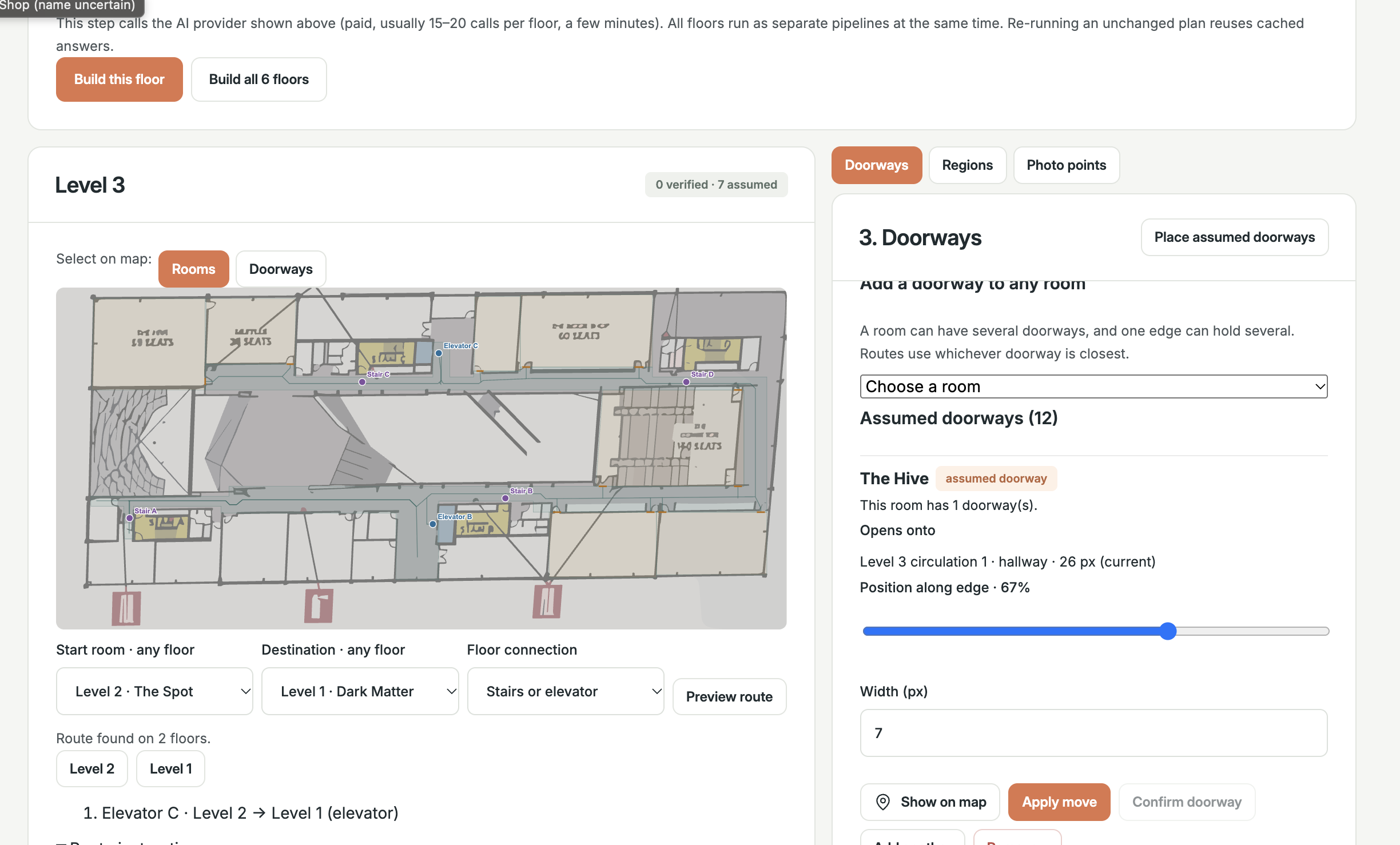
Turning floor plans into usable maps was another challenge. AI-generated rooms and doorways could look reasonable while being misplaced or disconnected. Our early trials showed how much checking and correction this step still needs.
Connecting the editor, backend, AI services, and mobile camera also took careful coordination across the team.
Accomplishments that we're proud of
We’re proud of building an interactive mapping workspace where contributors can edit waypoints and walking connections through the backend.
We also built a photo-matching engine and mobile camera integration, alongside a visitor prototype that shows how the navigation experience can fit together. Having those pieces to work with has helped us move beyond mockups and understand where the difficult problems really are.
What we learned
A readable floor plan isn’t automatically a navigable map. Routing needs connected paths, usable doorways, and reliable starting points.
We also learned that handling uncertainty is part of building a useful navigation tool. Asking someone for another photo is better than giving them a confident direction based on a weak match.
What's next for SnapWay
Next, we want to connect the full journey: open a mapped building, choose a destination, locate yourself with a photo, and follow visual arrows to the right place.
We’ll test with more real indoor photos and physical devices, improve floor-plan extraction, and make uncertain matches easier to recover from. We also want to make map creation simpler so adding a new building takes less manual work.
Built With
- angular.js
- capacitor
- django
- django-rest-framework
- gemini
- google-oauth
- lightglue
- megaloc
- node.js
- opencv
- postgresql
- python
- superpoint
- swift
- typescript
- vertex-ai


Log in or sign up for Devpost to join the conversation.