Inspiration
I have thought about SOPs for a long time because they seem simple, yet they can make a business much more efficient.
Sometimes, we visit different branches of the same restaurant or café and find that the taste or quality changes from one location to another. SOPs can be one of the keys to solving this problem. Staff members have different levels of skill and experience, but a clear SOP can help everyone follow the same standard.
Many business owners overlook this. They may think that a text document is enough, or that a manager can simply teach every new staff member. In reality, managers may have to repeat the same training many times, and the result can still be inconsistent.
I always wondered why more small businesses did not create practical SOPs. I realized that the work can feel complicated. It requires operational knowledge, attention to detail, time, effort, and some design skills. These requirements may cause owners to skip it entirely.
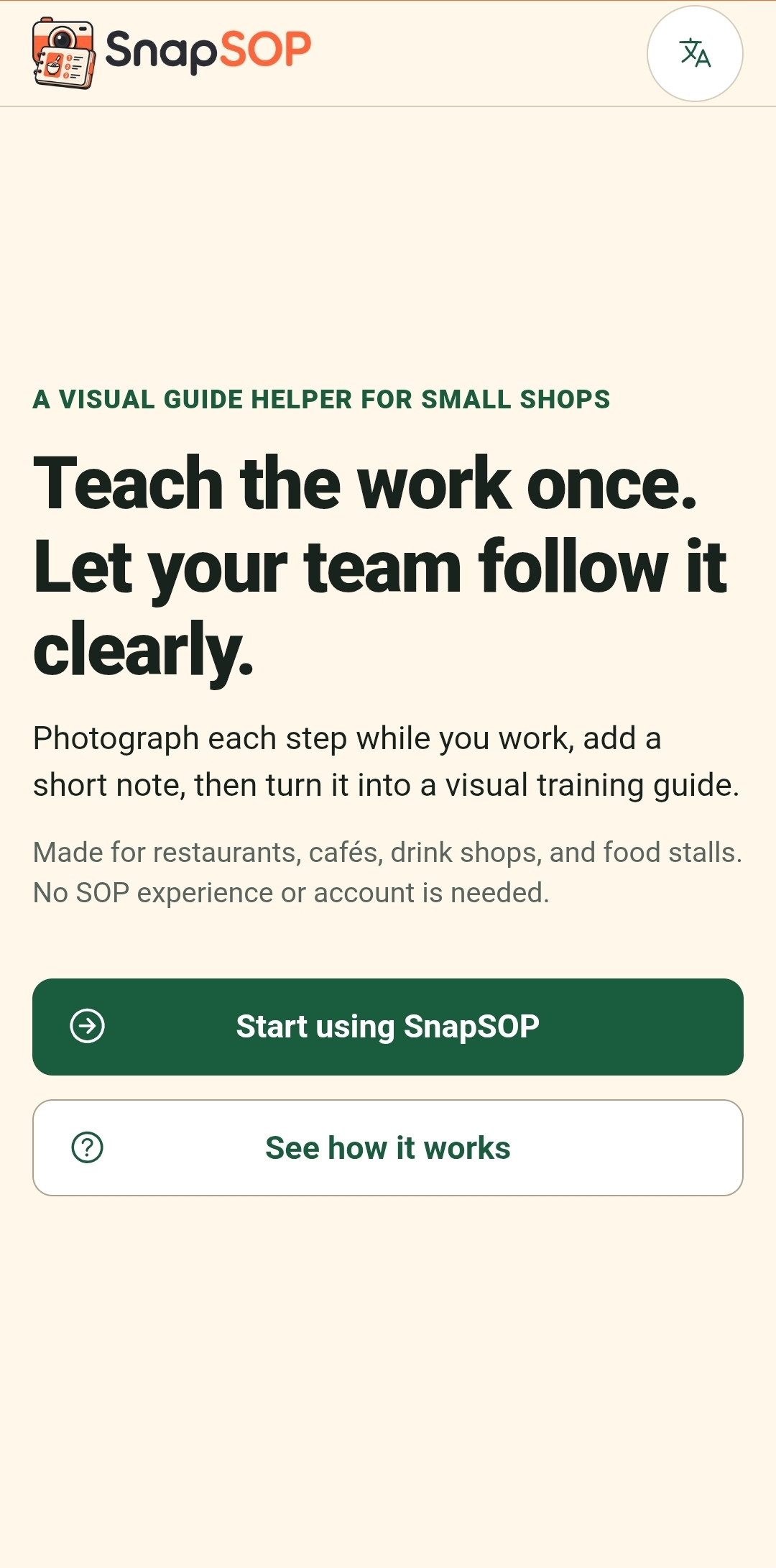
That made me ask a simple question: what if SnapSOP could make the whole process easy enough that small business owners would actually use it?
What it does
SnapSOP helps small business owners create practical visual SOPs while performing the real task.
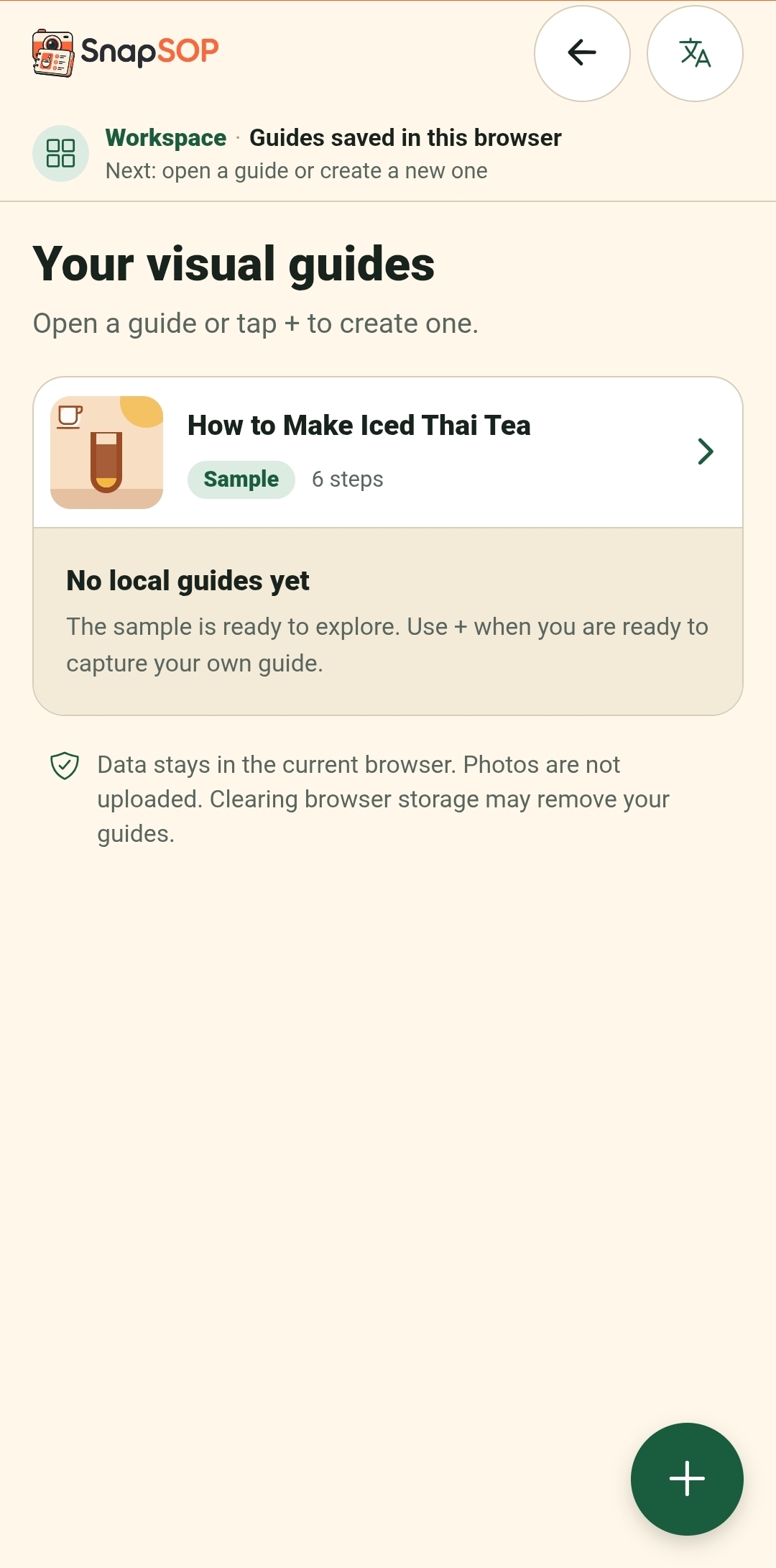
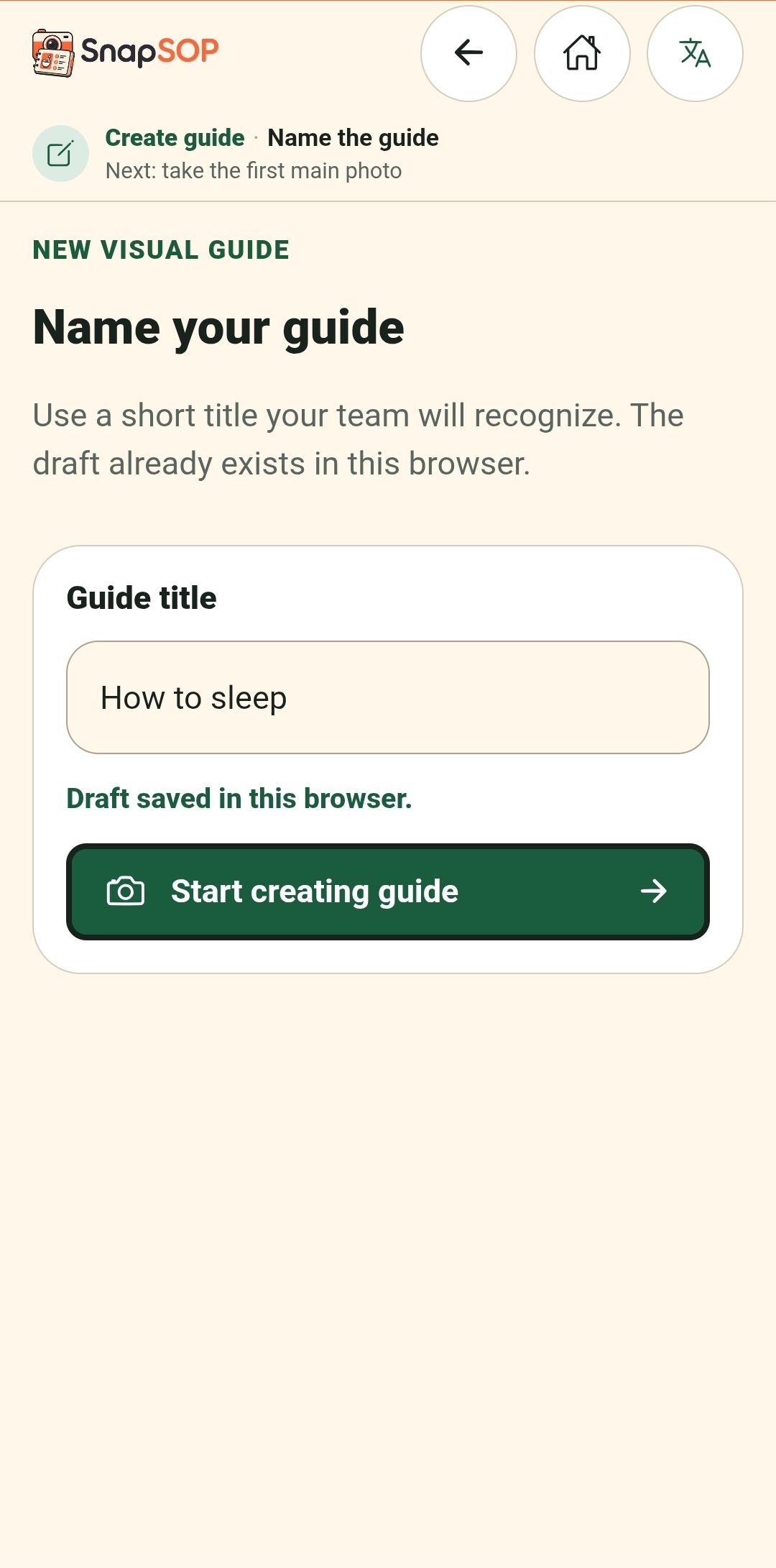
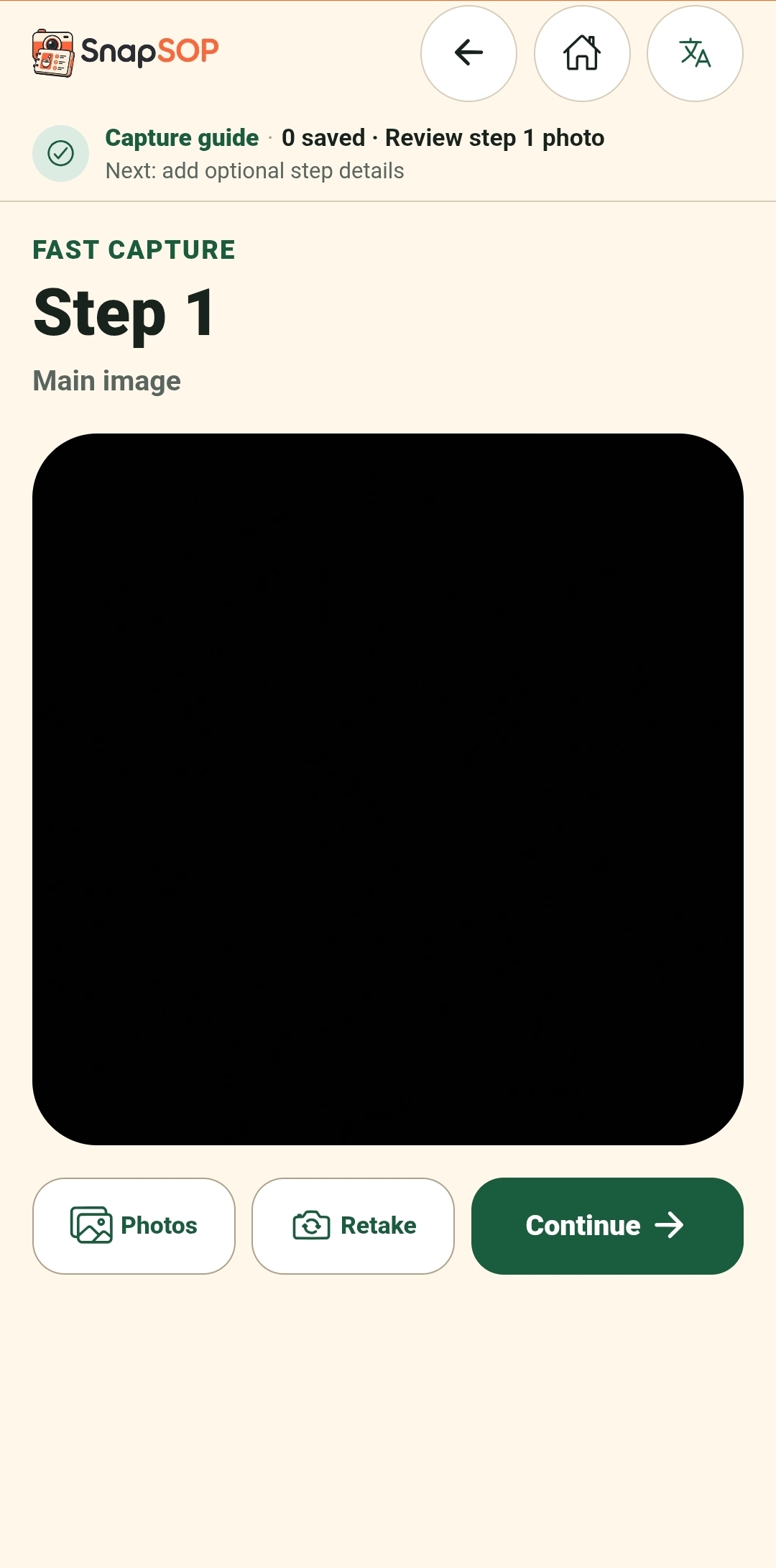
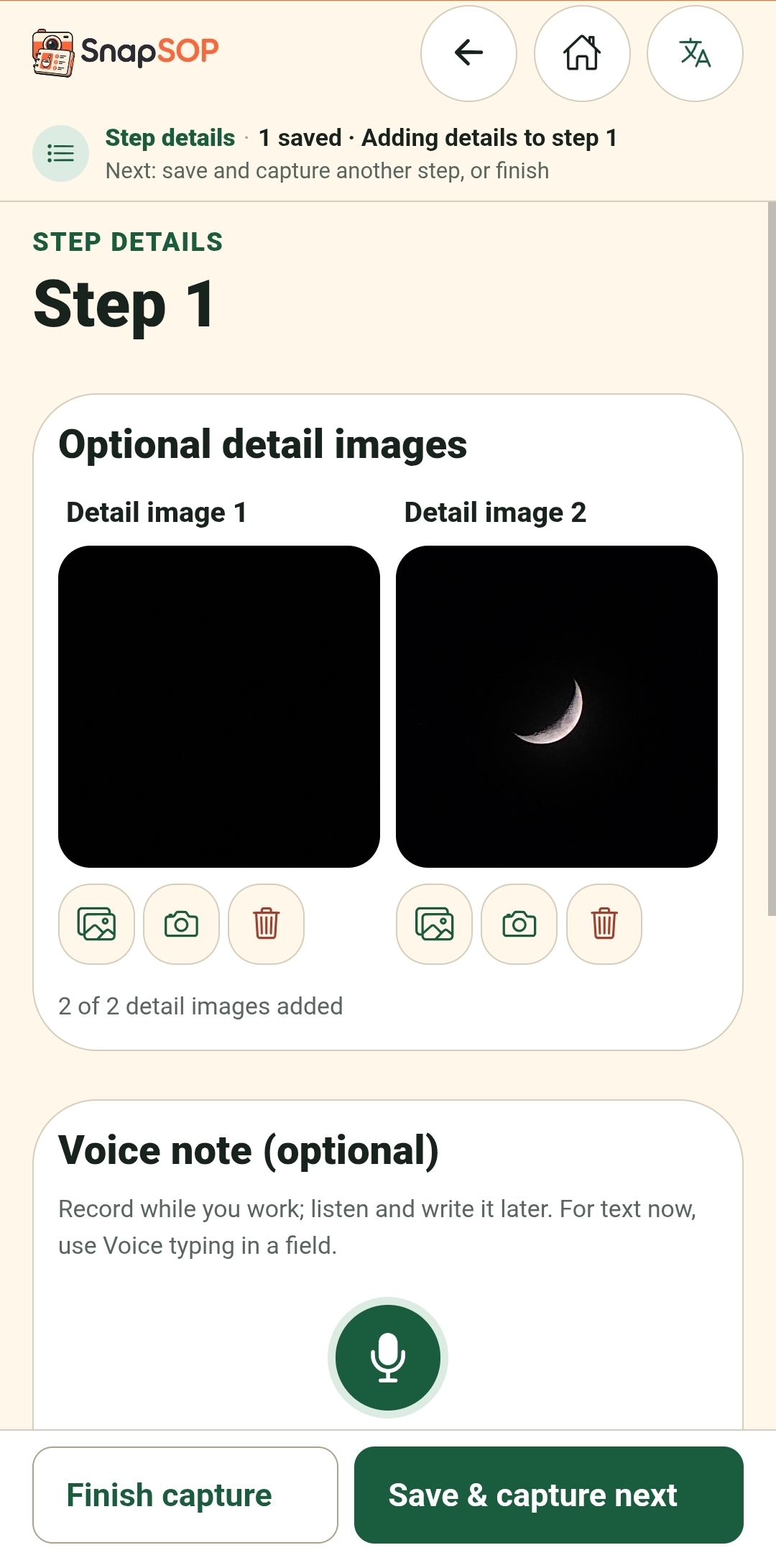
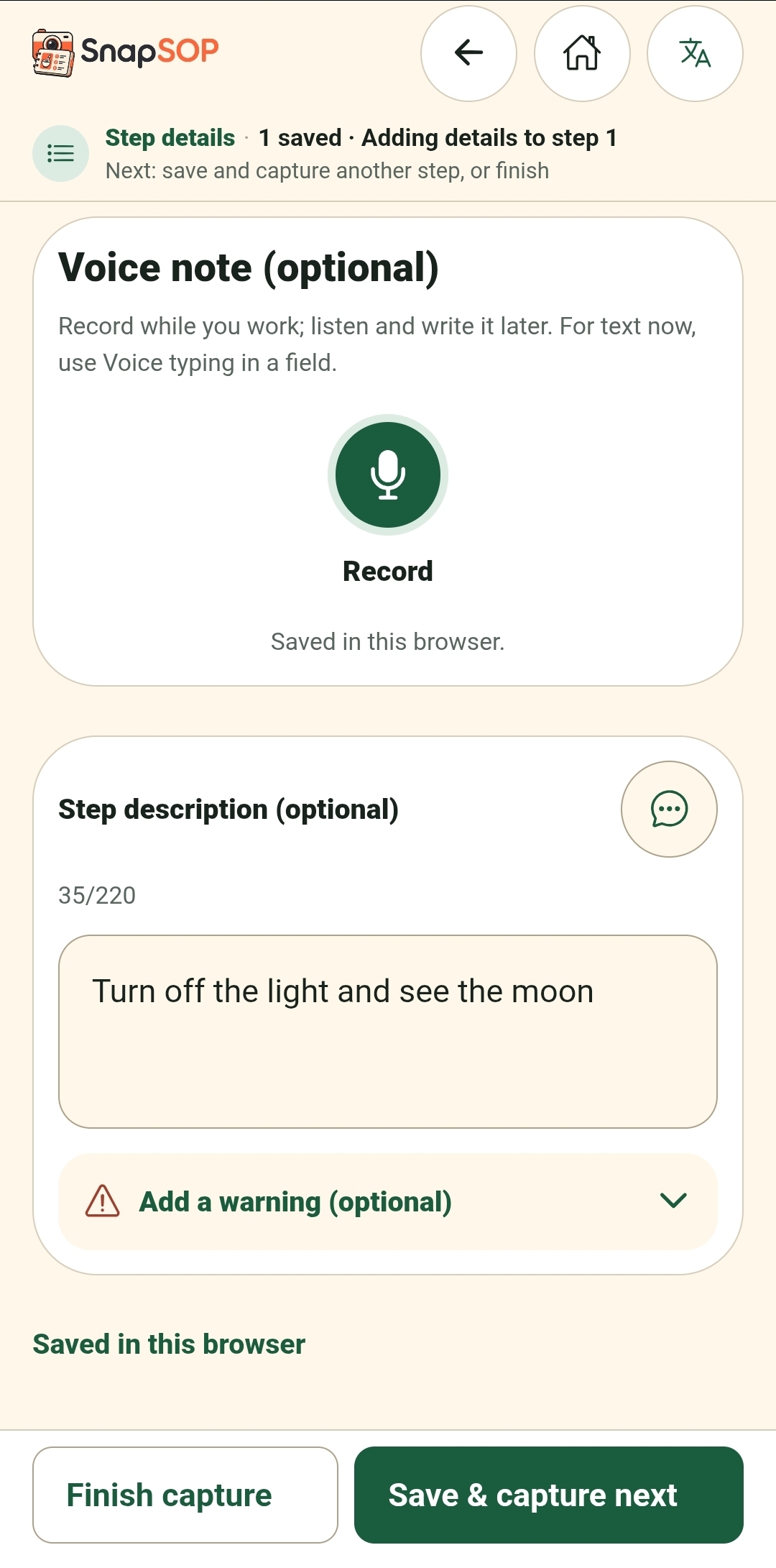
An owner, head chef, or experienced staff member demonstrates the process once. While working, they use SnapSOP to capture the main photo, add up to two detail photos, and provide a short instruction and an optional warning for each step.
Users can type the instruction, record a voice note, or use speech-to-text when their browser and device support it. The speech transcript can be reviewed and edited before saving.
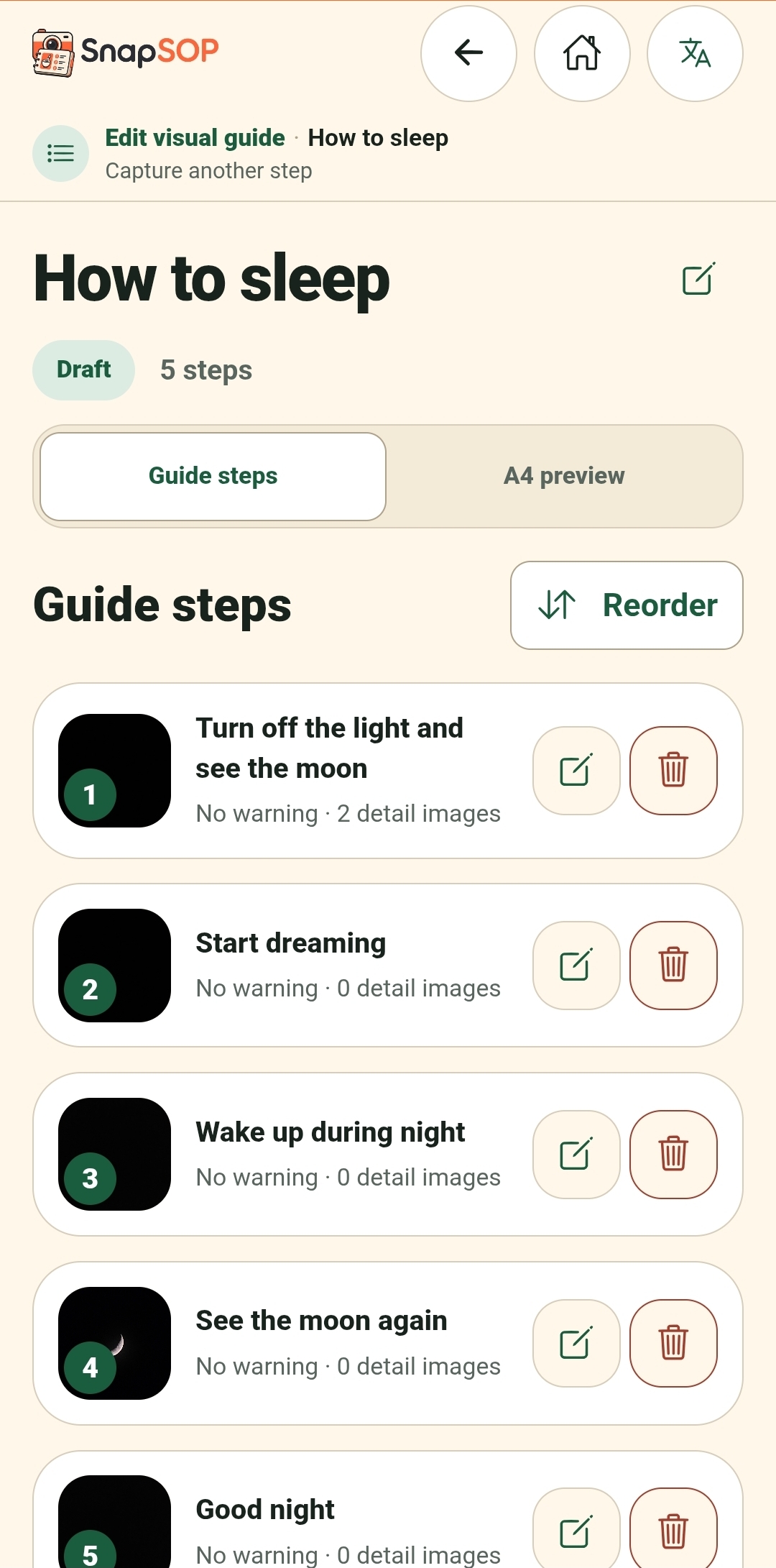
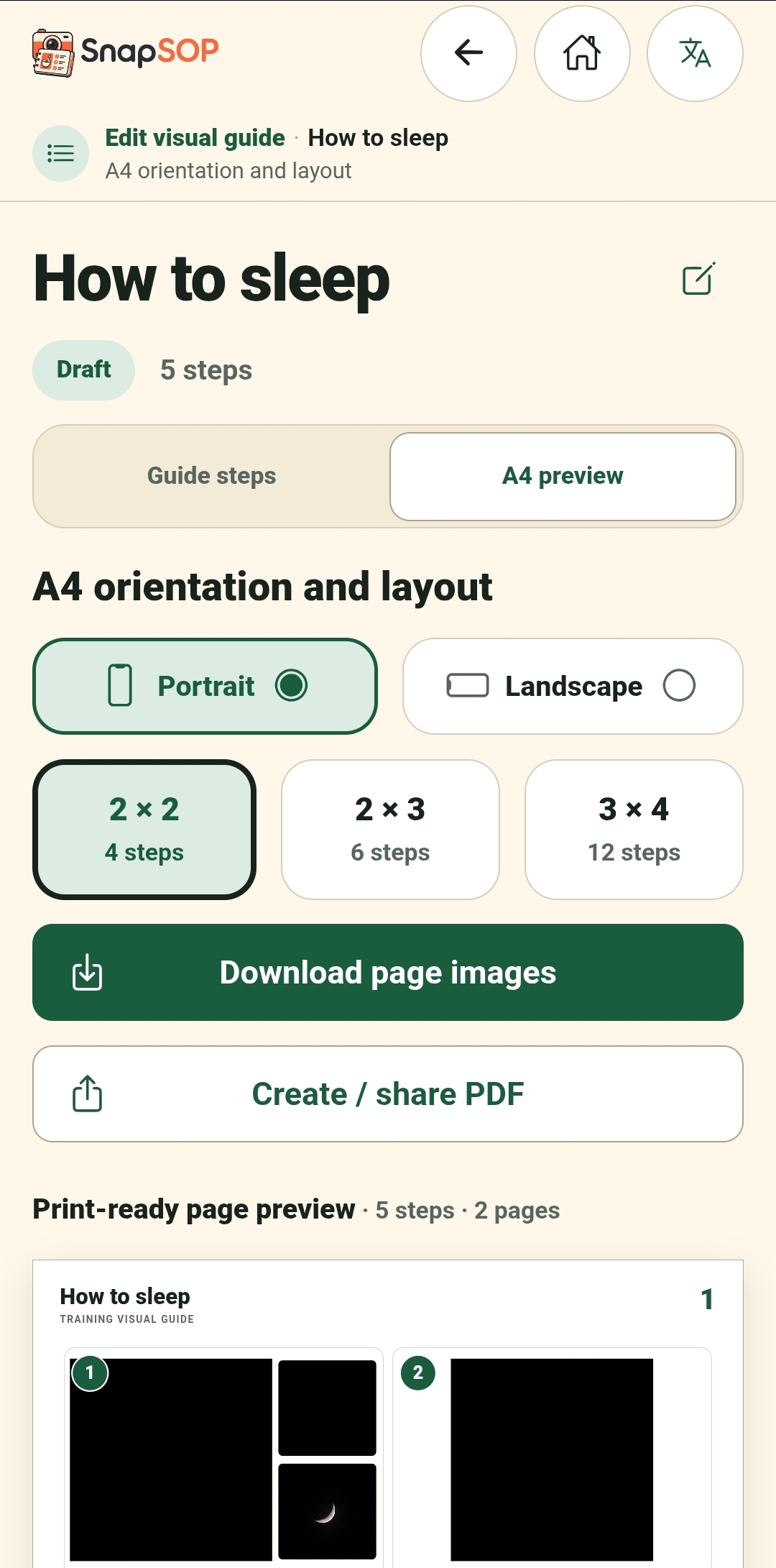
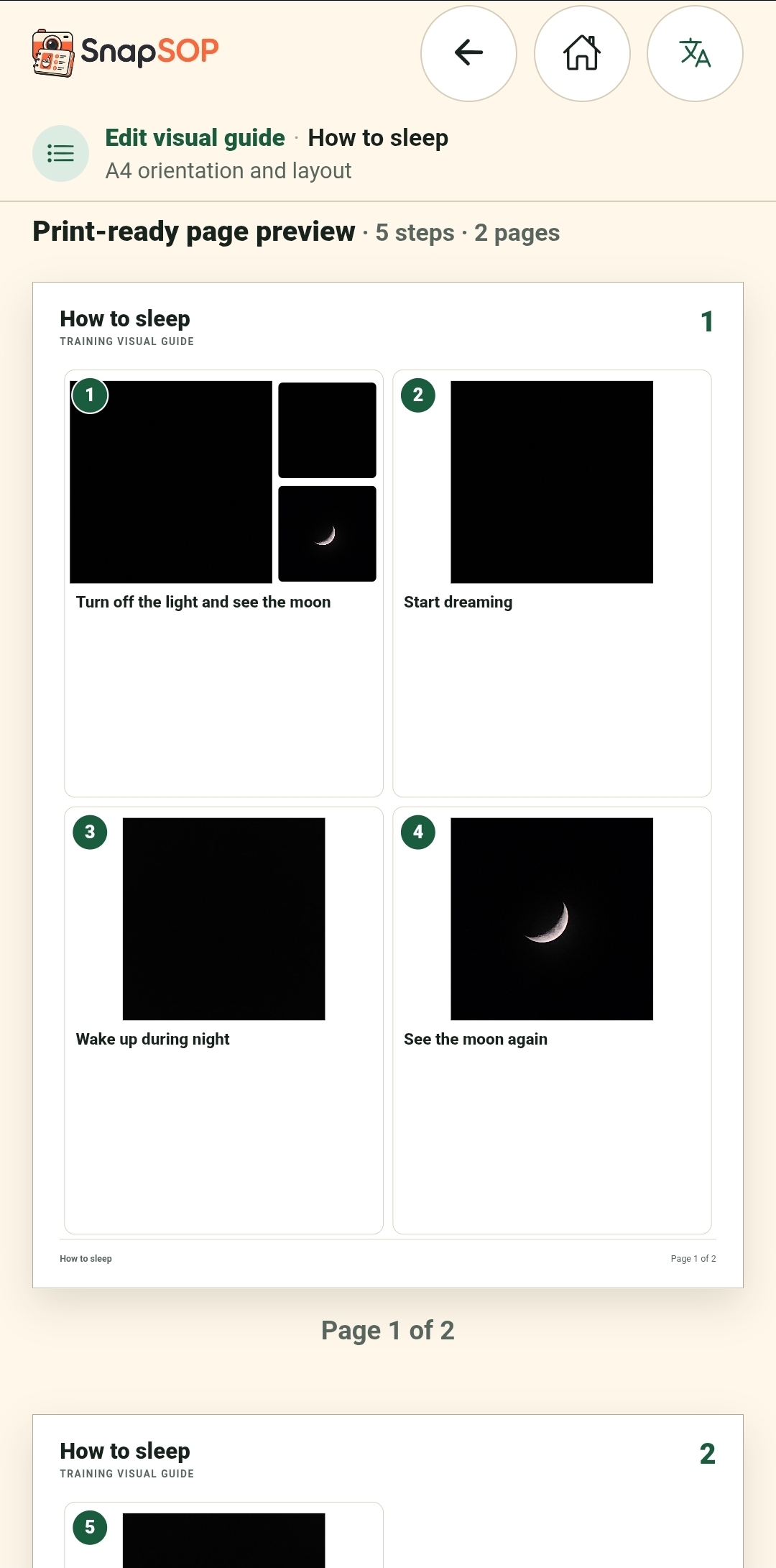
After finishing, they can review the steps, change the order, choose an A4 portrait or landscape layout, and export the result as page images or a printable PDF.
The real process and the SOP are created at the same time.
How we built it
I was already familiar with Expo and React Native from my previous applications, so I chose Expo for SnapSOP. I also used Expo Router server output to create a web app that judges and users can open and test easily.
I started by defining how the product should work:
- Take a photo while performing the task
- Add up to two supporting detail photos
- Type an instruction, record a voice note, or use speech-to-text
- Add an optional warning
- Continue step by step
- Review and reorder the guide
- Choose a visual layout
- Export the final SOP as images or PDF
Once I had the full product flow, I prepared the architecture and specifications with GPT-5.6 Sol. I then worked with Codex phase by phase instead of asking it to generate the whole application in one attempt.
The phases included the export system, local storage, camera and media flows, voice recording, speech recognition, guide editing, multilingual support, AI-ready architecture, accessibility fixes, deployment, and UX polishing.
After the core application became stable, I tested the UX and UI repeatedly. This took a large part of the development time. A technically correct app can still be difficult to use when the flow, button placement, navigation, or mobile layout is confusing.
I tested the product, gave Codex detailed feedback, and fixed each issue one by one until the full flow worked smoothly.
Challenges we ran into
One major challenge was making image and PDF export work reliably across devices.
SnapSOP generates structured A4 layouts from user photos and text. At several points, the guide could display correctly in the preview but fail during page-image or PDF export. Changes to photo layouts, page orientation, pagination, and overflow handling could affect several parts of the output at once.
The export also needed to work as a PWA on both iOS and Android devices. Browser behavior, downloading, printing, image generation, and file handling can work differently across platforms.
Codex helped analyze and audit the export flow while I tested it on real devices. We compared what the code expected with what actually happened on the screen and gradually found where the process was breaking.
I also had to think about the export system in two forms: the current PWA implementation and the future native app implementation. The PWA path was easier to demonstrate and test during the hackathon, while the native app will need separate adapters for file handling, PDF export, and sharing.
Working through this helped me understand the important differences in building one product across multiple platforms.
Another challenge was local data and media management.
I wanted users to move backward and forward freely without losing their work. During early versions, navigating back could cause the next step, instruction, photo, or voice note to disappear. Replacing media also created a risk of deleting the previous file before the new one had been saved successfully.
Voice recording and speech-to-text added another layer of complexity. Microphone permissions, recording formats, browser support, and speech-recognition quality can vary between devices. The feature works as a useful input option, but its accuracy and availability still depend on the user’s browser and operating system.
Codex and GPT-5.6 Sol helped audit these flows, identify the causes, add rollback protection, and create regression tests. I tested the product alongside those audits and continued to direct how it should behave from the user’s point of view.
Accomplishments that we're proud of
I am proud that SnapSOP became a working web application ready for real-world testing in only a few days.
Without Codex and GPT-5.6 Sol, this project could have taken me several months. I do not come from a traditional coding background, so building a non-trivial application with persistent storage, camera input, voice recording, speech-to-text, image management, multilingual UI, accessibility support, and structured A4 exports is a major accomplishment for me.
I am also proud that I did not stop at a technical prototype. I kept testing and restructuring the UX until the product became something that a real small business owner could understand and use.
What we learned
I learned that defining the product flow, architecture, and technology stack before coding saves a lot of time.
I also learned that UX and UI decisions should be tested early. Rebuilding a complete flow after implementation consumes more time, more tokens, and more effort.
Working phase by phase made the project easier to understand and review. Frequent commits also made it safer to test large changes without losing previous progress.
The biggest lesson was that AI-assisted coding works best when the creator gives clear direction, reviews the result, understands the main system, and keeps improving the product based on real usage.
What's next for SnapSOP
I want SnapSOP to become even simpler and more useful for small businesses in real working environments.
The next major step is improving the connection between voice input and optional AI assistance. Voice recording and speech-to-text are already available, although their availability and recognition quality depend on the browser and device.
In the future, users will be able to send their reviewed transcript to the optional AI assistant to prepare clearer wording, identify missing details, suggest warnings, and translate the guide for staff who use different languages.
I also plan to add cloud backup so users can access their guides across devices while keeping local use available.
After that, I want to release SnapSOP on the iOS App Store and Google Play.
I still need feedback from real users to improve the workflow and make the visual design more unique and polished.
The monetization model is still open. I do not want to use advertising, and I am not convinced that a normal subscription is the best option for this type of tool. I want the model to remain flexible and avoid annoying users.
Alongside individual users, I may explore B2B opportunities such as business partnerships, sponsored programs, franchise support, and tools for organizations that help small businesses improve their operations.
Built With
- codex
- expo-router
- expo.io
- gpt-5.6
- indexeddb
- react-native
- typescript

Log in or sign up for Devpost to join the conversation.