-
-
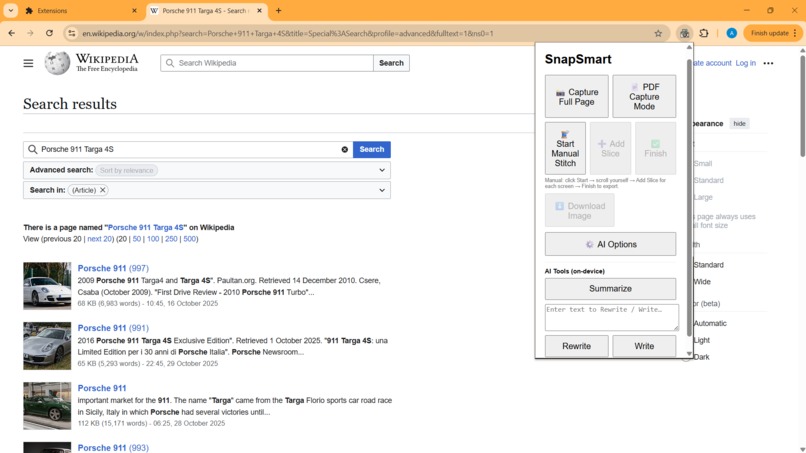
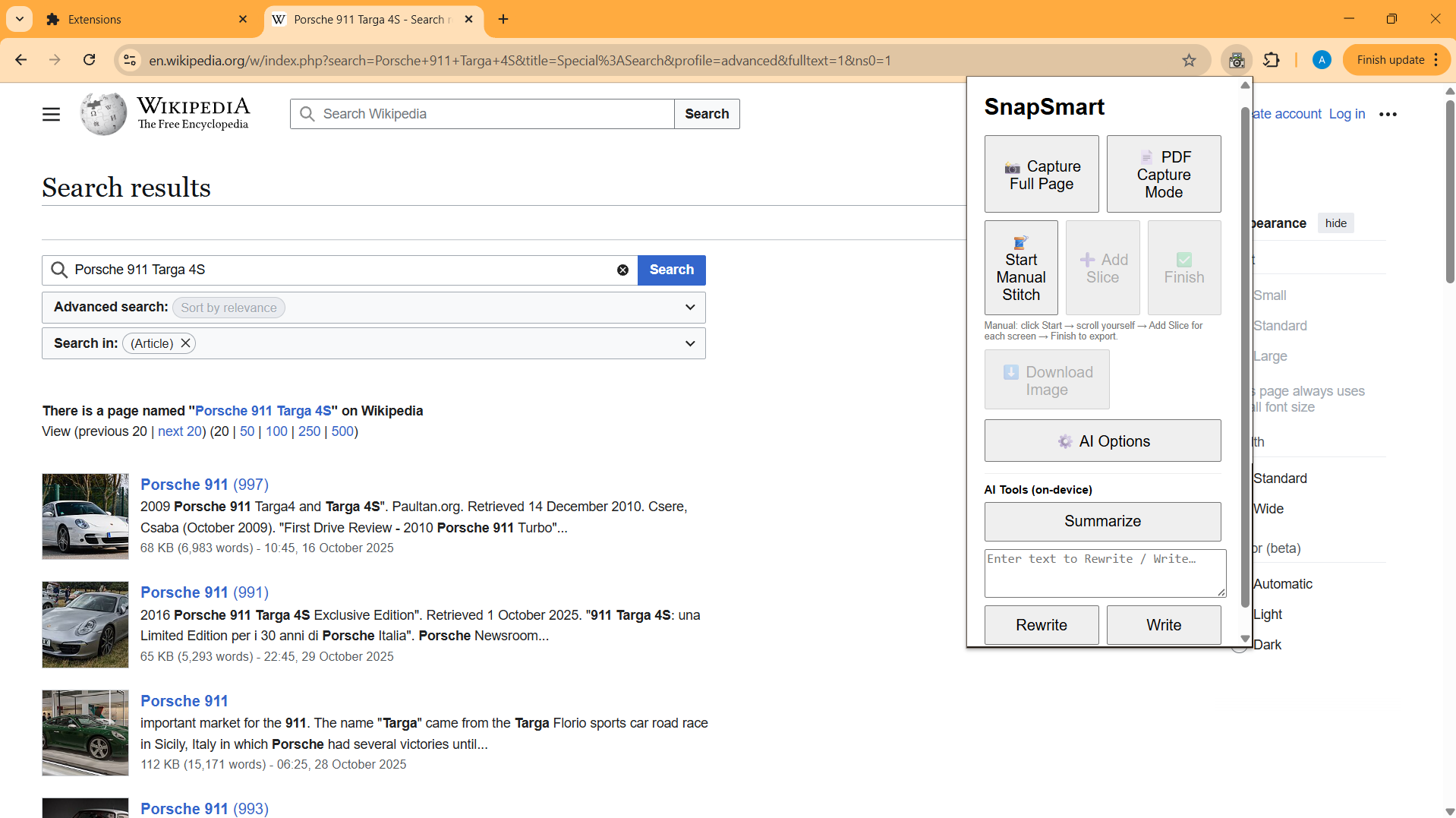
snapsmart extension
-
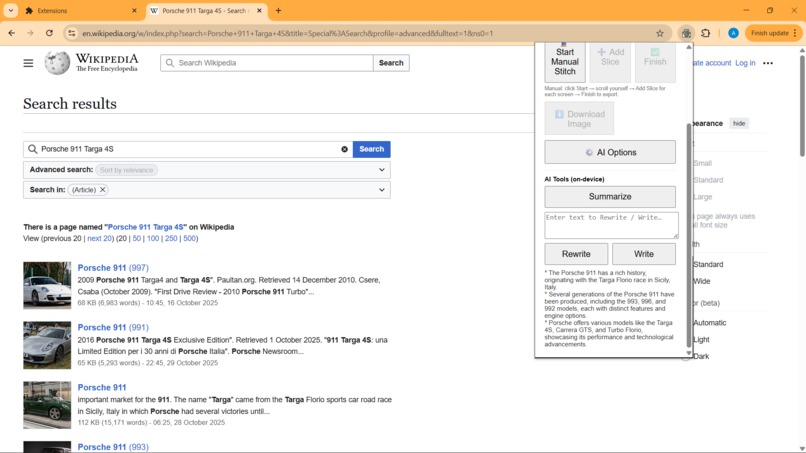
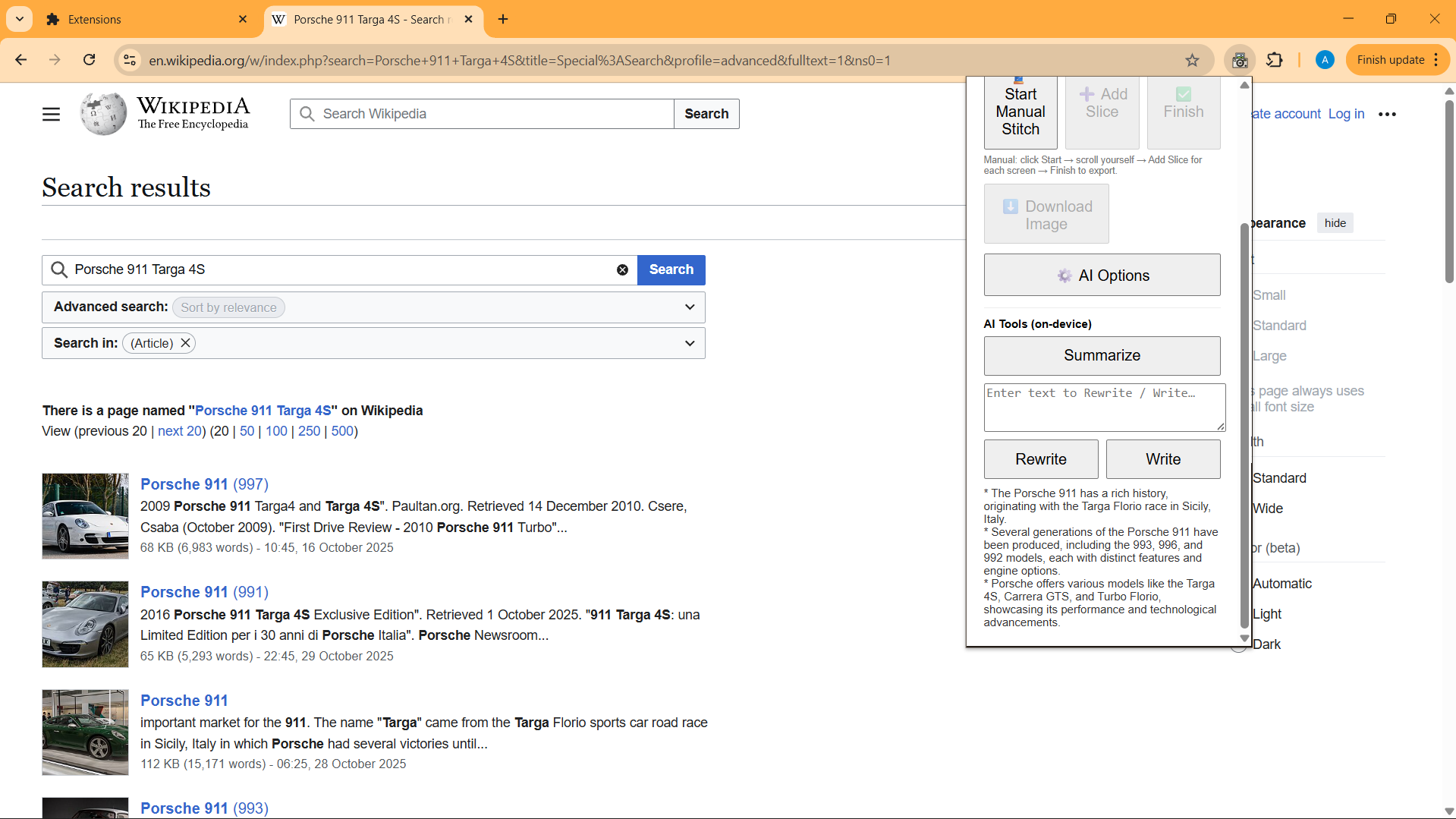
summary of the page
-
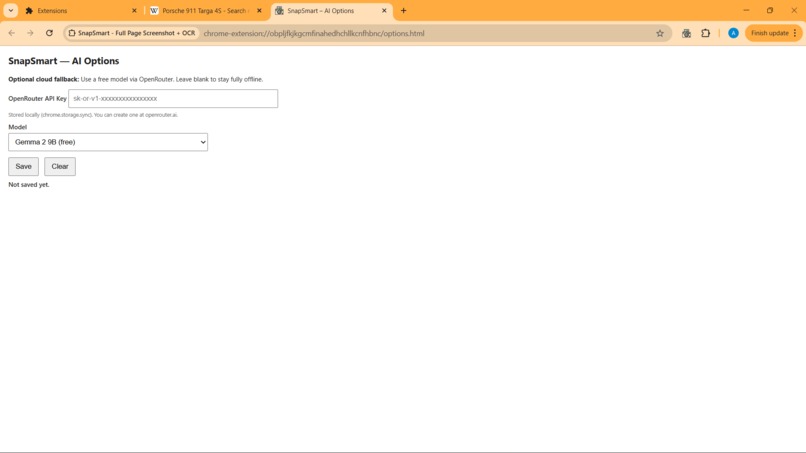
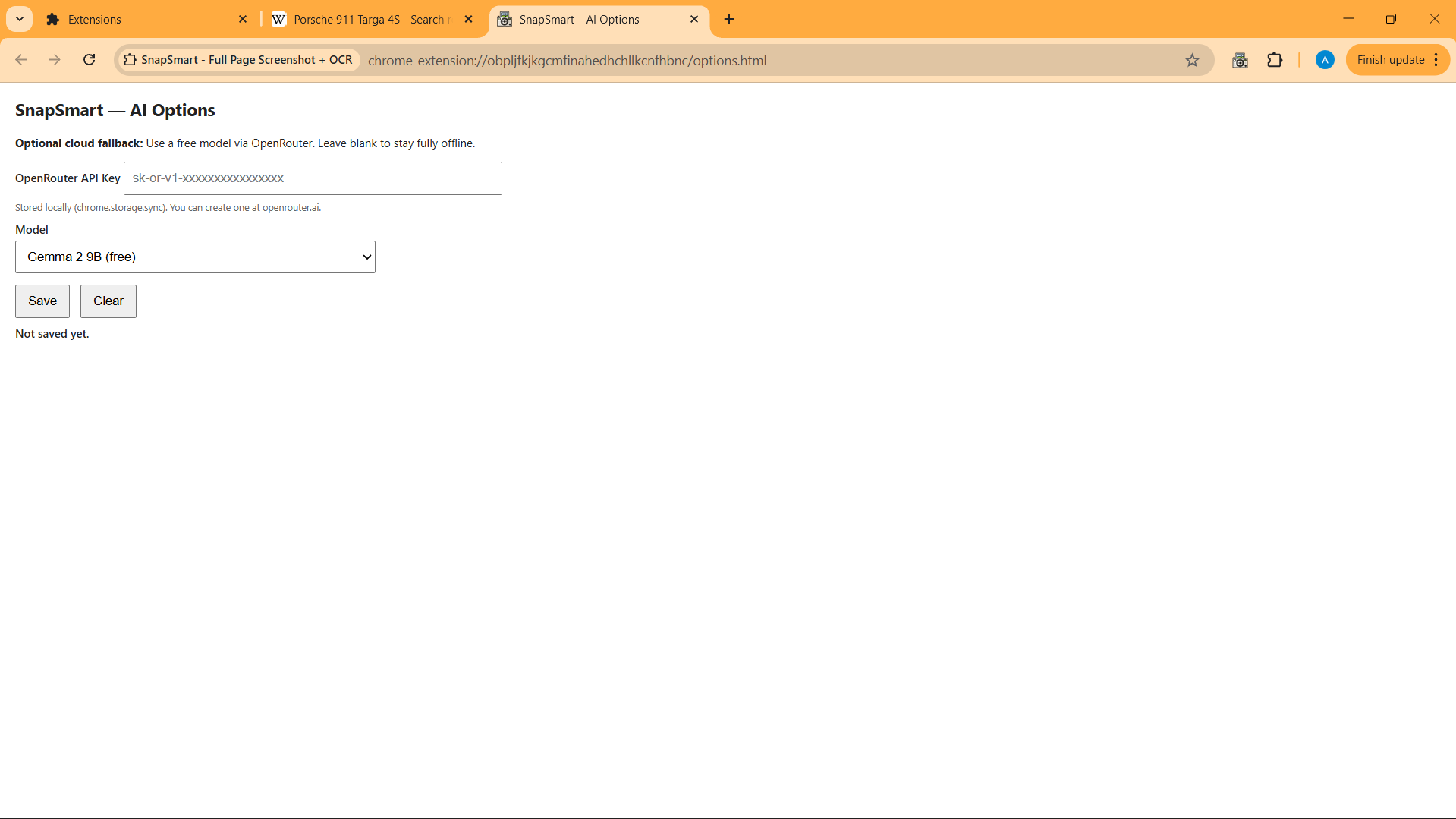
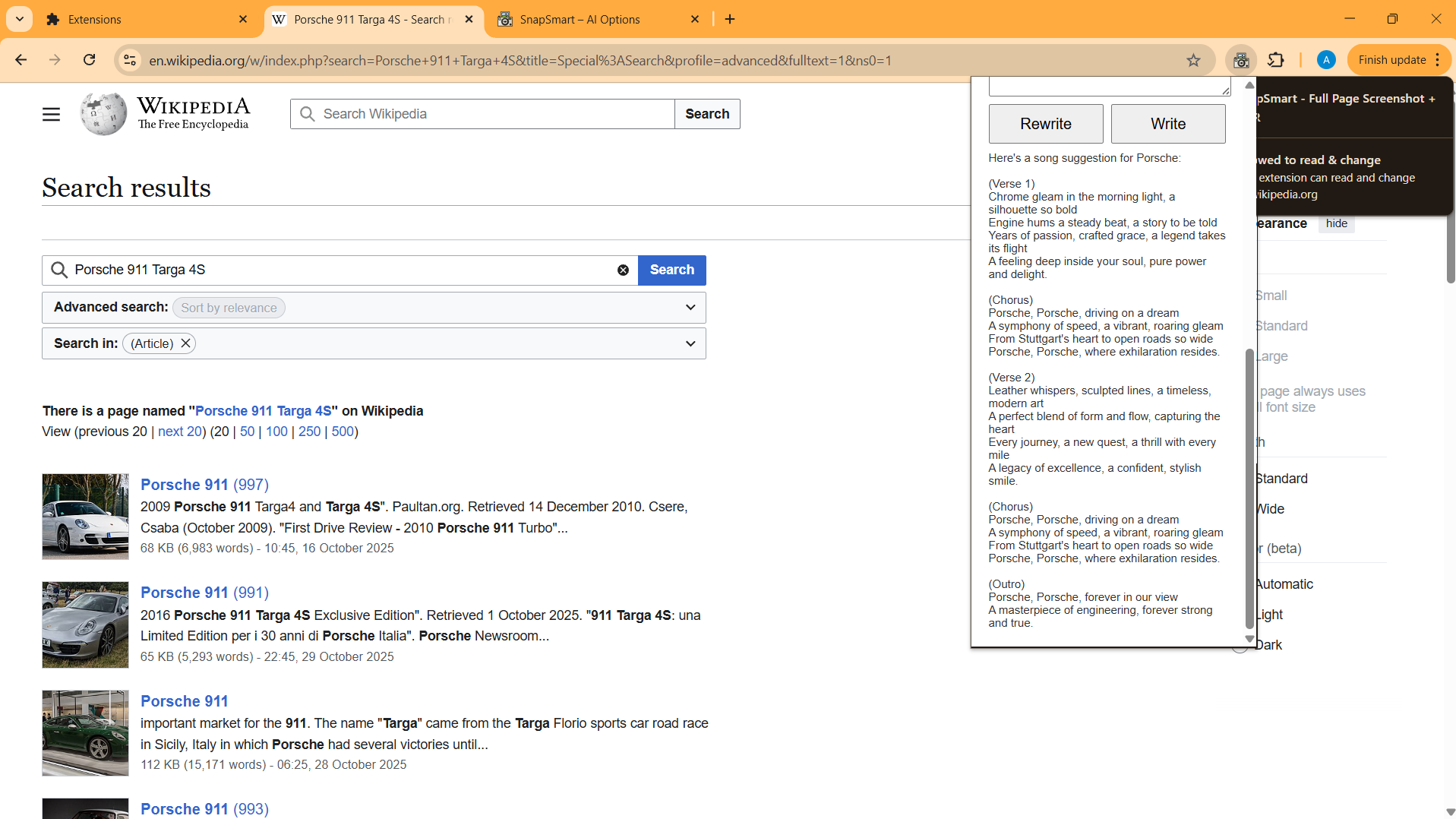
ai option
-
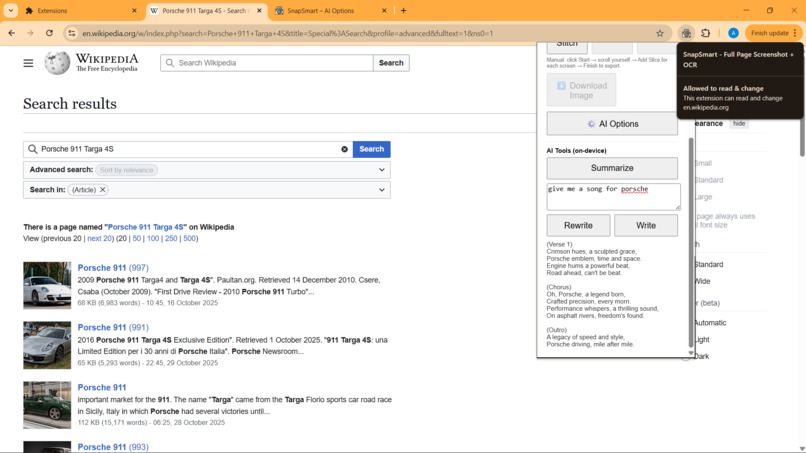
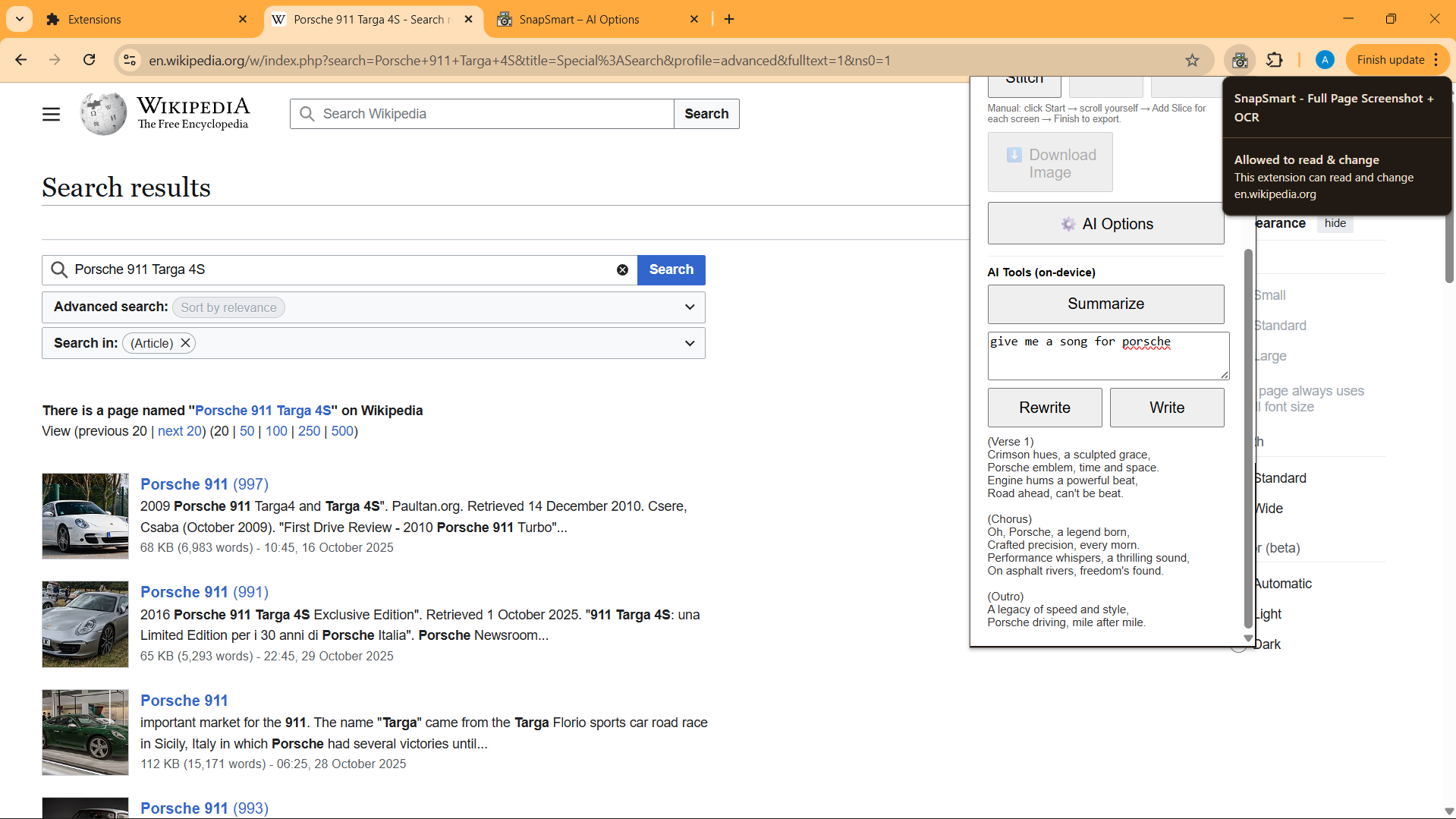
write
-
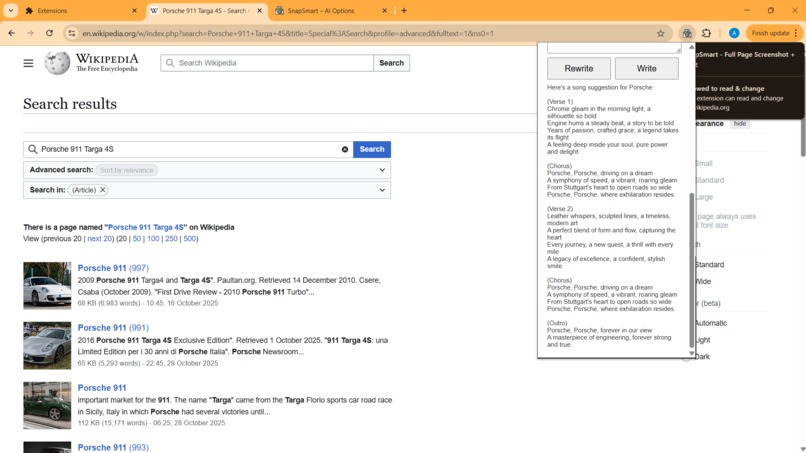
rewrite
-
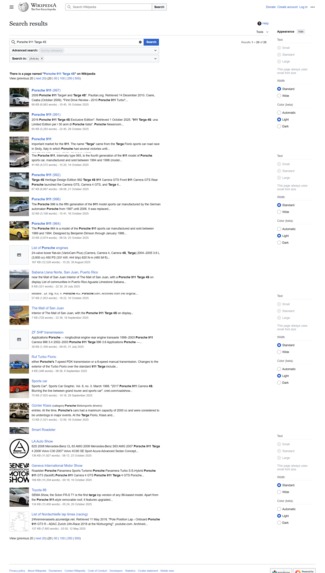
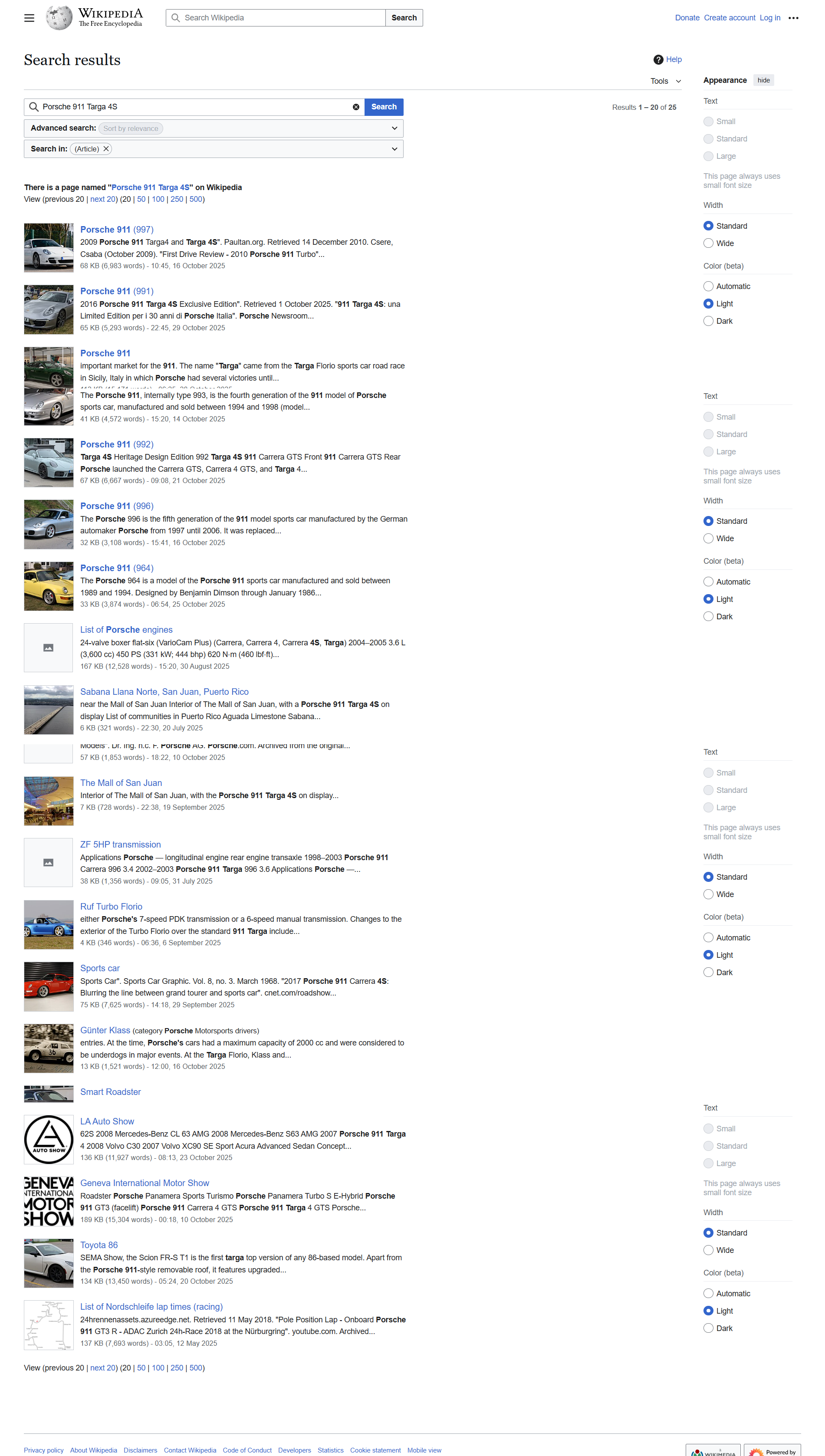
full page capture
-
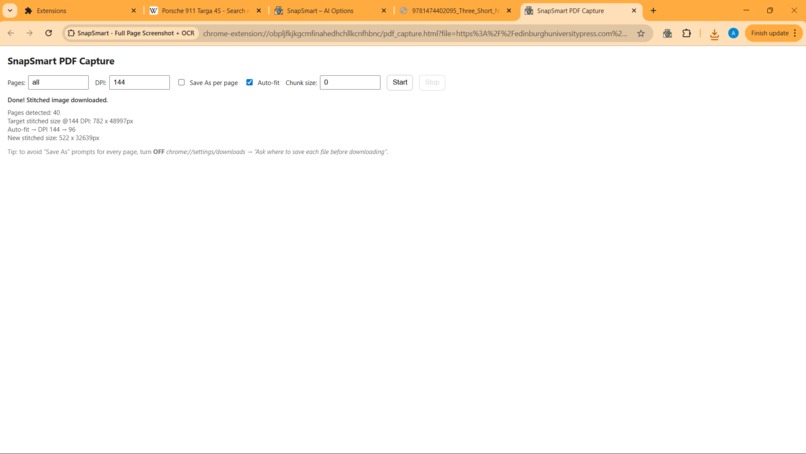
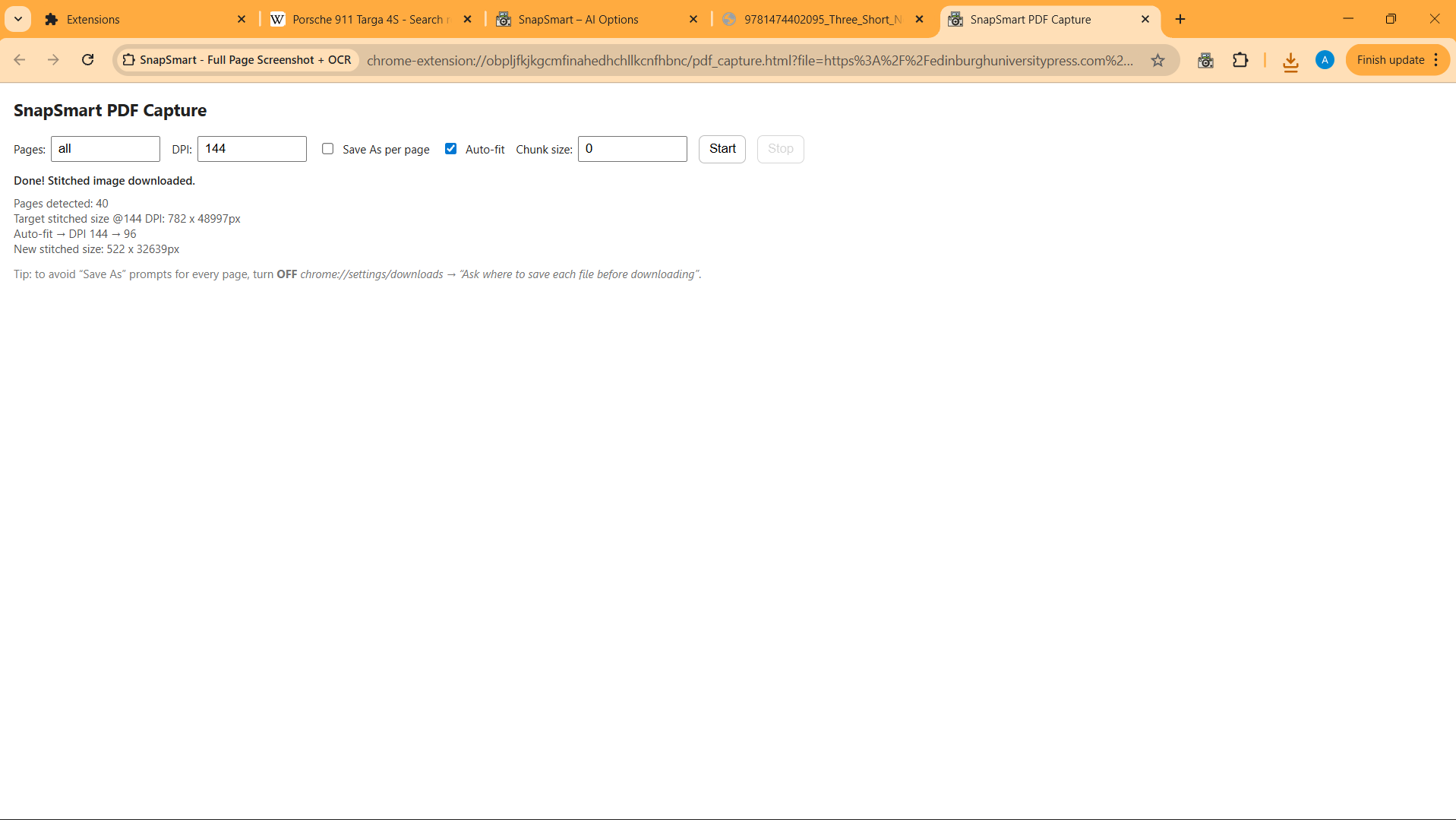
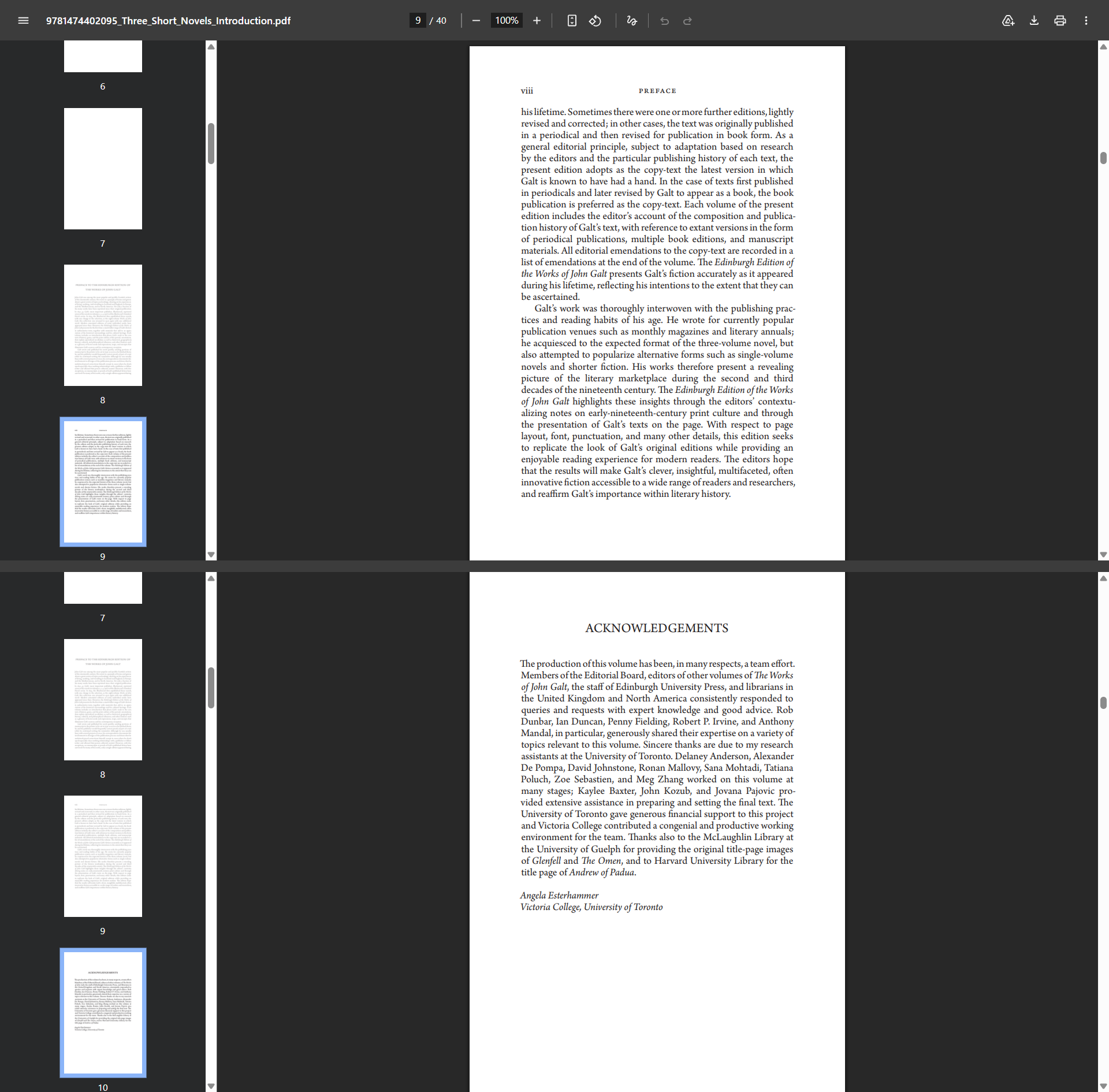
pdf capture page
-
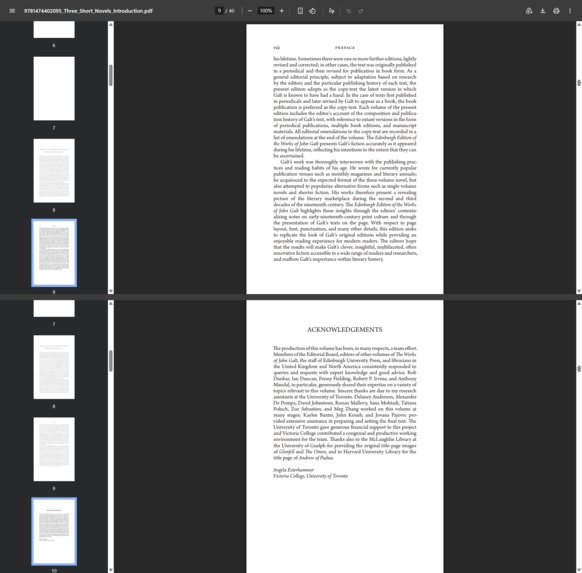
Inspiration
Taking a clean, full-page screenshot is still surprisingly hard—pages jump, sticky headers overlap, infinite scroll breaks captures, and PDFs inside the browser are awkward. I wanted one tool that (1) always produces a perfect stitched image and (2) lets me use Chrome’s built-in AI (Gemini Nano) locally to summarize, rewrite, and write without sending data anywhere.
What it does
SnapSmart is a Chrome extension that:
Captures pixel-perfect full-page screenshots with overlap-aware stitching and a smart Freeze that pauses animations, sticky headers, and lazy loading.
Offers Manual Stitch for infinite scroll feeds and tough pages.
Adds PDF Capture Mode for direct .pdf links.
Runs on-device AI in the popup:
Summarize visible page text (or summarize the last capture via a multimodal fallback).
Rewrite any pasted/selected text.
Write short drafts from a prompt.
Privacy-first: AI runs entirely in Chrome, no server calls.
How we built it
Stitching pipeline: step-scroll the viewport → capture → crop top/bottom overlaps → draw to a canvas → final trim to exact content height.
Freeze mode (content script): temporarily disables CSS animations/transitions, neutralizes sticky positions, shims IntersectionObserver, and tames requestAnimationFrame so the layout stays stable while capturing.
AI adapter (ai/ai_adapter.js): thin wrapper around Chrome built-in AI:
Summarizer for summaries
Rewriter to improve text
Writer for prompt-to-draft
LanguageModel (multimodal) to extract text from the last capture when no page text is available
PDF path: renders direct .pdf URLs with pdf.js and exports clean images.
Tech: Manifest V3, JavaScript/HTML/CSS, Canvas 2D, Chrome APIs (tabs, scripting, downloads).
Challenges we ran into
Seams & ghosting in stitched images → solved with consistent overlap cropping and a final canvas trim.
Dynamic pages (animations, sticky headers, lazy loading) → built a robust Freeze that pauses/neutralizes them.
Capture quotas / transient failures → added throttling, retries, and settle delays.
AI API warnings (outputLanguage) → language shims and removal of Proofreader to keep the UI warning-free.
Accomplishments that we’re proud of
Reliable, artifact-free full-page captures across tricky, real-world sites.
A tiny on-device AI panel that stays fast and private.
PDF Capture Mode that makes grabbing documents simple for reviewers.
Clean UX: progress messaging, preview link, one-click download, sensible fallbacks.
What we learned
Making stitching bulletproof is about small details: overlap size, timing, and last-slice clamping.
How to use Chrome’s built-in AI (Gemini Nano) effectively without any network dependency.
Robust content scripts matter: a good Freeze dramatically improves reliability.
What’s next for SnapSmart – Full-Page Capture + On-device AI
Smarter, per-site overlap heuristics and sticky-header detection.
Capture history, quick share/export presets.
More multimodal prompts (tables/figures extraction).
Optional text-only export (Markdown/PDF) alongside the stitched image.
Built With
- ai
- canvas-2d-chrome-apis:-tabs
- chrome-extension-(manifest-v3)-javascript-(es)
- downloads
- html/css
- languagemodel
- multimodal)
- pdf.js
- pdfjs-dist)
- rewriter
- runtime
- scripting
- storage-chrome-built-in-ai:-summarizer
- writer


Log in or sign up for Devpost to join the conversation.