Inspiration
1 out of every 5 working Americans put absolutely no money towards saving every year. 69% are saving less than 10% of their annual income[1]. As a country, we are currently facing a savings crisis. With daily discretionary spending being higher than it's ever been and income remaining relatively stagnant, fewer and fewer Americans are saving and preparing for retirement. A study by Bankrate shows that the most prominent cause for this lack of saving is expenses[1]. We propose SnapScan in order to give people an easy, stress-free means to keep track of their expenses, stay within their budgets, and gain control of their financial lives.
What it does
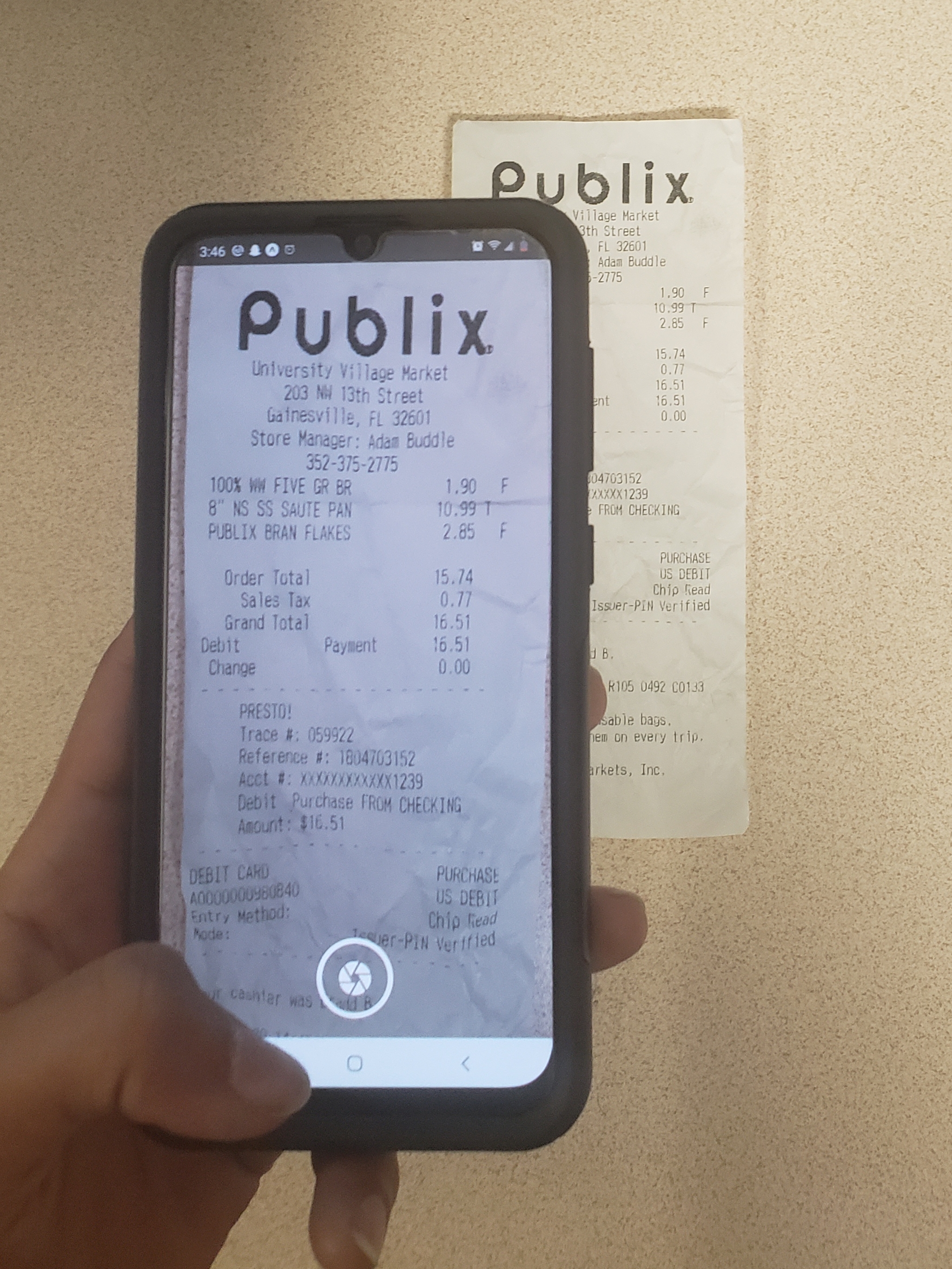
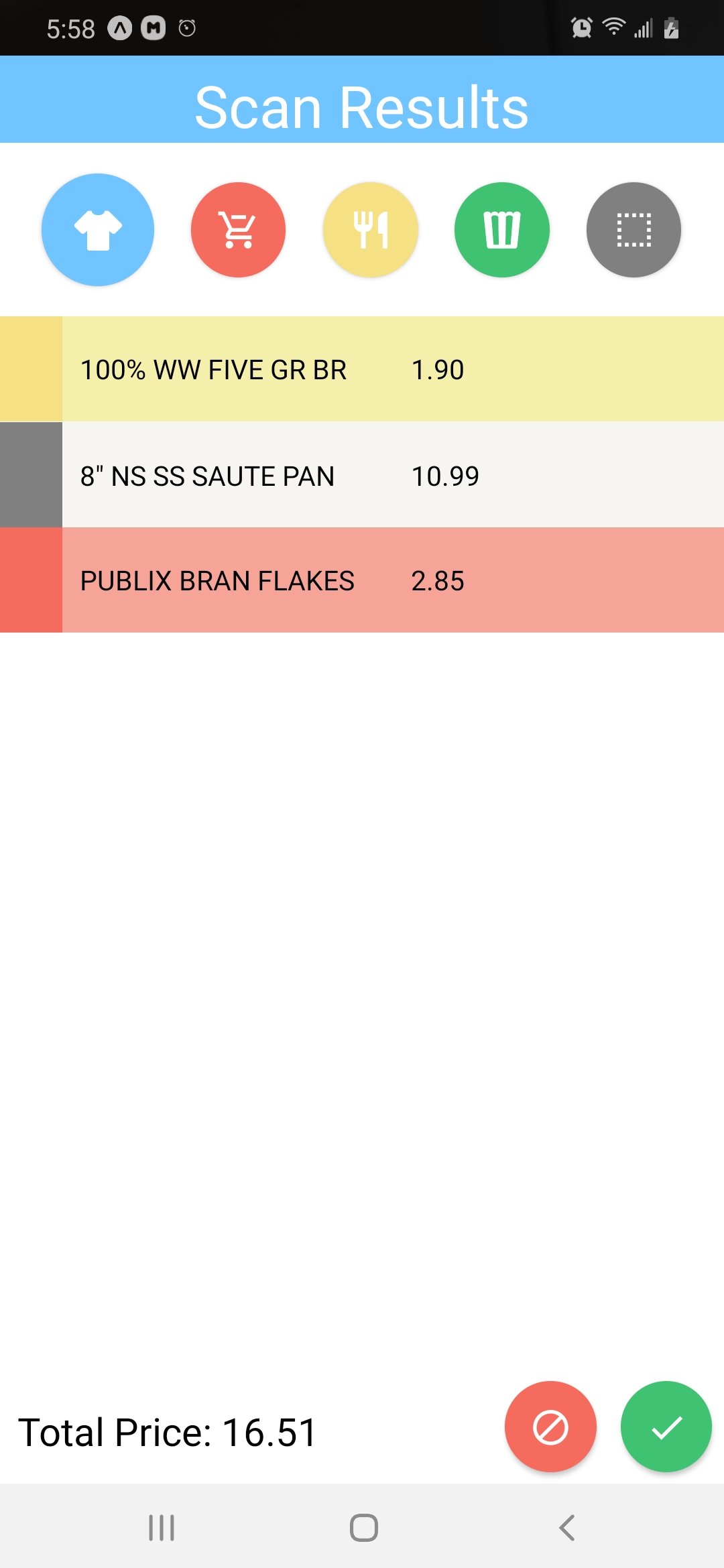
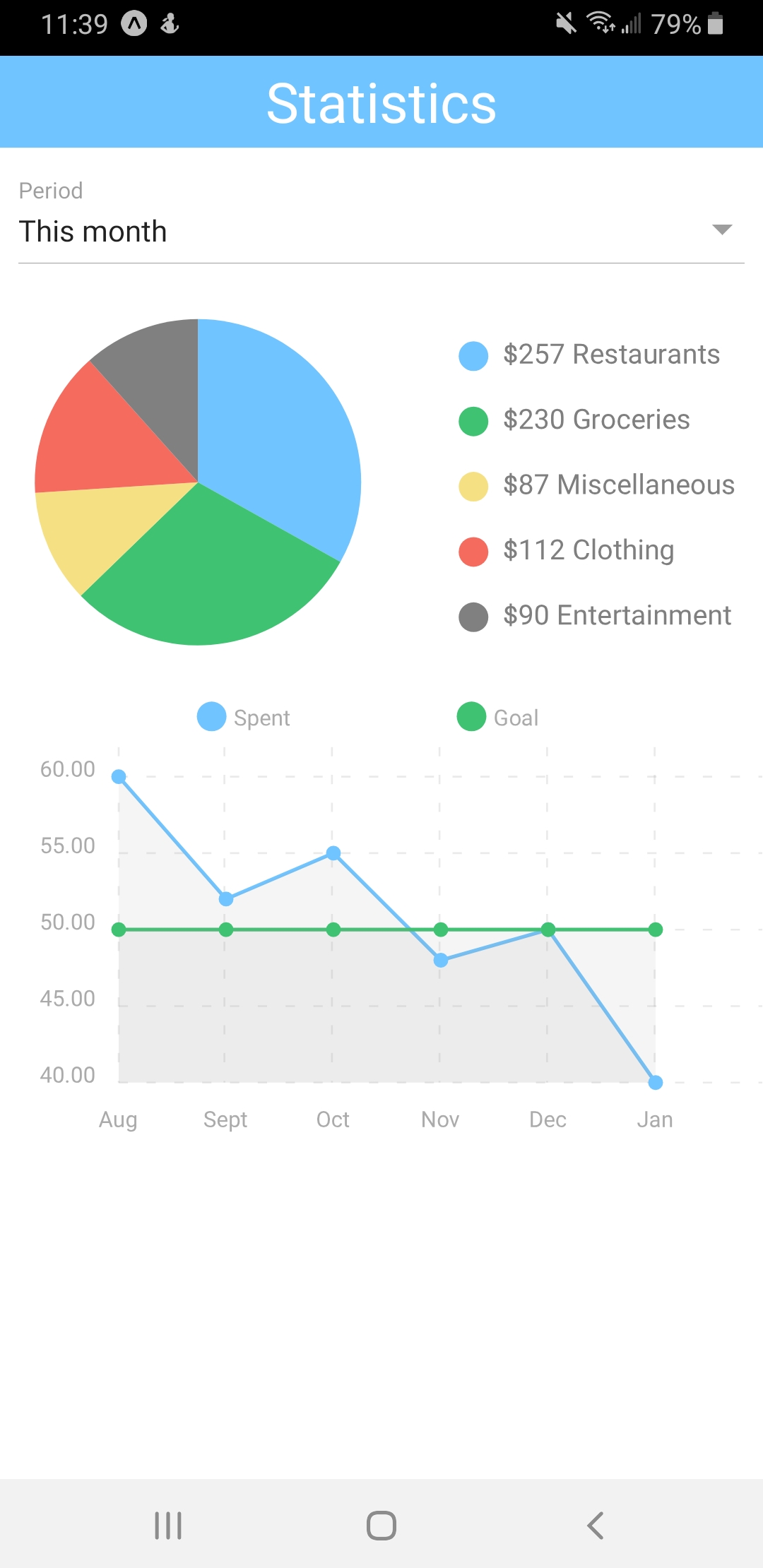
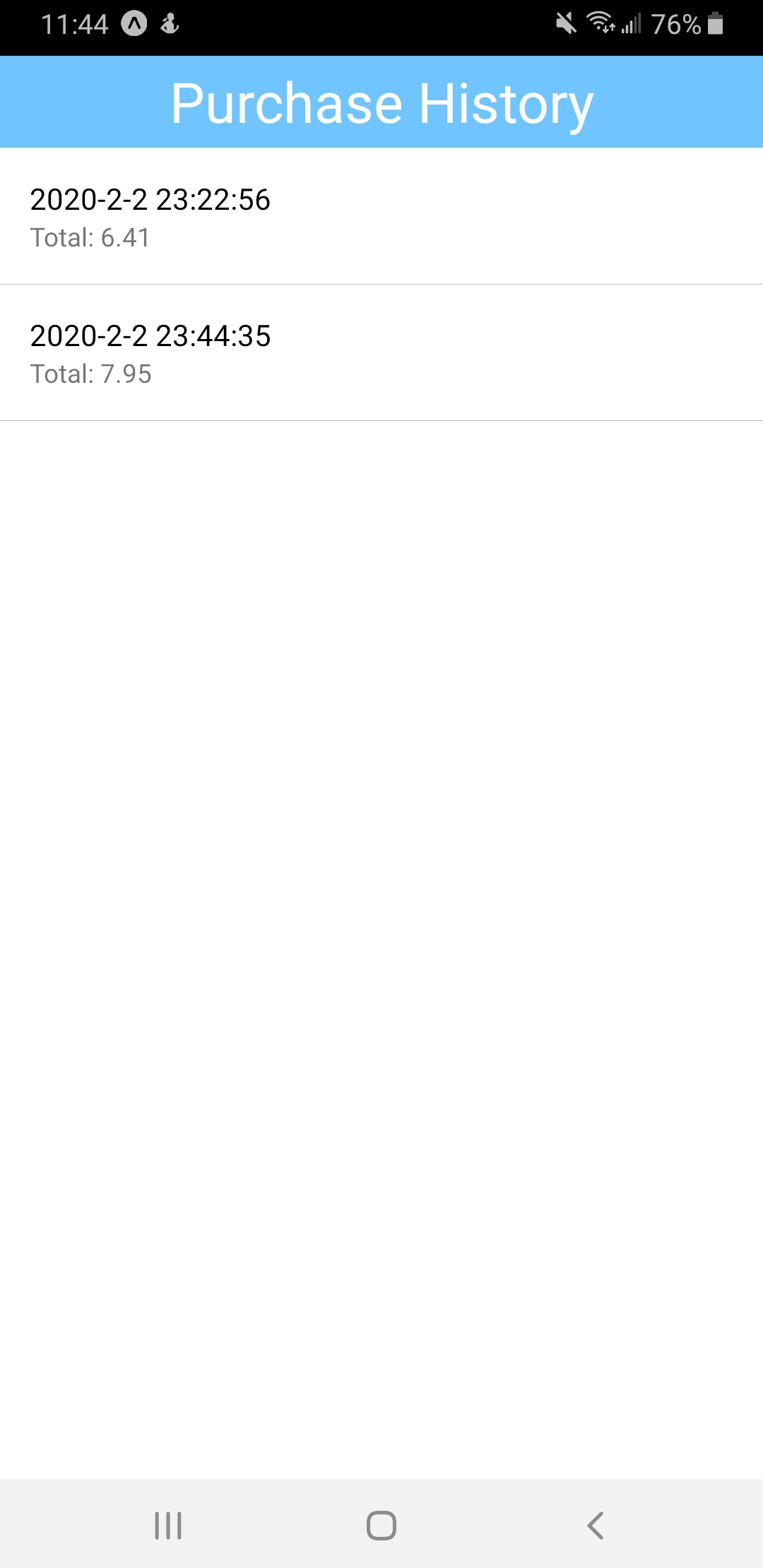
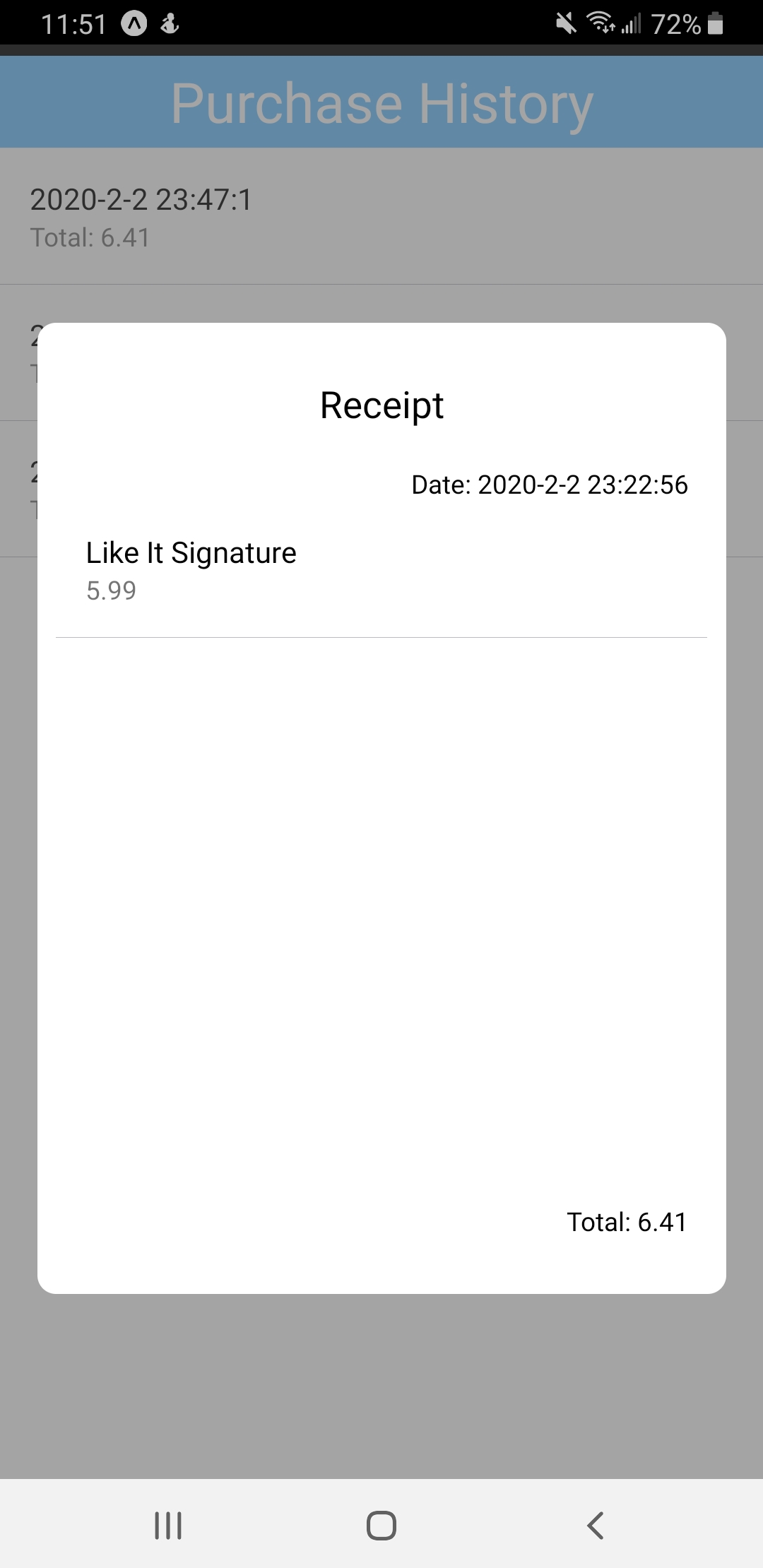
SnapScan is a mobile app that allows users to track their expenses in a variety of categories including Groceries, Restaurants, Clothing, Entertainment, and Miscellaneous. As opposed to other budgeting apps that either don't provide detailed analyses or require strenuous entering of data, SnapScan allows users to take a picture of their receipts, extract information regarding all the purchases, and generate thorough analyses that show you exactly where you need to cut down on spending. Tax is included in the final price but excluded from tracking.
How we built it
By utilizing the diverse skill set of all the members of our group, we were able to combine many technologies in order to create a complete and functional app. Here are some of the technologies and how we used them:
Google Cloud Vision API
We used Google's Deep Learning OCR (Optical Character Recognition) technology from the Google Vision API in order to extract item and price data from images of receipts while ignoring irrelevant information.
Google Cloud Storage
We used Google's Cloud Storage API to store data required for our Google Cloud Vision model. Image files sent from the backend were stored in one bucket and item/price data was stored in another bucket, prepared to be sent back to the backend.
Google Cloud Functions
Google's Cloud Functions technology was what brought our app together. It allowed us to take advantage of event-based serverless computing, and made integration of the Google Cloud Vision model and the Google Cloud Storage usage into the rest of our app really easy. Images could be sent directly to a bucket designated for images, and as soon as a new image was added, Google Cloud Functions would trigger a function and process the image, placing the receipt data in an output bucket designated for that purpose.

React Native
We used React Native to program the front end of our app, creating an attractive looking UI along with intuitive controls and screen layouts.
Node.js
We used Node.js to program the back end of our app, allowing it to send image data as input to our Google Cloud Functions and receive item/price data back from them.
Python 3
We used Python 3 to write the scripts that are run by the Google Cloud Functions. The Python 3 scripts use the Google Vision API to extract textual data from images and then filters out data that is irrelevant.
Challenges we ran into
Outliers
There were many receipts that were formatted in ways that were unlike most receipts. Some had prices in weird locations and others had a very large amount of distracting data scattered around the receipt. Though we made efforts to minimize the amount of receipts our model wasn't able to scan, there were some that were too outside of the ordinary for the model to handle. Still, we handled these scenarios by allowing manual input for the user. In the case that the receipt can't be scanned, the user can still input the data him/herself.
Combining the Parts
Though Google Cloud Functions did make incorporating the Google Cloud Vision feature into the app easier, we did run into some hurdles. Particularly, Google Cloud didn't send clear updates on when a file had been uploaded to a bucket, and we had to design creative workarounds in order to check whether a file had been added to a bucket before attempting to download it. By the end, we were able to design a solution that worked consistently and didn't produce errors or corruptions in the data.
Accomplishments that we're proud of
Successful Applications of many Google Cloud Frameworks
Coming in to this hackathon with no prior experience with Google Cloud, we were excited to try to learn some of its many frameworks, but were also intimidated by the sheer magnitude of information that was available. We're proud to have been able to learn significant parts of the API for Google Cloud Vision, Google Cloud Storage, and Google Cloud Functions, and apply the newfound knowledge in a full-fledged project.
Highly Efficient Teamwork
Our team had a very diverse set of skills, and we were very quickly able to settle into roles that we would work best in. Hosung and Jack used React Native and focused primarily on the front end, Heran used Node.js and focused on the back end, and Bhaskar used Python along with the Google Cloud Frameworks to implement AI functionality. We were able to split work effectively, while helping each other where needed, and efficiently made fast progress throughout the 36 hours we were given.
First Hackathon for Two Members
SwampHacks VI has been Bhaskar and Jack's first hackathon. As a team we're proud that despite not having much experience with hackathons, we've each been able to make significant contributions to the project, and have been able to design something complete and presentable.
What we learned
The most important thing we've learned in this project is probably the value of clearly dividing work into several distinct parts. Having some team members work specifically on the front end and UI, others specifically on the back end, and others on specifically defined features has allowed for a productivity boost we didn't even realize was possible. Though we learn about the value of these roles in classes, seeing the benefits of it in an actual, hands-on project was definitely a learning experience.
What's next for SnapScan
We have many plans for the future of SnapScan. Here's a list of some of our favorite ideas:
- Use text classification deep learning algorithms to automatically assign items to their respective categories. This will further reduce the effort users will have to take to track their spending and make the tool more attractive.
- Increase server's concurrent user capabilities, allowing more people to make requests and process receipts at the same time.
- Create more useful analyses and conclusions from data that show you exactly where you could and should be reducing spending.
References
[1]: https://www.bankrate.com/banking/savings/financial-security-march-2019/
Built With
- deep-learning
- google-cloud
- google-cloud-functions
- google-vision
- javascript
- machine-learning
- node.js
- python
- react-native


Log in or sign up for Devpost to join the conversation.