-
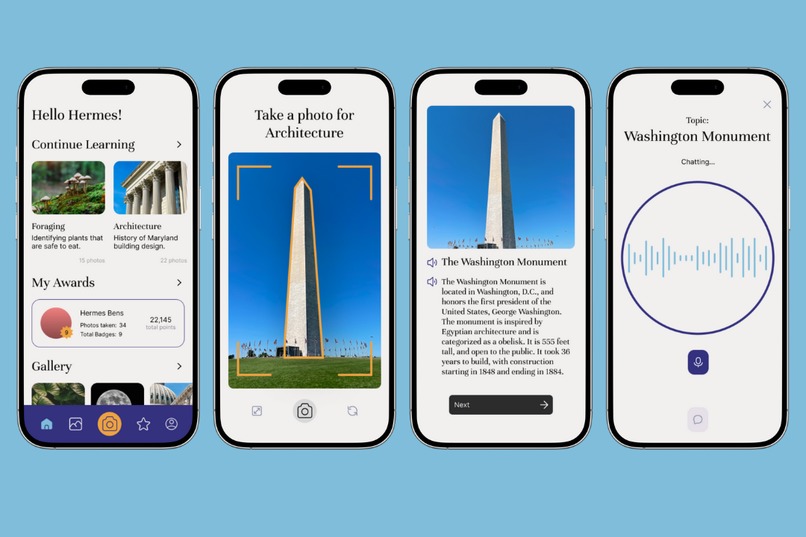
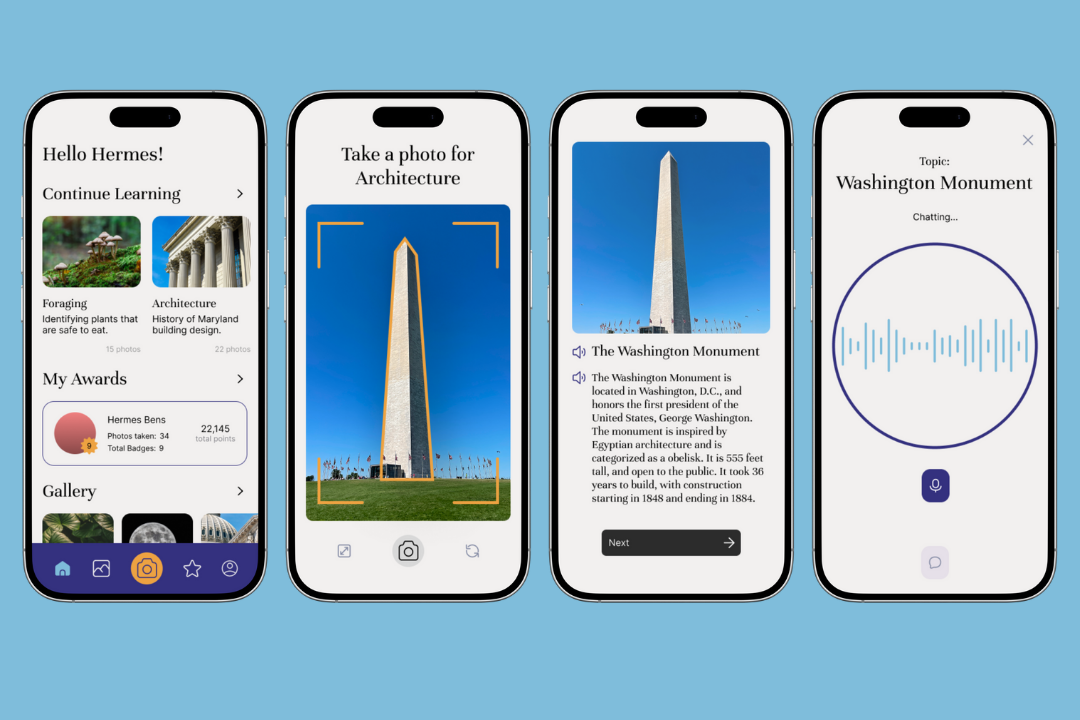
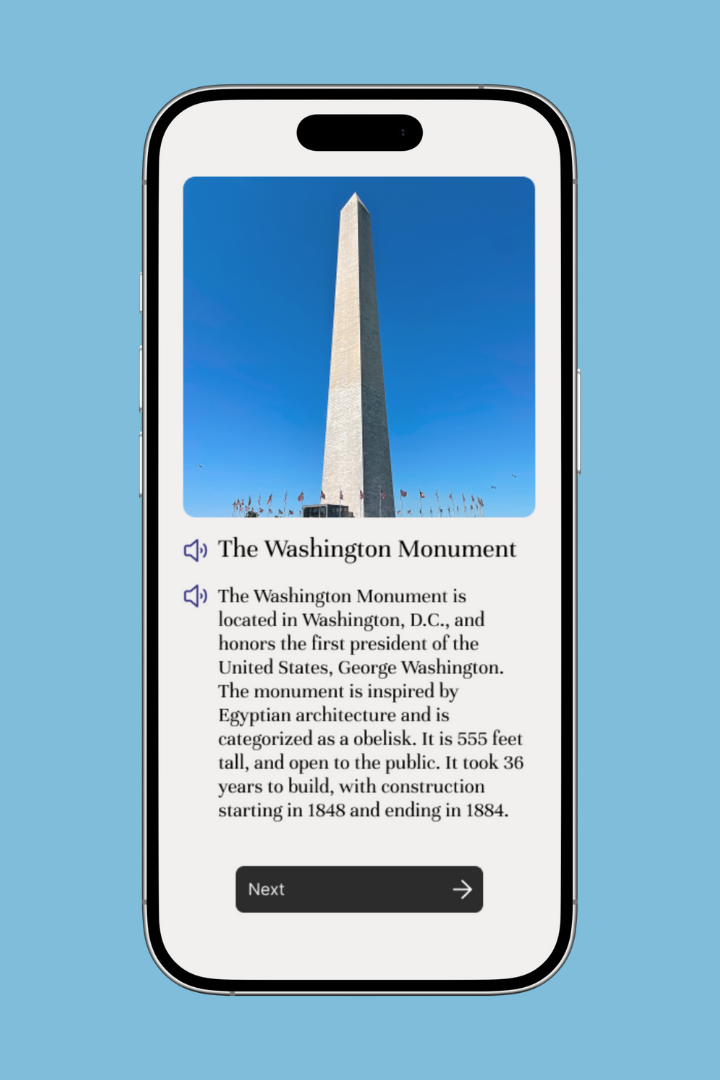
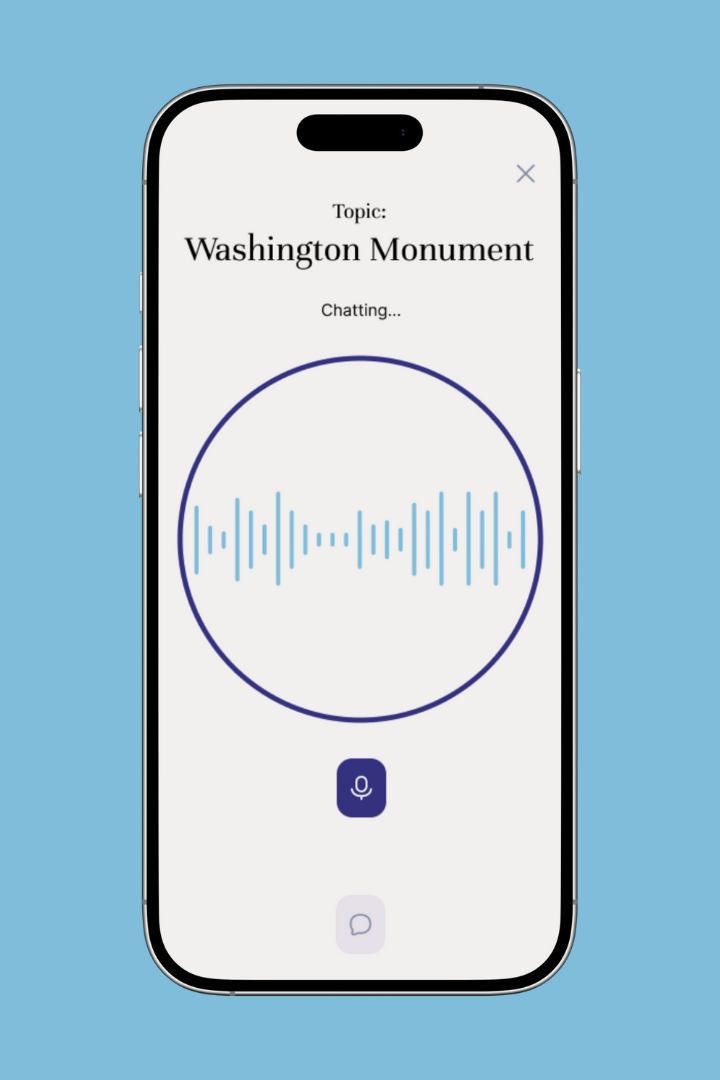
Collection of screens from Snapopedia showcasing the home screen, the photo capture, the knowledge card, and the ask questions feature.
-
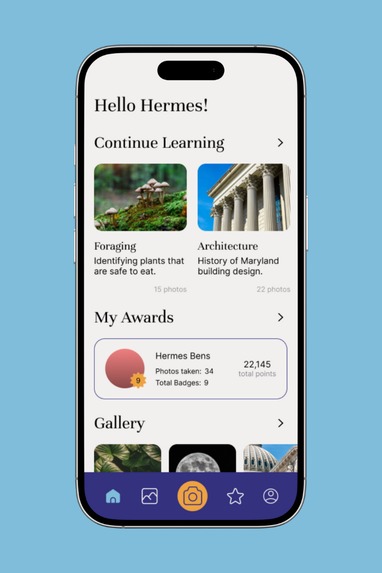
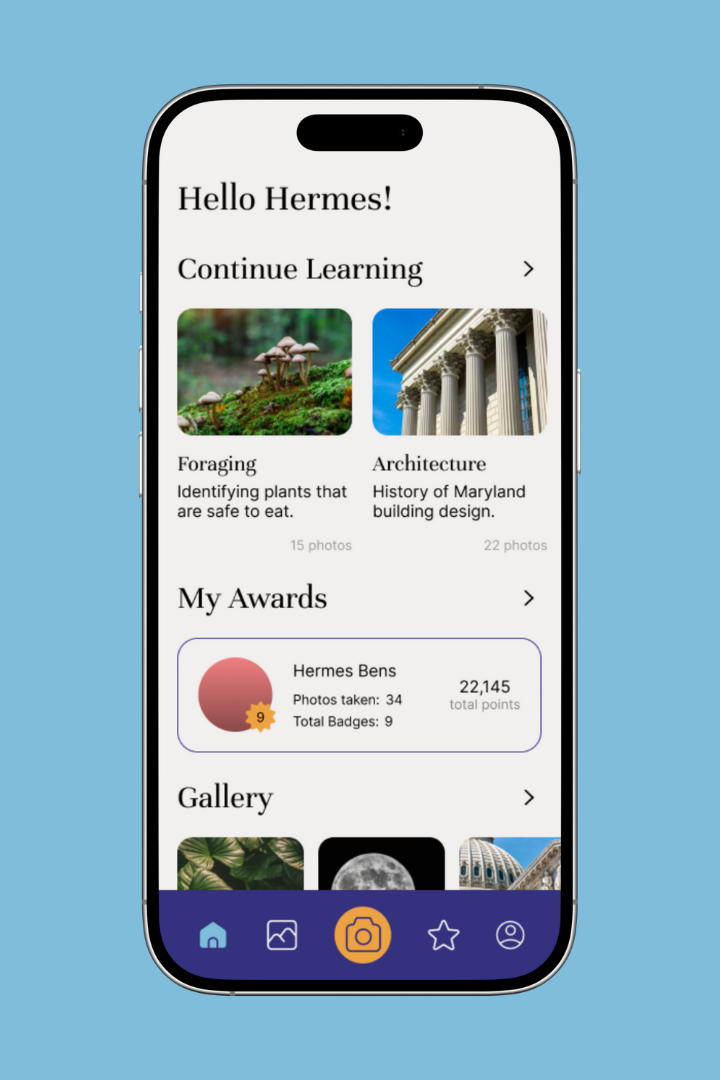
Snapopedia's home screen that allows user to carry on with their learning, see their leaderboard, and review their gallery.
-
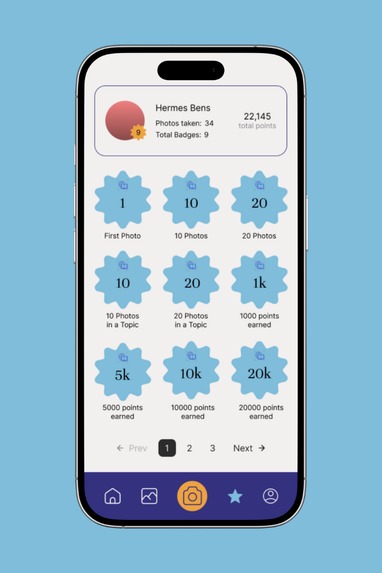
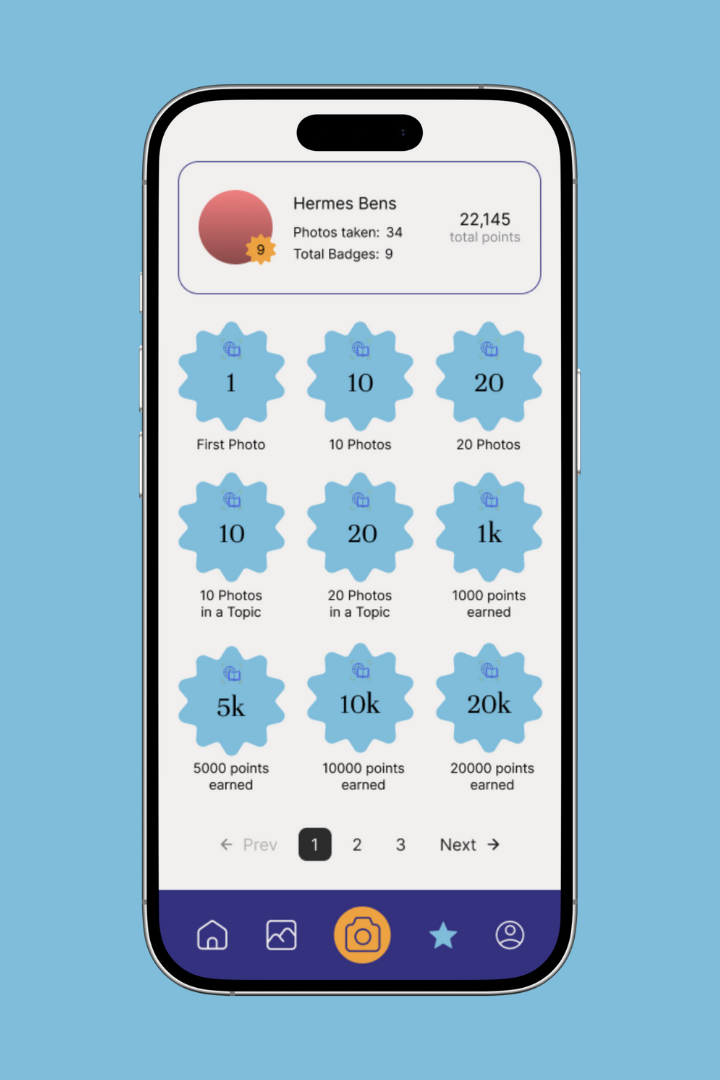
Awards for users to see how many badges they have earned from learning through photo exploration.
-
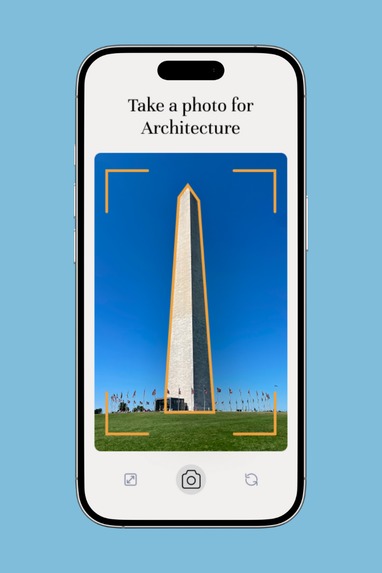
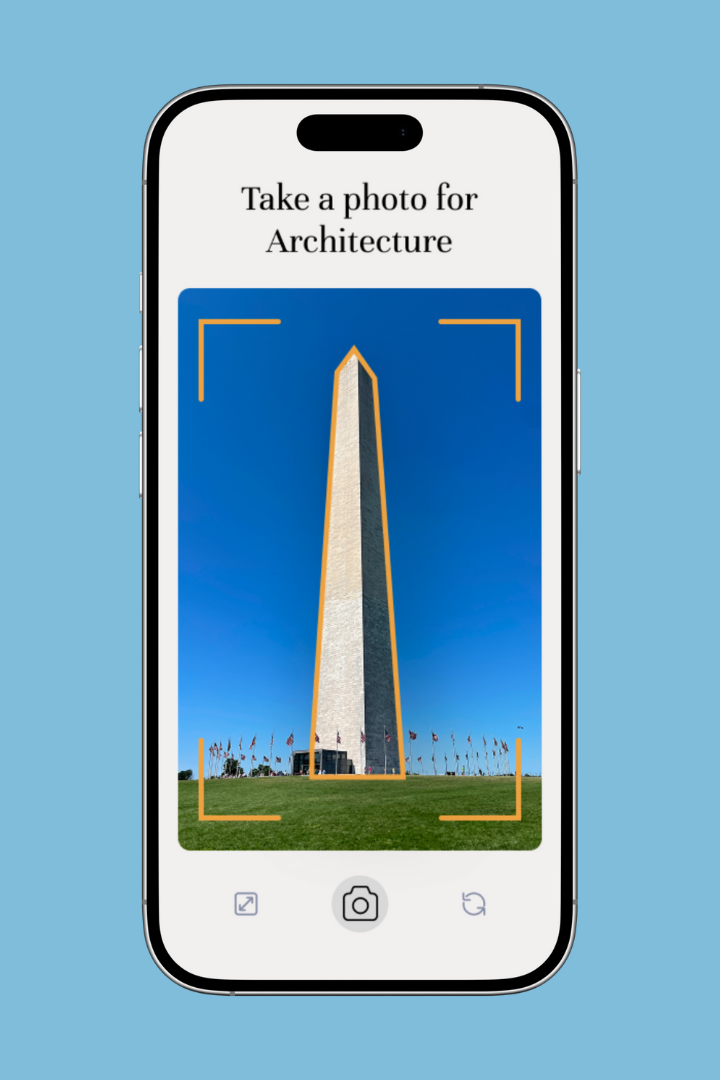
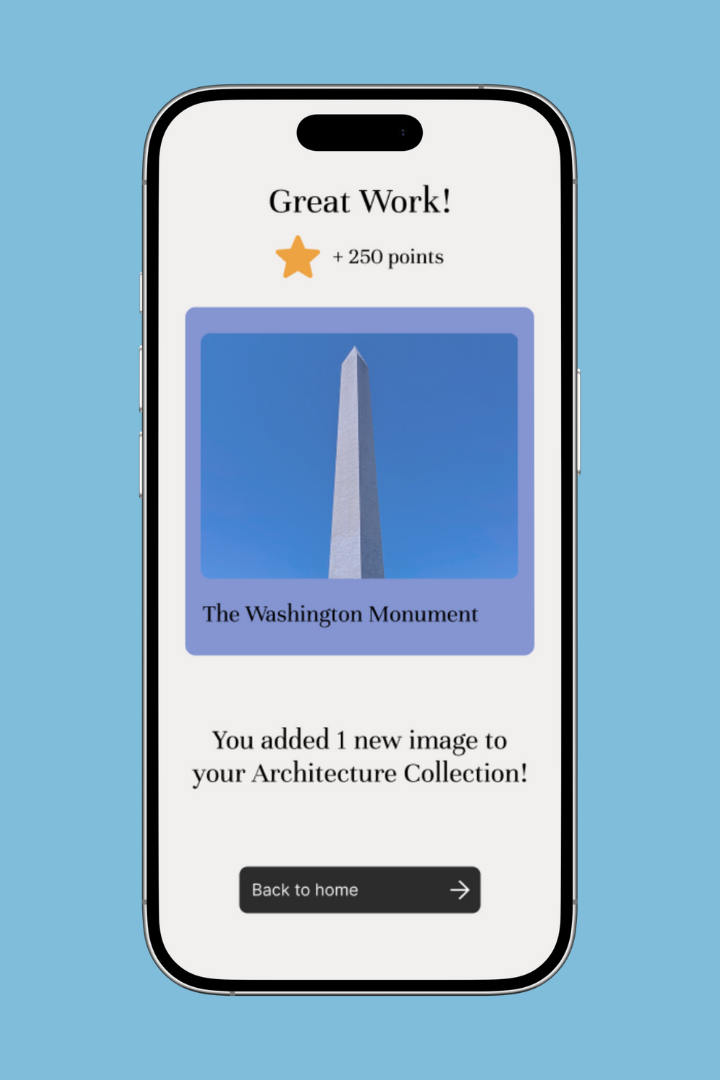
A screen capture for an example collection about architecture.
-
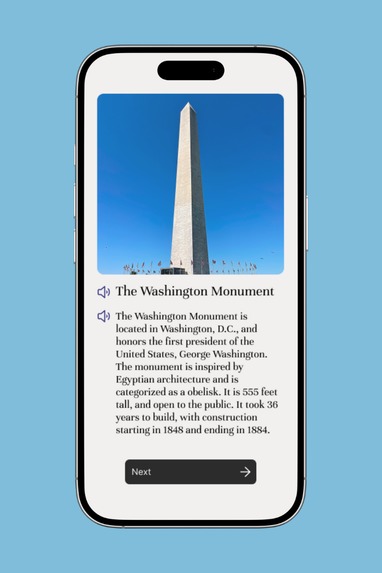
Snapopedia's response card about the user's image of interest.
-
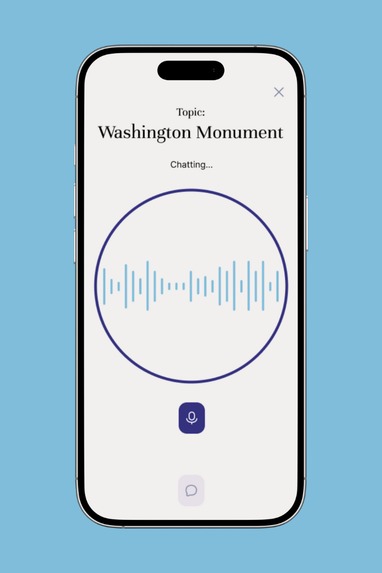
Voice option for users to ask Snapopedia questions about their images and topics.
-
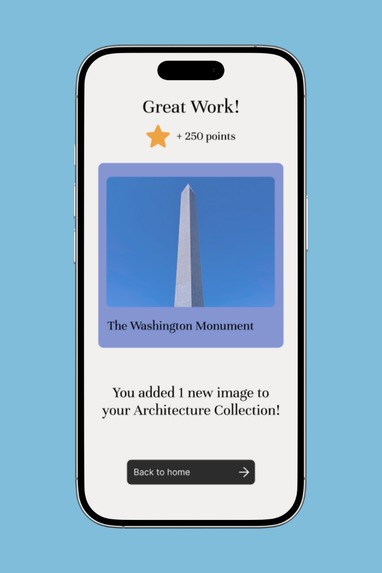
Users get rewarded for their photo and learning through a gamified points and rewards system.
-
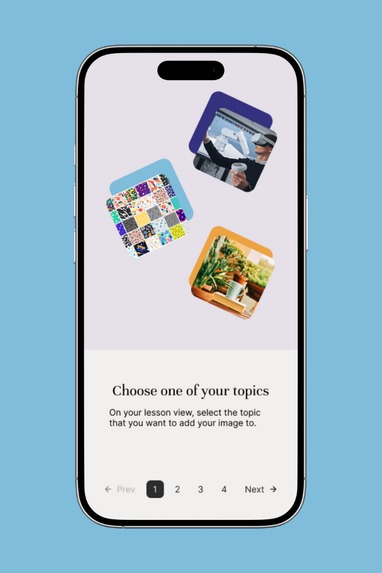
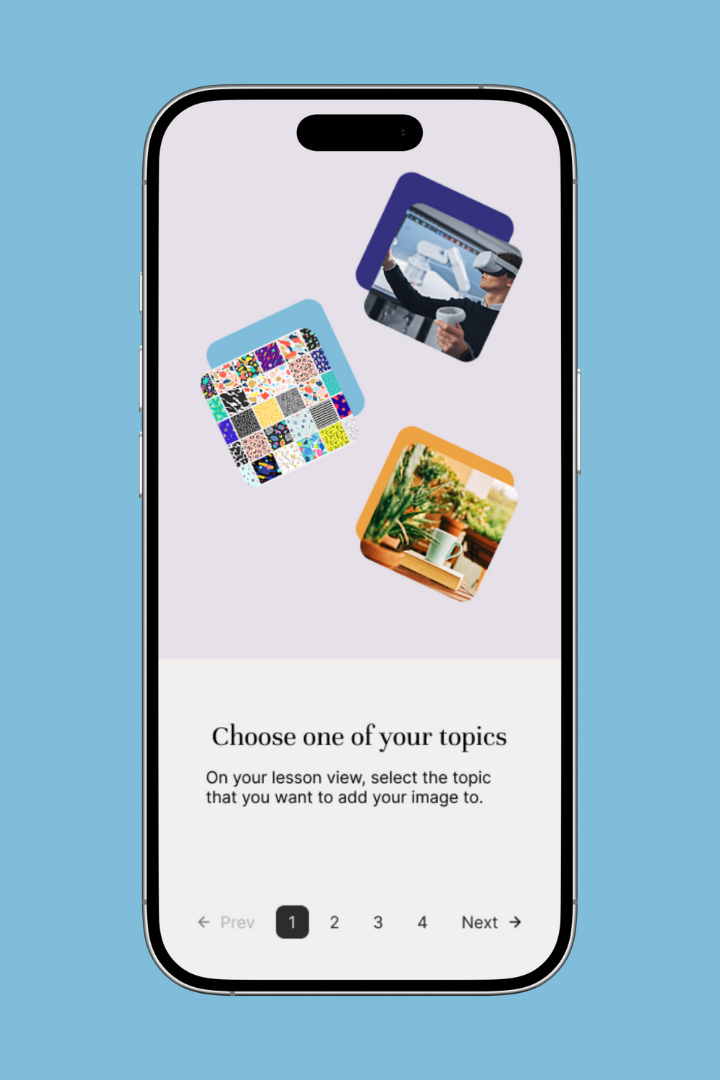
First onboarding screen guiding users on how to use Snapopedia.
Inspiration
We were inspired by Pokemon Go and how users were encouraged to engage with real world exploration and take photos of their environment.
What it does
Snapopedia is a mobile-based application that encourages users to explore the world around them by making the learning process interactive, immersive, accessible, and real-world applicable. On first use, the app prompts users to select up to five areas of interest, and uses this to generate their custom learning gallery. The app prompts users to take live images of their environment that is relevant to one of their topics, and uses Gemini's API to generate a card with the uploaded photo, the title, and a brief description. Using ElevenLabs, the title and description can also be read aloud to the user, ensuring accessibility. Once done interacting with the overview, the user has the option to ask questions in a text or speech-based format which will be responded to via Gemini's API. Once the user is done asking questions, they are awarded points for their learning and the generated card is stored to their gallery so they can review it in the future.
The app gamifies education through its interactive photo-taking format, but also via an award system which uses points and badges as motivators.
How we built it
We built two versions that encapsulate the whole idea of Snapopedia: the base UI of the app and the function of using ElevenLabs and Gemini to allow audio input and output and auto-generated responses. The Figma version showcases our UI and the incorporation of gamification and the education factor of the app. The coded app shows how the technical functions of taking a photo results in the collaboration with Gemini and ElevenLabs.
Challenges we ran into
We ran into big issues trying to move from design to development. We were unable to translate the Figma prototype into a coded interface with the functions we wanted to showcase seamlessly. We ended up having to create a low-fidelity coded app that mimicked Snapopedia to show the functions and keeping the high-fidelity prototype in Figma to show our other important themes.
Accomplishments that we're proud of
We are proud to have finished our project and finding a solution that worked for us to include both of the prototypes to help communicate the entirety of our idea.
What we learned
Design to development can be a tricky process, especially with new technologies under a tight deadline. Our group had strengths and weaknesses where not all of us knew how to use Figma, design systems, etc. and majority of us did not know how to code. This resulted in communication issues where we didn't know how to help one another. We pushed through to come up with a solution, but the experience showed us how difficult it can to translate different expertise to one another.
What's next for Snapopedia
We plan to match the UI and the functions to share our original vision for Snapopedia.
Built With
- cloudfare
- elevenlabs
- figma
- geminiapi
- photoshop


Log in or sign up for Devpost to join the conversation.