Inspiration
Being CS students, we are often hit with long and complicated assignments that barely make any sense and piles upon piles of assignments with complicated and unclear directions. We set out to fix that.
What it does
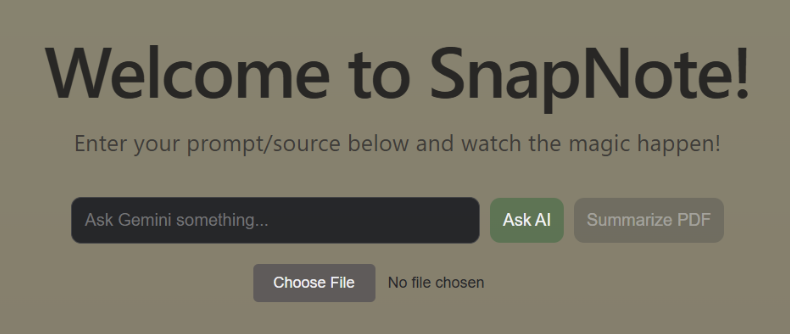
- AI note summarizer that efficiently gathers the main points of a pdf document in a comprehensive and digestible manner
- Allows users to ask follow up questions related to the document to deepen their understanding (active learning > passive learning)
How we built it
We started by creating a starter React file with Vite, and imported the API from Gemini Studio onto that!
Challenges we ran into
Never having used react or APIs before, we were pretty lost on where to start. It took a lot of trial and error to be able to implement and use them both in our project.
Accomplishments that we're proud of
We were able to implement the API, make a generally okay UI using React and implement PDF parsing with Gemini!
What we learned
- How to use Gemini API!
- Applications of AI to tackle academic issues
What's next for Snapnote
Finding additional sources from a database to support the prompt!
Setup Instructions:
- Clone the repository
- Install dependencies (npm install)
- Add Gemini API Key to .env file
- Run the tool with npm run dev
- Open the browser to view SnapNote and enjoy its immersive features and a responsive UI
Hackers Involved:
- Trisha Ganeshratnam
- Abigail Fong
- Tiya Jathan
- Joyce Wang


Log in or sign up for Devpost to join the conversation.