-
-
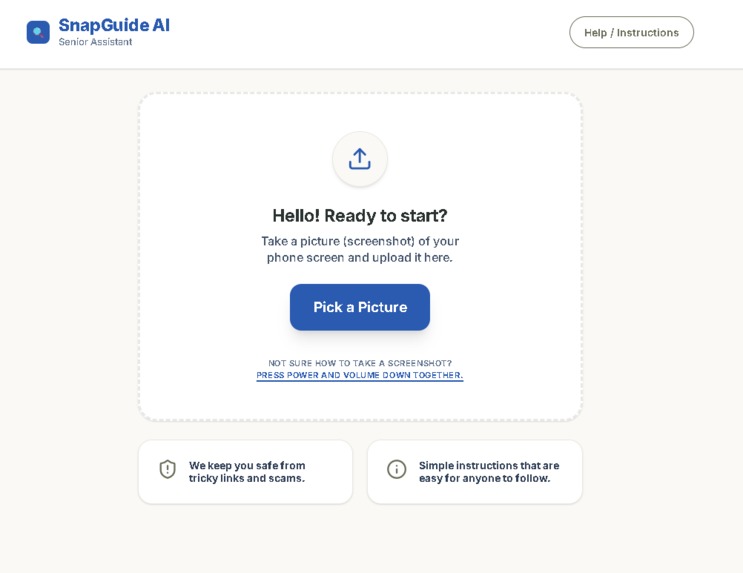
Website Image
-
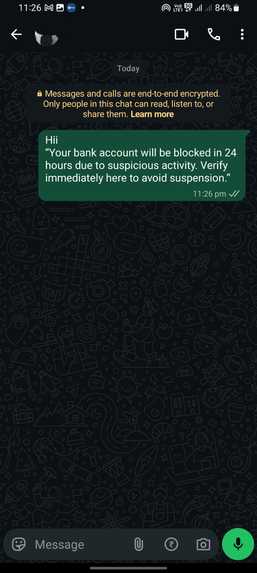
Spam Message
🧓 Inspiration
Many senior citizens struggle with everyday technology. Simple tasks like sending a message, opening an app, or identifying a suspicious link can feel confusing or even intimidating.
We realized that most existing solutions—tutorials, videos, or guides—are either too fast, too generic, or too technical. They don’t help seniors in the exact moment when they feel unsure.
This inspired us to build SnapGuide AI, a tool that provides instant, personalized guidance based on what the user is actually seeing on their screen. Our goal was to reduce fear, prevent mistakes, and help seniors feel more confident using technology.
📱 What it does
SnapGuide AI allows users to upload a screenshot of any mobile app or screen and receive:
- 📱 A simple explanation of what they are seeing
- 👉 Clear, step-by-step instructions on what to do
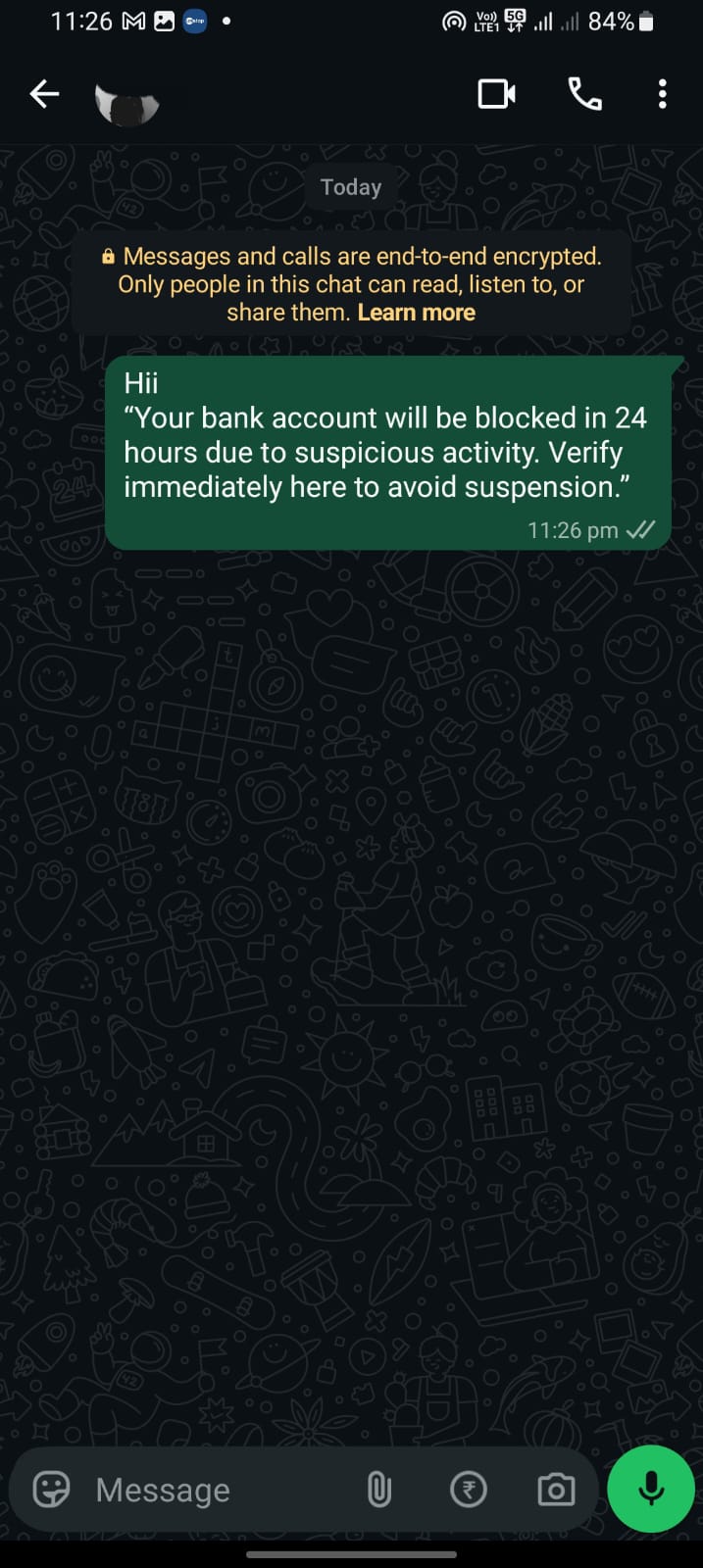
- ⚠️ Smart warnings when something looks risky (e.g., scams, suspicious links, payment requests)
- 💡 Friendly tips to reassure and guide the user
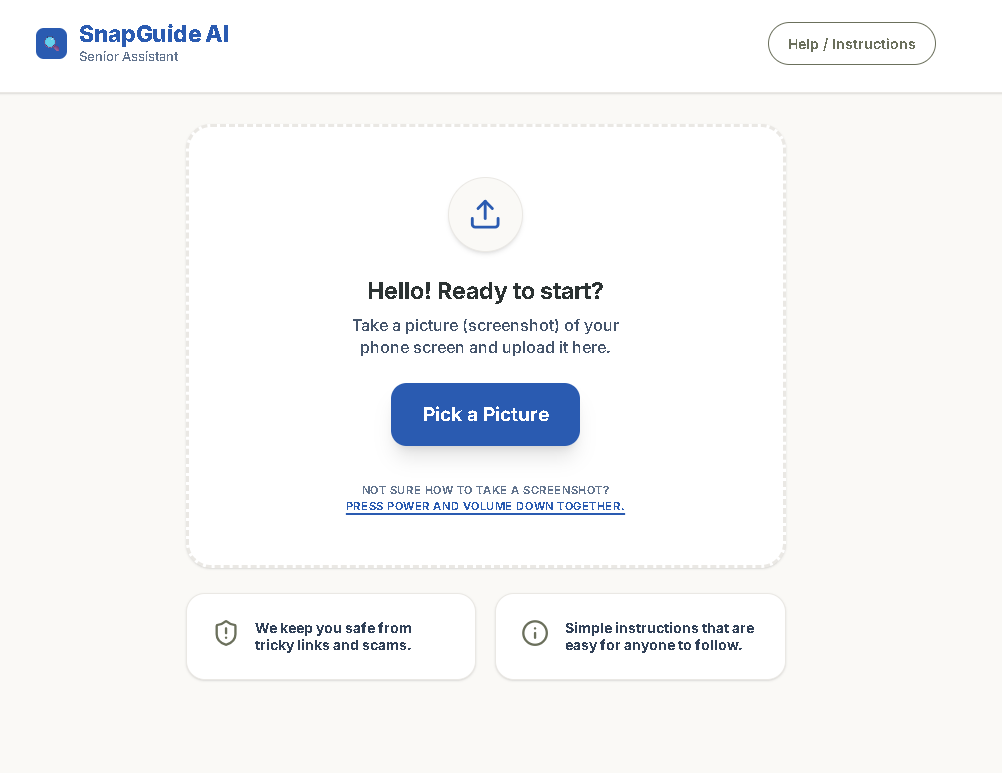
The app is designed with a calm, minimal interface and uses simple language so that even non-technical users can understand it
🛠️ How we built it
We built SnapGuide AI as a lightweight web application focused on simplicity and speed:
- Frontend: HTML, CSS, JavaScript for a clean and accessible UI
- AI Integration: Google Gemini API to analyze screenshots and generate structured explanations
- Vercel: Vercel and Github for deployemnt.
The AI is guided using a carefully designed prompt to ensure:
- Simple language
- Clear structure
- Friendly tone
- Smart warning detection based on patterns like links, OTPs, or payment screens
We also included a fallback response system to ensure the app works reliably during demos.
⚠️ Challenges we ran into
Balancing simplicity vs accuracy: Ensuring the AI explains complex screens in very simple terms without losing meaning
Avoiding over-warning users: Too many warnings can confuse or scare users, so we implemented a balanced approach
Time constraints: Building a working AI-powered prototype within a short timeframe required focusing on core features only
Designing for seniors: Creating a UI that is both minimal and intuitive required careful decisions around layout, spacing, and readability
🏆 Accomplishments that we're proud of
- Built a fully working AI-powered prototype within a hackathon timeframe
- Designed a senior-friendly interface that prioritizes clarity and comfort
- Created a system that not only explains screens but also helps prevent mistakes and scams
- Developed a structured AI response format that is easy to understand and consistent
📚 What we learned
- The importance of user-centric design, especially for non-technical audiences
- How to guide AI models using prompt engineering to produce structured, reliable outputs
- The value of simplicity over complexity in both product design and development
- How to think beyond features and focus on real-world impact
🚀 What's next for SnapGuide AI
- 🔊 Add text-to-speech for voice-based guidance
- 🌐 Support multiple languages for broader accessibility
- 📱 Develop a mobile app version for easier usage
- 🛡️ Improve scam detection accuracy using more advanced models
- 🧠 Introduce a learning mode to help users gradually become independent
🔗 Links
Built With
- css
- express.js
- google-gemini-api
- html
- javascript
- node.js
- vercel

Log in or sign up for Devpost to join the conversation.