Inspiration
I'm a developer, and even I prefer visuals over plain text. They say a picture is worth a thousand words, and it's absolutely true, especially on social media where images consistently outperform text posts by massive margins.
I kept running into this frustrating gap in my own content sharing. I'd have these sudden, memorable thoughts I wanted to share, or discover an elegant code snippet that deserved attention, but the process of turning that into a visual was just too much friction. I'd think "this would look great as an image" but then face the reality of of using some tool to get the image for what I wanted - by the time I considered all that work, I'd either skip posting entirely or just share plain text that got ignored.
Code snippets were even worse. You can't just slap code into a basic text-to-image tool and expect it to look professional. It needs syntax highlighting, proper formatting, the right typography. So I'd just abandon the idea altogether, watching great code insights die in my drafts folder.
That's when I realized this wasn't just my problem - every developer, writer, and content creator faces this same friction between having something worth sharing and making it visually compelling. So I built SnapFrame to eliminate that gap entirely. Now that brilliant code snippet or powerful quote can become a stunning visual in 30 s.
What it does
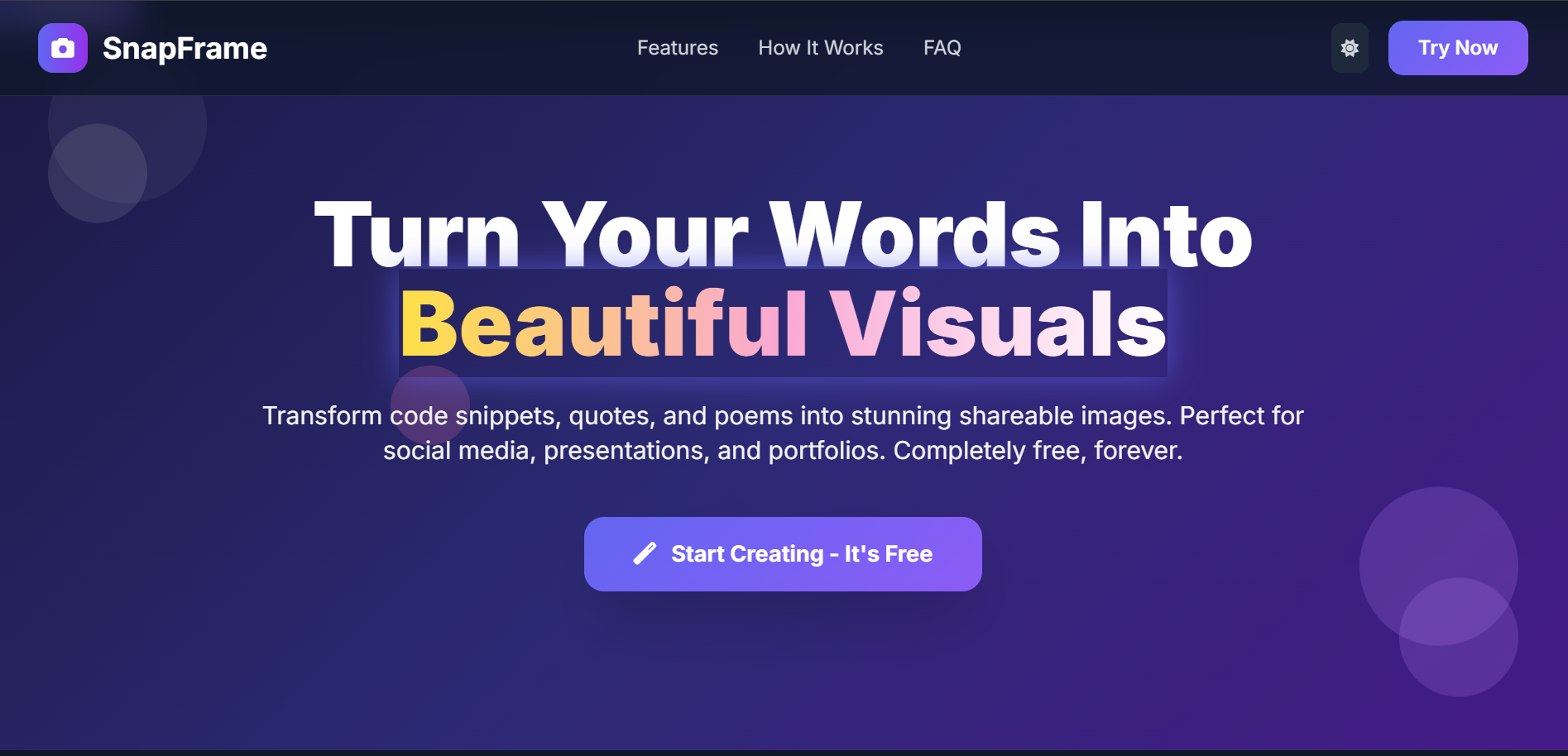
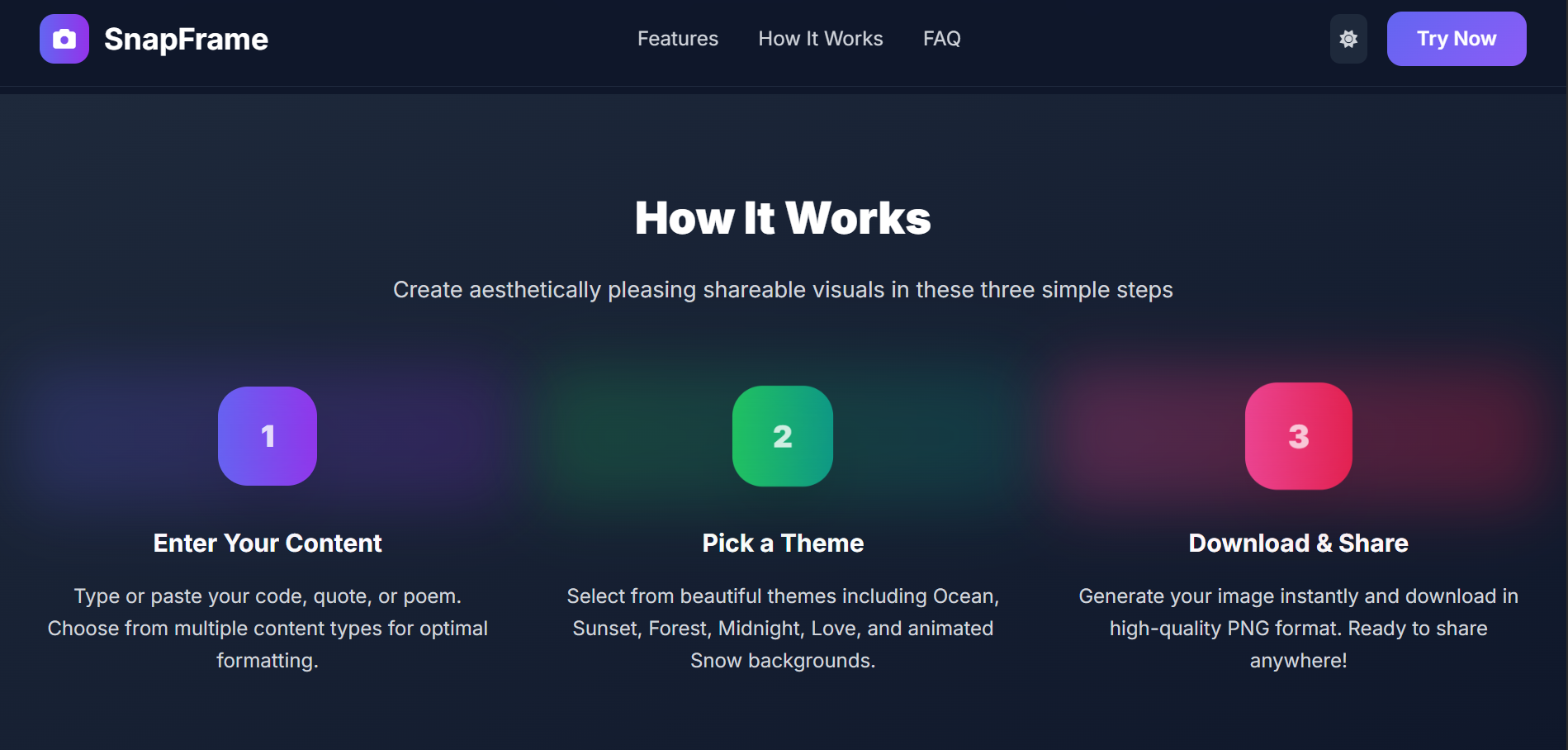
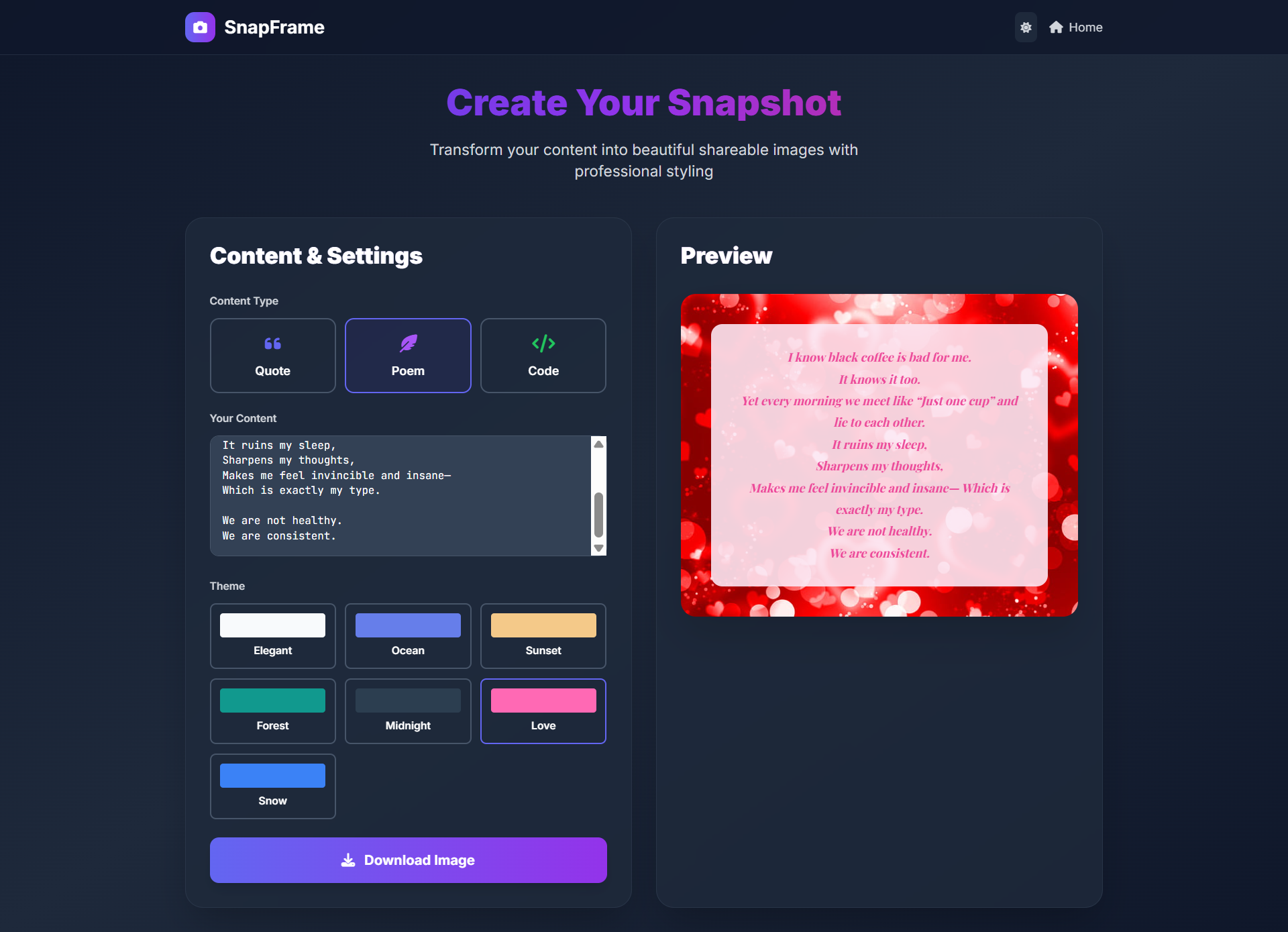
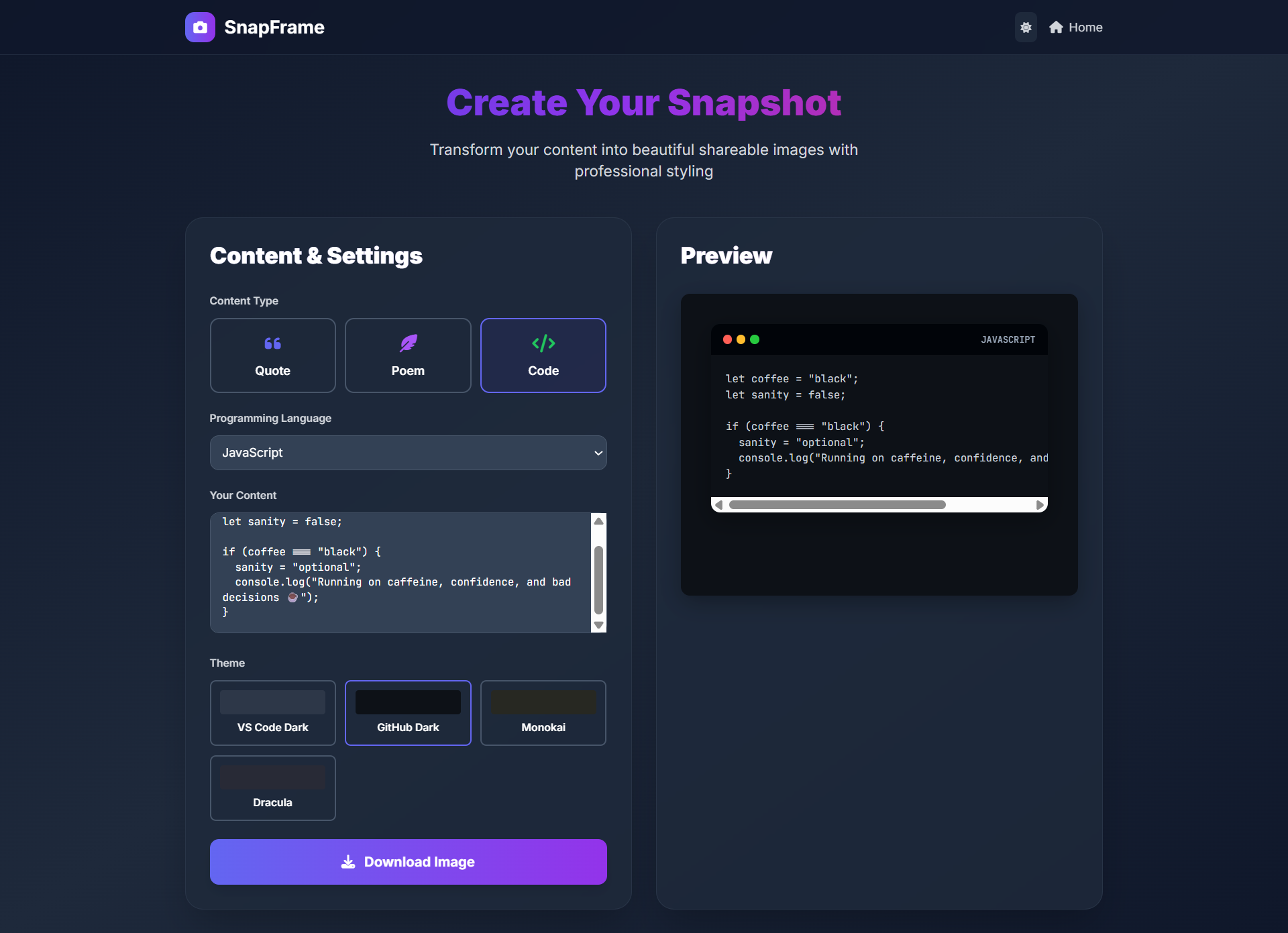
SnapFrame transforms plain text into stunning, professional-quality images in under 30 s. Users simply paste their content - whether it's a JS function, an inspirational quote, or a heartfelt poem - choose from 7/4 well-designed themes, and instantly download a high-resolution PNG image ready for social media, presentations, or portfolios.
The magic happens through intelligent content processing. Code snippets get syntax highlighting with authentic editor themes like VS Code Dark and GitHub Dark. Quotes receive optimal typography with smart word wrapping. Poetry gets elegant formatting with automatic line breaks & multi-image splitting for longer pieces.
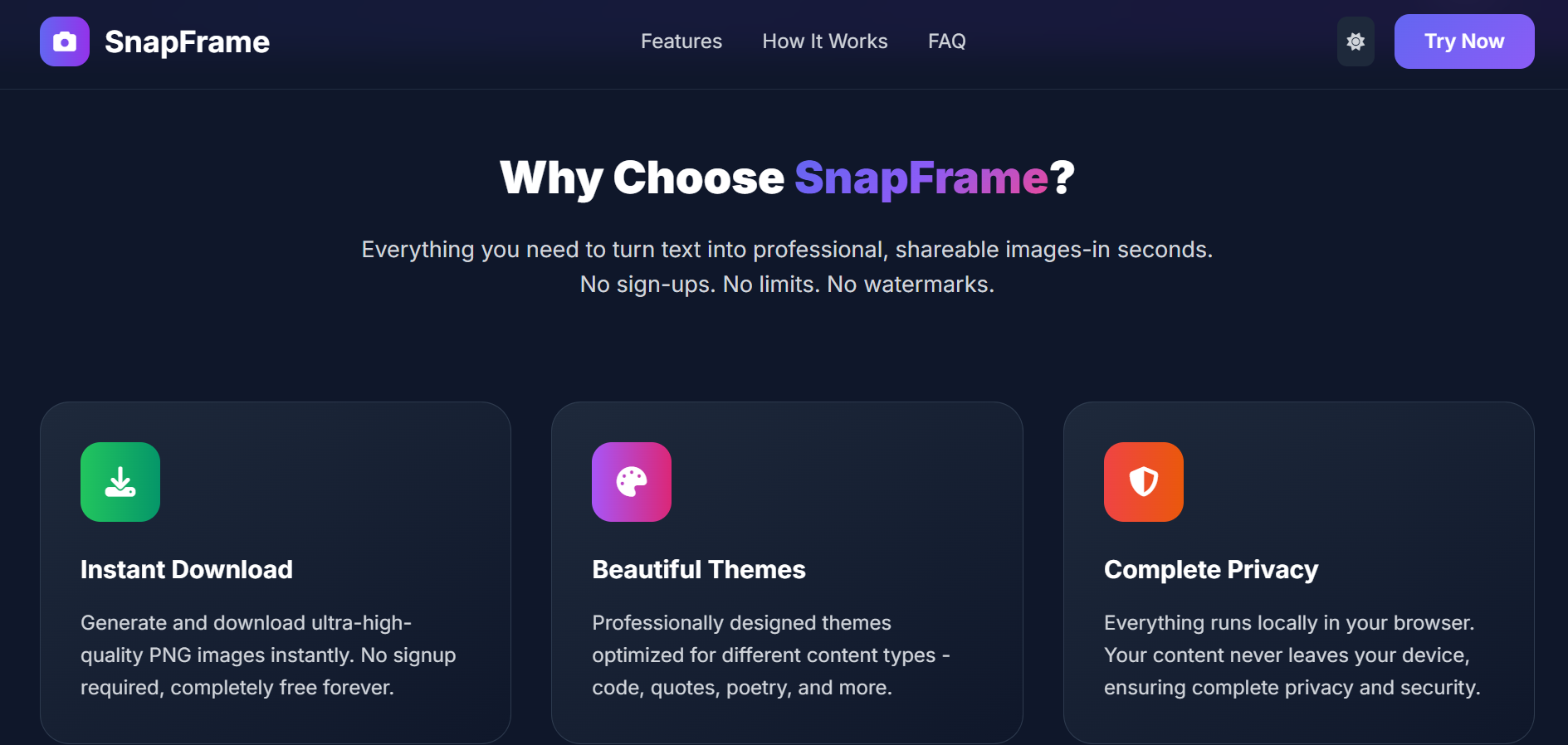
Each theme is purpose-built: Ocean and Sunset gradients for professional content, animated Snow backgrounds for winter vibes, Love themes with heart overlays for romantic poetry, and Minimal themes for clean, corporate presentations. Everything runs locally in the browser - no uploads, no accounts, no privacy concerns.
How I built it
I built it using vanilla JS for maximum performance and zero dependencies. The core engine uses html2canvas for professional-grade image generation at 2x resolution, ensuring crisp quality on any device. Tailwind CSS handles the responsive interface with custom gradient animations & glassmorphism effects.
The theme system required careful CSS engineering - each theme needed to work across 2 content types while maintaining visual consistency. Code themes include authentic syntax highlighting with JetBrains Mono typography & proper editor window styling. Quote & poetry themes use Playfair Display and Inter fonts with mathematical spacing calculations for optimal readability.
Smart content processing analyzes input to determine optimal formatting. Poems over 150 words automatically split into multiple downloadable images. Quotes over 30 words get readability warnings. Code snippets receive language-specific styling across 13 programming languages.
The entire application is client-side for privacy and speed. No servers, no databases, no user tracking, just pure browser-based image generation that works offline once loaded.
Challenges I ran into
The biggest challenge was achieving consistent, professional-quality output across vastly different content types and themes. A JS code snippet needs completely different visual treatment than a romantic poem, yet both need to look professionally designed.
Html2canvas presented unique hurdles with theme rendering, especially the animated Snow & Love background themes. Getting high-resolution exports while maintaining performance required extensive optimization and careful DOM manipulation during the capture process.
Typography proved surprisingly complex. Finding the perfect balance between readability & aesthetics across different screen sizes, content lengths, and theme combinations took me countless iterations. The automatic poem splitting algorithm needed to preserve meaning while creating visually balanced images.
Mobile responsiveness was crucial but challenging with complex CSS themes and animations. Ensuring the preview looked identical to the final download across all devices required pixel-perfect precision & extensive cross-browser testing.
Accomplishments that I'm proud of
I managed to create a tool that genuinely solves a universal problem - the friction between having great content and making it visually shareable. The 30-sec generation time isn't marketing fluff; it's consistently faster than manually creating even basic graphics.
The theme quality rivals professional design tools. Each theme was crafted with attention to color theory, typography, and visual hierarchy.
Most importantly, SnapFrame eliminates the content sharing gap I personally experienced. That brilliant code snippet or powerful quote/poem no longer dies in drafts - it becomes a stunning visual ready to engage audiences. The privacy-first approach means sensitive code never leaves the user's device, making it viable for enterprise use.
What I learned
The friction between idea & execution kills more great content than lack of creativity. Even as a developer comfortable with tools & technology, I was abandoning posts because the visual creation process felt too cumbersome. This insight applies far beyond social media to documentation, presentations, & even professional communication.
Client-side image generation is incredibly powerful when implemented correctly. It eliminates privacy concerns, reduces server costs, and provides instant results. The combination of modern browser APIs and careful optimization can deliver desktop-application quality in a web interface.
Typography and color theory are as important as code quality in user-facing applications. The difference between amateur and professional appearance often comes down to spacing, font choices, and color harmony rather than complex functionality.
Sometimes the best solutions are the simplest ones - removing friction rather than just adding more features.
What's next for SnapFrame - Instant Visual Generator
My immediate focus is on expanding the theme variety & content type support. Mobile app screenshots, data visualizations, & social media story formats would broaden the user base significantly. Custom branding options for teams and companies could transform this into a professional tool.
My long-term vision for now is becoming the standard way people share textual content visually. Just as we automatically format code, we should automatically make it beautiful. SnapFrame could evolve into a comprehensive visual communication platform while maintaining its core simplicity & privacy-first approach.
But for now, the goal is perfecting the current experience and ensuring no great idea gets abandoned because creating a visual was "too much work".
Built With
- css3
- html2canvas
- html5
- javascript
- playfair-display
- tailwind-css


Log in or sign up for Devpost to join the conversation.