-
-
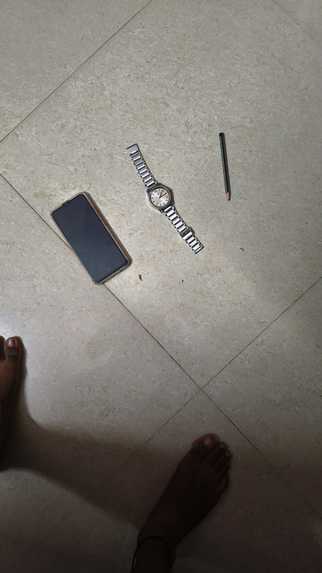
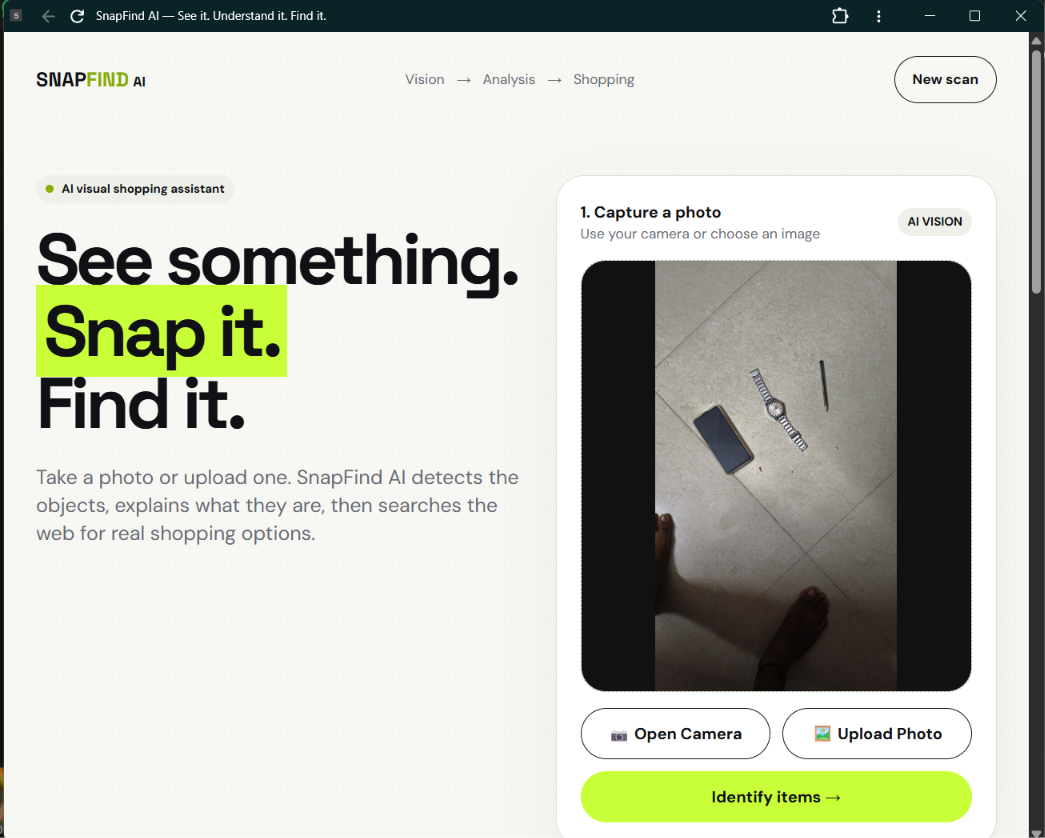
A real-world object captured for SnapFind AI visual analysis.
-
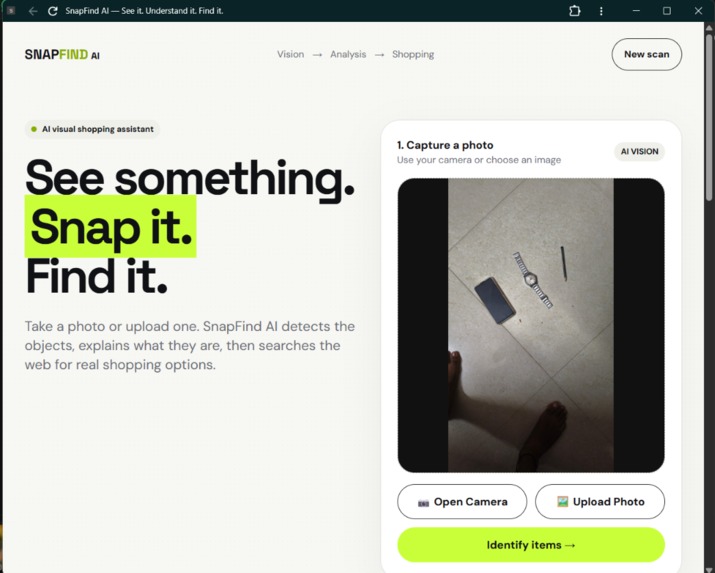
Capture or upload an image to begin visual discovery.
-
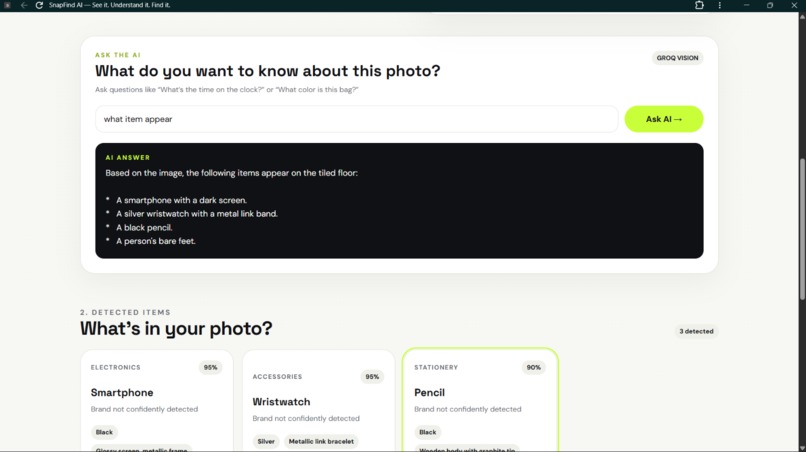
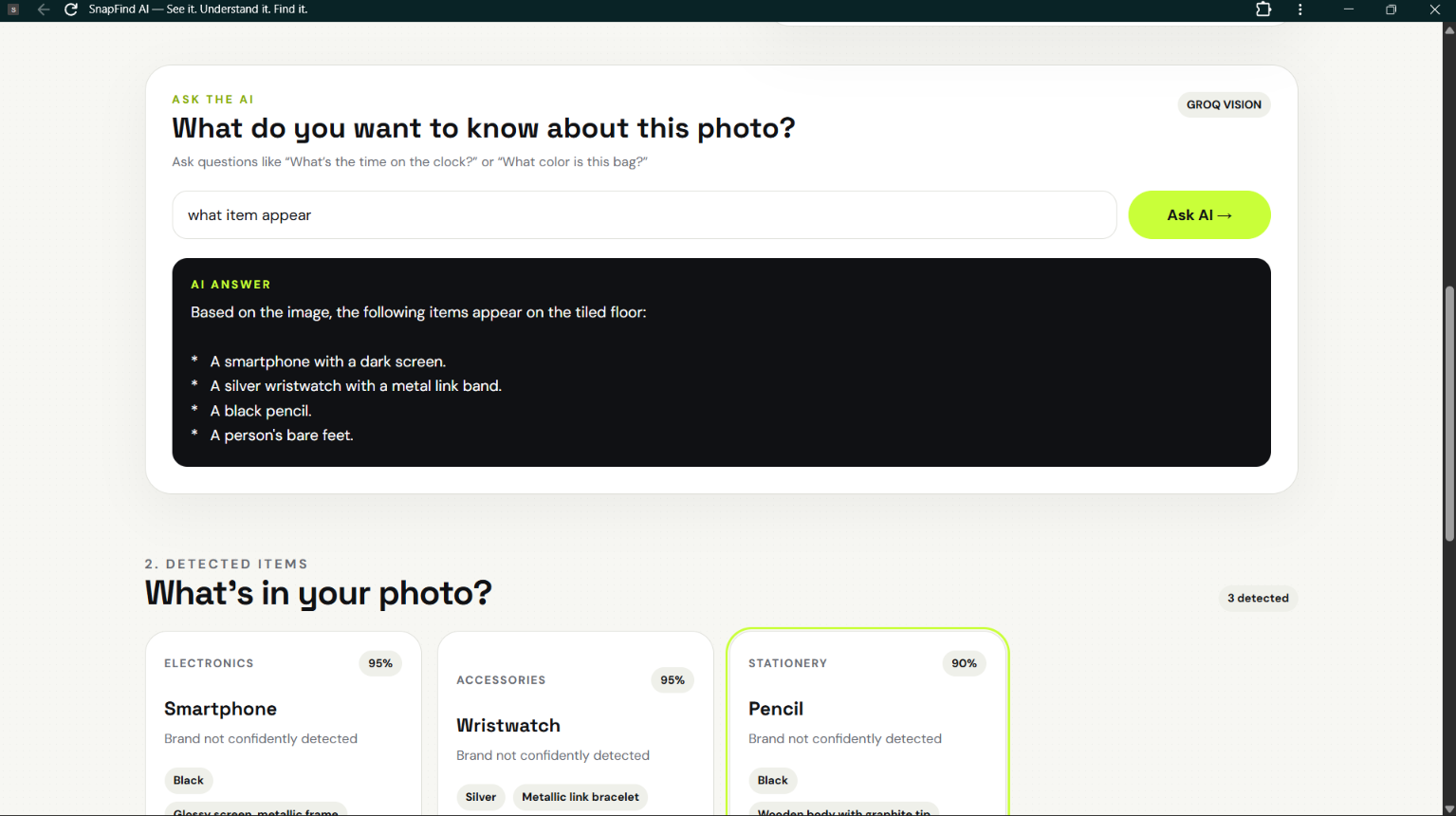
Ask AI — Ask natural-language questions about the uploaded image.
-
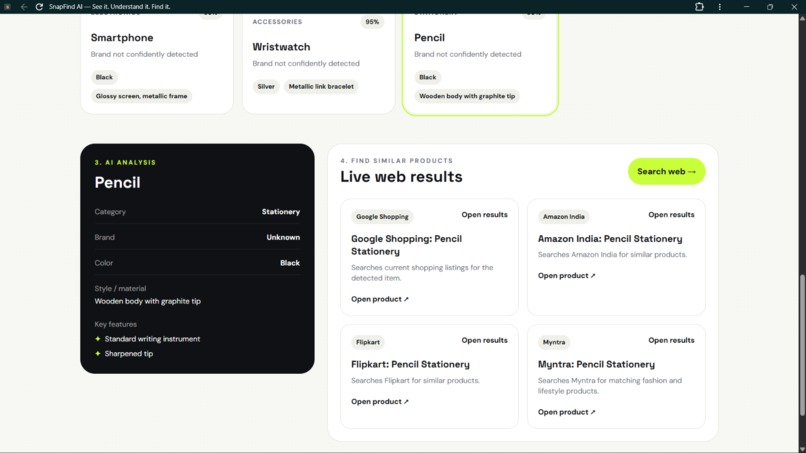
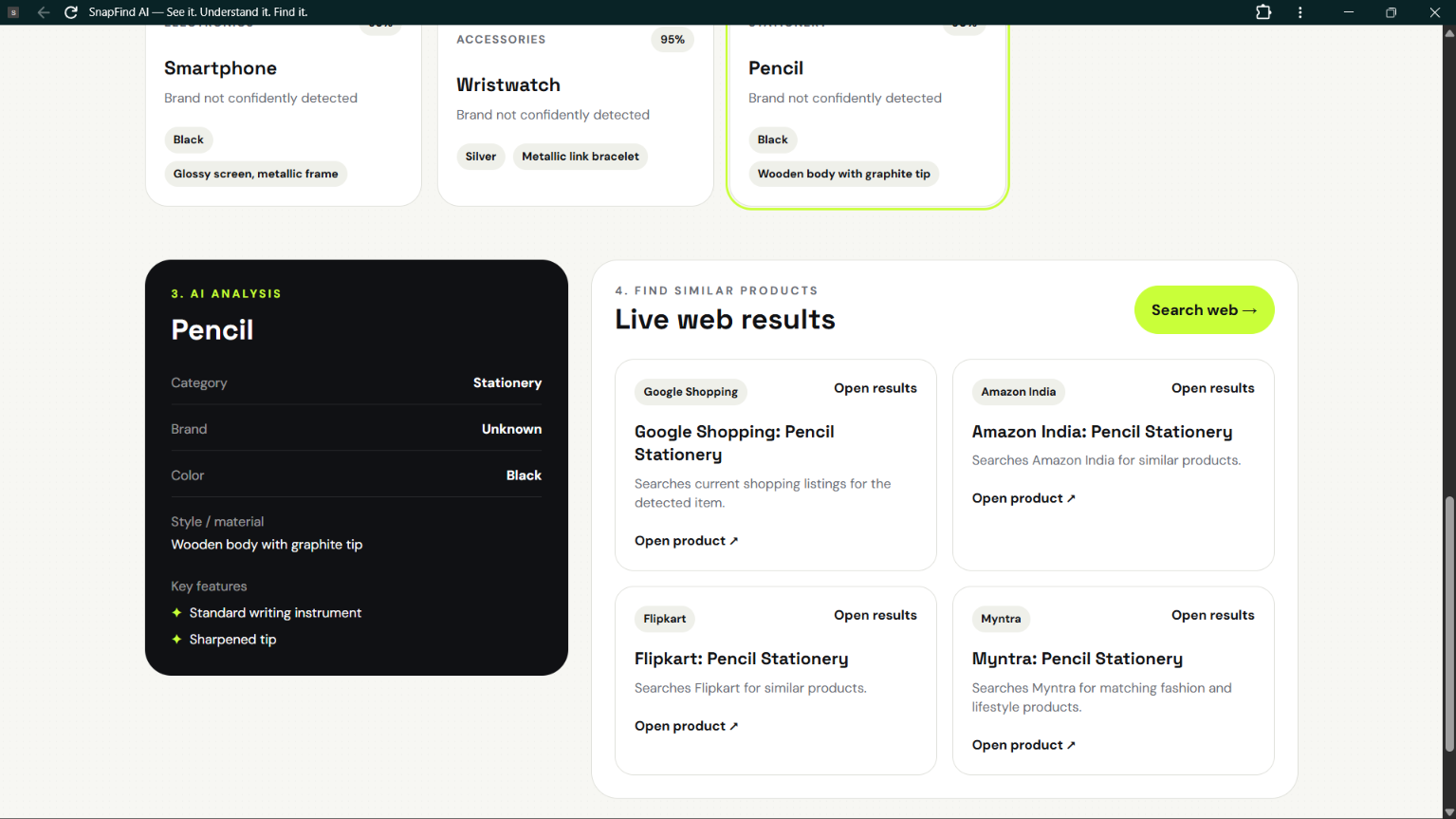
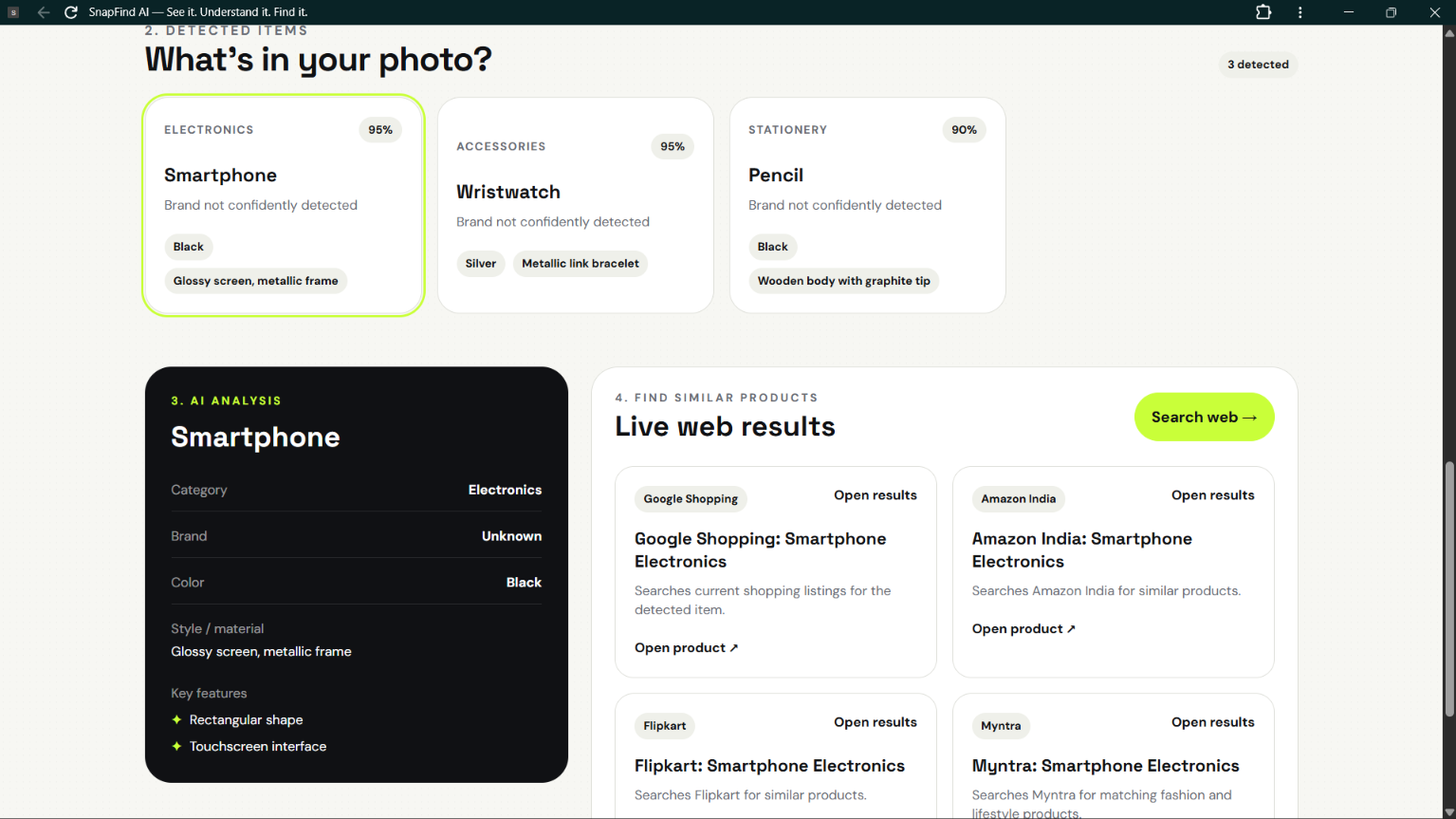
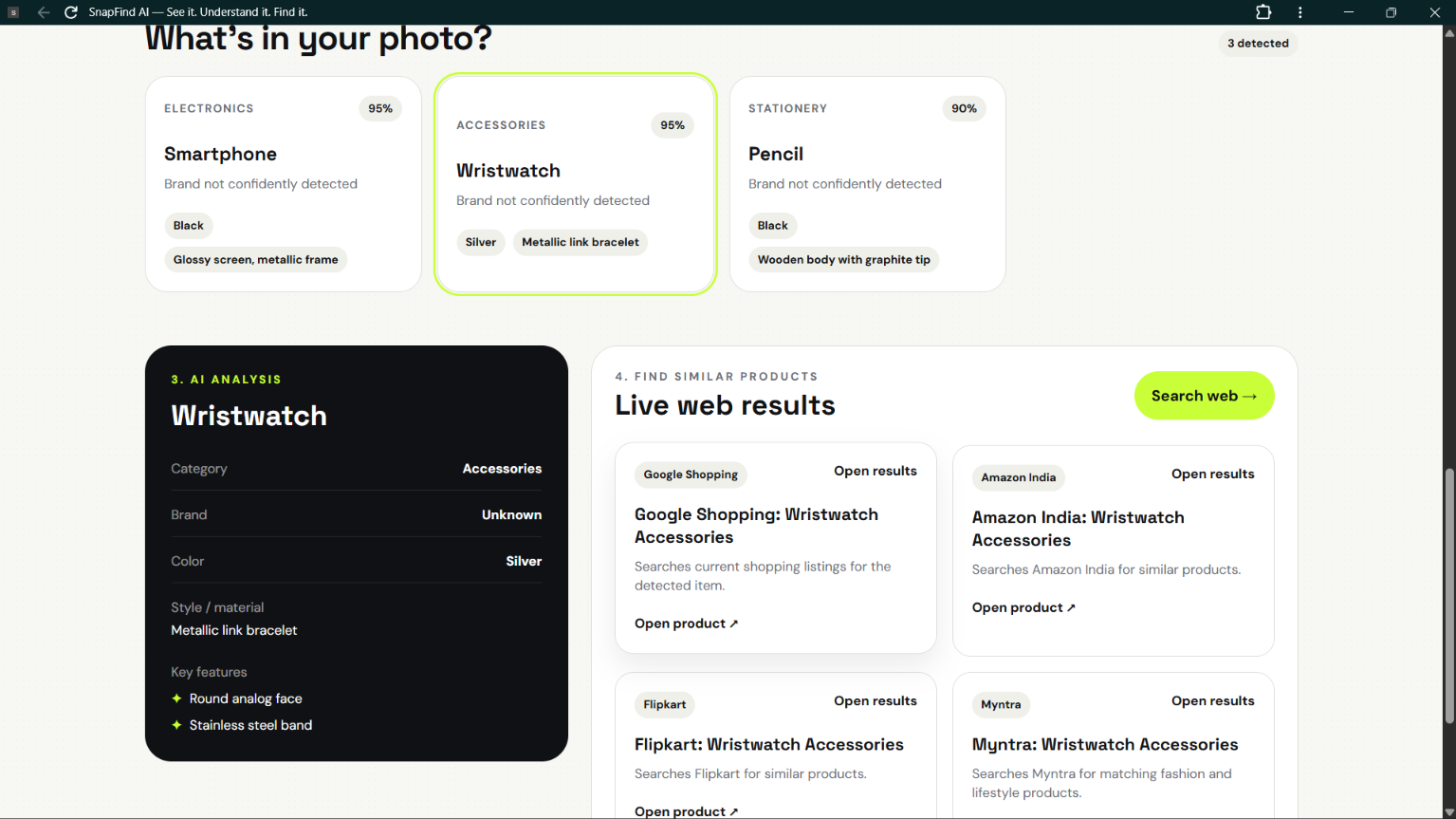
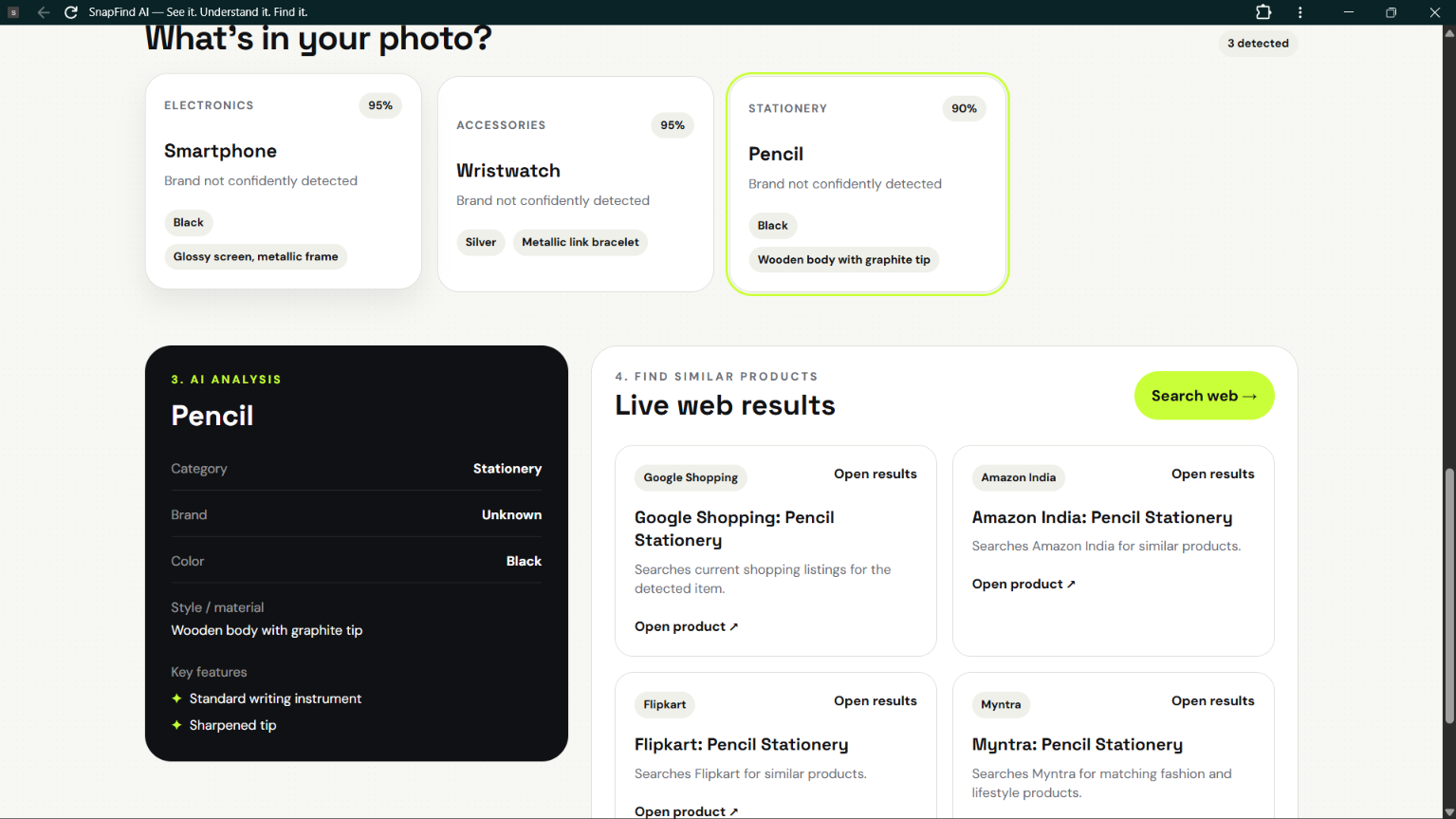
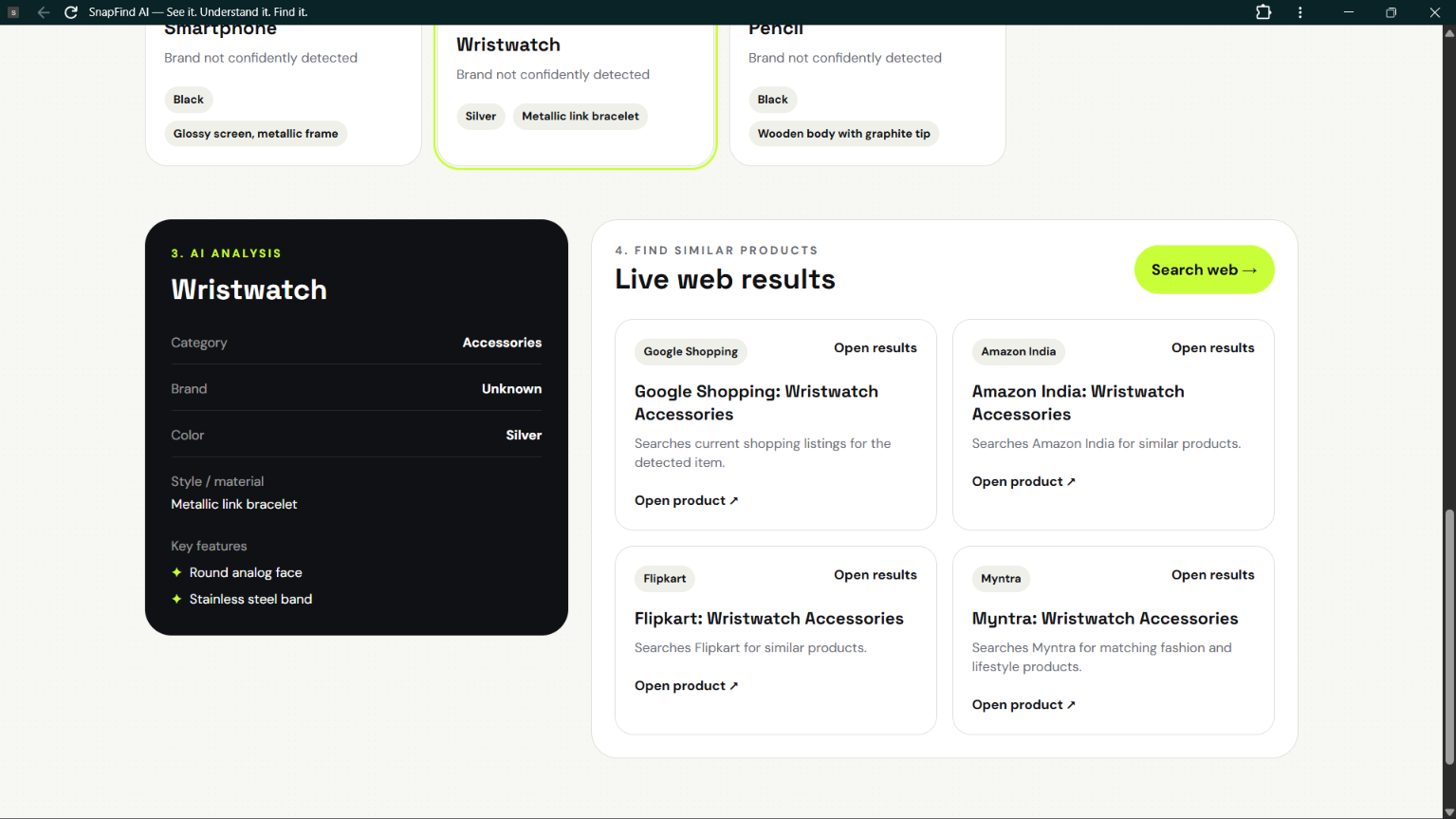
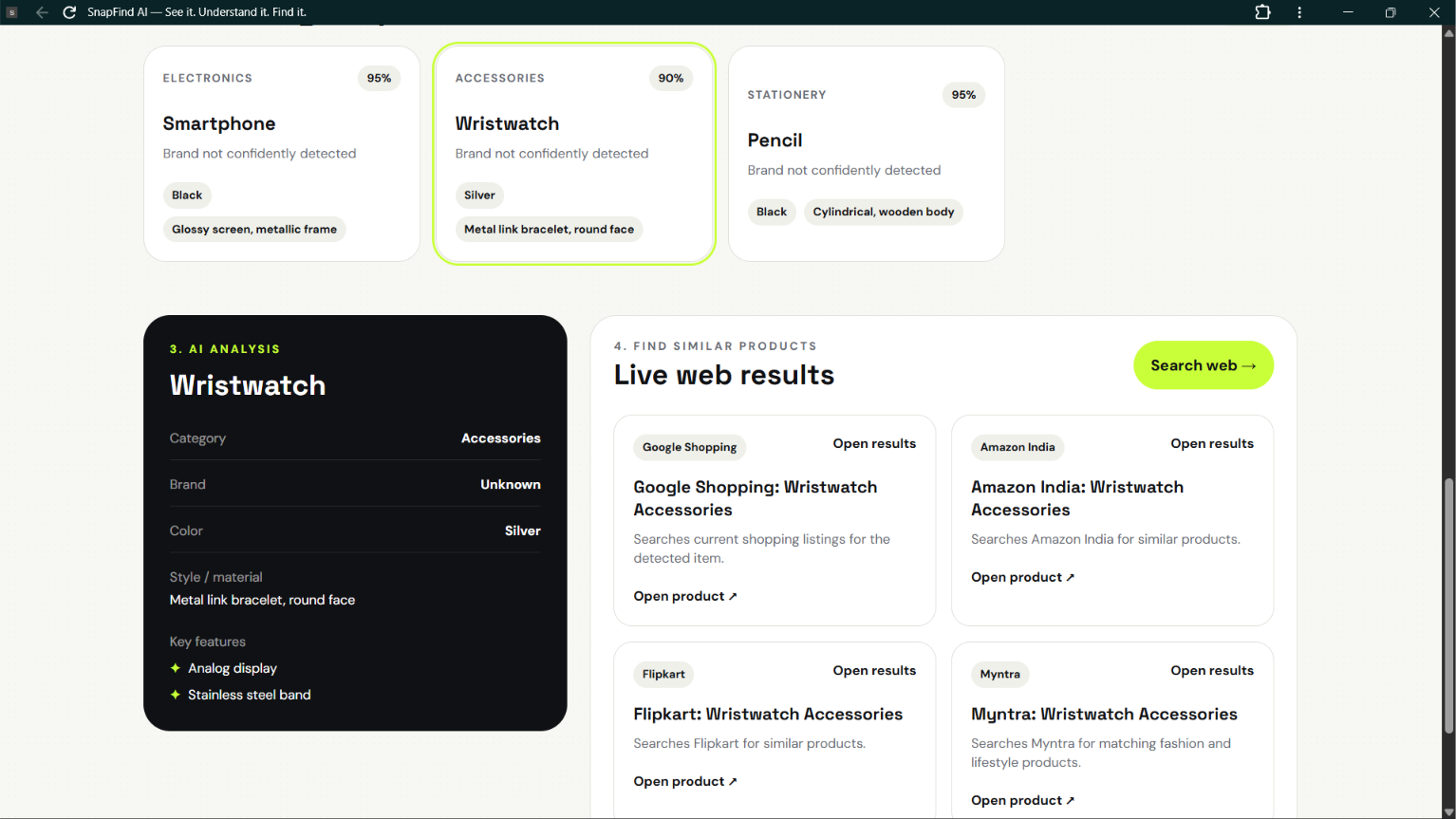
AI Analysis — SnapFind identifies the object and provides visual details.
-
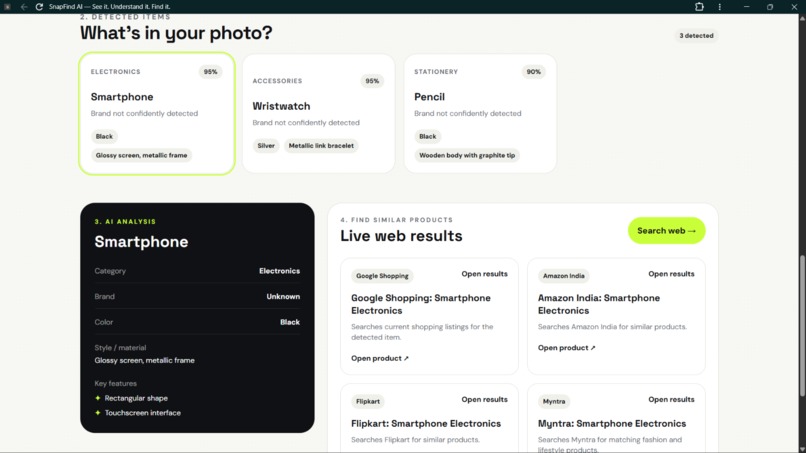
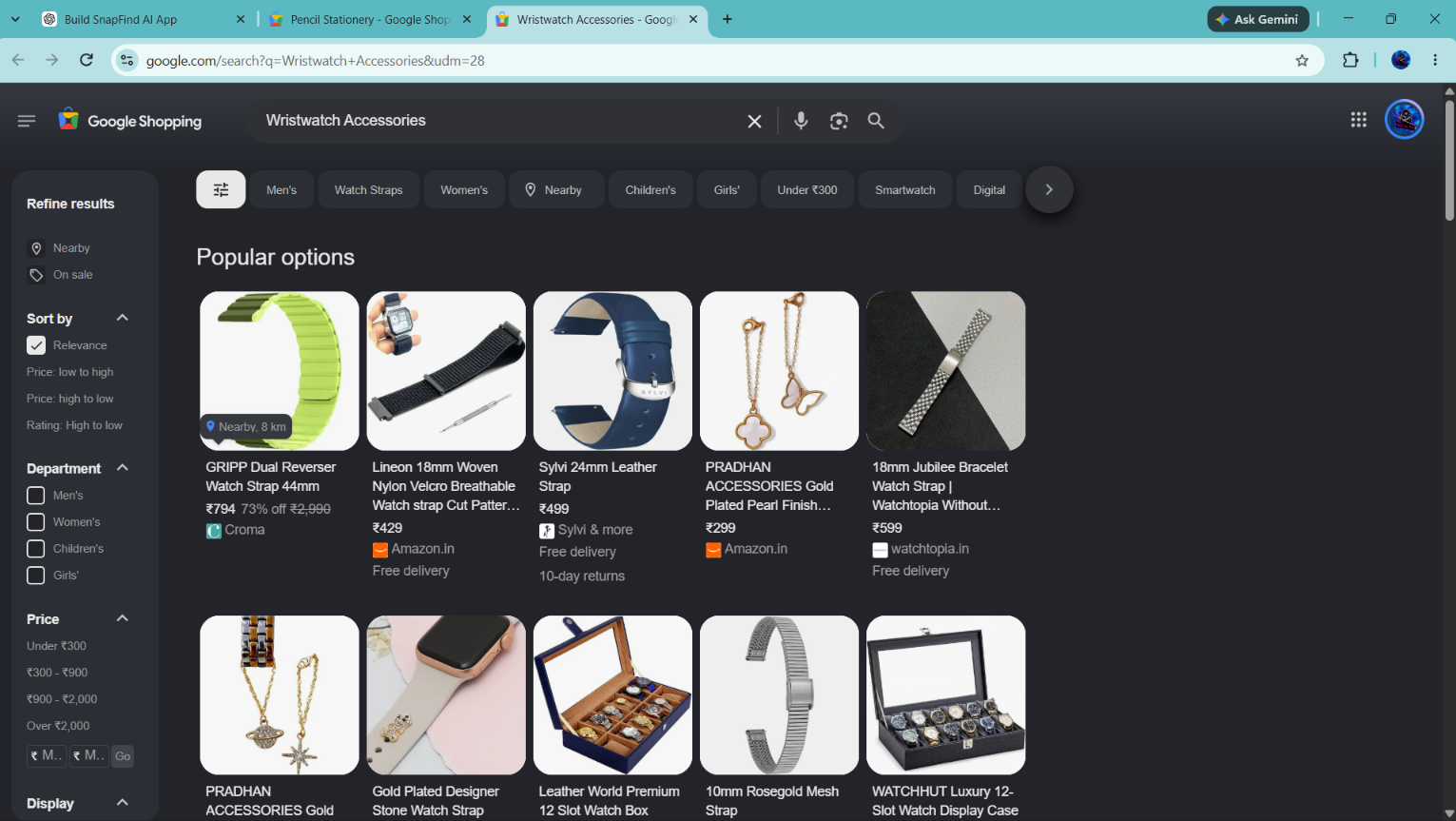
Product Discovery — Search for similar products across online marketplaces.
-
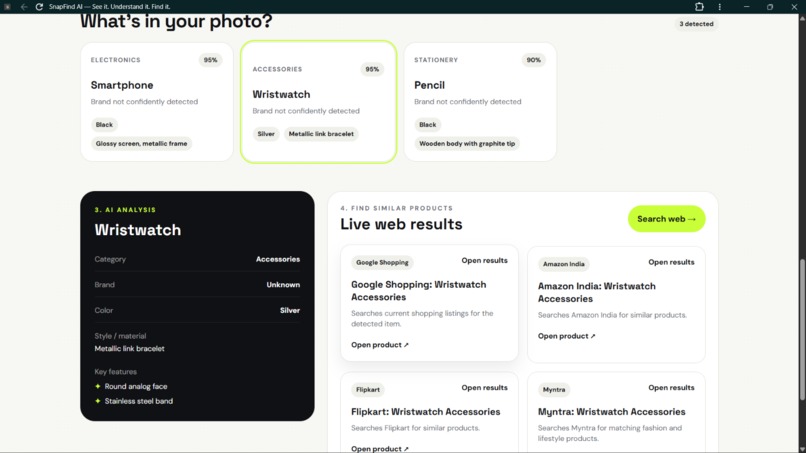
AI Analysis — SnapFind identifies the object and provides detailed visual information.
-
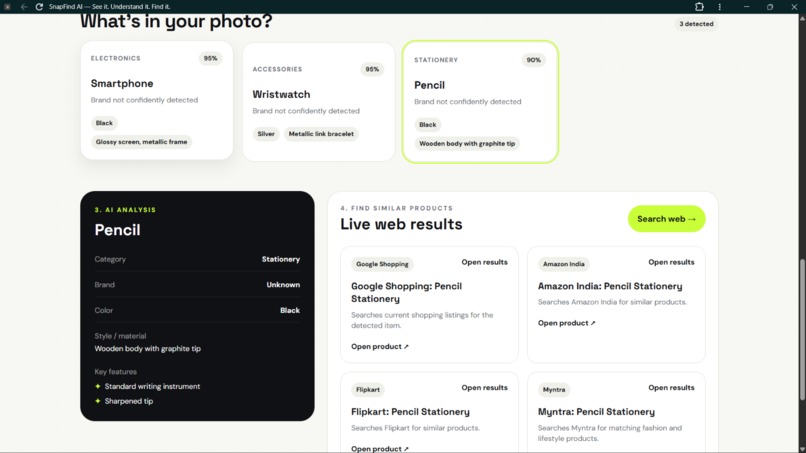
AI Analysis — View category, brand, color, and material/style information.
-
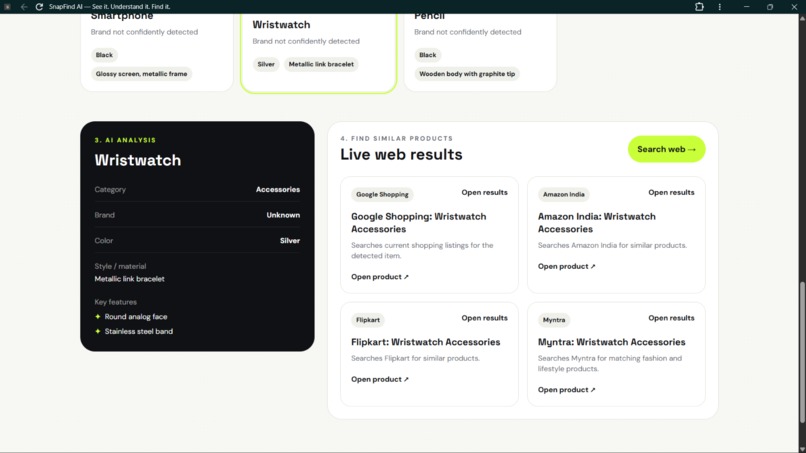
AI Vision — Detect and understand objects from a captured or uploaded image.
-
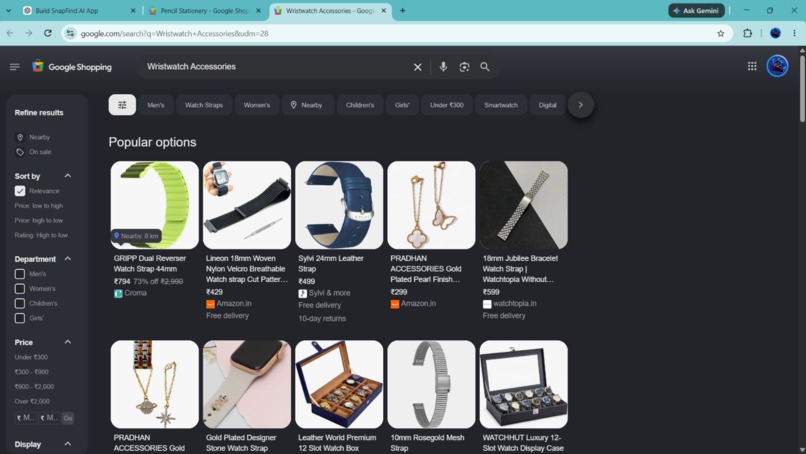
Product Discovery — Find similar products through online shopping searches.
-
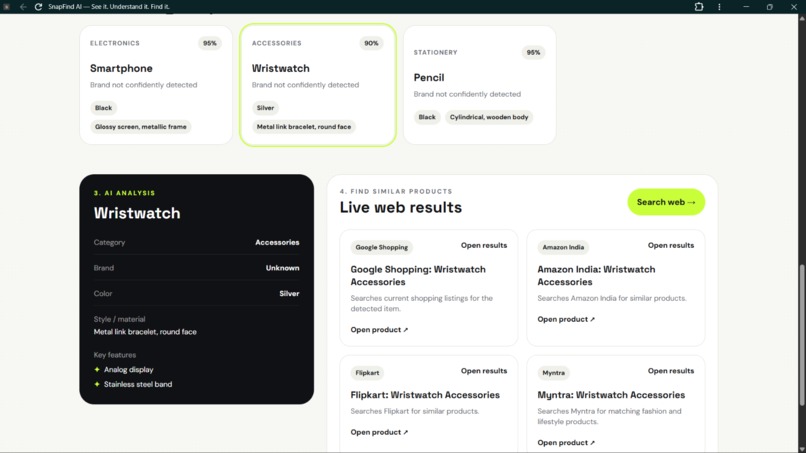
Visual Analysis — SnapFind combines image understanding with product discovery.

Inspiration
We often see products, objects, and useful items around us but don't know exactly what they are, what features they have, or where to find something similar.
SnapFind AI was created to make visual discovery simple:
See something → Snap it → Understand it → Find it.
What SnapFind AI Does
SnapFind AI is an AI-powered visual discovery assistant.
A user can:
- Take a photo using their device camera.
- Upload an existing image.
- Let AI detect useful objects and products.
- View information such as category, brand, color, material/style, key features, and confidence.
- Ask natural-language questions about the image.
- Search for similar products online.
For example, a user can upload a photo containing a watch and ask:
"What is the approximate time shown on the watch?"
Or upload a shoe and discover what type of shoe it is and search for similar products.
How We Built It
The frontend was built with HTML, JavaScript, Tailwind CSS, and Alpine.js.
The application uses the browser Camera API for real-time photo capture.
The backend uses server-side API endpoints hosted through Hatchable.
For visual AI, SnapFind AI uses Groq's vision-capable Qwen model to analyze uploaded images.
The application processes the AI response and displays structured information about detected objects.
For shopping discovery, the application creates product searches for destinations such as Google Shopping, Amazon India, Flipkart, and Myntra.
Key Features
- Camera capture
- Image upload
- AI object and product detection
- Product/category identification
- Brand detection when visually supported
- Color detection
- Material/style analysis
- Key feature extraction
- Confidence information
- Ask AI about the uploaded image
- Visual clock/time understanding
- Similar-product search
- Responsive web interface
Challenges We Faced
One of the biggest challenges was making the camera experience work reliably in a browser while handling camera permissions and image processing.
Another challenge was ensuring that AI results were returned in a predictable structure instead of displaying unstructured model responses.
We also designed the system so that API credentials remain server-side instead of exposing them in the frontend.
What We Learned
We learned how to combine browser camera capabilities, AI vision, server-side APIs, structured AI responses, and web-based product discovery into one practical application.
The project also taught us that AI applications need clear handling of uncertainty. SnapFind AI therefore avoids confidently inventing brands or product details when the image does not provide enough evidence.
Future Improvements
Future versions could include:
- More accurate product matching
- Price comparison
- Product availability detection
- Barcode and QR recognition
- OCR and text extraction
- Personalized shopping preferences
- More marketplaces
- Mobile applications
- Saved scan history
- Multilingual voice interaction
Built With
- ai
- alpine.js
- api
- browser
- camera
- computer
- css
- groq
- hatchable
- html
- javascript
- qwen
- rest
- tailwind
- vision