-
-
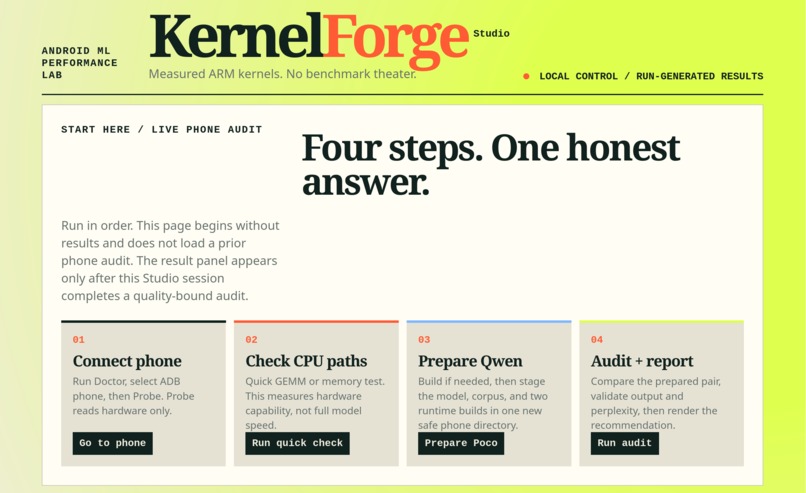
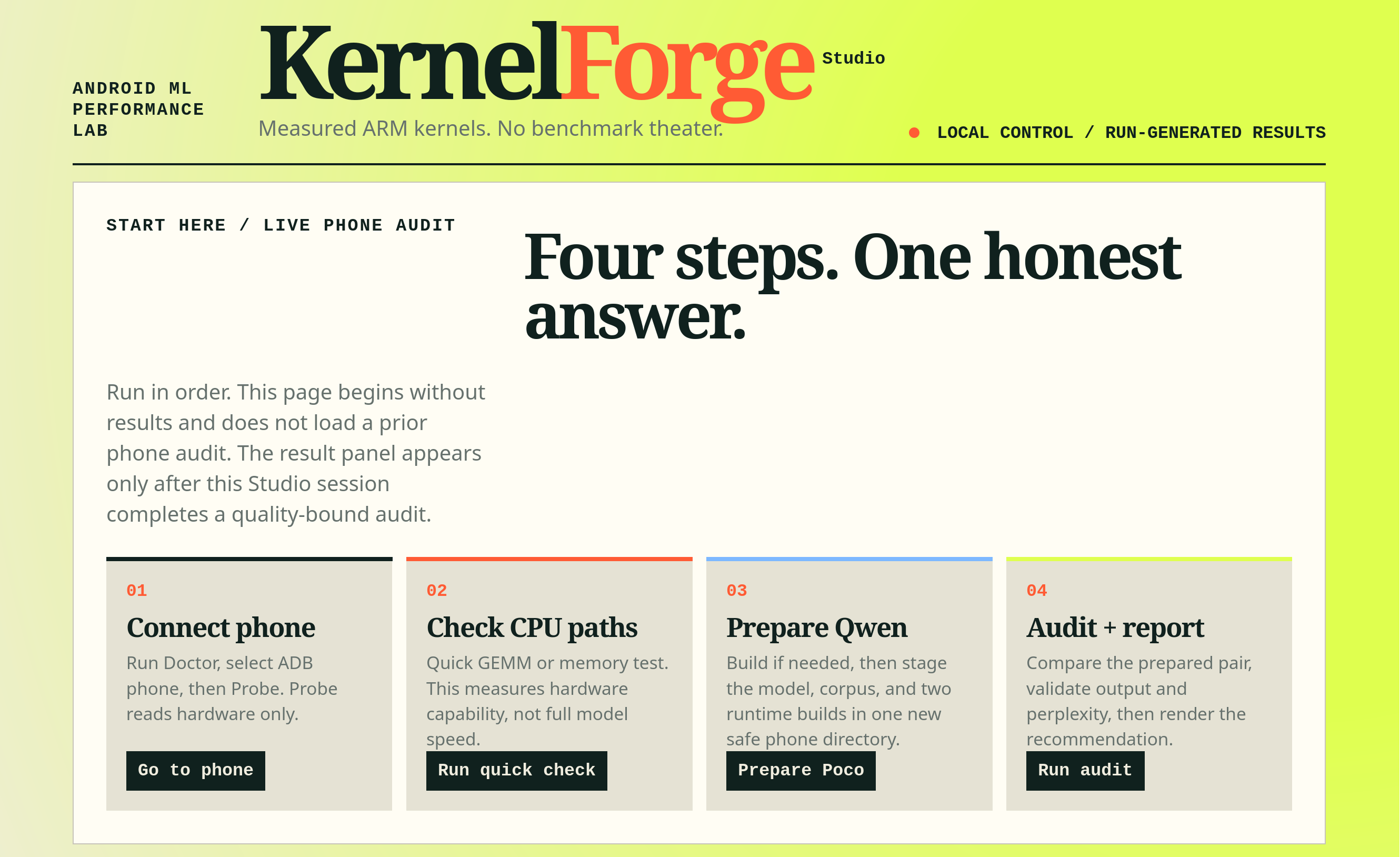
Kernel Forge Studio home page
Inspiration
AI on phones is growing fast, but performance claims are often unclear. We wanted a tool that checks real results instead of trusting labels like “optimized” or “accelerated.”
What it does
KernelForge Studio compares AI builds on Android phones. It prepares verified files, checks phone temperature, runs randomized benchmark pairs, validates model quality, and creates an honest recommendation.
How we built it
We built KernelForge with Python, ADB, schema-validated JSON evidence, llama.cpp builds, and a local Studio web UI. The UI uses the same KernelForge CLI flow, so it does not create separate or hidden benchmark logic.
Challenges we ran into
Phone measurements can change because of heat, CPU scheduling, missing vendor information, and different runtime behavior. We also found that a candidate build can be slower even when it uses advanced CPU features. GitHub CI needed fixes to remain stable across different NDK environments.
Accomplishments that we're proud of
We created a safe workflow that never overwrites phone files, verifies copied assets with SHA-256, and keeps raw evidence. On the Poco test phone, the tool correctly selected the baseline build because the KleidiAI candidate was slower. This negative result shows that the tool is honest.
What we learned
A speedup is not guaranteed by a feature name or an optimized build. Fair comparisons need the same model, temperature limits, randomized order, and quality validation. Good tools should report uncertainty and limitations clearly.
What's next for Kernel Forge Studio
We want to test more phones, including Snapdragon devices, improve live thermal monitoring, add job progress updates, and investigate why some optimized CPU paths lose performance. We also plan to improve the result dashboard and add more supported models and runtime comparisons.
Built With
- codex
- llama.cpp

Log in or sign up for Devpost to join the conversation.