-
-
page
SnapCal: AI-Powered Nutrition at Your Fingertips
Inspiration
I've always been conscious about what I eat, but tracking calories and macros is tedious, weighing food, looking up entries, manually logging everything. Most existing apps require you to type in what you ate or scan barcodes, which doesn't work for home-cooked meals or restaurant dishes. I wanted to build something that just works: snap a photo, get instant nutrition breakdown. No typing, no searching, no excuses.
What I Learned
This project was a crash course in full-stack AI application development. I learned:
- Vision AI integration: Using Groq's Llama 4 Scout model to process food images and extract structured nutrition data. Getting the model to return consistent JSON required careful prompt engineering.
- Browser camera APIs: Working with
getUserMediaacross mobile browsers, handling the quirks of iOS Safari vs Android Chrome. The video dimensions not being ready at the time of capture was a frustrating but educational bug. - Persistent local storage: Moving from MongoDB to localStorage for a no-login experience taught me to think about data ownership and user privacy – each user's meals stay on their device.
- Rate limiting on free tiers: Implementing IP-based rate limiting with file persistence to protect a Groq free trial from being drained by a single user. Balancing access vs abuse is a real engineering challenge.
- Tailwind theming: Extracting a full Material 3 color system from a Google Stitch design and making it work with Tailwind's JIT engine.
How I Built It
Tech stack: React + Vite + Tailwind CSS for the frontend, Node.js ESM + Express for the backend, Groq Vision (Llama 4 Scout) for AI inference.
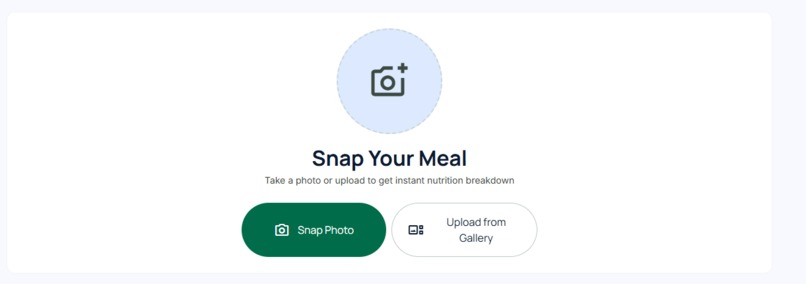
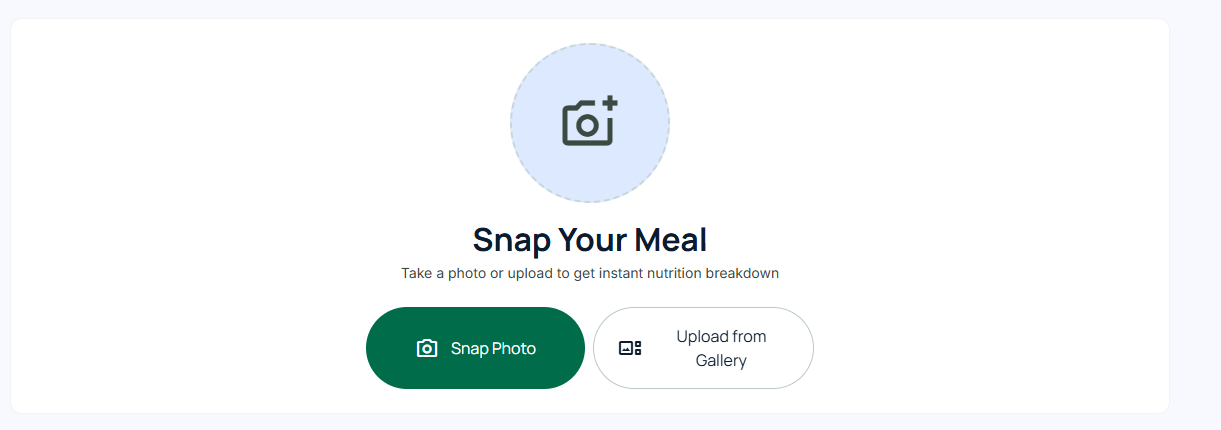
The frontend is a single-page app with a camera capture component (supports both live camera and file upload), a nutrition result card showing calories and macros (protein, carbs, fat) with progress bars and ingredient tags, and a history section where all meals are stored in localStorage.
The backend is minimal – it only validates the request, checks the per-IP rate limit (10 requests/hour stored in a JSON file), calls Groq's vision model, and returns the parsed JSON. No database, no user accounts, no session management. This keeps deployment simple and protects user privacy.
The biggest technical challenge was the camera flow. The video element needs to be mounted before media permissions are requested, and the first frame dimensions aren't always available immediately. I solved this by always rendering the video element (hidden when inactive), attaching a onloadeddata listener, and adding a 2-second fallback timeout. This works consistently across desktop and mobile.
Challenges I Faced
Camera capture reliability: On some phones,
video.videoWidthis 0 even after the stream starts. The canvas then produces an empty image. The fix was to guard capture with a dimension check and wait for theonloadeddataevent.Groq model versioning: The model
llama-3.2-90b-vision-previewstopped working mid-project. I had to switch tometa-llama/llama-4-scout-17b-16e-instruct– a newer, faster model that also required adjusting the prompt to include amealNamefield.Rate limit shared across users on Railway: Behind Railway's load balancer, all IPs appeared as the same internal address. I had to enable
trust proxymode in Express to get real client IPs fromX-Forwarded-For.Data isolation: Originally meals were stored on the backend, meaning users saw each other's entries. I moved all storage to the browser's localStorage – simple, private, and zero backend state.
What's Next
- Add a daily calorie goal tracker with a visual progress ring.
- Support for multiple meals in one photo (e.g., a full dinner plate).
- Export meals as CSV or share via link.
- Edge caching with Cloudflare Workers to further reduce backend calls.
Built With
- express.js
- groq
- node.js
- node.js-esm-+-express-for-the-backend
- react
- tailwind
- vite

Log in or sign up for Devpost to join the conversation.