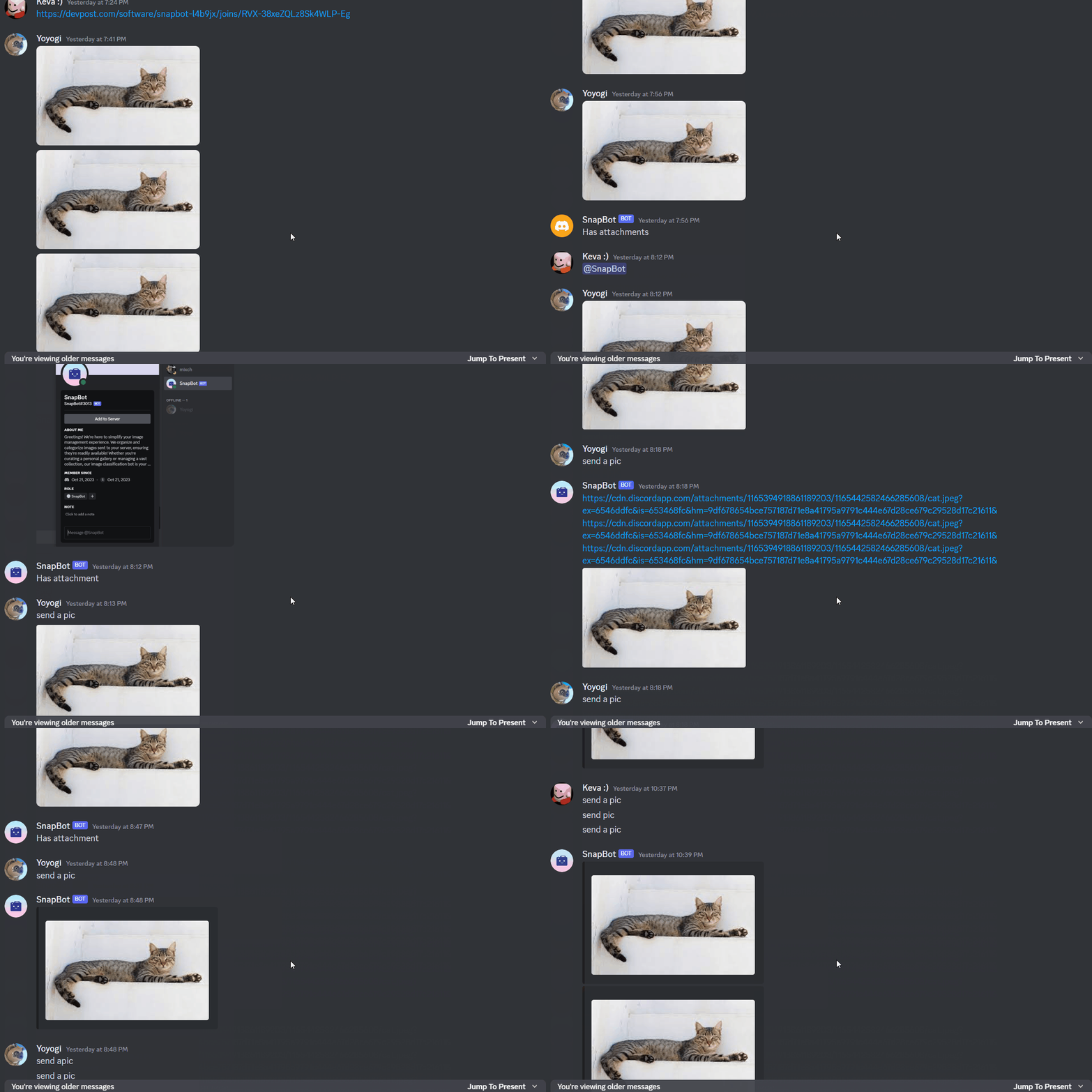
Person 1: "Hey! Do you have that group photo of us I sent a while back?" Person 2: "Yeah I thought I sent it in the discord server?" Person 1: "I know but scrolling back so far is such a task. I can't be bothered searching for it."
As a photographer/videographer for 2 different clubs at UMD, I find myself in this situation all the time. Photos and videos I send in our club discord server get lost in the sea of conversations, and going back to them sucks. As a person who needs to go through folders of photos to have to reupload photos, it is just as inconvenient for me to have to go back and reupload old photos. This is why we spent the last 24 hours working on SnapBot: your discord image organizer companion that will store any and all images in albums and even classify them based on what is in the image and even custom create albums to your liking.
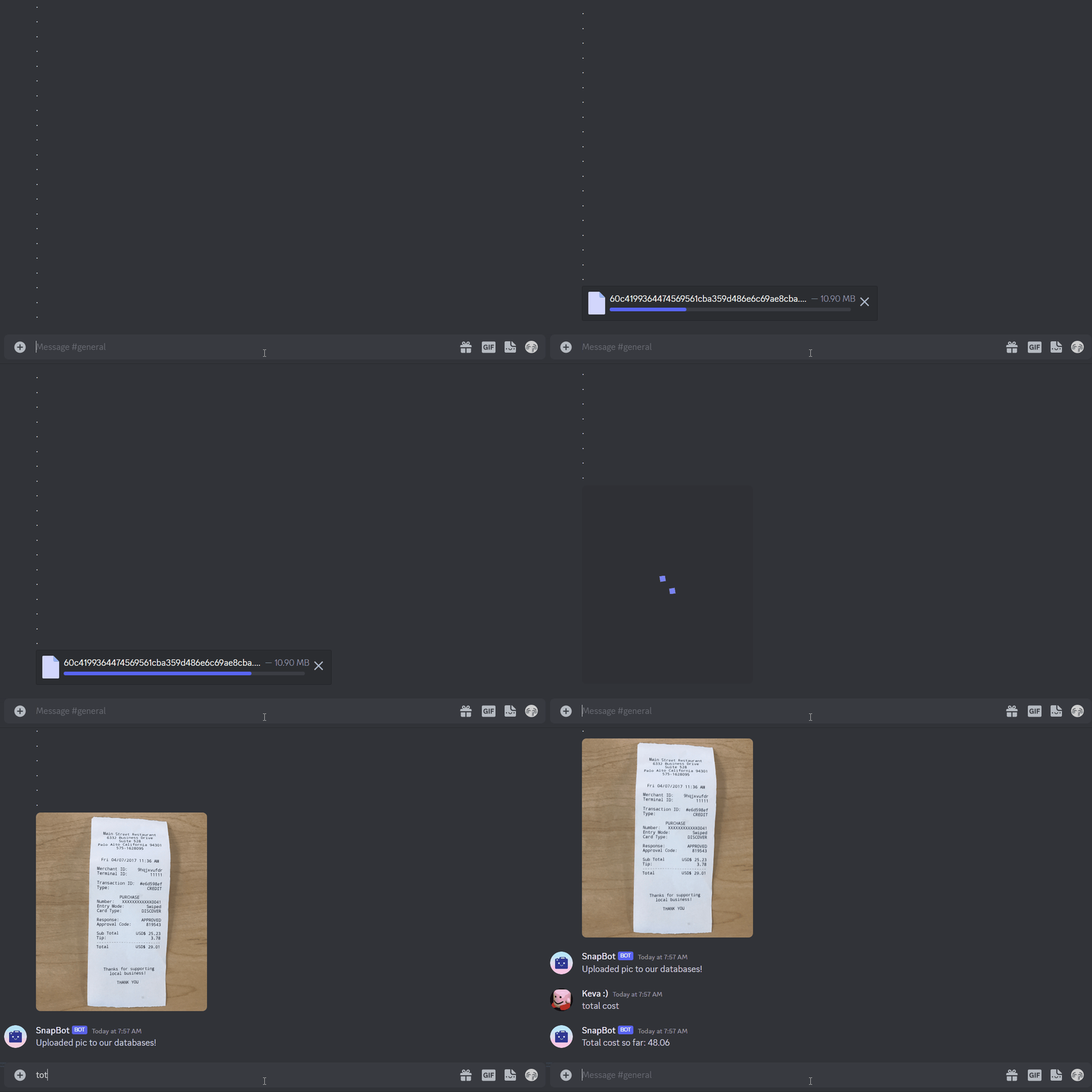
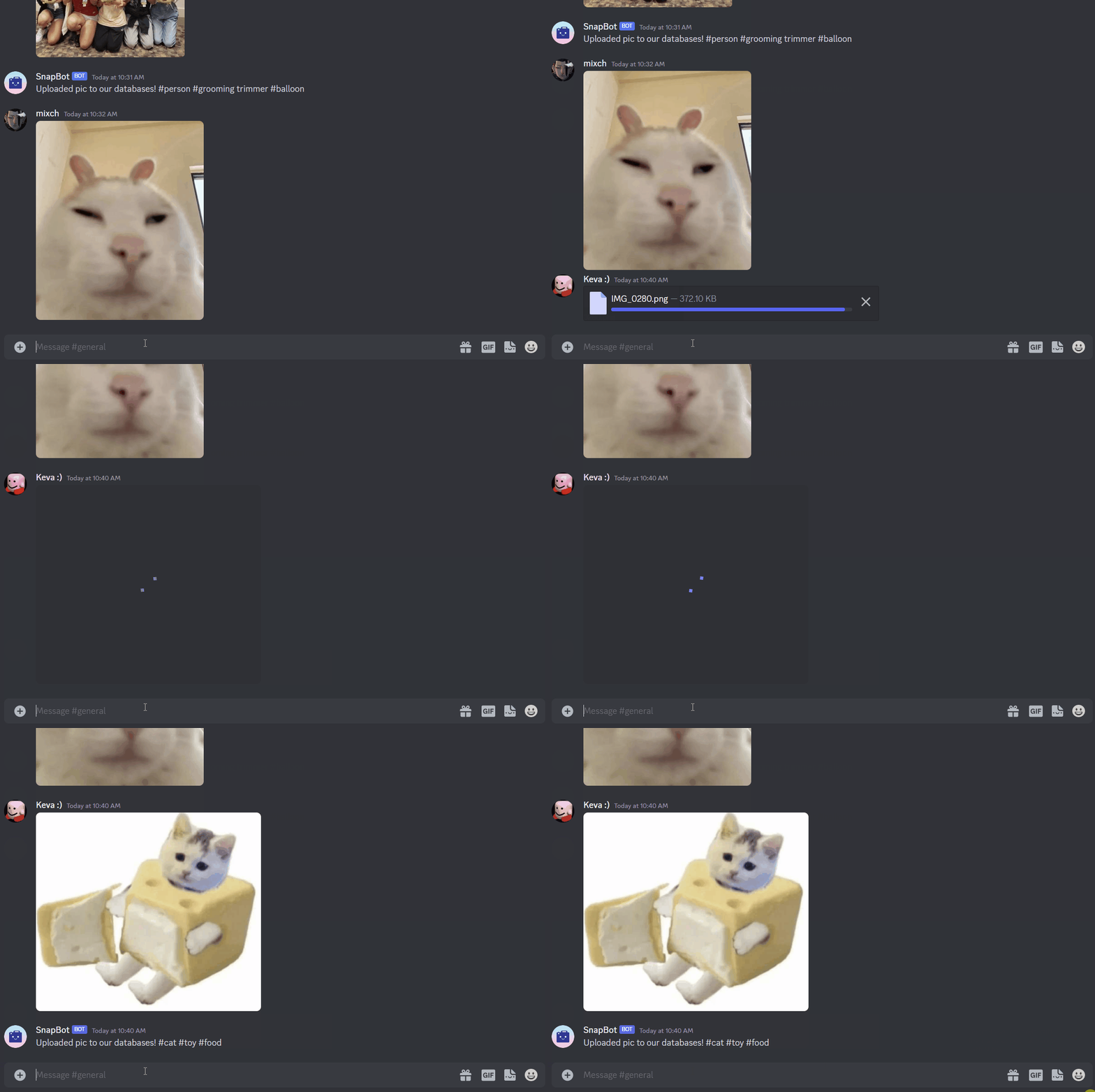
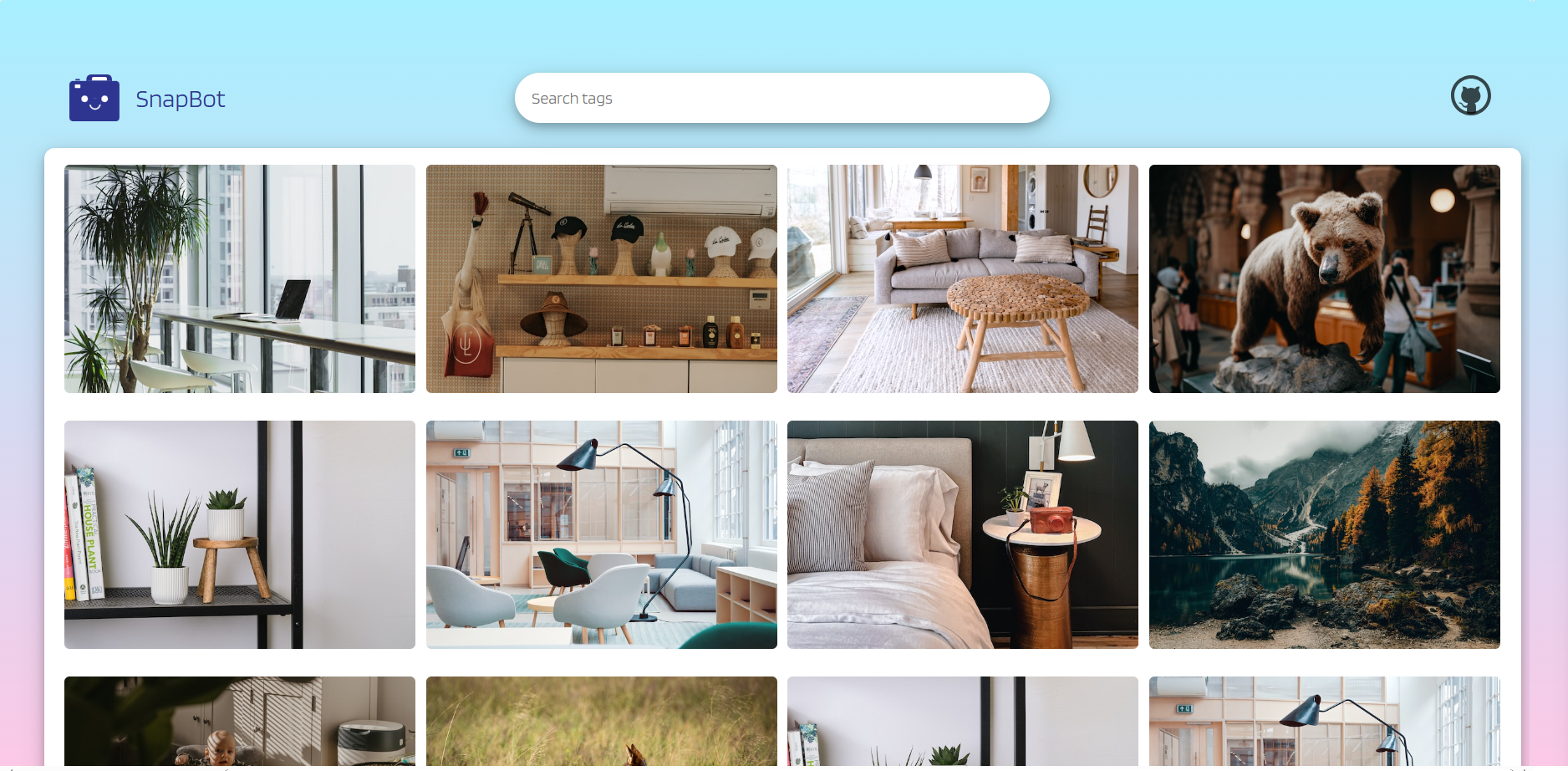
SnapBot observes discussions in Discord, identifying and archiving any images sent, organizing them into albums accessible via our user interface management web app. This streamlined approach allows you to effortlessly locate desired photos, without sifting through a flood of messages. Moreover, it simplifies the process of tracking and viewing older images, providing a comprehensive visual history. With some additional capabilities, we have leveraged this bot to even track for receipts and track expenses.
Seems pretty simple, right? Well it gets even more complicated, but here's a scoop of what we did!
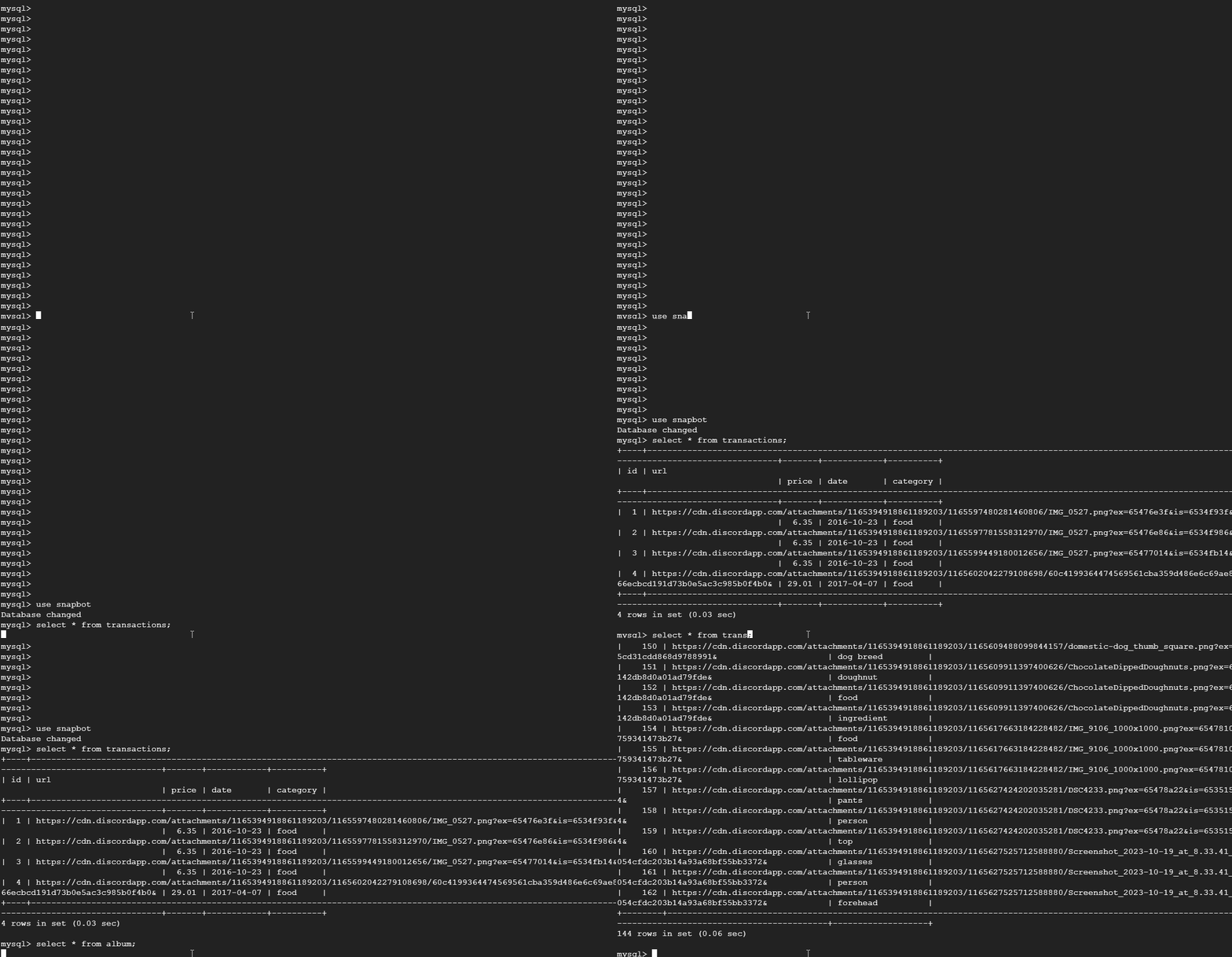
Using Discord's developer platform, we designed our bot to actively monitor messages sent in the server of choice. Next, we used Python to create event handlers that check each message images. Once identified, these images are processed by an image classifier and organized into albums based on the tags that are generated. These albums are stored on a MySQL database on the Google Cloud, where they retain the photo URLs. From there, these photos are sent to the React-based front-end interface, enabling users to easily query and browse through all the images.
Now, this definitely came along with it's challenges, and we definitely struggled to overcome them :)
One of the biggest challenges that we ran into was structuring our database. For each of the images, we used an image classifier to give each photo tags that will allow our front-end client to query through. However, since we are allowed to have multiple tags per photos, and one tag could have different photos linked to it, we ran into the issue of structuring a many-to-many relationship between these fields. Our solution to this was create three tables. Essentially, we have two tables with the unique images and unique tags, and then we have an intermediary table that has foreign keys so each of these tables.
For each of us, this was our first time creating a discord bot! We are really proud that we were able to create a working application that is honestly very fun to use. From the design to the development, we put in so much energy (despite how busy and stressed out we are) into making this work. Honestly, the fact that this actually works is just mind-blowing.
It's been around 24 hours since SnapBot has gotten any sleep and won't be sleeping anytime soon! SnapBot is in it for the long-run and we plan on continuing to develop this application so that it can be used for clubs/organizations to better manage their assets, from photos to finances. That's all for now, hope to see you at the demo!

Log in or sign up for Devpost to join the conversation.