-
-
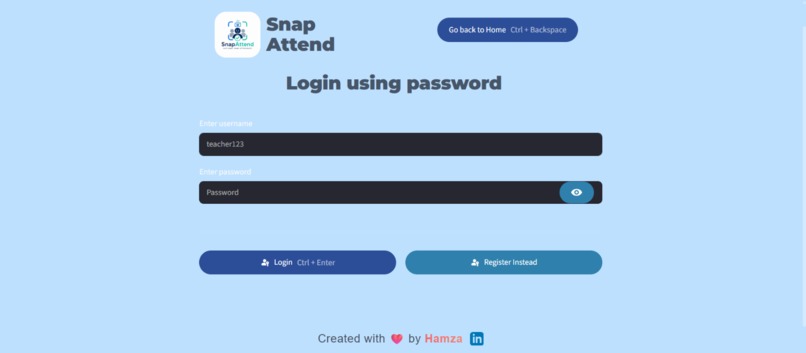
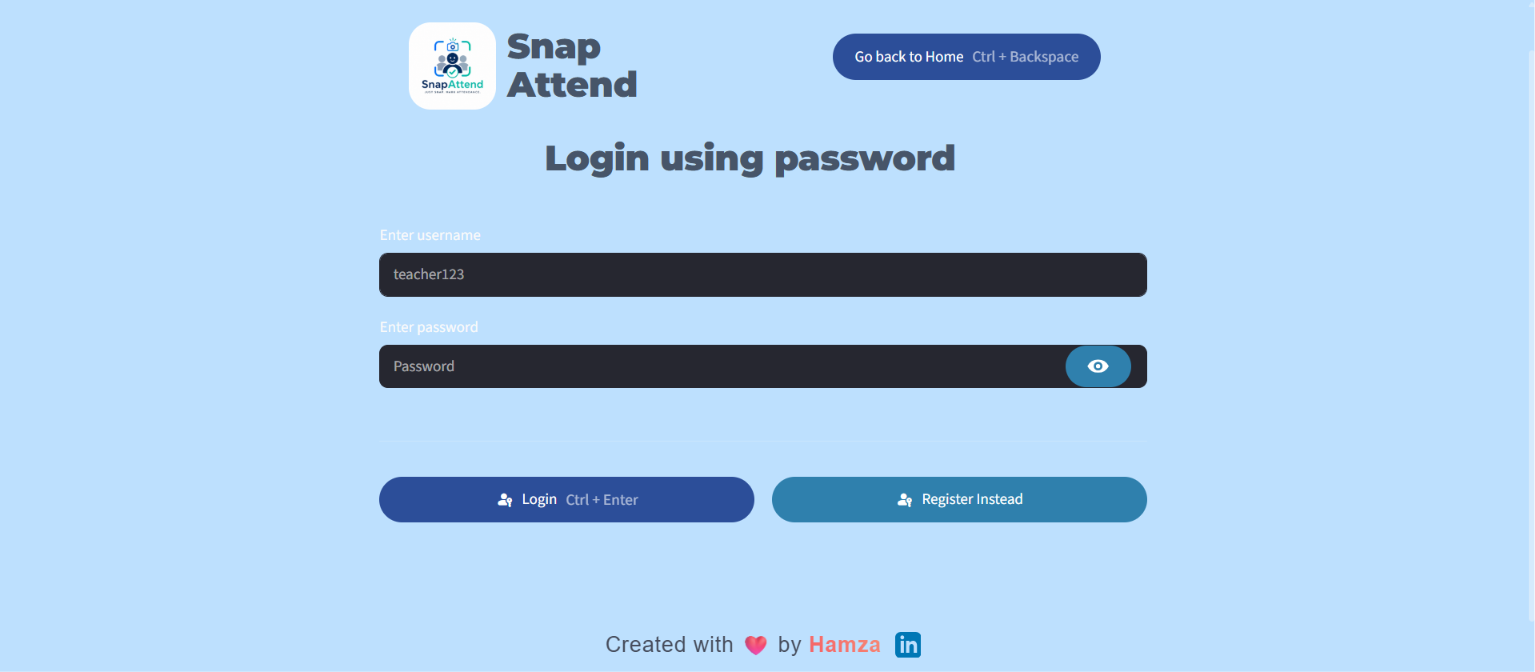
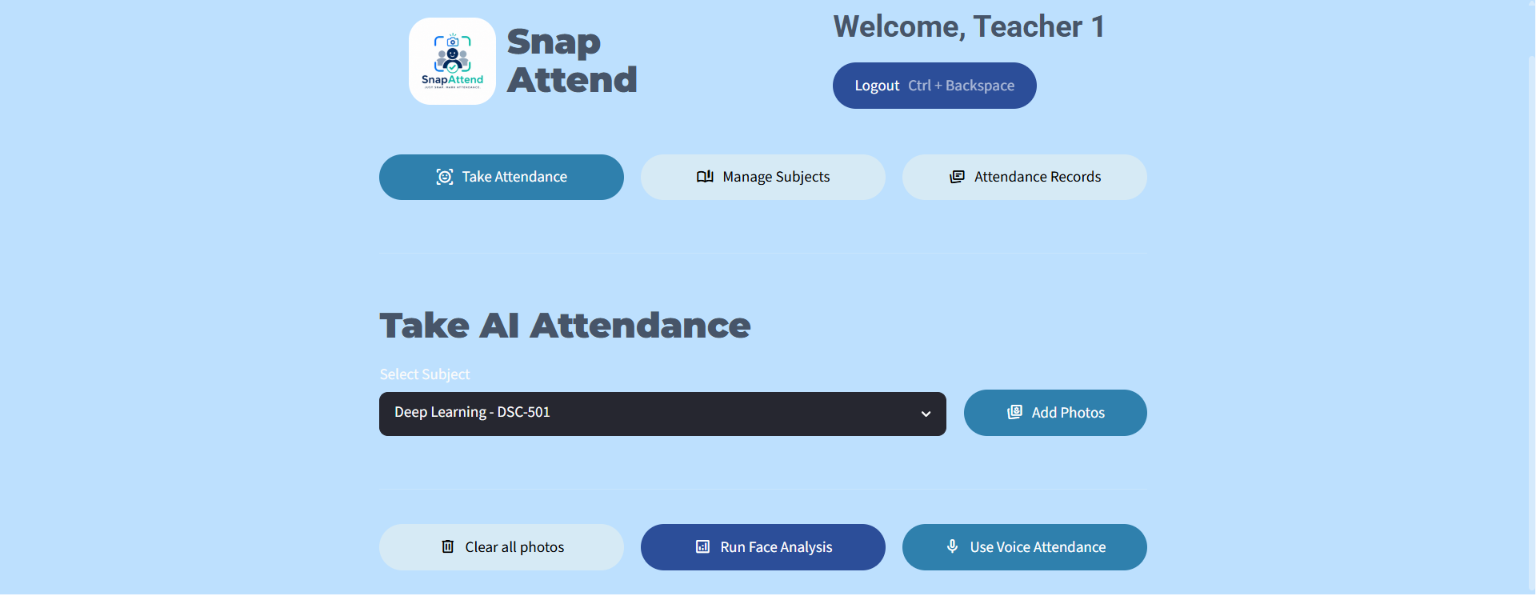
Teacher Login Dashboard
-
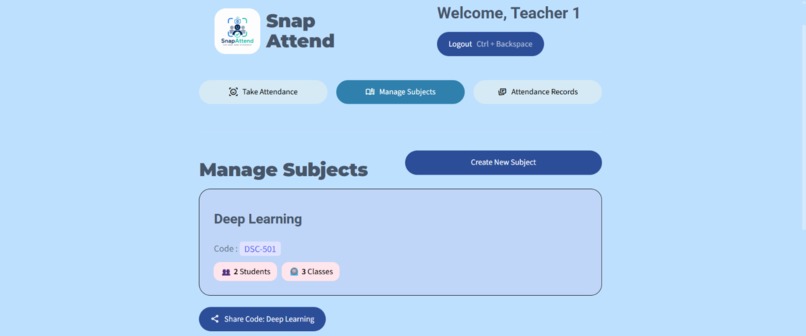
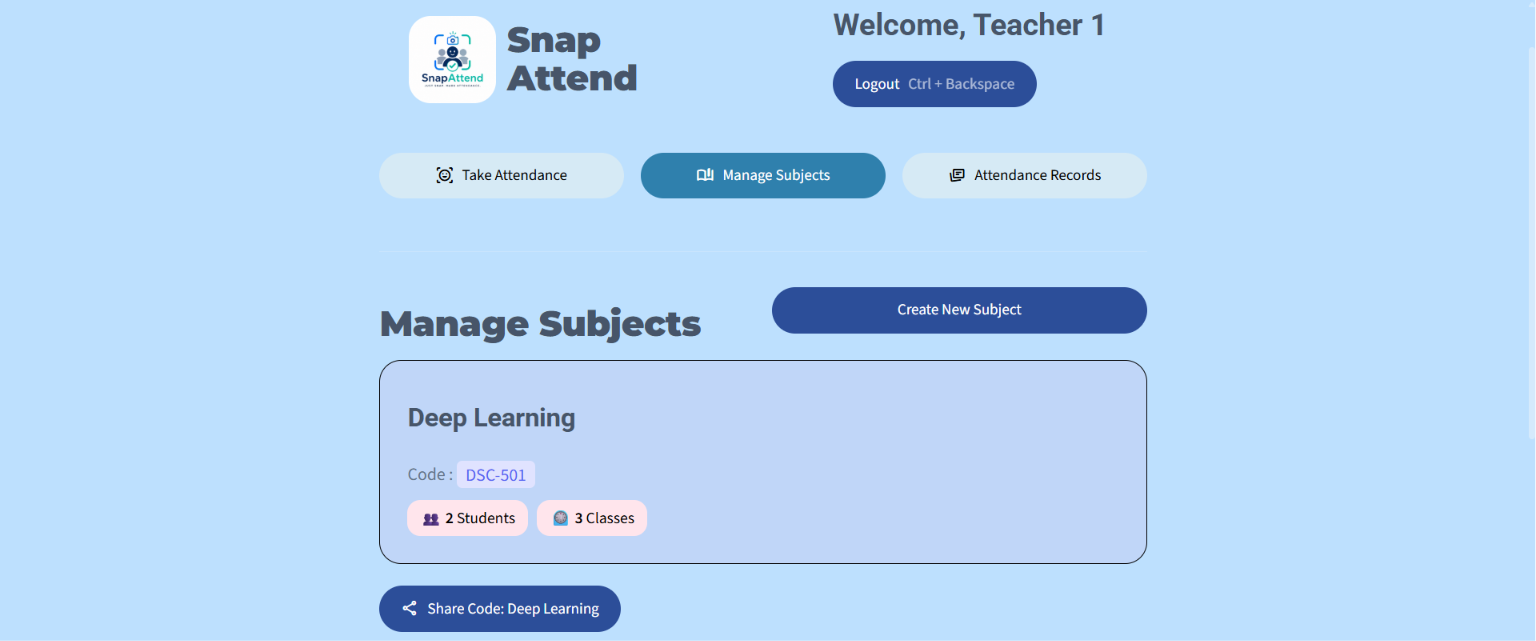
Manage subjects for teacher
-
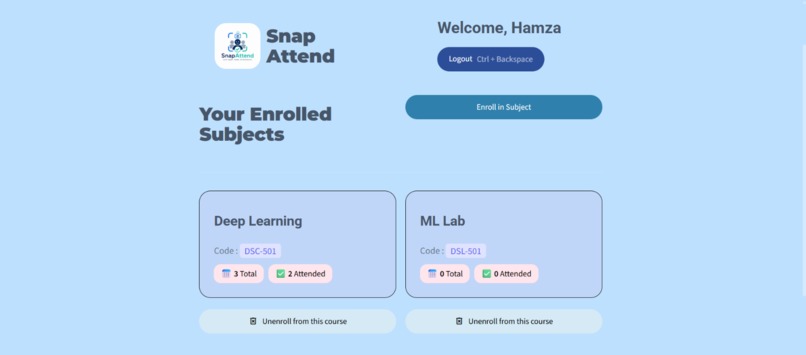
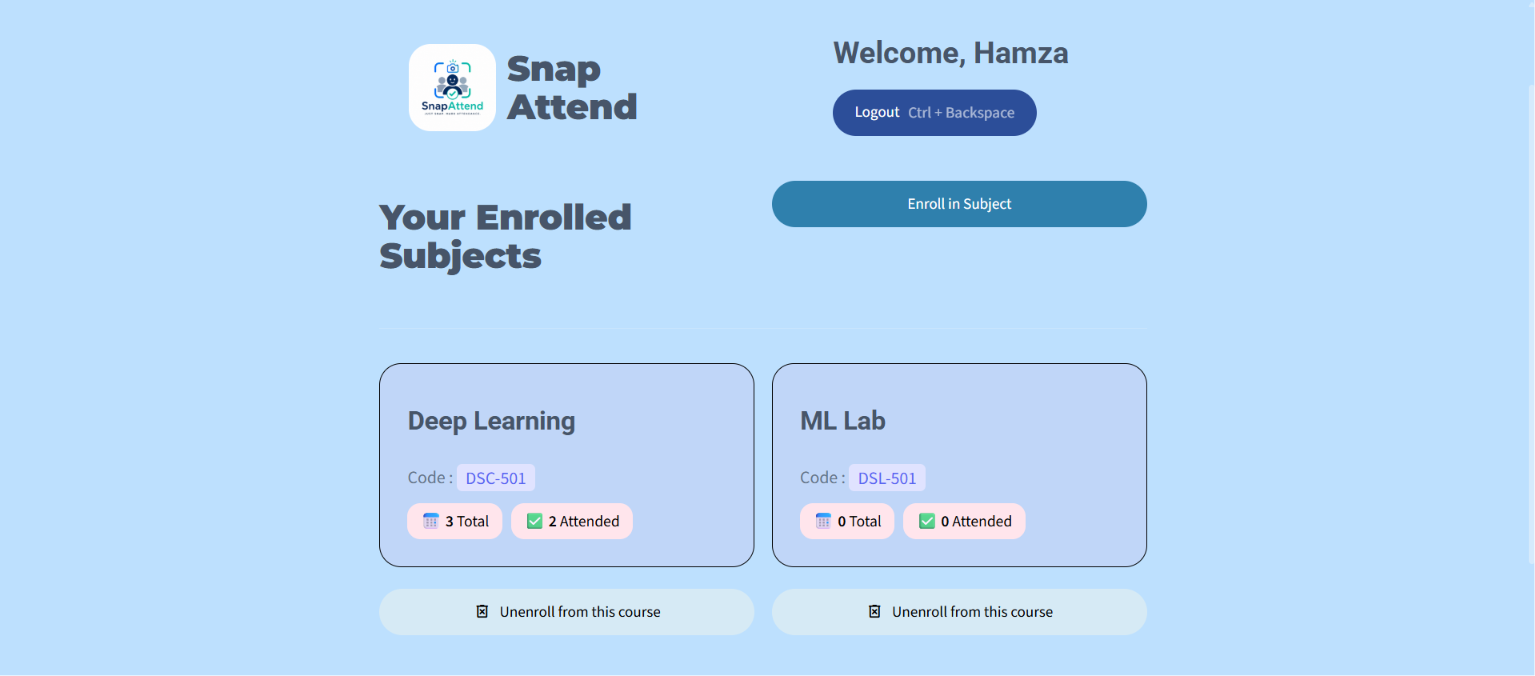
Student Dashboard
-
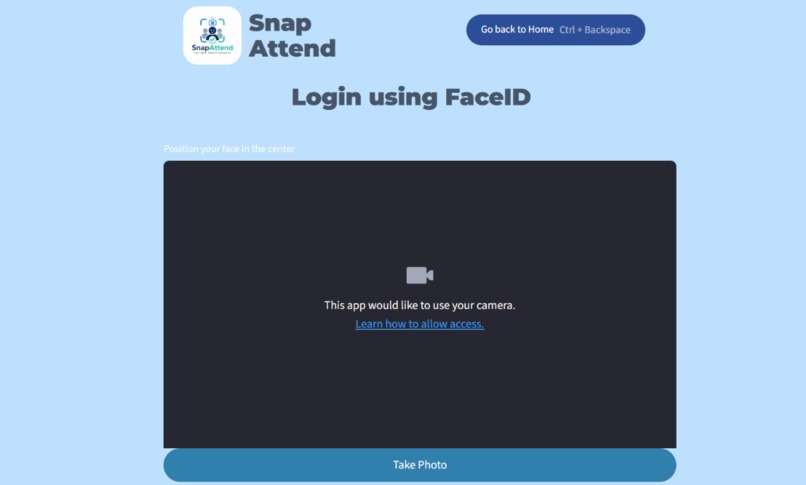
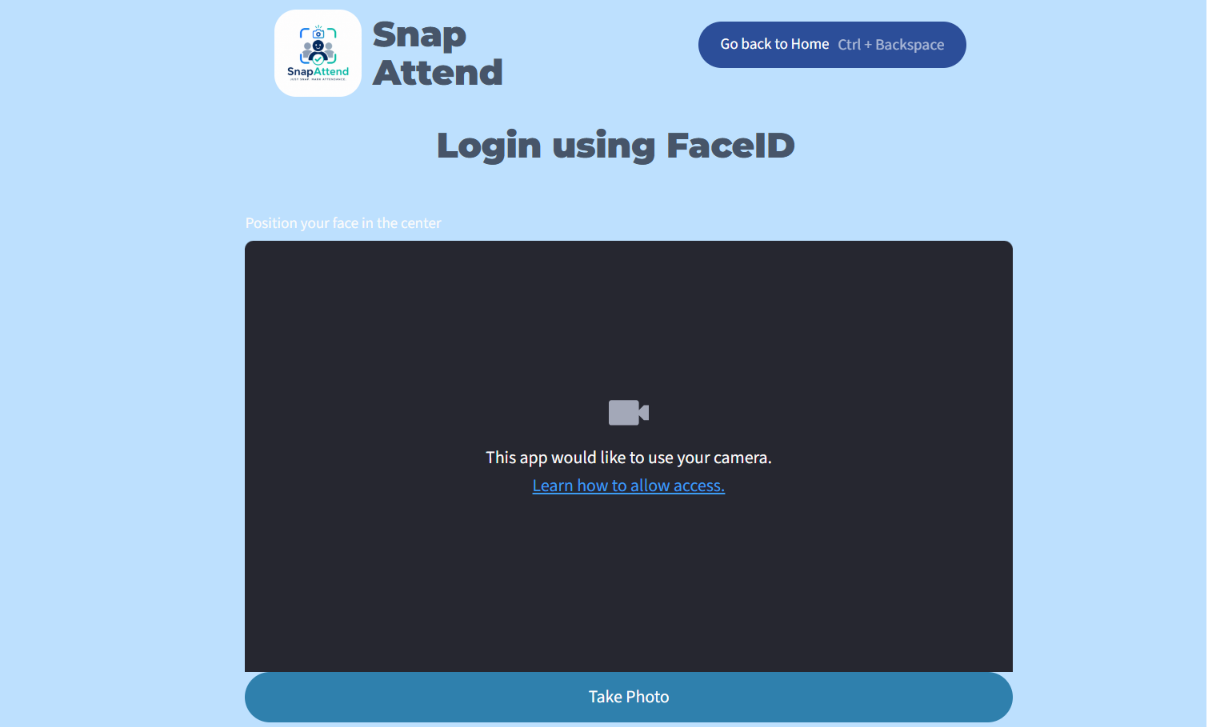
student face auth login
-
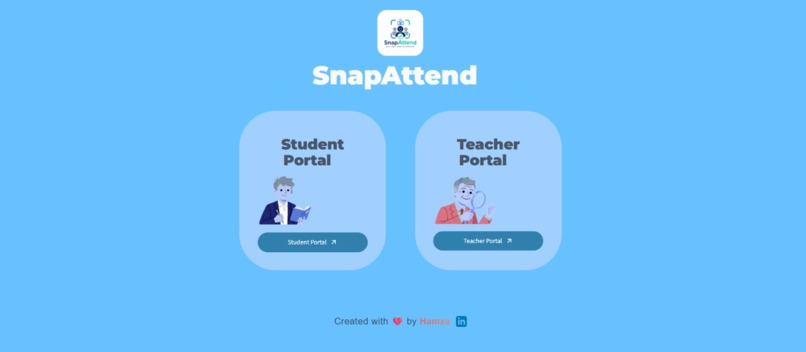
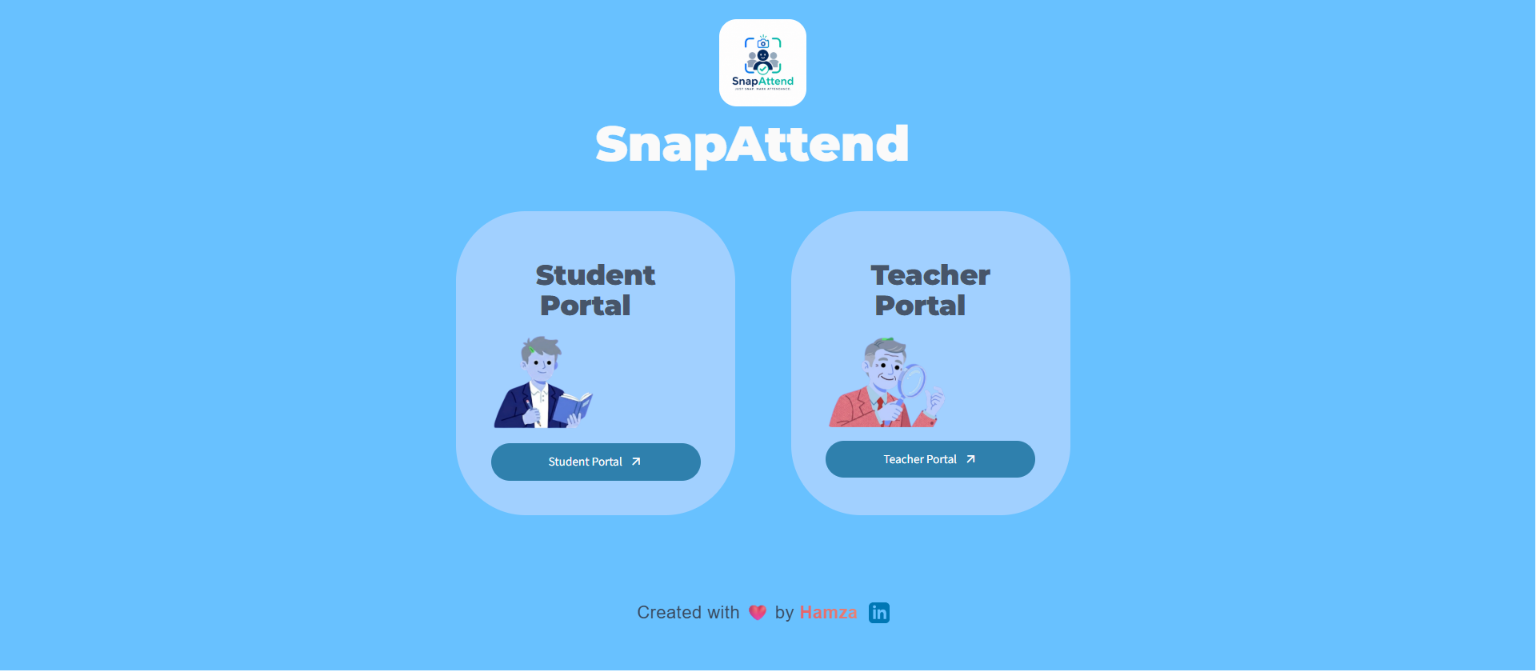
Homepage
-
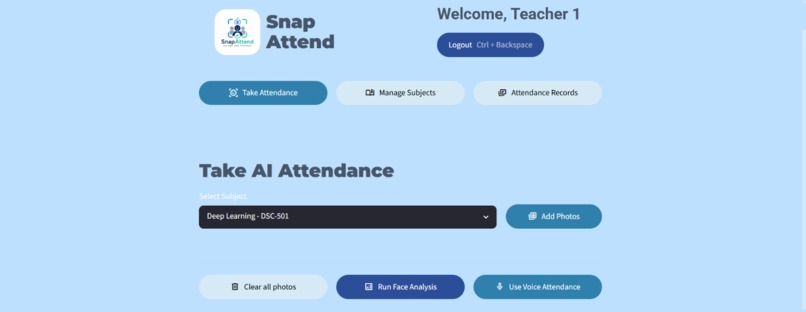
AI Attendance
-
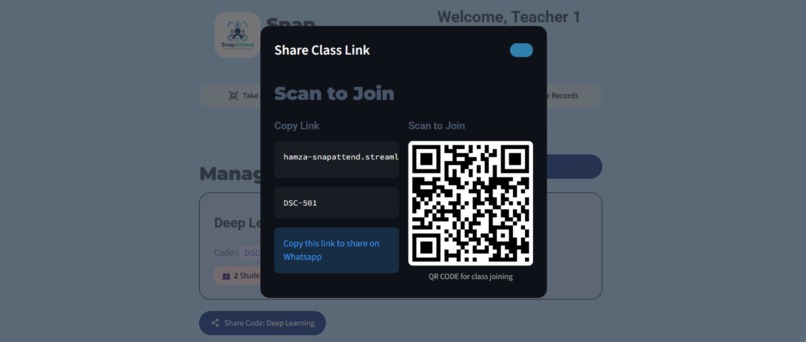
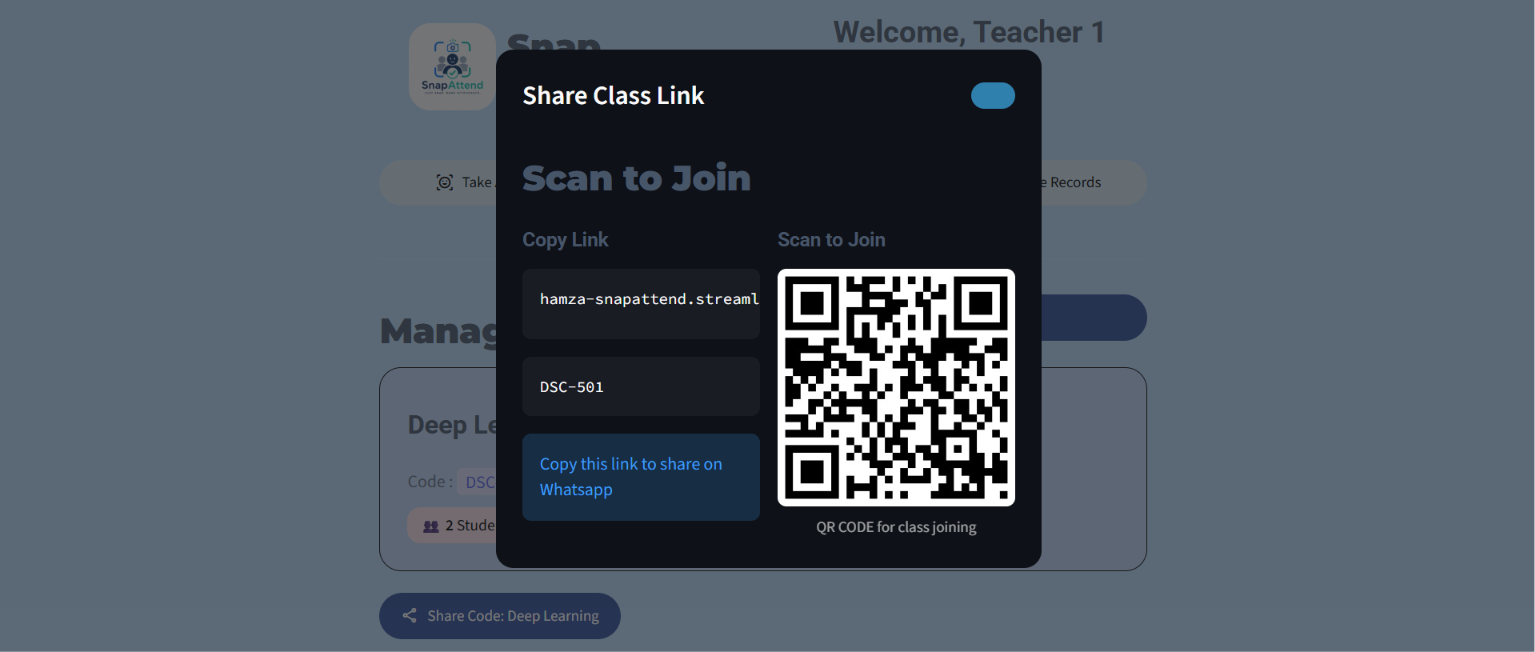
QR code for enrolling in class
-
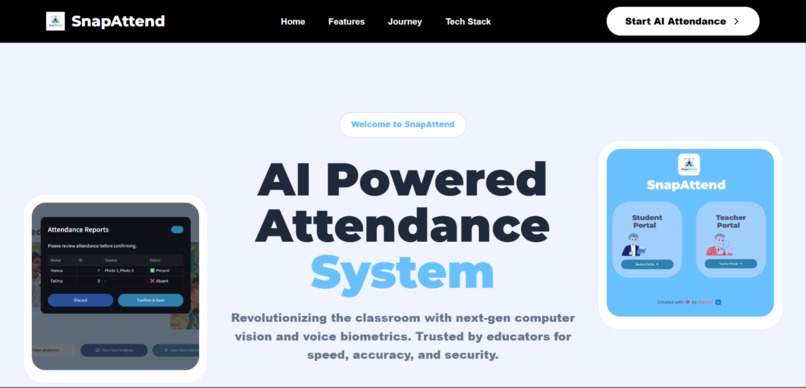
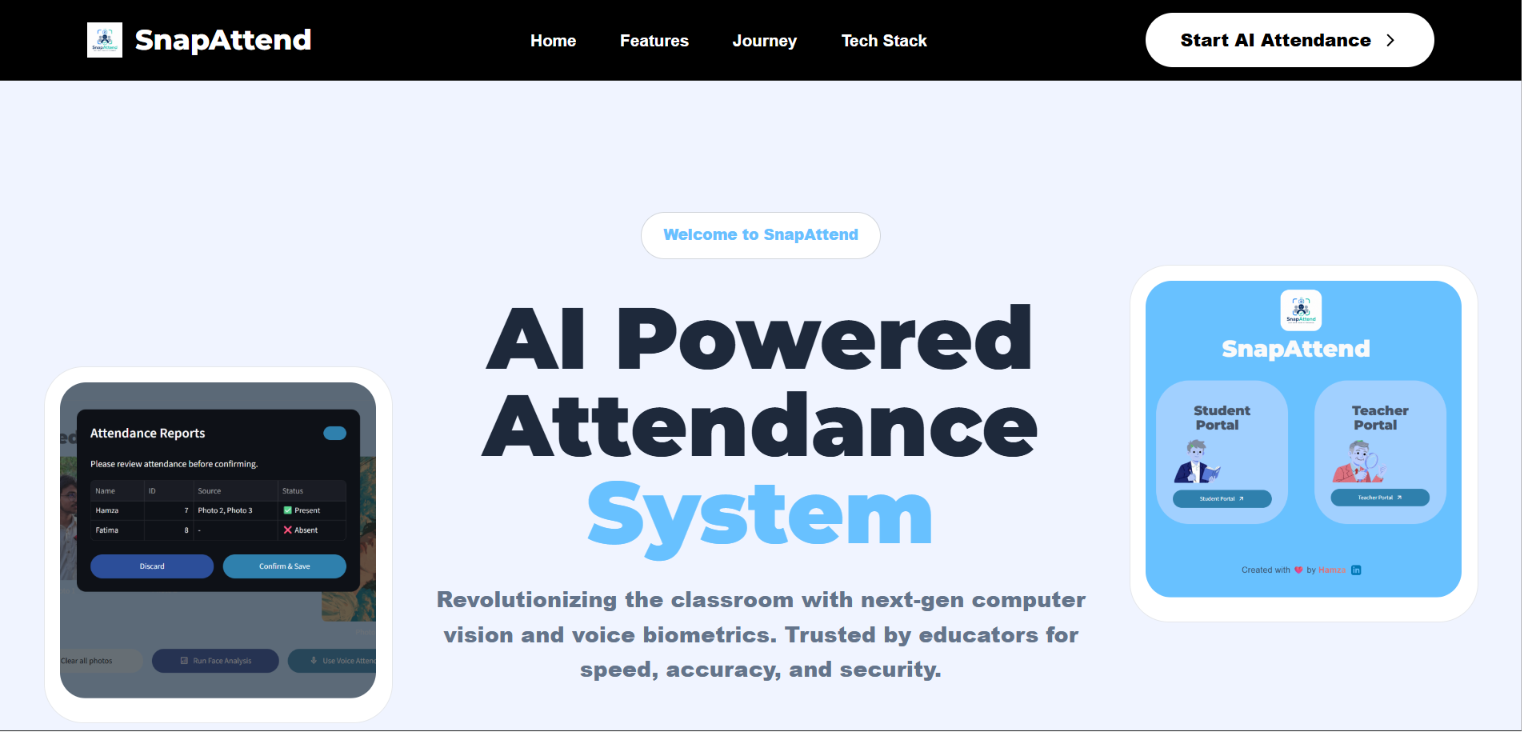
Project Walkthrough by a landing page
Inspiration
Attendance — one of the most tedious, time-consuming rituals in every classroom. Teachers call out names, students shout "present," and a good 5–10 minutes of every class evaporates into thin air. We asked ourselves: what if a single photo of the classroom could do all of that automatically? The idea of using facial recognition to snap attendance in seconds — literally just taking a photo and letting AI do the rest — is what sparked SnapAttend
What it does
SnapAttend is an AI-powered smart attendance system that automates classroom attendance using facial recognition and optional voice verification.
For Teachers:
- Upload one or more photos of the classroom and SnapAttend automatically identifies which enrolled students are present
- Manage multiple subjects, view per-session attendance records, and share subject enrollment codes with students
- Alternatively, run voice-based attendance for audio verification
For Students:
- Log in using just their face — no passwords, no IDs
- New students can self-register by taking a photo and optionally recording a voice sample
- View their enrolled subjects and personal attendance statistics in real time
How we built it
SnapAttend is built with a lean, modern Python stack:
- Streamlit for the entire frontend — a two-portal web app (Teacher + Student) with session-state-based navigation and a clean responsive UI
- face_recognition + dlib for facial embedding extraction and detection
- scikit-learn (KNN/SVM classifier) trained on stored face embeddings to identify students from classroom photos
- Resemblyzer for voice embedding generation, enabling optional voice-based attendance
- Supabase (cloud PostgreSQL) as the backend — storing student profiles, face embeddings, voice embeddings, subject enrollments, and attendance logs
- Pillow + NumPy for image preprocessing before feeding into the recognition pipeline
- bcrypt for secure teacher password hashing
- segno for QR code generation for subject sharing
Challenges we ran into
- Face recognition reliability — getting accurate predictions from real-world classroom photos (varied lighting, angles, partial occlusions) required careful tuning of the face detection and classifier pipeline
- Streamlit's stateless nature — Streamlit reruns the entire script on every interaction, which made managing multi-step flows (like the registration form staying visible after face scan) tricky. We solved this using persistent session_state flags
- Audio input handling — st.audio_input returns a file-like object; using .read() depleted the stream before encoding, requiring a fix to .getvalue() to preserve the raw bytes for voice embedding
- Multi-photo attendance merging — aggregating detections across multiple classroom photos without double-counting required building a per-student source map
- Real-time classifier retraining — after each new student registers, the classifier needs to be retrained on the fly with train_classifier() without disrupting the app
Accomplishments that we're proud of
- A fully working, end-to-end AI attendance system — from face detection to database logging — built and deployed as a real web app
- Zero-friction student login: students authenticate with just their face, no credentials needed
- Dual biometric support: both facial and voice recognition pipelines working in the same system
- A clean, production-quality UI with subject management, enrollment flows, attendance history, and real-time stats — not just a demo
- Self-registration for new students entirely within the app, including live face capture and voice enrollment
What we learned
- How to build and serve a machine learning pipeline inside a Streamlit app without blocking the UI
- The nuances of face embedding storage and nearest-neighbour classification at scale in a cloud database
- How Streamlit's execution model differs from traditional web frameworks, and how to architect state-driven navigation around it
- Integrating multiple biometric modalities (face + voice) into a single coherent identity pipeline
- Using Supabase as a real-time backend with relational joins (e.g., subject_students → students) directly from a Python frontend
What's next for SnapAttend
- QR code attendance — scan-in via a generated session QR code as a third verification method (infrastructure already started)
- Mobile camera support — native mobile app or PWA so teachers can take attendance from their phone
- Anti-spoofing — liveness detection to prevent photo-based spoofing attacks
- Analytics dashboard — visualise attendance trends, at-risk students, and subject-level insights over time
- LMS integrations — export attendance to Google Classroom, Moodle, or Excel with one click
- Multi-face classroom accuracy improvements — better handling of occlusion, low light, and large class sizes using more advanced detection models (e.g. YOLOv8 face)
Built With
- dlib
- numpy
- pillow
- python
- pytorch
- resemblyzer
- scikit-learn
- streamlit


Log in or sign up for Devpost to join the conversation.