Inspiration
We've all done it: you see a flyer on Instagram, a confirmation email, or a text from a friend about an event. Instead of opening your calendar and adding it right then, you take a screenshot. That screenshot goes into the graveyard of your camera roll, and you end up missing the event. I wanted to build a frictionless bridge between the screenshots on my phone and my actual calendar.
What it does
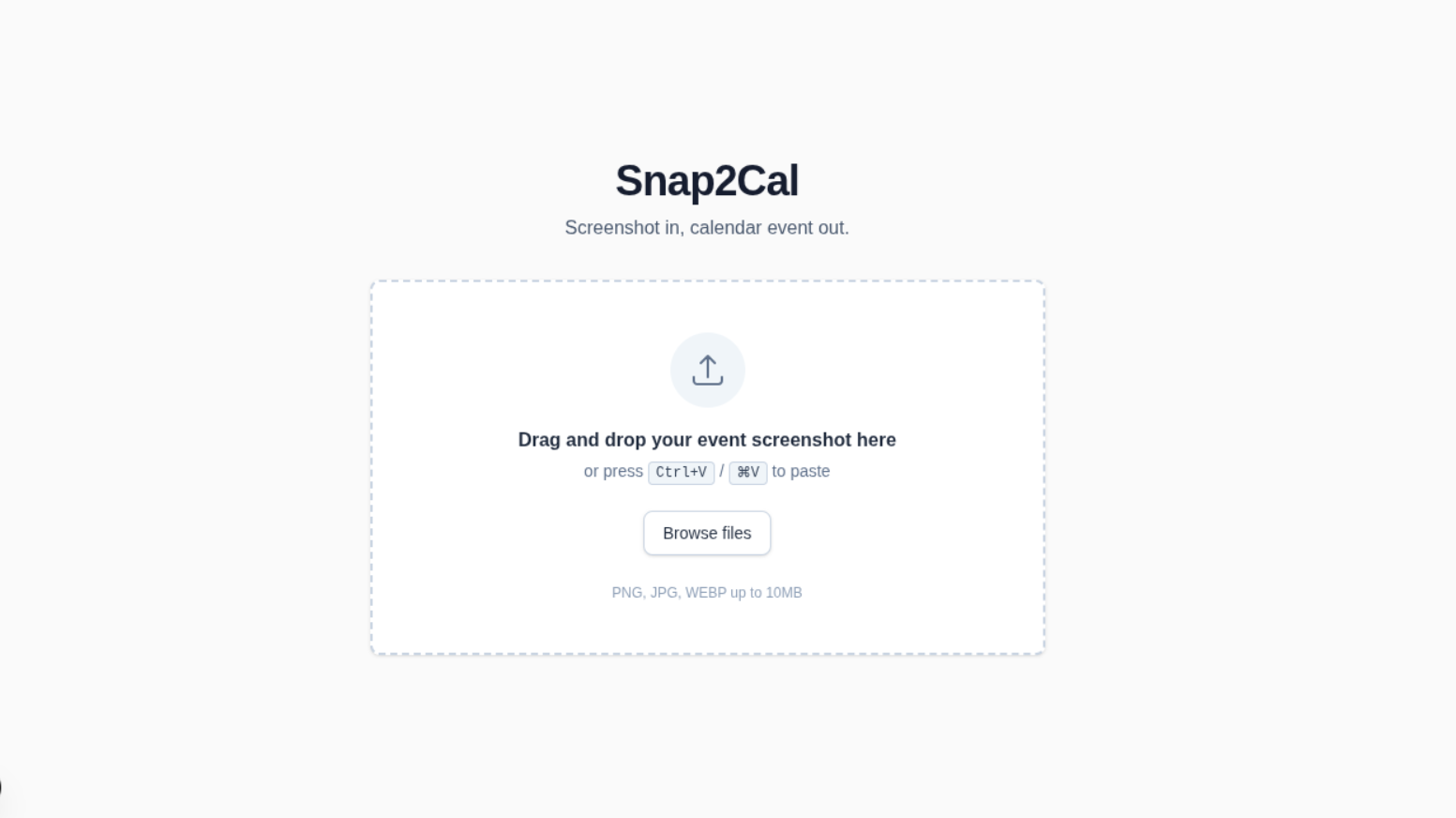
Snap2Cal lets you upload a screenshot of any event—a flyer, an email, or a text—and instantly converts it into a structured event. Using a vision model, it extracts the title, date, time, and location, and displays them in an editable card. Once you confirm the details, you can download a standard .ics file that opens directly in Google Calendar, Apple Calendar, or Outlook.
How we built it
Built entirely within a single weekend using the Devpost Learn Skill Pack in Antigravity CLI.
- Planning: We used the
1-startand2-scopeskills to interview the idea and ruthlessly cut scope down to a single, end-to-end action: image in, calendar file out. - Tech Stack: React (Next.js) and Node.js for the frontend and API route. Tailwind CSS for quick styling.
- AI Vision: We used a vision-capable LLM (e.g., GPT-4o/Claude) to parse the image and return structured JSON.
.icsGeneration: Handled client-side in ~30 lines of code without external libraries.
Challenges we ran into
The biggest challenge was handling the messiness of real-world screenshots. Flyers often have multiple dates, vague times like "evening," or no year at all. We had to build a robust prompt that returns a structured JSON object and gracefully handles missing fields by prompting the user to fill them in on the editable card. We also had to ensure the .ics file format was strictly correct, or calendar apps would silently reject it.
Accomplishments that we're proud of
Building a working, end-to-end proof of concept in an afternoon. The magic moment is dropping in a screenshot and seeing the event card populate with the correct date and time, ready to download. We successfully followed the "plan before you build" habit, generating our scope.md, prd.md, and spec.md before writing a single line of code.
What we learned
We learned how to use reusable AI skills to prevent scope creep. The hardest part of building with AI is stopping it from repeating mistakes or losing context. By using the Devpost Learn Skill Pack, we kept the project focused. We also learned how to prompt a vision model for strict JSON output without hallucinating dates.
What's next for Snap2Cal
- Adding support for multiple events in a single screenshot.
- Integrating Google Calendar API for direct syncing instead of just downloading an
.ics. - A browser extension to convert event screenshots directly from the web.
- Adding a lightweight PostgreSQL database to save a history of converted events and user preferences.
Built With
- ai
- anthropic
- antigravity
- claude
- devpost
- gpt-4o
- ics
- javascript
- json
- markdown
- next.js
- node.js
- openai
- react
- skills
- tailwind-css
- typescript
- vision-api


Log in or sign up for Devpost to join the conversation.