Inspiration
I originally built Snap to Learn for my 11-year-old daughter. She was struggling to learn vocabulary for her English class. Just like many students, she thought copying words once or twice was enough — until a disappointing grade proved otherwise.
My wife reminded me of how we learned languages as kids: endless writing, repetition, and self-made vocabulary notebooks. It worked, but it was boring and time-consuming. My daughter refused to do it — and honestly, I couldn’t blame her.
That’s when my wife had the idea:
“Why can’t we just scan the workbook page and let an app do the boring part?”
And that’s how Snap to Learn was born.
What it does
Snap to Learn is a cross-platform mobile app written with React-Native that:
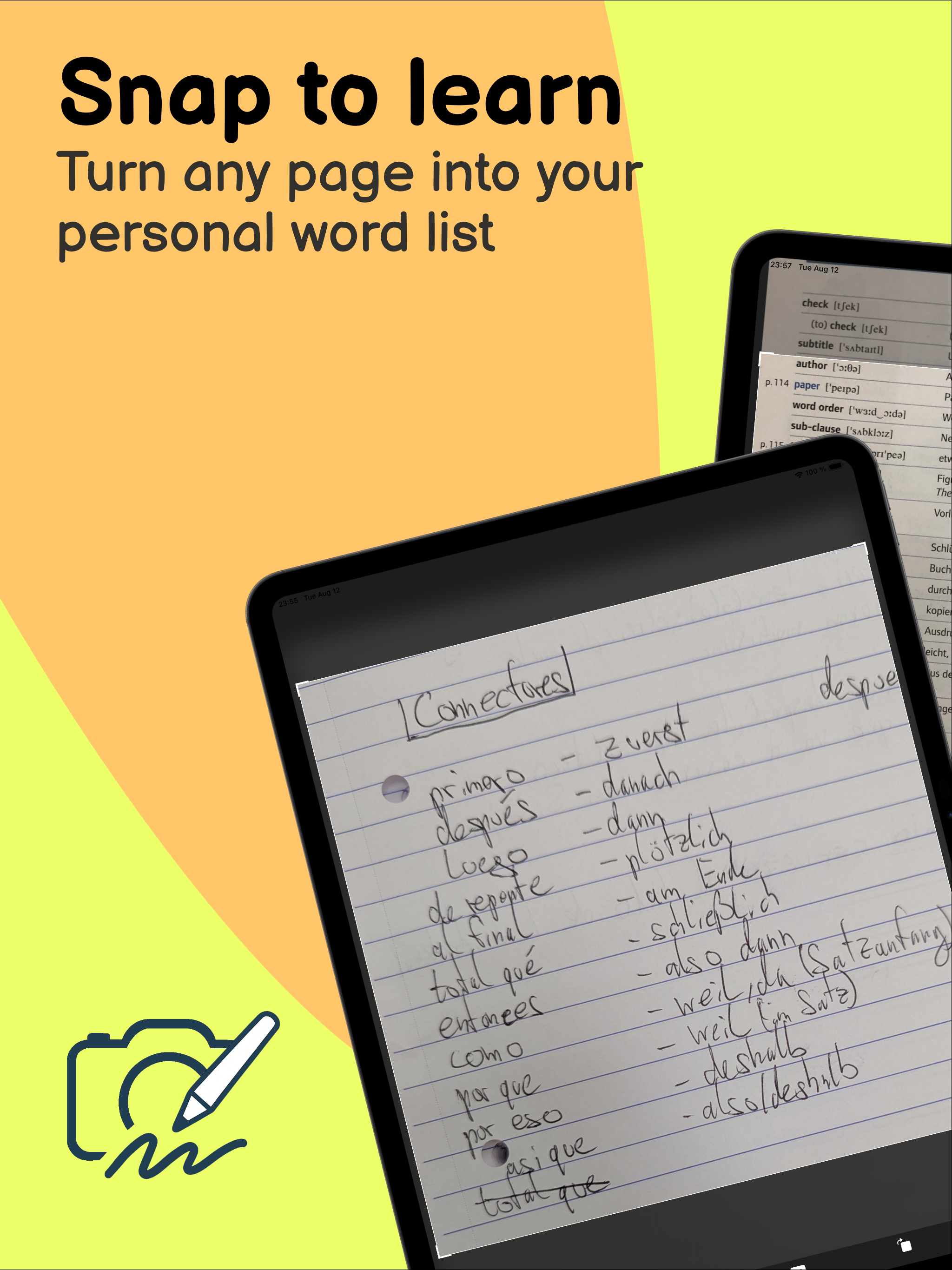
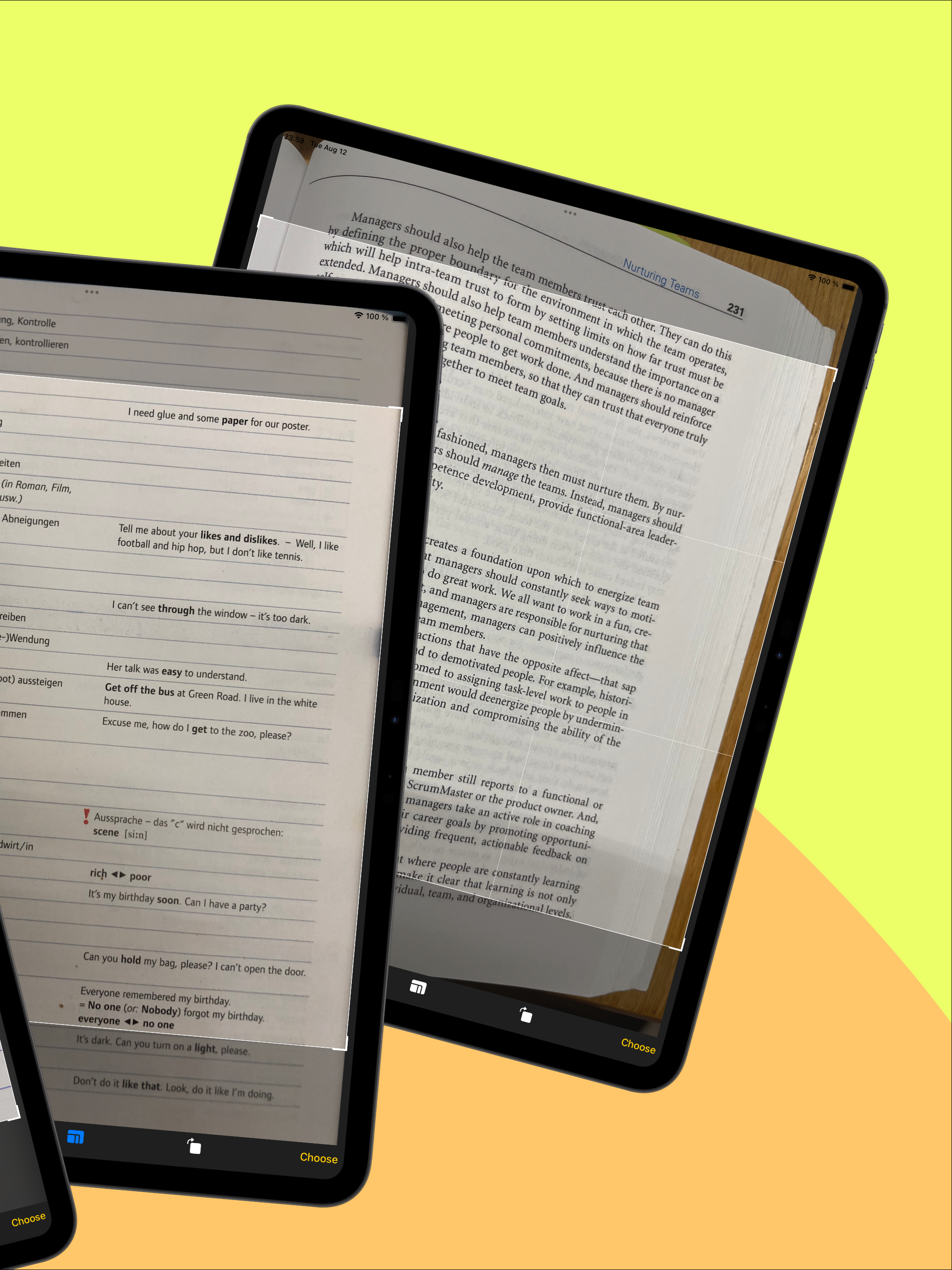
- 📷 Scans any text (workbooks, books, lyrics, even handwritten notes)
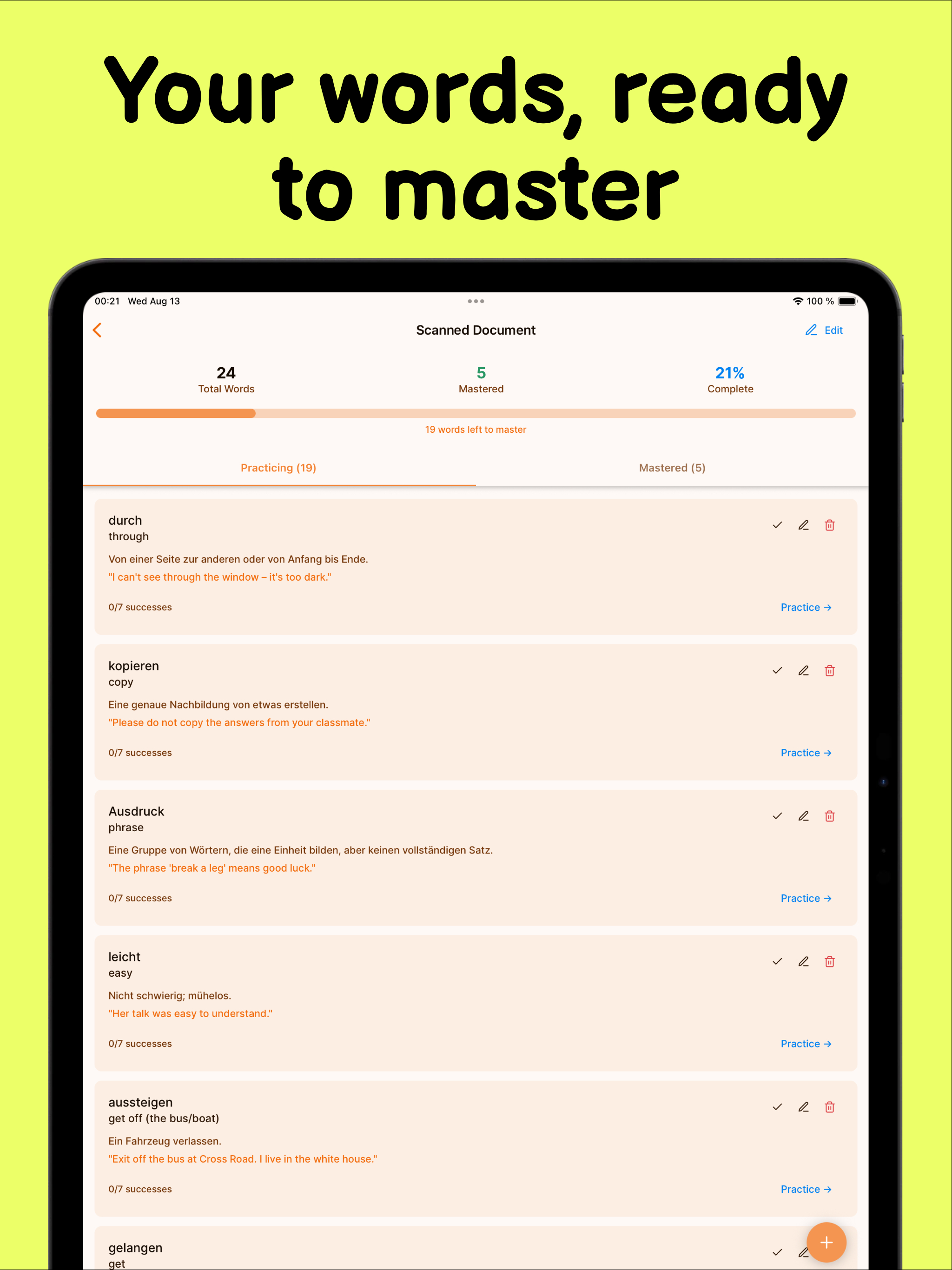
- 🤖 Uses AI to extract and translate words
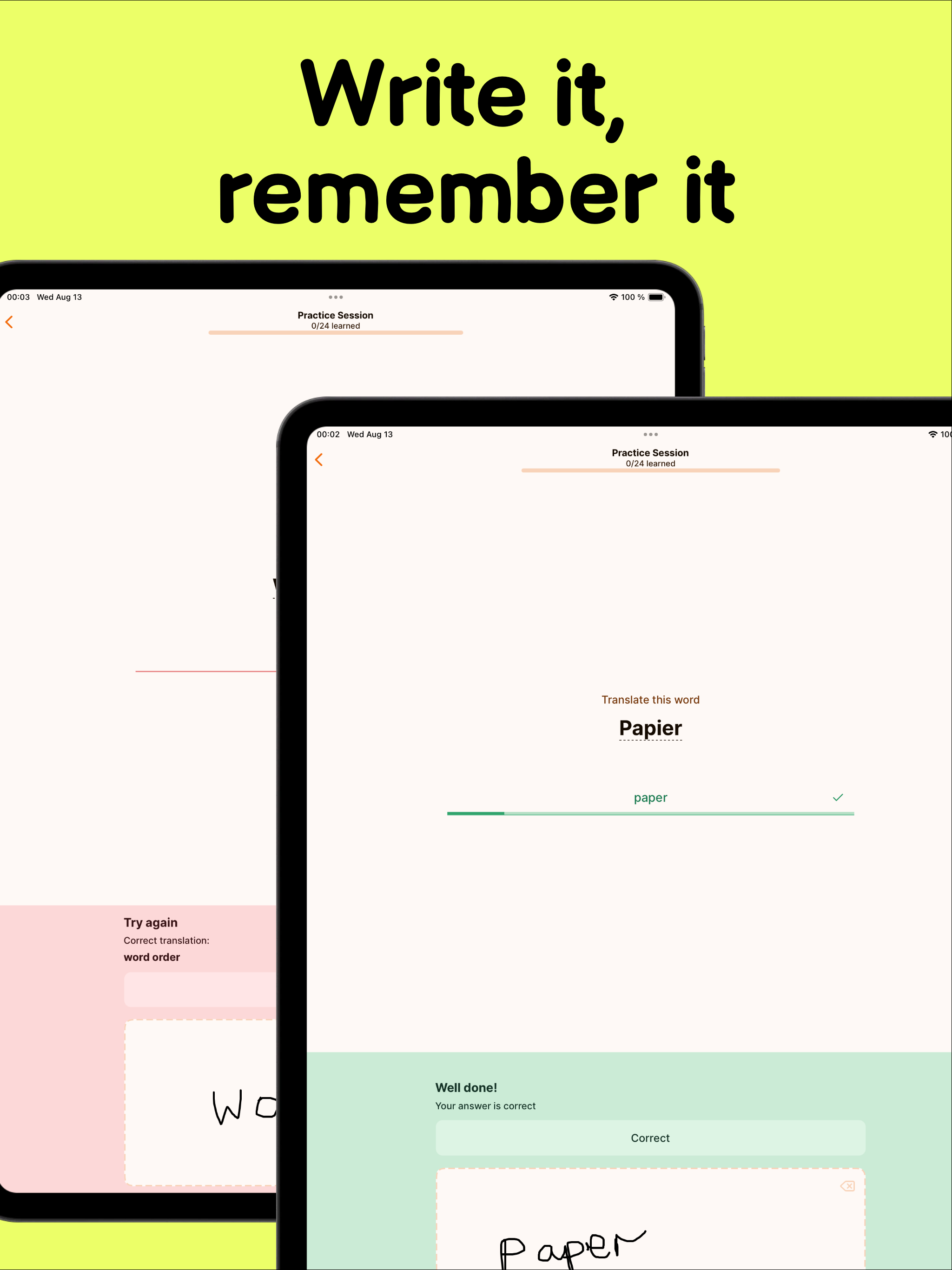
- ✍️ Lets users practice by handwriting or typing
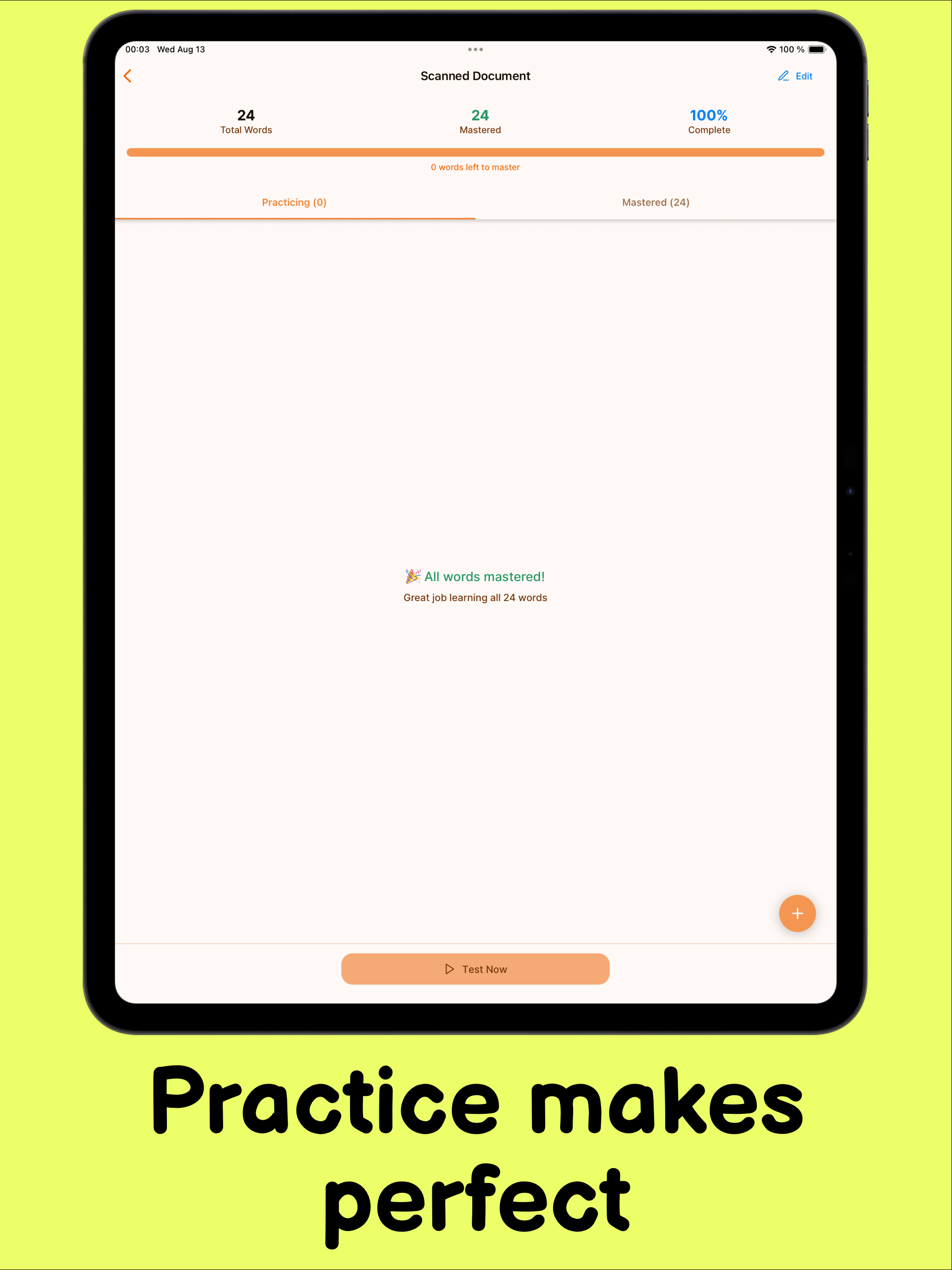
- 🔁 Applies spaced repetition: words must be written 7 times in a row correctly to be mastered
- 🎯 Tracks mistakes, progress, and learning streaks
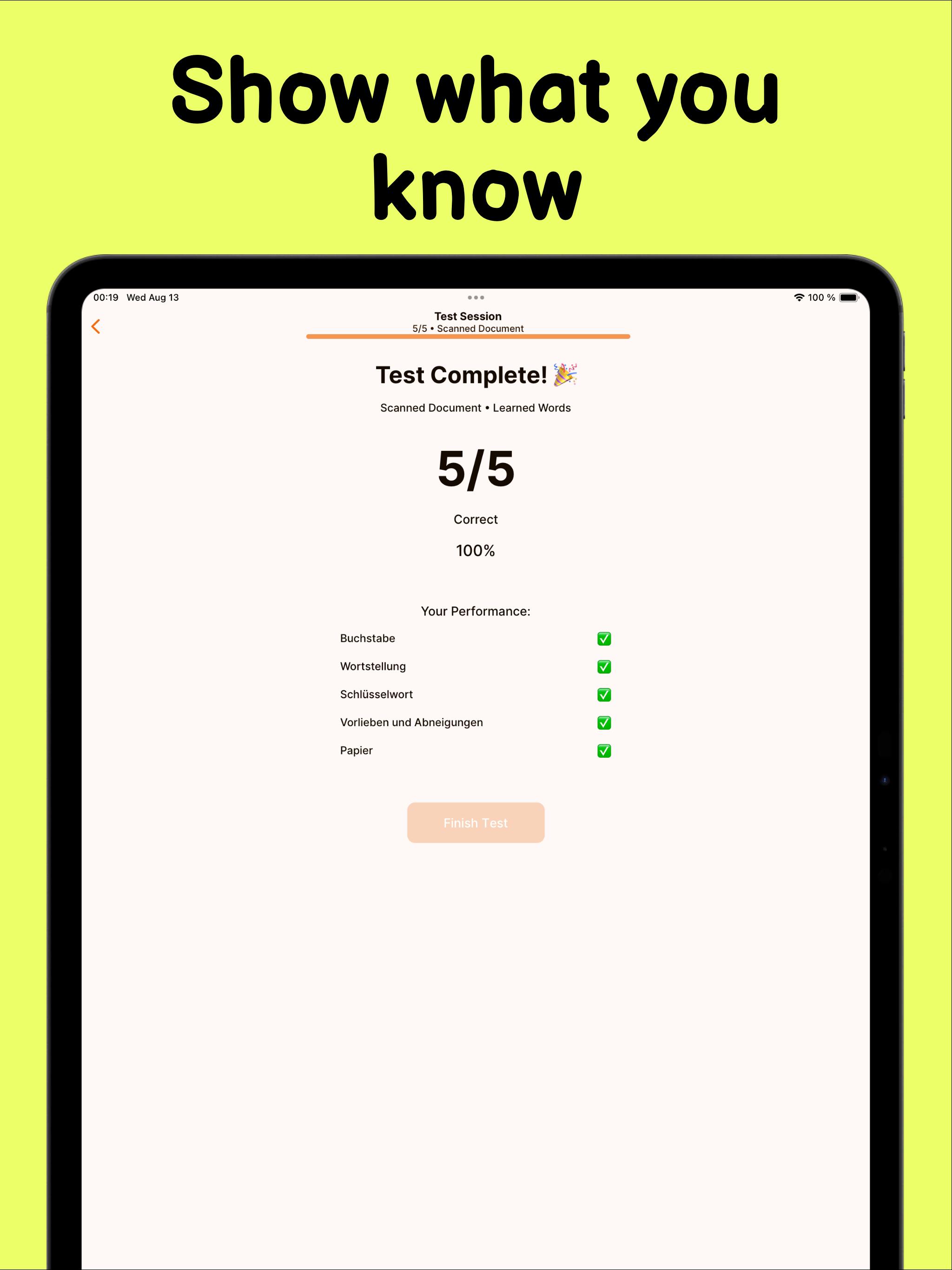
- 🧪 Includes a test mode with feedback at the end
The core principle is simple: learning by writing and repetition. It may feel strict (my daughter calls it “annoying”), but it works — she went from a C to an A on her next vocabulary test.
How we built it
I started with a well defined problem. My daughter had vocabulary to learn and this vocabulary was relatively well structured. I had English on the left and then German on the right.
- I initially prototyped a version with Swift using iOS core libraries. I opted for using OCR at first extracting all the words on the page and then passing them to an LLM model for linking. The idea was that the model would not translate the words, but rather use the existing translations. This worked okaish and I built the functionality to write with the ipad's pencil. That worked fine.
Since my prototype was working fine and I really liked what this could turn into I decided that it would be easier if I switch to React-Native.
I recreated the original functionality, but was not happy with the OCR results. I decided to send the image directly to an LLM for processing which in term improved the results by a lot. I spend several days crafting my prompt so that it could extract text from vocabulary lists, but also from any random page. This way my daughter could use the app not only for learning words for school, but also for translating lyrics, magazines or books she reads. This is a huge time saver as she doesn't have to open a dictionary and search for every single word. Instead she snaps a photo and then can easily learn the words she doesn't know.
Once my daughter got an A on her next vocabulary test - this was the confirmation I was looking to put more efforts into releasing this app for everyone.
I created the onboarding screens and tried to make the app more self explanatory.
One Problem remained though - LLMs processing the images cost money. If I were to release the app is I would be bearing the cost for every scan out there and this could cost me significant amounts of money.
This is when I looked into how subscriptions on the app store work and I found about revenuecat. At first I postponed my integration, but then the hackathon was the push I needed. I set up the app store subs, integrated revenuecat, setup a payway and used the revenuecat react-native SDK to prompt the user to subscribe or purchase individual scan packs.
Challenges we ran into
- just using OCR isn't enough as a lot of contextual info is lost
- LLMs need good prompts to produce reliable results. I've spent countless nights coming up with a promt that worked well when presented with different pages
- offering subscription is not trivial and ads complexity to the development process
Accomplishments that we're proud of
- My daughter getting an A on her vocabulary test after practicing with the app
- Watching my daughter make mispelling words when writing her homework, then writing the words she misspelled correctly on a piece of paper, scanning them with the app and then practicing them.
What we learned
Writing React-Native Expo modules, how to offer subscriptions.
What's next for Snap To Learn AI
- verb conjugation traininig
- offer pronounciation help
- generate dictation from the vocabulary and have the app read it out for the user to practice
Built With
- expo.io
- firebase
- mlkit
- react-native
- revenuecat


Log in or sign up for Devpost to join the conversation.