-
-
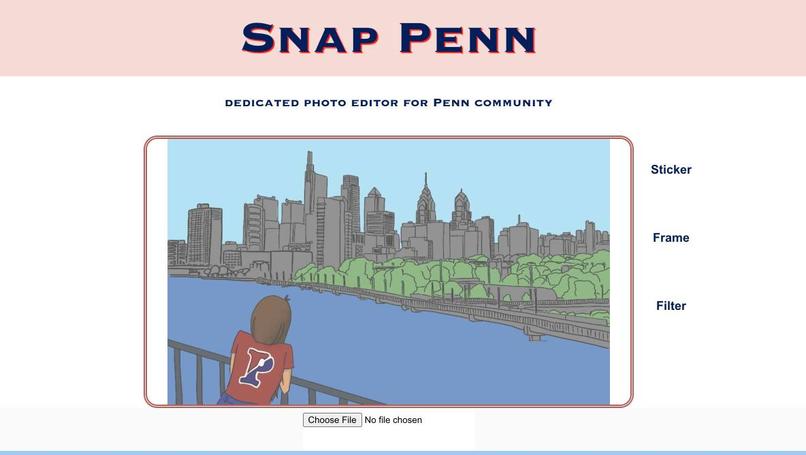
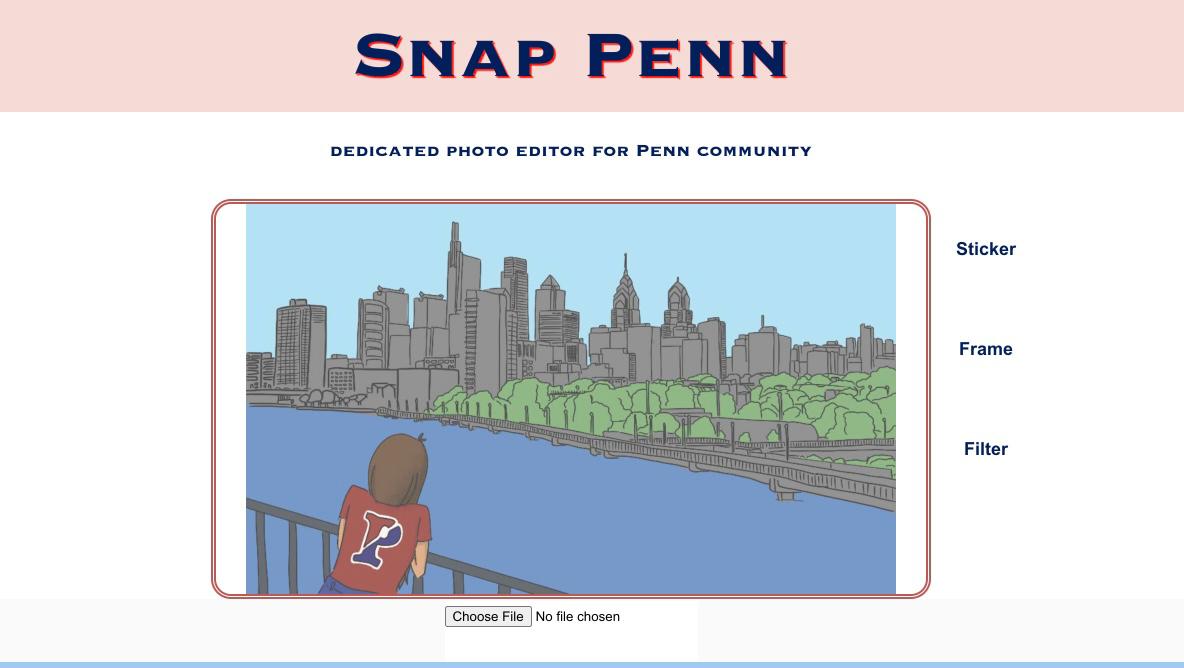
Web App Front Page
Inspiration
Everyone loves to share their lives on Snapchat with their friends while using its features to edit their selfies or funny memes. It will be exciting for Penn students to be provided with an easy-to-use photo-editing web app with well-designed stickers, filters and photo frames to celebrate their Penn life stories with their friends!
What it does
First of all, you can upload any photo you like in your computer to be edited. After that, you can choose the features to add stickers, frames or filters we provide to your photos through this web app. When editing photos, if you are not satisfied with the current look, you can undo it to go back to the previous state. When adding stickers, you can adjust the sticker position through the x&y scrollers and you can adjust sticker size. Last but not the least, you can download the edited photo to be used later!
How we built it
We designed our cute stickers, frames and filters in Photoshop, used the React to build our web app and implemented our photo editing functions through the image manipulation library, Jimp.
Challenges we ran into
As it is the first time for most of team members to code in JavaScript and use React and Node, the project seems intimidating at first. However, after some self-study on tutorials online and research on image manipulation packages, we made progress little by little all the way until we can designed the web app out. One of our greatest challenges is how to link the front-end with back-end in React. Also, with everyone in our team working remotely, team collaboration is another big challenge, such as trouble-shooting, code-explaining or so. Specifically, working collaboratively on GitHub with VS Code, a brand new code editor for some teammates, made version-control such a challenging task while everybody pushed onto different branches at first. After figuring out GitHub Repo extensions on VS Code, we cleaned up our repo and made the code work on everyone's computer. We also couldn't figure out how to pass around image files in CSS. We couldn't write to the file system from Jimp, and Jimp couldn't read the relative paths in our file system. We overcame this by importing our set of stickers, frames and filters into each function file and passing keywords to the functions so the function would know which file to overlay on the original image file.
Accomplishments that we're proud of and what we learned
- #FirstHackathon
- #FirstProject
- #FirstDevelopmentTeam
- #FirstWebApp
- #RemoteTeamwork
- #Learned how to code in JavaScript
- #Learned how to use NodeJS and React
- #Learned how to code in a team through GitHub
What's next for Snap Penn
First of all, we want to improve our photo editing features for better user experience. Specifically, add more sticker, frame, or filter choices and more features, such as text-editing, into the web app. We want to change the scroller design for adjusting positions of stickers into mouse-draggable function.


Log in or sign up for Devpost to join the conversation.