Inspiration
Tax returns are heavily beneficial to those in the mid to low-income range. Oftentimes, they don't understand how much they should expect, or how it even works. This same audience also budgets tightly, and may need help tracking. They are more likely to be reliant on cash purchases, something difficult to track long term.
What it does
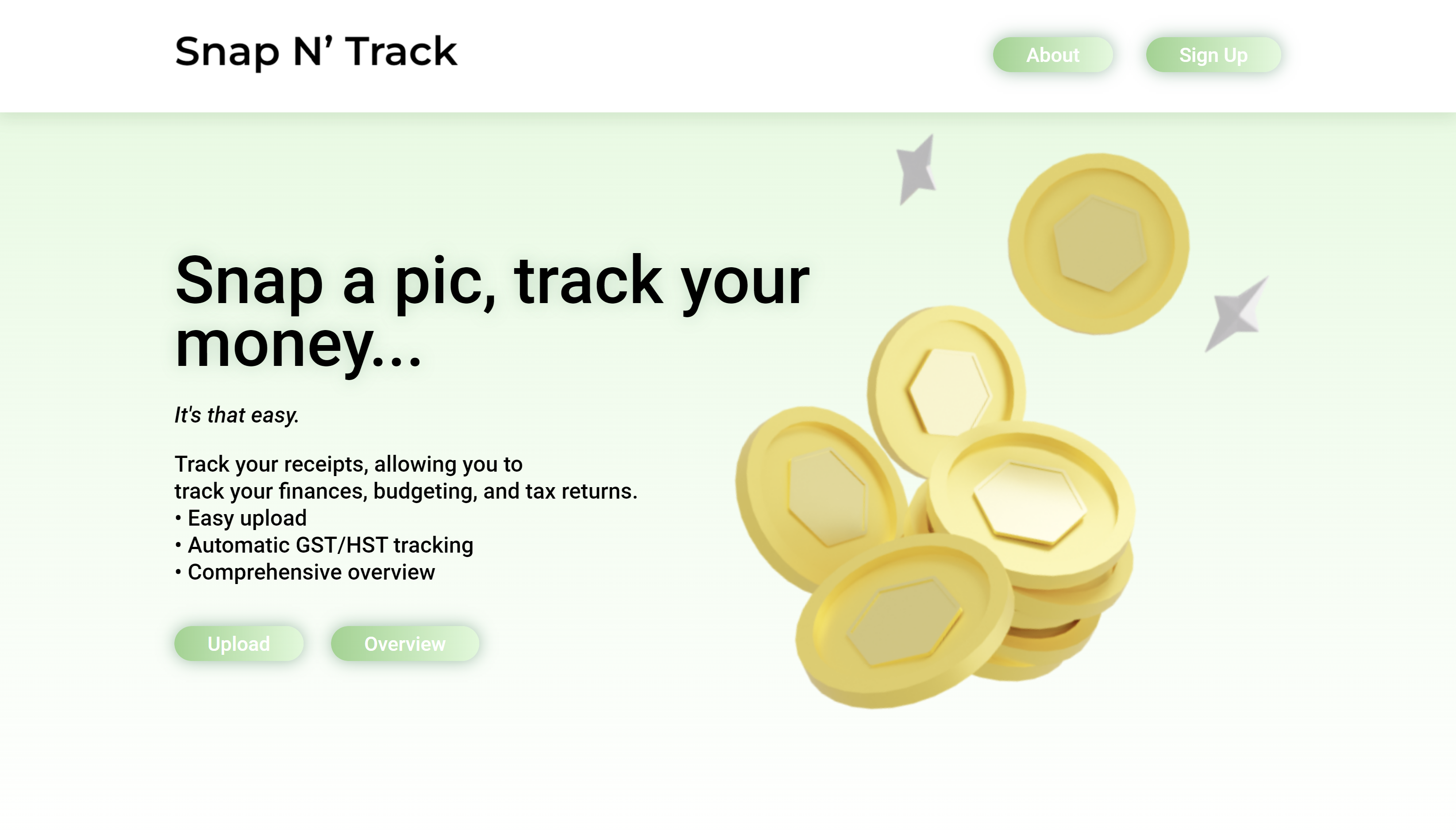
Our platform aims to solve this knowledge gap by giving them an approximation of how much their tax return should be, and allows an overview of how much of their monthly budget they've spent.
How we built it
We created a user landing page, with log in and sign up. When the user signs up with their details, it is stored in a SQL database. When they log in, user info is loaded into a table via a Flask API fetching data from past sessions, if any. If the user wants to upload a receipt, they upload a picture to the upload page. By submitting, this picture is sent to the same Flask API as before, but as POST. Optical character recognition is used to parse every item, its cost, the subtotal, and total. This is stored in the same database and connected to their credentials. The next time the home page is loaded, this data will be shown on the table.
Challenges we ran into
Since Google OCR was trained on normal printer sized text, parsing a receipt correctly is difficult unless you have perfect lighting and positioning when taking the photo. Receipts are often crumpled and have ink errors, further breaking the parsing. Hosting the entire application with Flask is difficult to get fully running with HTML/CSS, so we opted to make an API instead. Optimising the front end of the table was difficult, since the response would be in JSON and we would have to dynamically input the data (document.getElementById('id').innerHTML = data). It took a while to get the database fully working due to the numerous components such as user accounts and then fetching with the API.
Accomplishments that we're proud of
Learning how to create dynamic websites with the use of front end JavaScript. Learning how to make optimised reusable algorithms when trying to parse and evaluate data. Creating a link between the database, API, and front end to all work seamlessly together to serve data to the user.
What we learned
Often times the hardest part of a project is setting up an MVP and getting it to merge and run seamlessly. Many people working on different parts of a project at once can lead to overlapping tasks and solutions which do not work when put together. Solutions can suddenly stop working when tested at scale or when they are deployed.
What's next for Snap N Track
We would need to create our own OCR model. The current library we are using, based off Google Lens, is not optimised for small text in the conditions that a receipt is in. We would need to create a mobile app. Since it is a web app, someone would need to take a picture on their phone, upload it to their PC, and then to the site. By making an app they can simply take a picture and upload at the same time. We should add more features such as income tax calculation given salary, or others. This is because we currently only have 1 main feature (receipt scanning).


Log in or sign up for Devpost to join the conversation.