-
-

-

-
-
-
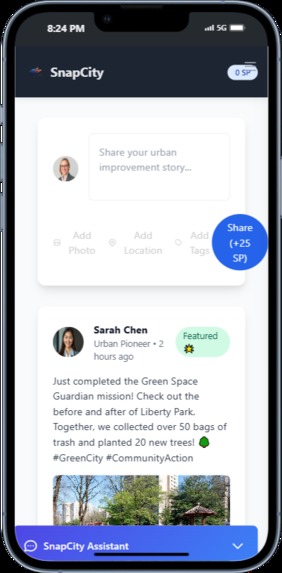
social
-
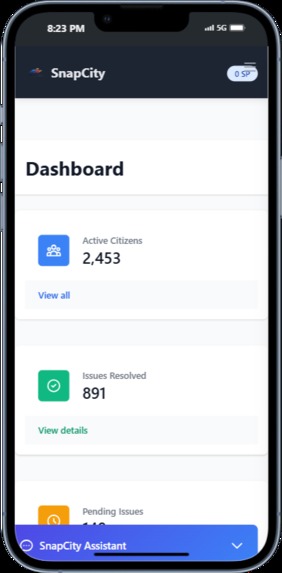
dashboard-real time
-


SnapCity 🌟
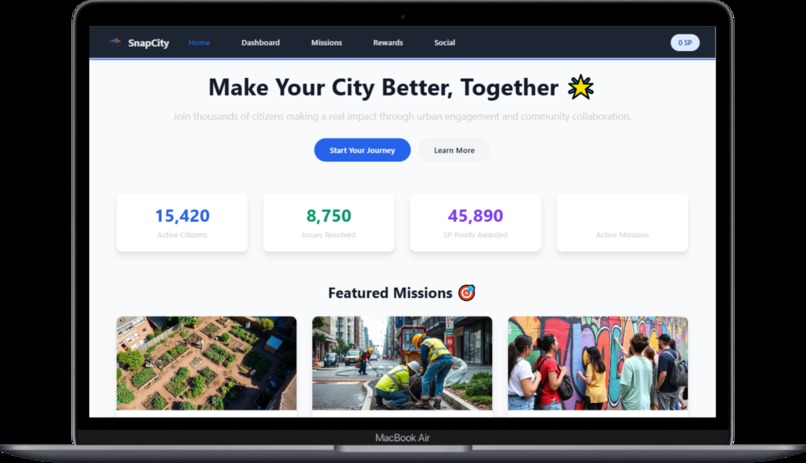
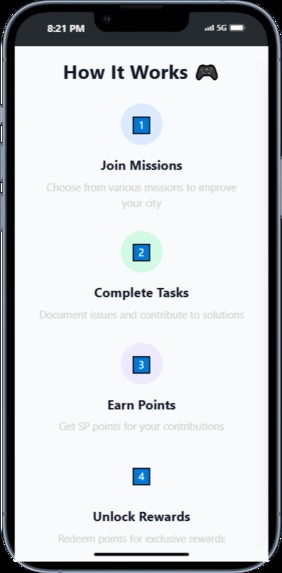
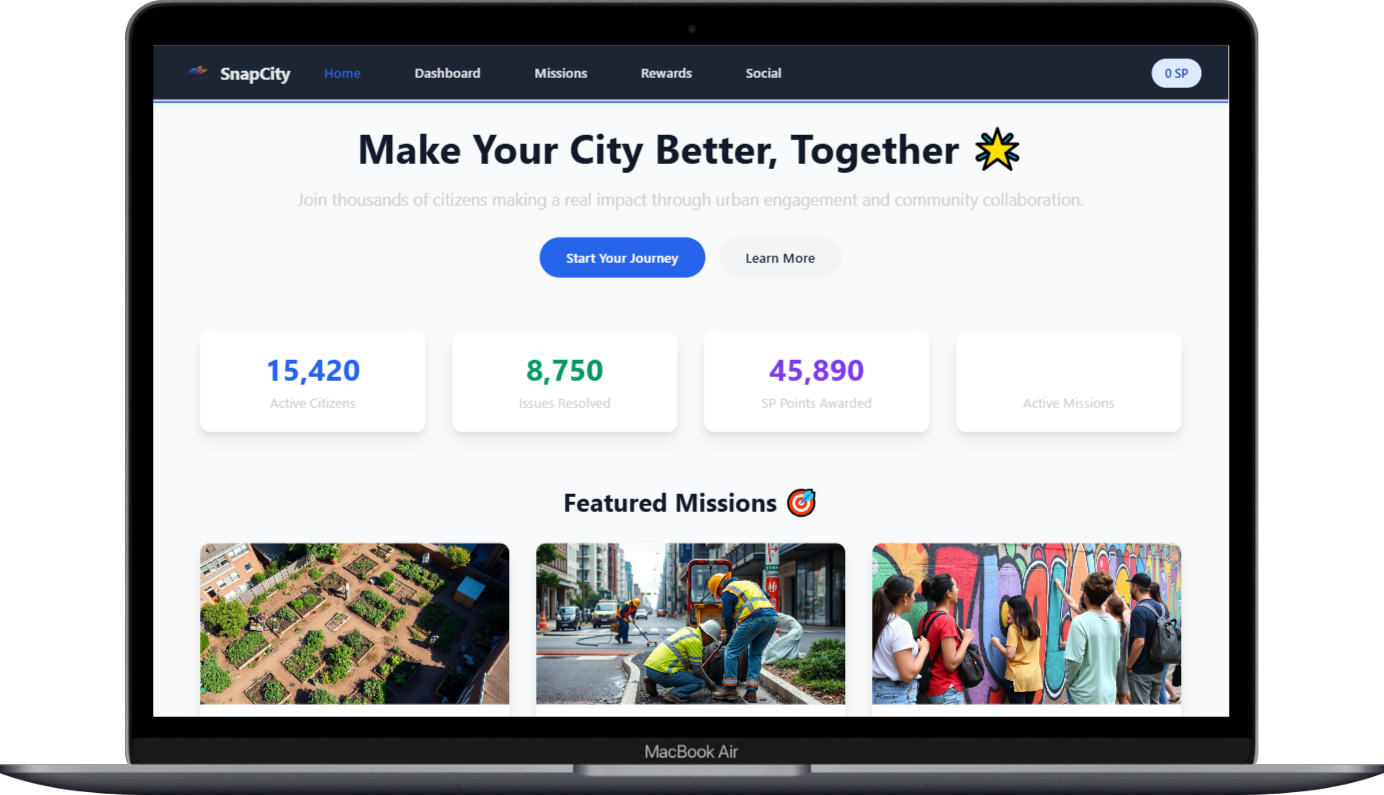
SnapCity is a modern web application that empowers citizens to actively participate in improving their urban environment through community engagement and gamification.
Features
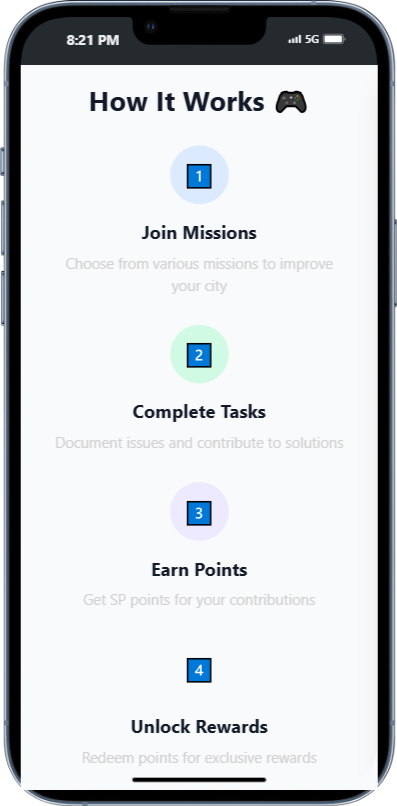
- 🎯 Mission System: Complete various missions to improve your city
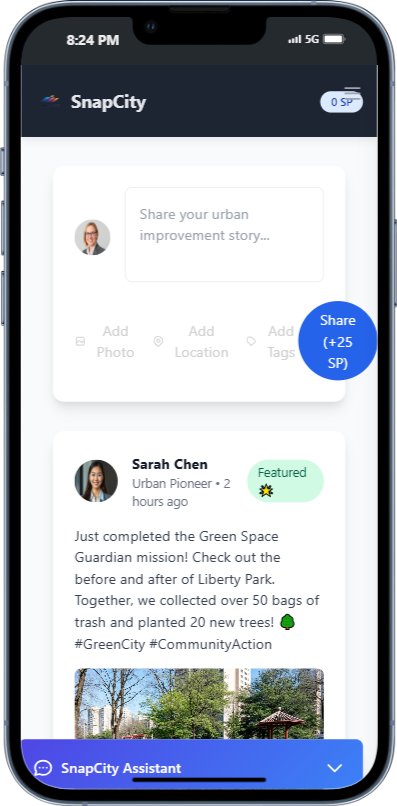
- 💬 Community Social Feed: Share your achievements and connect with other citizens
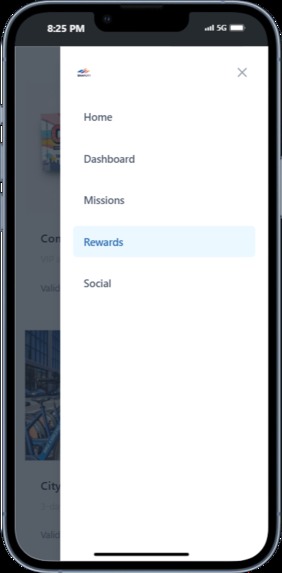
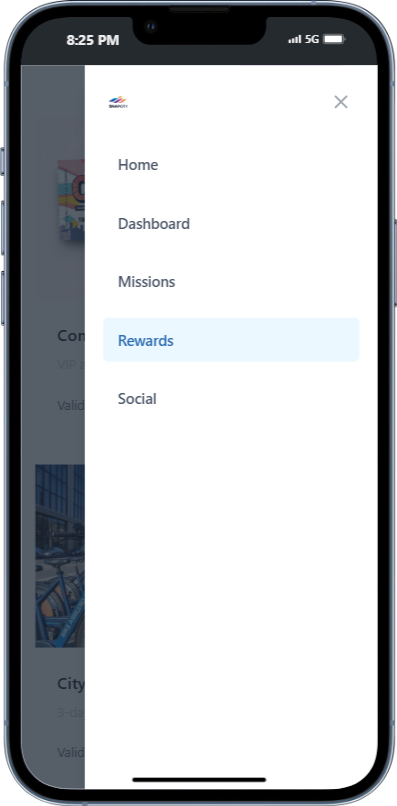
- 🏆 Rewards Program: Earn SP (SnapPoints) and redeem them for real-world benefits
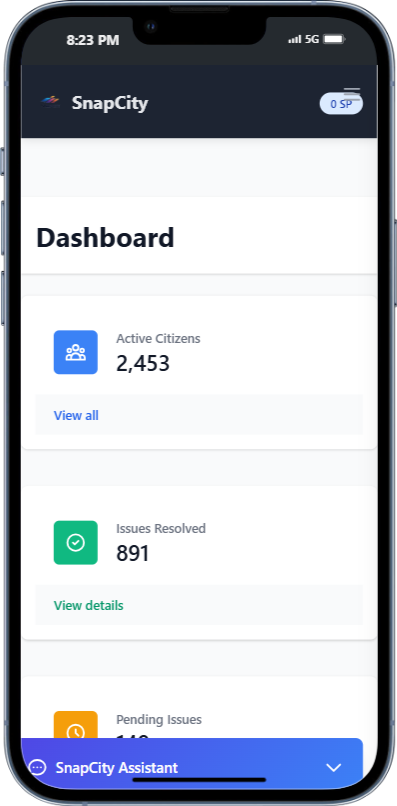
- 📊 Interactive Dashboard: Track your impact and community statistics
- 🤖 AI Assistant: Get help and guidance through our integrated chat assistant
Project Structure
snap-city/
├── Frontend
│   ├── index.html          # Home page
│   ├── dashboard.html      # User dashboard
│   ├── social.html         # Community feed
│   ├── missions.html       # Available missions
│   ├── styles/            # CSS stylesheets
│   ├── js/               # JavaScript files
│   └── assets/           # Images and static assets
│
├── Backend (In Development)
│   ├── app/
│   │   ├── main.py        # FastAPI application
│   │   ├── models/        # Data models
│   │   ├── routers/       # API endpoints
│   │   ├── core/          # Core functionality
│   │   └── services/      # External services
│   └── requirements.txt    # Python dependencies
Tech Stack
Frontend
- HTML5
- CSS3 (Tailwind CSS)
- JavaScript (Vanilla JS)
- Chart.js for data visualization
Backend (In Development)
- FastAPI (Python web framework)
- MongoDB (Database)
- JWT Authentication
- OpenAI Integration
- AWS S3 (Image Storage)
Quick Start
Frontend Demo
Clone the repository:
git clone https://github.com/ujpm/snapcity.gitOpen
index.htmlin your web browser to start using the application.
Backend Setup (Coming Soon)
- Create a virtual environment
- Install dependencies:
pip install -r backend/requirements.txt - Configure environment variables
- Run:
uvicorn app.main:app --reload
API Documentation (Coming Soon)
The backend API will provide endpoints for:
- User Authentication
- Mission Management
- Social Interactions
- Rewards System
- Dashboard Analytics
- AI Chat Assistant
Contributing
- Fork the repository
- Create your feature branch (
git checkout -b feature/AmazingFeature) - Commit your changes (
git commit -m 'Add some AmazingFeature') - Push to the branch (
git push origin feature/AmazingFeature) - Open a Pull Request

Log in or sign up for Devpost to join the conversation.