-
-
XR Snap and build
Inspiration
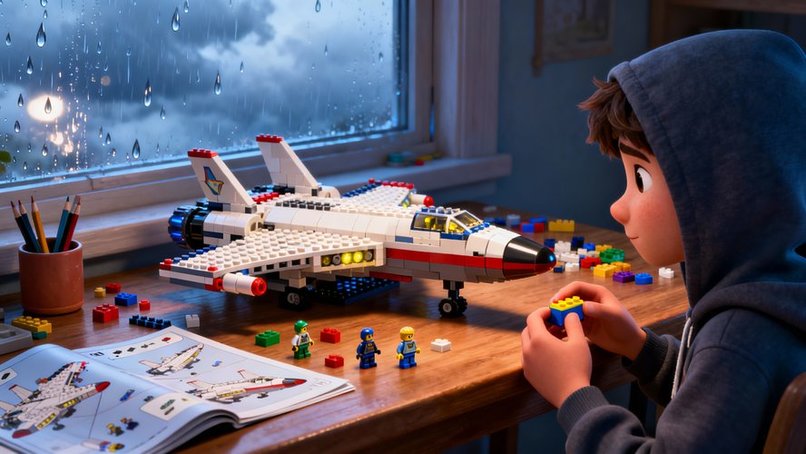
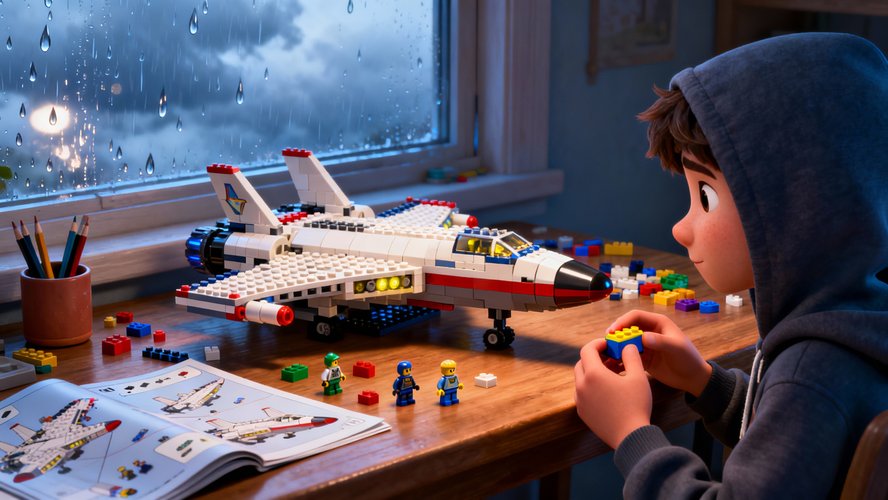
This project started from a simple frustration: building LEGO is intuitive and fun, but constantly looking away from the model to read paper instructions or a phone app breaks focus. The goal was to keep the joy of hands-on building while removing the friction of endless back-and-forth between the model and external instructions.
What it does
Snap & Build XR uses a Meta headset to overlay step-by-step building guidance directly on top of the real LEGO bricks and model. The user sees which parts to pick up, how to orient them, and where to snap them, all inside an immersive mixed reality environment.
How we built it
The application is built for Meta mixed reality, combining spatial tracking with a custom step engine that encodes LEGO building sequences. A 3D interface anchors instructions around the workspace so that hints, arrows, and ghosted preview parts appear in the correct position relative to the physical model.
Challenges we ran into
One of the key challenges was achieving precise alignment between virtual guidance and real-world bricks so that instructions feel natural instead of distracting. Another challenge was designing a UI that remains readable and helpful without cluttering the user’s field of view during focused building sessions.
Accomplishments that we're proud of
Snap & Build XR turns traditional instructions into an intuitive, hands-free experience that keeps builders “in the zone.” It already makes it easier for beginners to follow complex sets and helps experienced fans build faster with fewer mistakes and less backtracking.
What we learned
The project highlighted how important context is for instructions: when guidance appears exactly where the action happens, users stay more engaged and make fewer errors. It also showed that even small UX details in mixed reality—such as timing of hints or placement of arrows—can dramatically affect comfort and usability.
What's next for Snap & Build XR
Next steps include support for custom models, so creators can import or record their own building sequences. There are also plans for collaborative modes, educational scenarios for kids and parents, and richer object recognition to adapt instructions dynamically to the user’s progress.

Log in or sign up for Devpost to join the conversation.