Inspiration
A table full of things you no longer need can still hold value for someone else. But selling those things often means photographing each item, writing descriptions, researching prices, and coordinating payments—one listing at a time.
We built Snap-a-Store to make that process easier. Whether someone is moving out of a dorm, organizing a garage sale, or running a small pop-up, we wanted them to go from a table of items to a shareable storefront using a photo.
Our idea: make selling secondhand goods easier, and give more useful things a chance at a second life.
What it does
Snap-a-Store turns a photo into an editable, shoppable storefront.
- Snap your items. Take a photo of multiple products in the mobile app.
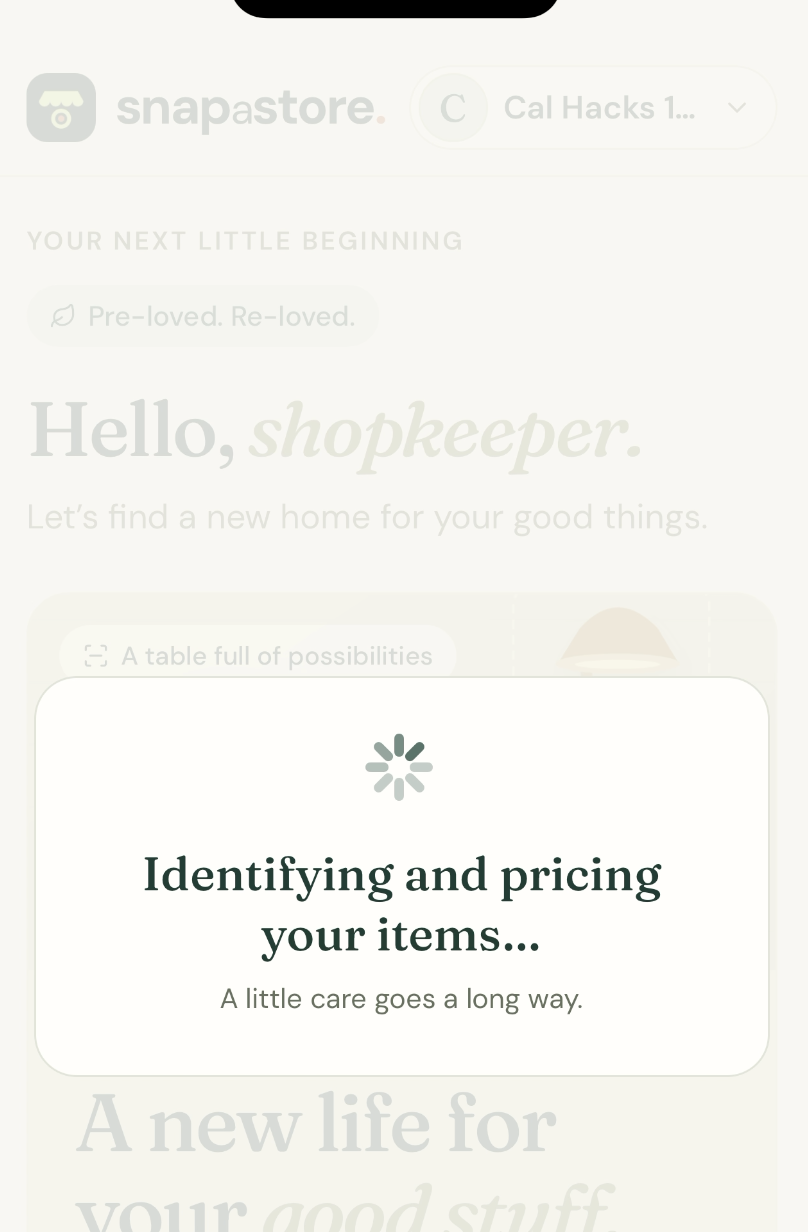
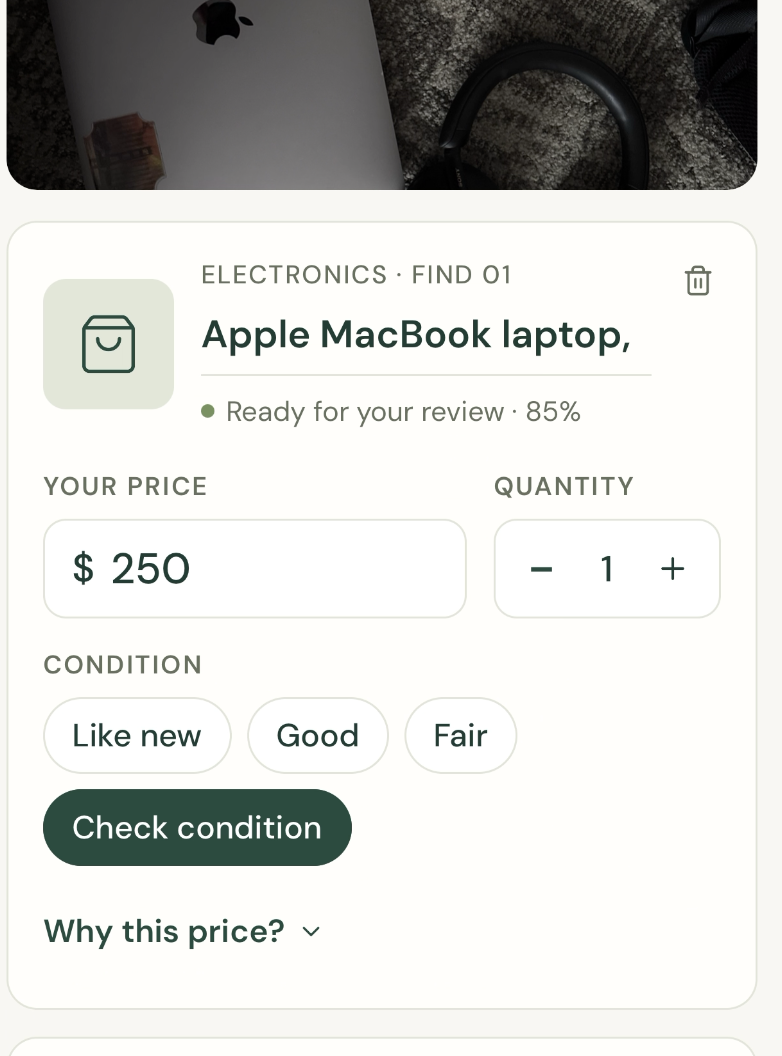
- Review AI-generated listings. Claude identifies items and suggests names, descriptions, conditions, quantities, and starting prices.
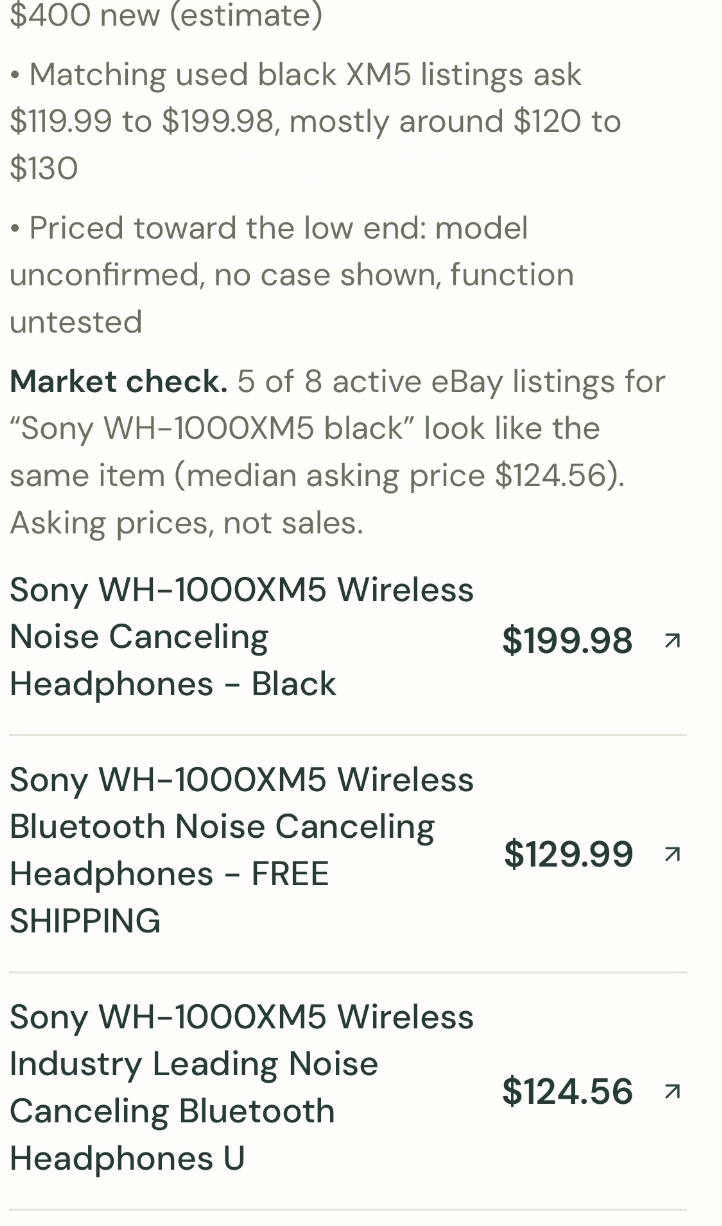
- Check pricing evidence. When configured, Apify retrieves relevant eBay listings, and Claude evaluates comparable items to help inform the suggested price.
- Make it yours. Edit the details and prices before publishing. The seller stays in control.
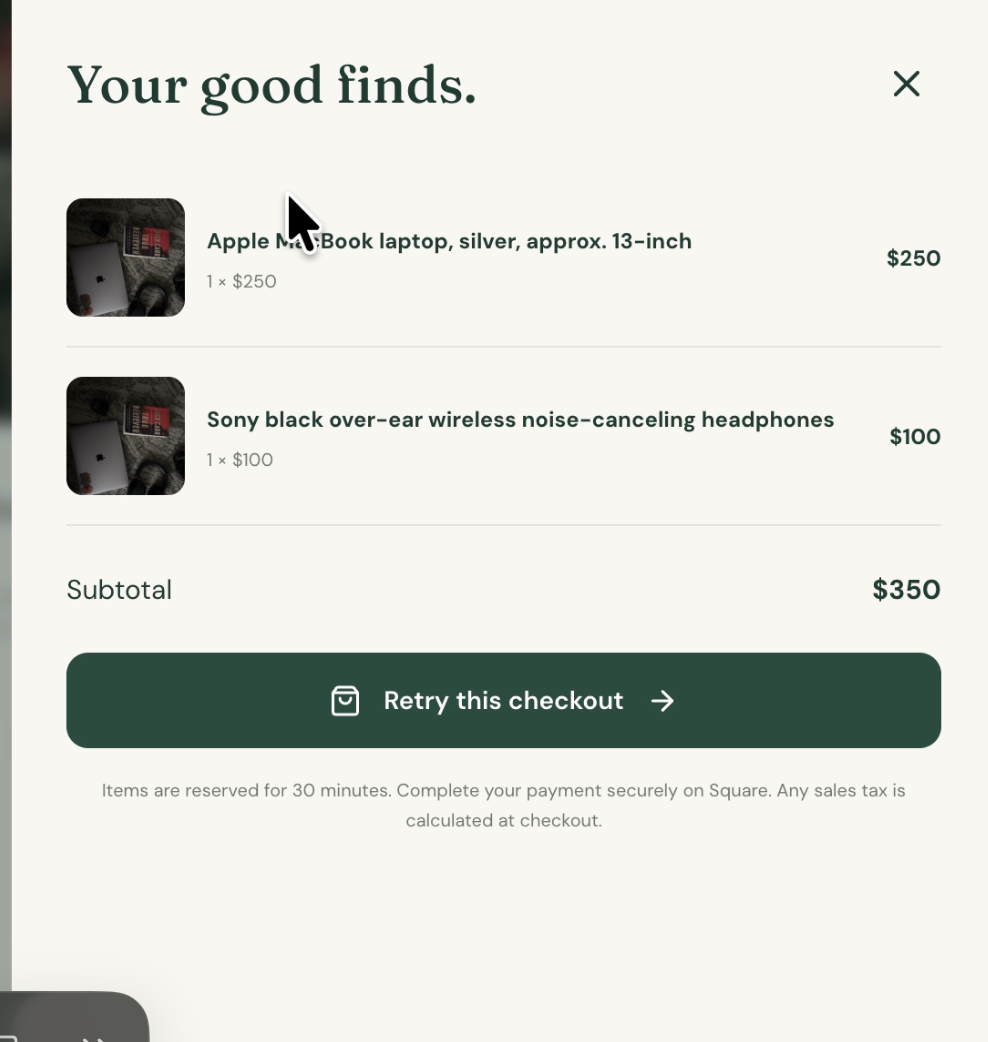
- Publish and share. Create Square catalog items and share a QR code that opens a browser-based storefront.
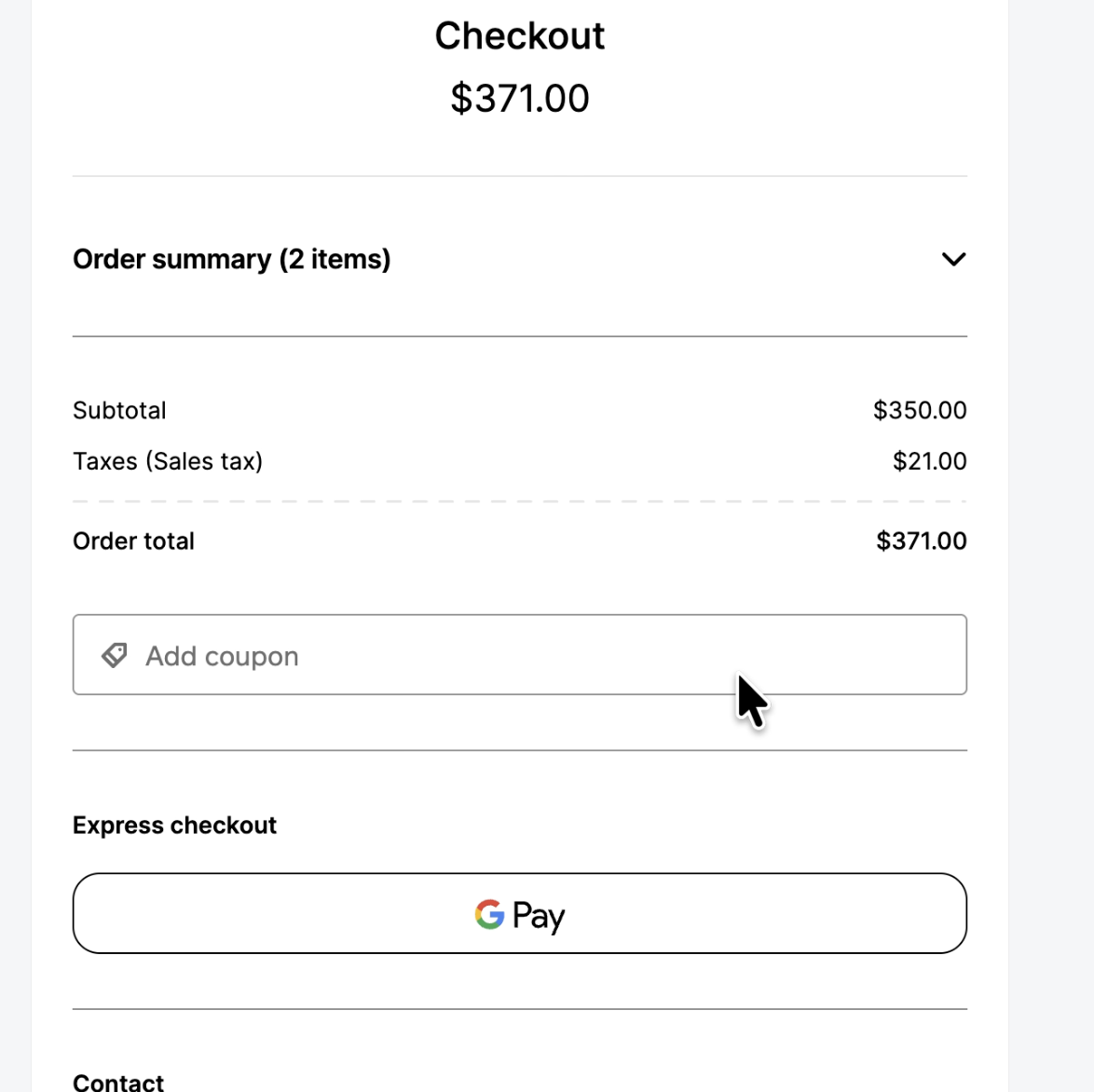
- Sell through Square. Buyers select items and complete hosted checkout without installing the seller app.
Sellers can manage multiple storefronts and edit products after publication. Inventory is reserved during checkout and updated after verified payment, helping prevent the same item from being sold twice.
How we built it
We built the seller experience with React Native, Expo, and TypeScript, alongside a Next.js backend and buyer storefront hosted on Railway.
Anthropic Claude powers the photo-to-listing workflow. We prepare uploaded images with Sharp, request structured product information, and validate the response with Zod before turning it into editable listings.
Apify adds market context through an eBay scraper Actor. We retrieve listing titles, asking prices, and source links, then use a second Claude pass to assess which results are relevant comparisons. Asking prices are treated as reference points—not proof of what an item will sell for.
Square connects the storefront to commerce through merchant authorization, catalog creation, hosted checkout, and payment webhooks.
We use SQLite transactions for persistent inventory and order state. Checkout reservations, idempotent requests, and verified payment handling keep stock changes tied to actual order events.
Challenges we ran into
Recognizing an item is easier than pricing it
A photo can show that something is a lamp, but it may not reveal its exact model, working condition, or resale value. We designed pricing as a suggestion supported by available evidence, with seller review before publication.
A working checkout needs more than a payment button
Two buyers can try to purchase the same item. Requests can be retried. Payment notifications can arrive more than once. We had to account for these cases with inventory reservations, transactional updates, and payment verification.
Product edits must preserve existing orders
A seller should be able to update a listing without changing the price a buyer already agreed to pay. We separate current product details from the information captured for an existing checkout.
Connecting native and web experiences
The seller captures photos in a native app, while buyers shop in a browser. Bringing those experiences together required careful handling of uploads, authentication, backend configuration, and persistent deployment storage.
Accomplishments that we're proud of
We brought the complete journey together: photo → editable listings → published storefront → QR sharing → checkout.
We are especially proud of keeping human judgment central to the experience. AI handles repetitive listing work, while sellers approve the details and decide their prices.
We also built beyond the first successful scan: saved-product editing, multiple storefronts, seller accounts, persistent inventory, and checkout safeguards make the project useful after the initial interaction.
What we learned
We learned that the most useful role for AI is to reduce effort while making its output easy to inspect and correct.
We also learned that marketplace pricing requires context. A similar-looking product is not necessarily a good comparable, and an advertised price is not a completed sale.
Finally, we learned how much of a commerce application lives between its screens: authentication, inventory consistency, retries, deployment, and payment verification are all part of the user experience.
What's next for Snap-a-Store
We want to test Snap-a-Store with students during move-out, neighborhood sellers, and small pop-up vendors to understand where the selling process still feels difficult.
Our next priorities include:
- Better model and condition identification.
- Broader pricing evidence and clearer explanations of uncertainty.
- Easier pickup coordination.
- More accessible, multilingual shopping experiences.
- Seller analytics that show which items attract interest and sell.
Our goal is to make turning everyday items into a small storefront feel as approachable as taking a photo.

Log in or sign up for Devpost to join the conversation.