-
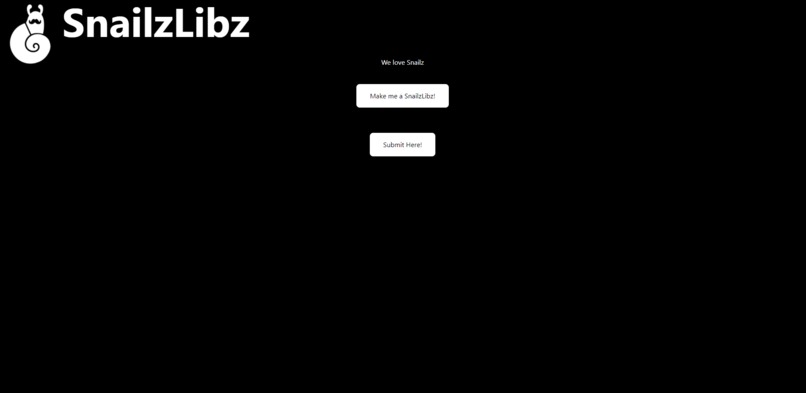
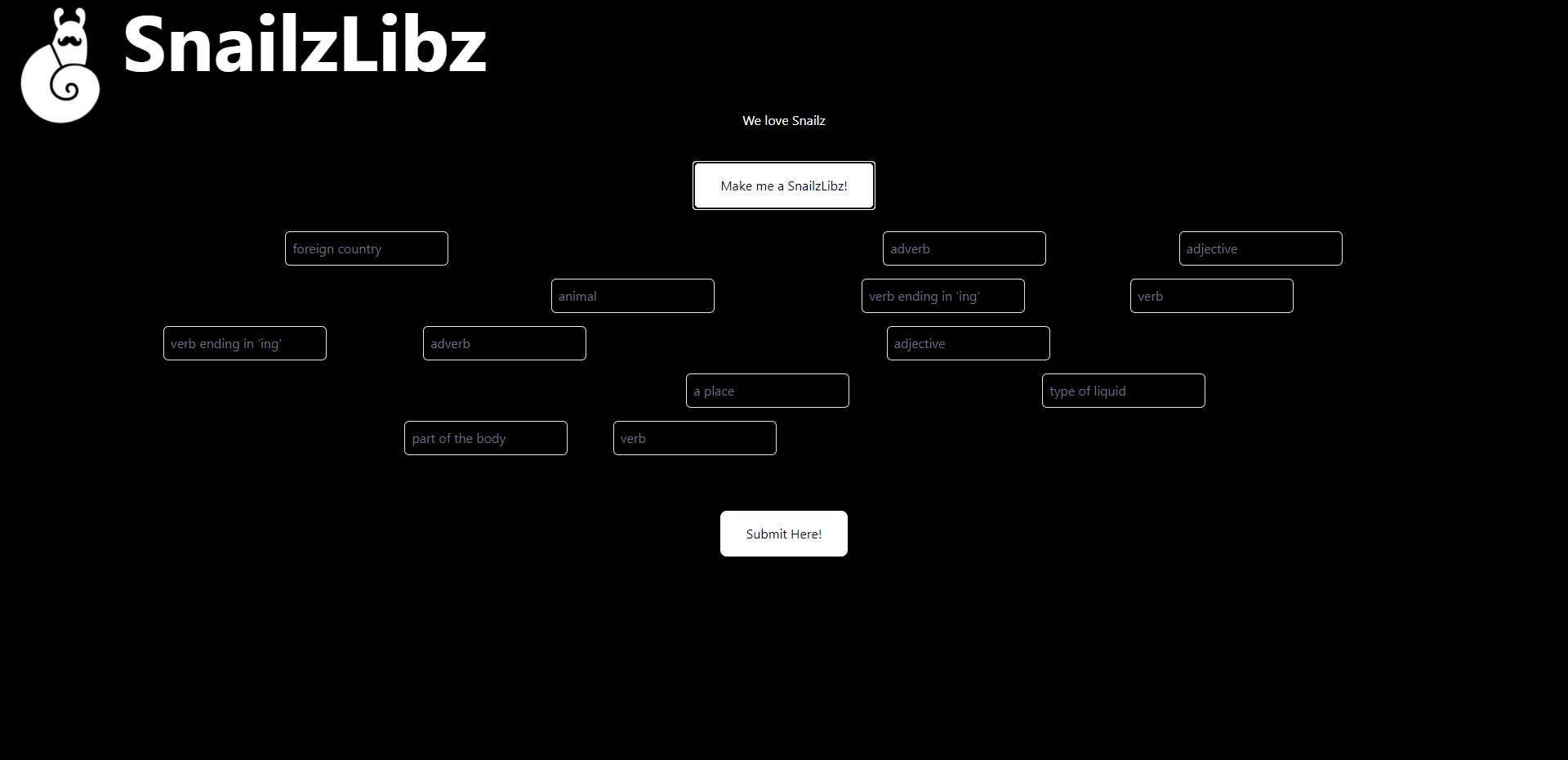
Main Menu
-
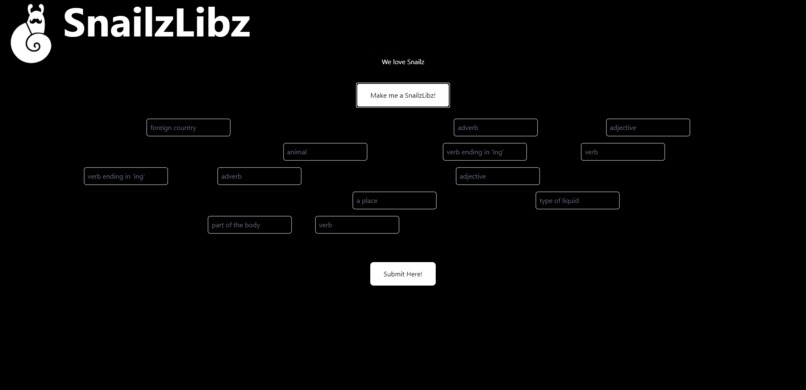
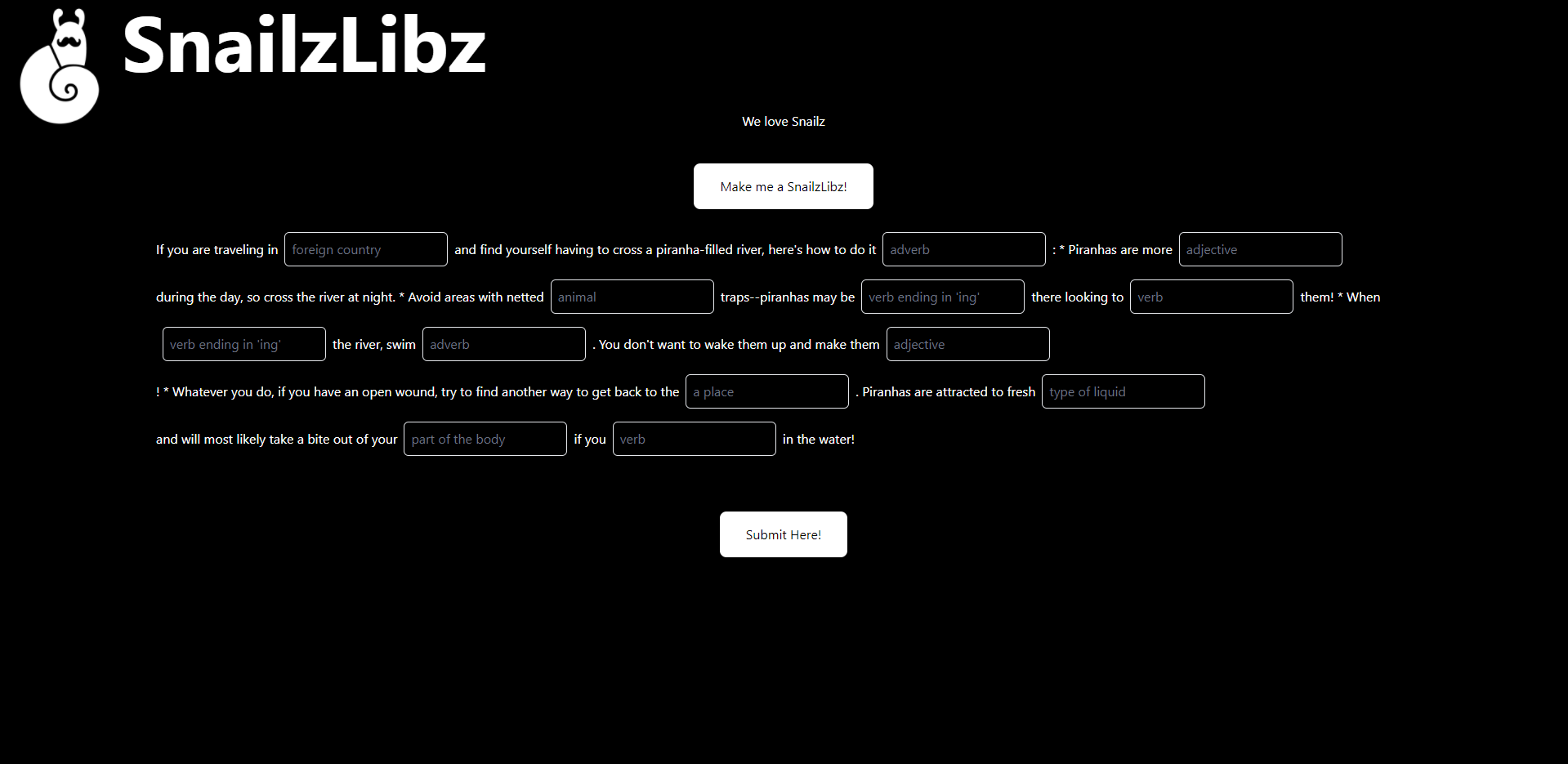
After making a SnailzLibz
-
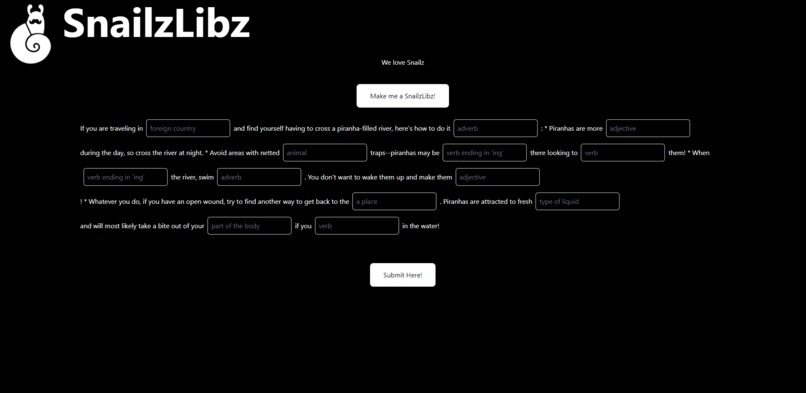
After submitting your text fields the rest of the story comes up around you.
Inspiration
We found the Madlibz API on Rapid APIs and wanted to incorporate it into a website.
What it does
It generate a random Madlib, takes the user input, then reveals the story created from the madlib.
How we built it
We created a website using HTML and JavaScript. We call the API to generate the data needed for a madlib
Challenges we ran into
Getting the data from the API and translating it into text on the screen was the first challenge we encountered. The next big challenge was creating text boxes with default text based on the data from the API. Another challenge was revealing all of the text when the user finishes entering words into the text boxes.
Accomplishments that we're proud of
Experience with the JavaScript used in the project varied from low to none within our group, so learning how to make a functioning website with complex JavaScript was a big accomplishment. More specifically, getting the input boxes and text to correctly print out was a huge accomplisment. Earlier on, successfully getting the data from the API was a big accomplishment.
What we learned
We all learned a lot of HTML, JavaScript, and CSS, and we learned how to interface with an API.
What's next for Snailz Random Mad Libz
We would like to add categories of story for the user to pick between. We would also like to increase the number of Madlibs to be picked from, since the number of stories in the API is limited.


Log in or sign up for Devpost to join the conversation.