-
-

Logo
-
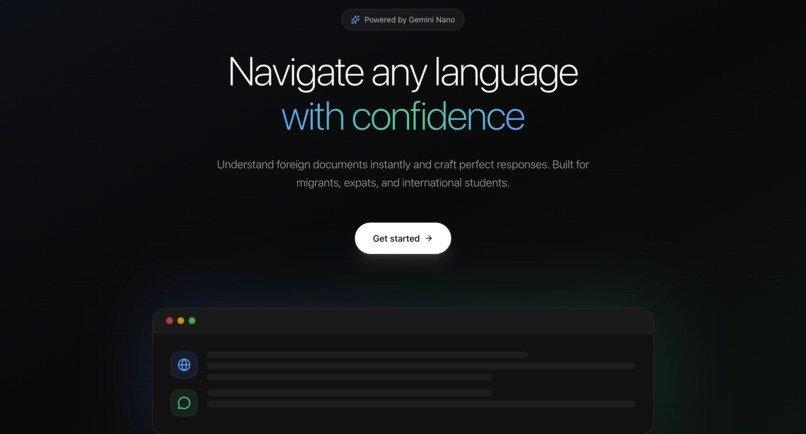
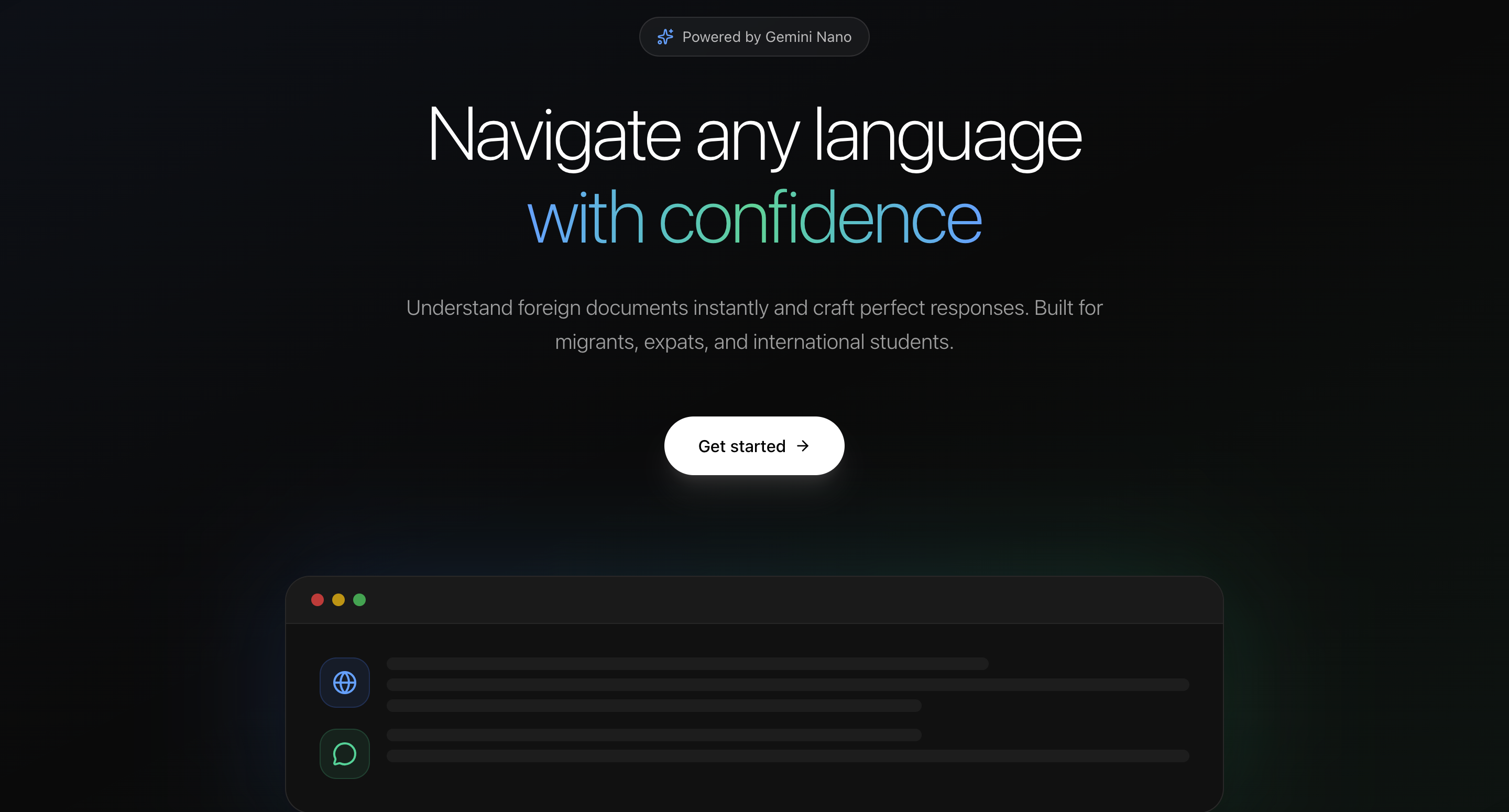
Hero section of landing page

Inspiration
As an international student, I met classmates from around the world whose first language wasn’t English. I often helped them understand documents like project breakdowns or assessment guides. That experience made me realize that speaking a language and comprehending complex documents in it are two very different things — especially when it comes to official or academic materials.
I also wondered how I would cope in an environment where I didn’t fully know the language but still had to deal with important or official documents.
Privacy was another key thought. Many people hesitate to share sensitive or confidential documents online. The fact that Chrome’s AI APIs can run entirely client-side inspired me to build something that empowers users to understand their documents safely — right on their own device.
What it does
Adaptly analyses a document, automatically detects its language, and lets the user choose the language they want the breakdown in. It provides:
A concise summary
Pro tips or insights to guide understanding
The option to translate the entire document
Users can also chat with an AI assistant about the document — asking questions or clarifications to better understand the content. In short, Adaptly makes reading and comprehension simpler, faster, and more accessible.
How we built it
Adaptly is a Next.js web app powered by Google Chrome’s built-in AI APIs — including:
Prompt API to generate summaries, helpful tips, and conversational responses
Translator for multilingual document processing, and
LanguageDetector for auto-detecting input text languages.
It uses client-side AI inference, so all processing happens locally within Chrome — ensuring privacy and speed. The UI is built with Next, TailwindCSS, and a conversational chat interface for natural interactions.
Challenges we ran into
Getting the Translator API and LanguageModel to coordinate properly in real-time streaming responses.
Managing on-device limitations while maintaining a smooth user experience.
Ensuring context was preserved between document uploads and live chat sessions.
Debugging async issues with Chrome’s experimental APIs (which are very new!).
Accomplishments that we're proud of
Building a functional AI-powered document assistant within such a short time frame — and proving that privacy-first, on-device AI applications are not only possible but practical — was deeply rewarding. Seeing the concept come to life and being able to share it with others feels incredible.
What we learned
We learned how to integrate AI models in a privacy-conscious, client-side way — and how empowering it can be for users to access language understanding tools without sending data to external servers. We also deepened our understanding of how to make AI outputs feel natural, relevant, and genuinely helpful.
What's next for Adaptly
We plan to make Adaptly hybrid, so users can switch between on-device and cloud-based AI for more languages and advanced document types. Another option is to make it multimodal so that it can analyse not just text based input. Beyond that, we envision browser extensions and educational integrations that help students, professionals, and everyday users better understand any document — no matter the language.
Built With
- chromeapi
- github
- nextjs
- tailwind


Log in or sign up for Devpost to join the conversation.