-
-
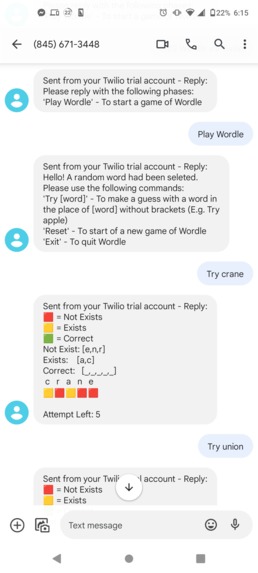
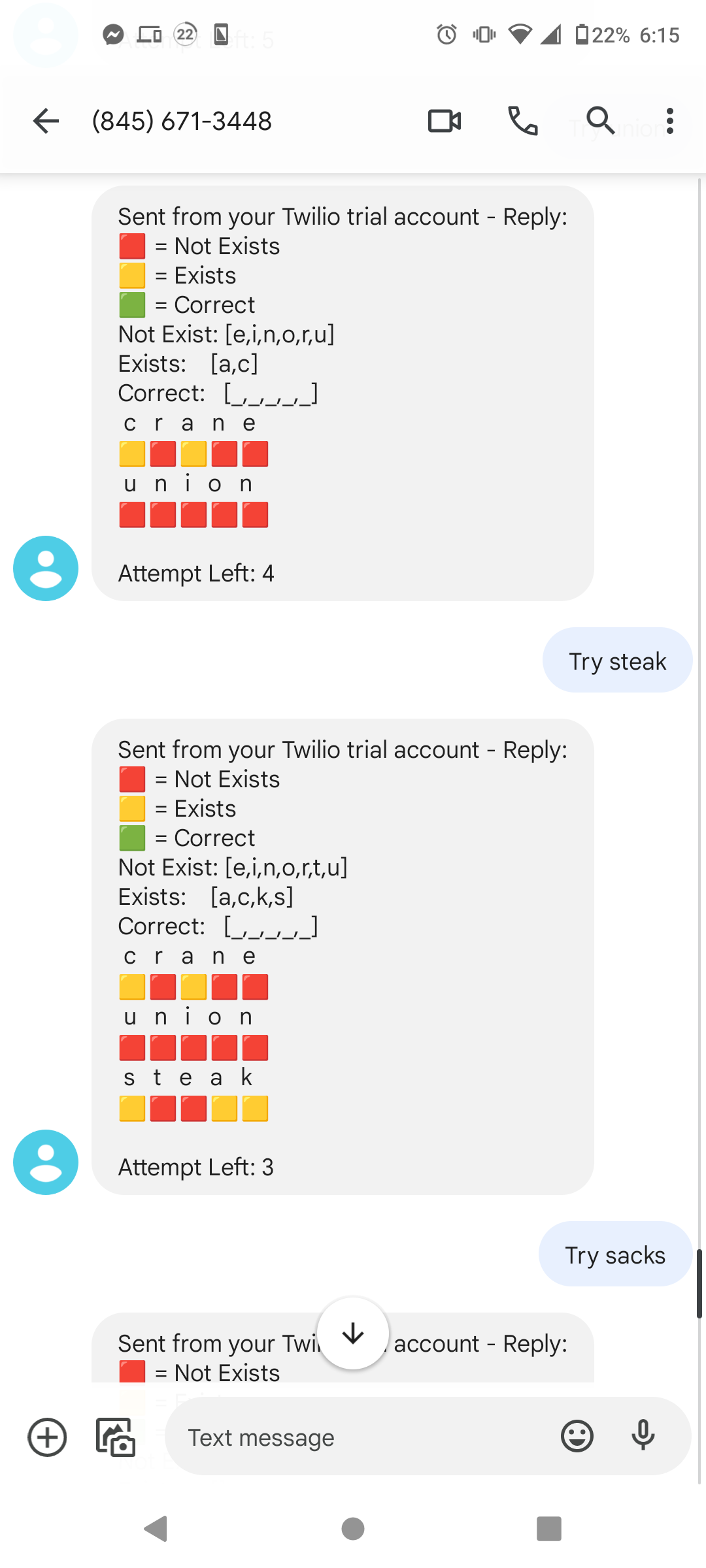
Try crane
-
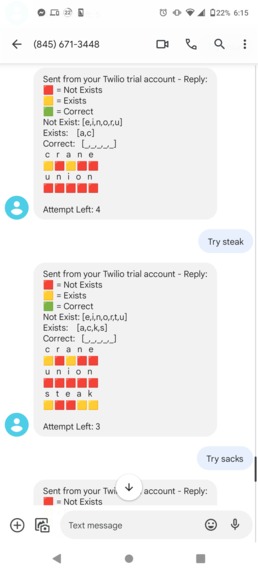
Try union & steak
-
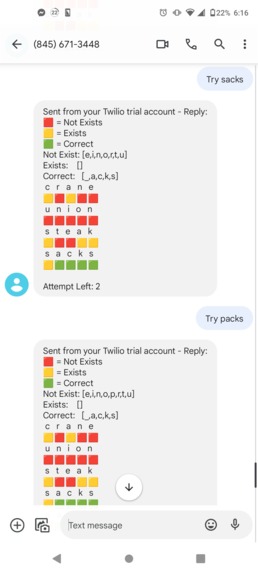
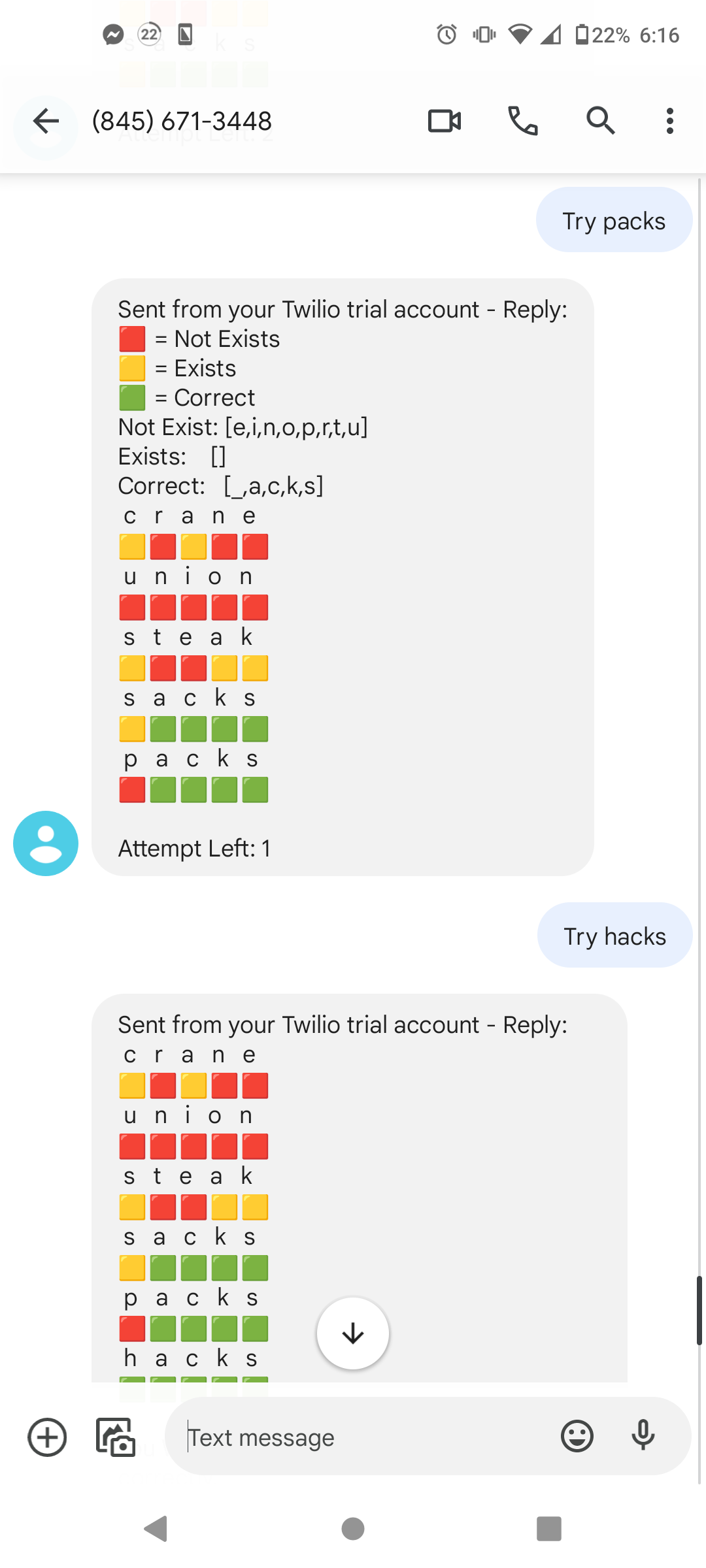
Try sacks
-
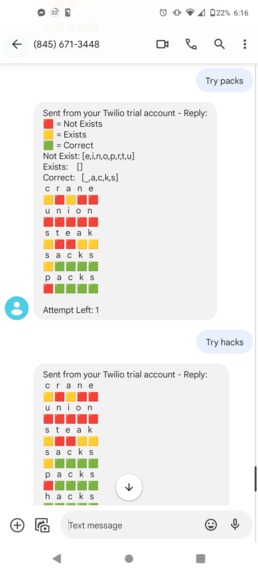
Try packs
-
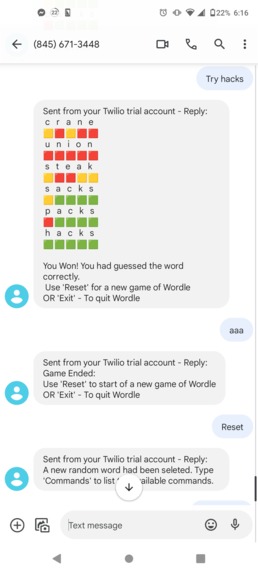
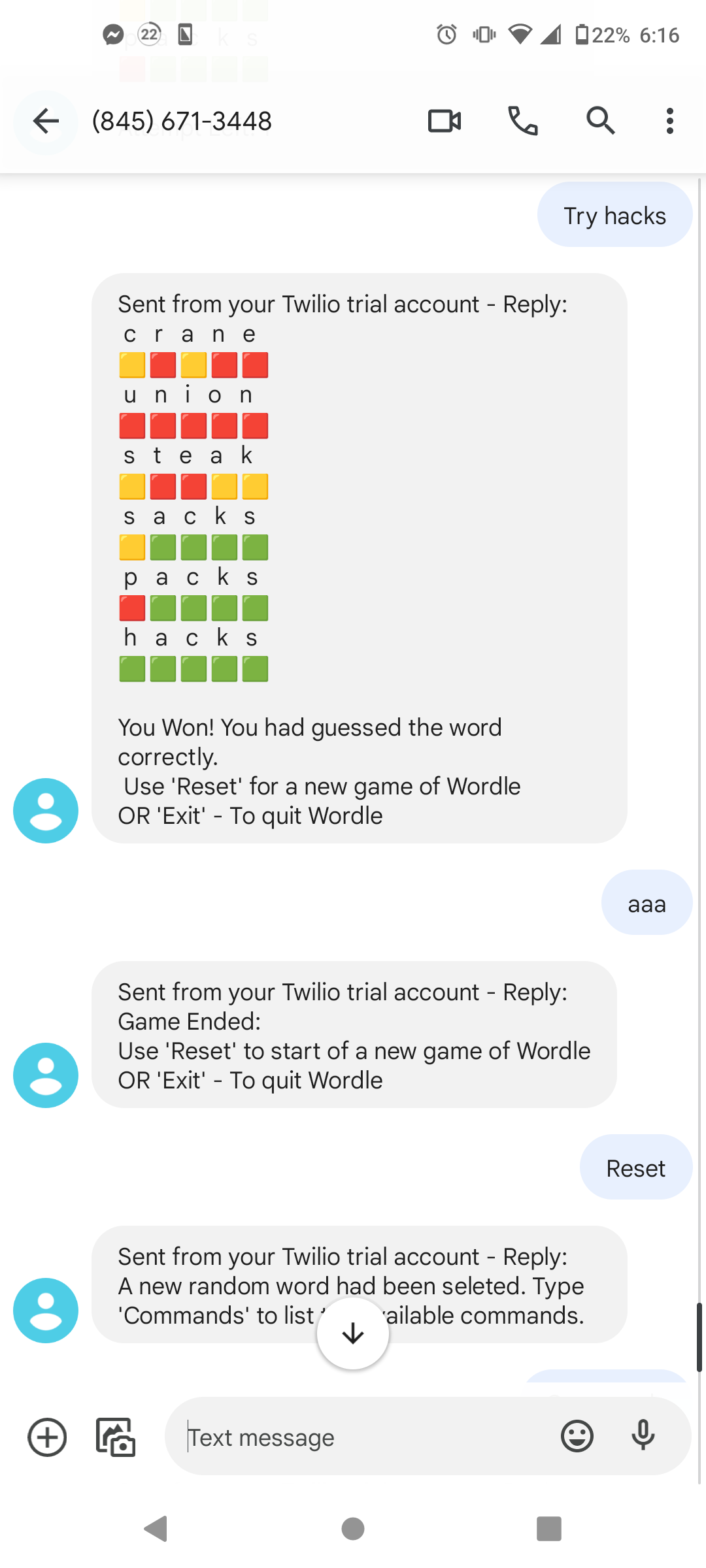
Try hacks (for hackathon!) [The probability of getting this a word randomly: .015%]


Inspiration
As we were brainstorming about the project to create, we leaned towards to create an application which would entertain or help users. We came up with few ideas like implementing a game or a video application interface. After attending the Twilio workshop, we were very fascinated by the functionality, customizability, and the ease of use. Therefore, when we went further into our brainstorming we had to implement Twilio into our project. As we were discussing, we recalled that Twilio had the ability to customize the SMS message content which then reminded us of text based applications. Suddenly, the current popular text based game "Wordle" came into our minds. We then imagined the possibility of implementing an application where "Wordle" can be enjoyed on SMS. We liked the idea and committed to work on developing a "Wordle" game using SMS application.
What it does
Our project enables users to enjoy the popular game "Wordle" via their SMS message app. We provide users the flexibility to enjoy without the Internet expanding number of areas where one can play.
How we built it
1] Attended Twilio Workshop learned via TwilioQuest
2] Then when in more depth by reading Twilio documentation and guide
3] We decided on the base language to use: Python
3] We accessed Twilio by installing the package on Python
4] To set a simple server for it to listen for HTTP request like GET and POST and to prove HTTP response with the content of our customized messages for SMS we utilized Flask [Listening on localhost:5000]
5] In order to route our incoming SMS messages (HTTP POST requests) we used: ngrok (Recommended by Twilio Workshop) Ngork provides a public IP address and we set up the configuration of the web hook uri for SMS message of our Twilio phone number which basically allows the routing; like incoming messages to our Twilio phone which will be handled by Flask server.
6] After ensuring there is a proper connection between Twilio phone number and mobile phone number, we implement the logics or the mechanics of "Wordle" into our program
7] We set up specific set of commands for users to use and based on their inputs sent from their SMS we allowed the server to operate the functionally of the "Wordle" game on our server. We then allowed the server to reply with corresponding results back to the user using SMS.
8] At this stage, the user is able to enjoy a functional "Wordle" game by sending SMS message to the Twilio phone number by the specific command we have set.
9] Then we added "Session Management" within our server to allow multiple users to enjoy the game simultaneously.
10] We refined our UI by adding emoji to represent the states of the game to improve the user experience
11] We set up an remote Unix server on cloud service provider, UpCloud. So we can deploy our application on to our cloud server.
Challenges we ran into
1] Setting up the authentication of Twilio and ngrok 2] To set correct routing and port number for ngrok 3] Setting a proper session management in Flask server
Accomplishments that we're proud of
1] Successful deployment of our application on to our cloud 2] Setting up the session management 3] Beautifying the User Interface
What's next for SMS Wordle via Twilio
1] Create an Web application for user to input their phones number so they can subscribe to the SMS "Wordle" 2] Utilize Puppeteer to add new phone number as verify numbers

Log in or sign up for Devpost to join the conversation.