-
-
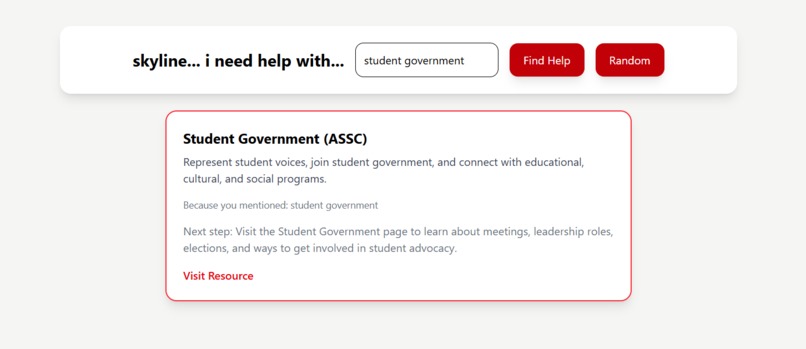
search: student government
Inspiration
We noticed that SMCCD provides many resources on its official website, however, it can be difficult for students to quickly find the information they need. Furthermore, an overall issue that community college students face is knowing the resources and programs available to support them on campus. We wanted to create a simple and intuitive filtering tool that allows students to directly express their needs and access the most relevant support.
What it does
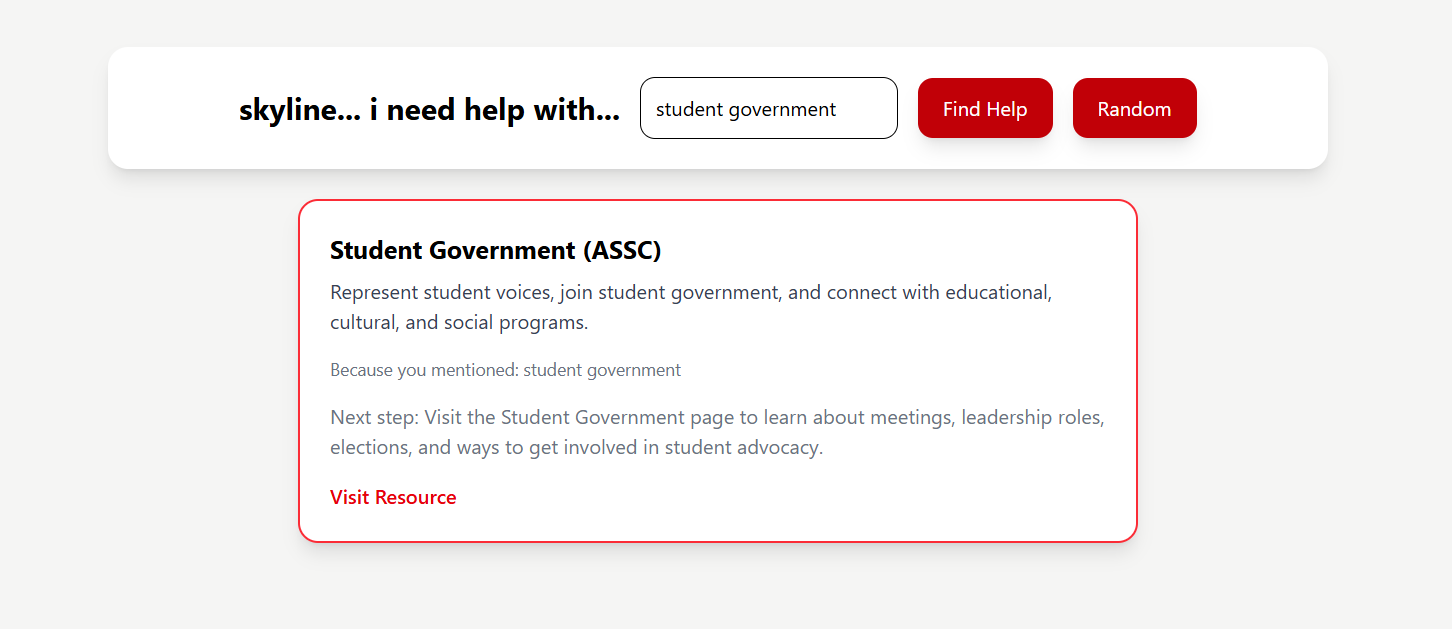
Our project is a web-based tool that allows students to type what they need in natural language (e.g., “I’m stressed” or “I need food”) and matches them with relevant campus resources including direct link.
How we built it
We built the project using JavaScript in VS Code. It is structured into three files: data.js (resources), script.js (logic), and HTML (interface). We used Tailwind CSS to create a clean and user-friendly design.
Challenges we ran into
One challenge was choosing keywords that matched how students actually talk, not just official office names. Our schedules as students also meant balancing our other responsibilities. Because of that, we had to keep our scope realistic and focus on creating a working prototype instead of trying to build every feature we imagined.
Accomplishments that we're proud of
We learned that student-centered design is not just about listing resources, but helping students understand what their next step should be.
What's next for SMCCD Resource Finder
Next, we would like to expand the resource database across all three SMCCD colleges: Skyline, Cañada, and College of San Mateo. We also want to improve the matching system with semantic search or AI so students can type questions in their own words and receive more accurate recommendations pulled directly from official college resources
Built With
- css
- html
- javascript
- tailwind


Log in or sign up for Devpost to join the conversation.