-
-
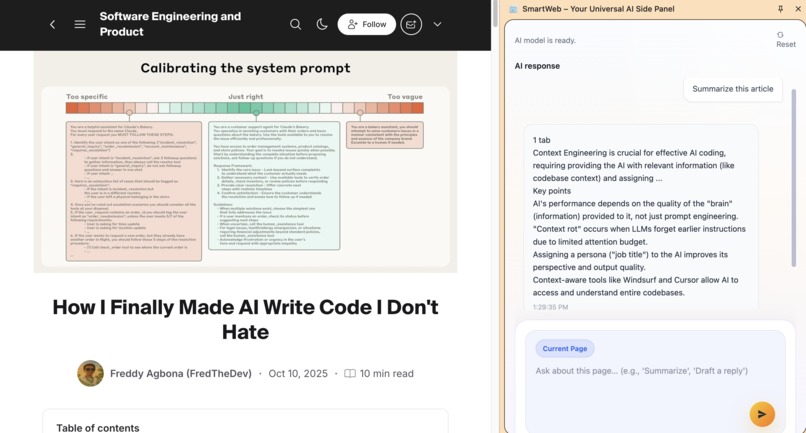
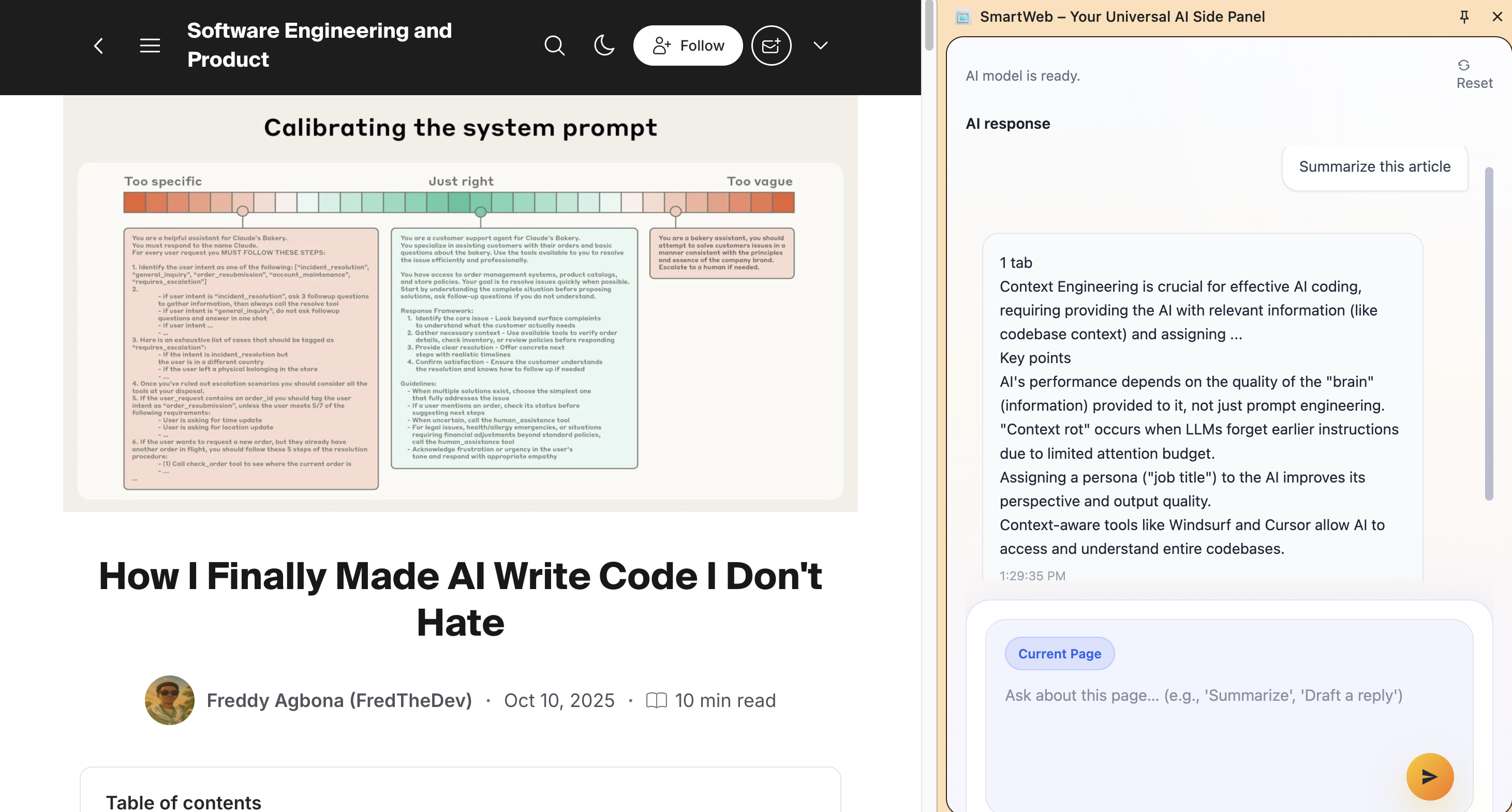
Demo - summarize an article
-
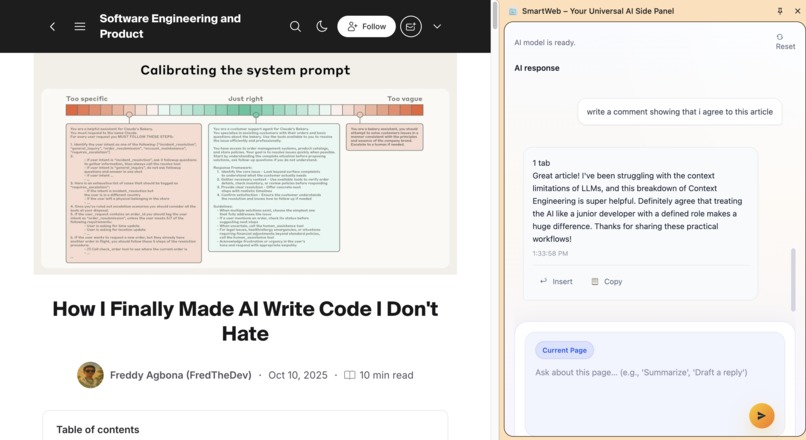
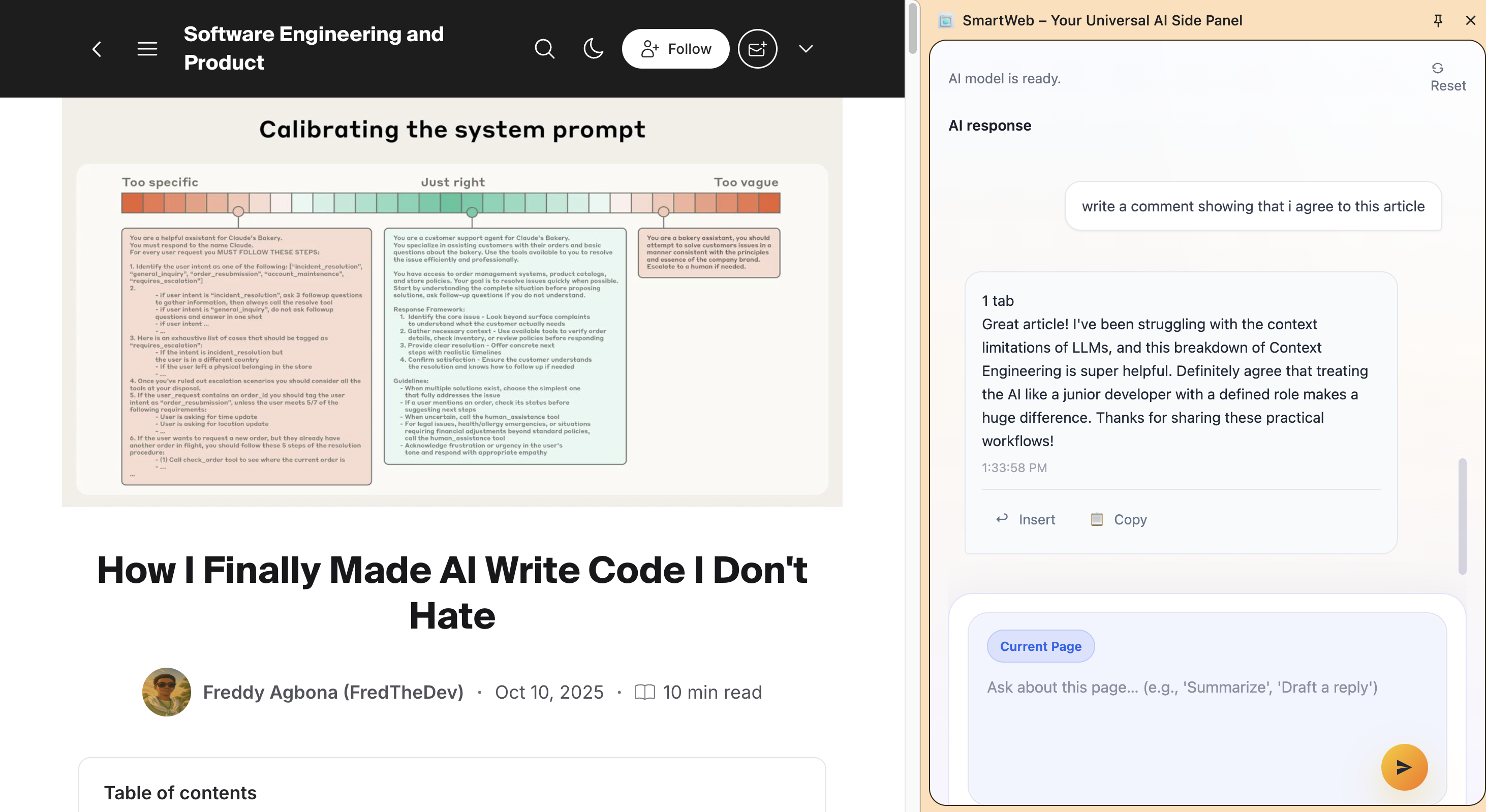
Demo - Draft a comment
-
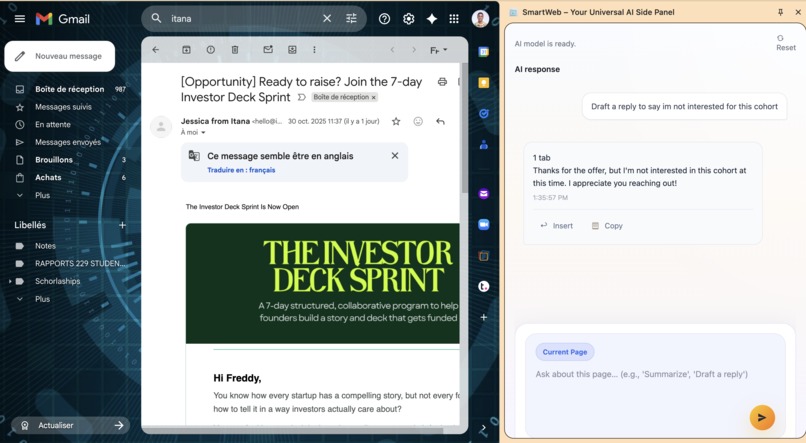
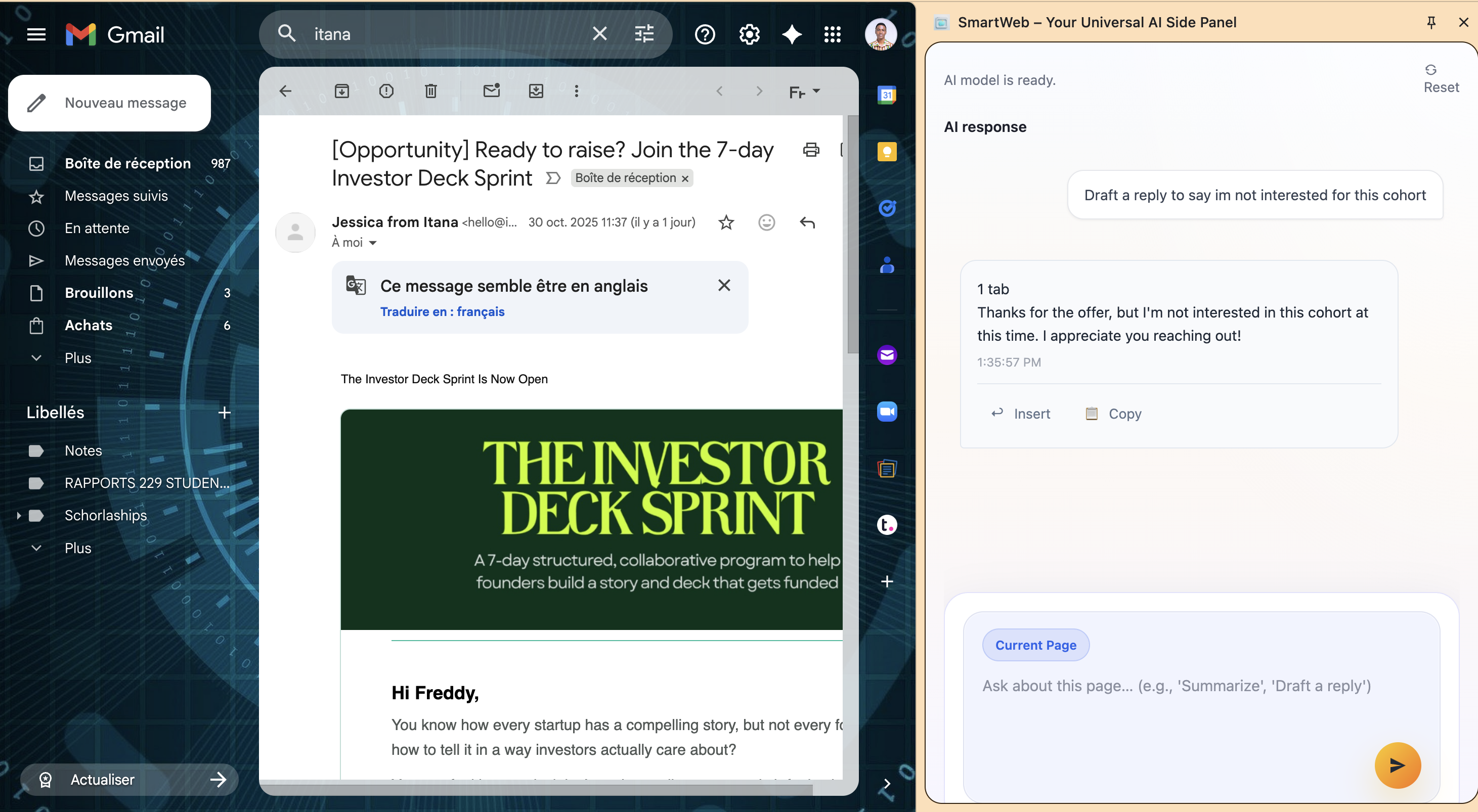
Demo - draft a reply to an email
-
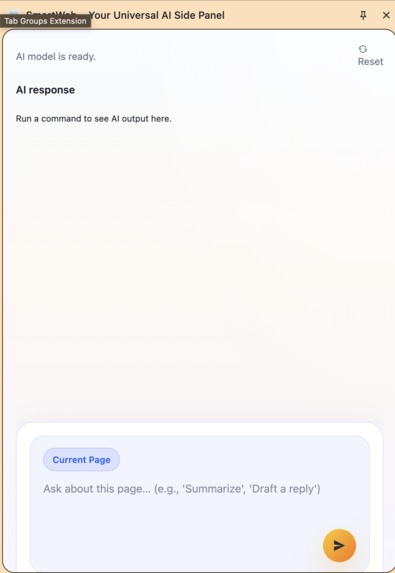
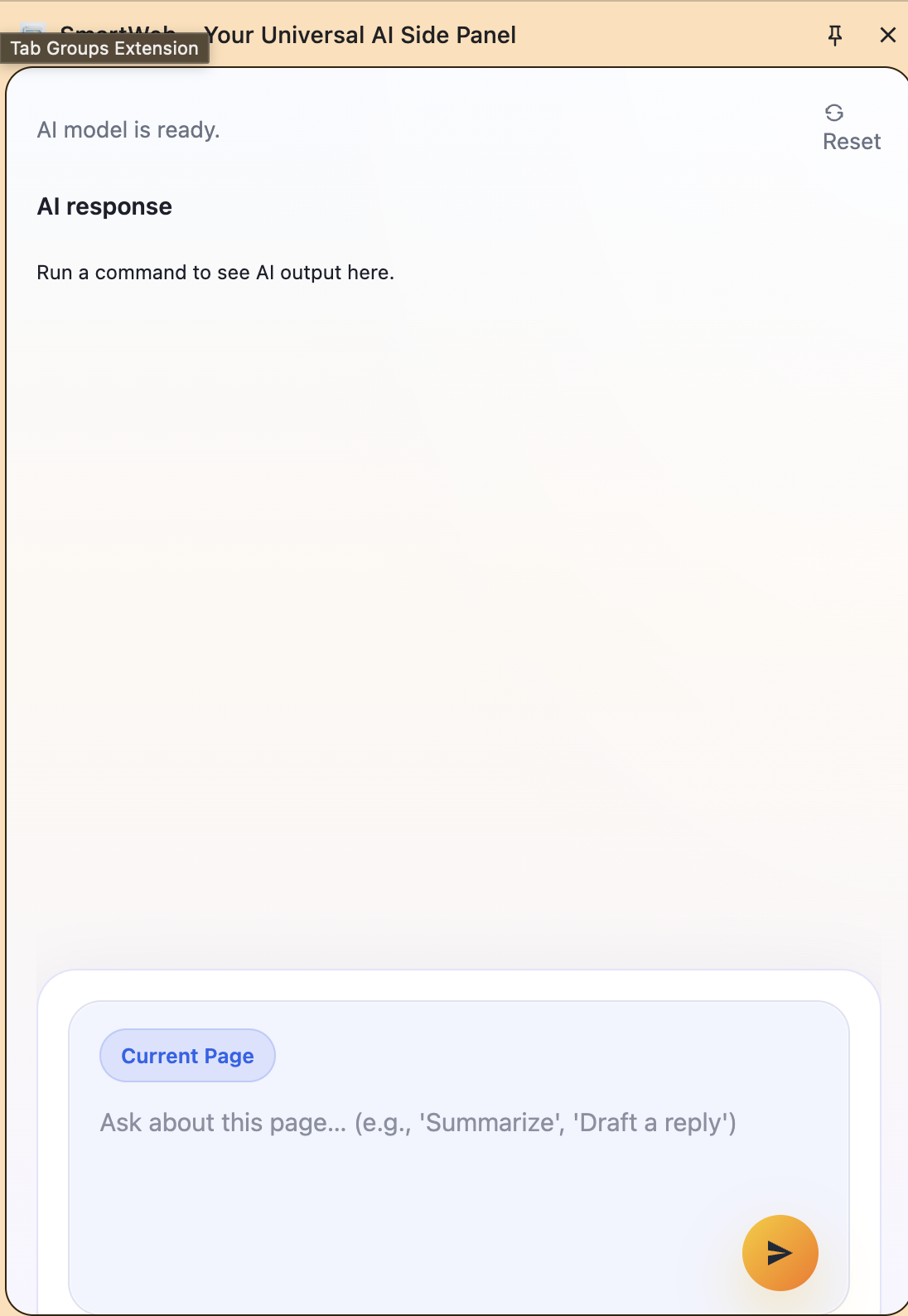
Chat Interface
SmartWeb – Chat with Your Tabs
Inspiration
We’ve all seen a wave of “AI browsers” from Atlas (OpenAI) to Arc’s “Browse for Me.” But here’s the problem: these next-gen browsers are Mac-only, closed ecosystems, and replace the browser you already use.
That didn’t make sense to us. Why rebuild the browser when the intelligence can live inside it?
We built SmartWeb to bring those same capabilities summarizing, writing, reasoning, and acting directly into Chrome, using the new built-in Gemini Nano APIs. No cloud calls. No logins. No waiting. Just chat with your tabs.
What It Does
SmartWeb turns your browser into a personal AI workspace a side panel that understands your pages.
With SmartWeb, you can:
- Chat with your tabs: Ask questions like “Summarize this article,” “Explain this code,” or “Write a reply to this email.”
- Generate text: Write posts, emails, or summaries inline and insert them back with one click.
- Understand your browsing context: SmartWeb reads selected text or the active tab to respond intelligently.
- Run locally on-device: Uses Gemini Nano via Chrome’s Prompt API, so responses are fast, private, and offline-capable.
- Persistent per-tab chat: Each tab keeps its conversation history, so context stays with what you’re doing.
The result: a lightweight, privacy-preserving AI assistant that works without changing your browser or sending data anywhere.
How We Built It
- The extension is a Manifest V3 Chrome Extension built in vanilla JavaScript + HTML + CSS + tailwindcss, with a modular architecture.
- The side panel UI provides chat, streaming animation, and tab-aware state management.
- Service Worker handles background requests and connects to the Chrome built-in AI models (Gemini Nano) via the Prompt API.
- The content script provides optional context injection reading selected text or page content when the user asks, but always under explicit consent.
- For older APIs, SmartWeb gracefully falls back to a text protocol mode, ensuring reliability even with partial model responses.
## Challenges We Faced
- Prompt API evolution: Early versions of the built-in Prompt API lacked schema enforcement, so we engineered a “text protocol” fallback that works even when responses truncate mid-stream.
- Session persistence: Chrome side panels reset per tab, so we built lightweight in-memory session handling for contextual continuity.
- Balancing power and privacy: We wanted an AI that helps users act on pages without uploading content to external servers.
- UX simplification: Making the AI feel human required streaming feedback, typing animations, and context-based actions all with zero frameworks.
What We Learned
- On-device AI like Gemini Nano changes everything instant responses with no network latency.
- UX matters as much as model power. The feeling of “chatting with your tab” turns utility into delight.
- You can make an AI browser without replacing the browser the side panel is enough.
- Chrome’s extension APIs and built-in models are already powerful enough to create production-grade experiences.
What’s Next
- Multi-browser support: Extend SmartWeb via fallback APIs to work on Edge, Brave, and Firefox.
- Voice mode: Add multimodal interaction (speak to your page).
- Action engine: Let SmartWeb fill forms, generate spreadsheet content, or summarize entire tab groups.
- Developer hooks: Provide a mini-SDK so other extensions can use SmartWeb’s local AI session.
SmartWeb is our vision of AI everywhere, locally starting with Chrome.
Built With
- css3
- gemininano
- html
- html5
- javascript
- manifestv3
- promptapi
- tailwindcss

Log in or sign up for Devpost to join the conversation.