-
-
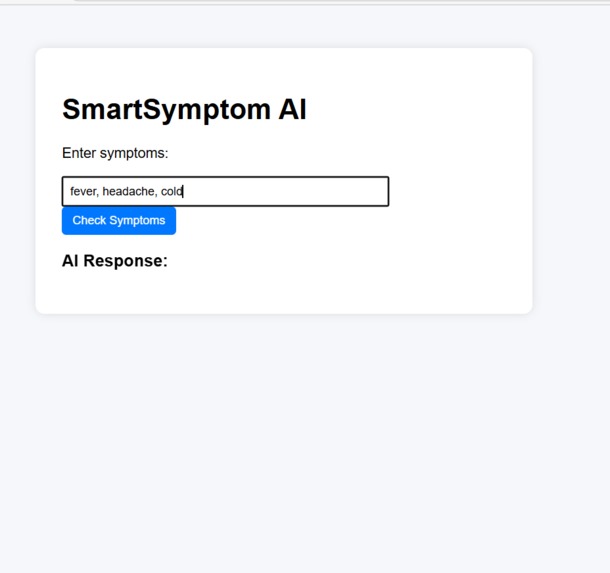
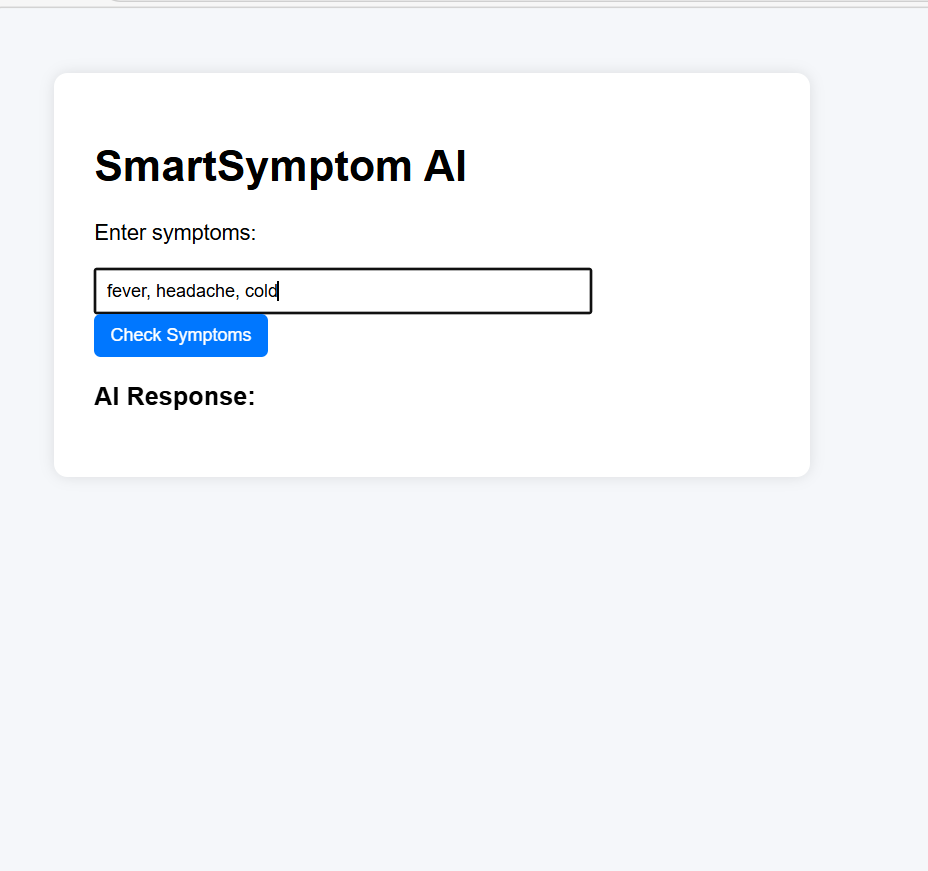
SmartSymptom AI interface where users enter symptoms to receive AI-powered health guidance and possible condition suggestions.
-
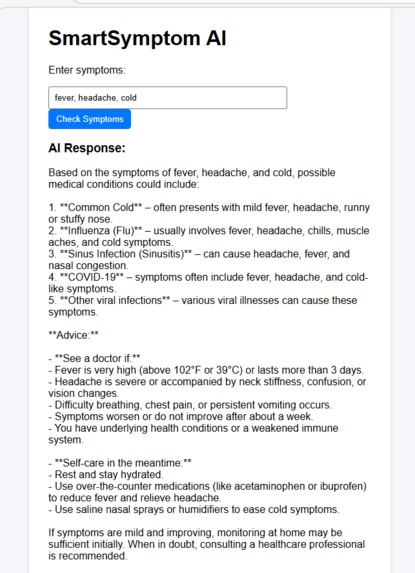
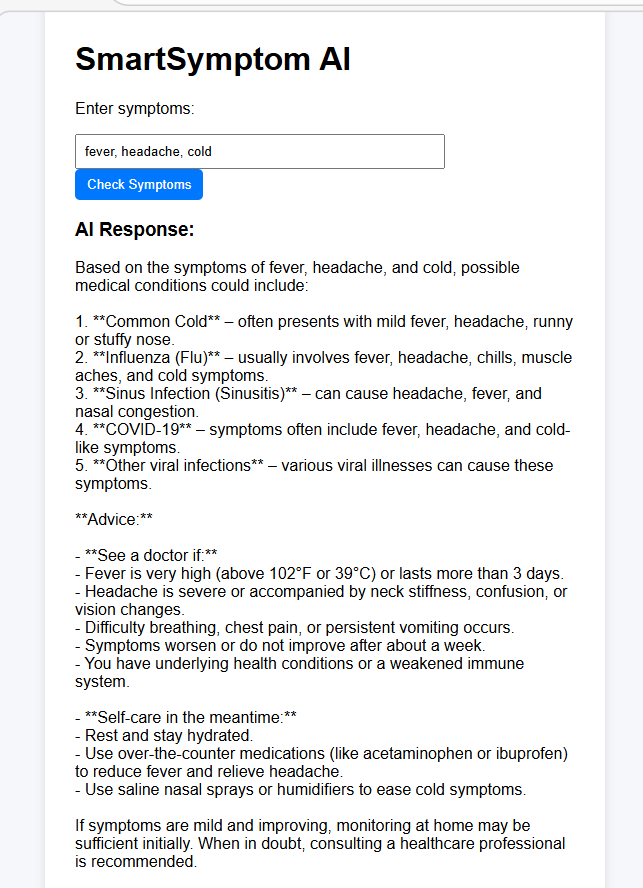
SmartSymptom AI analyzing symptoms and providing possible medical conditions and recommendations on when to seek care.
Inspiration
Many people experience symptoms like fever, cough, or headaches but are unsure whether they should seek medical attention. Often they search online and find confusing or unreliable information.
We wanted to build a simple AI-powered assistant that helps users understand their symptoms and receive basic health guidance. The goal of SmartSymptom AI is to provide an accessible tool that analyzes symptoms and suggests possible conditions while encouraging users to consult healthcare professionals when necessary.
What it does
SmartSymptom AI is an AI-powered healthcare assistant that allows users to enter symptoms and receive possible medical explanations and guidance.
Users type symptoms such as fever, cough, or headache into the web interface. The system sends the symptoms to an AI model that analyzes them and returns possible conditions along with recommendations on when to seek medical care.
The system is designed to assist users with initial health awareness, not to replace professional medical advice.
How we built it
The project was built using a simple but powerful architecture:
- Frontend: HTML and JavaScript interface where users enter symptoms
- Backend: Python FastAPI server that processes requests
- AI Integration: OpenAI API for analyzing symptoms and generating medical guidance
- Templates: Jinja2 templating for rendering the web interface
Workflow:
User → Web Interface → FastAPI Backend → AI Model → Response Displayed to User
Challenges we ran into
One challenge was designing prompts that guide the AI to provide helpful responses while avoiding unsafe medical advice. Another challenge was connecting the frontend interface to the backend API and ensuring responses appear quickly for users.
We also focused on making the system simple and easy to use so that users can quickly understand their symptoms.
What we learned
During this project we learned:
- How to build AI-powered web applications
- How to integrate AI APIs into backend systems
- How to design prompts for healthcare-related AI responses
- How frontend and backend systems communicate in a web application
What's next for SmartSymptom AI
Future improvements could include:
- Integration with healthcare data standards such as FHIR
- Support for multilingual symptom analysis
- More advanced triage recommendations
- Mobile-friendly interface for wider accessibility
Built With
- api
- fastapi
- html
- javascript
- jinja
- openai
- python
- uvicorn

Log in or sign up for Devpost to join the conversation.