-
-
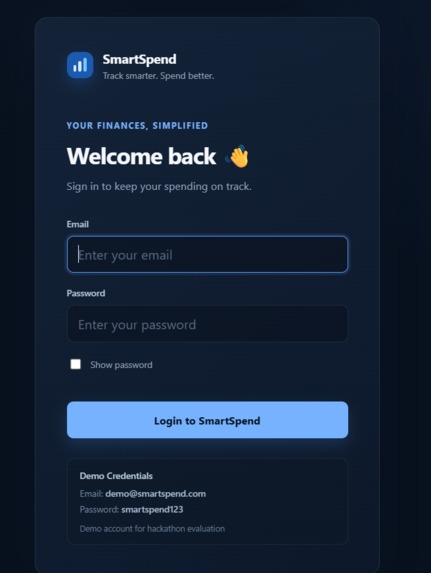
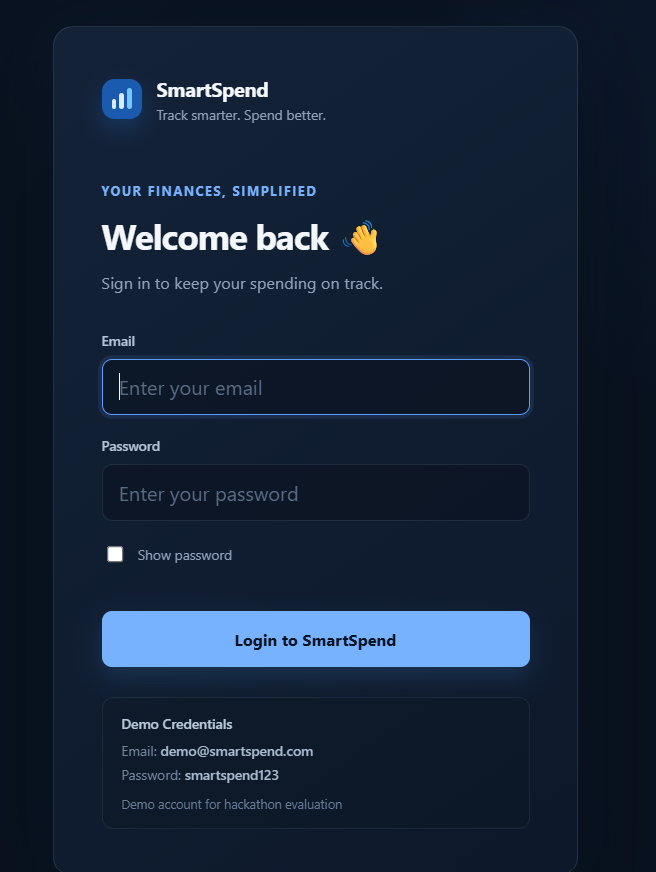
SmartSpend login page with demo credentials for quick access to the application.
-
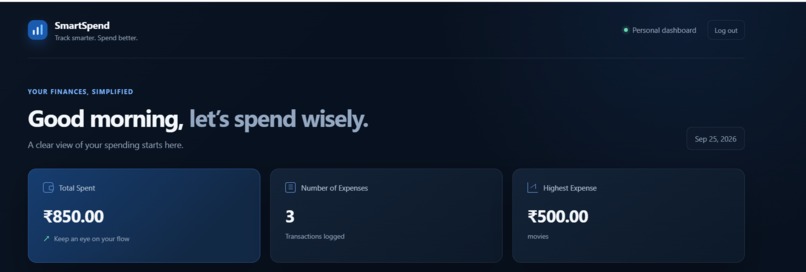
SmartSpend dashboard showing total spending, number of expenses, highest expense, and monthly budget progress.
-
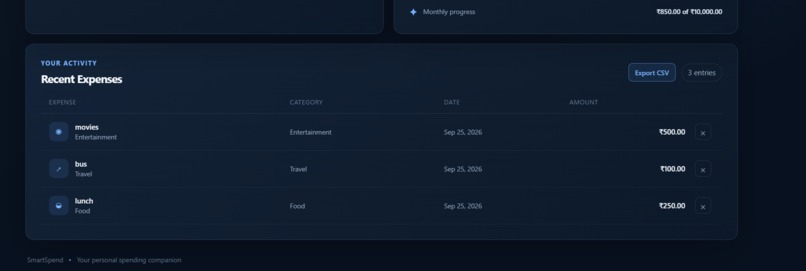
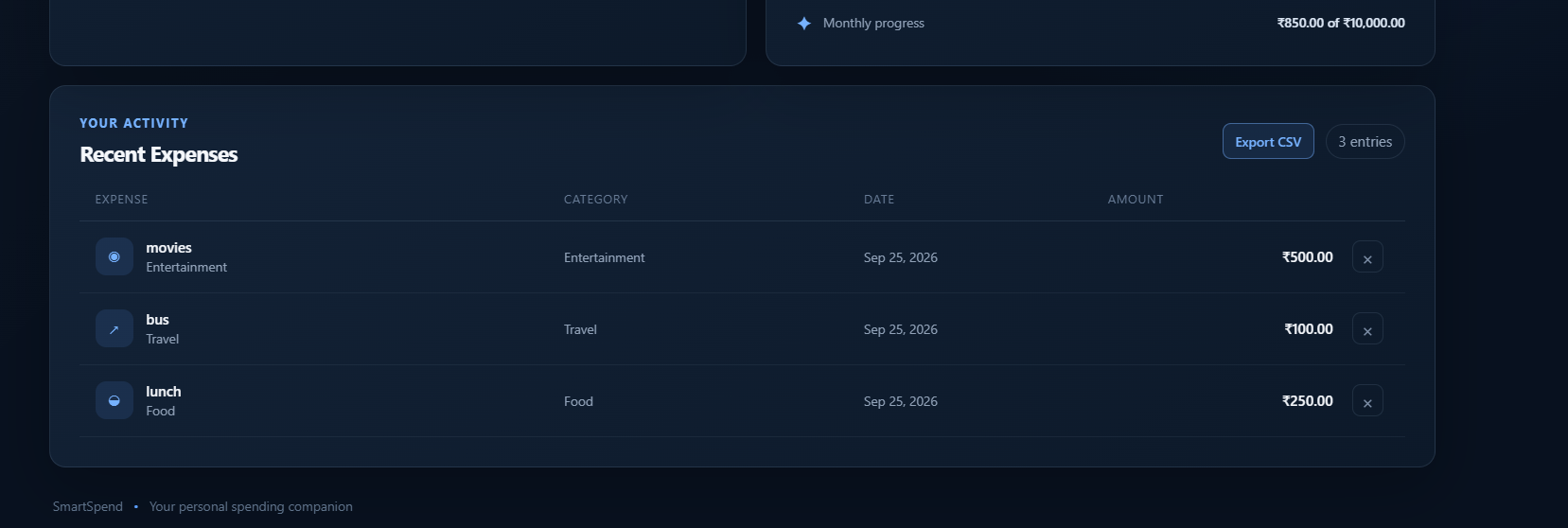
Recent expenses are listed with category, date, and amount, with options to manage expenses.
-
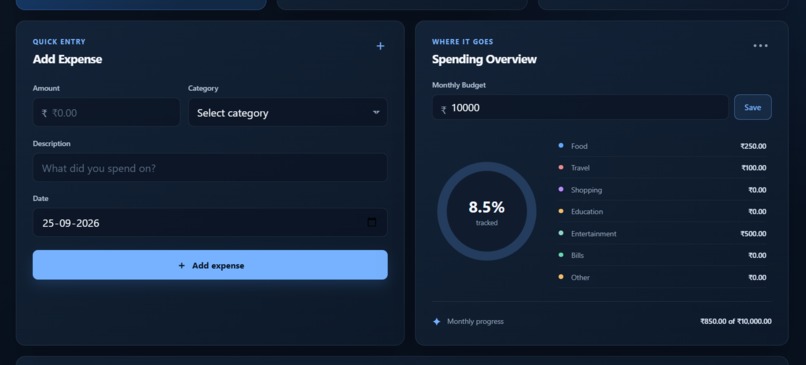
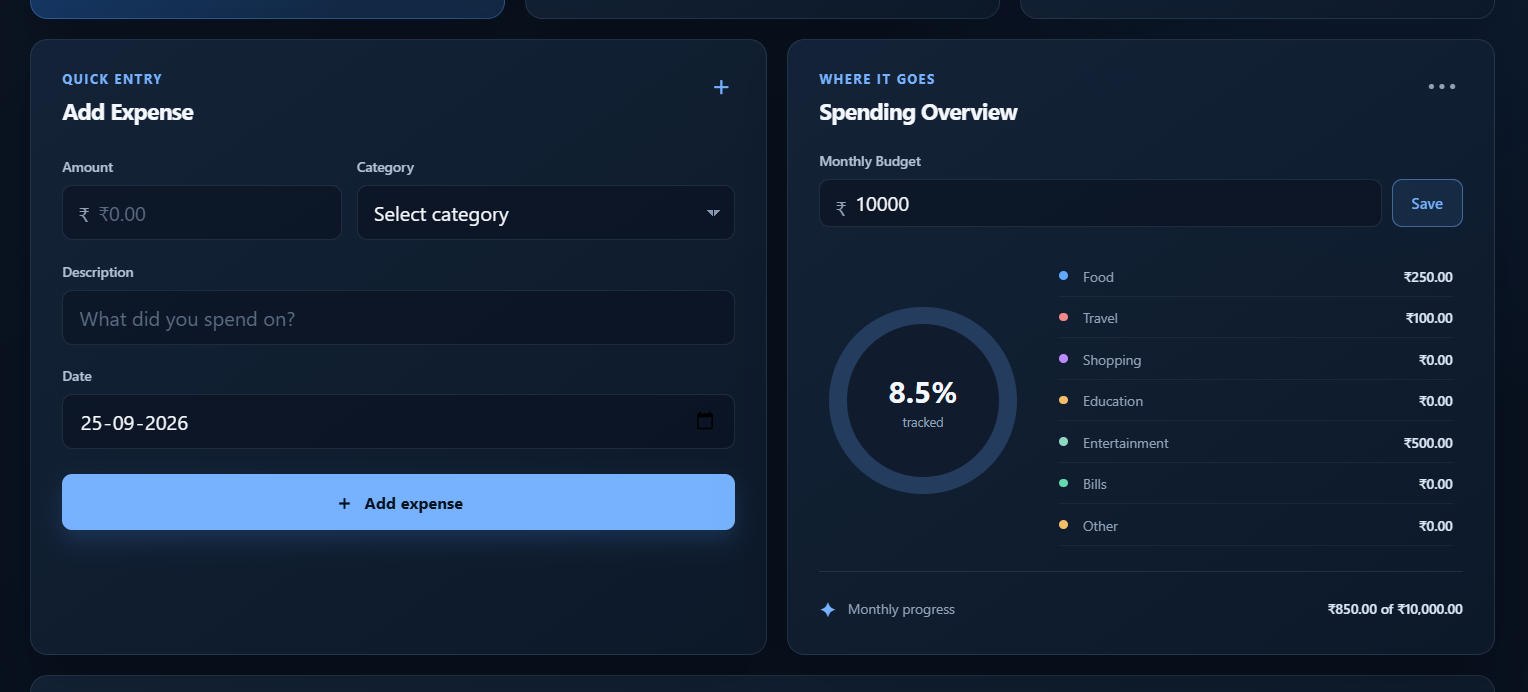
Users can add expenses by amount, category, description, and date while viewing real-time category-wise spending and budget usage.

Inspiration
Managing everyday expenses can become difficult when spending happens across different categories like food, travel, shopping, entertainment, and education. We wanted to create a simple expense tracker that makes it easy to record expenses, understand spending patterns, and stay aware of a monthly budget without requiring a complicated setup.
What it does
SmartSpend is a simple personal expense tracking web application.
Users can:
- Log in using the provided demo credentials
- Add expenses with amount, category, description, and date
- View total spending and number of expenses
- See their highest expense
- View category-wise spending
- Set and track a monthly budget
- Delete expenses
- Export expense data as a CSV file
- Keep expense data saved in the browser using localStorage
The goal is to give users a quick and simple way to understand where their money is going.
How we built it
SmartSpend was built using HTML, CSS, and JavaScript.
HTML was used for the application structure, CSS for the responsive dark-themed interface, and JavaScript for the application logic, calculations, dashboard updates, expense management, and CSV export.
localStorage is used to save expenses, login state, and the monthly budget locally in the browser. The application was deployed using Netlify.
Challenges we ran into
One of the main challenges was keeping the application simple while still making it feel like a complete product.
We also had to make sure that adding, deleting, and refreshing expenses correctly updated the dashboard and that the user's data persisted using localStorage.
Another challenge was creating useful spending summaries without requiring a backend or database.
Accomplishments that we're proud of
We are proud of building a complete working expense tracker from scratch with a clean and responsive interface.
The application provides real-time spending calculations, category-wise summaries, budget tracking, expense management, and CSV export while keeping the implementation lightweight.
We also successfully deployed the application so it can be accessed through a public web URL.
What we learned
This project helped us understand how frontend applications can manage persistent data using browser localStorage.
We also learned how forms, data storage, calculations, UI updates, and exports can be connected together to create a functional web application.
The project also gave us experience with deploying a web application and preparing it for real users.
What's next for SmartSpend
Future versions of SmartSpend could include:
- Real user authentication
- Cloud database storage
- Cross-device synchronization
- Interactive spending charts
- Recurring expense tracking
- Expense search and filtering
- Personalized spending insights
- Monthly and yearly financial reports
- Mobile application support

Log in or sign up for Devpost to join the conversation.