Inspiration
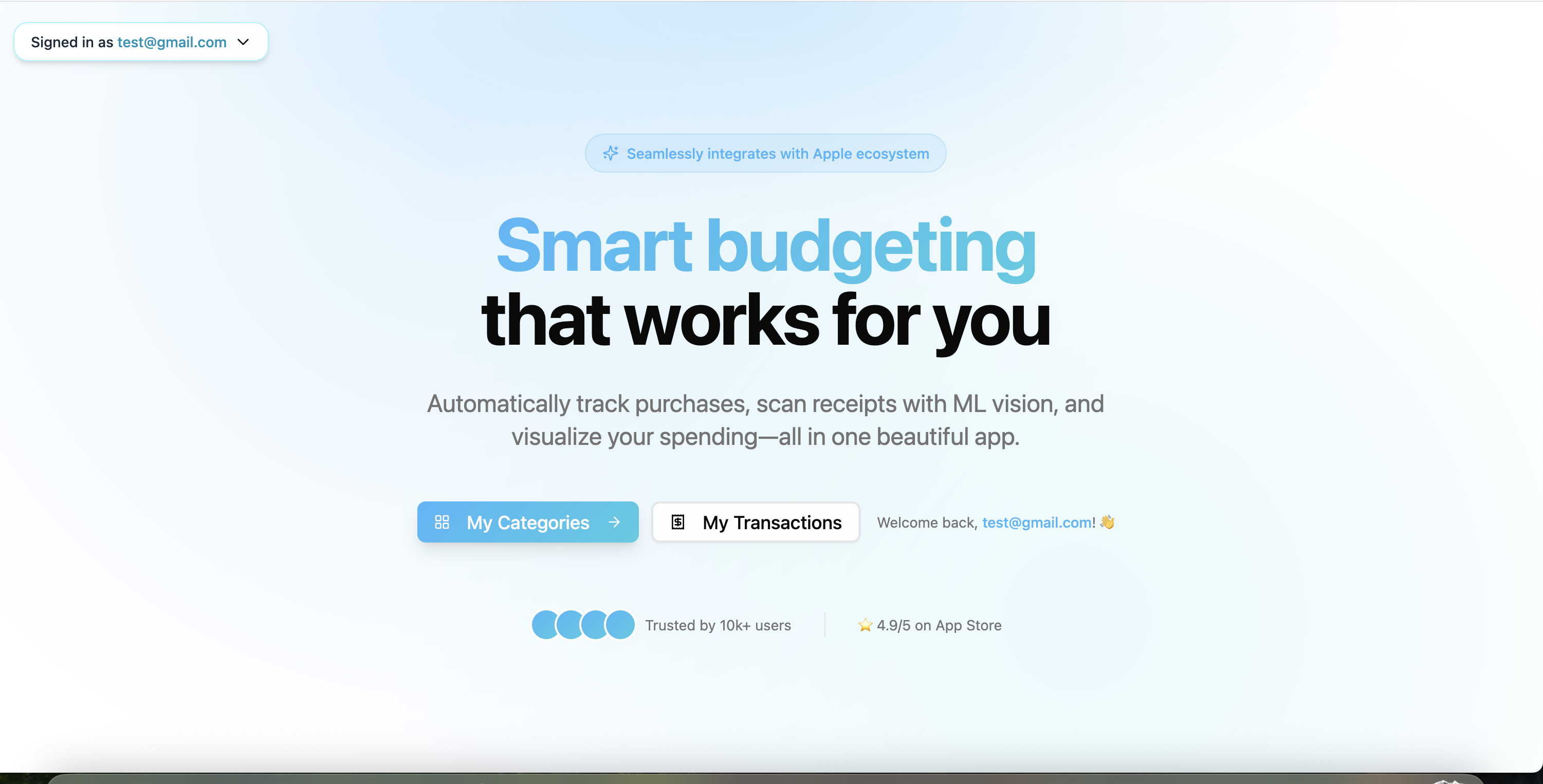
Keeping a budget only works if it updates itself. We wanted a truly “Apple-native” money tracker that feels invisible: pay with your phone/watch → budget updates → you see exactly where your money went without swiping through five screens.
What it does
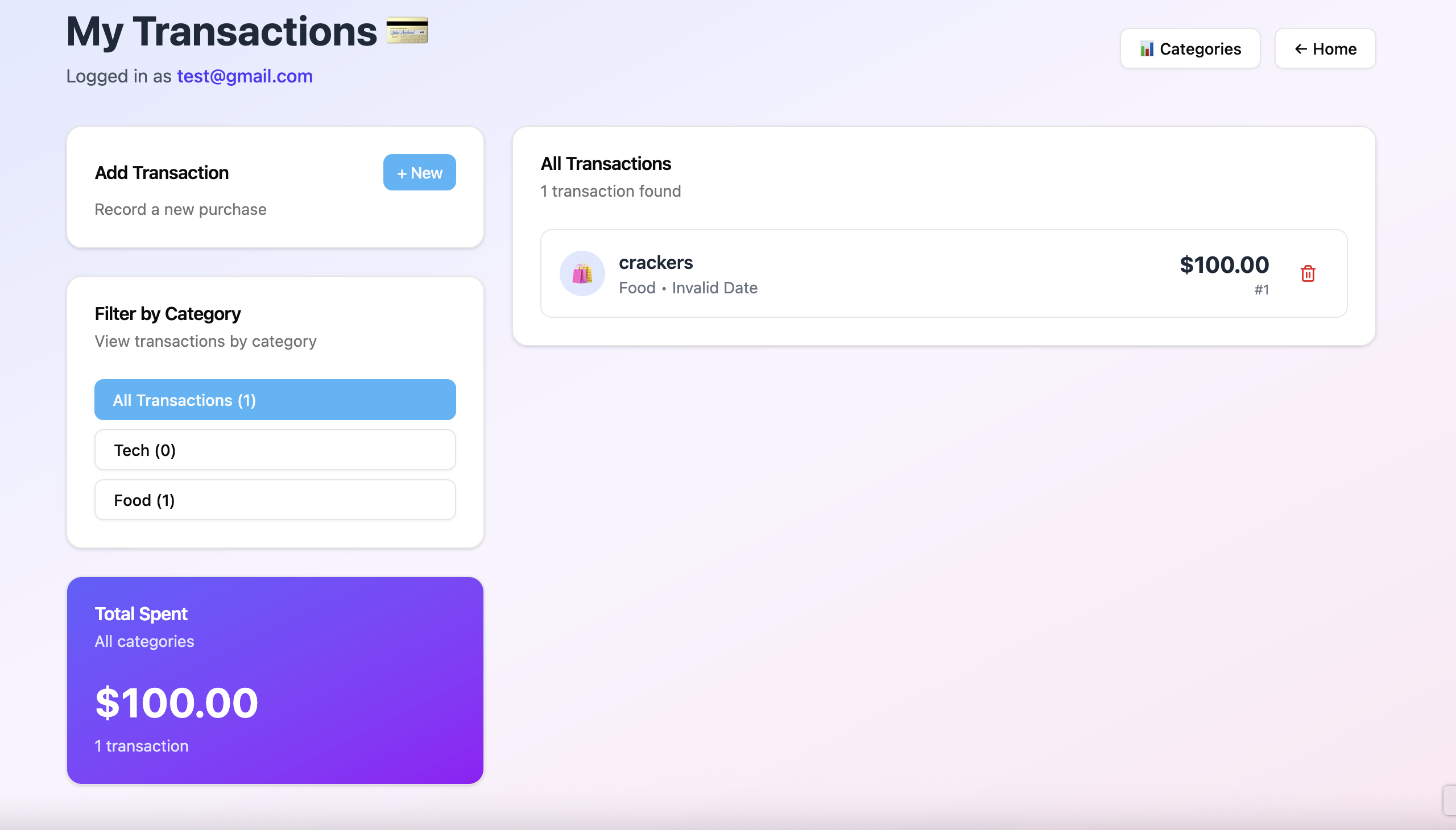
- Auto-syncs purchases from linked accounts and Apple-pay-made merchants, then auto-categorizes into budget “buckets.”
- Smart Receipts: snap or upload a receipt; on-device Vision OCR extracts merchant, date, line items, tax, and total, and reconciles with the matching transaction.
- Real-time envelopes: shows remaining per-category spend (e.g., Groceries, Transit) and warns before you overspend.
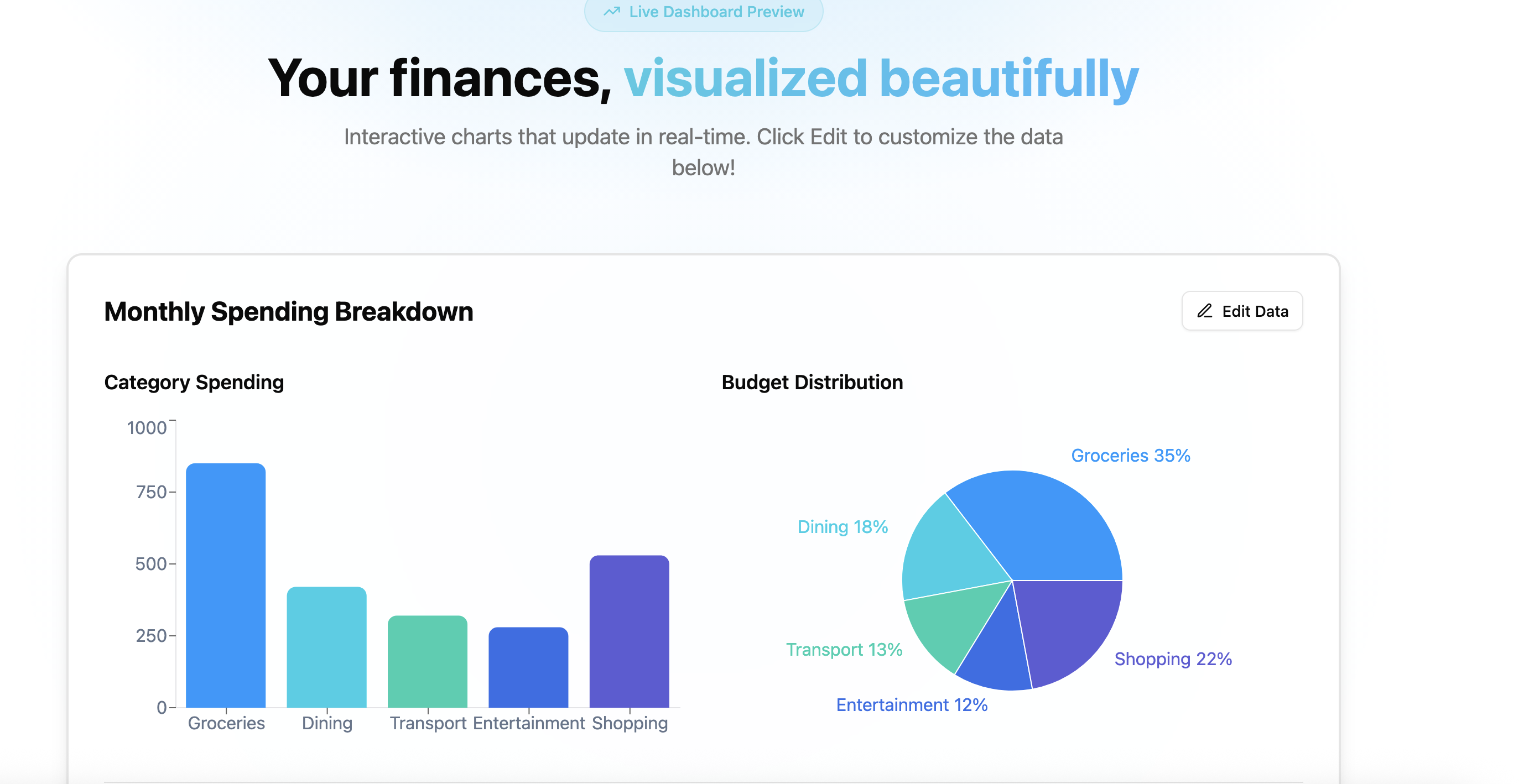
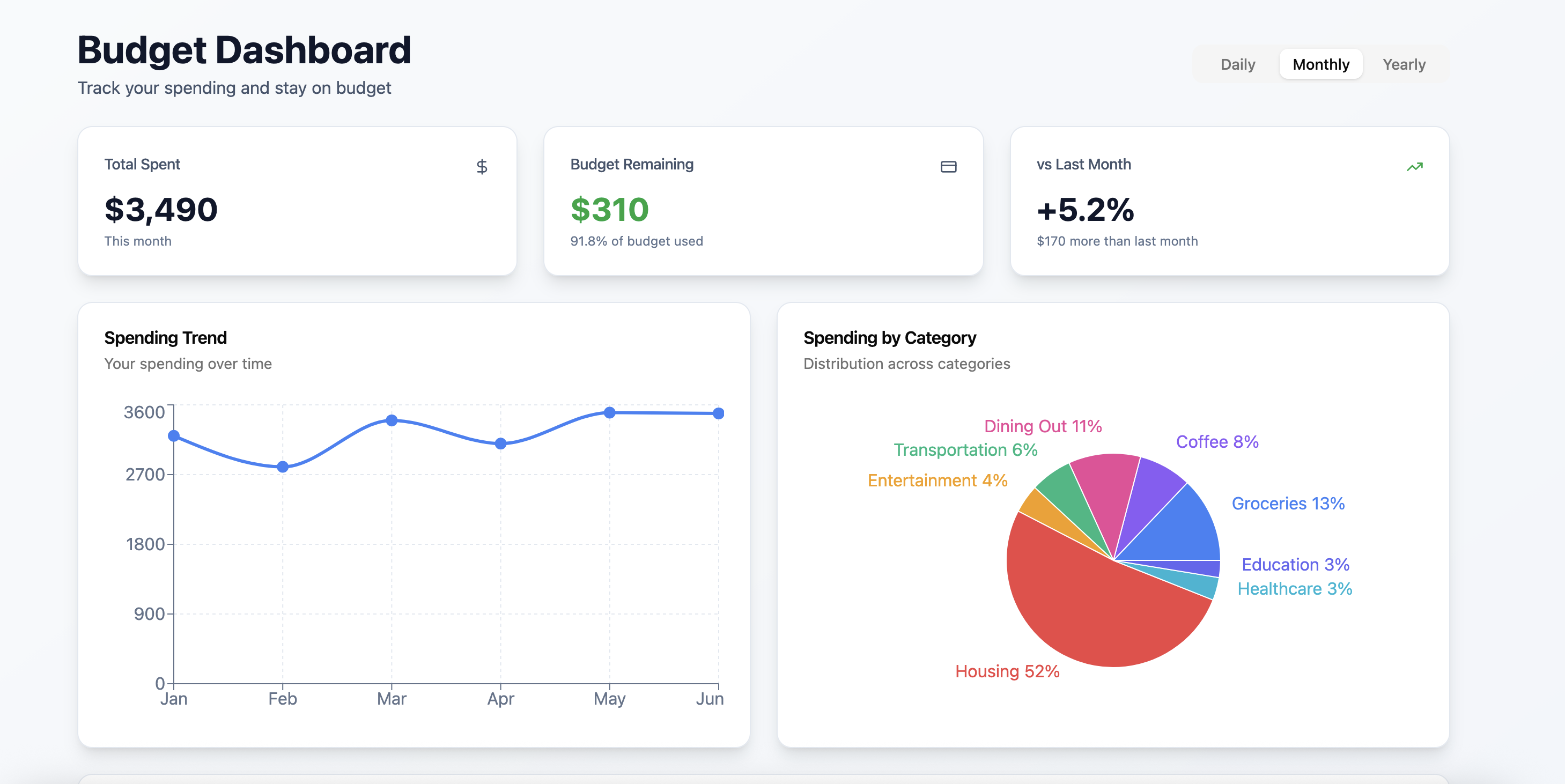
- Visual dashboard: charts for monthly burn, category breakdown, cash-flow trend, and forecast to month-end.
- Offline-first: works without network; syncs when back online.
How we built it
App (iOS/watchOS/macOS): SwiftUI + Combine; BackgroundTasks for periodic sync; CloudKit for iCloud sync across devices; App Intents for quick logging; Widgets + Live Activities.
Data ingest: Aggregator webhooks (e.g., Plaid/Teller) → Server (Node/Express or FastAPI) → push updates via APNs. Pending txns create provisional entries.
Categorization engine: rules (MCC, merchant regex), frequency heuristics, and a tiny on-device model (Create ML tabular classifier) with user corrections feeding back into a per-user profile.
Receipts ML: Apple Vision (VNRecognizeTextRequest) + simple parsers to detect totals, dates, and merchant names; fuzzy match to nearest transaction by time/amount.
Analytics UI: Charts via Chart.js on the web dashboard and Swift Charts in iOS; shared calc layer (TypeScript utils) to keep numbers consistent.
Storage: Encrypted Core Data/SQLite on device; server stores only normalized tx/merchant metadata with per-user keys.
Challenges we ran into
Entitlements & timelines: Financial APIs and Apple entitlements aren’t instant; we designed around sandbox data and graceful fallbacks.
Pending vs. posted: amounts can change (tips, adjustments). We added a reconciliation step to update categories and envelope balances idempotently.
Receipt OCR edge cases: low-contrast photos, weird layouts, and multiple totals; we built confidence scoring + “tap to confirm.”
Duplicate detection: the same purchase via multiple feeds; we hash on (date ±Δ, amount, merchant) to dedupe.
Privacy: keeping PII and raw receipts on-device with opt-in cloud sync.
Accomplishments that we're proud of
Tap-to-budget: a payment shows up in under a second in your envelope.
On-device intelligence: receipt parsing and categorization work offline.
Delightful UX: warnings before you overspend, not after; budget “health rings” you can close like Activity.
What we learned
Apple’s background refresh + push chain can feel instant if you architect for webhooks → APNs → local merge.
Simple models + good heuristics beat heavyweight ML for v1 if you capture user corrections cleanly.
Budgeting UX is about explaining changes—small, human-readable diffs build trust.
What’s next for SmartSpend
Rules engine UI: “Every Starbucks → Coffee bucket, +2% tip forecast.”
Shared budgets: couples/roommates with per-person caps.
Merchant insights: subscription detection, price-rise alerts, and “cheaper nearby” nudges.
Export & tax mode: categorize receipts by project/client and export to CSV/PDF.
(Bonus) Typical architecture at a glance
iOS App (SwiftUI, Core Data, Vision) ↕ (CloudKit sync & APNs) Backend (Node/FastAPI) ← Webhooks (Plaid/Teller sandbox) → Categorization Service (rules + tiny ML) → Web Dashboard (Next.js + Chart.js)


Log in or sign up for Devpost to join the conversation.