-
-
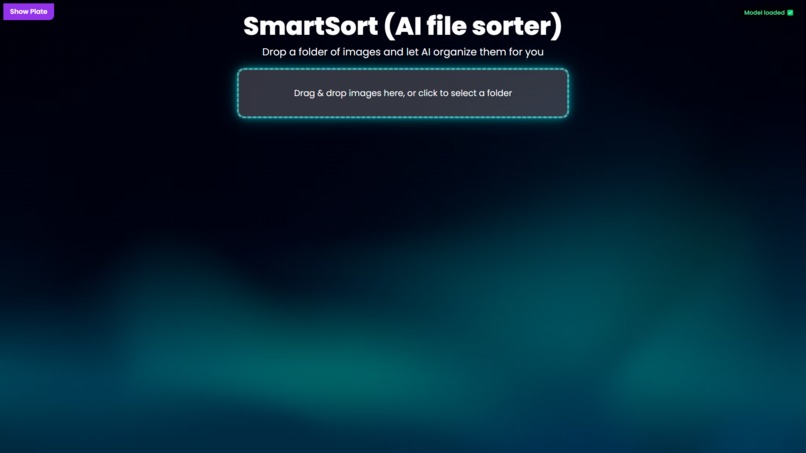
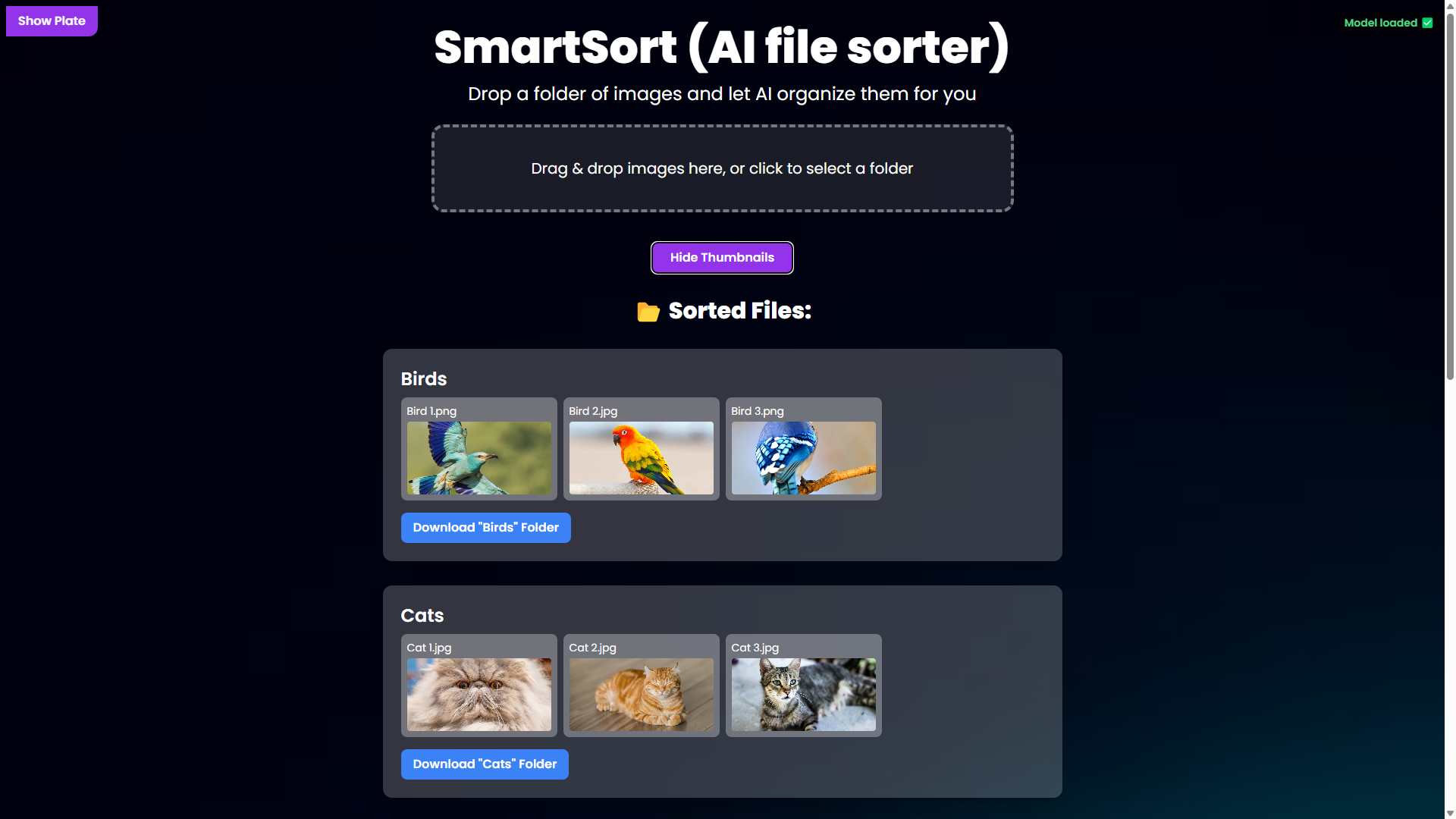
Main Interface
-
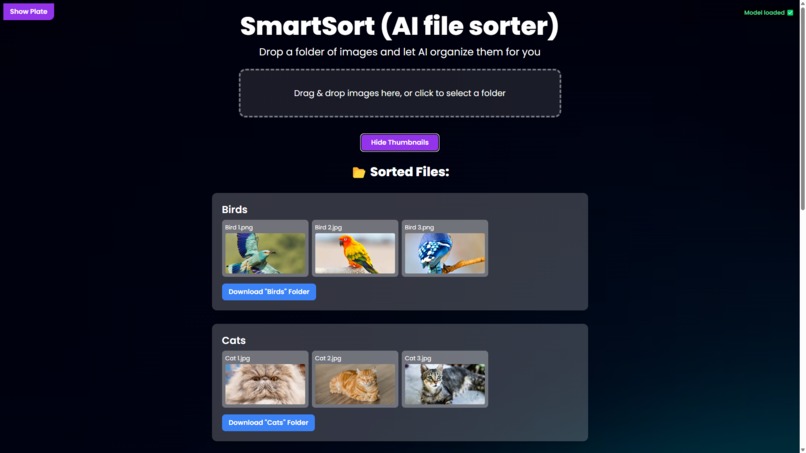
Sorted
-
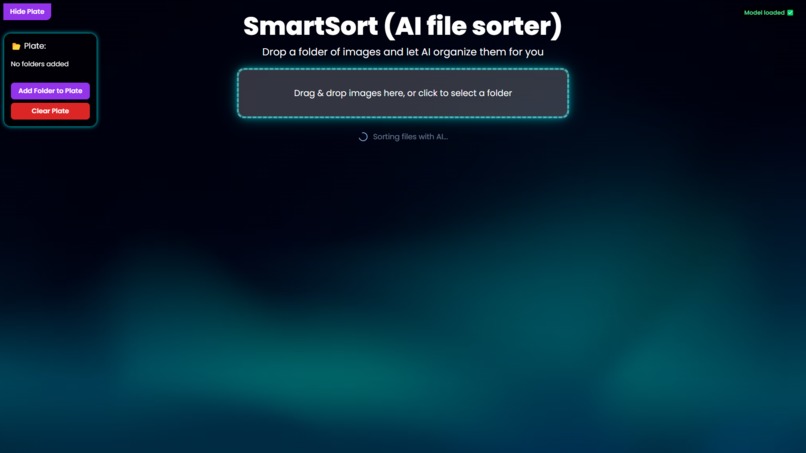
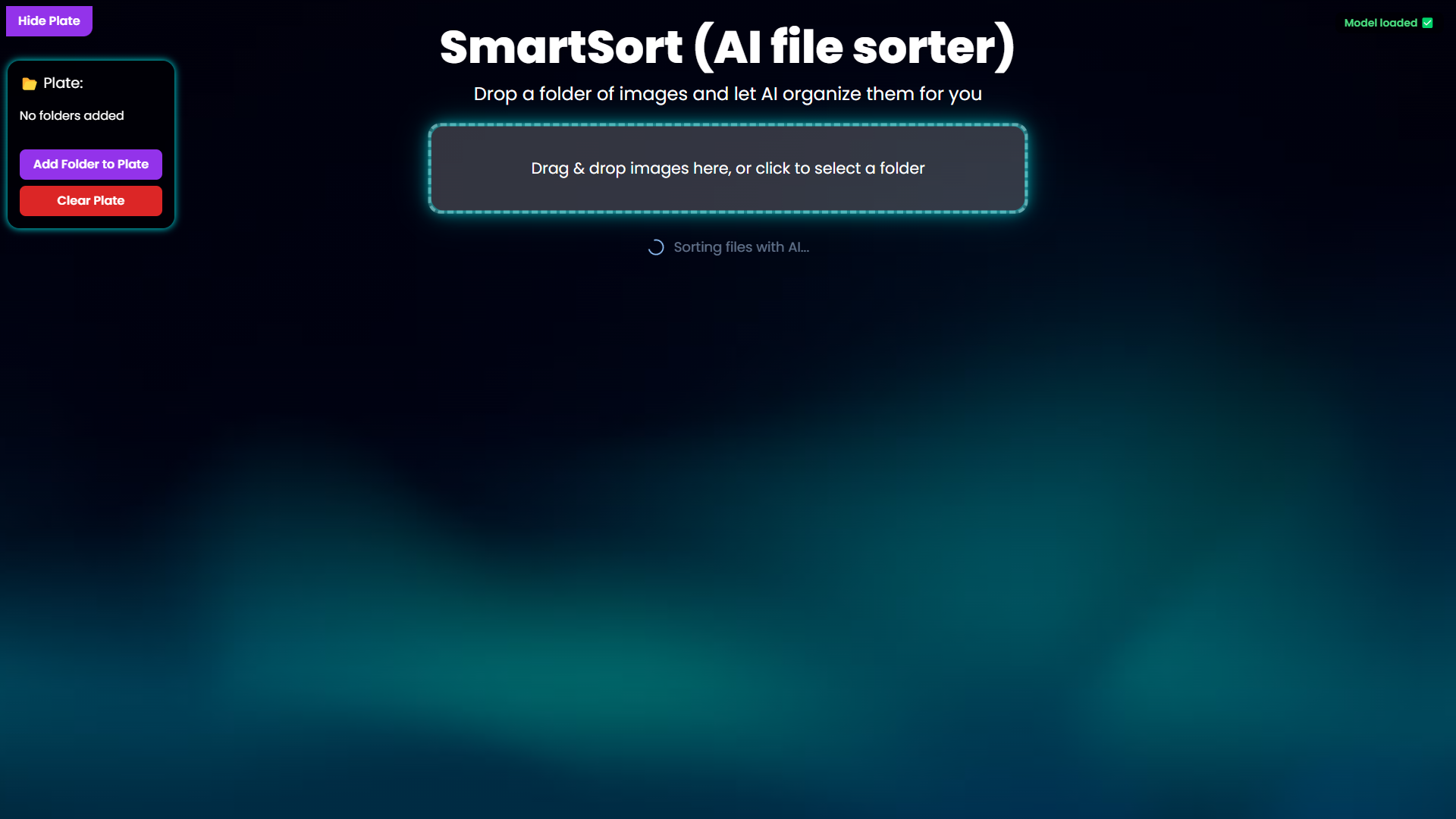
Sorting
Inspiration
I was frustrated by how my Downloads folder became a jumble of screenshots, photos, and random image dumps, finding anything felt like searching for a needle in a haystack. I wanted an effortless way to restore order.
What it does
SmartSort blends a easy-on-the-eye UX-first drag-and-drop interface with AI image classification. It instantly groups images into labeled categories and packages them into downloadable ZIPs.
How we built it
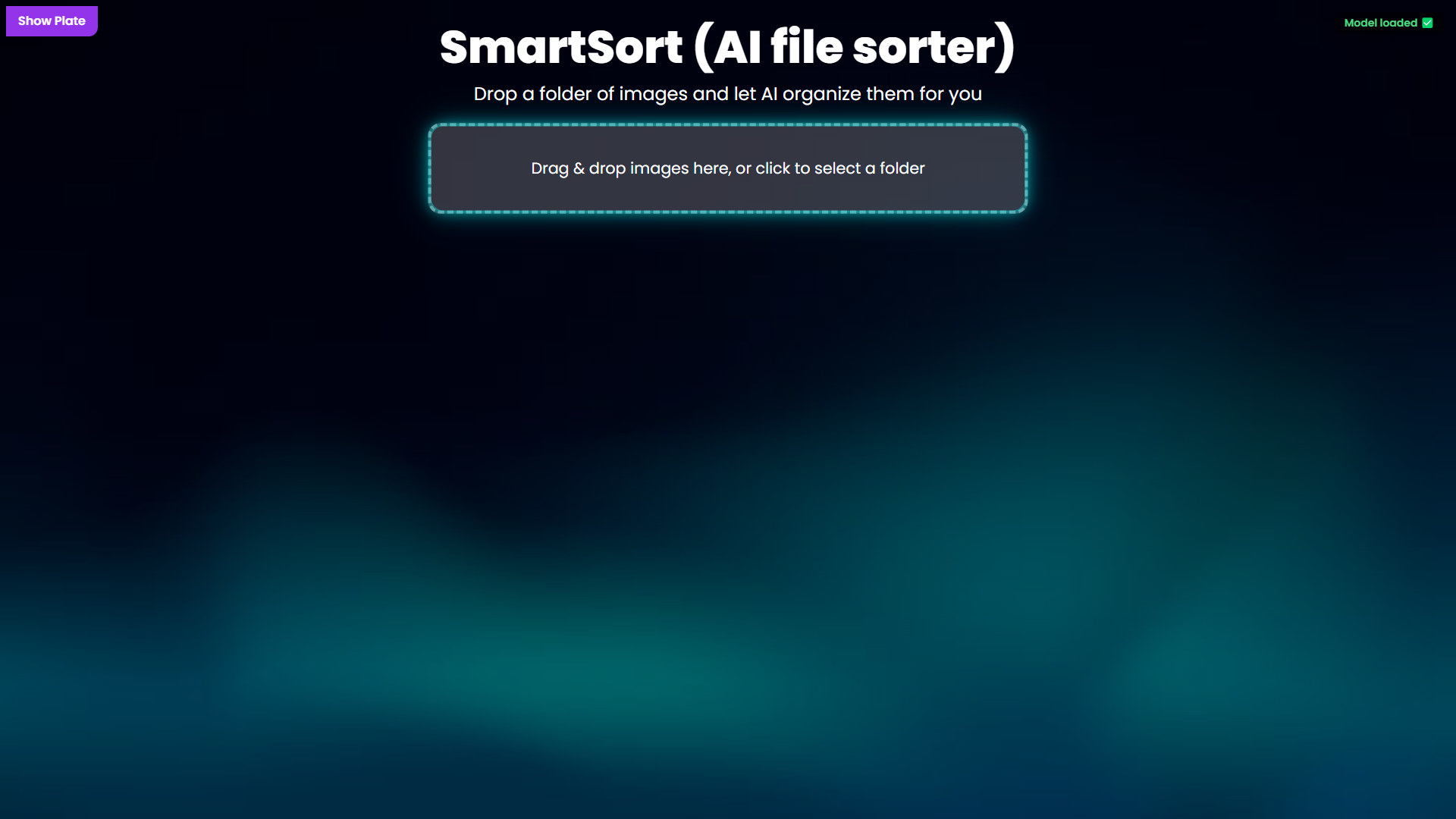
- UX & UI: React + Tailwind for a clean, responsive design; animated plate interactions, parallax background, and spinners all keep the users in the simplistic vibe while also having that robotic-y feel.
AI Core: Google’s Teachable Machine Image API classifies each image into broad categories.
Bundling: JSZip & File-Saver bundle sorted images into ready-to-download archives.
Folder Handling: react-dropzone’s directory support plus a hidden<input>fallback for cross-browser reliability.
Challenges we ran into
Choppy-ness: Each feature added made the project more choppy, time by time, small addition by small addition, eventually i cleaned up and reworked some of the features. Therefore now it doesnt eat up all our memory and works as it should.
Browser quirks: Directory uploads vary across Chrome, Firefox, and Safari, solved by combining dropzone hooks with a hidden file input.
Smooth animations: CSS transitions and inline style logic ensure the plate slides, fades, and flings back seamlessly.
Parallax Effect: It might not seem like it but that background sway effect gave me hours of headaches trying to implement perfectly.
Background not fitting: with each set of images being organized the website got longer, i didnt want the background to cut off so i added a feature where for every extra category of files, the website would get bigger by about 20% or 25%.
Accomplishments that we're proud of
A fully functional prototype that goes beyond a simple demo, organizing and bundling images in real time.
Achieved a high grouping accuracy in testing.
Polished UI with simplistic and clean animations at every step.
What we learned
ALOT was learned. how to integrate Teachable Machine models into a React application. different Techniques for robust folder uploads in web environments. Crafting resilient, user-friendly CSS animations that respond to dynamic React state. and overall a different point of view on how to fix errors that pop up unexpectedly, especially while using react. i got to know react much more. Additionally, i learned how to upload my code and work correctly for other to view and try. This whole experience was very eye-opening for me.
What's next for SmartSortAI
Custom labels: Let users define and train their own categories.
Cross-platform app: Electron and React Native builds for native file-system integration.
Cloud export: Direct upload of sorted ZIPs to Google Drive, Dropbox, or other cloud services.
User commands: Users can approve or disapprove the organized file made my the AI. For example, if the AI incorrectly classifies a bird to be a cat, the user should be able to move the bird picture manually out from the cat category and into the bird category.
Built With
- css
- html
- javascript
- jszip
- react
- tailwind
- teachable-machine


Log in or sign up for Devpost to join the conversation.