-
-
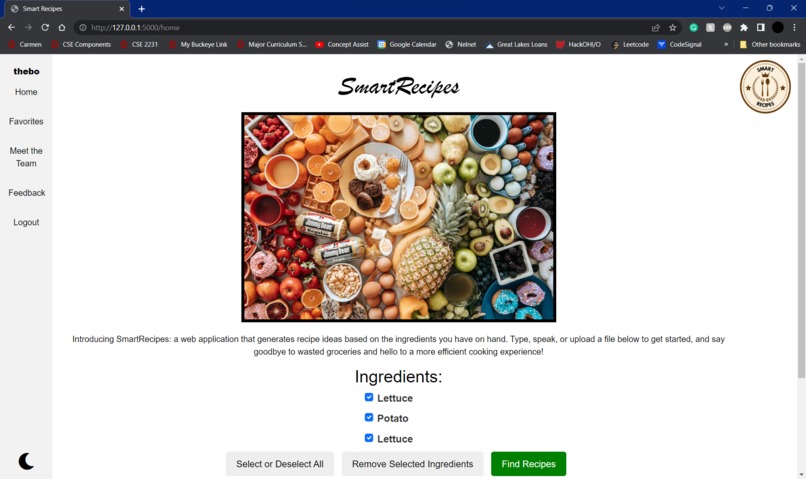
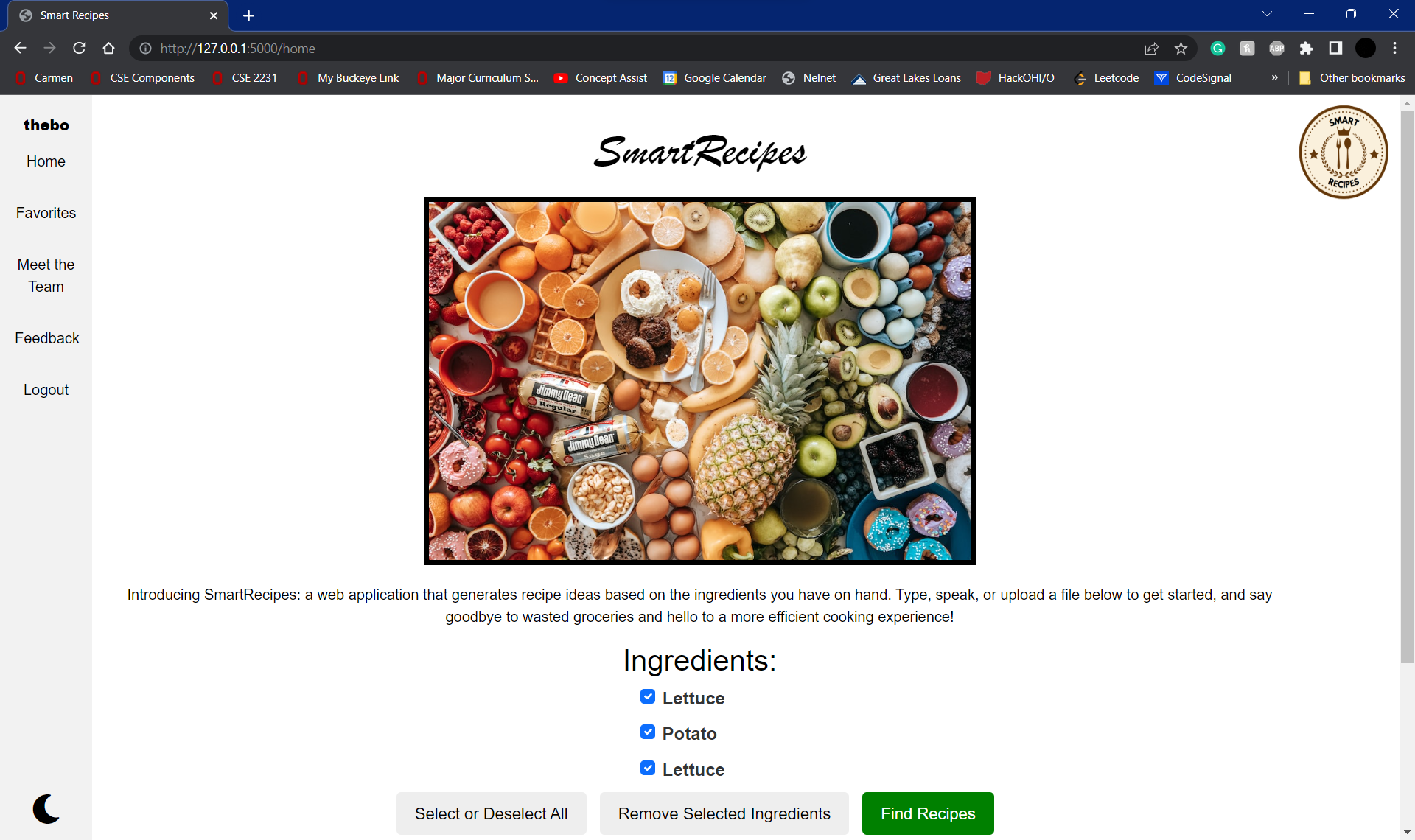
Light mode version of the home page
-
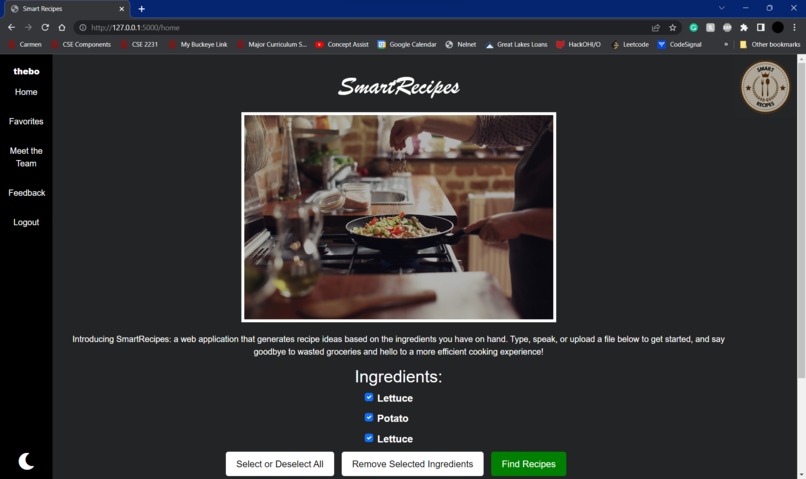
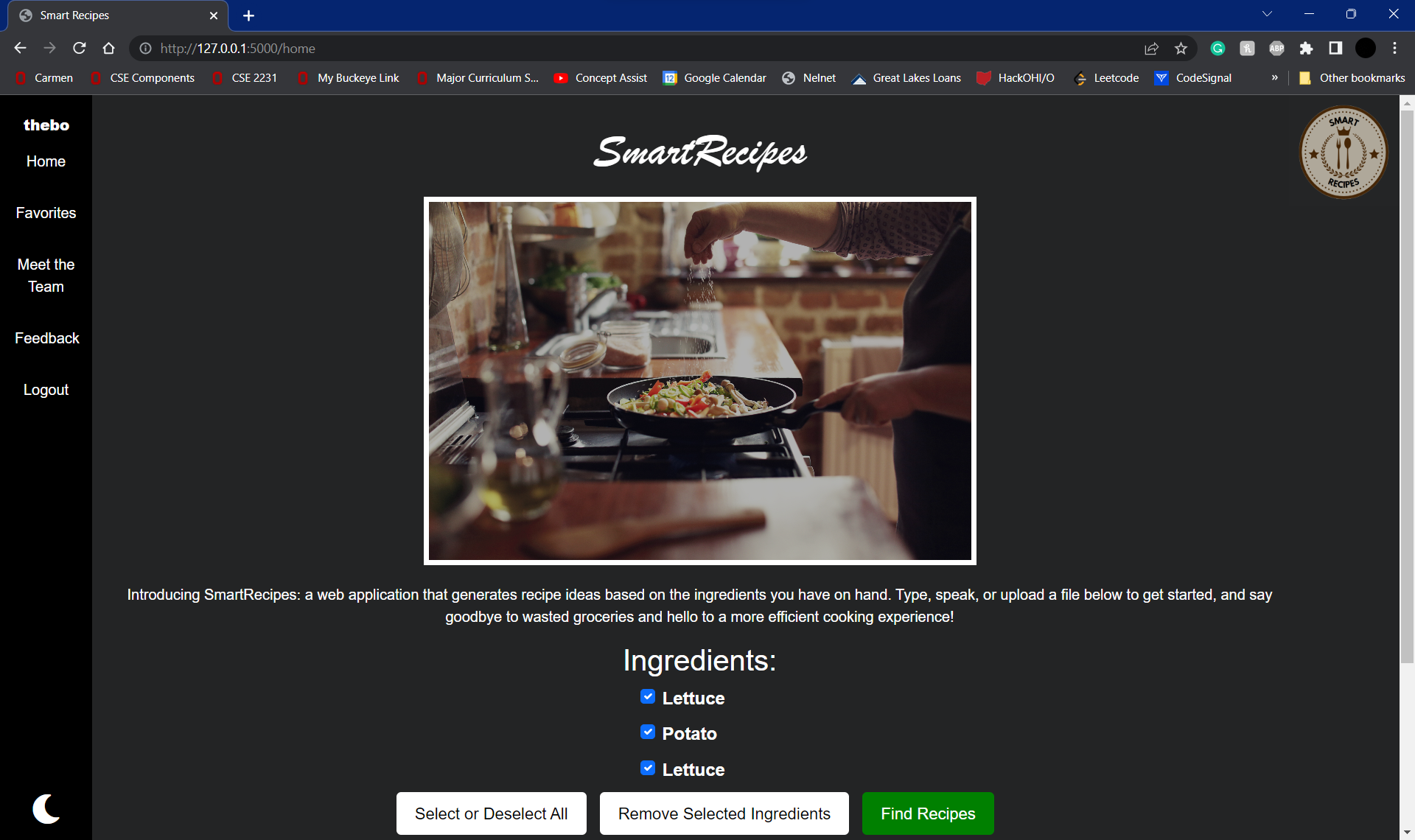
Dark mode version of the home page
-
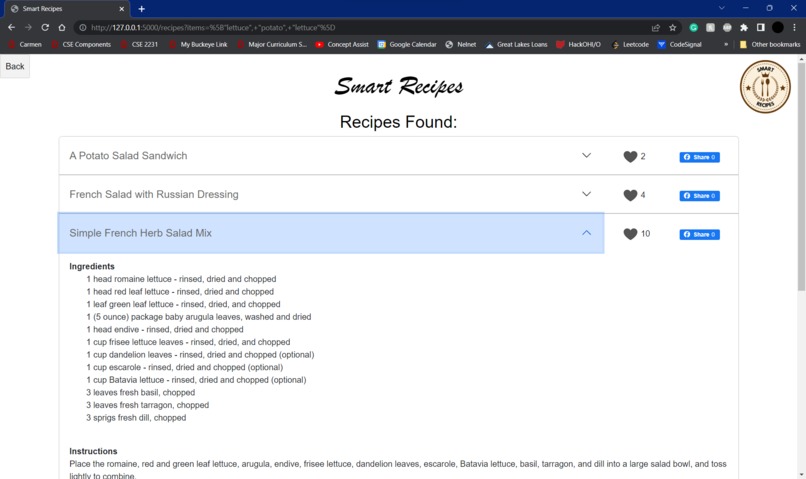
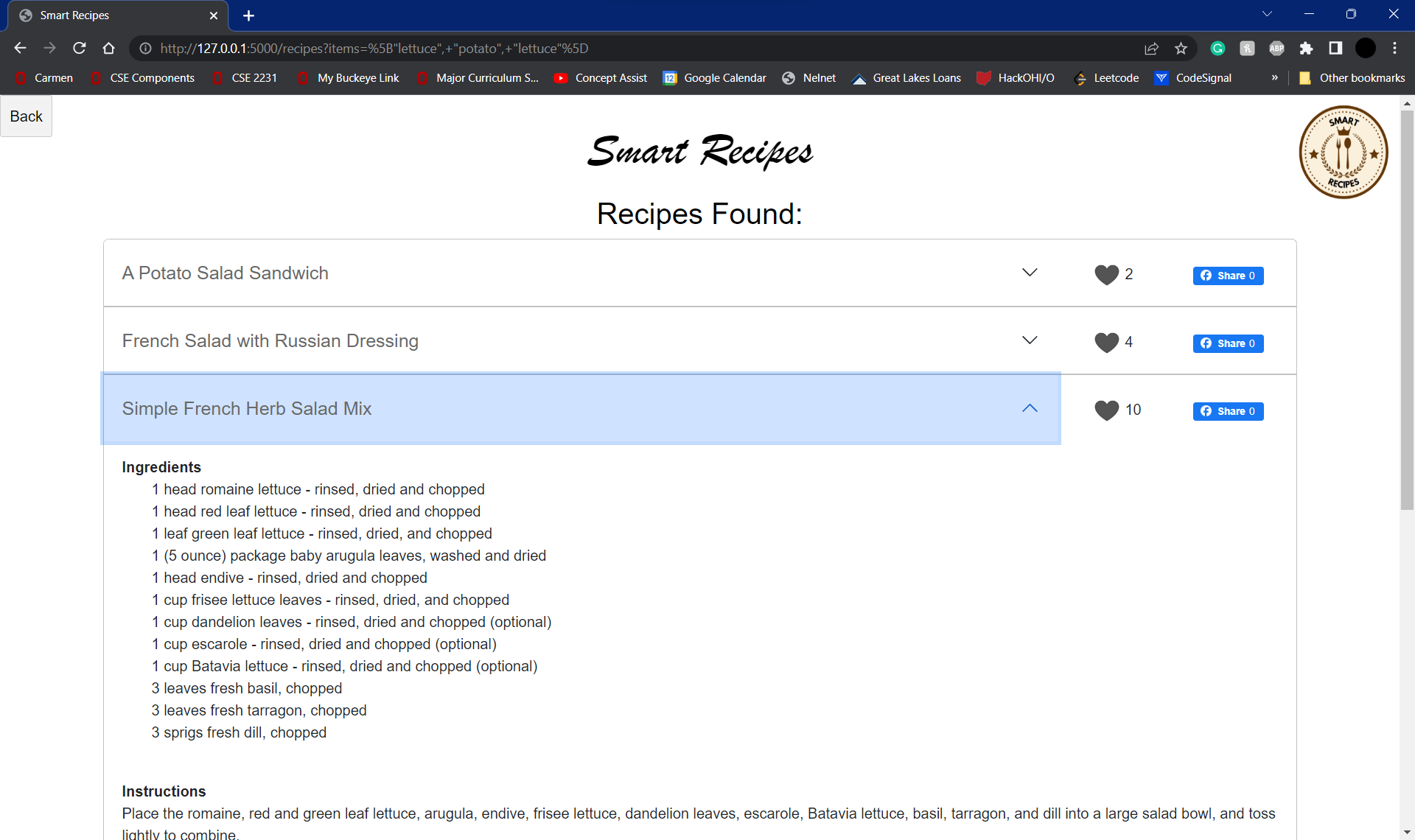
The recipes page after entering ingredients and clicking "Find Recipes"
-
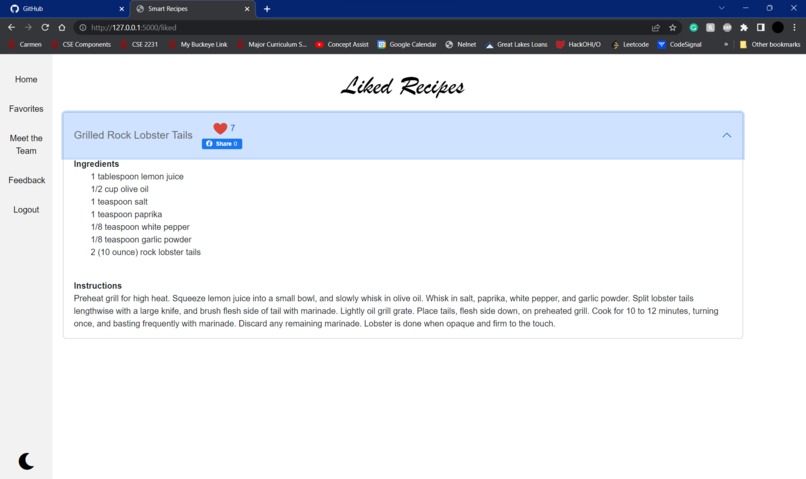
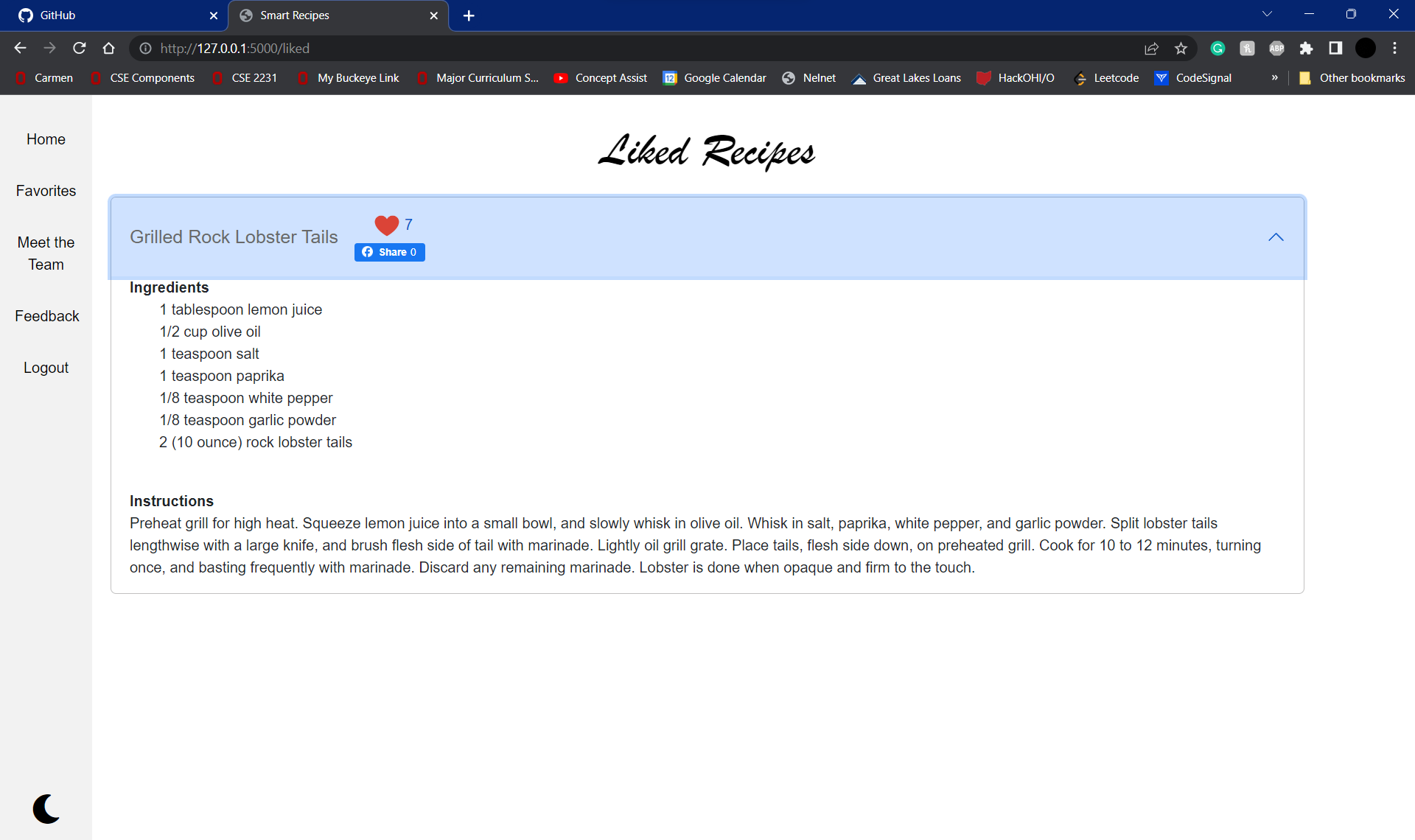
"Favorites" page which shows the recipes that the user has hearted
-
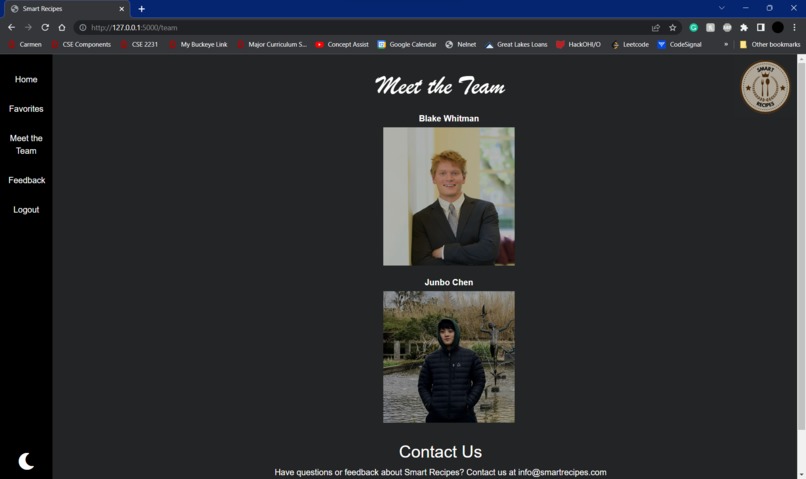
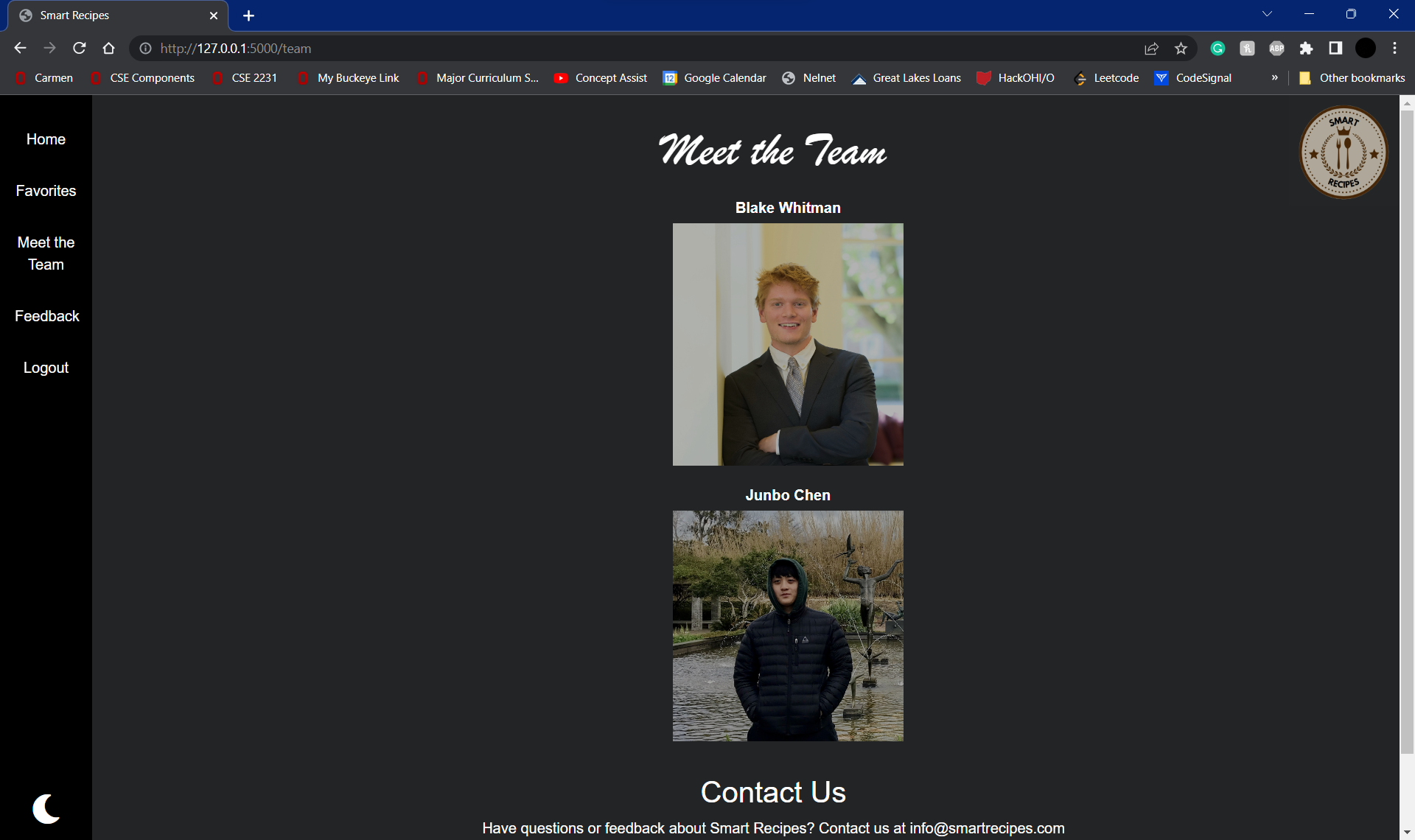
Meet the team page featuring Blake and Junbo
-
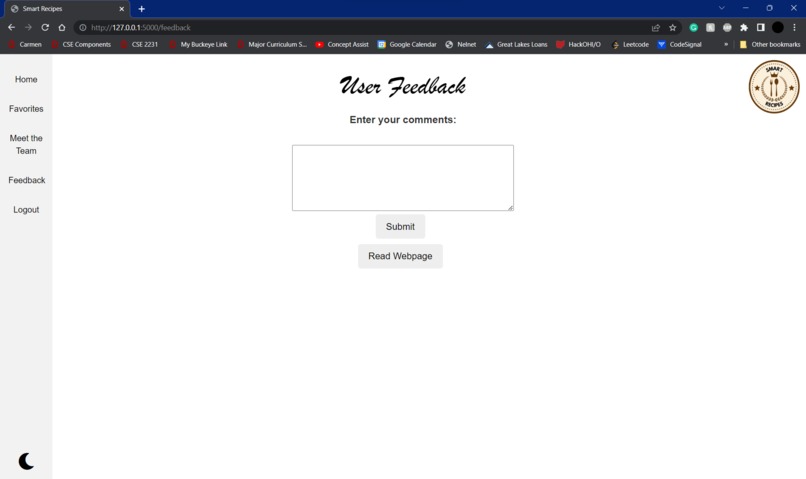
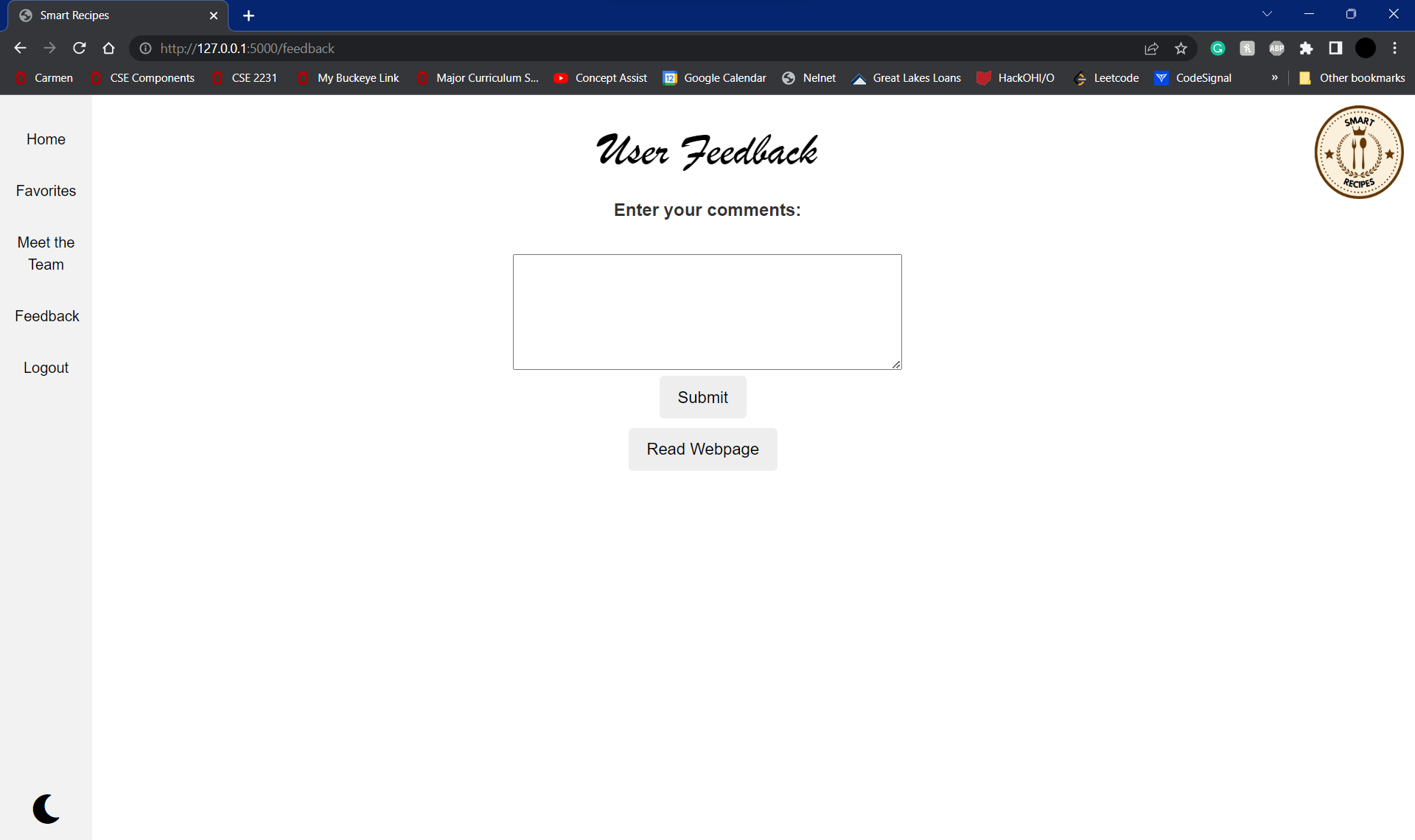
Feedback page where we gather sentiments from our users
What Inspired Us
Imagine you are coming home after a long day of classes, work, or both. You want nothing more than to rest and enjoy the remaining moments of the day–cooking, however, poses a threat to that downtime. Our inspiration stems from this nightly occurrence. Instead of abandoning cooking altogether for more expensive or unhealthy options, we propose a way to make cooking simpler, more efficient, and more fun. At the same time, SmartRecipes helps ensure users get the most out of their ingredients, leading to reduced food waste.
What is SmartRecipes?
SmartRecipes takes in a list of ingredients from users and displays all possible meals that can be made with those ingredients. Similarity matching is used to show users which meals can be made if other ingredients were to be added, as well as the optimal recipes based on their ingredients on hand. Other ancillary functionality includes the following:
- a signup and login page
- a speech recognition component that allows users to speak the name of their ingredients instead of typing them in
- a barcode scanner that recognizes food barcodes when uploaded in file format
- the ability to create a favorite recipes list so that a user may recreate recipes in the future
- Facebook share compatibility to show friends what they made for dinner that evening
- "Meet the Team" and "Feedback" pages available for users to meet the creators of the web application and share their thoughts on what went well and what did not, respectively
- Dark mode capability by interacting with the moon icon in the bottom left corner
- Persists user login information, recipe preferences, and ingredients available between login sessions. If an ingredient is exhausted, it can be removed from the available ingredients selected on the homepage
How we built SmartRecipes
SmartRecipes is a full-stack web application leveraging the Flask framework. To get started, we scoured the web to find datasets that mapped a list of ingredients with their resulting food. In reality, the discovered Kaggle dataset did even more than that: it provided cooking instructions, ingredient quantities, and the name of the recipe. After downloading the data, we ingested it into Elasticsearch so that it could begin its similarity score computations.
The next part of the backend involved creating another database to pair with Elasticsearch. This database stored information pertaining to users, including usernames, passwords, favorite recipes, and the list of ingredients they currently possess. We used the PyMongo library, a MongoDB database driver that allows you to interact with a MongoDB database in Python. We connected it to a database server, created collections that store a group of documents in MongoDB, inserting data to a collection, and retrieving and deleting data from a collection.
For the frontend, we used a variety of templates that work in tandem with Flask to render certain screens for users. We also added screen readers and speech-to-text options with the hopes of making our application more accessible for persons with disabilities. Simply click the screen reader button to have the entire screen read, or press the "Start saying ingredients" button in order to speak instead of type.
Challenges
Database creation and persistence was a difficult problem for us to address, as we did not have prerequisite experience with MongoDB. However, the documentation made it possible to learn on the fly and our needs enabled a relatively simple User database. Another challenge reared its head when it came to frontend development. We wrestled for a while with the proper way to display each piece of information on the actual webpage to give users the best experience. When all was said and done, JavaScript, CSS, and HTML skills were all improved. Elasticsearch was another area in which we needed some research time before delving into development.
Overall, we were challenged to learn nearly an entire new tech stack this weekend. With that came its share of frustrations, but at the same time made achieving our project's goals all the more rewarding.
What we learned
Dream big, but be realistic: We started off with full-fledged ideas for an AI image classification model that could tell what food a user was entering based only on an image scan. As exciting as that was to imagine, the idea could have been a hackathon project in its own right. We had to scale down for the sake of time constraints, but the initial brainstorming was necessary to get to where we ended up!
What's next for SmartRecipes
We hope to continue work on SmartRecipes both now and into the future. Some possible avenues for improvement include implementing more social media compatibility components (Instagram, Tik Tok), adding specific quantities for ingredients, and building out the AI image classification model that we alluded to in the retrospective section. We both genuinely enjoy cooking and it is our sincere hope that we can spread that enjoyment to users any way we can.


Log in or sign up for Devpost to join the conversation.