-
-
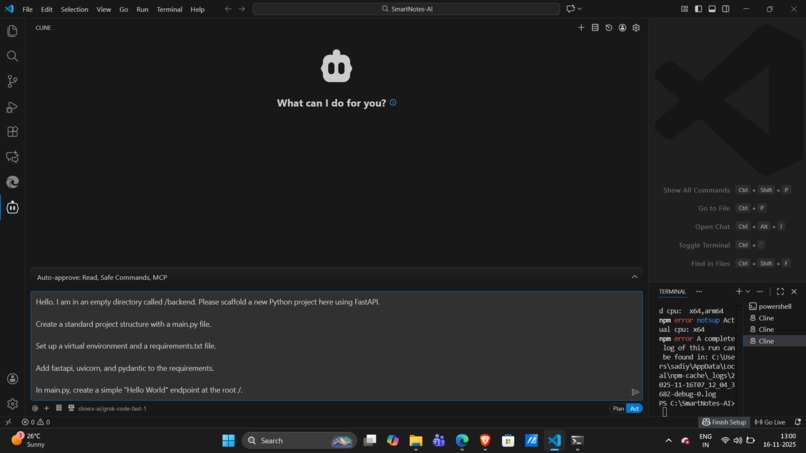
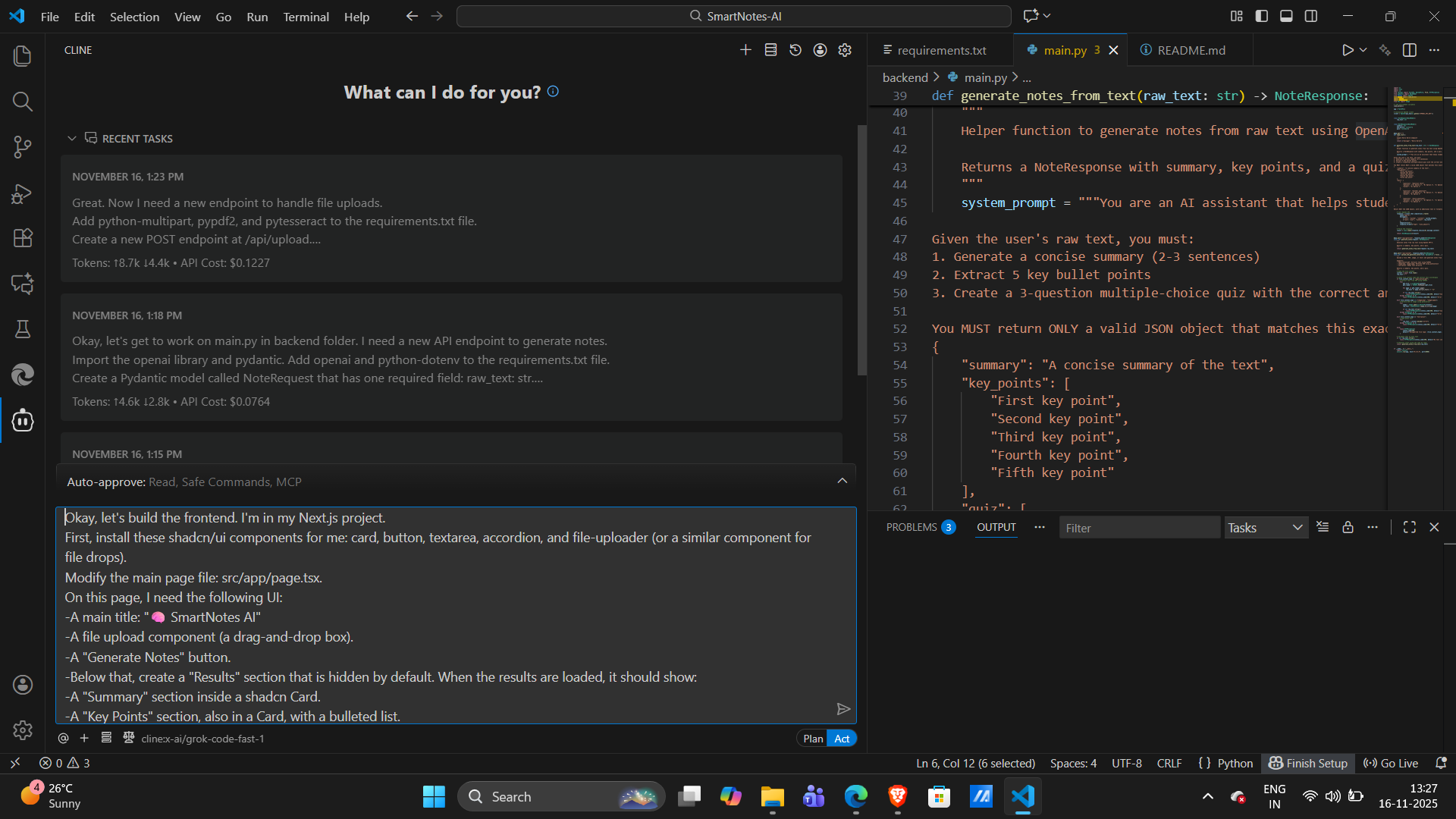
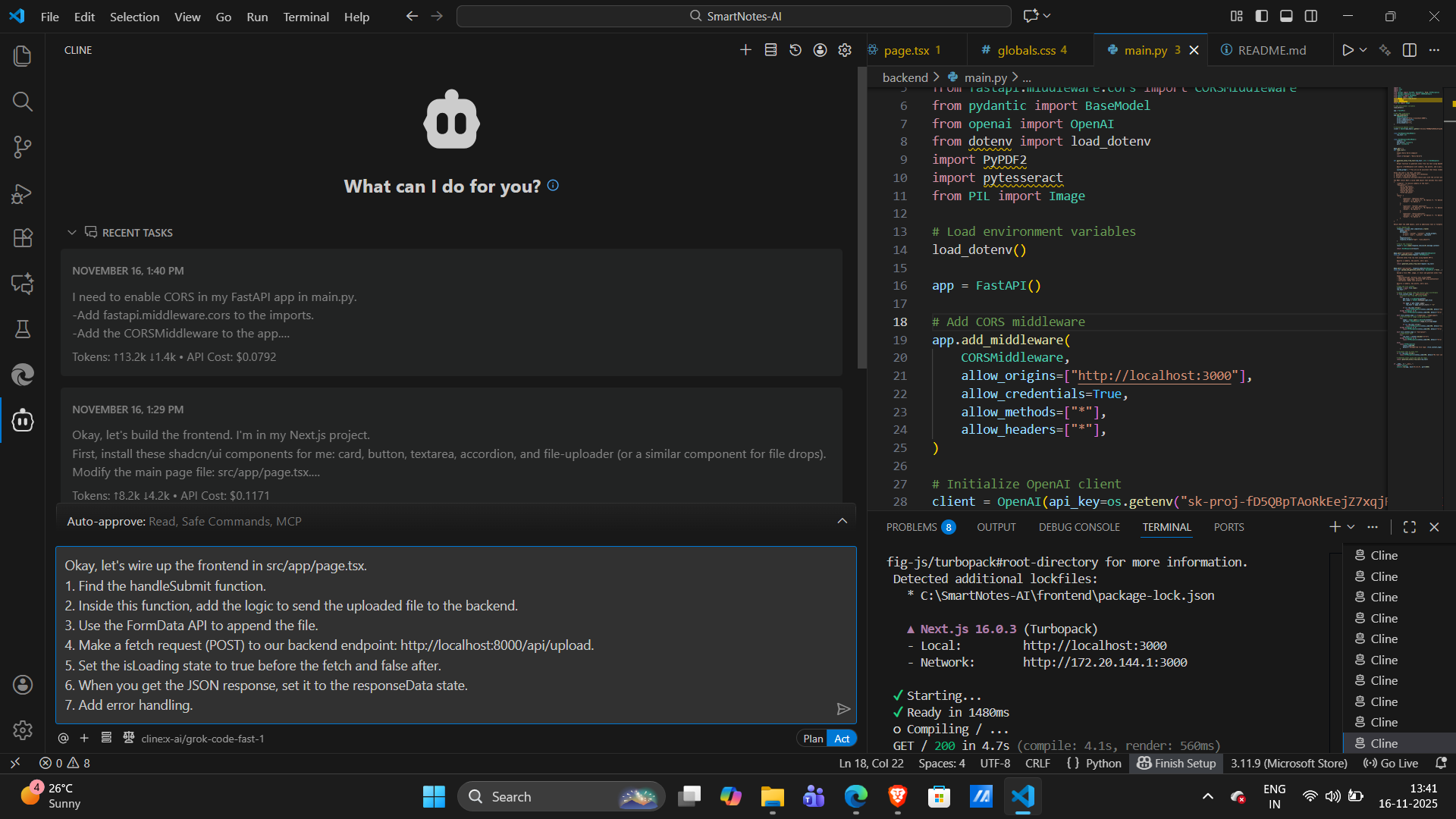
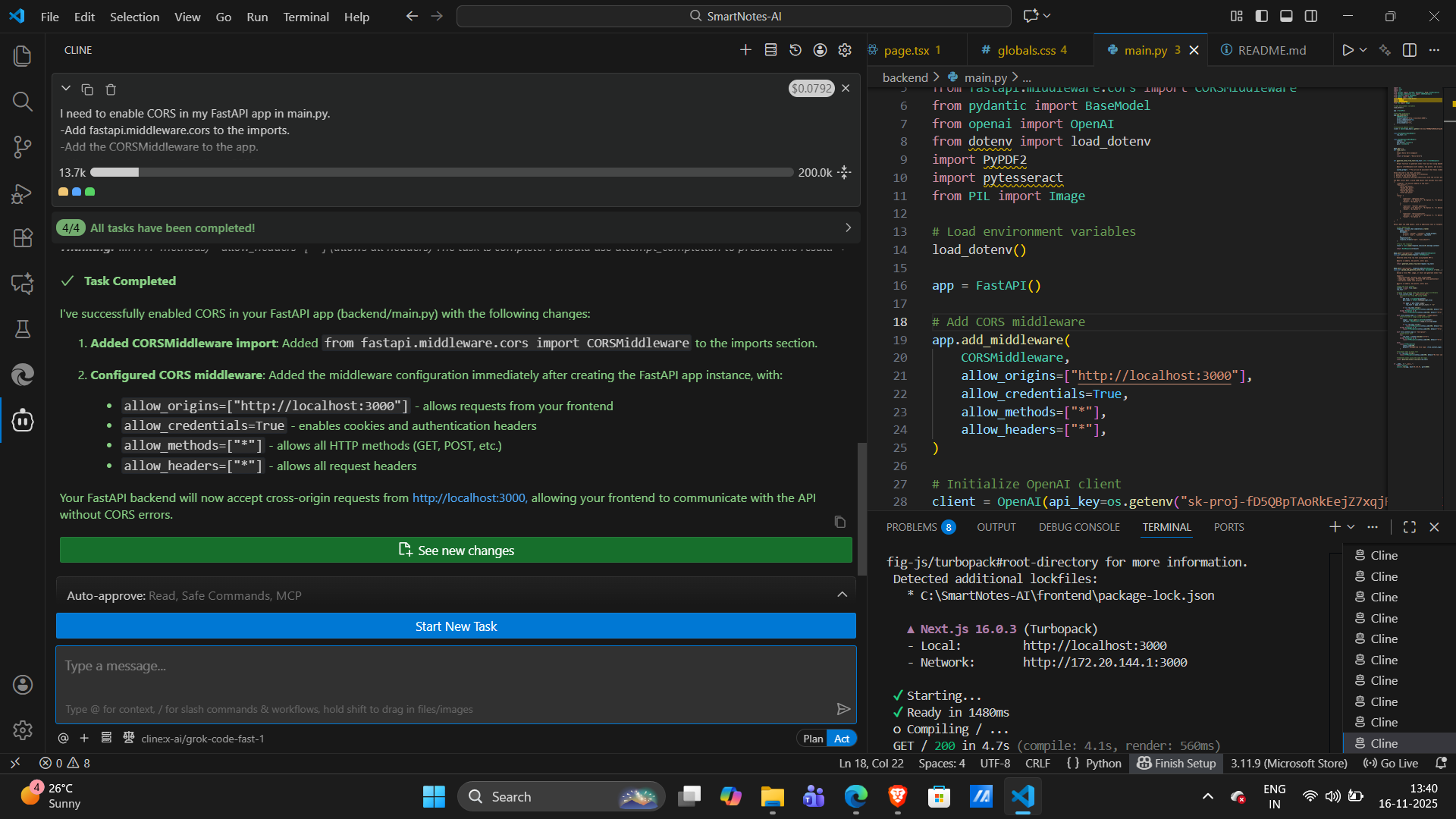
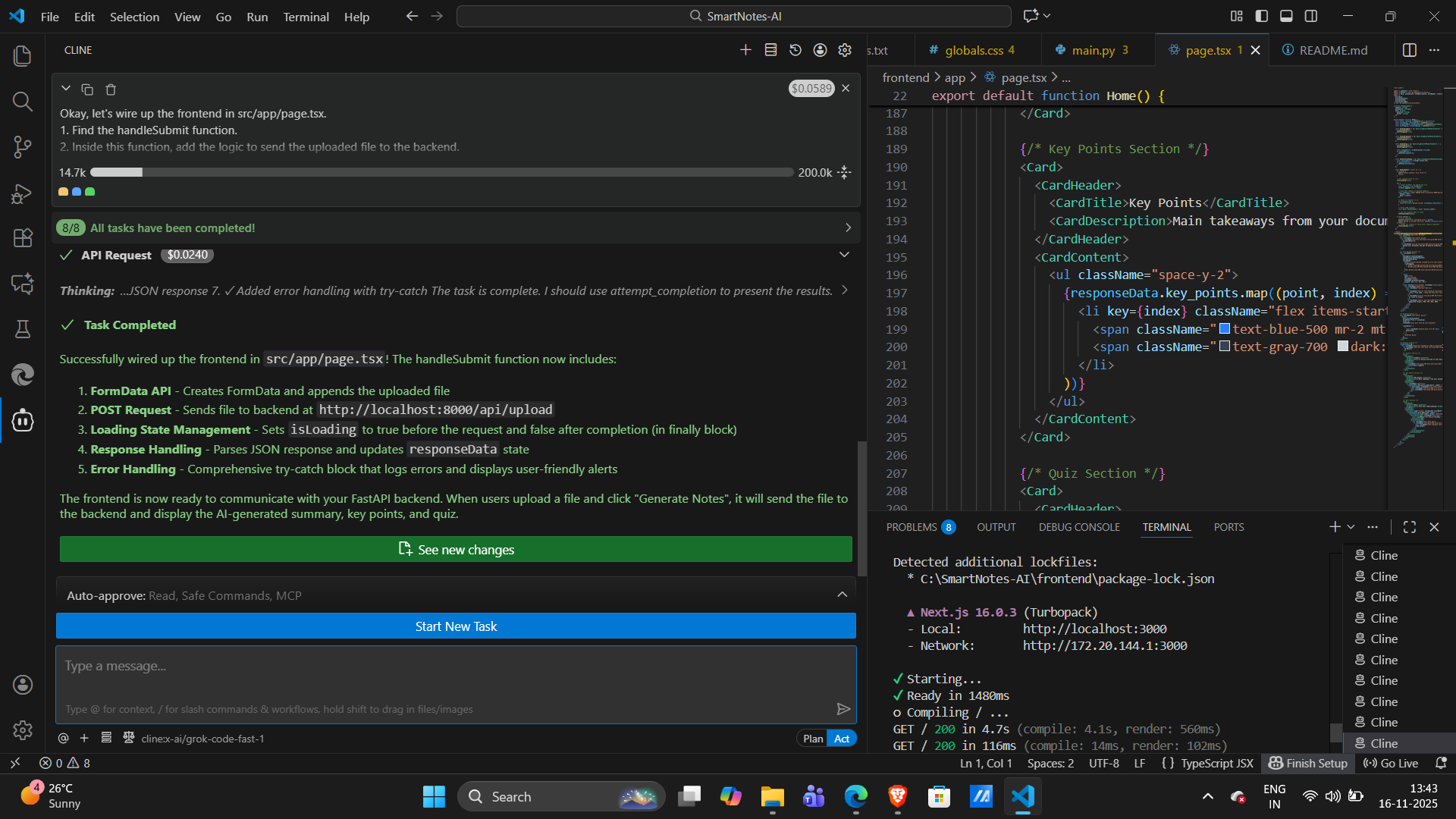
Cline Prompt
-
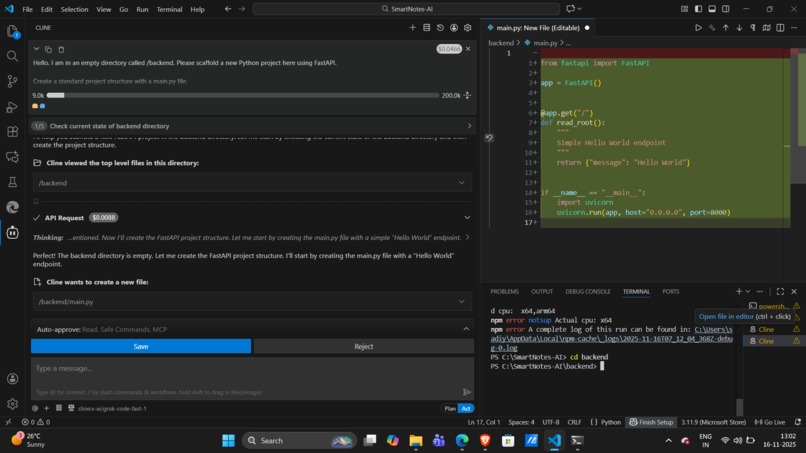
Cline Prompt
-
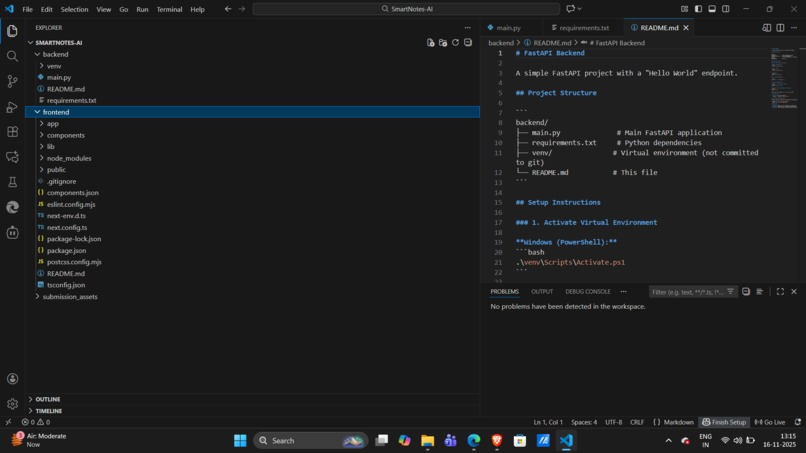
Cline Prompt
-
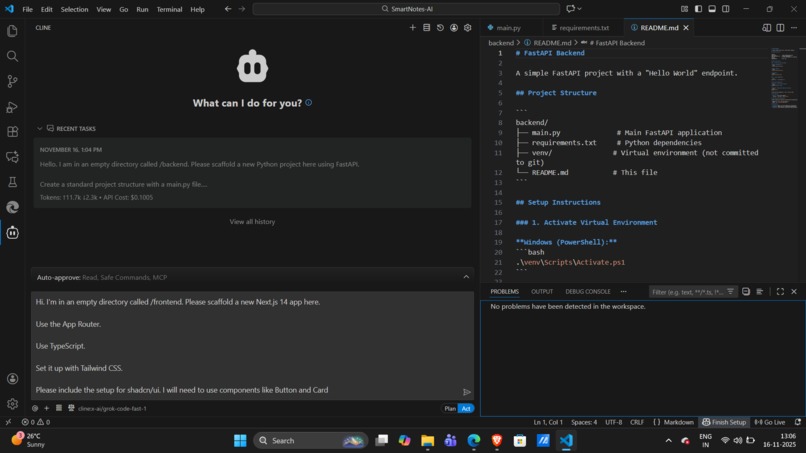
Cline Prompt
-
Cline Prompt
-
Cline Prompt
-
Cline Prompt
-
Cline Prompt
-
Cline Prompt
-
Cline Prompt
-
Cline Prompt
-
Cline Prompt
-
Cline Prompt
-
Cline Prompt
-
Cline Prompt
-
Cline Prompt
-
Cline Prompt
-
Dashboard
Inspiration
As students, we're constantly drowning in information. We're buried under lecture slides, textbook chapters, and research articles. Manually summarizing this content and creating study guides is a slow, tedious process that takes time away from actual learning. We were inspired to build a tool that automates this entire workflow, effectively giving every student a personal AI study assistant. We wanted to build something that would genuinely "Make Learning Cool Again" by making it faster and smarter.
What it does
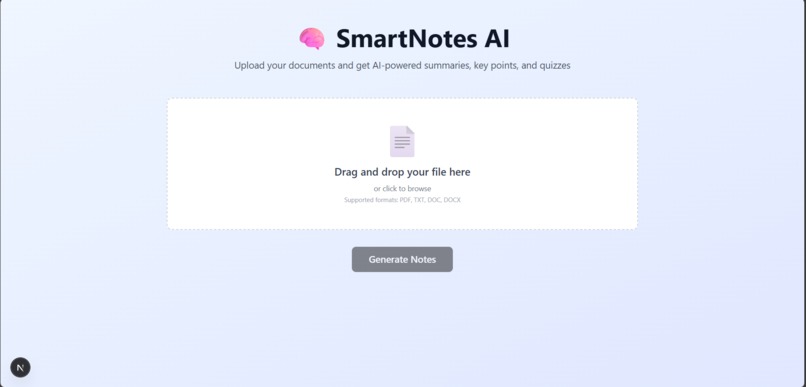
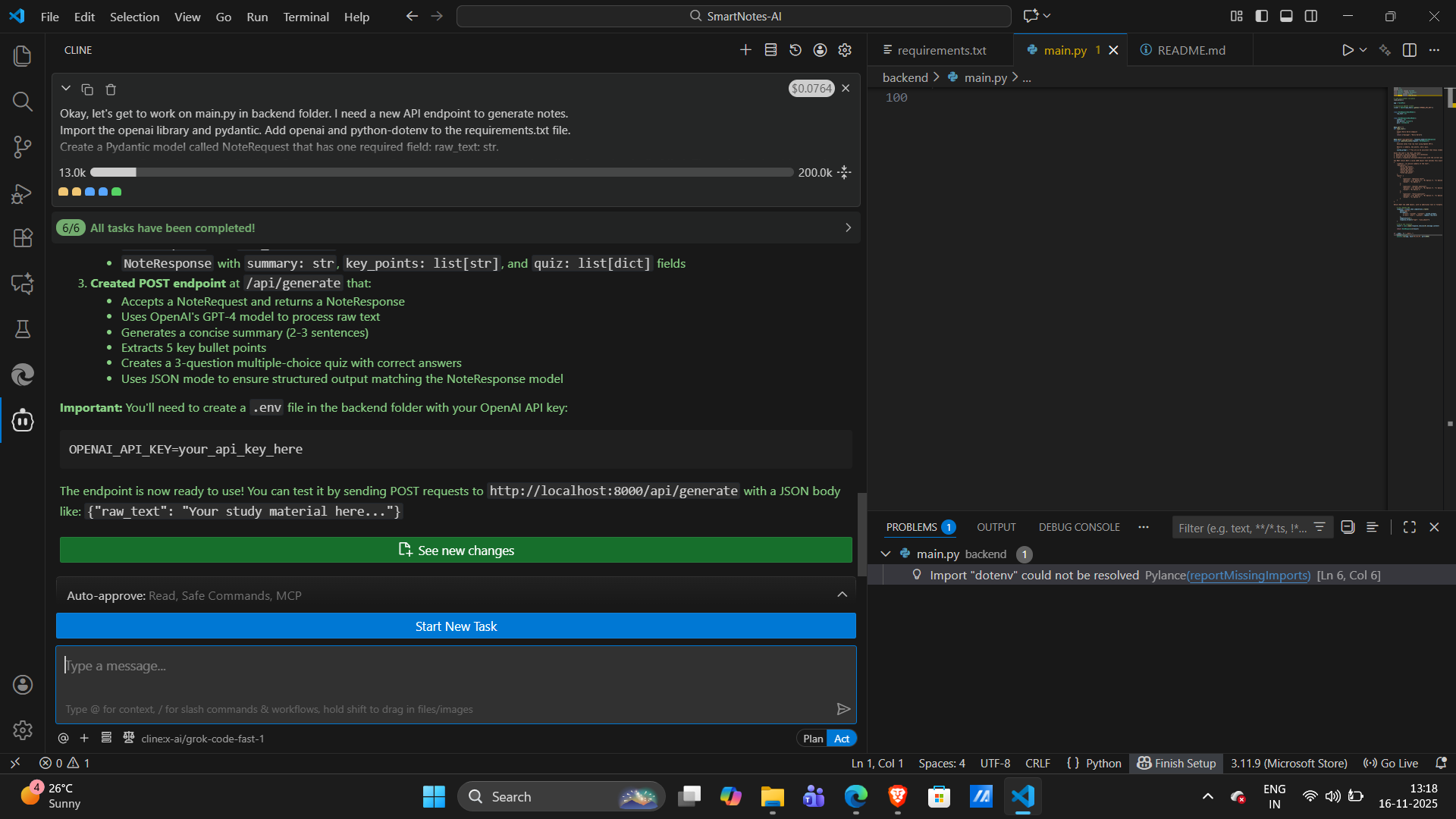
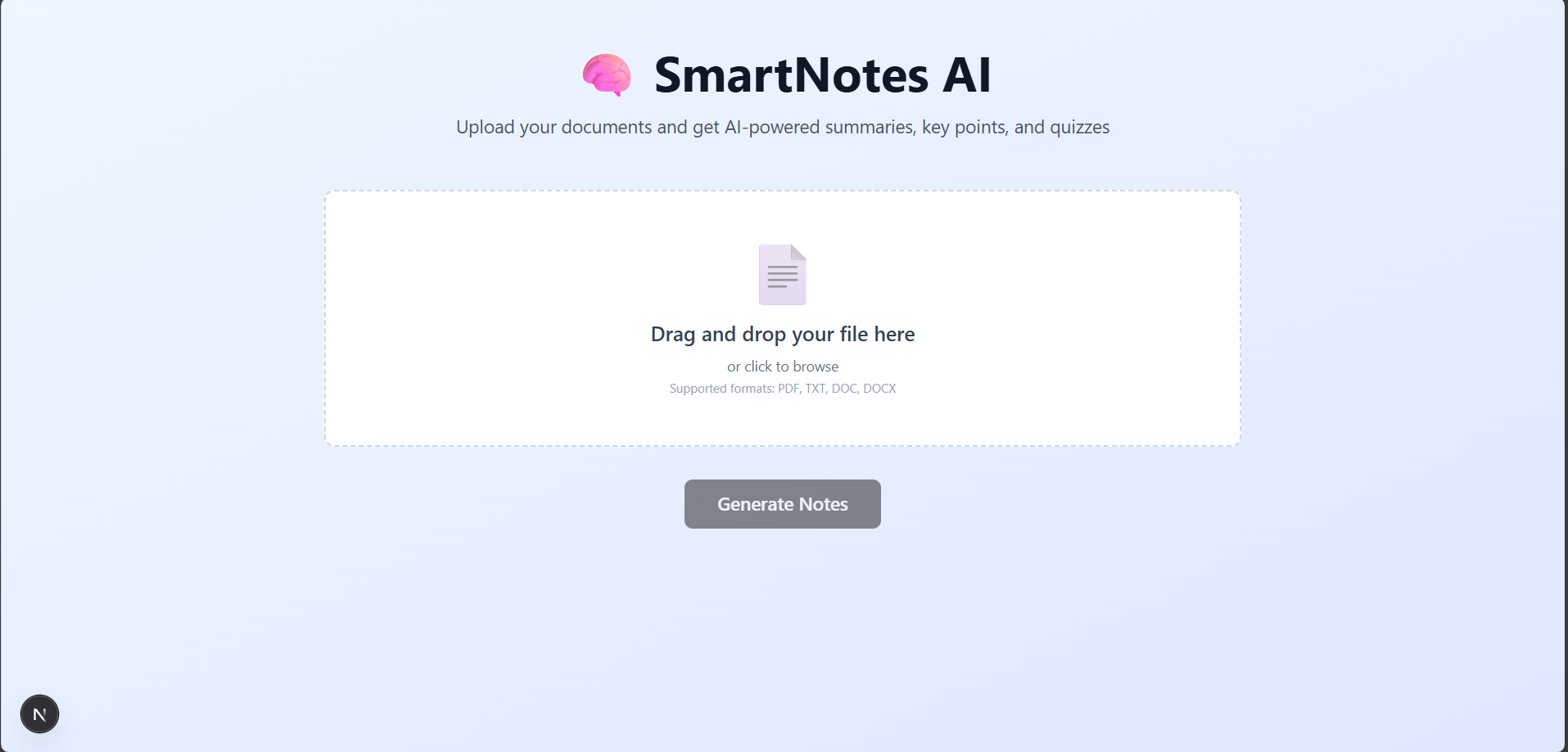
SmartNotes AI is an intelligent learning assistant that transforms any document into a concise summary, a list of key takeaways, and an interactive quiz.
You can:
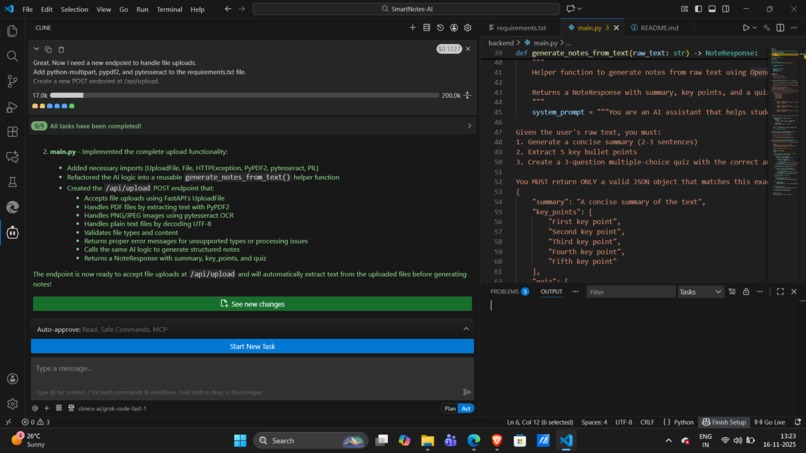
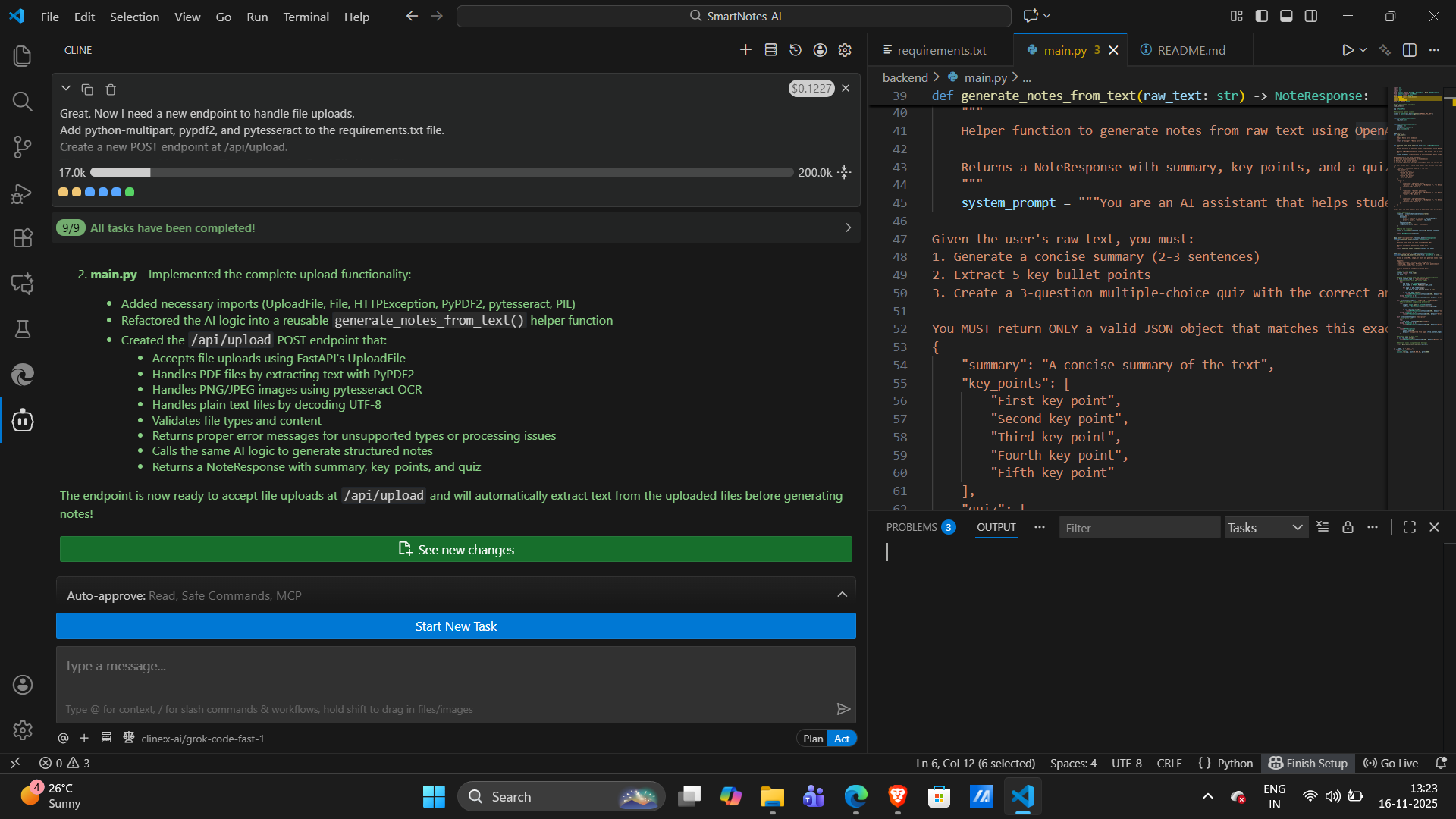
- Upload Anything: Drag and drop a PDF, a screenshot of a textbook (PNG/JPG), or a plain text file.
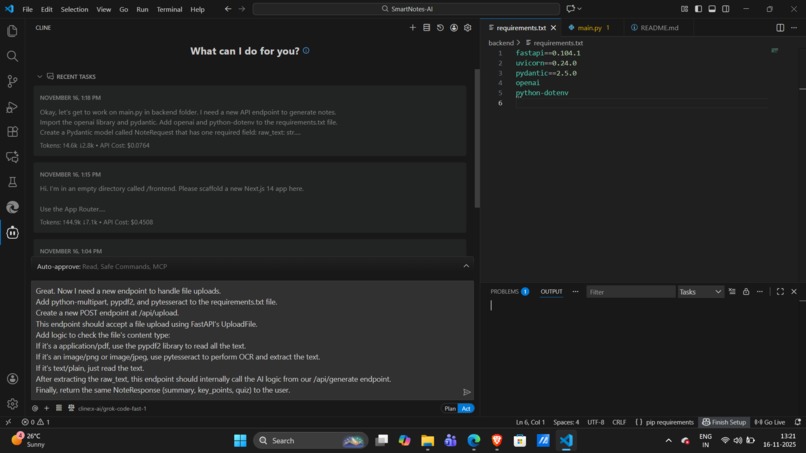
- Generate Instantly: The app's backend uses intelligent text extraction (including Tesseract OCR for images) to read the document.
- Learn Faster: In seconds, the Google Gemini API generates a complete study guide:
- A concise summary to grasp the main idea.
- A list of key points for rapid review.
- An interactive multiple-choice quiz (with a "Show Answer" button) to test your knowledge.
How we built it
SmartNotes AI is a full-stack application built in a single day, combining a powerful Python backend with a modern, responsive frontend.
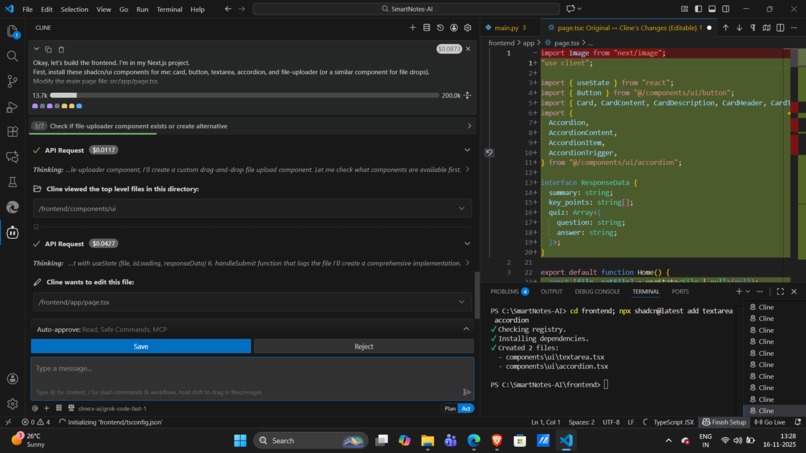
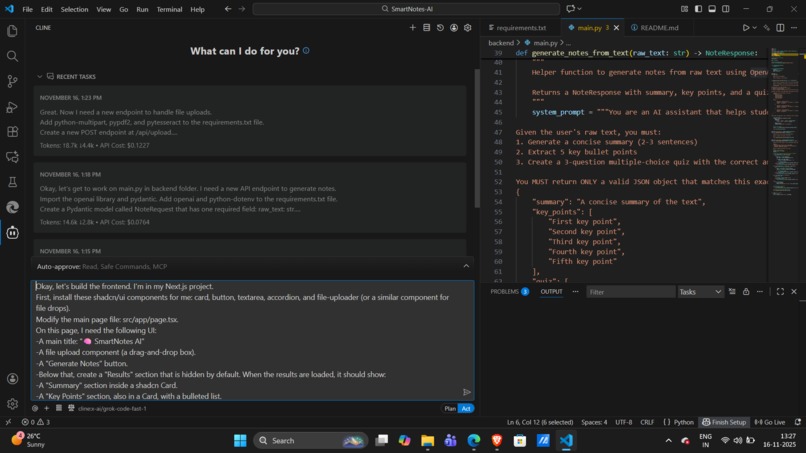
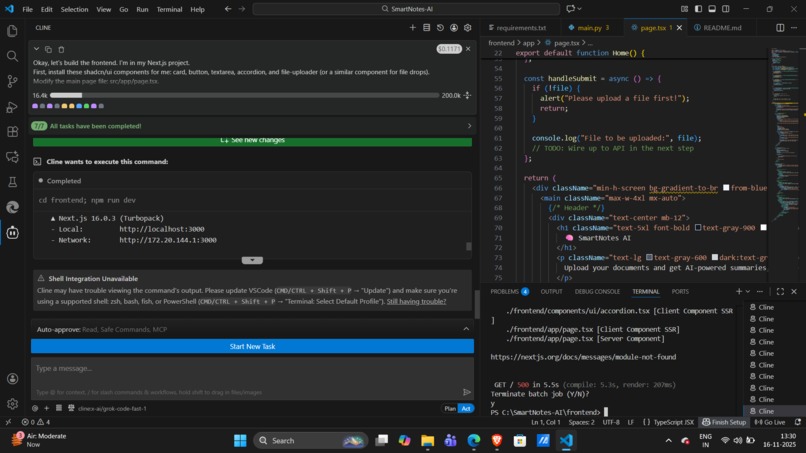
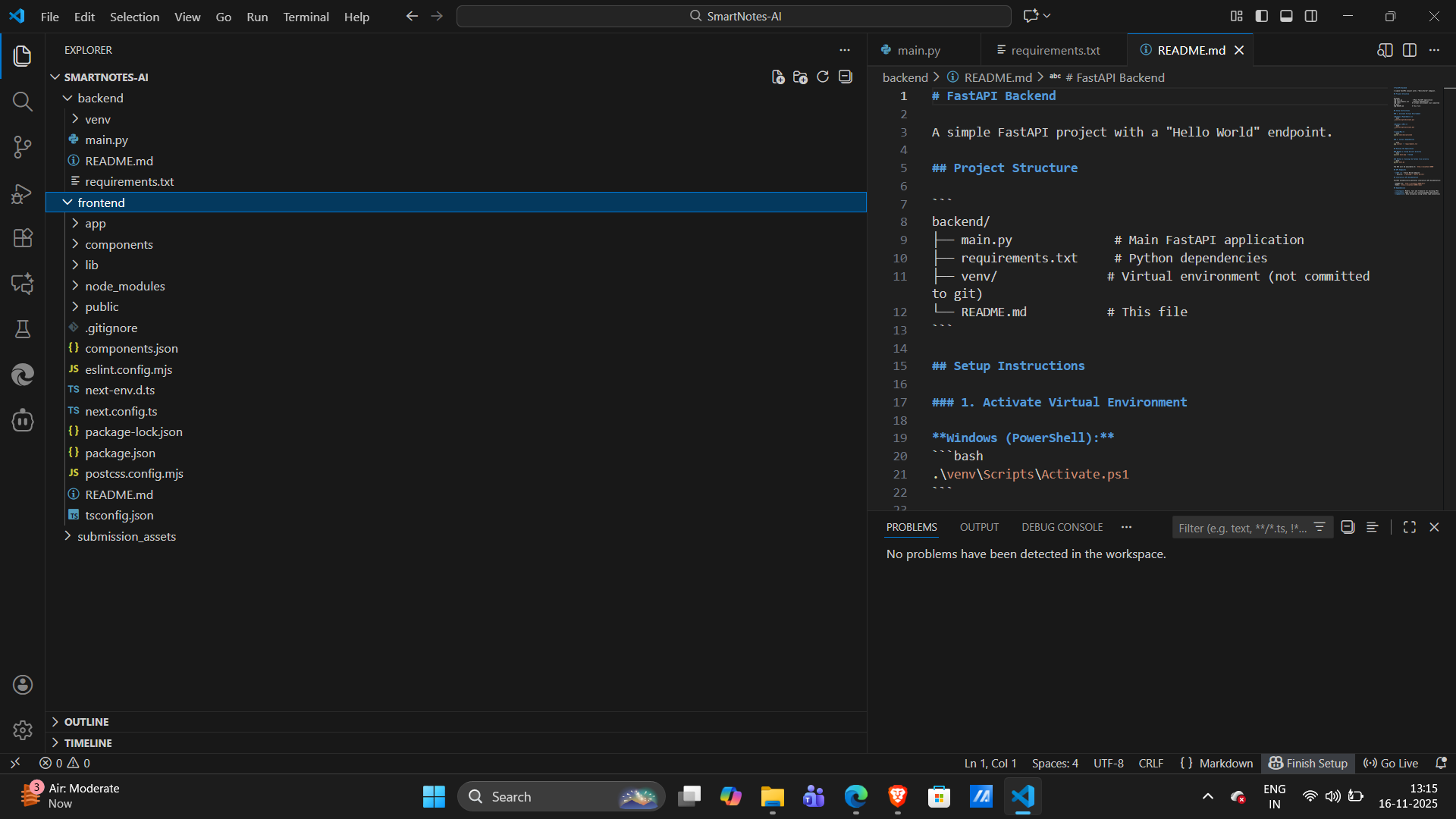
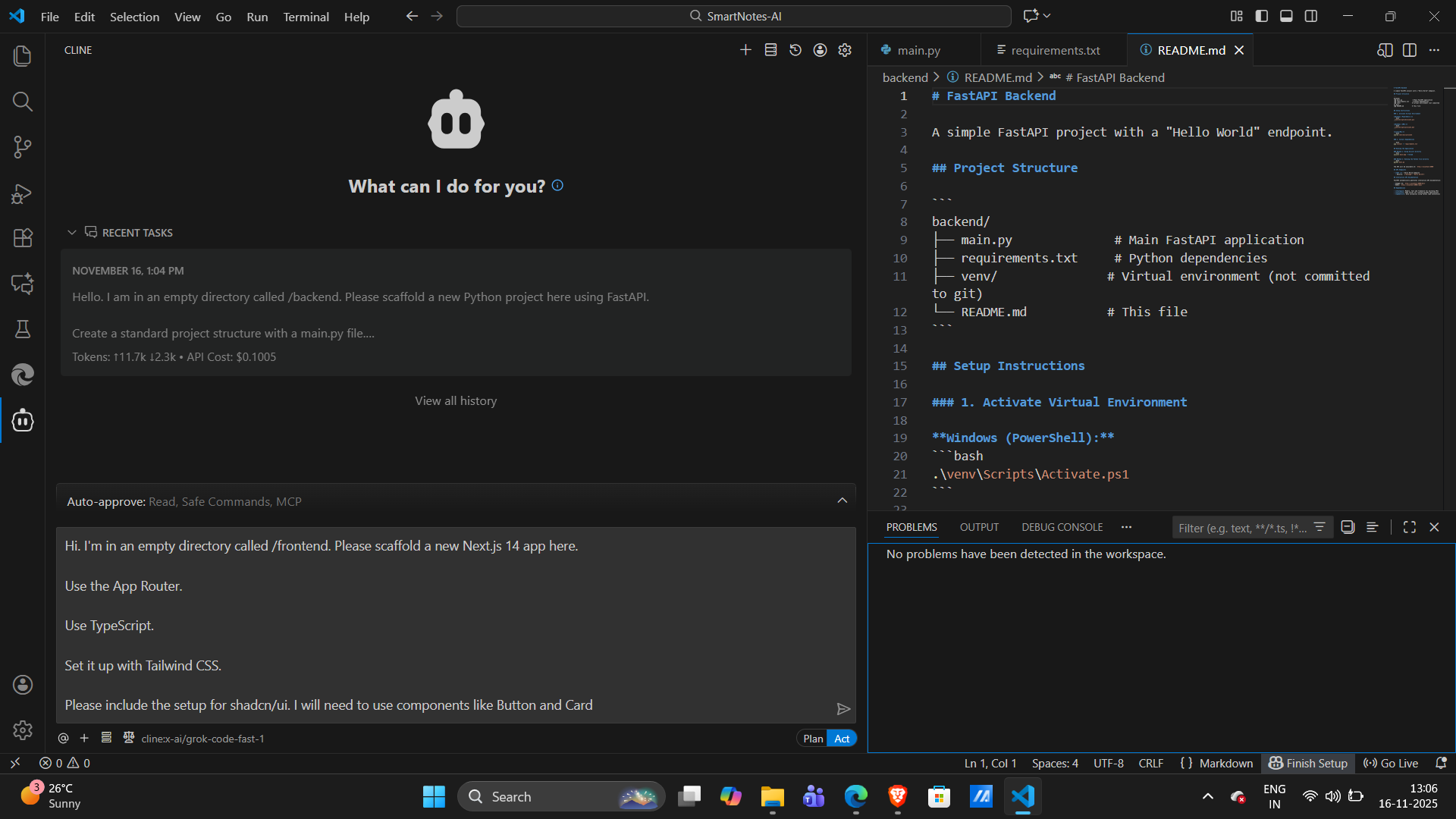
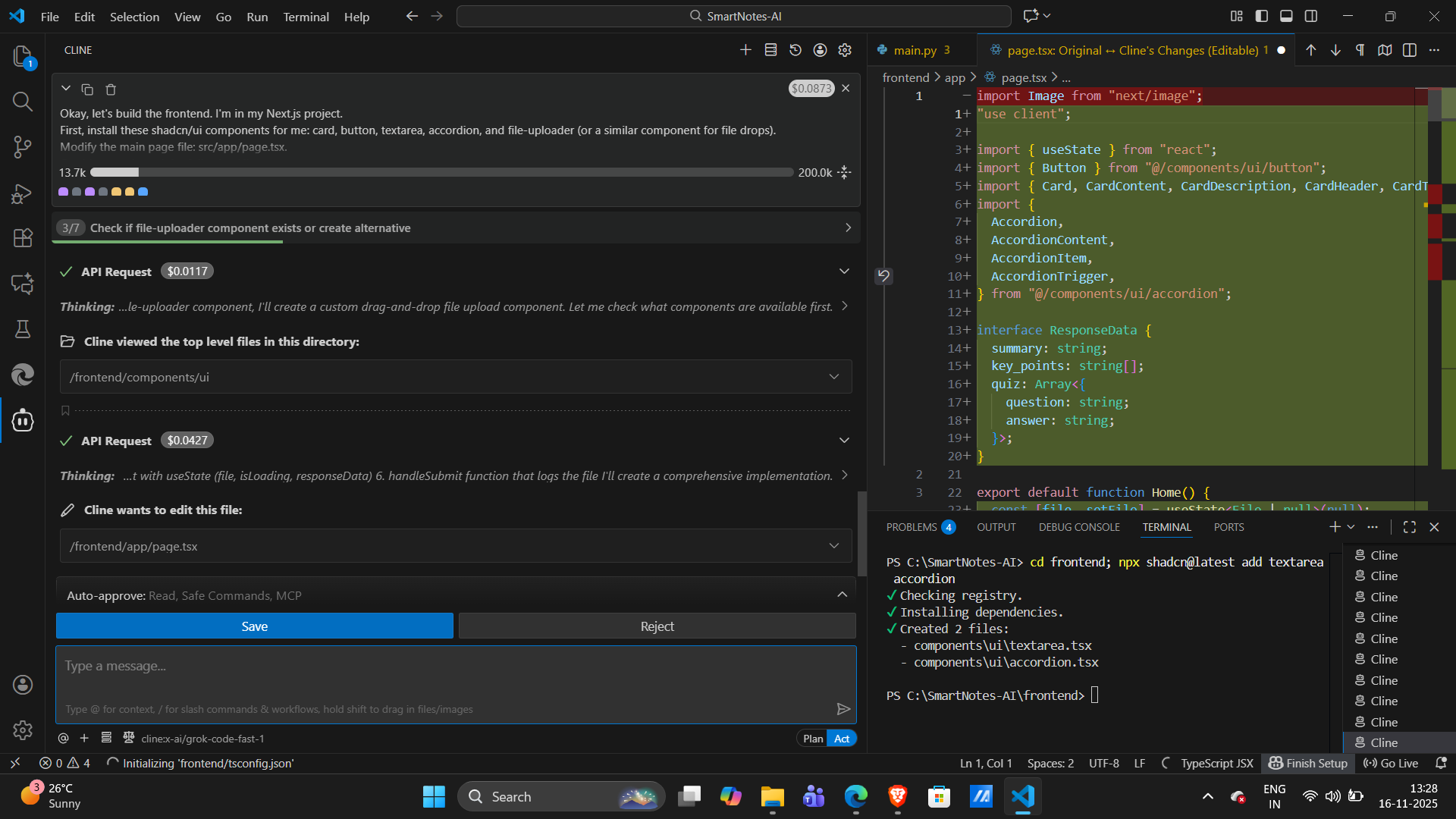
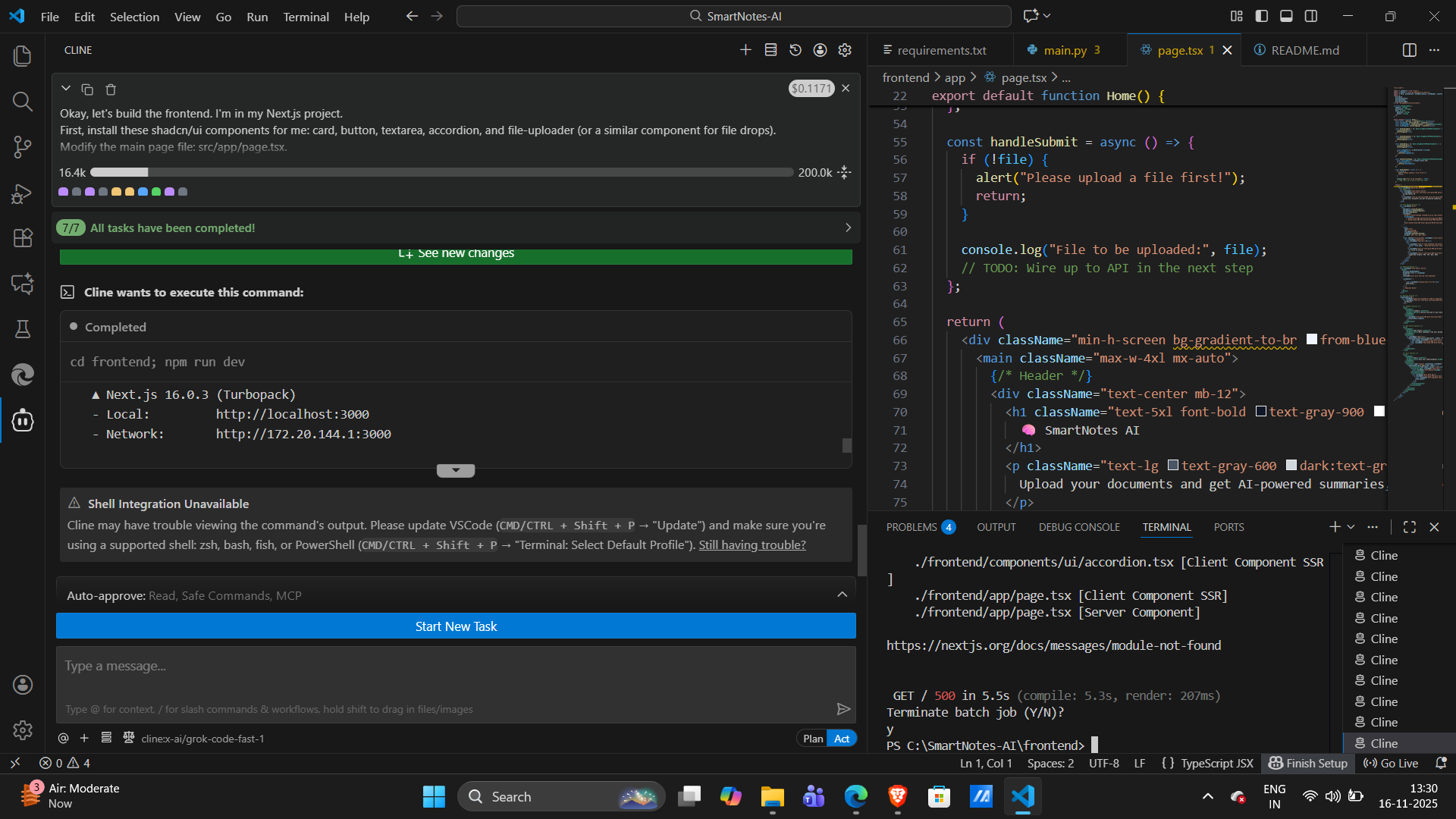
- Frontend: Built with Next.js and TypeScript, using Tailwind CSS and Shadcn UI for a clean, professional component library.
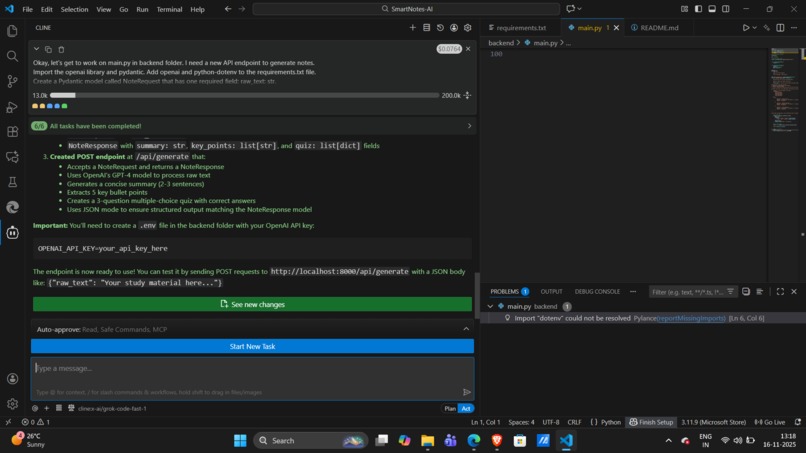
- Backend: A robust and asynchronous API built with FastAPI (Python).
- The AI "Brain": We used the Google Gemini API (
gemini-2.5-flash) with a carefully engineered prompt to generate structured JSON, ensuring reliable summaries and quizzes. - Text Extraction:
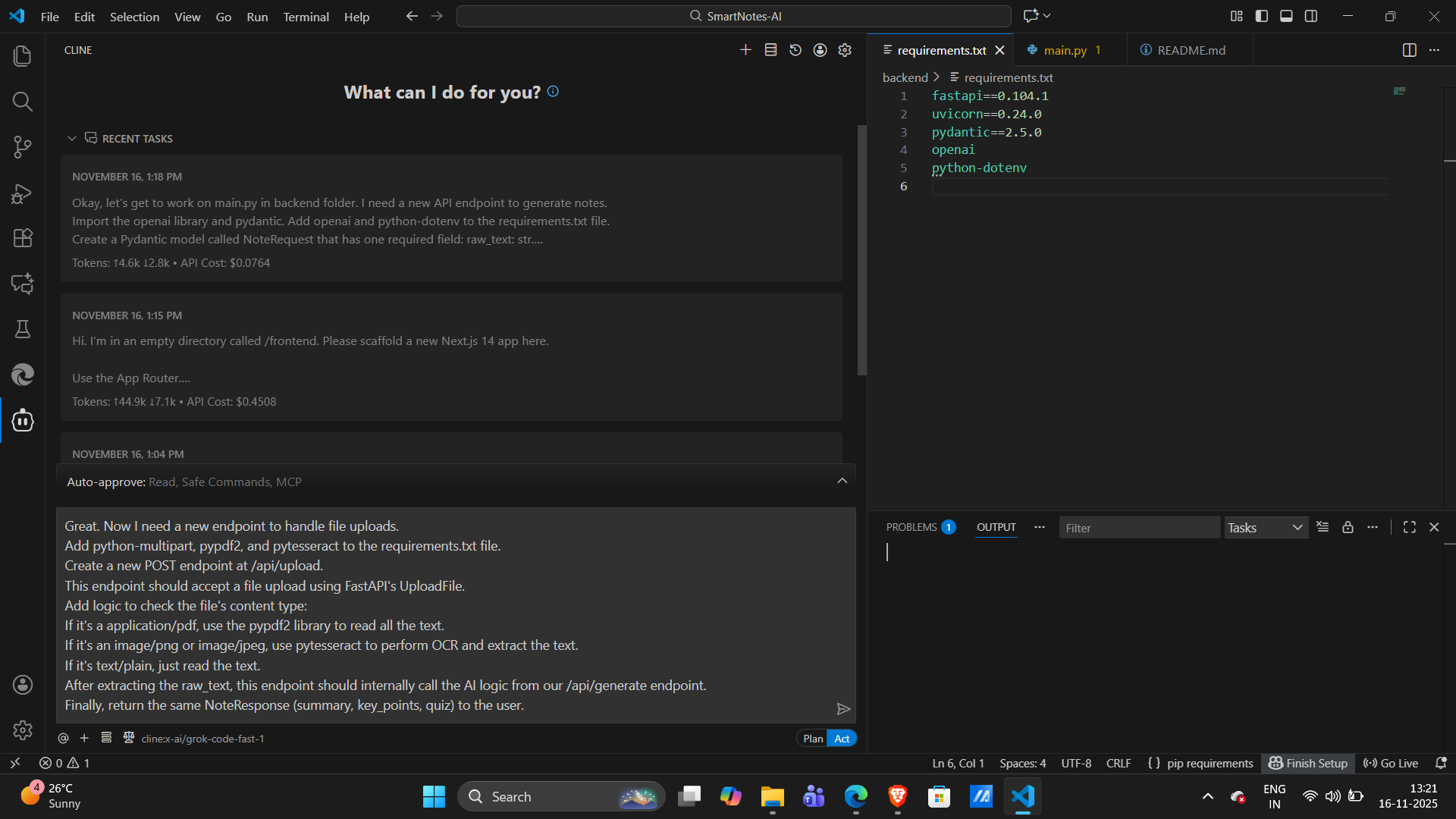
- PyPDF2 to read text from PDFs
- Tesseract OCR to extract text directly from images
- PyPDF2 to read text from PDFs
- Bonus Tech (Cline CLI):
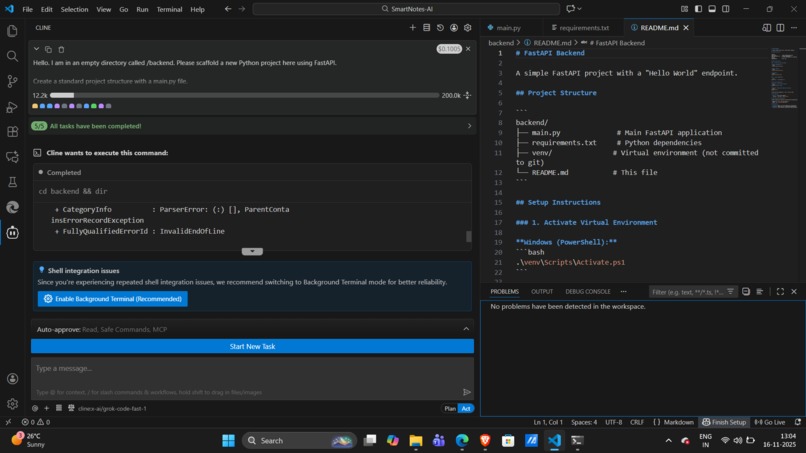
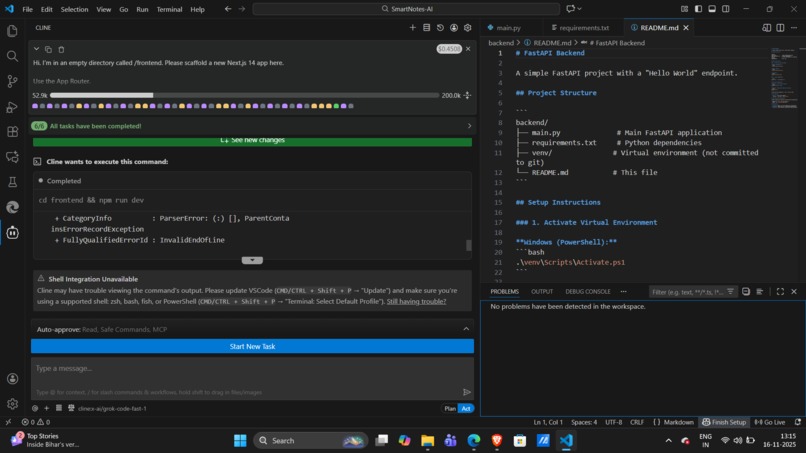
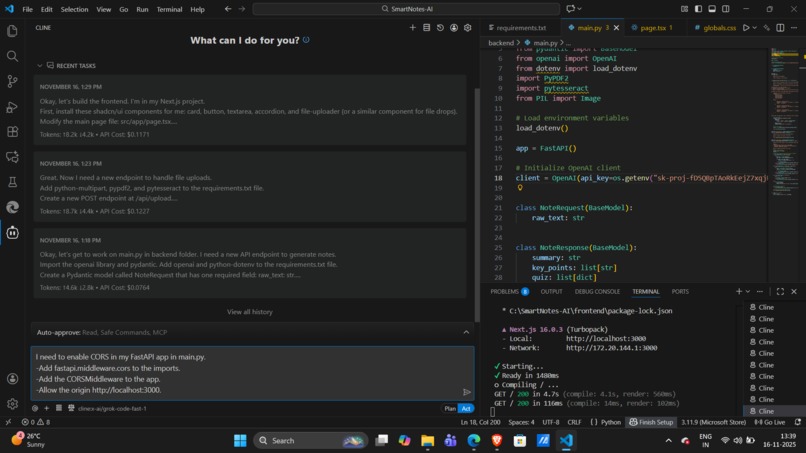
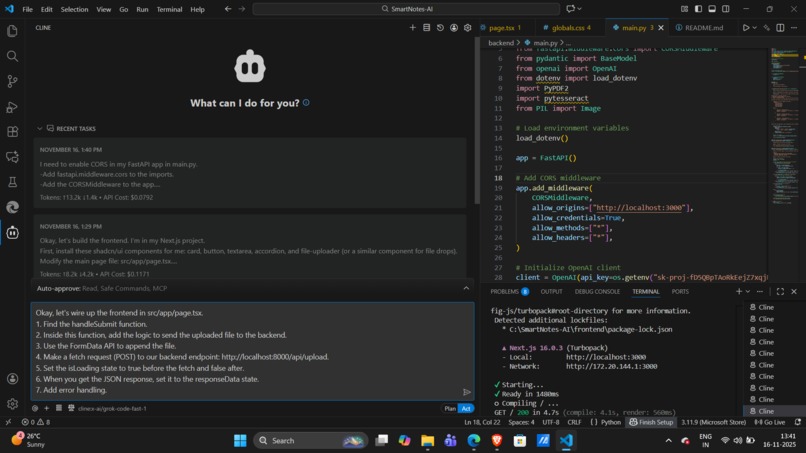
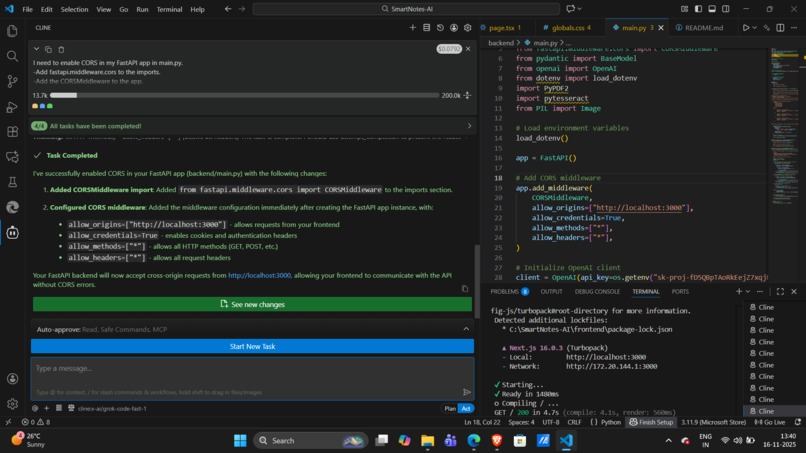
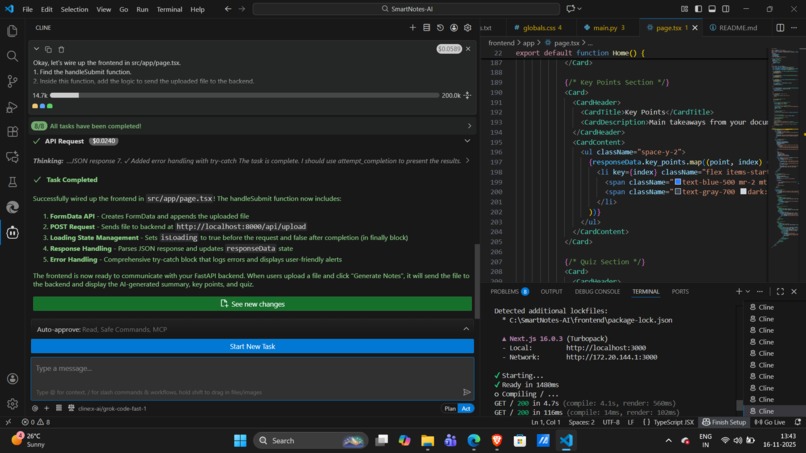
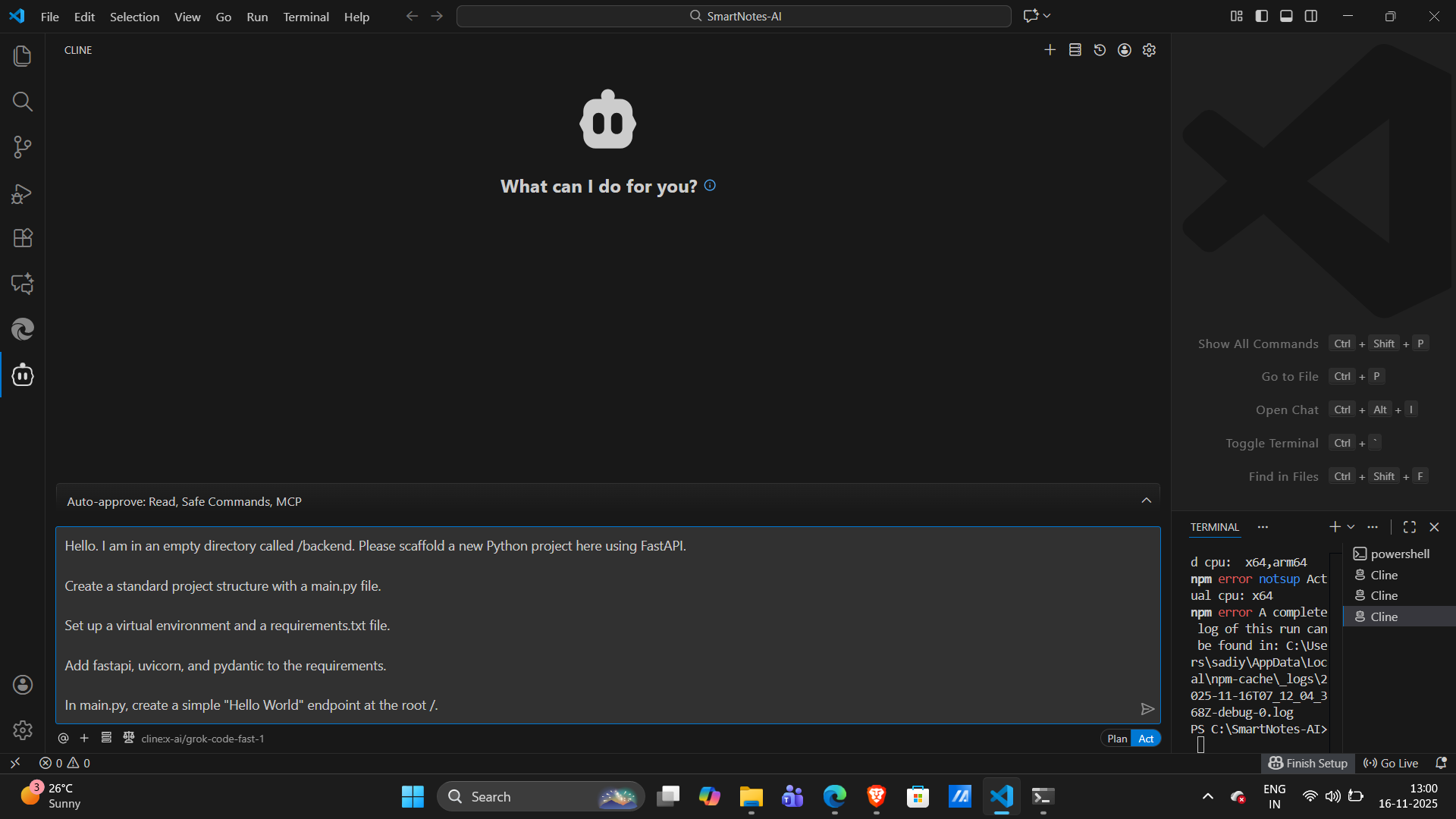
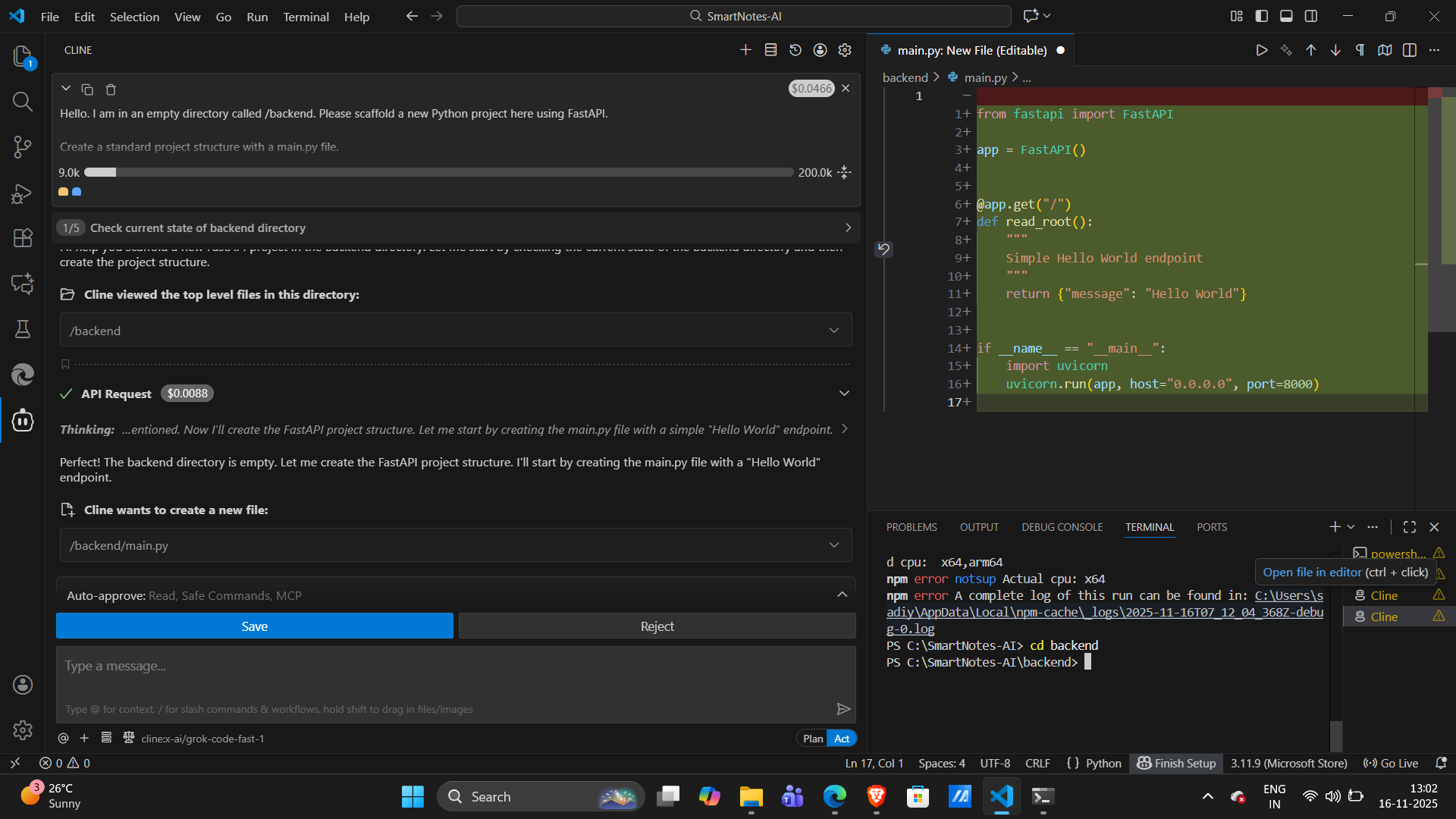
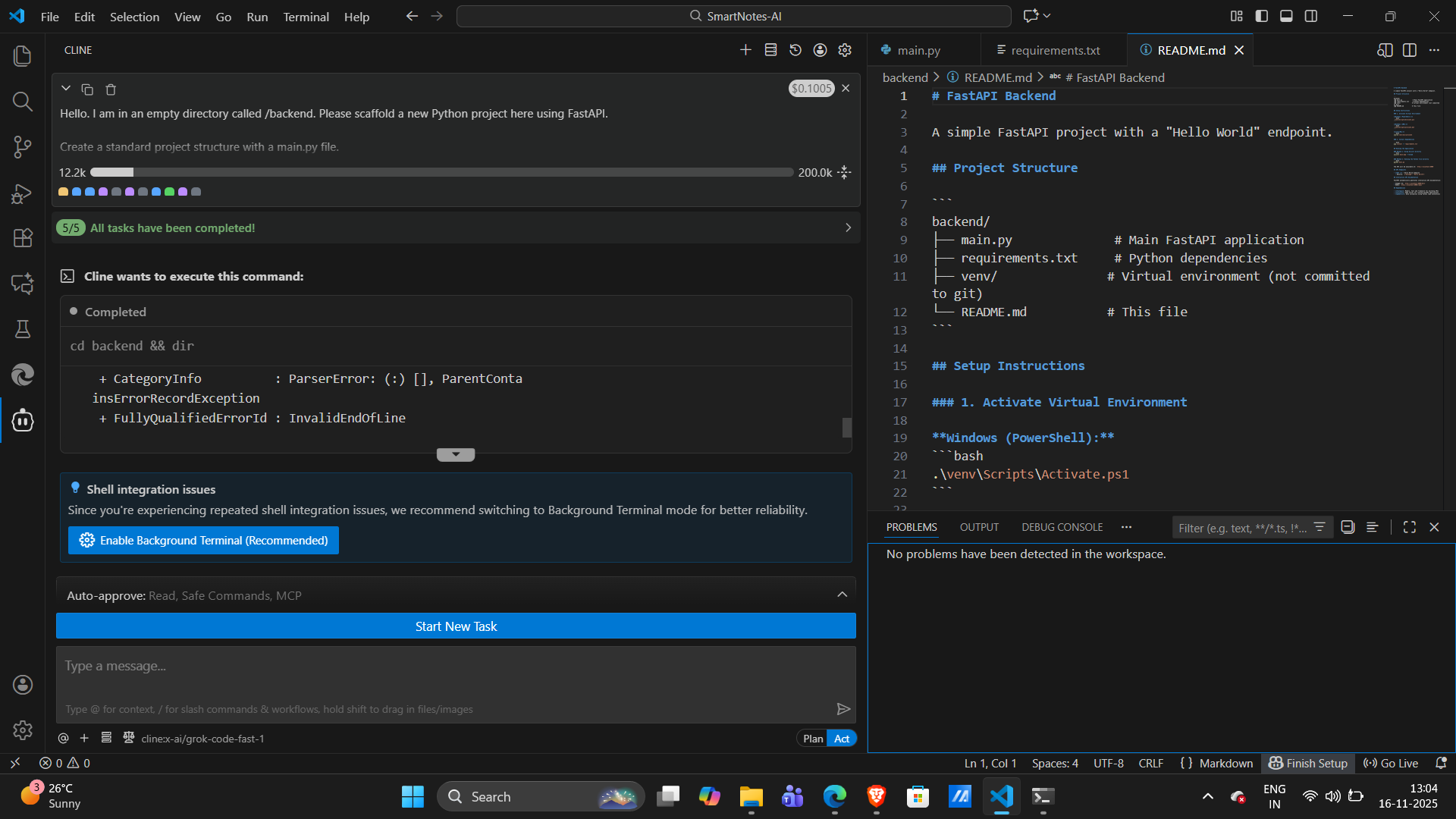
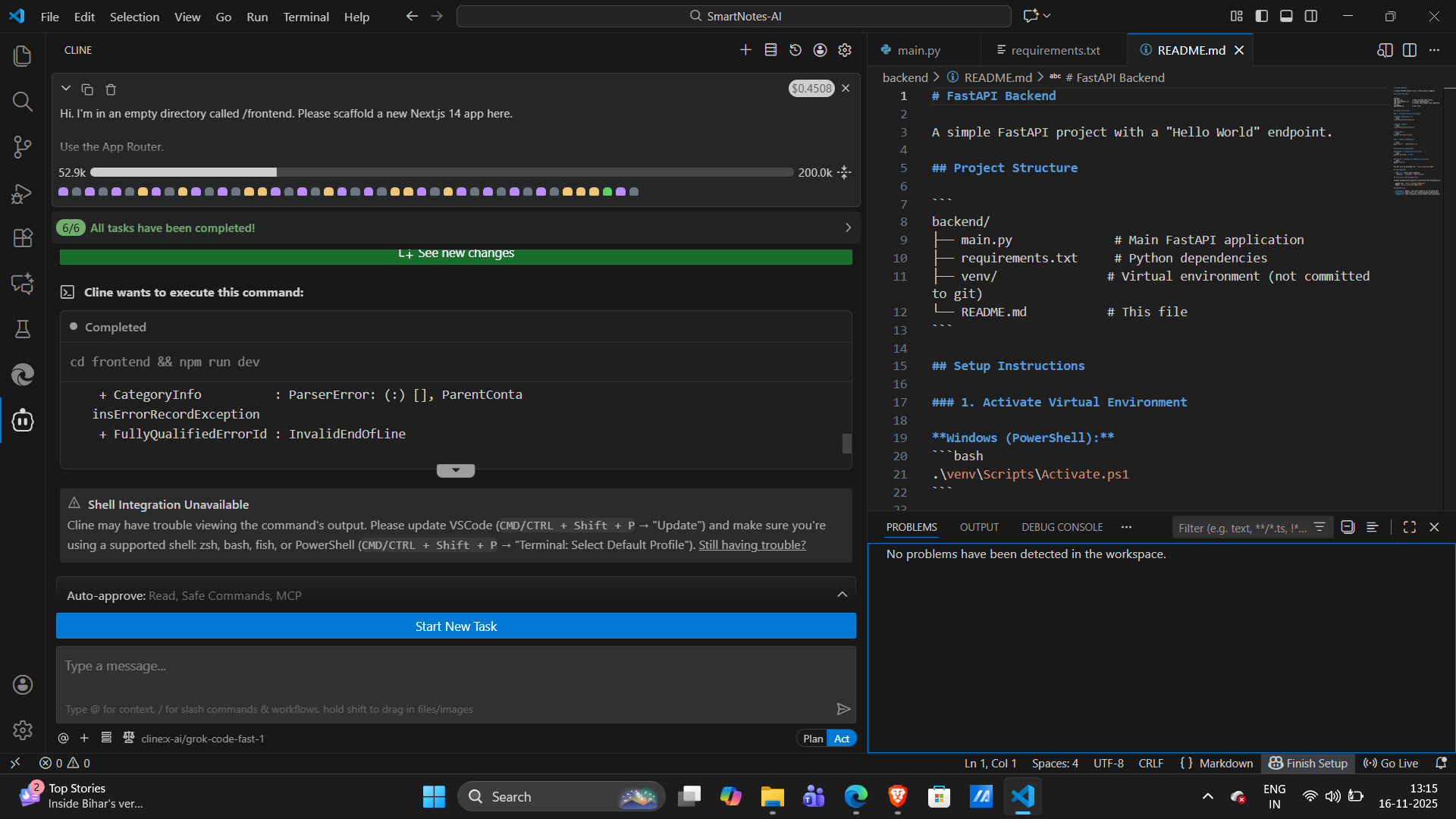
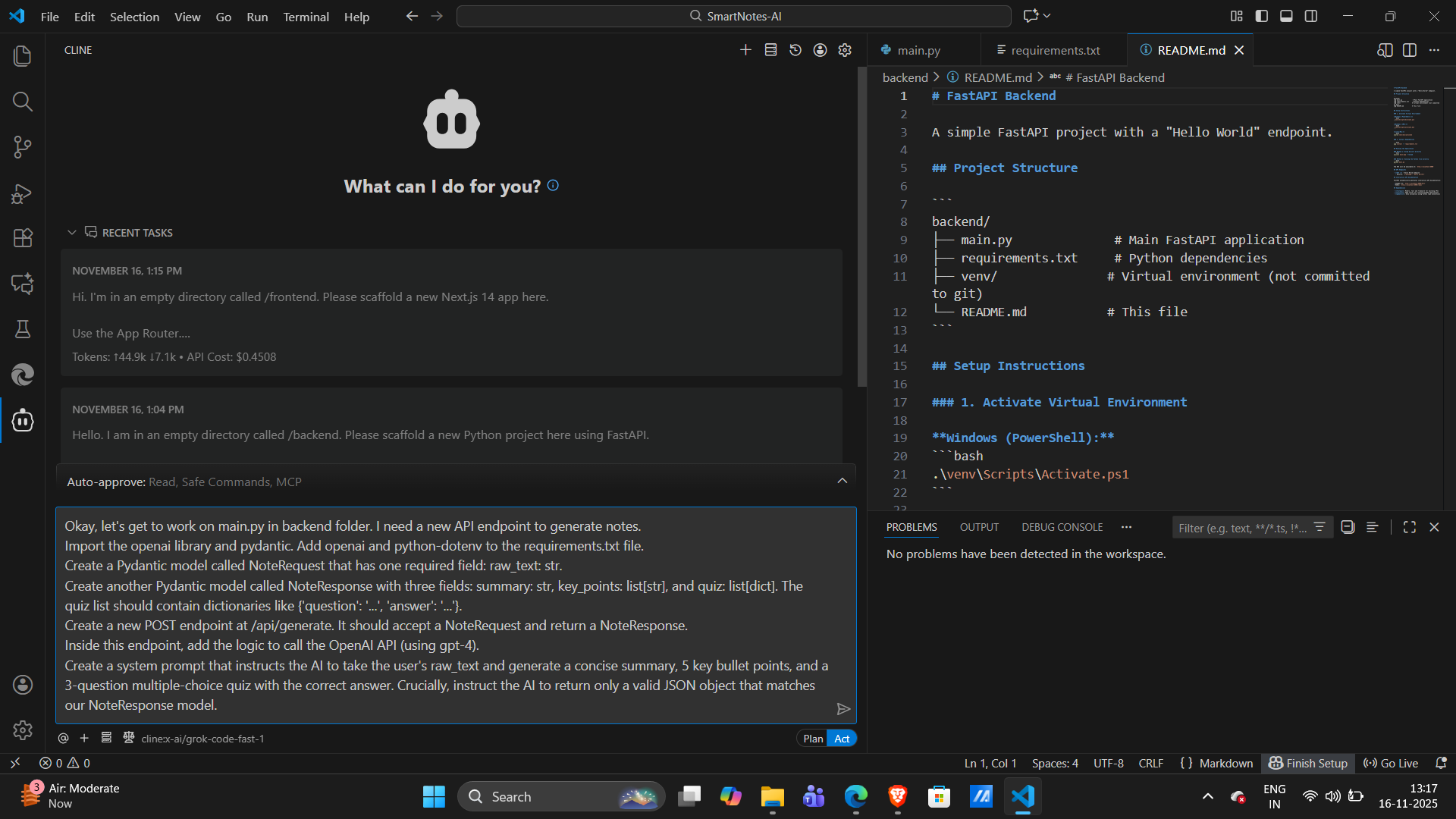
The entire project skeleton both the FastAPI backend and the Next.js/Shadcn frontend was scaffolded using the Cline CLI. This saved us hours of setup time. - Bonus Tech (GitBook):
We created complete and polished documentation using GitBook.
Challenges we ran into
This was a time-crunched sprint, and we hit several major roadblocks:
API Quota Death:
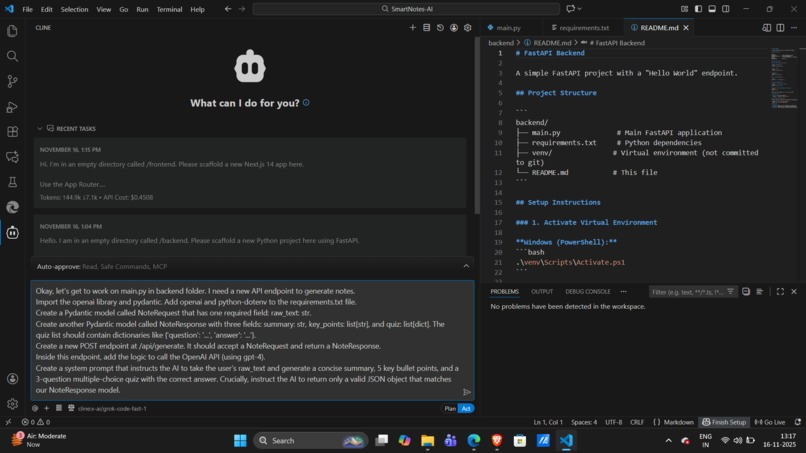
We initially built the backend using the OpenAI API. Midway through development, we hit aninsufficient_quotaerror. We had to pivot immediately rebuilding the entire AI-calling logic to use Google Gemini in under 30 minutes.AI Model 404s:
Our first attempts usinggemini-1.5-flashandgemini-proreturned 404 errors. We wrote a script to list all models available to our key and discovered thatgemini-2.5-flashwas the correct one.Prompt Engineering:
Our first quiz response only returned answers. We had to debug our prompt and fix our Pydantic models to ensure the AI generated multiple-choice options. Then we updated our frontend to display the quiz correctly.
Accomplishments that we're proud of
- Building a complete, functional, full-stack AI application from scratch in about 40 hours.
- Successfully pivoting from OpenAI to the Gemini API in under 30 minutes.
- Integrating three text-extraction methods (PDF, OCR, TXT) into one unified API.
- Solving every single environment, package, and API issue we encountered without giving up.
What we learned
APIs Will Fail:
Always have a backup. Switching from OpenAI to Gemini saved the entire project.Full-Stack Debugging:
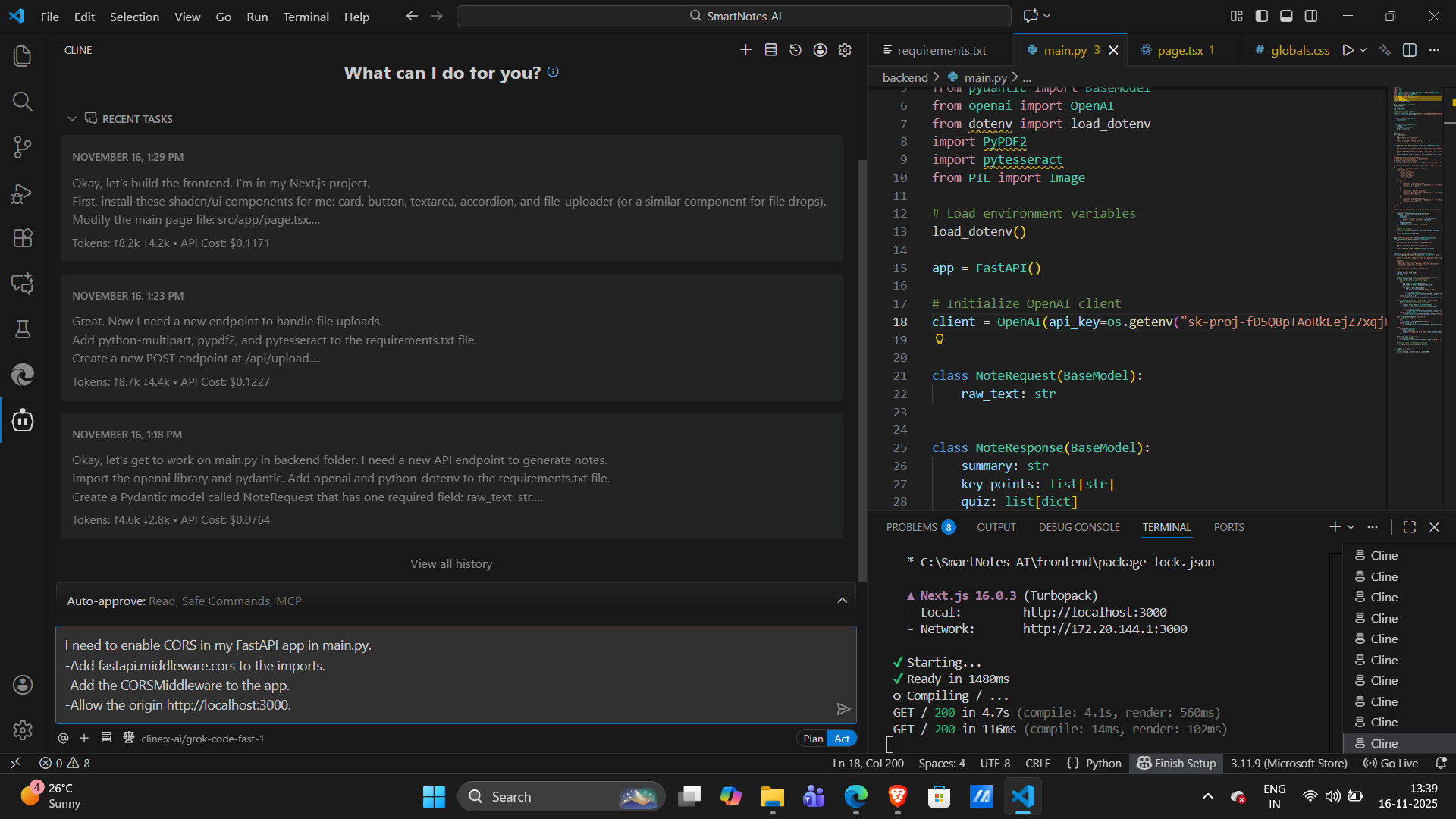
The classic "Failed to fetch" frontend error taught us to check the backend (CORS, crashes, port issues) before assuming it's a frontend bug.
What's next for SmartNotes AI
This prototype is just the beginning. Here’s where we want to take it:
Chat with Your Document:
Ask follow-up questions about the uploaded file.Interactive Flashcards:
Auto-generate flashcards from key points.Multi-Document Support:
Upload a folder full of lecture notes and get a combined study guide.Spaced Repetition System:
Automatically remind users to review quizzes and summaries at optimal times for long-term retention.
Built With
- clinecli
- fastapi
- git
- gitbook
- github
- google-generativeai
- googlegeminiapi
- next.js
- pydantic
- pypdf2
- pytesseract
- python
- react
- shadcnui
- tailwindcss
- typescript
- uvicorn


Log in or sign up for Devpost to join the conversation.