-
-
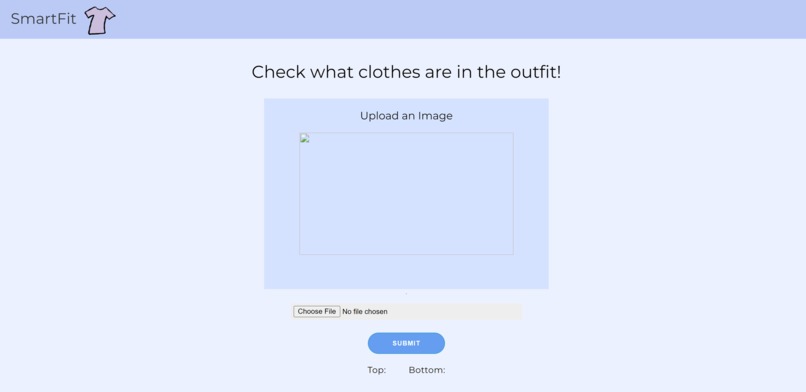
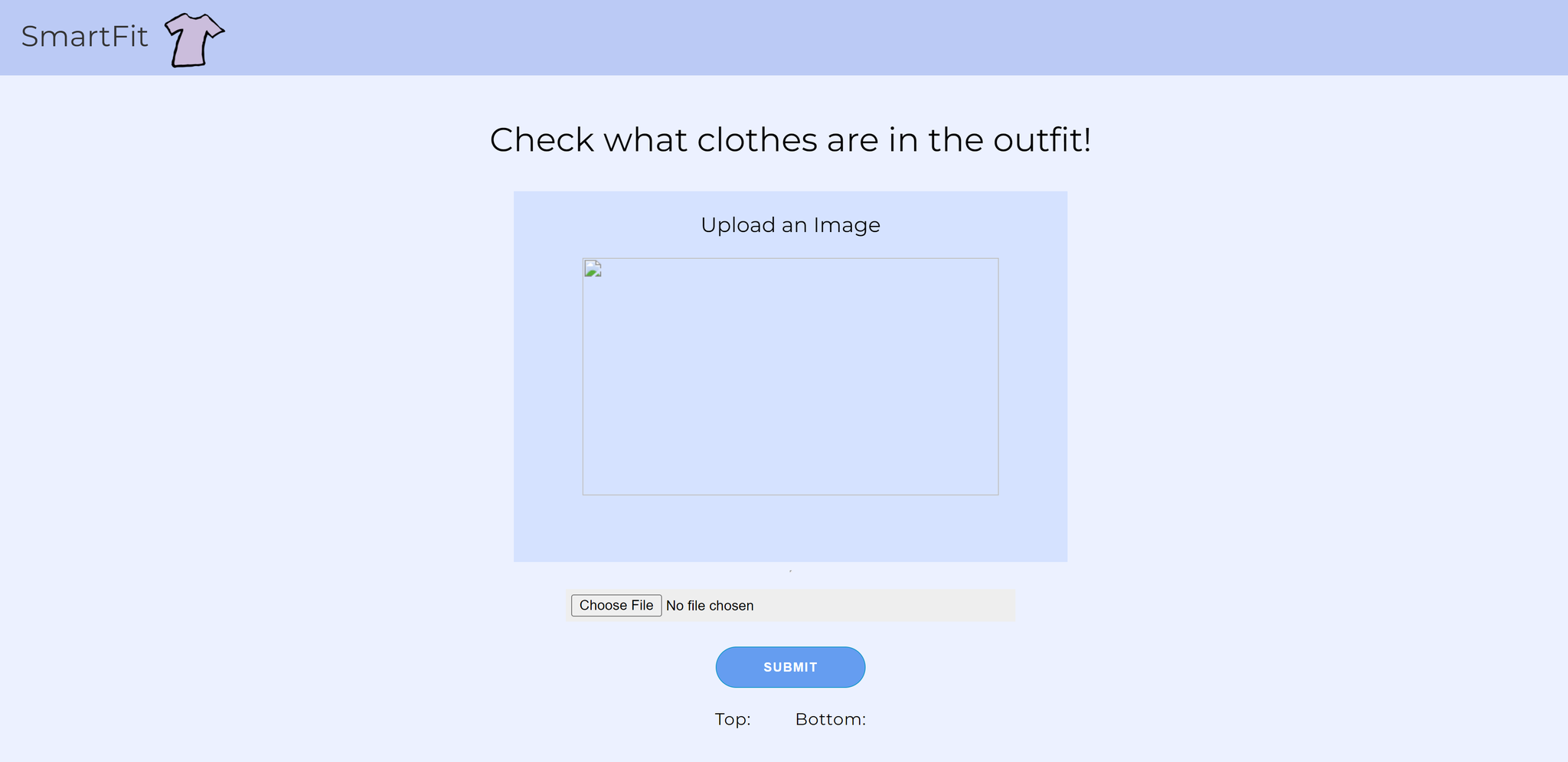
Website page
-
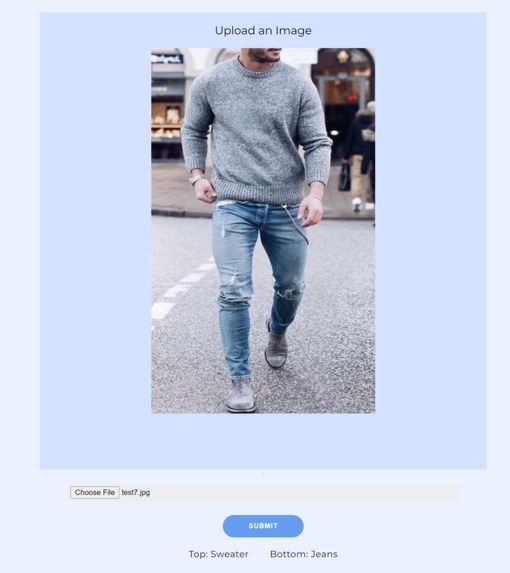
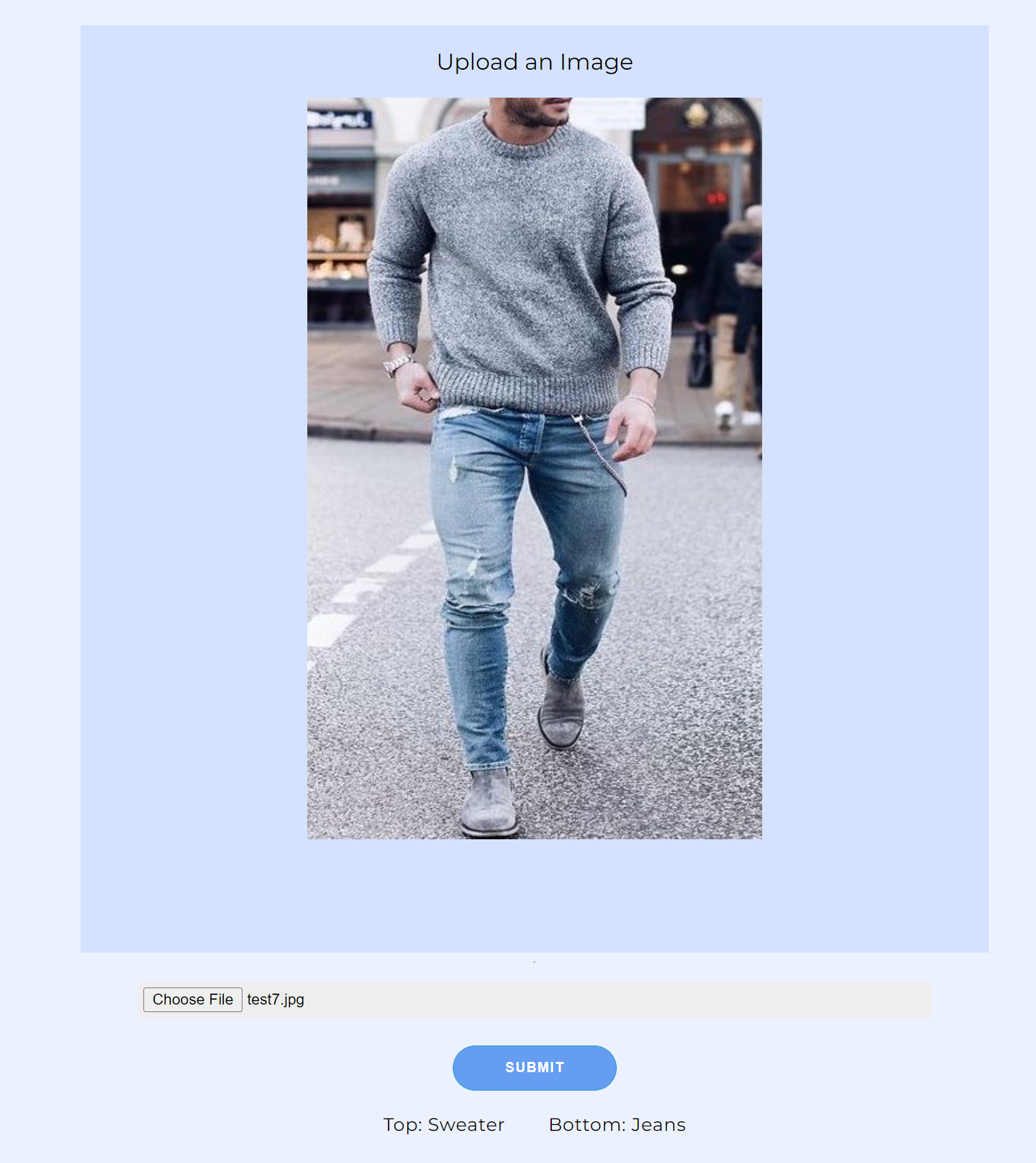
Uploading image
Inspiration
One of our group members Kevin Chong has a very bad fashion sense and does not know the names of any articles of clothing. The other member Albert Kang came up with the genius idea to create an app that helps Kevin and others similar to him with this issue. We wanted a simple way for people to be able to expand their clothing knowledge, while also checking other people's fits. Thus, SmartFit was born
What it does
It prompts the user to either select or drag an image into the input space of a person wearing an outfit. Then the website runs the image through our model to determine the top and bottom pieces of clothing that is in the image. Then the website will display back to the user both the name of the top and bottom piece of clothing the person in the image is wearing. The model we use can detect 11 different types of tops and 7 different types of bottoms.
How we built it
Loaded our dataset of clothes and then used Keras to generate our machine learning model. After training the model we hosted a new website locally using Node.js. We then used Django to run all the python scripts we had made. Then created the UI and styled our website.
Challenges we ran into
Training the model to be accurate Getting the image upload feature to work
Accomplishments that we're proud of
Getting python code to work on a website Creating and training a machine learning model
What we learned
How to use Django Some HTML and CSS tricks
What's next for SmartFit
Suggest fits for users to wear Provide more information on the outfits in the image (color, price, etc.)
Built With
- css
- django
- html
- javascript
- keras
- machine-learning
- python
- tensorflow

Log in or sign up for Devpost to join the conversation.