-
offline file management
-
offline file management
-
offline file management
Inspiration
As a developer and power user, my drives and folders often became a chaotic mess of downloaded files, assets, and documents. I wanted a tool that could organize everything in a single click, but I was concerned about privacy with existing cloud-based tools. I needed a solution that was fast, supported external USB drives, and operated completely offline so my data never leaves my machine
What it does
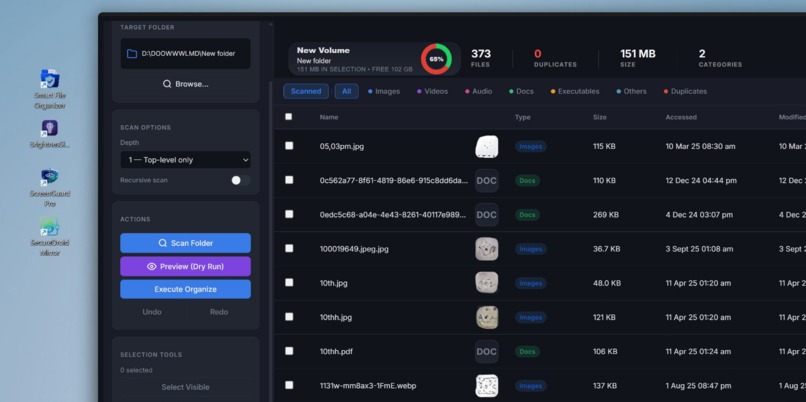
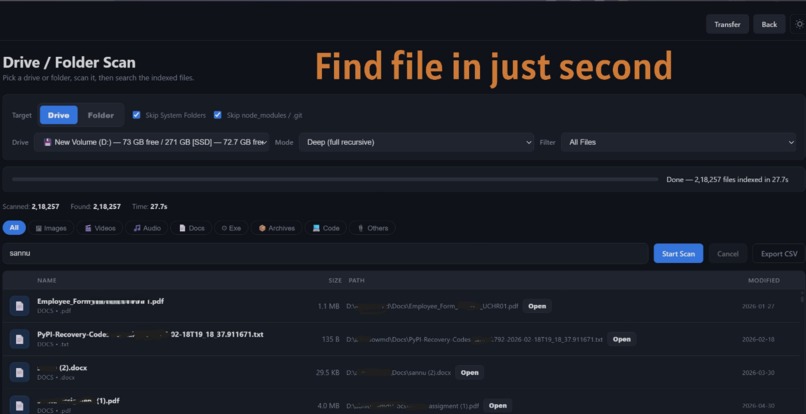
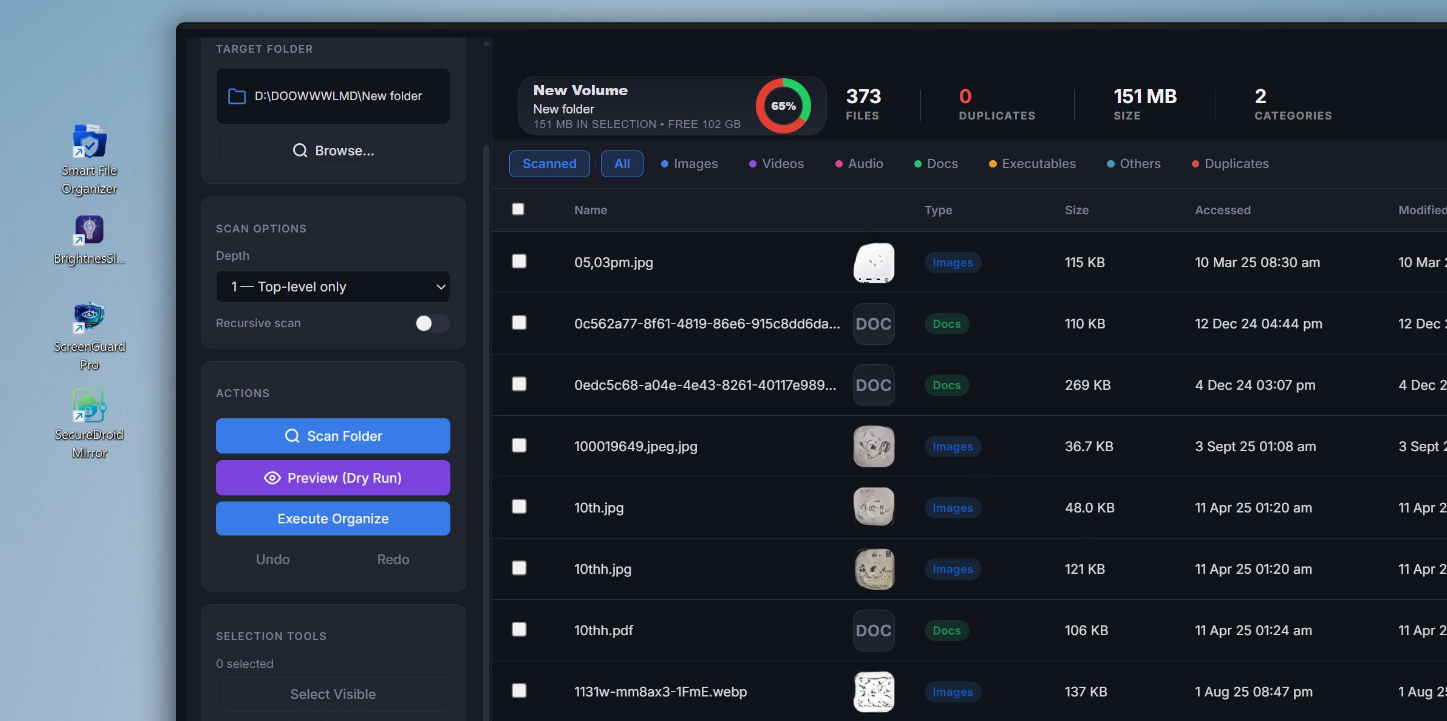
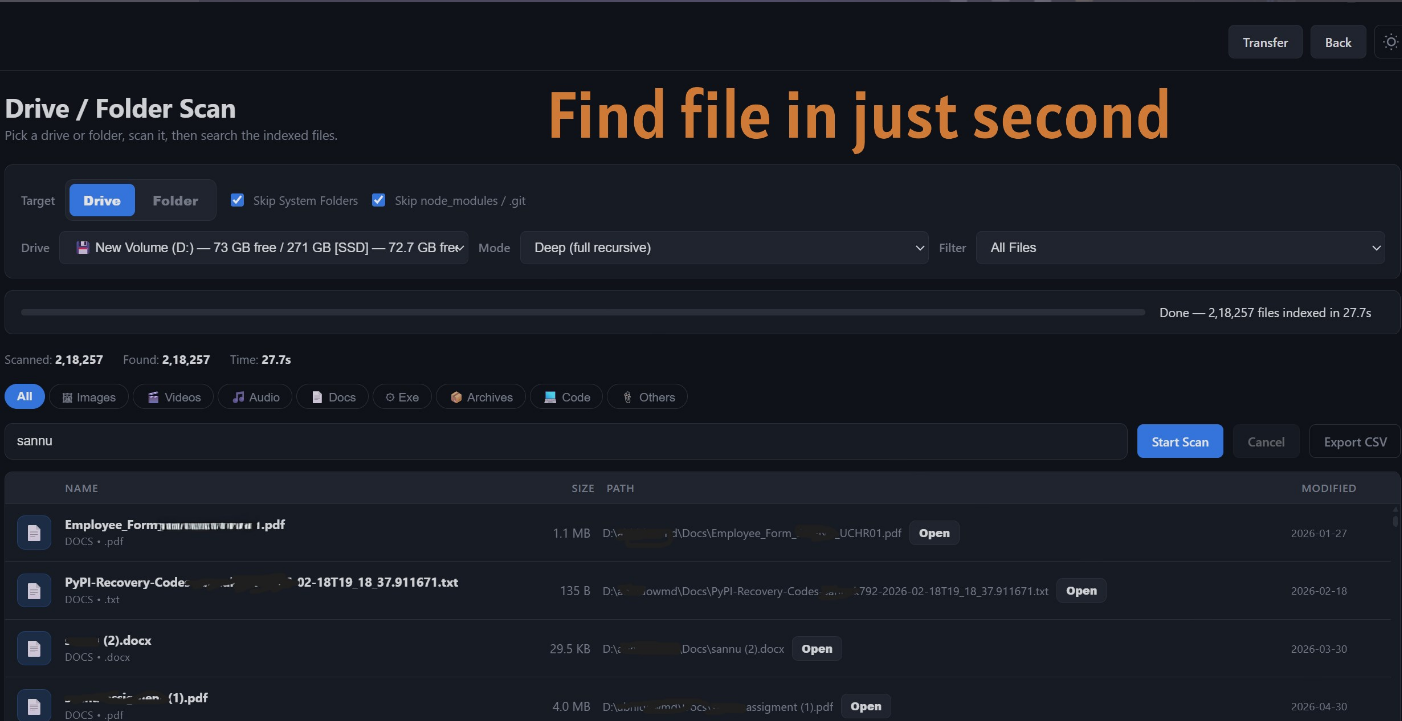
Smart File Organizer is a fast, secure, and fully offline Windows desktop app designed to declutter your digital life. It scans folders, local drives, and external storage to automatically sort files into a clean folder structure (Images, Videos, Music, Documents, Apps, Archives
How I built it
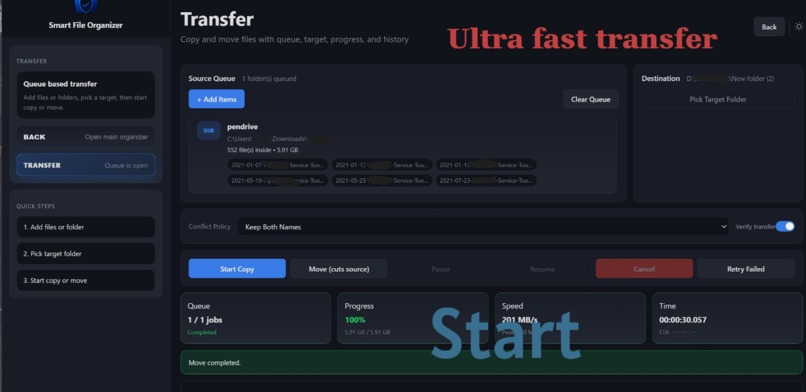
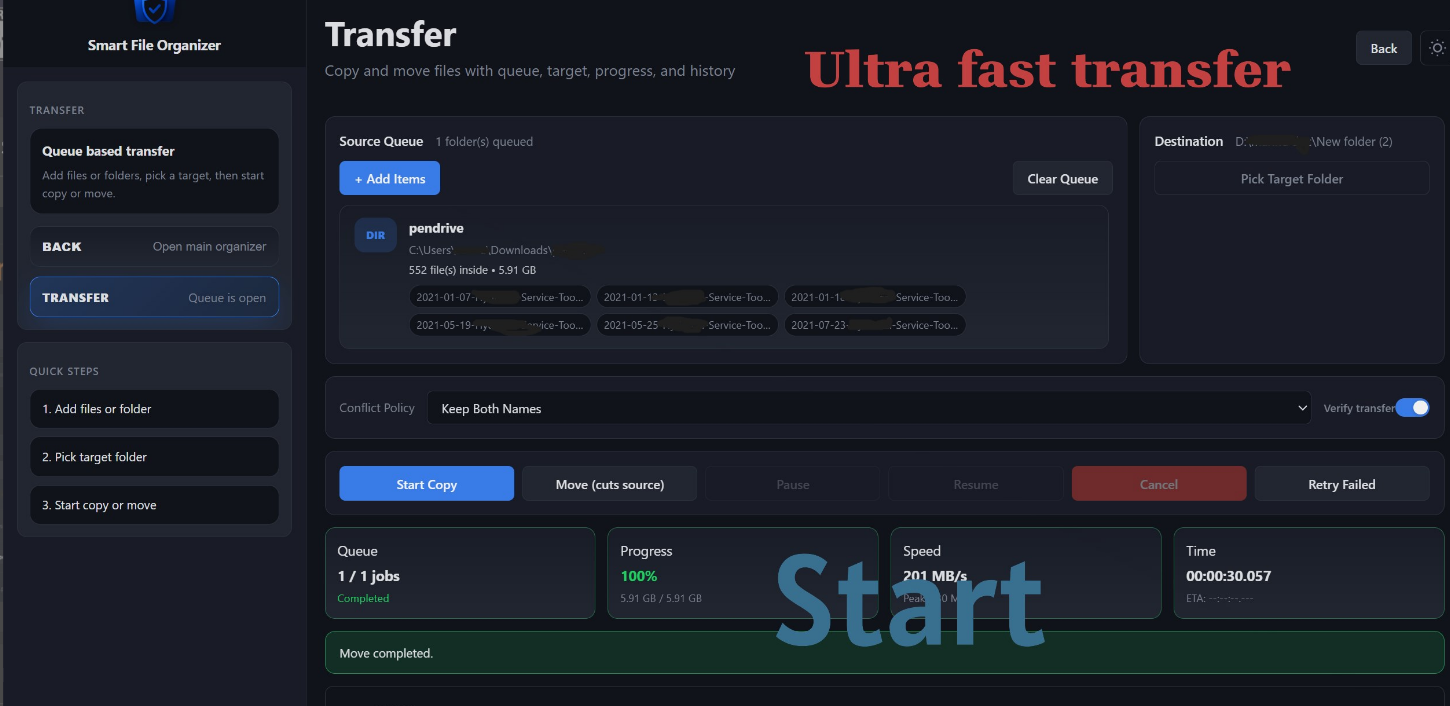
I focused on an offline-first architecture to ensure absolute user privacy. The core logic was built to handle robust file system operations, ensuring reliable drive scanning and smart file categorization across both local and external storage. The user interface was iteratively refined to provide a smooth experience with folder previews, transfer history, and speed tracking, finally packaging it as a polished Windows application.
Challenges I ran into
Handling safe file transfers across different types of storage (local vs. USB drives) required careful edge-case management. Implementing a reliable "Undo" action and safely managing file name conflicts without accidentally overwriting user data were significant technical hurdles. I also had to optimize the scan reliability for large external drives.
Accomplishments that I'm proud of
I am incredibly proud of creating a comprehensive utility that does much more than just move files—it safely manages duplicates, supports full external drive scans, and tracks transfer speeds, all while remaining 100% offline. Successfully packaging the installer, improving the UI layout, and publishing it to the Microsoft Store were huge milestones
What I learned
I learned a great deal about Windows file system intricacies, managing external drive connections, and engineering safe, reversible file operations. Navigating the end-to-end app packaging process and refining the UI based on user experience principles were also massive learning opportunities
What's next for Smartfileorganizer
I plan to add more granular custom categorization rules so users can define their own folder structures based on file sizes or dates. I am also exploring deeper integrations for network drives and further optimizing the scan speeds for massive external hard drives.

Log in or sign up for Devpost to join the conversation.