-
-
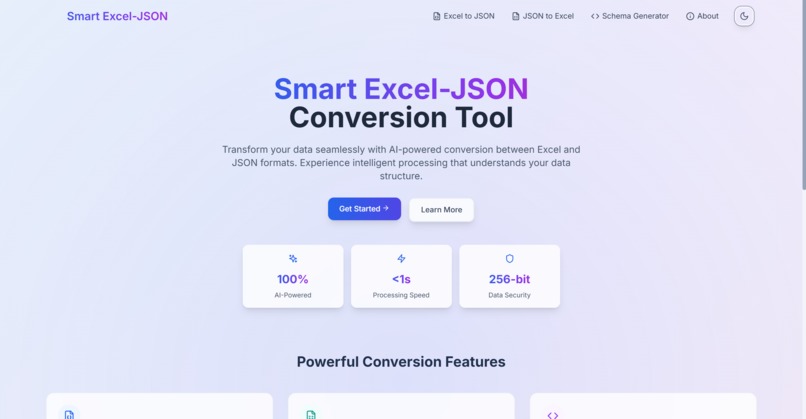
Home Page
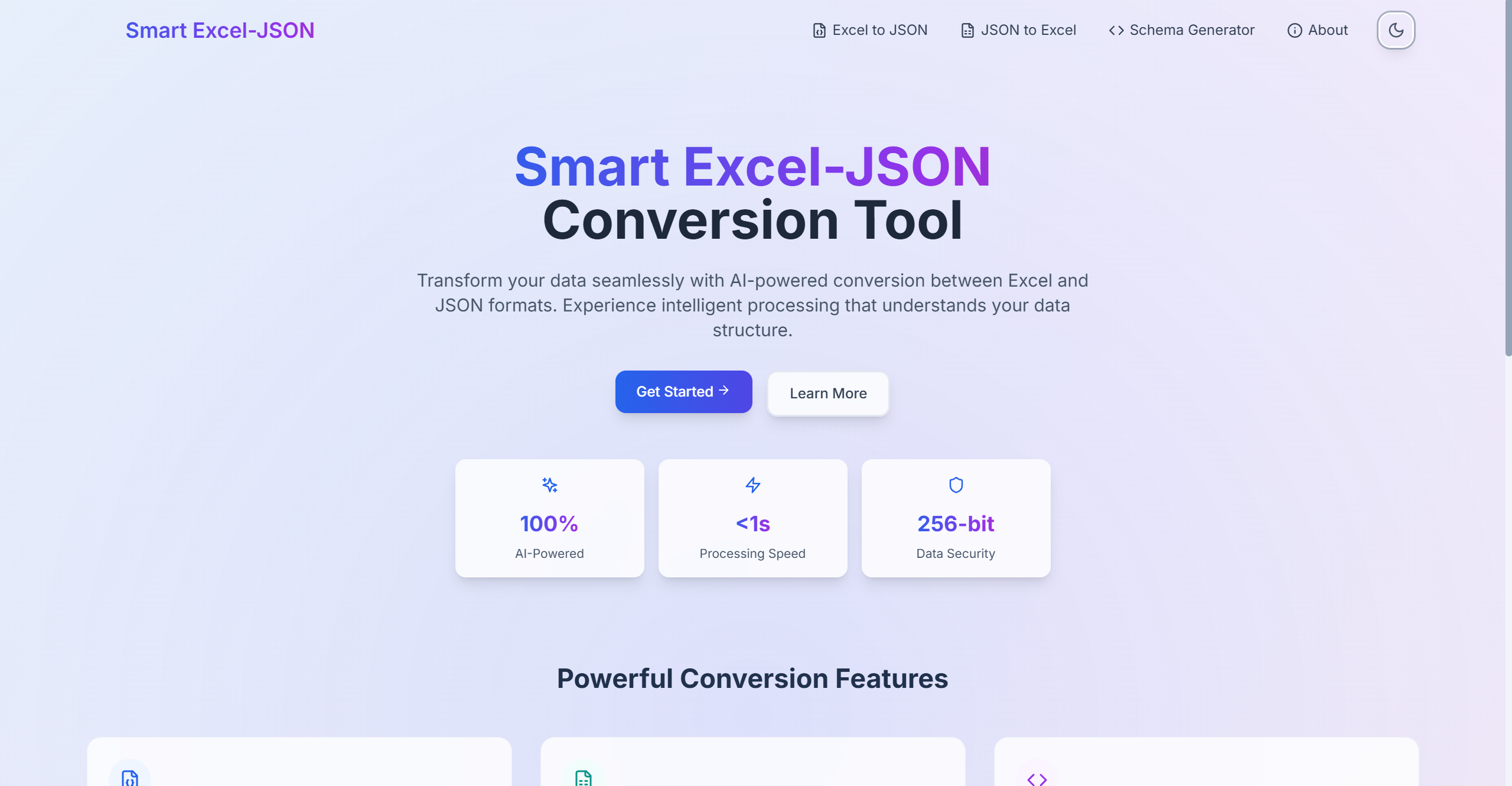
Inspiration
As a developer working with both structured and semi-structured data, I often found it tedious to convert between Excel sheets and JSON formats — especially when dealing with nested structures or poorly formatted files. Most tools lacked flexibility, AI assistance, and real-time previews. This inspired me to create SmartExcelJSONTool, a seamless, intelligent converter designed for developers, analysts, and anyone working across Excel and JSON formats.
What it does
SmartExcelJSONTool is a full-stack web application that enables:
- Excel → JSON conversion (with optional AI-enhanced formatting)
- JSON → Excel generation (with annotations for AI-modified cells)
- Automatic JSON Schema generation from Excel previews
- Support for
.xlsx,.xls, and.xlsmfile formats - Real-time previews, drag-and-drop uploads, and Base64 downloads
- AI insights powered by Google Gemini
- Clean, dark-mode frontend with modern UX
How we built it
- Backend: Java 21, Spring Boot 3.2.4 (reactive with
Mono), Apache POI, Gemini AI integration, and advanced memory caching - Frontend: React 18 + TypeScript + Vite, Tailwind CSS, Monaco Editor, React Dropzone, Framer Motion
- Deployment: Backend hosted on Heroku with Docker; frontend deployed via Vercel with a custom domain
- Other tools: GitHub Actions for CI/CD, Spring Boot Actuator for monitoring, environment-based config for API keys
Challenges we ran into
- Memory usage constraints on Heroku while processing large Excel files
- Designing reliable AI prompts for varied Excel structures
- Implementing real-time JSON validation and previews in the frontend
- Handling route-refresh issues on Vercel and ensuring SPA compatibility
- Maintaining non-blocking async flows across the stack with error handling
Accomplishments that we're proud of
- Built a fully production-ready tool with clean deployment, custom domain, and full error handling
- Seamlessly integrated Gemini AI into both conversion flows
- Designed a beautiful, responsive, and modern frontend UI
- Used reactive programming and memory-optimized caching to make heavy Excel operations smooth even in free-tier deployments
- Documented the entire project professionally for submission and public use
What we learned
- How to handle advanced Excel parsing and generation using Apache POI
- How to build reactive Spring Boot APIs with
Monoand memory-aware designs - Practical experience with AI prompt engineering for Gemini API
- Frontend techniques for JSON editing, validation, and drag-drop uploads
- Debugging Vercel deployments and integrating GitHub Actions into CI/CD pipelines
What's next for Smartexceljsontool
- Add user authentication and save history of conversions
- Implement role-based access for team-based usage
- Integrate Google Drive / Dropbox support for input/output
- Add support for CSV and XML conversions
- Upgrade AI prompts with few-shot examples and field-level control
- Launch as a SaaS product with freemium features
Let me know if you want this converted into a README.md or integrated with your GitHub repo.

Log in or sign up for Devpost to join the conversation.