Inspiration
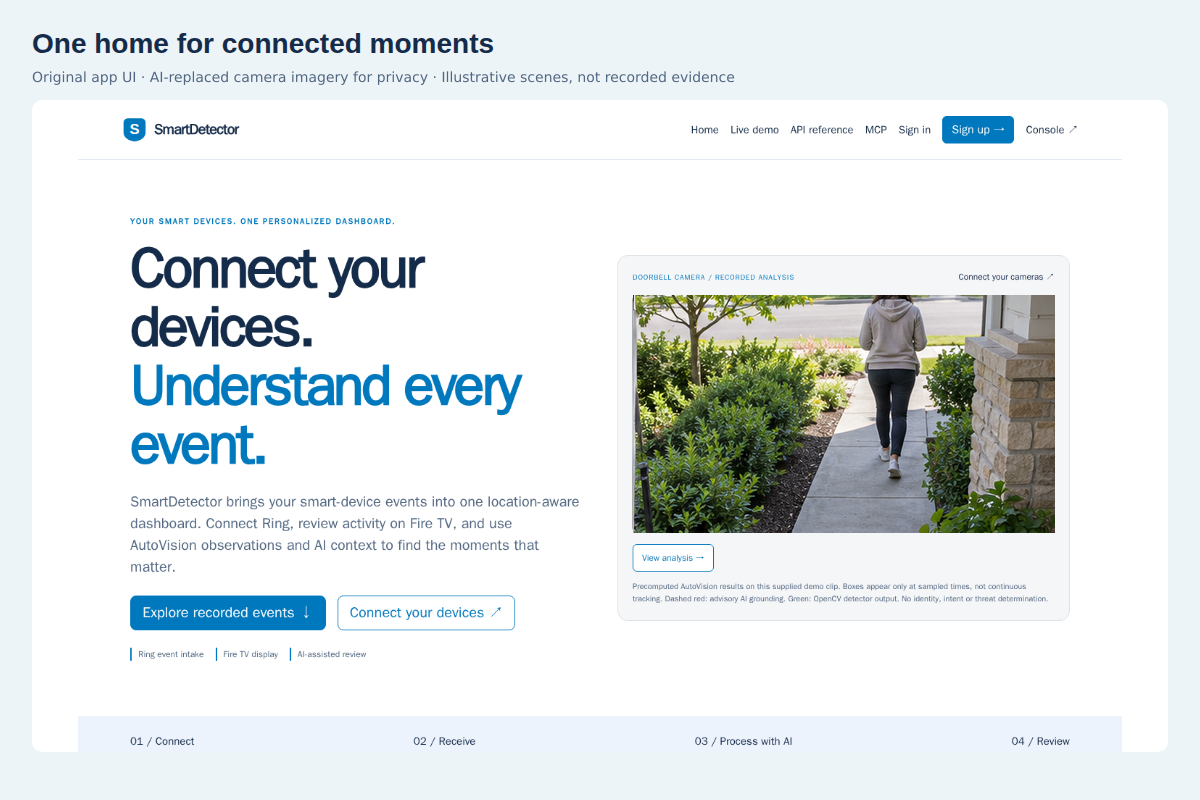
I’ve owned smartdetector.com for a few years. Originally, I wanted to build a smarter smoke detector—and I still do. Before this hackathon, though, SmartDetector was just a name and an idea.
The SmartDetector project was built entirely during this hackathon. Only the domain name existed beforehand.
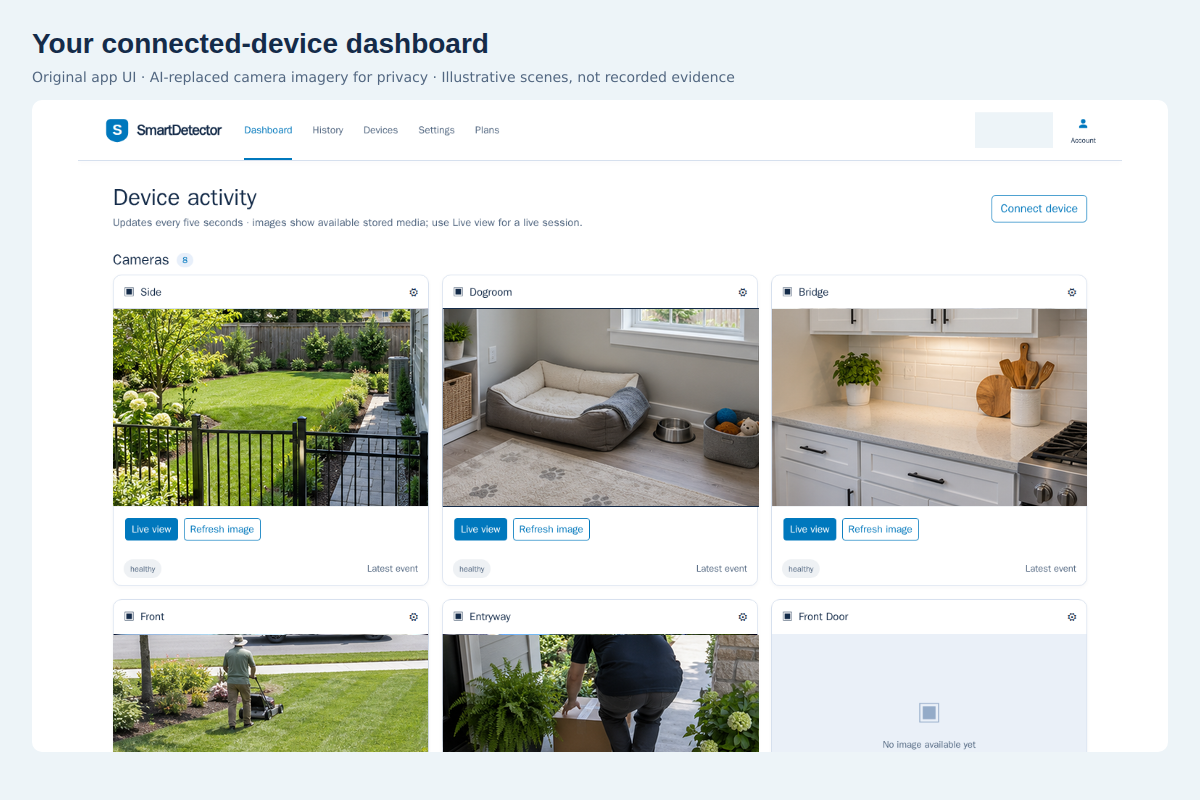
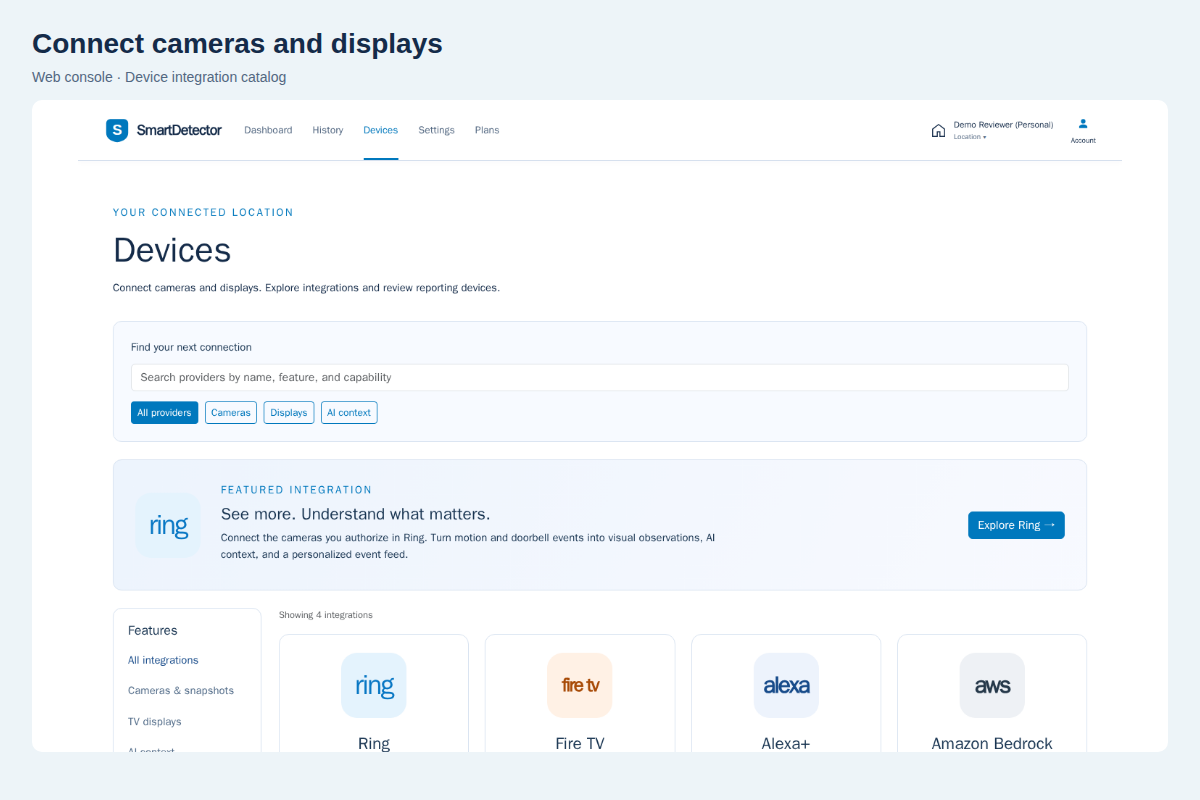
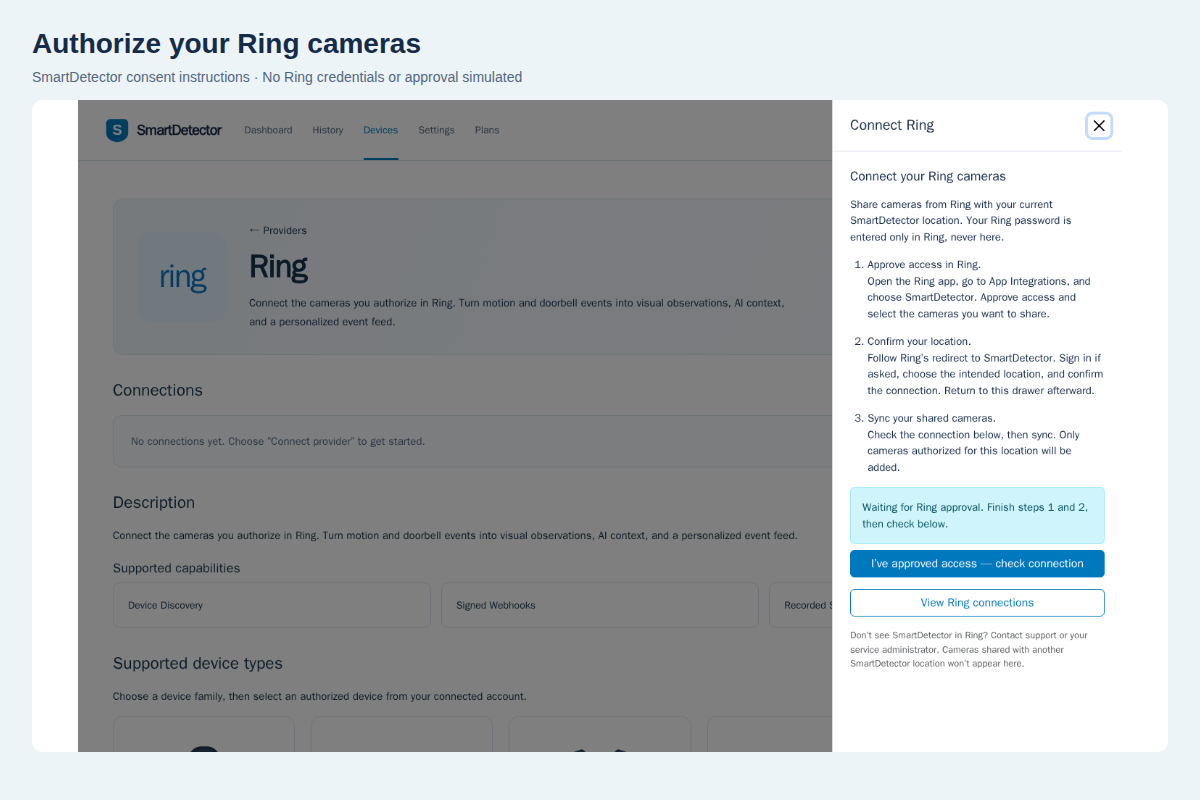
Ring’s cameras and device APIs provided the perfect starting point: real-world activity we could turn into a connected experience. Our longer-term vision is to bring many kinds of smart devices together—not create another isolated dashboard.
What it does
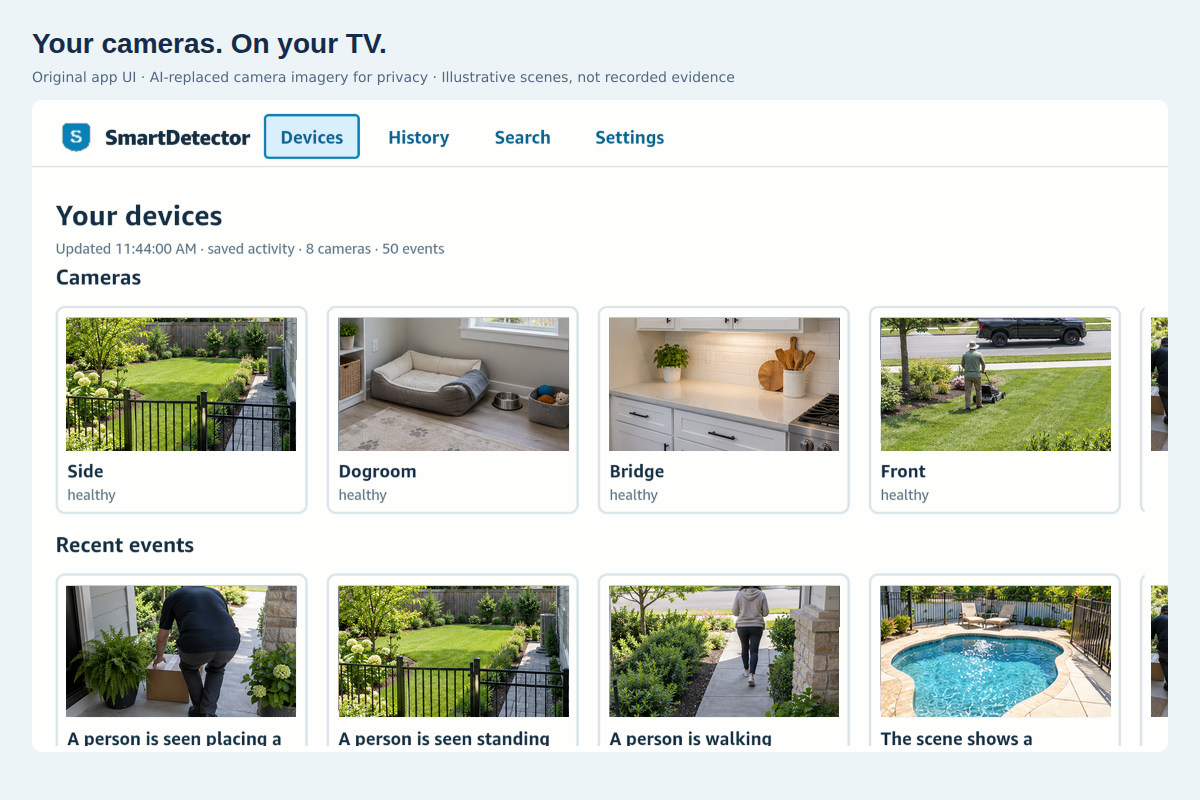
SmartDetector brings connected-camera events to your TV through a native React Native app for Vega OS.
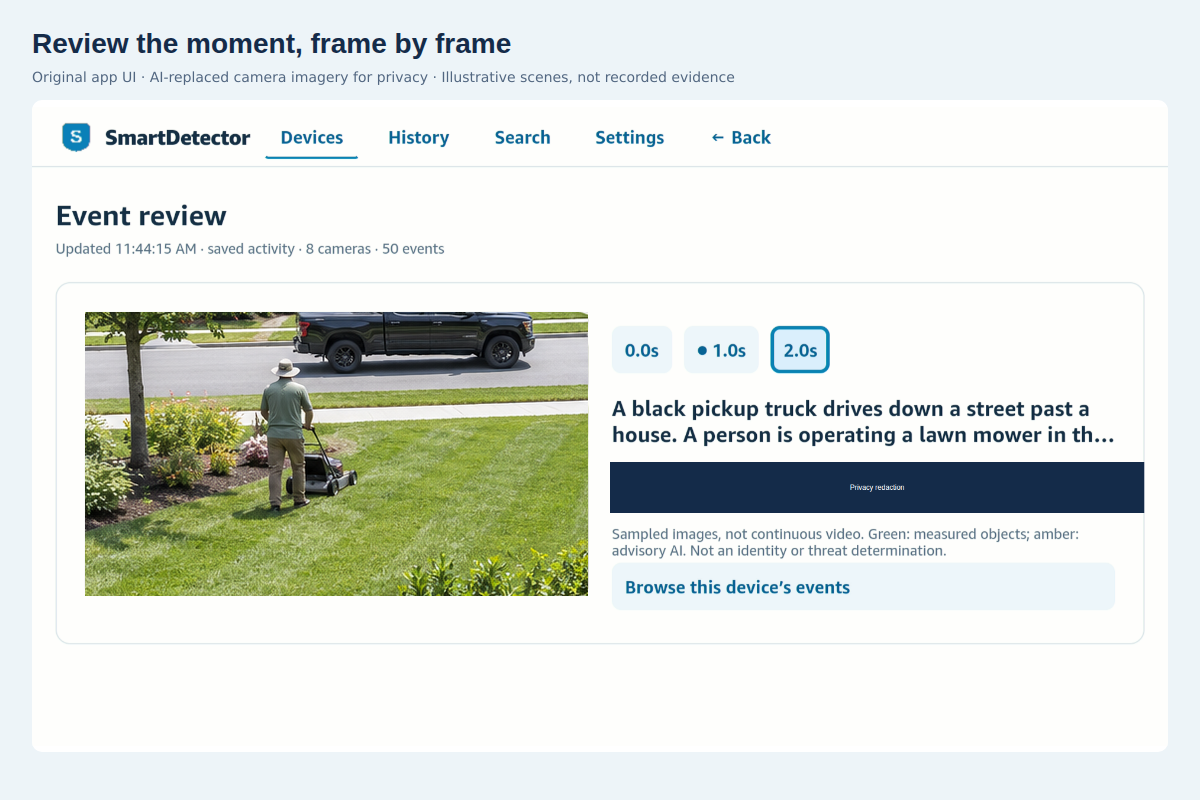
Inspired by Ring and Prime Video, we treat cameras like collections and events like episodes. Browse with your remote, select a moment, and review sampled images, available detections and AI observations.
Ring supplies the activity. SmartDetector organizes it. Vega brings it to your screen.
The experience includes:
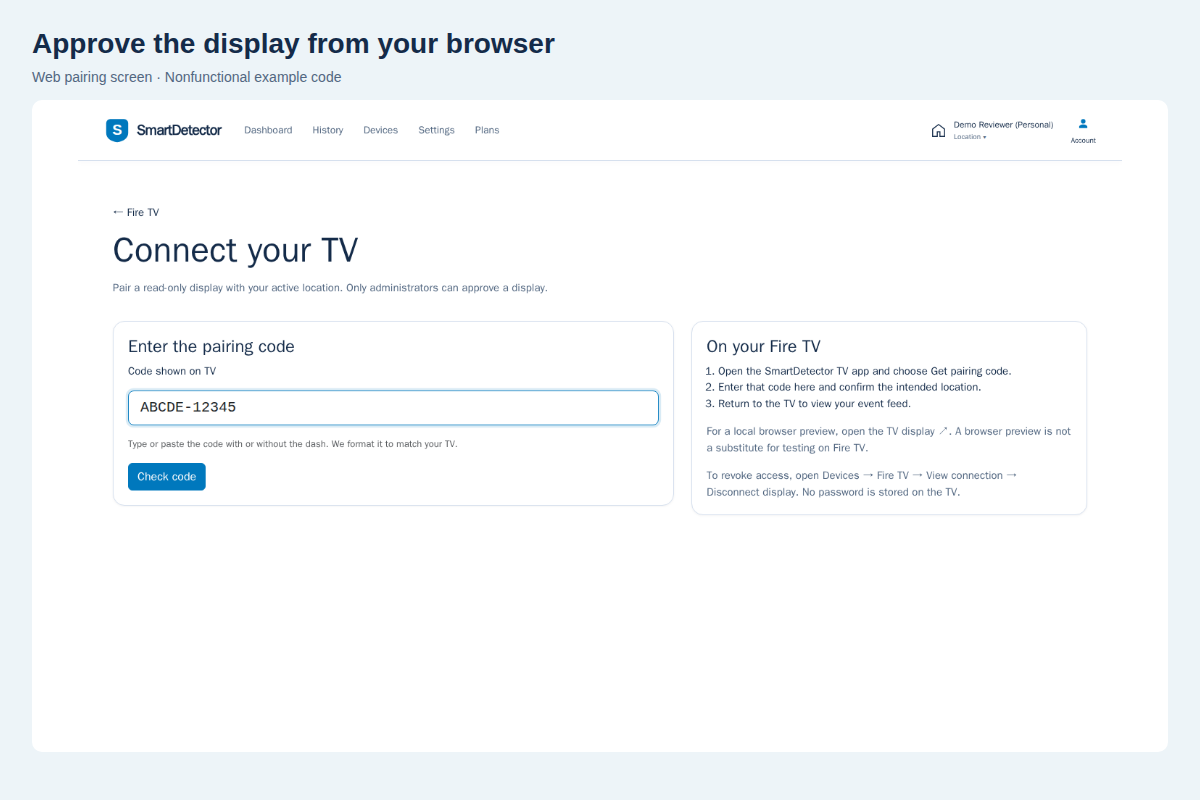
- QR pairing: sign in on your phone or computer and approve the TV without entering a password or API key on it.
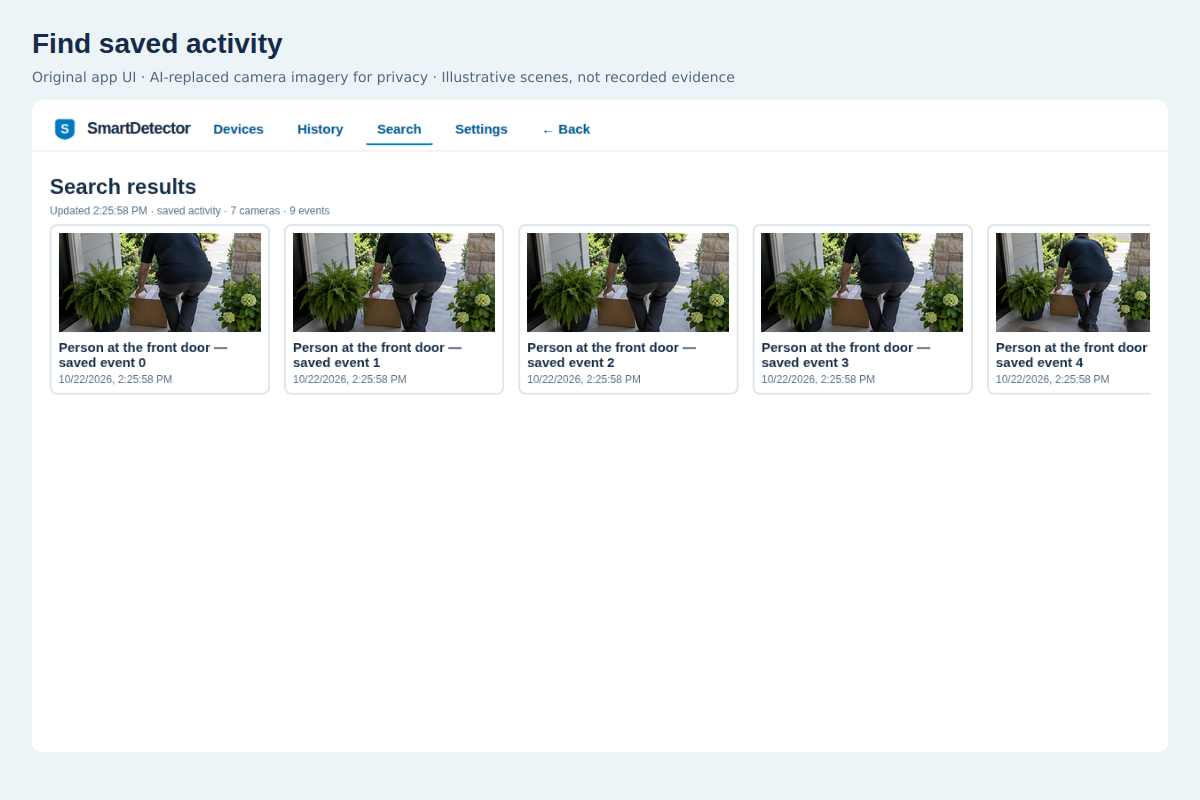
- Remote-friendly browsing: camera and activity rails, history, search, and hierarchical Back navigation.
- Evidence review: step through sampled frames and inspect available detection boxes and context.
- Location-scoped access: the TV receives revocable, read-only access to the location you approve.
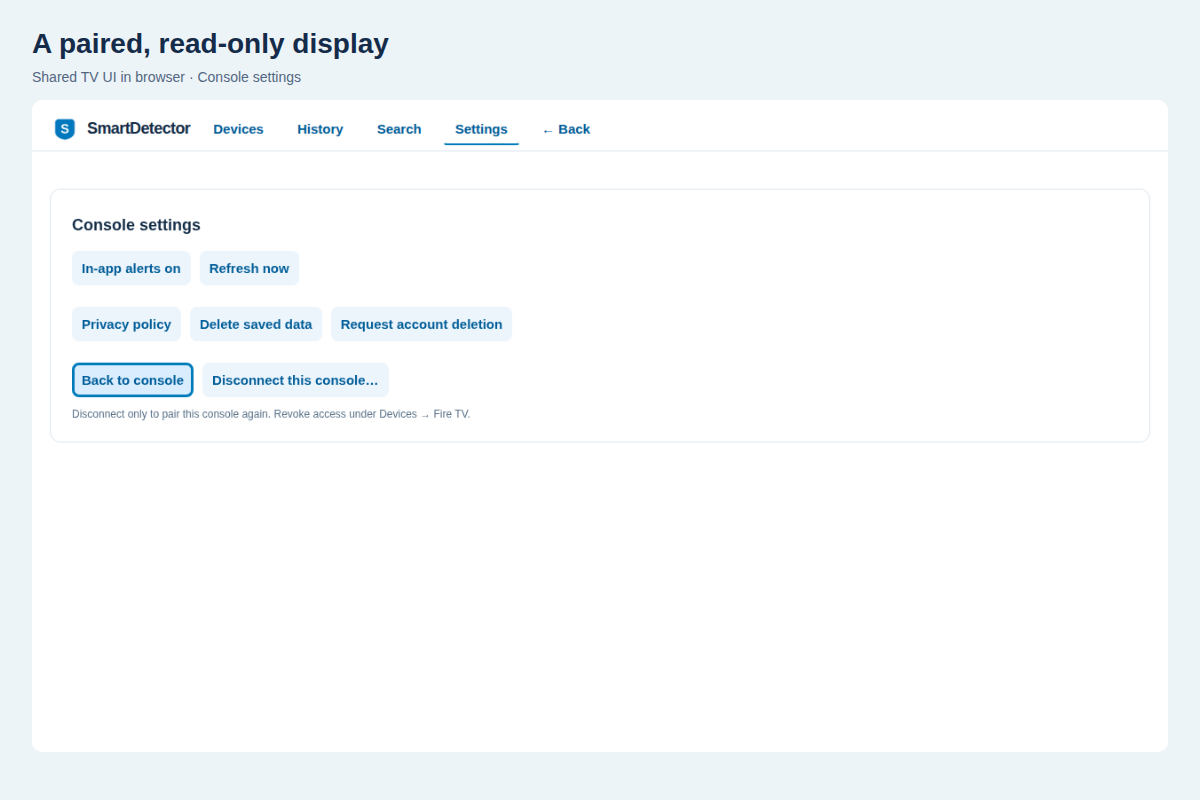
- Privacy controls: default 24-hour saved-event/image retention, data purge, account deletion, and explicit controls for longer retention.
- Developer testing: a documented localhost Ring Playground path lets developers test without accessing our private cameras.
Creating an account does not automatically populate cameras or events. Testing instructions explain real-camera staging access and the separate no-camera developer route.
Why we chose Fire TV
We chose the Fire TV primary track because we wanted to build with the new Vega OS and React Native.
A TV is already a shared screen in the home. We wanted checking a camera event to feel as approachable as choosing something to watch—not navigating another technical dashboard.
Ring was essential to that experience: we needed meaningful real-world activity to put on the screen. The native Vega app is the main submission; Ring provides the connected-camera integration behind it.
How we built it
The application follows an event-driven path:
Ring event → SmartDetector processing → AutoVision analysis → saved evidence → paired Vega TV
The hosted SmartDetector website handles accounts, locations, provider connections, history and privacy settings. The native TV app presents the same retained evidence through a paired, read-only interface.
Our AWS architecture uses:
- ECS/Fargate for containerized application services and workers.
- DynamoDB for scoped application records and indexed incident retrieval.
- SQS, with optional EventBridge routing, for asynchronous work.
- S3 for configured object storage and deployment assets.
- IAM and Secrets Manager for workload permissions and configured credentials.
- CloudFormation for reproducible installation and reviewed updates.
- Amazon Bedrock/Nova, when configured, for AI enrichment and visual grounding.
- SES for configured email delivery.
We also implemented an Amazon Device Messaging background receiver and actionable system-popup integration. Cross-app popup and image behavior still requires physical-device verification and is not presented as a demonstrated capability.
Our AWS architecture guide explains the service choices, alternatives and operational boundaries.
AWS Builder and Open Source mini challenges
We are submitting for both mini challenges.
For AWS Builder, SmartDetector combines managed compute, storage, queues, permissions and optional inference into the backend powering the TV experience.
For Open Source, we created a separate SmartDetector MCP / AgentCore integration. It exposes five scoped, read-only tools so agent clients can inspect SmartDetector devices and events without duplicating application logic or granting camera-control permissions.
The adapter includes an AWS AgentCore deployment path. Local verification and deployment templates are separate from evidence of a running AgentCore invocation.
Challenges we ran into
Building on a new device platform meant working through several practical challenges:
- Differences in notification support across React Native runtimes.
- Separating foreground alerts from background transport and system notifications.
- Simulator dependencies, virtualization access and secure developer-token storage.
- Package version and build-number requirements for physical-device updates.
- A headless release process that stayed alive after successful compilation.
- The difference between Ring Playground sample streams and actual motion-webhook delivery.
We documented observed behavior, reproducible steps, workarounds and actionable suggestions in our developer friction report.
Accomplishments we’re proud of
We turned a domain name and an idea into a native Vega application, a connected-camera backend, and a documented testing path.
We built QR pairing, remote-friendly camera browsing, sampled-frame review, saved-event search and privacy controls. We successfully built and installed the native app on a physical Vega Fire TV and paired it with the hosted service.
We also made the project easier for others to evaluate: the field guide explains simulator setup, account creation, TV pairing, Ring staging access and local Playground testing without sharing household credentials.
What we learned
A connected-device experience is more than a successful API call. Authentication, media availability, asynchronous analysis, TV navigation and privacy controls all have to work together.
We learned to distinguish what a test actually proves: a browser preview is not native-device evidence, a sample stream is not a motion webhook, and a successful package build is not proof of background notification delivery.
Those distinctions helped us build a more honest, reproducible project.
What’s next
Our priorities are:
- More smart-device integrations, including environmental sensors.
- More useful and carefully evaluated AI.
- Native mobile companions that work alongside Fire TV.
- Further physical-device validation of background notifications.
- Eventually, dedicated SmartDetector hardware.
Our platform feature requests include consistent notification support across React Native versions, an end-to-end background-delivery example, and Ring Playground scenarios that deliver signed motion webhooks alongside sample video.
We would build with Vega, Ring and AWS again. Together, they provide a compelling foundation for connecting real-world activity to an accessible shared-screen experience.
SmartDetector started with a name. This hackathon gave it a working native TV experience—and a foundation for bringing connected devices into one perspective.
Try it
- SmartDetector website
- Step-by-step judge field guide
- Source code and project README
- Native Vega builds
- Technical setup and deployment
- AWS architecture and service choices
- Developer friction report
For testing assistance or Ring staging enrollment, contact [email protected]. Never send passwords, authentication tokens or private camera footage.
Built With
- alexa+
- amazon
- amazon-web-services
- bedrock
- cloudformation
- cloudwatch
- dynamodb
- ecr
- ecs
- eventbridge
- fargate
- fire
- ring
- s3
- sqs
- tv


Log in or sign up for Devpost to join the conversation.