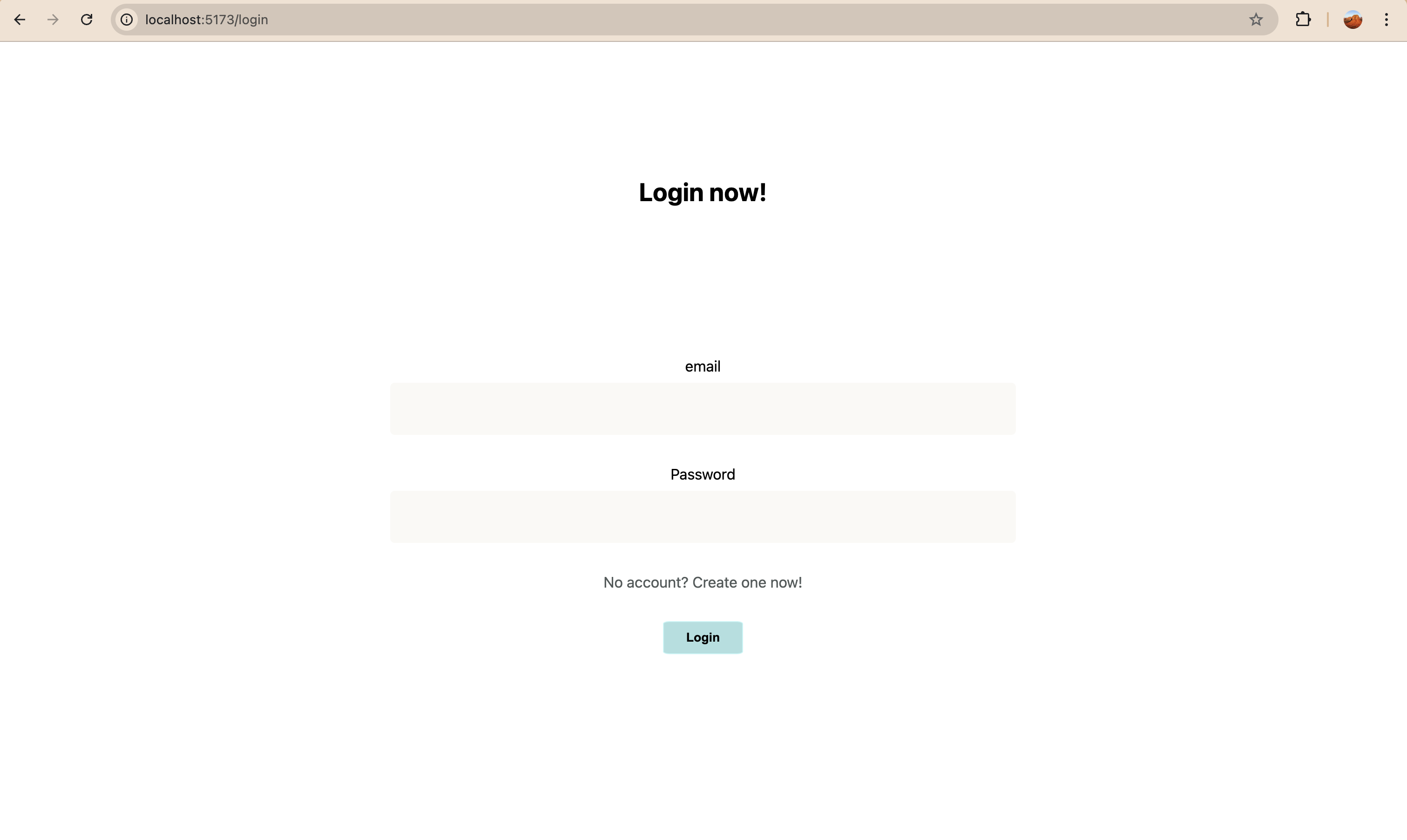
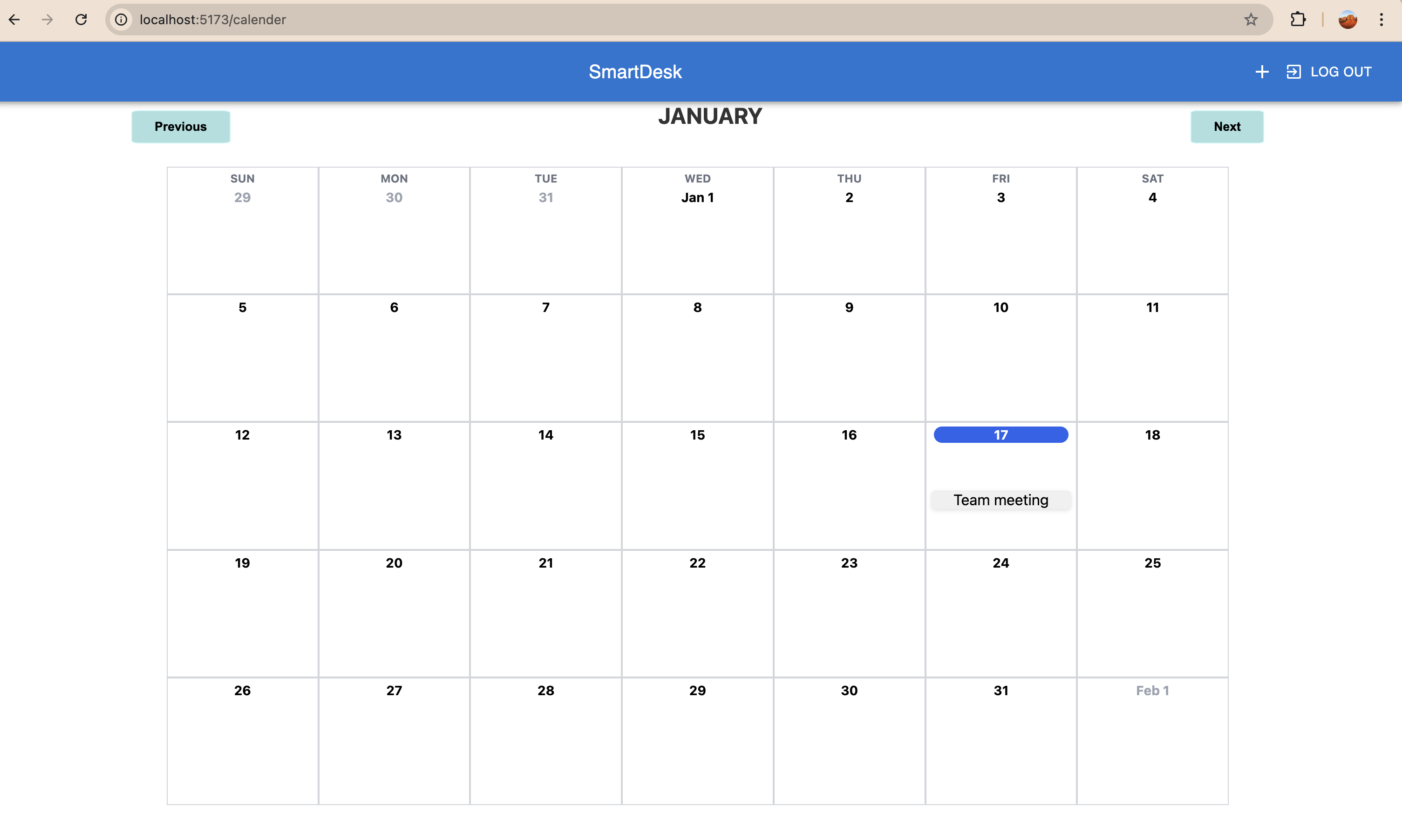
SmartDesk: The powerful tool for administrators to enhance productivity and streamline workflows.*
Inspiration
The idea for SmartDesk came from observing the repetitive and time-consuming tasks administrators face daily. Scheduling meetings, following up on tasks, and keeping track of deadlines often detract from their ability to focus on strategic priorities. Many existing tools are either too expensive or fail to offer the integrated functionality required for seamless workflow automation. We wanted to create a cost-effective, user-friendly solution to simplify these processes and empower administrators to be more productive.
How we built it
SmartDesk was built using a modern technology stack to ensure scalability and performance:
- Frontend: React and Typescript was used to create an intuitive and responsive user interface for administrators.
- Backend: The backend was built using Node.js and Express for authentication, and scheduling functionality.
- Database: Firebase was used to store user data, meeting schedules, and task lists.
- Automation: We integrated SendGrid to automate email notifications, sending timely reminders to participants about their upcoming meetings, ensuring they stay informed and prepared.
Challenges we ran into
Building SmartDesk was not without its challenges:
- Integrating APIs: Working with third-party APIs for email and calendar functionality required careful debugging and error handling.
- Task Prioritization: Determining which features to focus on within the given timeframe was difficult.
- User Experience: Ensuring the platform is intuitive and meets the needs of administrators required multiple iterations and feedback sessions.
What we learned
Building SmartDesk taught us several important lessons, including:
- User-Centered Design: Understanding the needs of administrators was key to designing features like automated reminders, task assignments, and email summarization.
- Backend Integration: We deepened our knowledge of integrating scheduling and notification systems with real-time updates.
- Workflow Automation: Exploring automation technologies to handle tasks like email summarization and follow-ups was a valuable learning experience.
- Team Collaboration: Developing this project taught us how to coordinate effectively as a team, share responsibilities, and resolve conflicts.
What's next for SmartDesk
We envision several enhancements to make SmartDesk an even more powerful and intuitive tool for administrators:
Task Scheduling Between Users:
Expanding the platform to include task scheduling between users will allow seamless delegation and coordination within teams. Users will be able to assign tasks, set deadlines, and track progress collaboratively, fostering efficient teamwork.Task Summarization:
To enhance task management, we plan to include a task summarization feature. This will provide users with concise overviews of tasks that have lengthy descriptions, ensuring they can easily understand and prioritize their responsibilities.
These features align with our goal of creating a comprehensive platform that simplifies administrative workflows, enhances communication, and boosts productivity. We’re excited to bring these updates to life and continue improving the SmartDesk experience for our users.
- Link to slide deck (also attached in additional info): https://docs.google.com/presentation/d/1wIzJPPx0WB5UKJFIFIFACLyUgYTvu6G-/edit?usp=drive_link&ouid=111589657237216546694&rtpof=true&sd=true

Log in or sign up for Devpost to join the conversation.