-
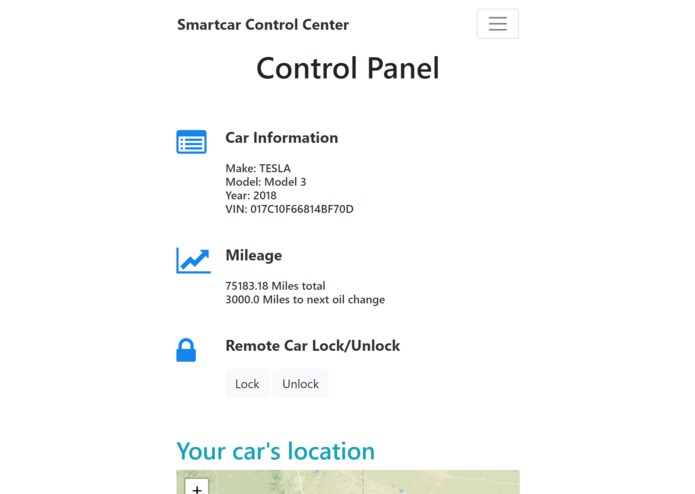
control panel on phone/small tablet
-
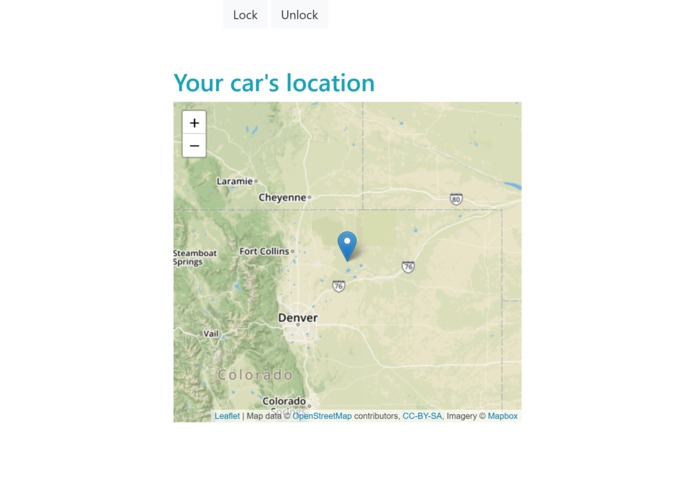
control panel map on phone/small tablet
-
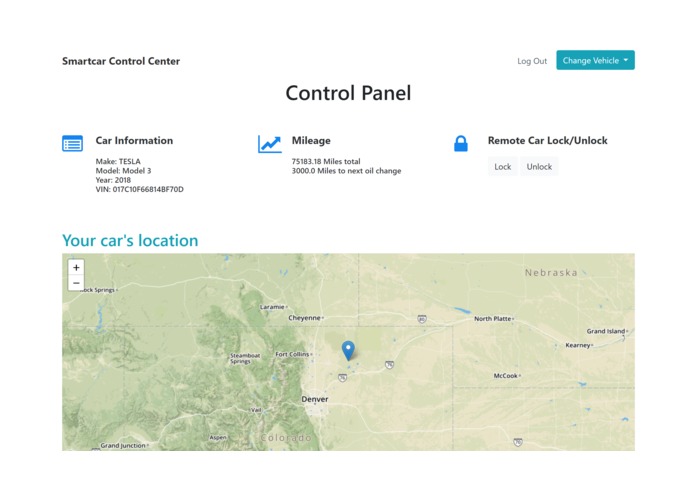
control panel on PC
-
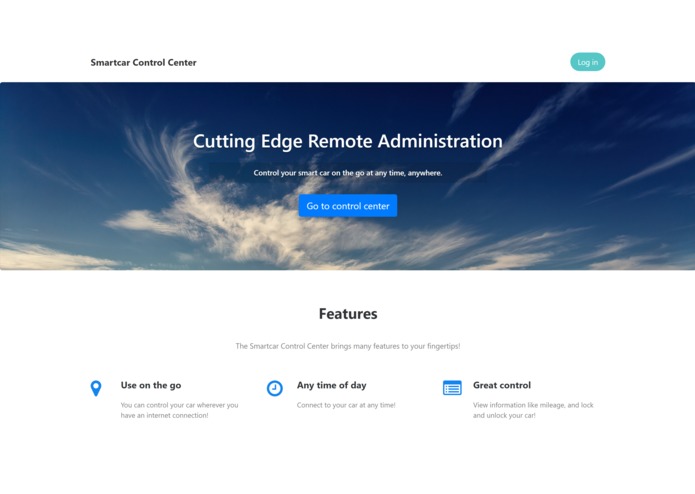
home page on PC
-
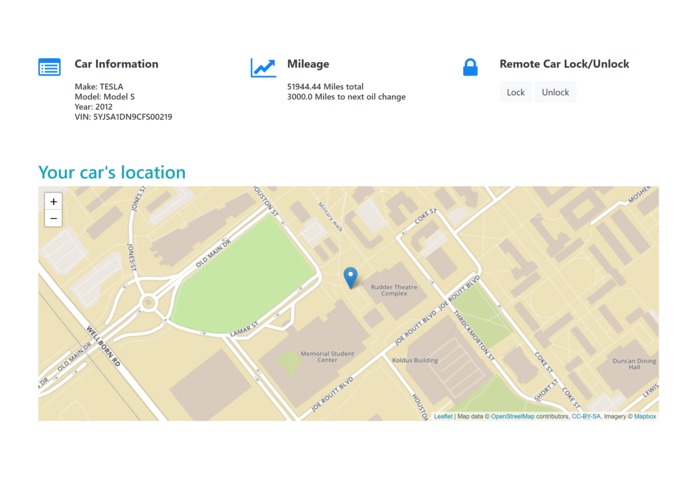
high accuracy real life test of location
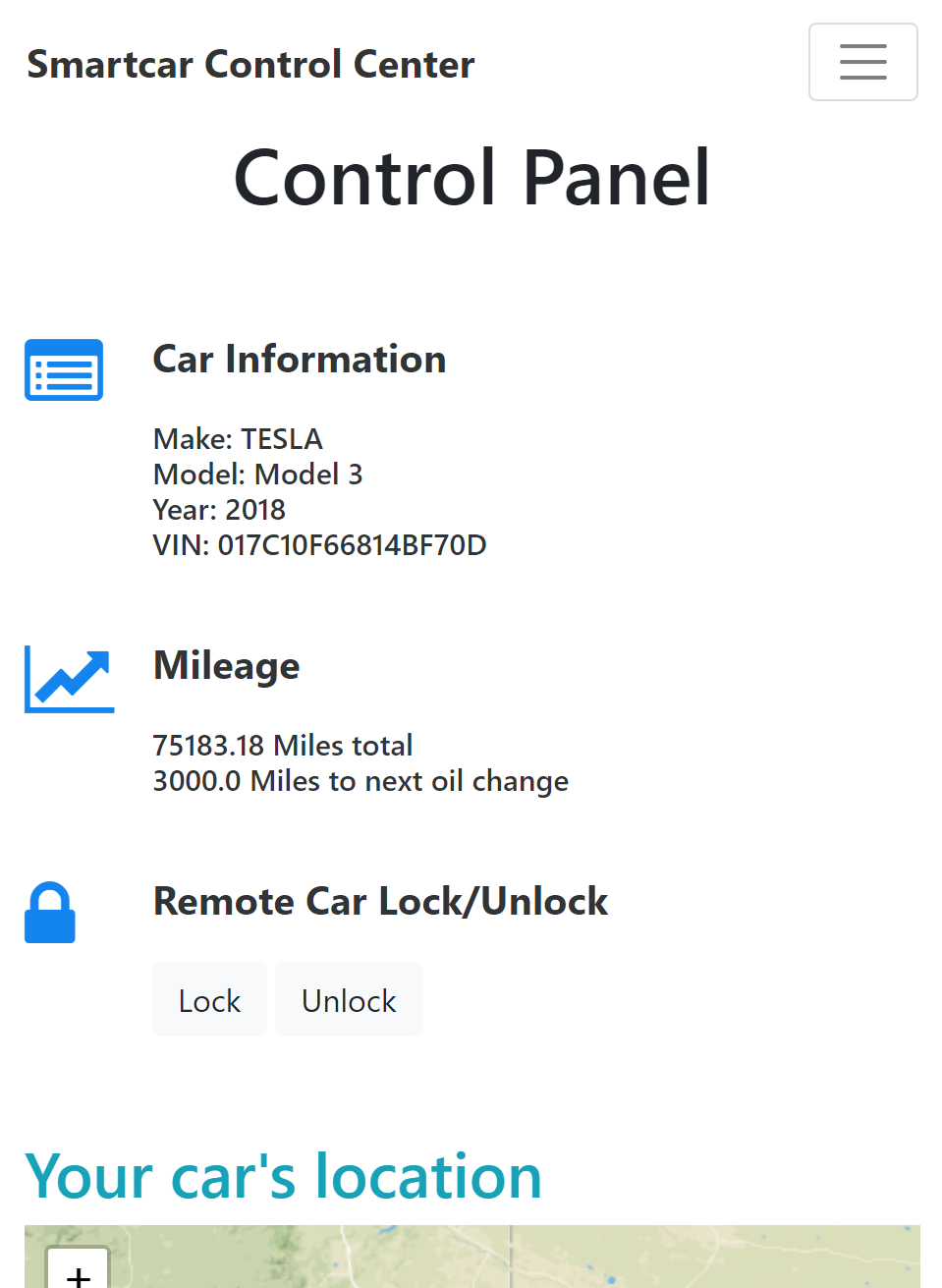
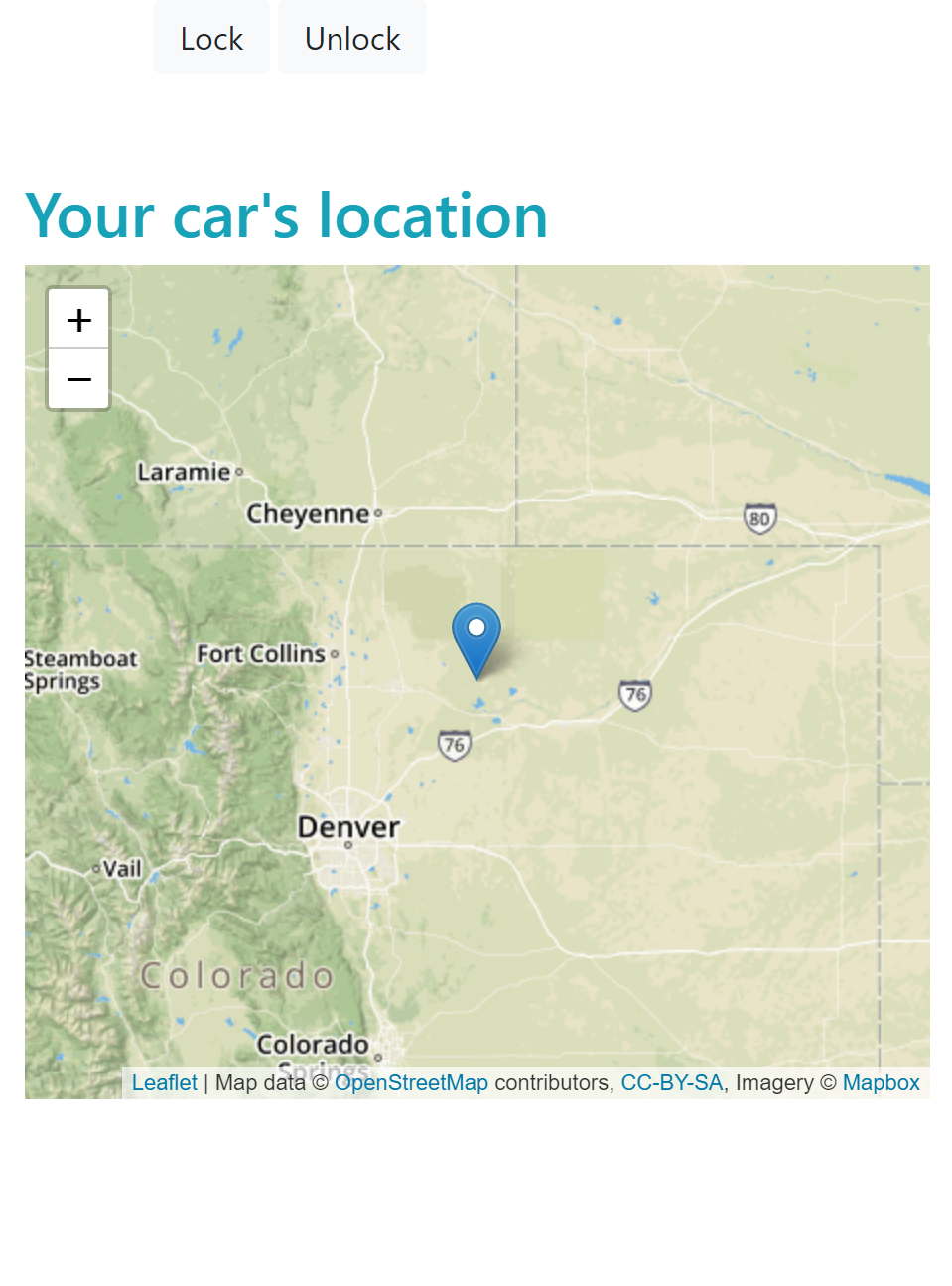
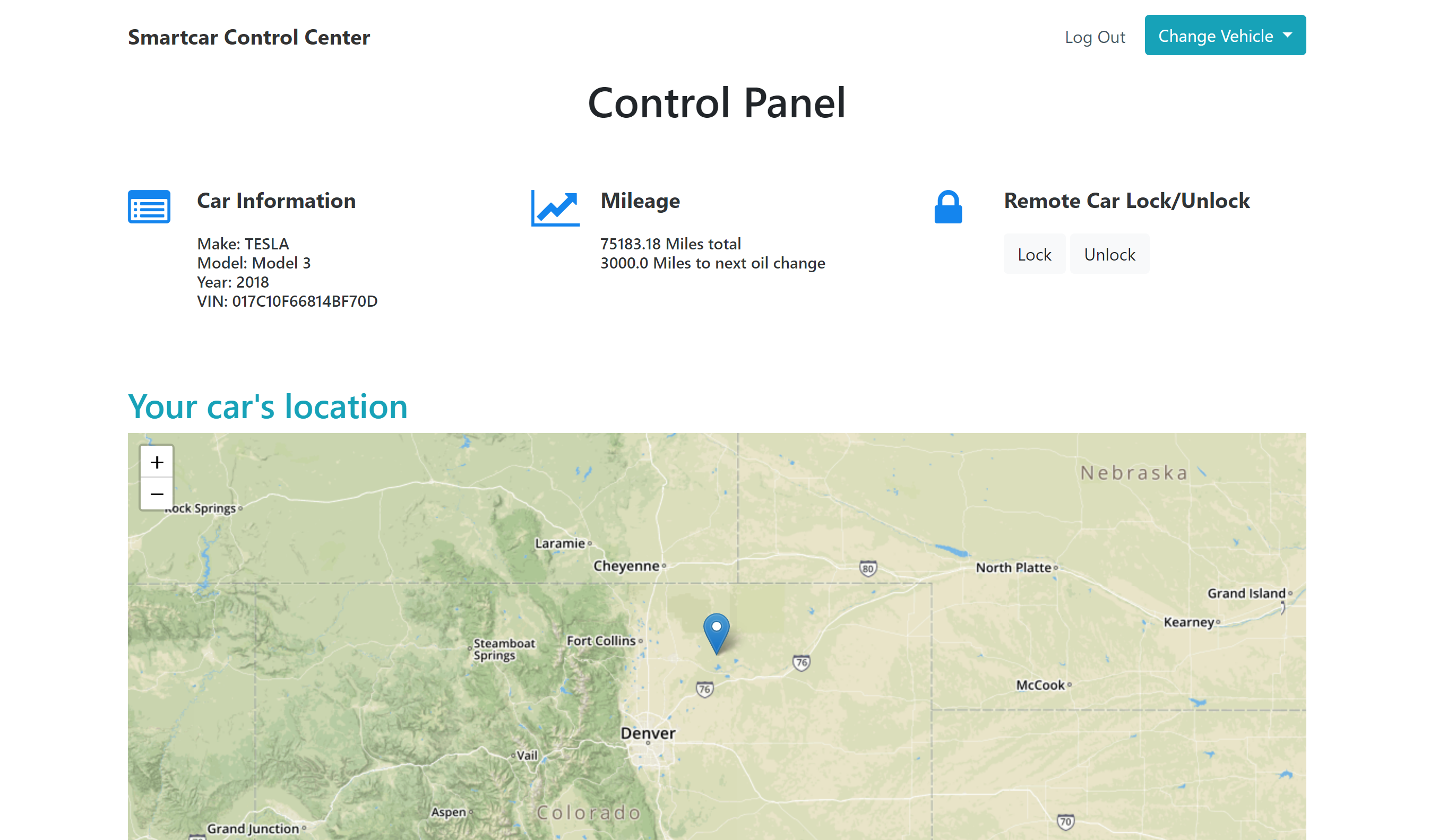
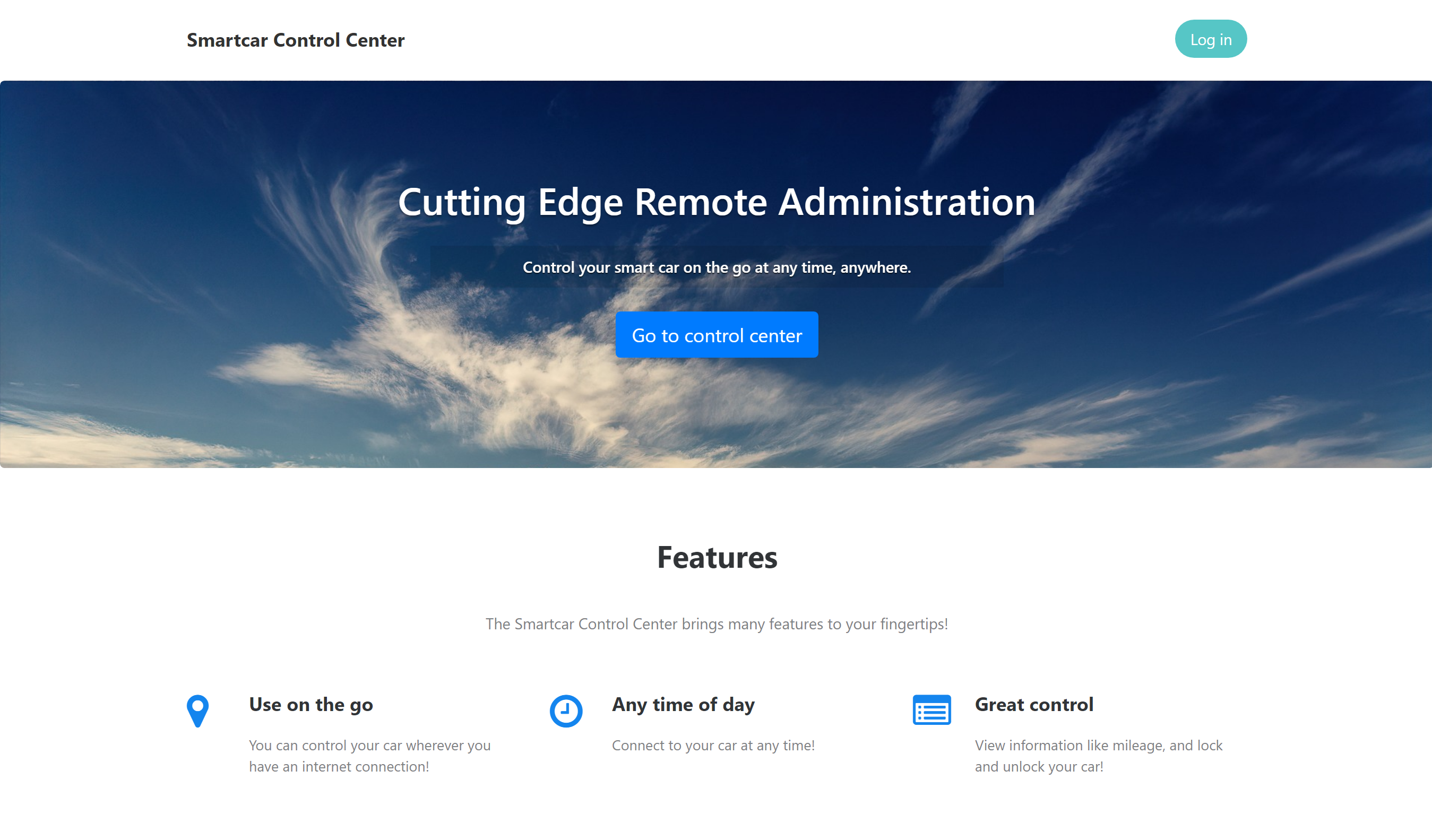
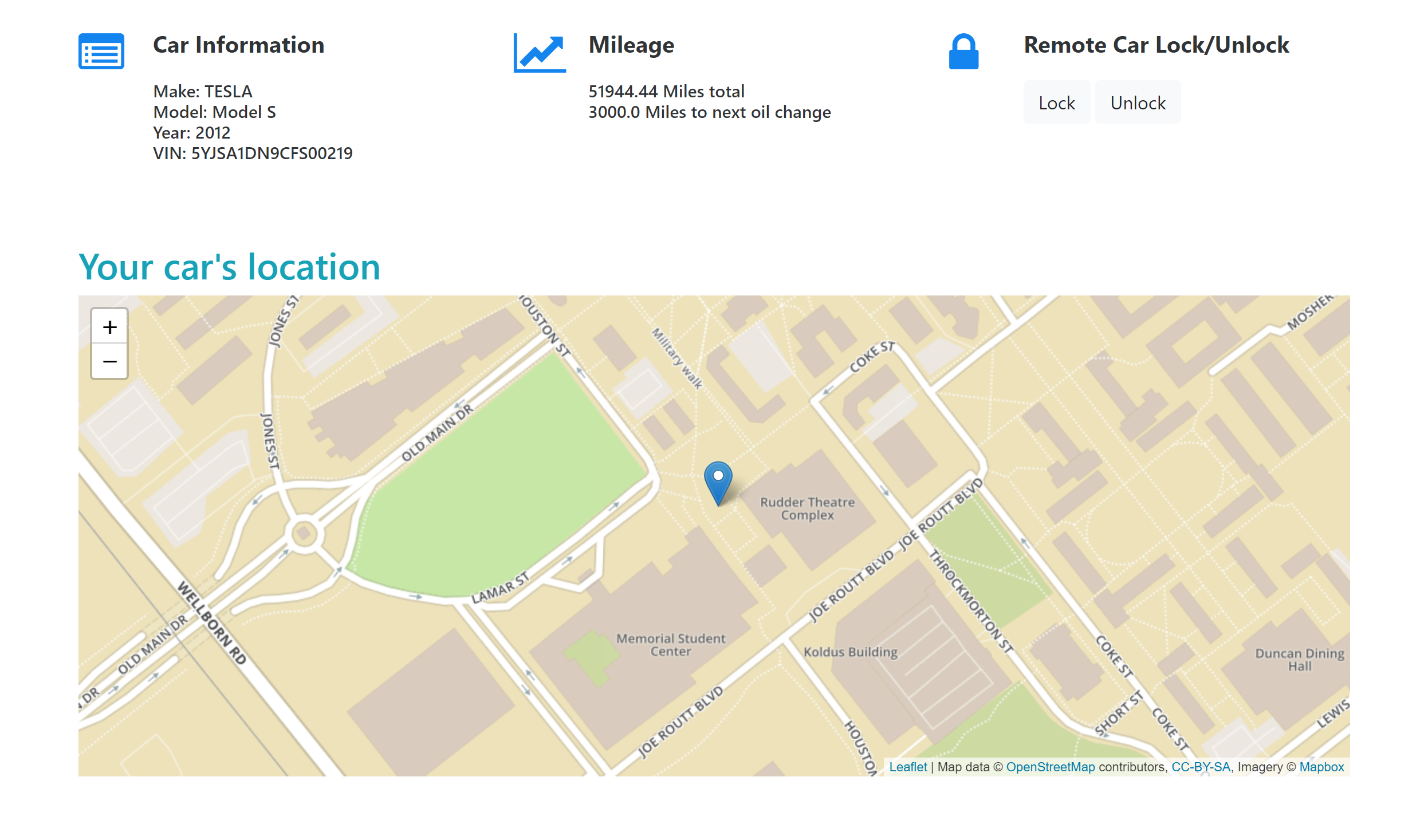
This is our web application.
This application displays car information, odometer readings, ability to lock and unlock the car, and estimate how long the user can drive until the next oil change by using Javascript and Smartcar's Python SDK.
Instructions
Before we got started, we had create an application on Smartcar's Developer Dashboard to get our API keys to test.
Note: On the dashboard, you will want to set your redirect_uri as http://localhost:8000/exchange.
Then, we can set these as environment variables in Command Prompt on Windows -
set CLIENT_ID=<your-client-id>
set CLIENT_SECRET=<your-client-secret>
set REDIRECT_URI=http://localhost:8000/exchange
We started by cloning this repo -
git clone https://github.com/smartcar/getting-started-python-sdk.git
cd getting-started-python-sdk/app
To install the required dependencies and run this Python app -
pip install -r requirements.txt
python main.py
Once your server is up and running, you can authenticate your vehicle. In our current set up, we are using Smartcar's test mode, so you can log in with any username and password. To authenticate, navigate to http://localhost:8000/login. Once you have authenticated, go to http://localhost:8000/vehicle to see your vehicle information.
References used
API Docs to learn what else you can do with Smartcar's API.
Learn more about the Python SDK and how it can be used.

Log in or sign up for Devpost to join the conversation.