-
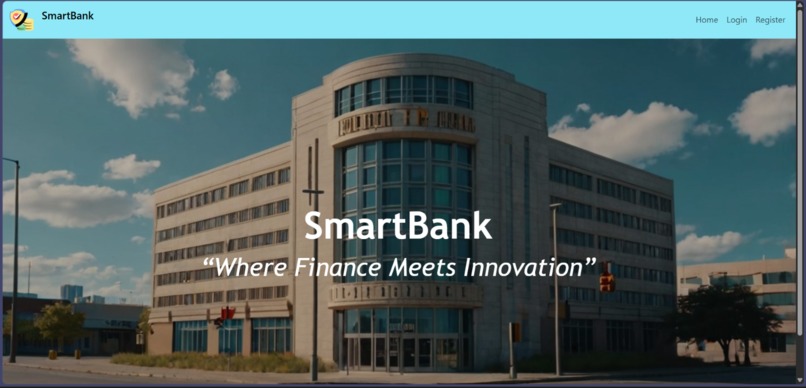
home page
-
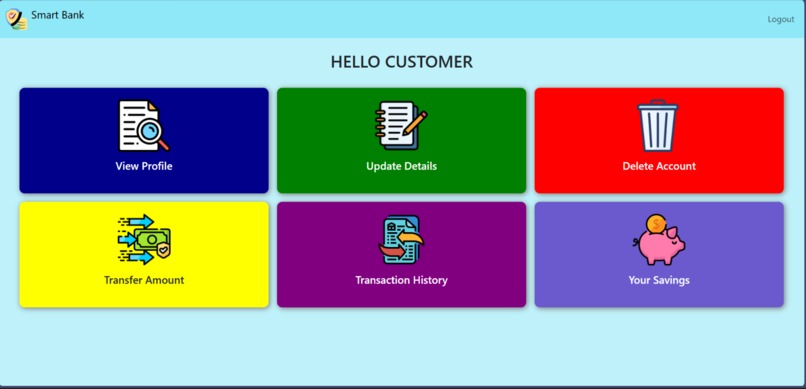
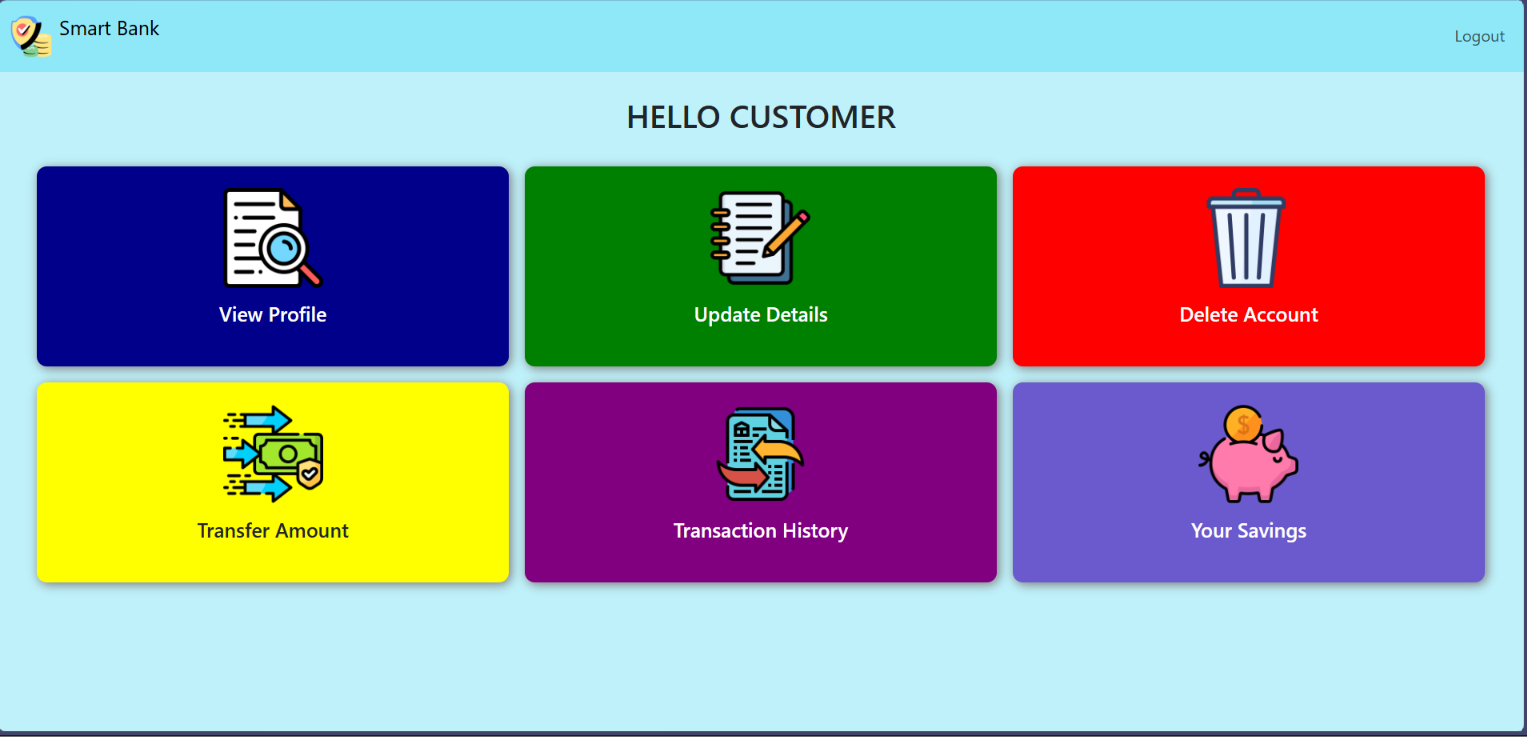
customer dashboard
-
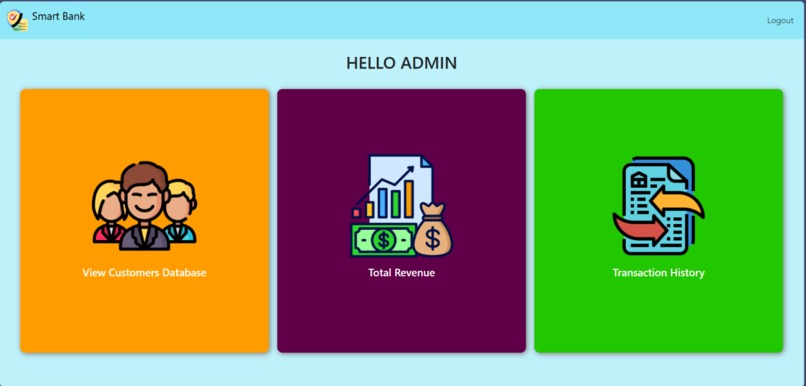
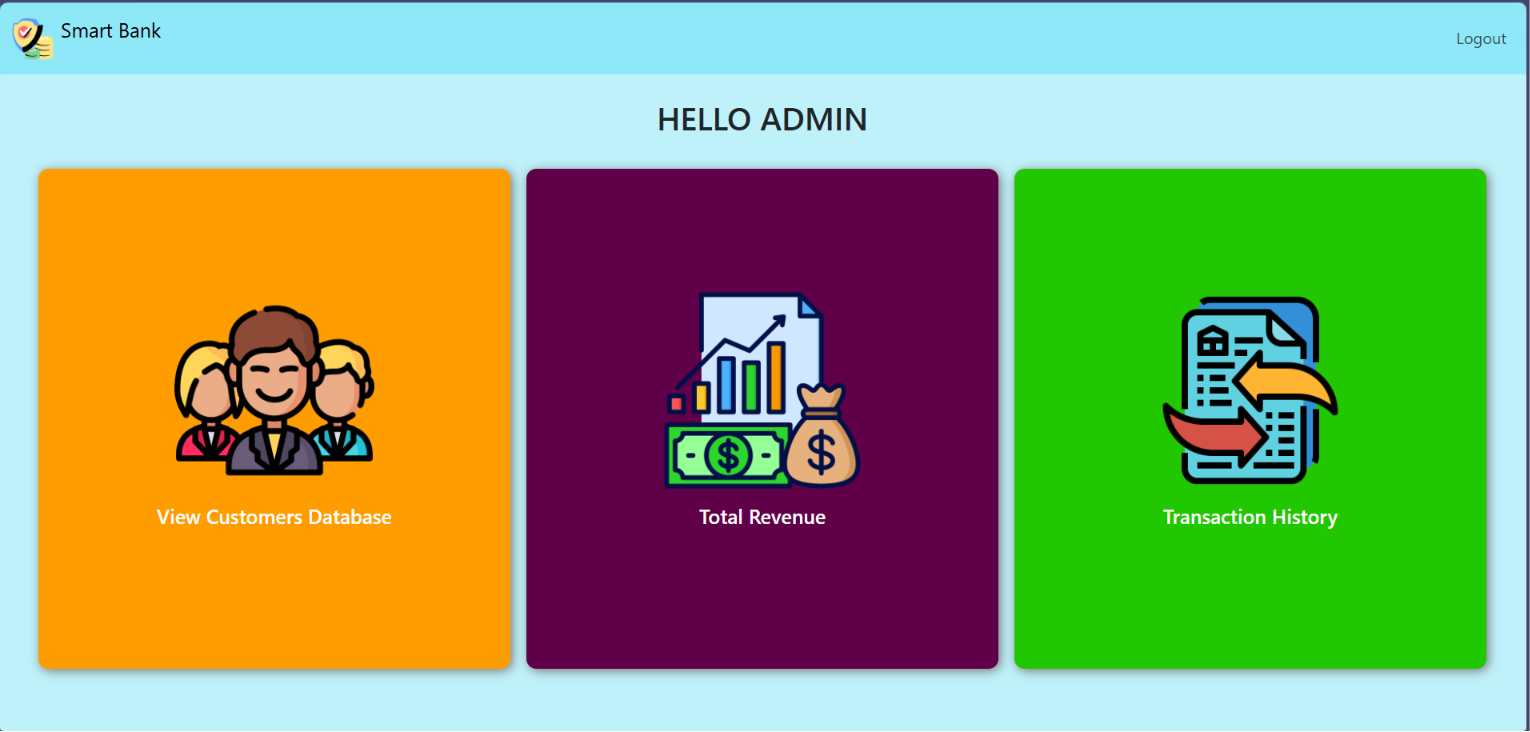
admin dashboard
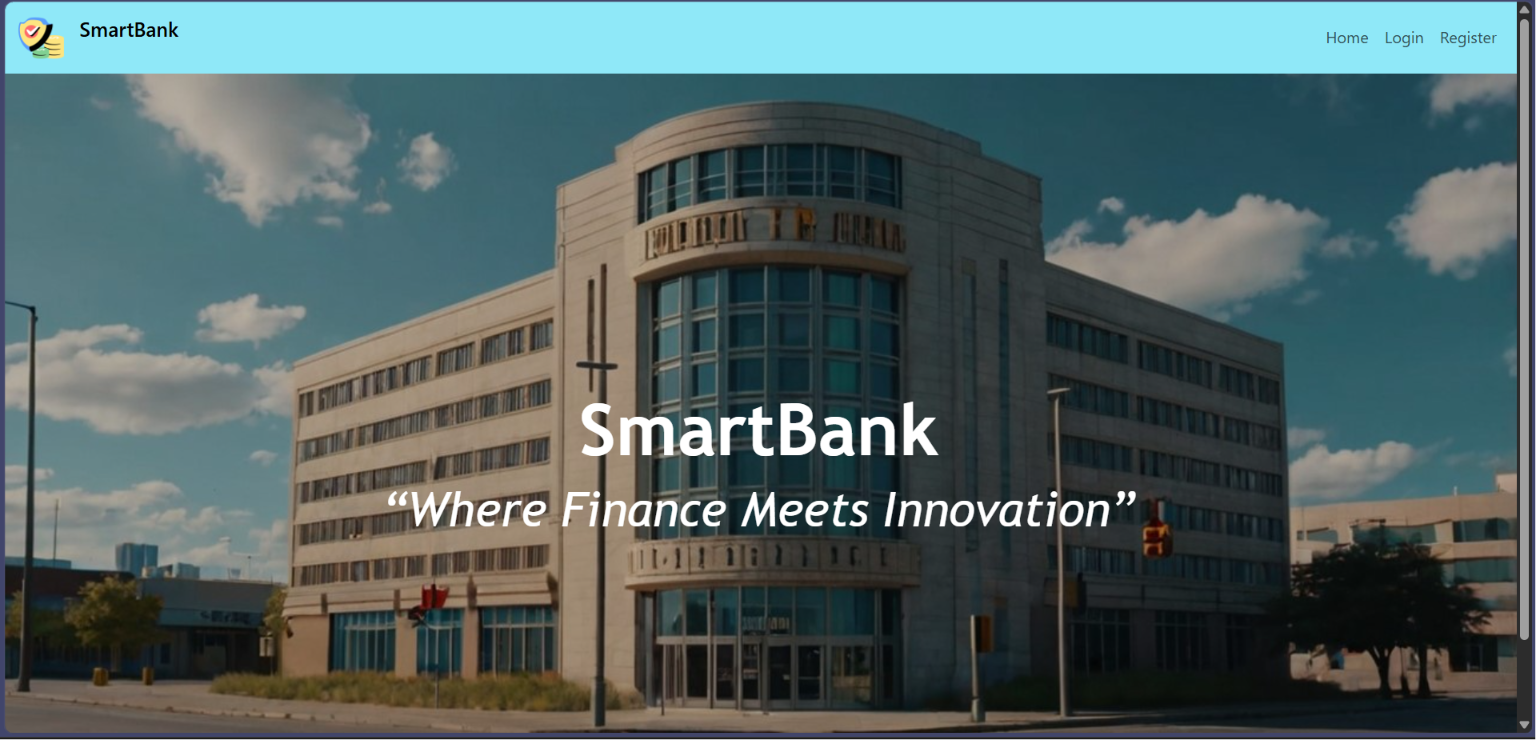
SmartBank
SmartBank – Modular Banking Backend System is a full-featured banking web application built using Flask and MySQL. It provides secure role-based access for customers and administrators, supports real-time balance management, fund transfers, savings deposits, profile management, password recovery, and Excel-based data exports.
Features
Customer Features
- Customer Registration with unique Account Number and Email
- Secure Customer Login & Logout
- View Personal Profile and Account Balance
- Update Profile Information
- Forgot Password & Password Reset
- Add Money to Savings
- Transfer Money to Other Accounts
- View Transaction History
- Export Personal Transactions to Excel
- Delete Account Permanently
- Session-Based Authentication
Admin Features
- Secure Admin Login
- Admin Dashboard with Total Bank Revenue Display
- View All Registered Customers
- View All Customer Transactions
- Export Customer Records to Excel
- Export All Transactions to Excel
- Role-Based Access Protection
System Features
- Session Management using Flask Sessions
- Flash Messages for User Notifications
- Real-Time Account Balance Updates
- Transaction History Logging
- Excel Export Using OpenPyXL
Technologies Used
Backend
- Python
- Flask
Database
- MySQL (via flask-mysqldb)
- MySQL Connector
Frontend
- HTML
- Jinja Templates
- CSS & Bootstrap (if used in templates)
File Export
- OpenPyXL (Excel export)
Setup & Installation Prerequisites
- Python 3.x
- MySQL Server (Recommended: XAMPP)
- pip (Python Package Manager)
- Web Browser
Python Dependencies
The project uses the following Python libraries:
- Flask
- flask-mysqldb
- mysql-connector-python
- openpyxl
Database Configuration
Default database settings used in the project:
- Host: localhost
- Username: root
- Password: (empty)
- Database Name: smartbank
You must create the "smartbank" database before running the application.
Required Database Tables
customers
Stores customer personal and authentication data:
- account_number
- username
- dob
- gender
- aadhar_number
- pan_number
- phone_number
- password
- address
accounts
Stores bank balance:
- account_number
- balance
transactions
Stores transaction history:
- id
- from_account
- to_account
- amount
- timestamp
Admin Login Credentials (Default)
- Email: [email protected]
- Password: admin123
Important Routes
Public Routes
- / – Home Page
- /register – Customer Registration
- /login – Login
- /forgot_password – Password Reset
Customer Routes
- /customer – Customer Dashboard
- /view_customer – View Profile
- /trans_amount – Transfer Money
- /transactions – Transaction History
- /savings – Add Savings
- /export_transactions – Export Transactions
- /update_profile – Update Profile
- /delete_account – Delete Account
- /logout – Logout
Admin Routes
- /admin – Admin Dashboard
- /view_cus_db – View All Customers
- /export_customers – Export Customer Data
- /cus_trans_his – View All Transactions
Excel Export Functionality
The application supports Excel export for:
- All customer records (Admin only)
- All transactions (Admin)
- Individual customer transactions (Customer)
Exported files are automatically downloaded with timestamped filenames.
Security Features
- Role-based access control (Admin & Customer)
- Session-based authentication
- Password verification before account deletion
- Protected routes for sensitive operations
Built With
- batchfile
- c
- css
- go-template
- html
- javascript
- powershell
- python

Log in or sign up for Devpost to join the conversation.