-
-
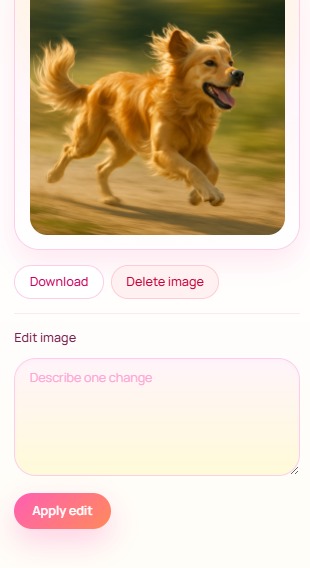
Library Card
-
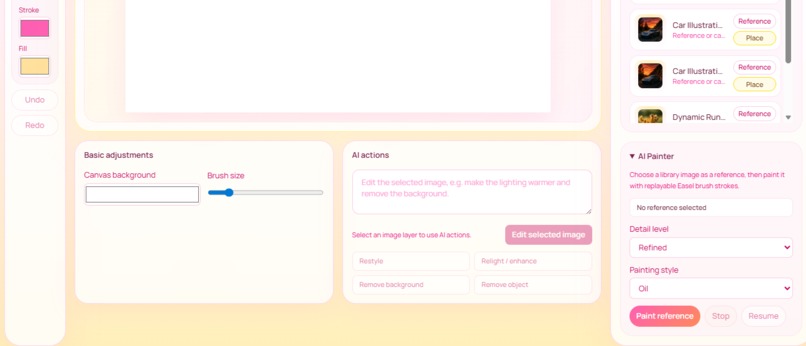
AI Easel Functions
-
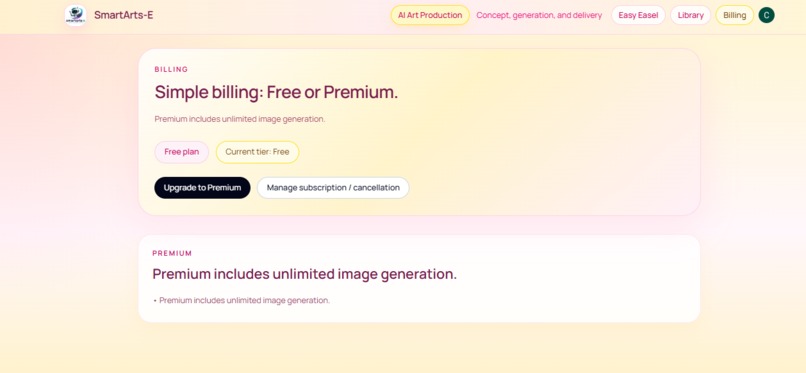
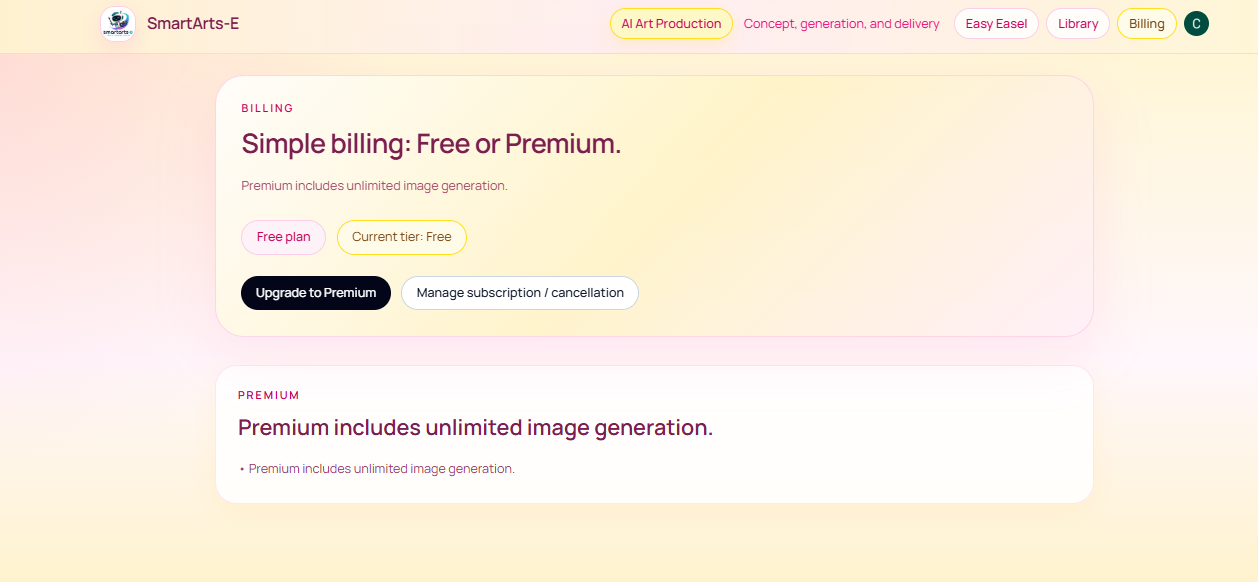
Billing Page
-
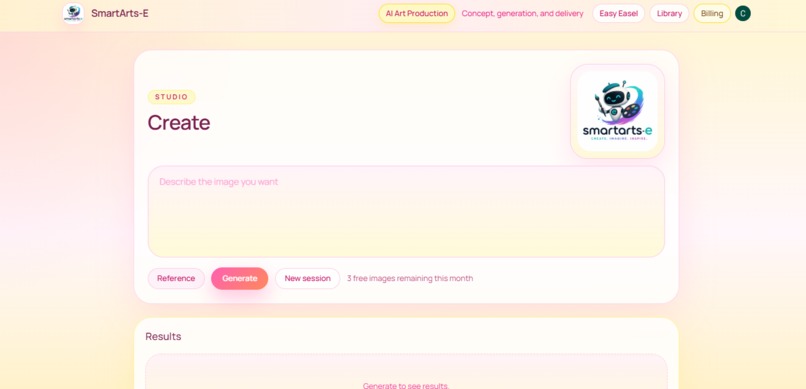
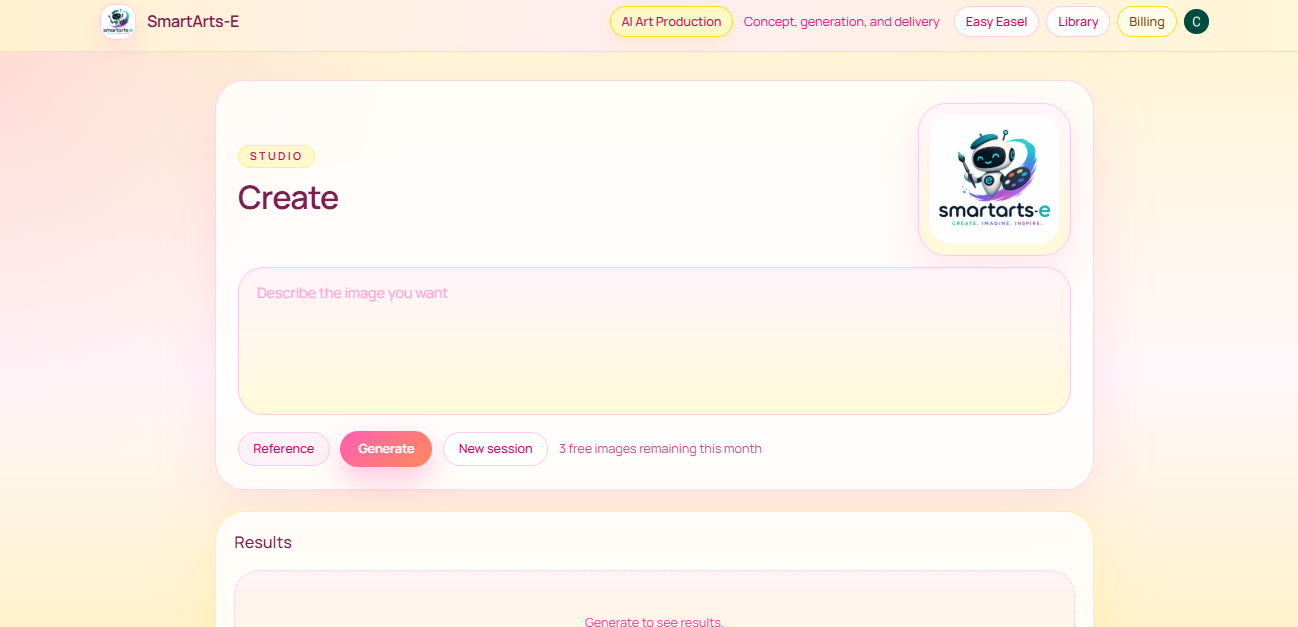
Image Generator, Main Page
-
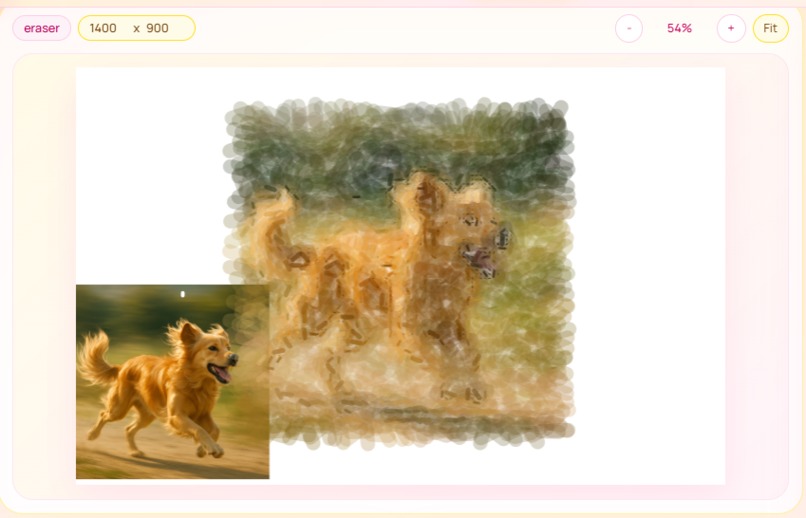
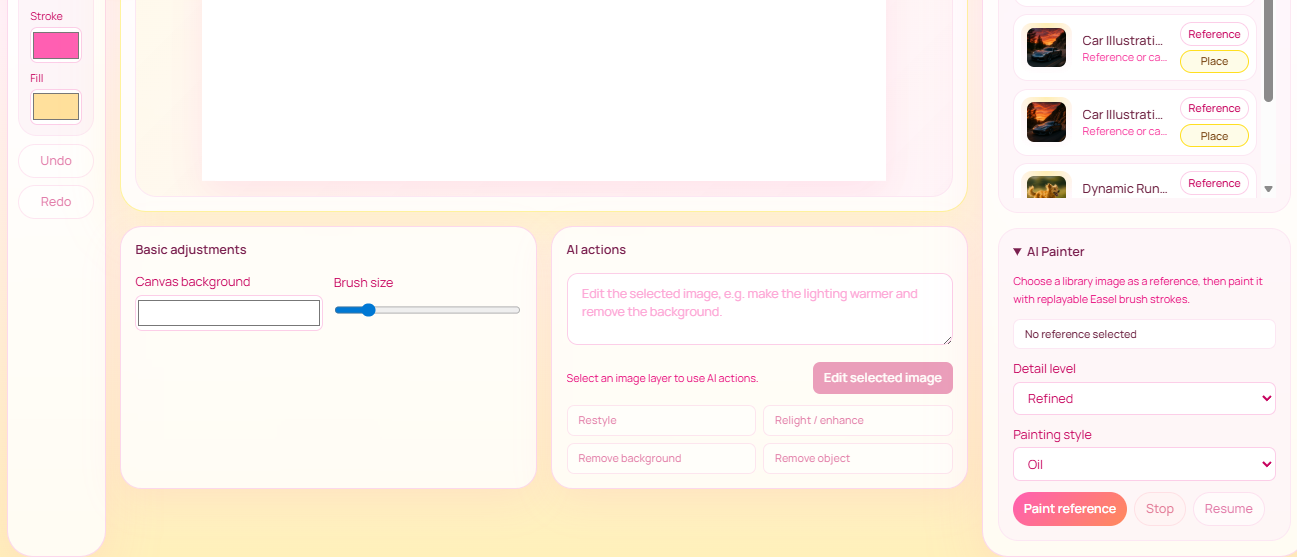
AI Painting, Easy Easel
-
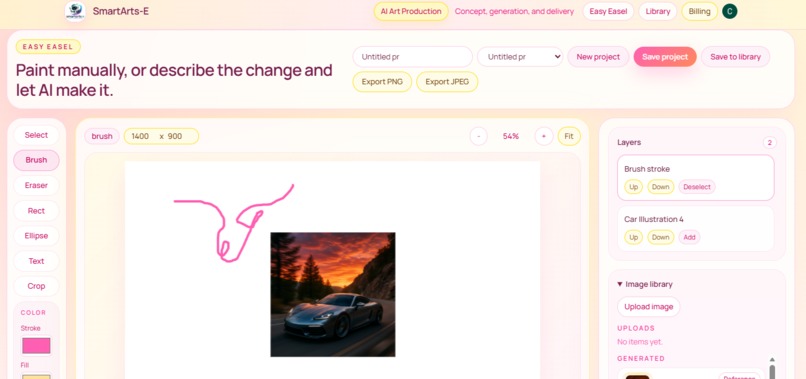
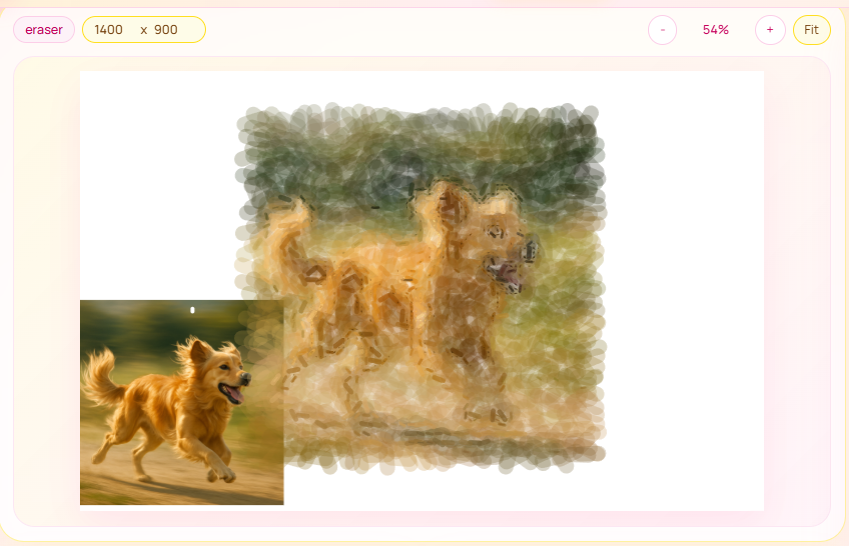
Easy Easel, General Demo
-
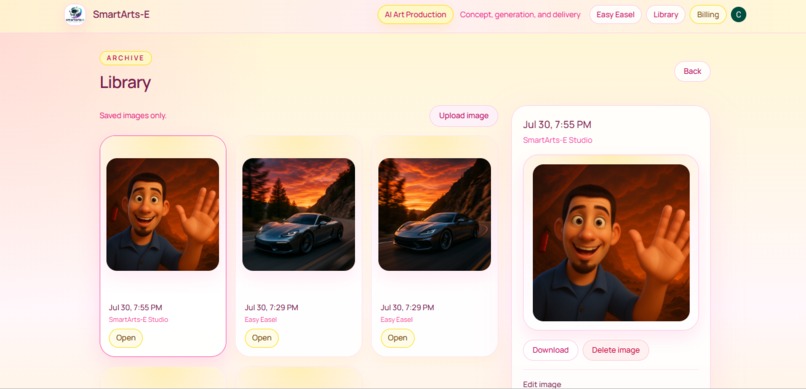
Image Library, General
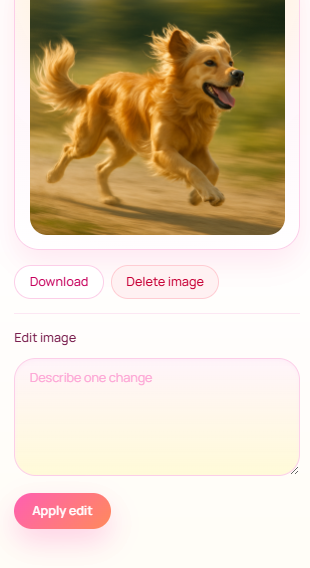
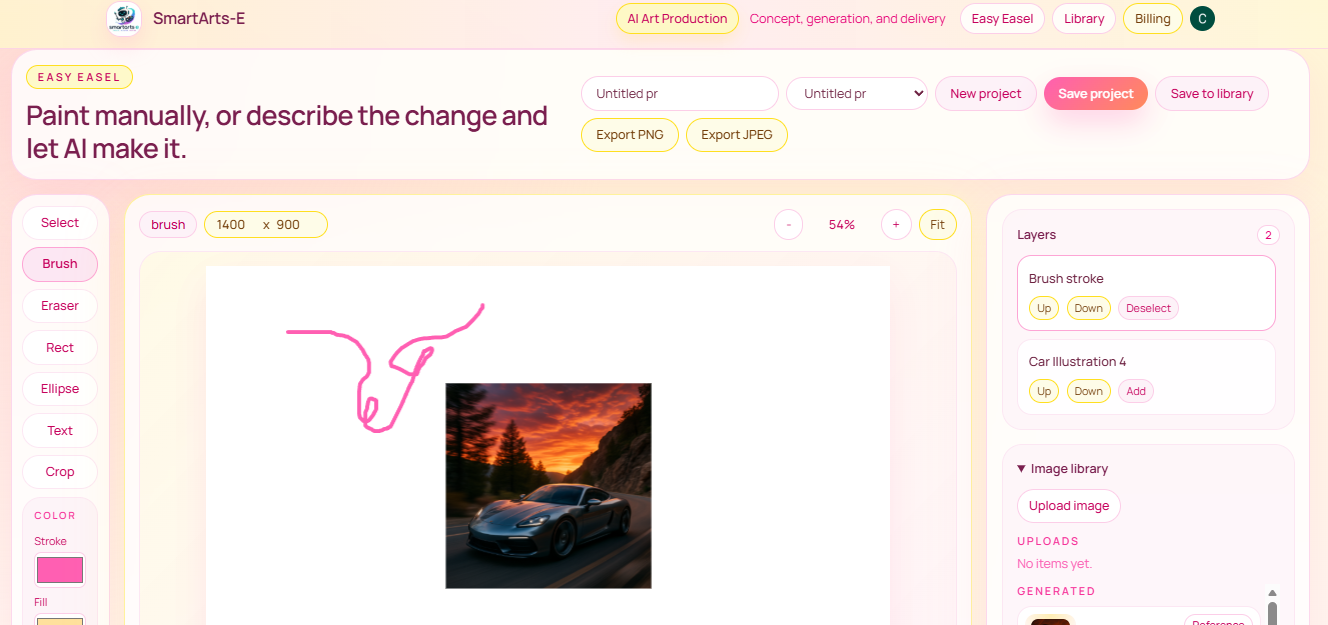
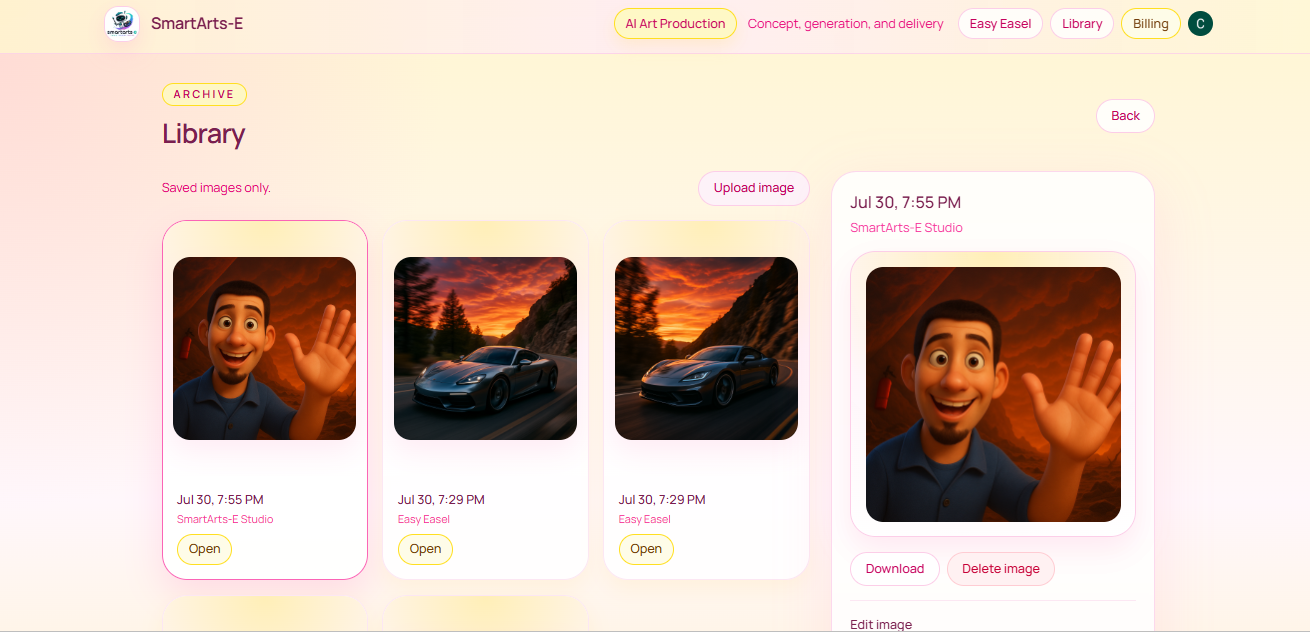
SmartArts-E started with a simple question: What if AI could help you create art without taking the creative process away from you?
Many AI image tools focus on entering a prompt and receiving a finished image. I wanted to explore something more interactive—a creative workspace where AI acts more like an artistic tool than a replacement for the artist.
That led to SmartArts-E, an AI-powered painting and image creation application designed to combine generative AI with hands-on digital art tools.
What I Built
SmartArts-E allows users to transform images and ideas into artwork while controlling how the result is created. Rather than relying entirely on one-shot image generation, I experimented with a painting system that reconstructs images through layered, directional brush strokes.
The painting pipeline uses techniques including:
- Coarse-to-fine rendering
- Adaptive brush sizing
- Edge and focal-region detection
- Directional brush strokes
- Local color sampling and variation
- Priority-based detail refinement
- Transparent glazing and overlapping strokes
- Multiple artistic styles, including realistic, oil, watercolor, and sketch-inspired rendering
The goal is to preserve recognizable detail while still making the output look genuinely painted rather than like a photograph with a simple filter applied.
I built SmartArts-E as a web application using Next.js and TypeScript, with cloud storage and AI services integrated into the application. Authentication, persistent user content, and subscription functionality turn the painting technology into a usable product rather than just a standalone experiment.
Challenges
One of the biggest challenges was finding the balance between realism and visible brushwork.
Early versions could reproduce an image accurately, but they often created obvious rectangular or grid-like artifacts. Making the strokes softer solved some of that problem, but introduced another: the paintings became blurry and lost important details.
I iteratively redesigned the rendering pipeline to solve this. Instead of treating every region equally, later versions identify areas containing important edges, visual features, or reconstruction errors and devote additional strokes to those regions.
This created an interesting optimization problem: use a limited number of brush strokes while maximizing perceptual similarity to the source image.
Conceptually, the renderer is trying to minimize an image reconstruction error while still preserving the constraints and imperfections that make the result look like a painting.
What I Learned
Building SmartArts-E taught me that producing convincing AI-assisted artwork involves much more than calling a generative model.
I learned how small algorithmic decisions—stroke direction, opacity, overlap, sampling resolution, brush size, and refinement priority—can dramatically change the perceived quality of an image. I also learned how to turn an experimental graphics algorithm into a complete web product, including authentication, cloud storage, deployment, billing, and user-facing workflows.
Most importantly, the project changed how I think about AI creative software. The most interesting opportunity isn't simply having AI create something for the user; it's building tools that give people new ways to create for themselves.
SmartArts-E is my attempt to explore that idea.
Built With
- ai
- api
- art
- blob
- clerk
- css
- full-stack
- neon
- next.js
- openai
- postgresql
- prisma
- react
- rest
- stripe
- tailwind
- typescript
- vercel
- vision

Log in or sign up for Devpost to join the conversation.