-
-
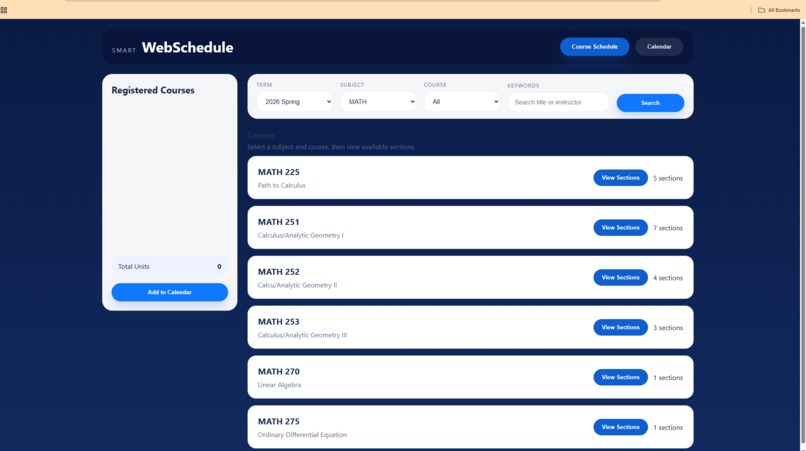
Schedule Search
-
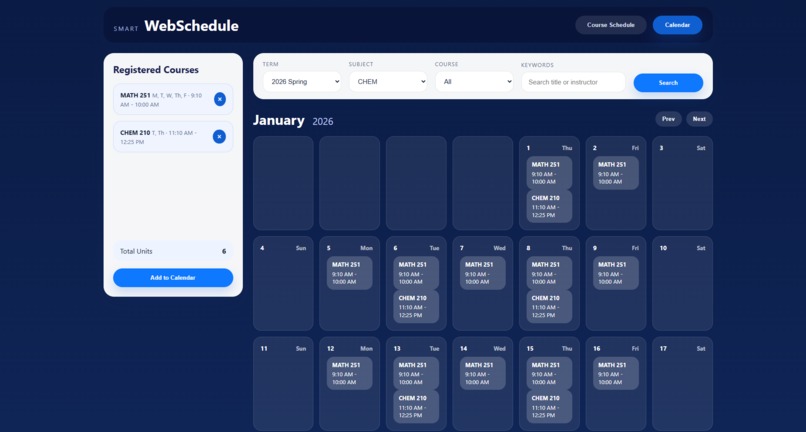
Calendar
Inspiration
We wanted to make something that actually helps students. Planning classes at SMCCCD can be confusing, especially when trying to visualize schedules and avoid conflicts. We thought it would be useful to create a simple tool that makes that process easier and more interactive.
What it does
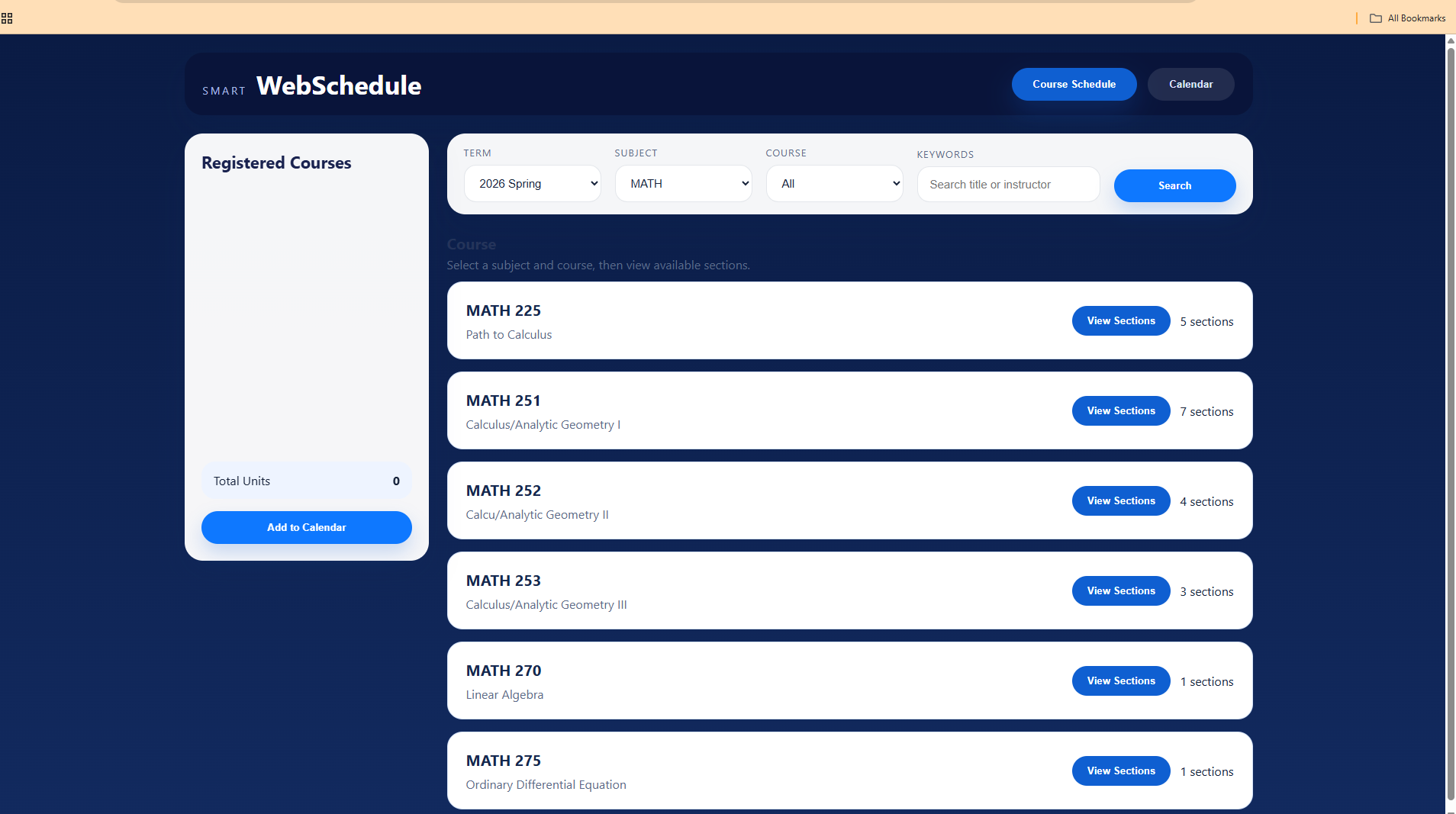
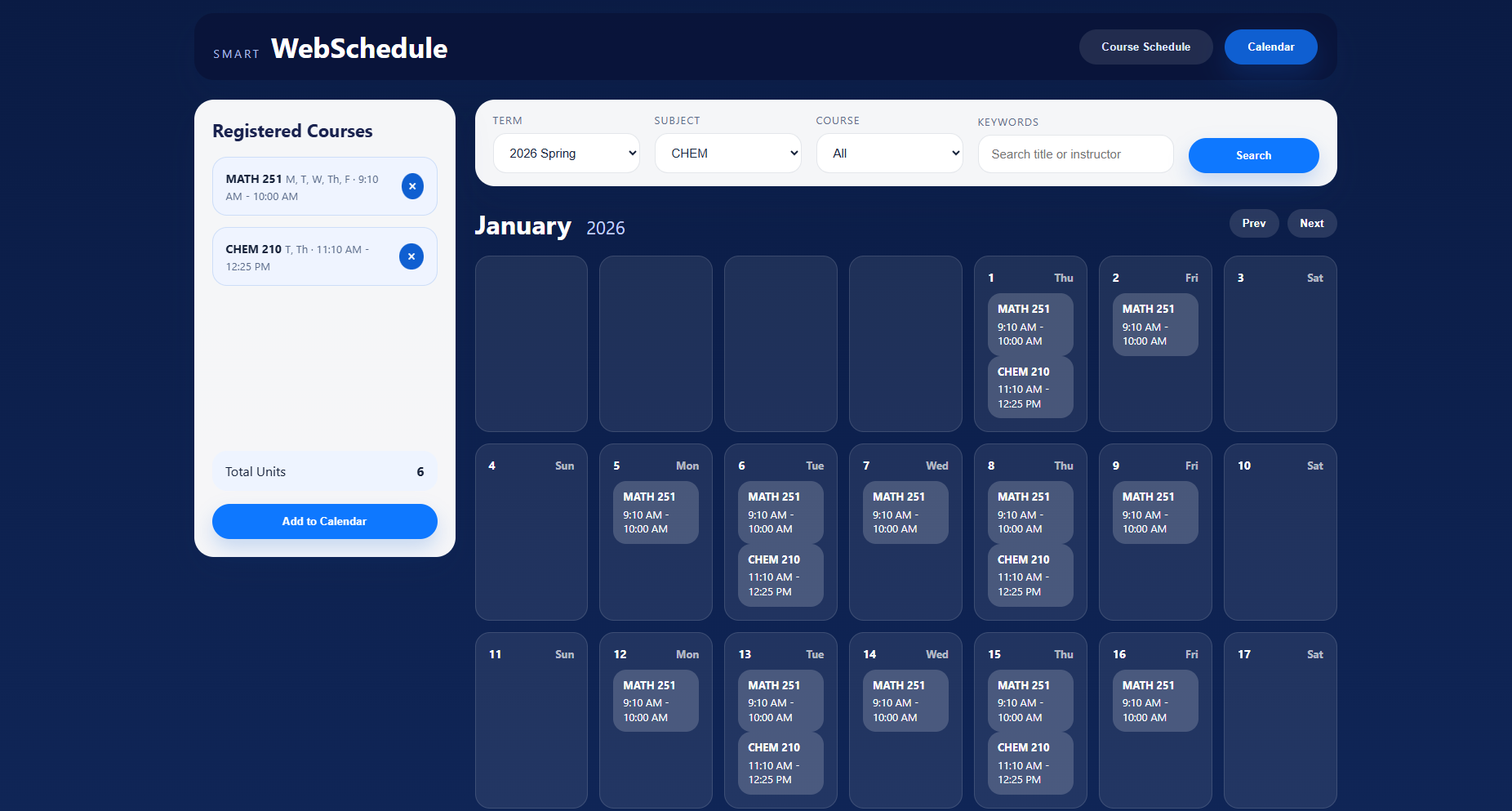
Smart WebSchedule lets students search for classes by term, subject, and course, view available sections, and build a schedule. Selected classes appear in a list and can be visualized in a calendar view based on their meeting days and times.
How we built it
We built the app using HTML, CSS, and JavaScript. Instead of using a backend, we used a CSV file as our data source. The data is loaded and parsed on the frontend, then filtered dynamically based on user input. The UI updates in real time as users interact with the app.
Challenges we ran into
One challenge was handling the CSV data correctly and making sure it mapped cleanly into our app. We also had issues with UI behavior, like keeping sections open after interactions and making sure the calendar displayed correctly. Debugging layout issues took some time as well.
Accomplishments that we're proud of
We’re proud that we were able to build a fully functional scheduling tool without a backend. The app allows real interaction with course data and provides a clear visual representation of a student’s schedule. We also improved the user experience with dynamic updates and filtering.
What we learned
We learned how to manage application state in JavaScript and how to build dynamic interfaces without relying on frameworks. We also got more comfortable working with real data, handling edge cases, and debugging both logic and UI issues.
What's next for Smart WebSchedule
In the future, we would like to add conflict detection, support multiple terms, and improve the calendar view with more detailed time blocks. We would also consider adding a backend with a database to make searching more efficient and scalable.


Log in or sign up for Devpost to join the conversation.