-
-
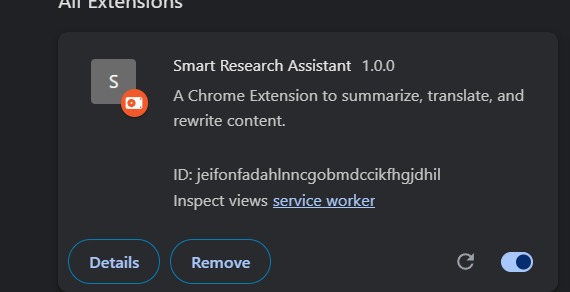
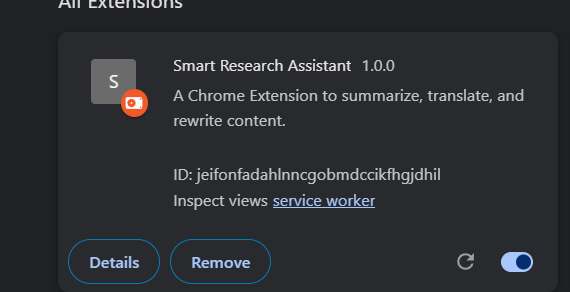
extention
-
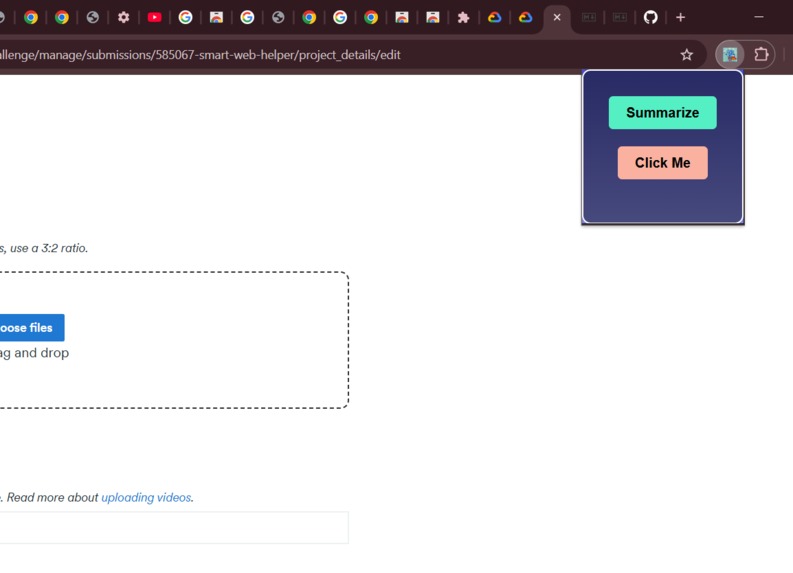
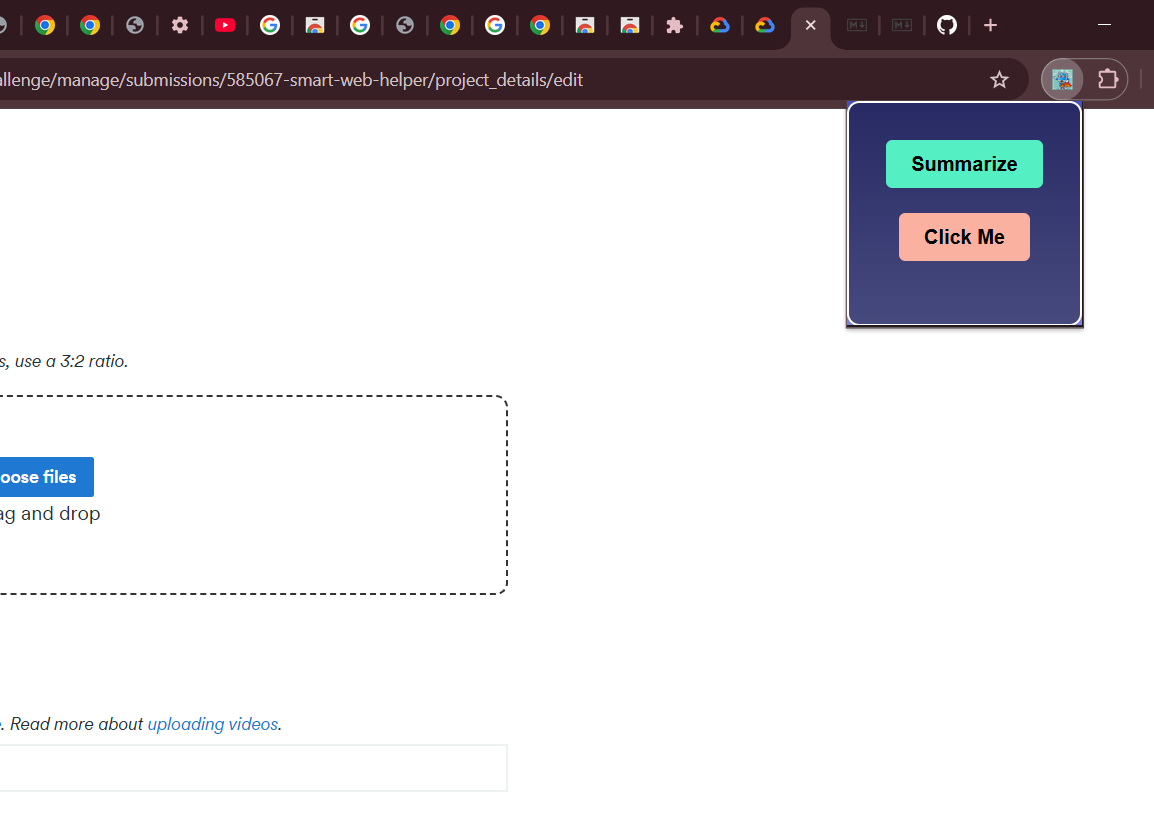
interface
Headline
AI-Powered Web Content Summarizer and Trends Finder
About the Project
Inspiration:
The internet is a vast resource of information, but sifting through lengthy articles or finding relevant trends on a website can be daunting. Inspired by the need for quick, actionable insights, this project aims to simplify web browsing by summarizing content and identifying trends with a single click.
What I Learned:
API Integration: How to work with external APIs for summarization and trend extraction. Chrome Extension Development: Building a user-friendly browser extension with HTML, CSS, and JavaScript. Problem-Solving: Debugging challenges and implementing responsive UI/UX for seamless functionality. How I Built It:
Tech Stack:
Frontend: HTML, CSS, JavaScript Backend: APIs for summarization and trends extraction Extension Development Tools: Chrome Extension APIs and browser dev tools Workflow:
Developed the popup interface with intuitive buttons for "Summarize" and "Find Trends." Implemented logic to fetch the active tab's URL using Chrome APIs. Connected to APIs for summarization and trends fetching, displaying results dynamically in the extension UI. Styled the interface with custom CSS for an appealing look.
Challenges Faced:
Handling API errors when the server was unreachable. Parsing complex website structures to ensure the summarization and trends were accurate. Ensuring smooth interaction between the Chrome extension popup and the APIs. Features
Summarization:
Quickly summarizes the main content of any webpage. Example output:
json Copy code { "summary": "This is a concise summary of the page." } Trends Finder: Extracts the latest topics or trends from the webpage's content. Example output:
json Copy code { "trends": ["Trend 1", "Trend 2", "Trend 3"] } Preview Here’s a quick look at the extension:
Code Snippet Example
javascript
Copy code
chrome.tabs.query({ active: true, currentWindow: true }, (tabs) => {
const pageUrl = tabs[0]?.url;
fetch('https://api.example.com/summarize', {
method: 'POST',
headers: { 'Content-Type': 'application/json' },
body: JSON.stringify({ url: pageUrl }),
})
.then(response => response.json())
.then(data => alert(Summary: ${data.summary}))
.catch(error => console.error('Error:', error));
});
Future Enhancements
User Feedback System: Allow users to rate the summary and trends accuracy.
Dark Mode: Add a theme toggle for better usability.
Multilingual Support: Support summarization and trends in multiple languages.
Built With
- css
- formatter
- html
- javascript
- json

Log in or sign up for Devpost to join the conversation.