-
-
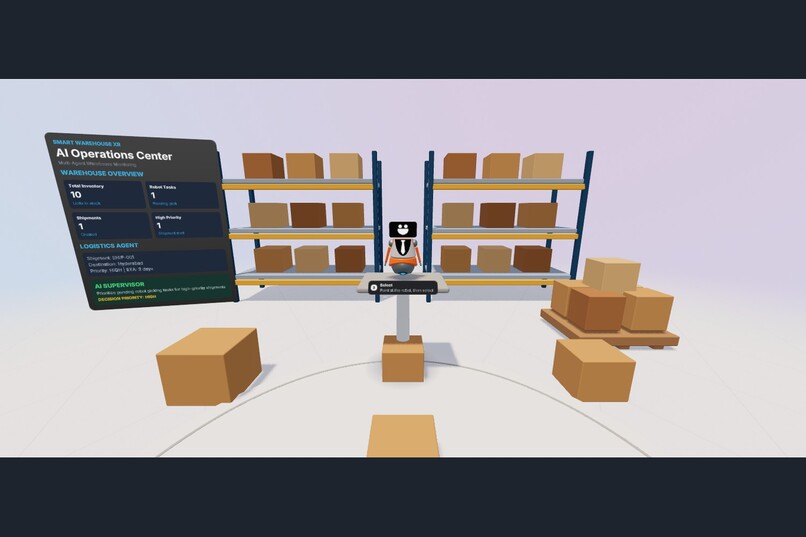
Main project screenshot
-
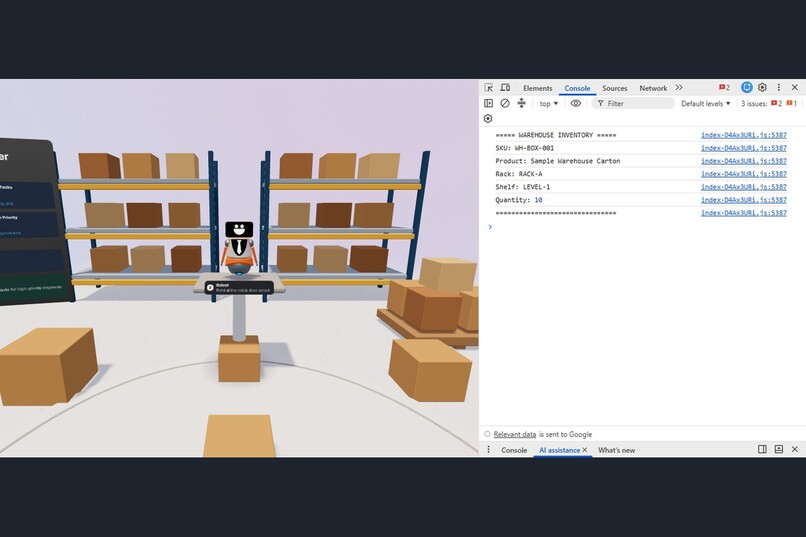
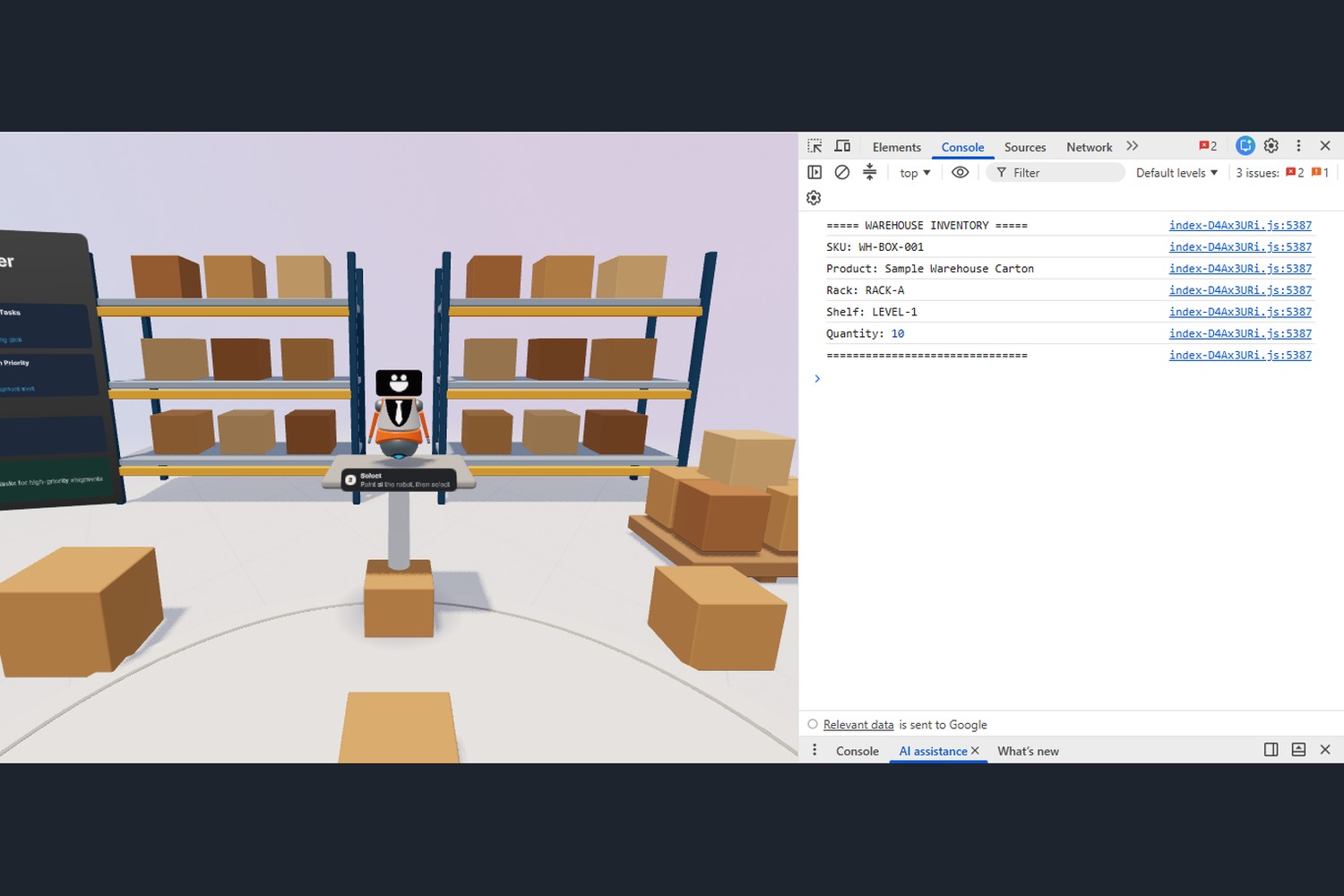
SKU and quantity
-
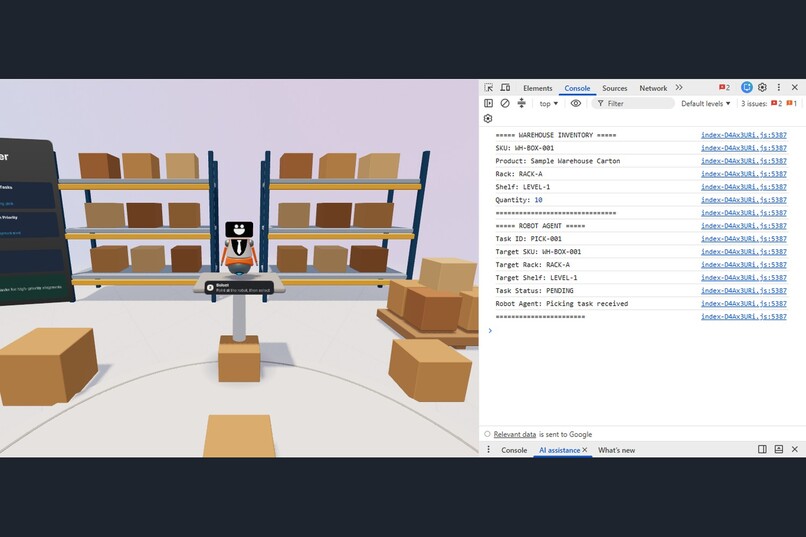
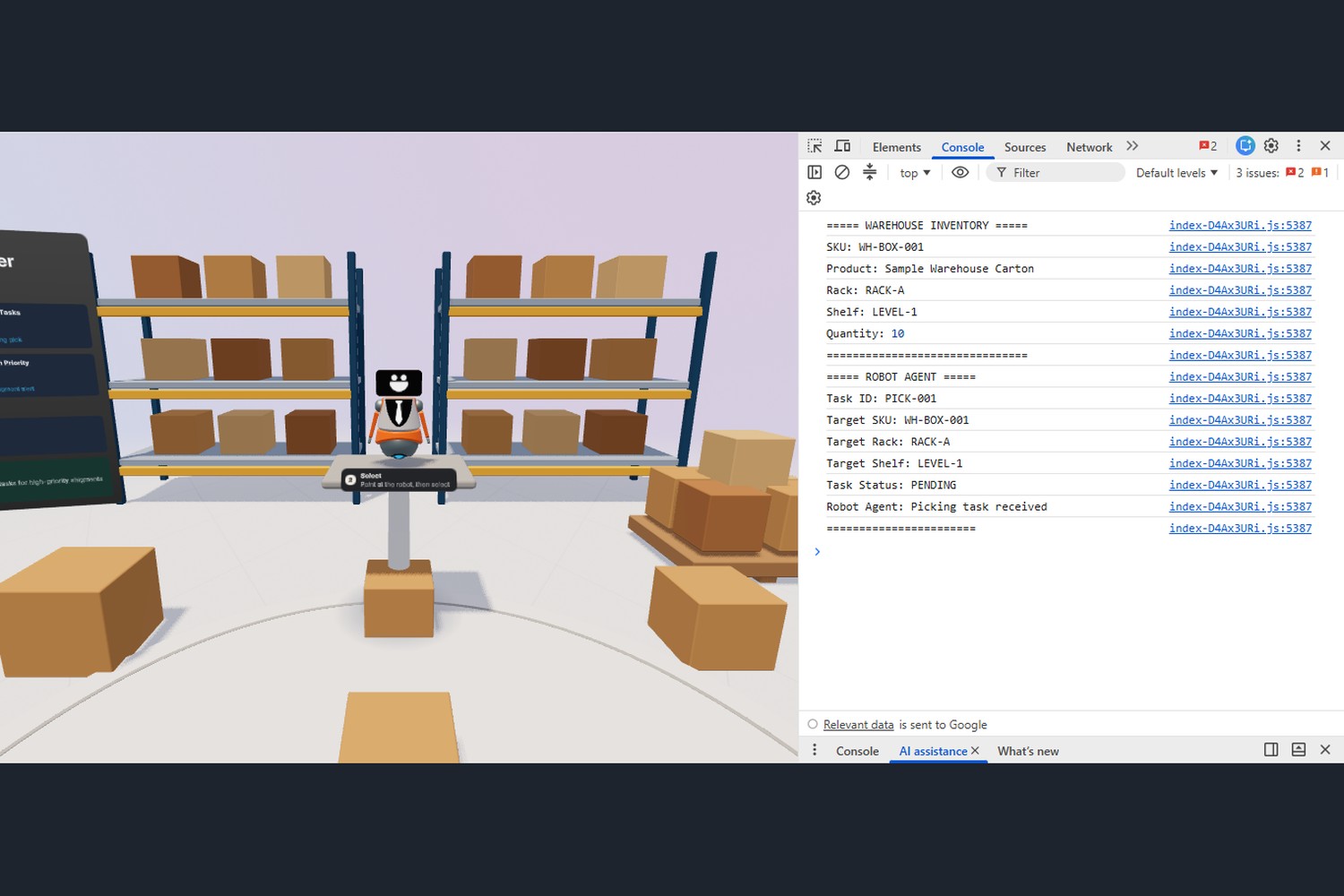
Picking task
-
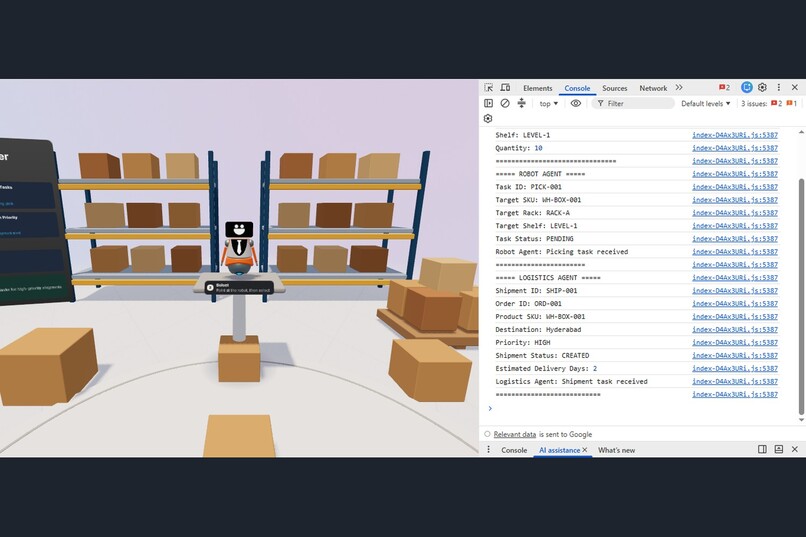
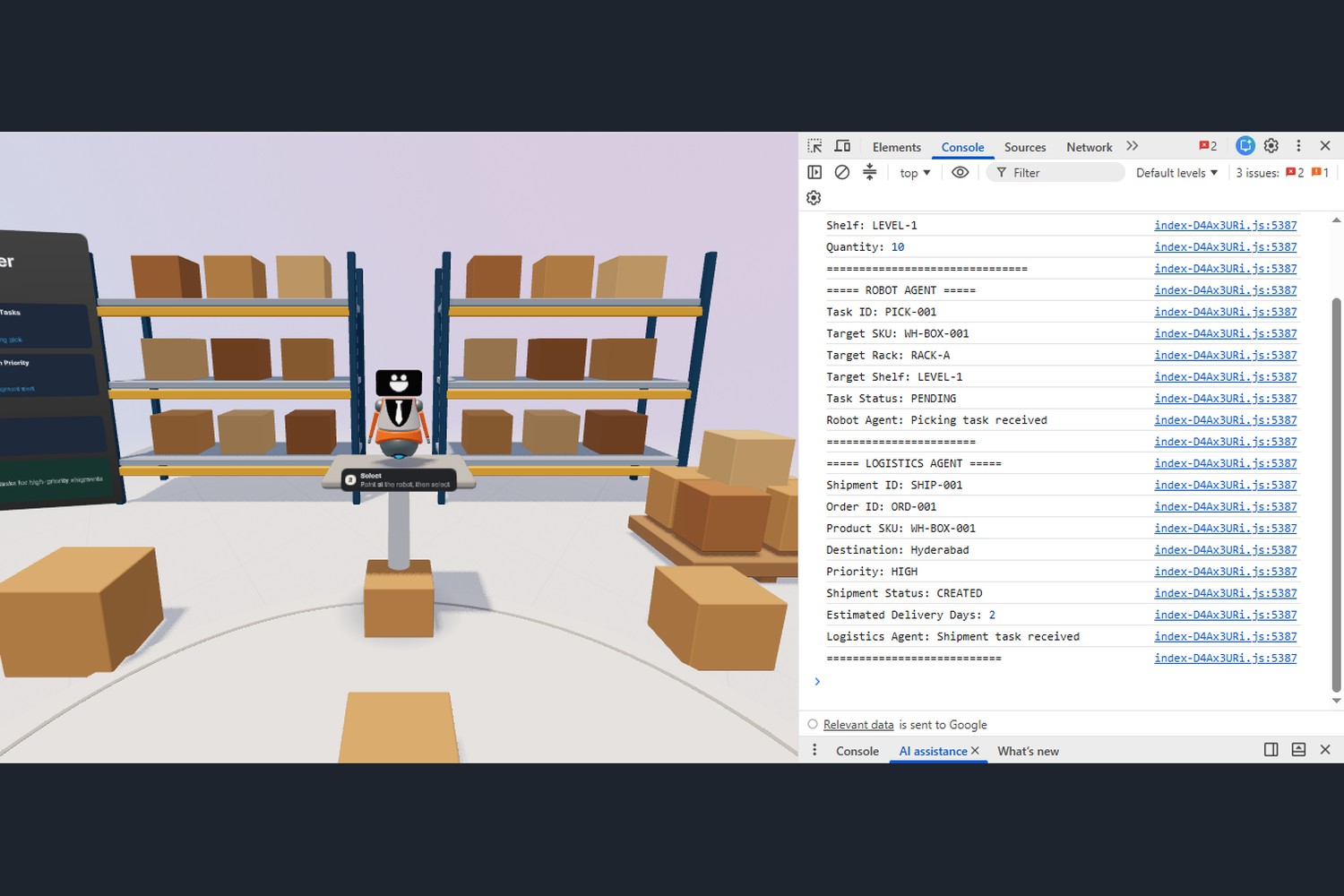
Shipment details
-
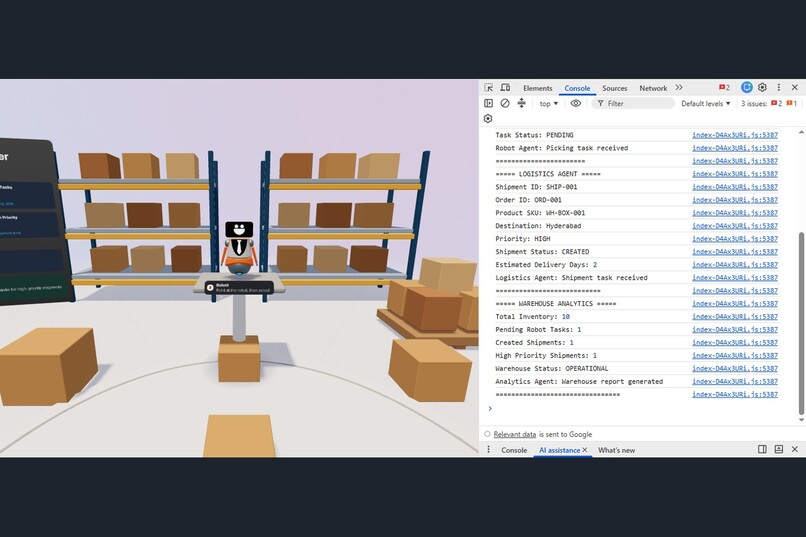
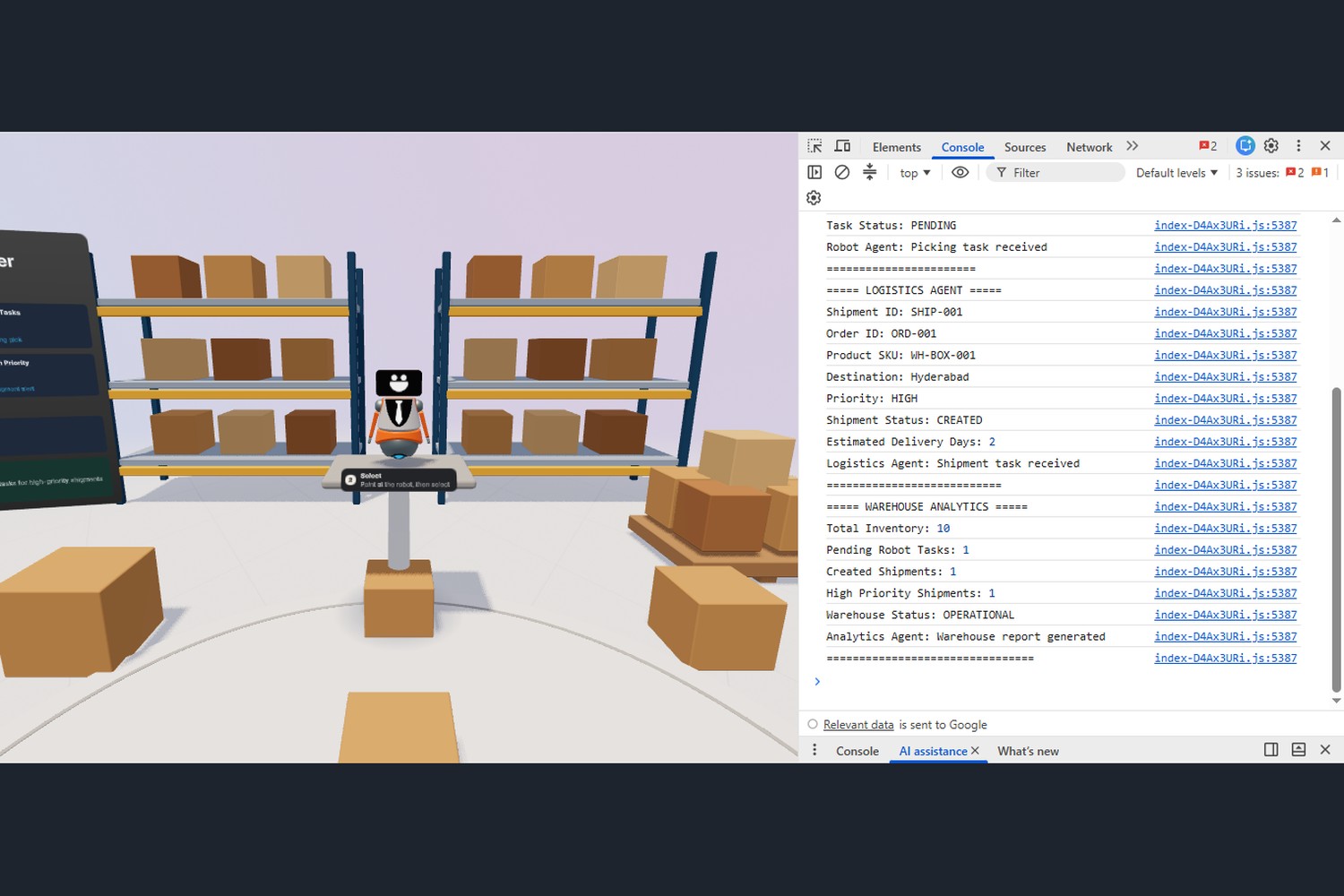
Analytics metrics
-
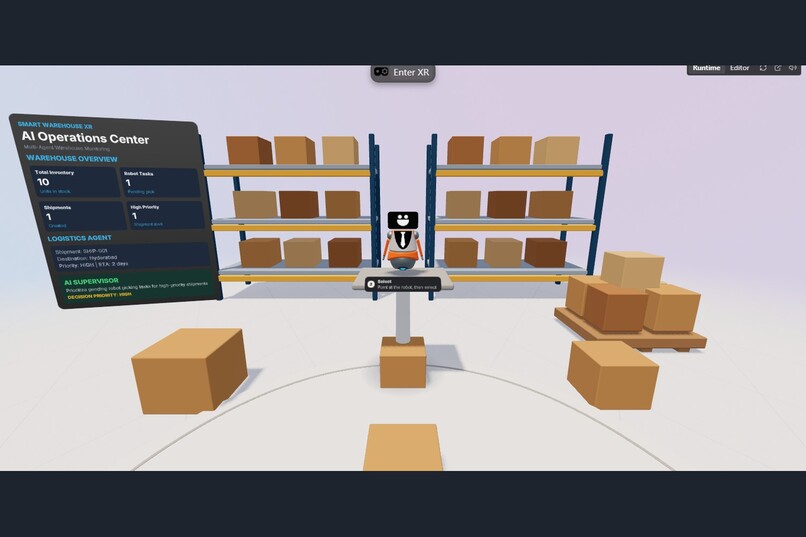
Local immersive runtime
-
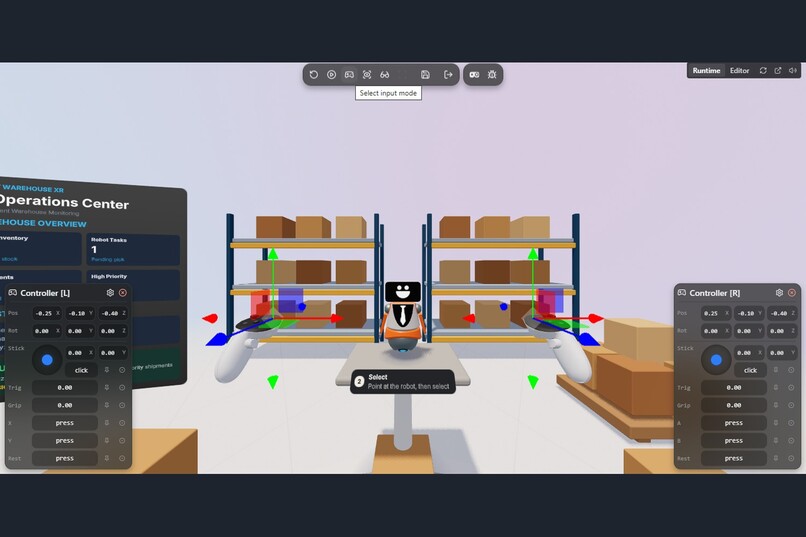
XR input mode selection
-
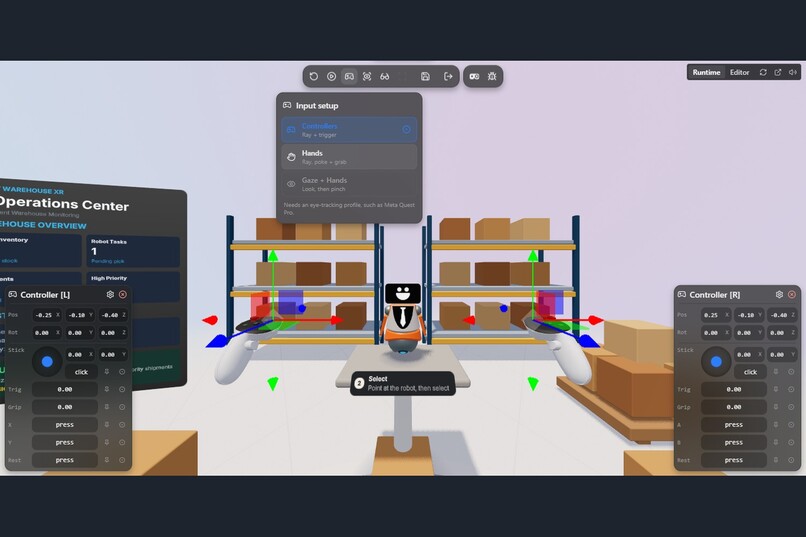
Hands input mode enabled
-
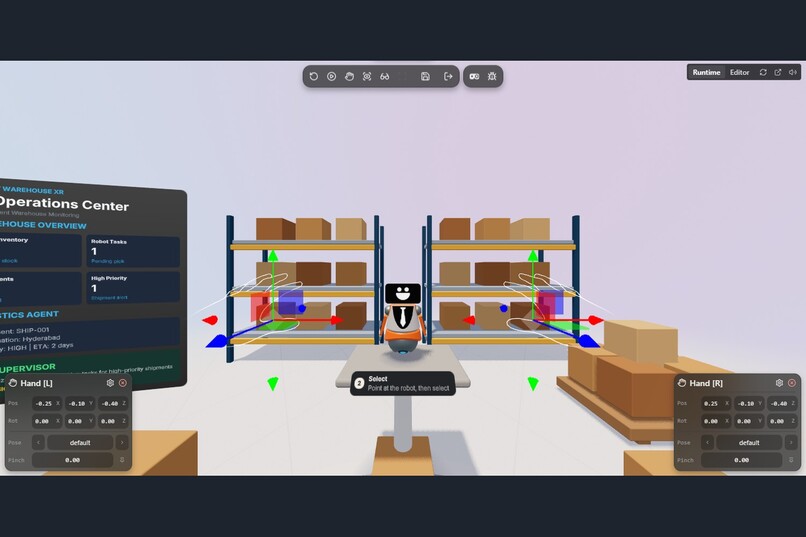
Hand position selection
-
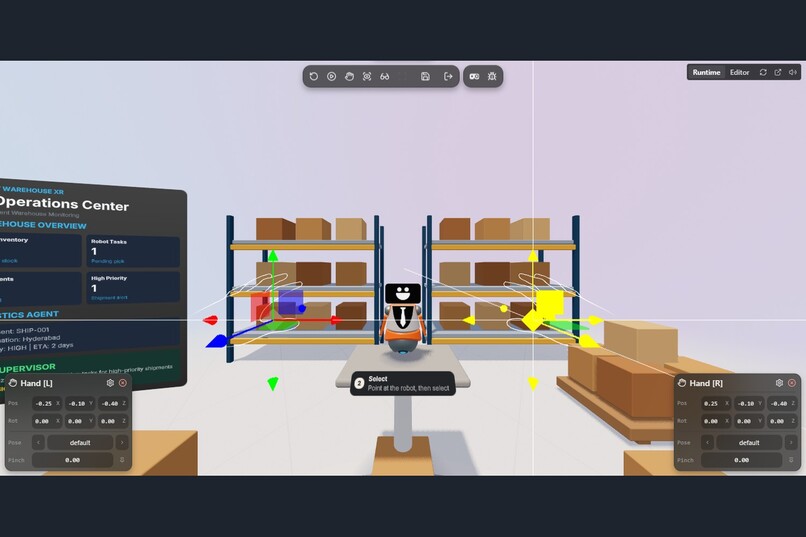
Hand position adjustment
-
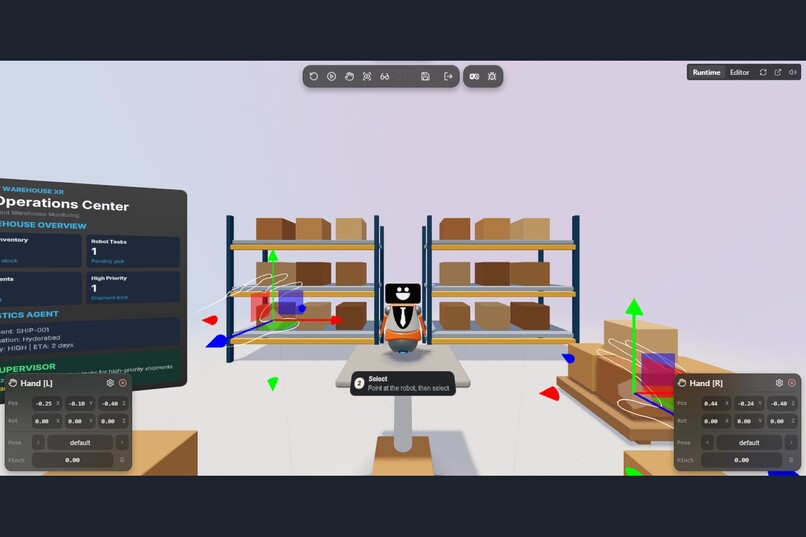
Fist position selection
-
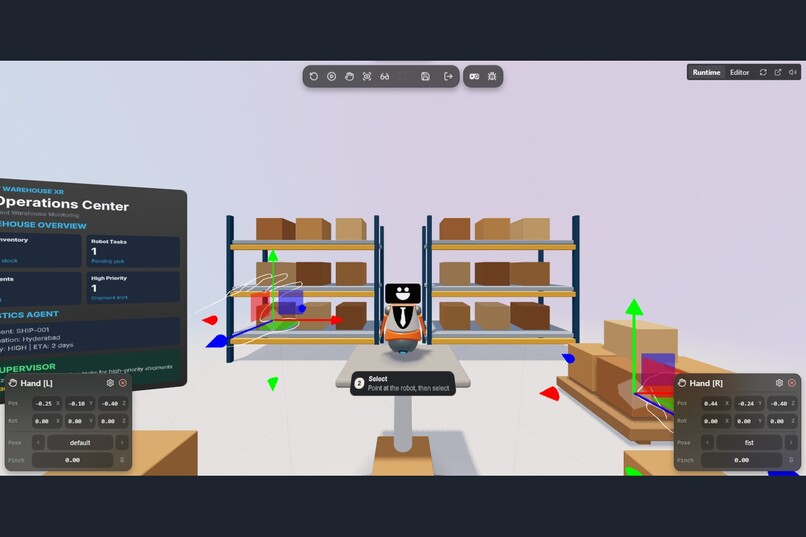
Fist hand pose
-
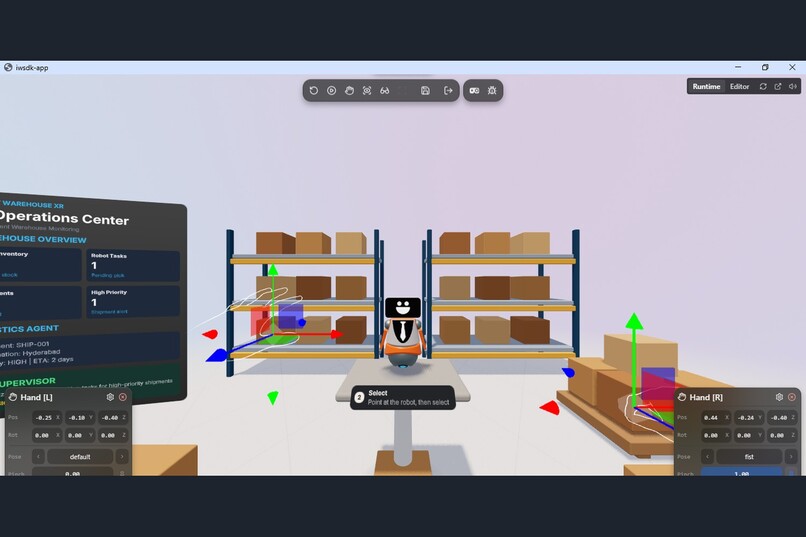
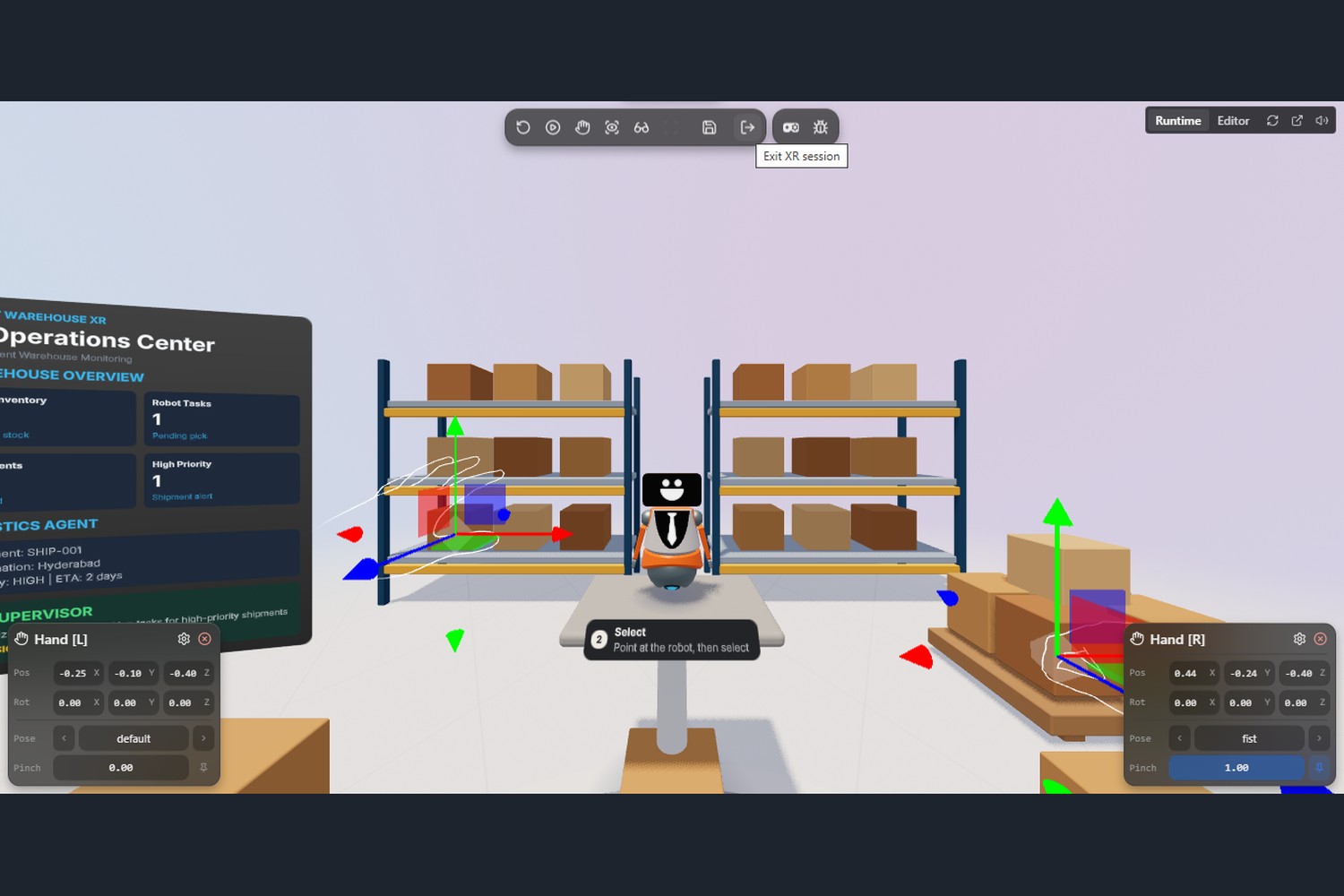
Pinch input at 1.00
-
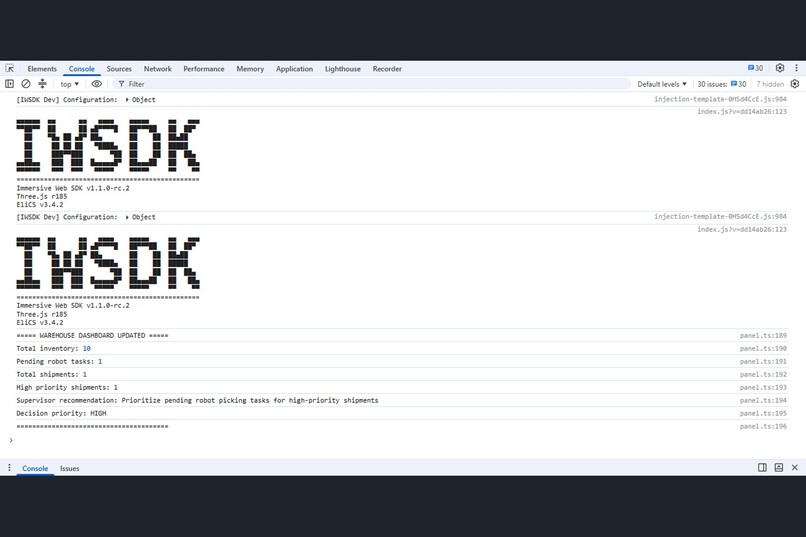
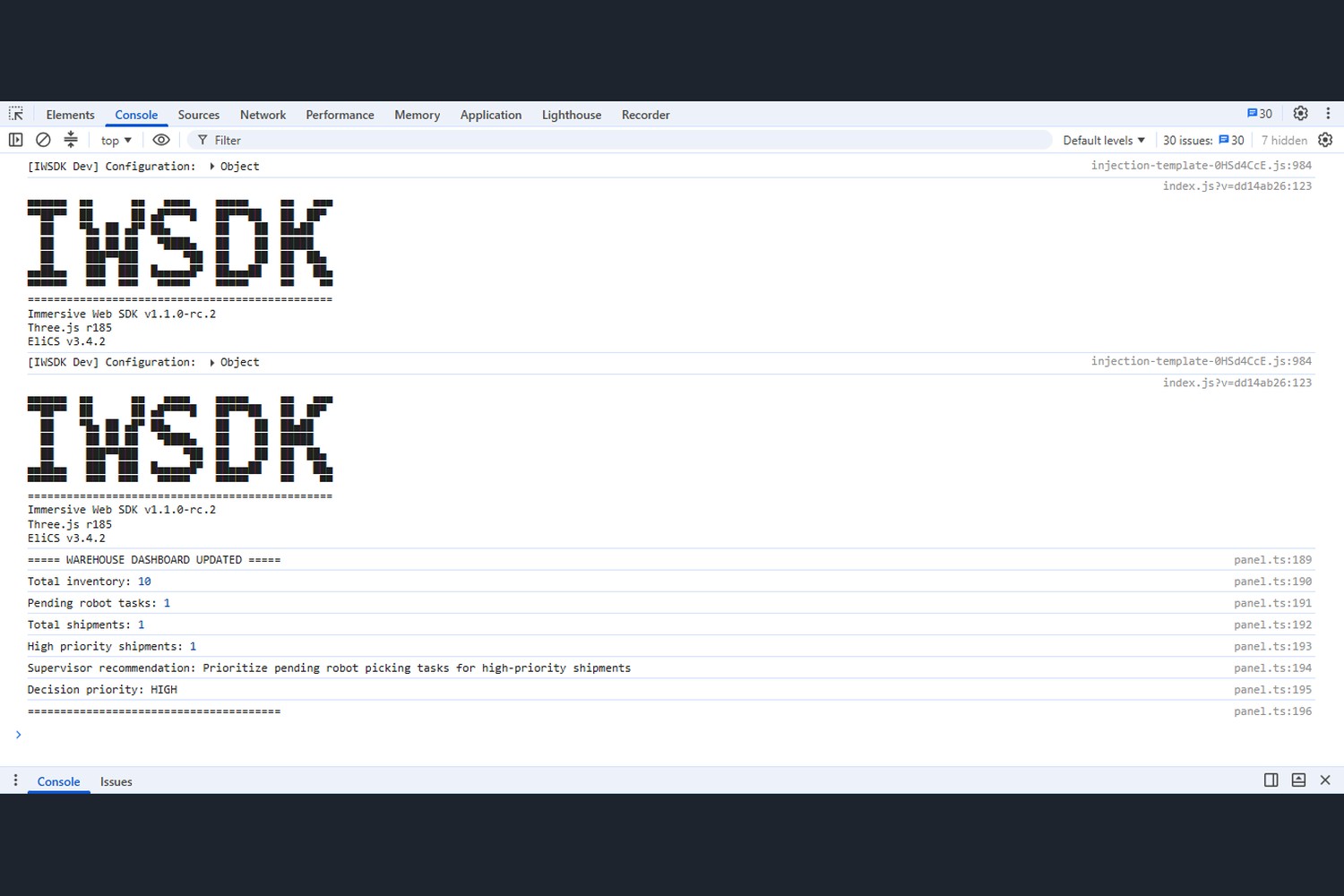
AI dashboard runtime logs
-
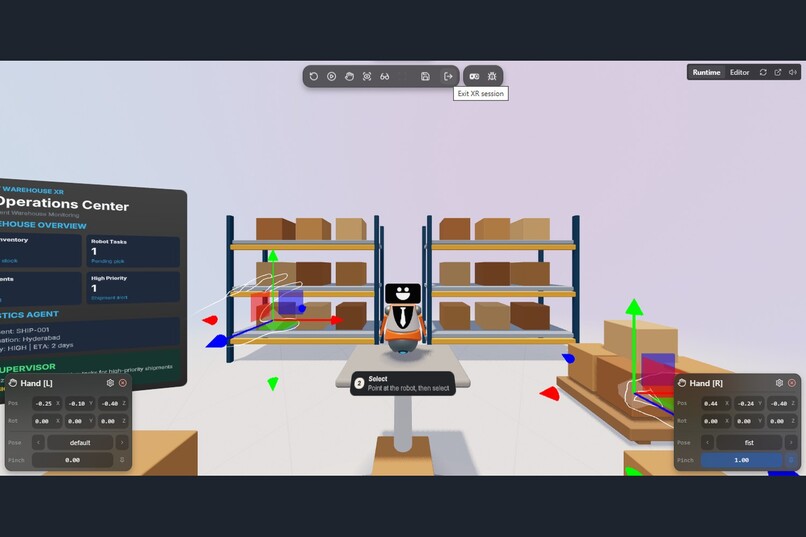
Exit XR runtime
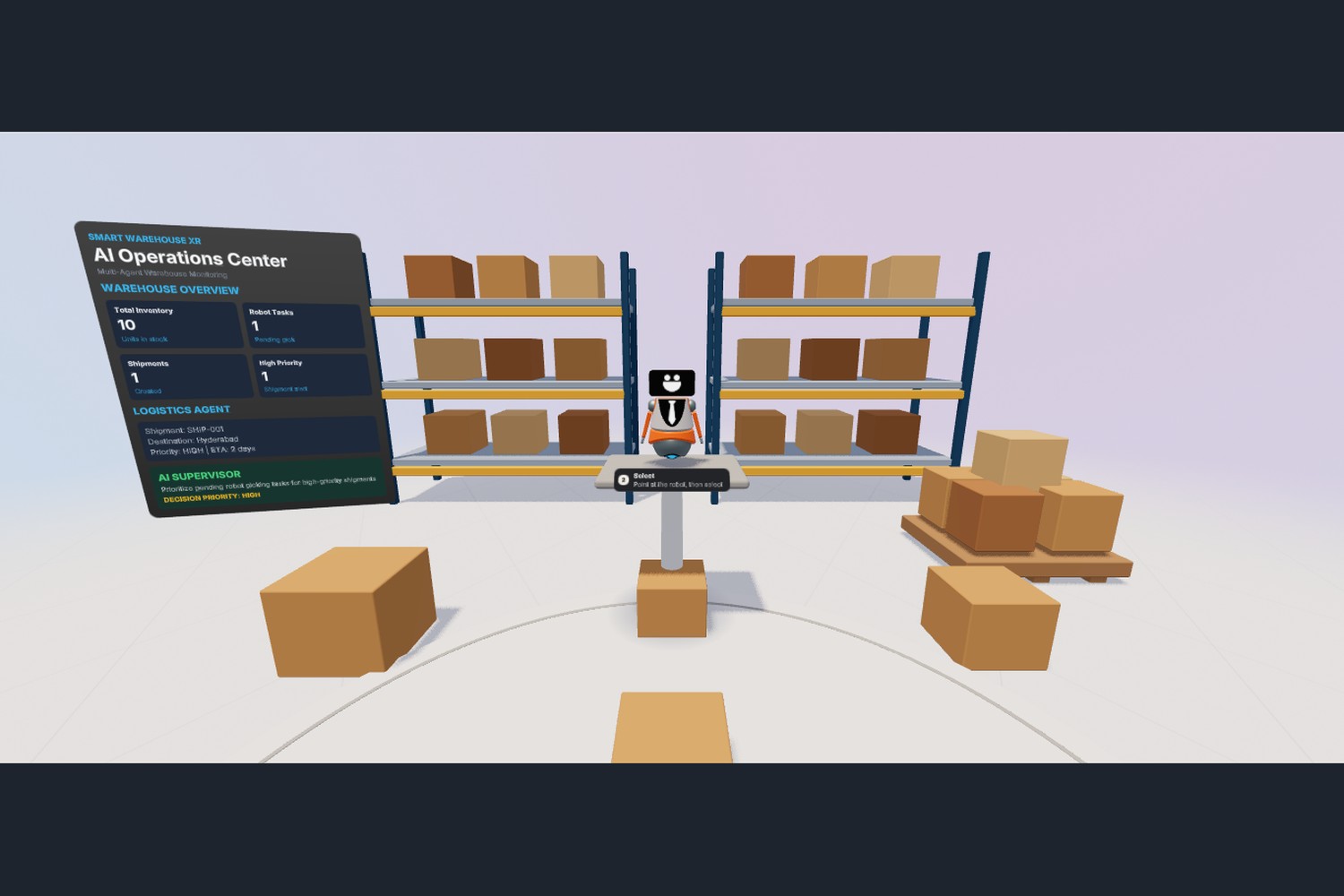
Inspiration
Warehouses and supply-chain operations involve inventory storage, product handling, and logistics coordination. Traditional dashboards mainly display information through tables and 2D interfaces.
We wanted to explore how immersive WebXR technology could make warehouse environments more interactive and intuitive. This inspired us to develop Smart Warehouse XR Simulator using Meta's Immersive Web SDK.
What it does
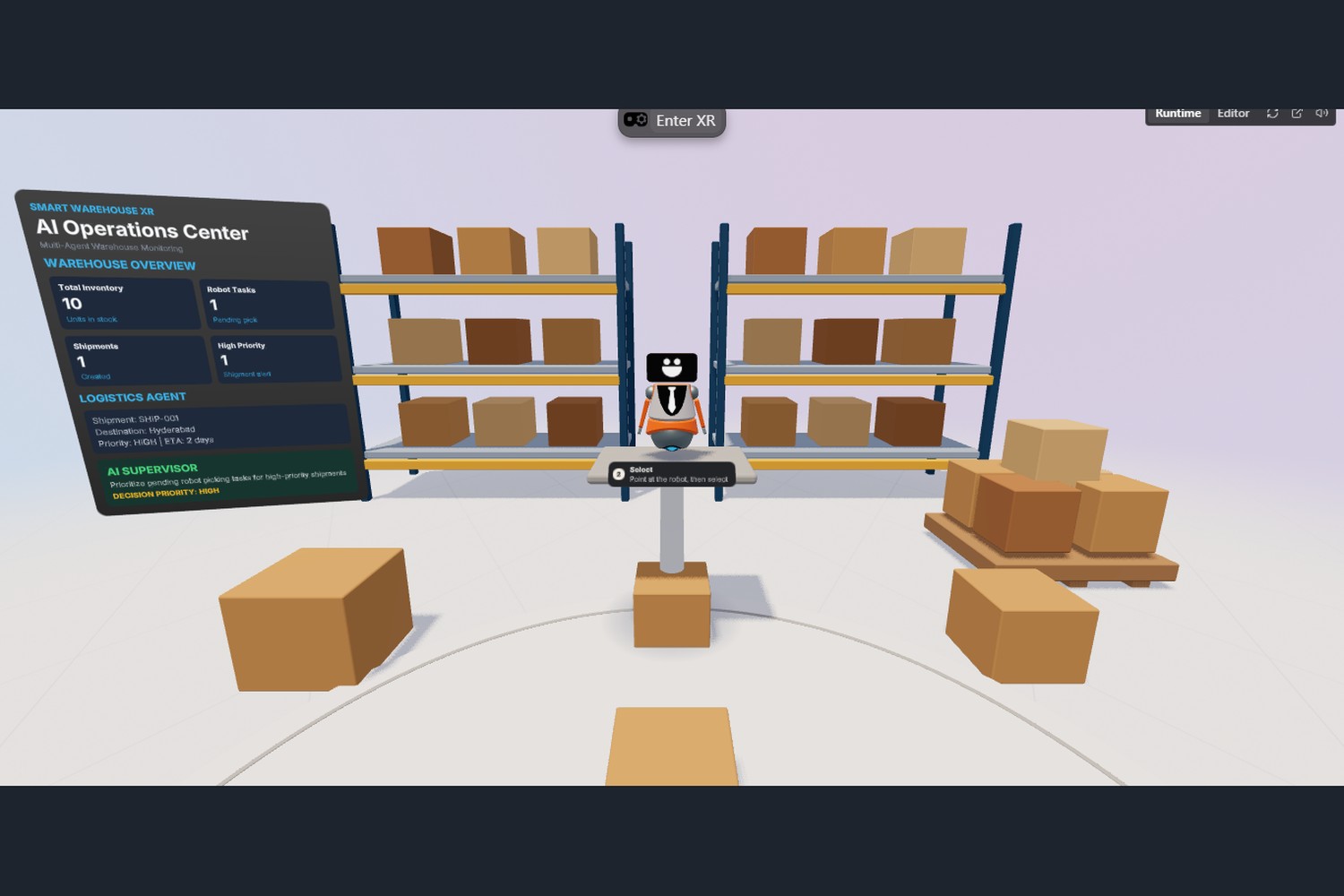
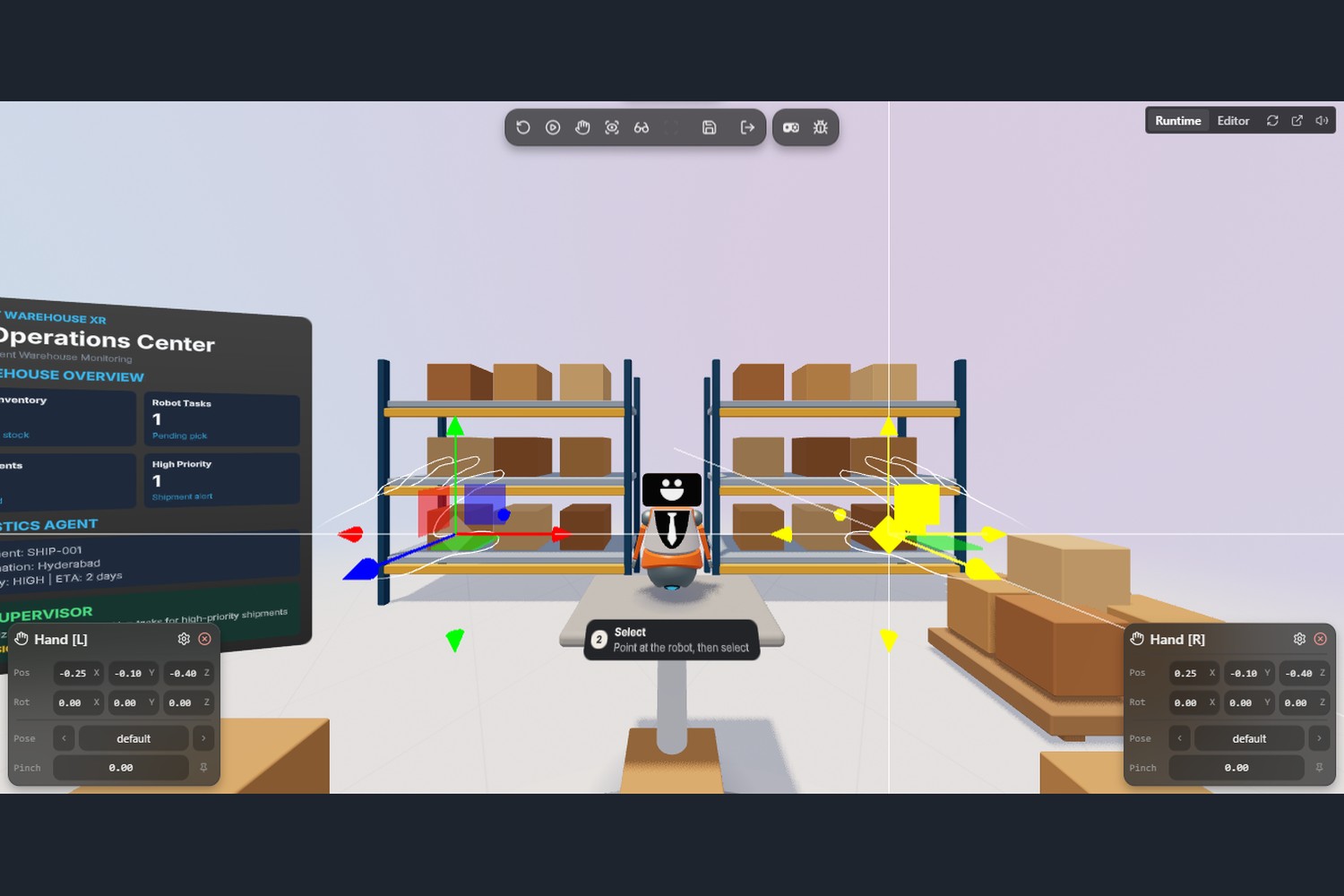
Smart Warehouse XR Simulator is an immersive 3D warehouse application currently under development.
Our planned features include:
- Interactive 3D warehouse environments.
- Product boxes and inventory storage racks.
- Product selection and movement.
- Warehouse storage and delivery zones.
- Visualization of warehouse and logistics workflows.
- Future integration of AI-powered inventory and logistics insights.
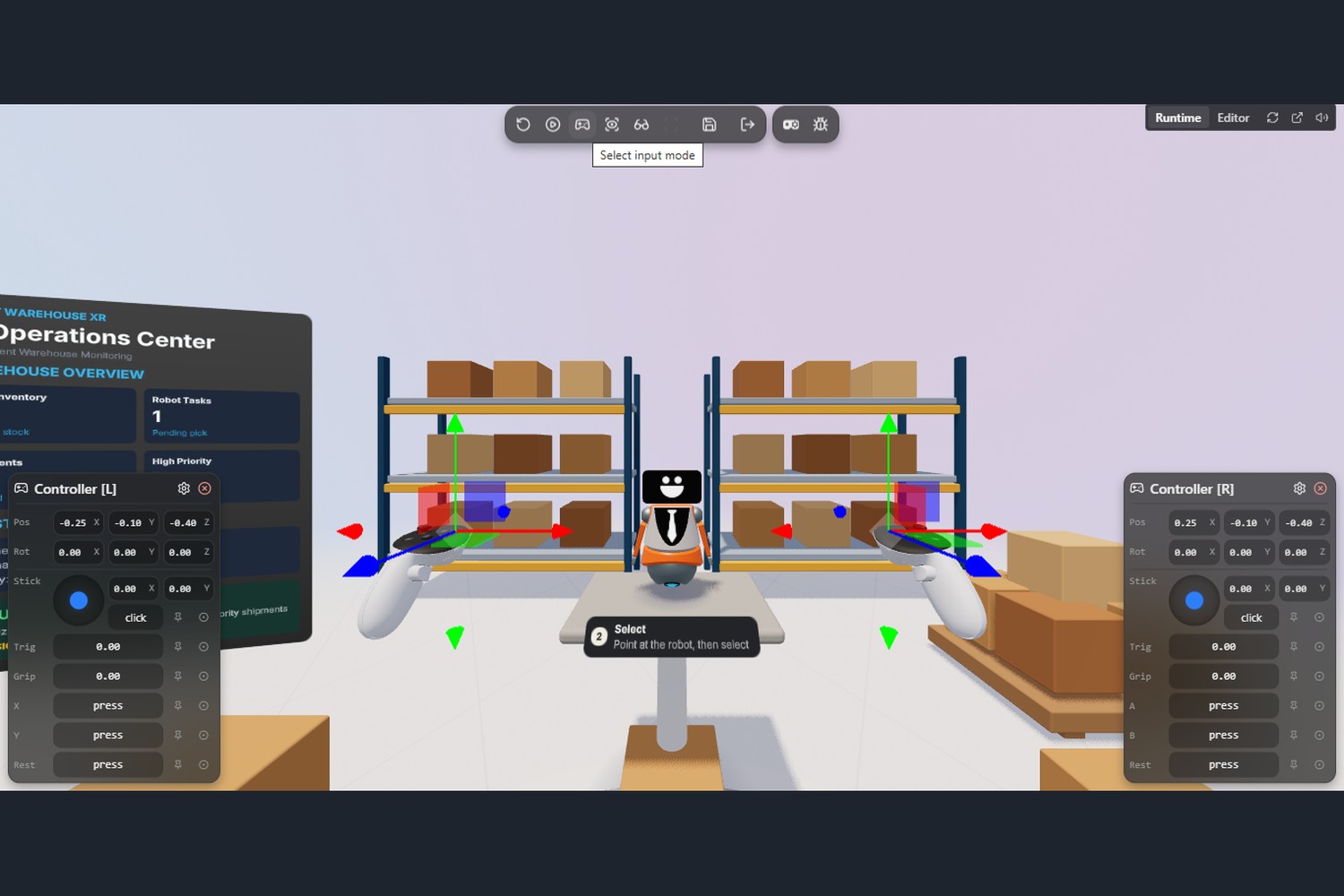
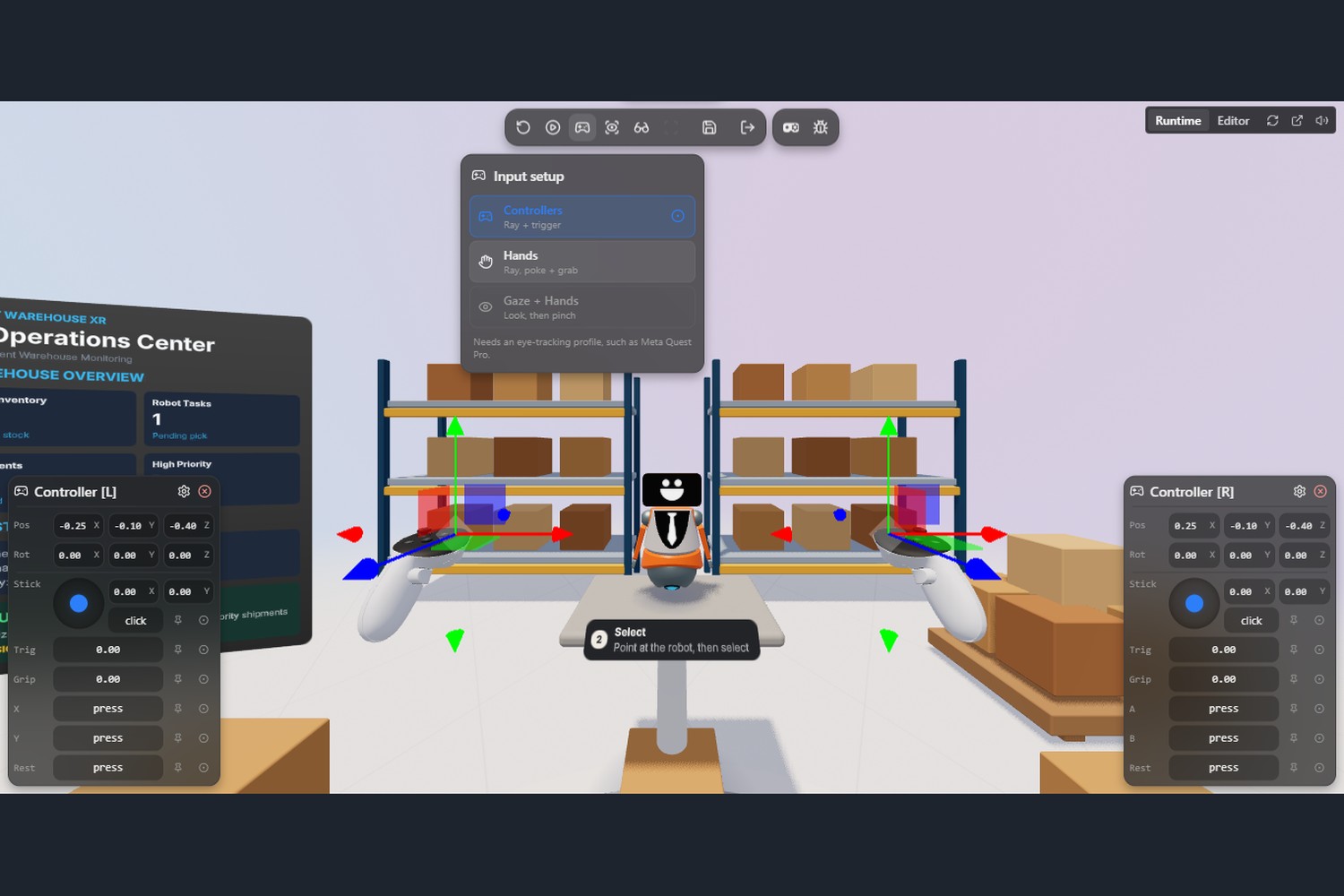
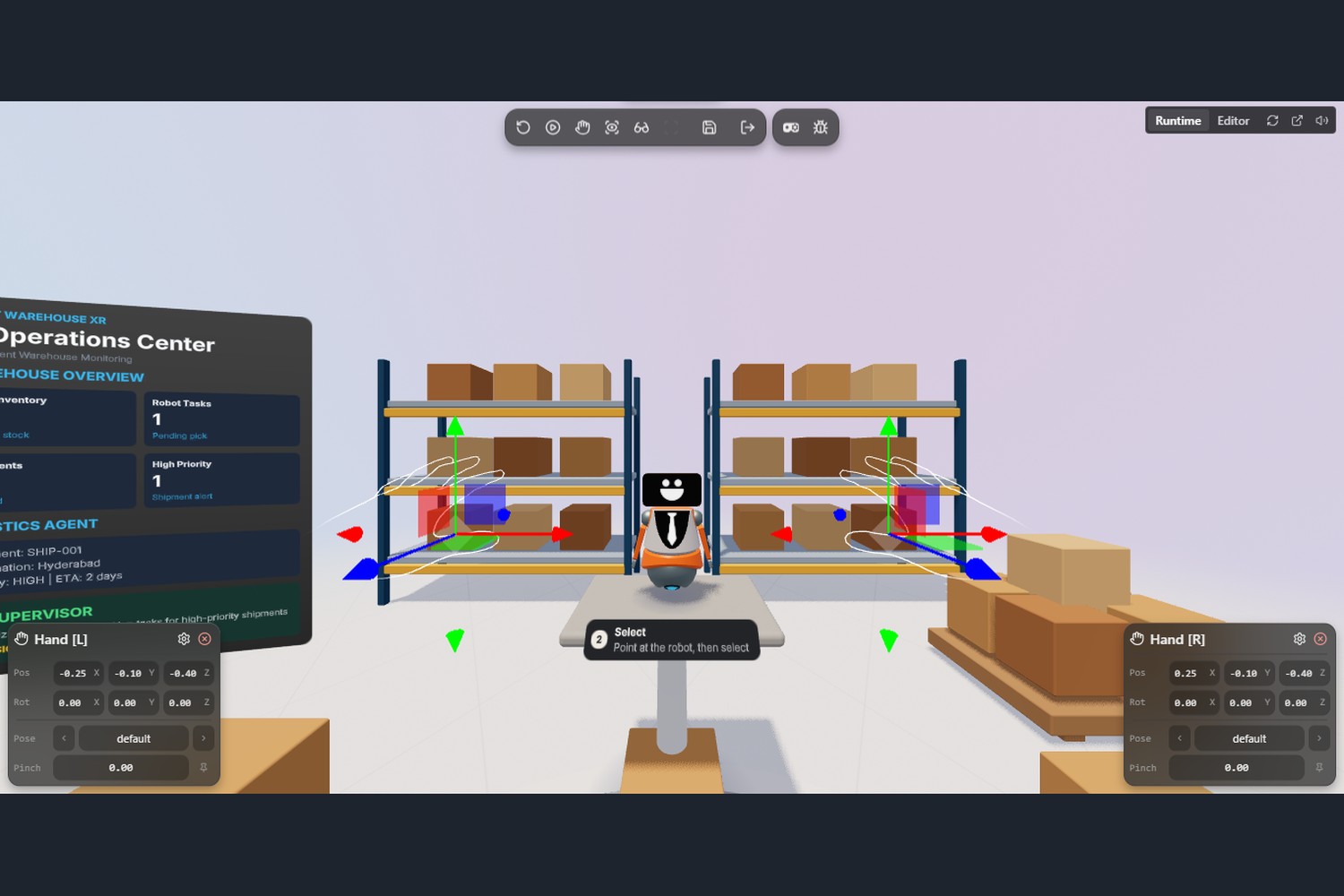
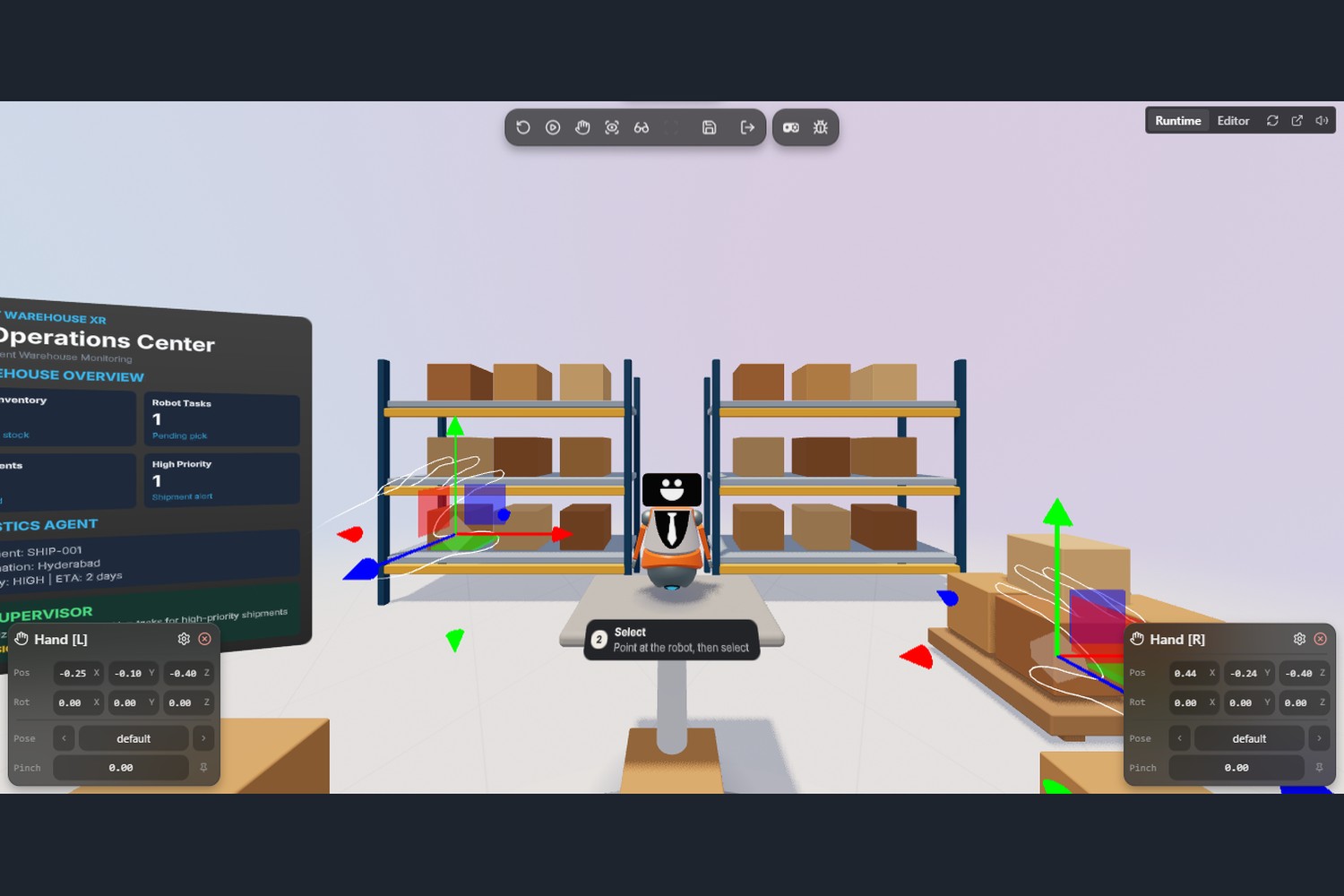
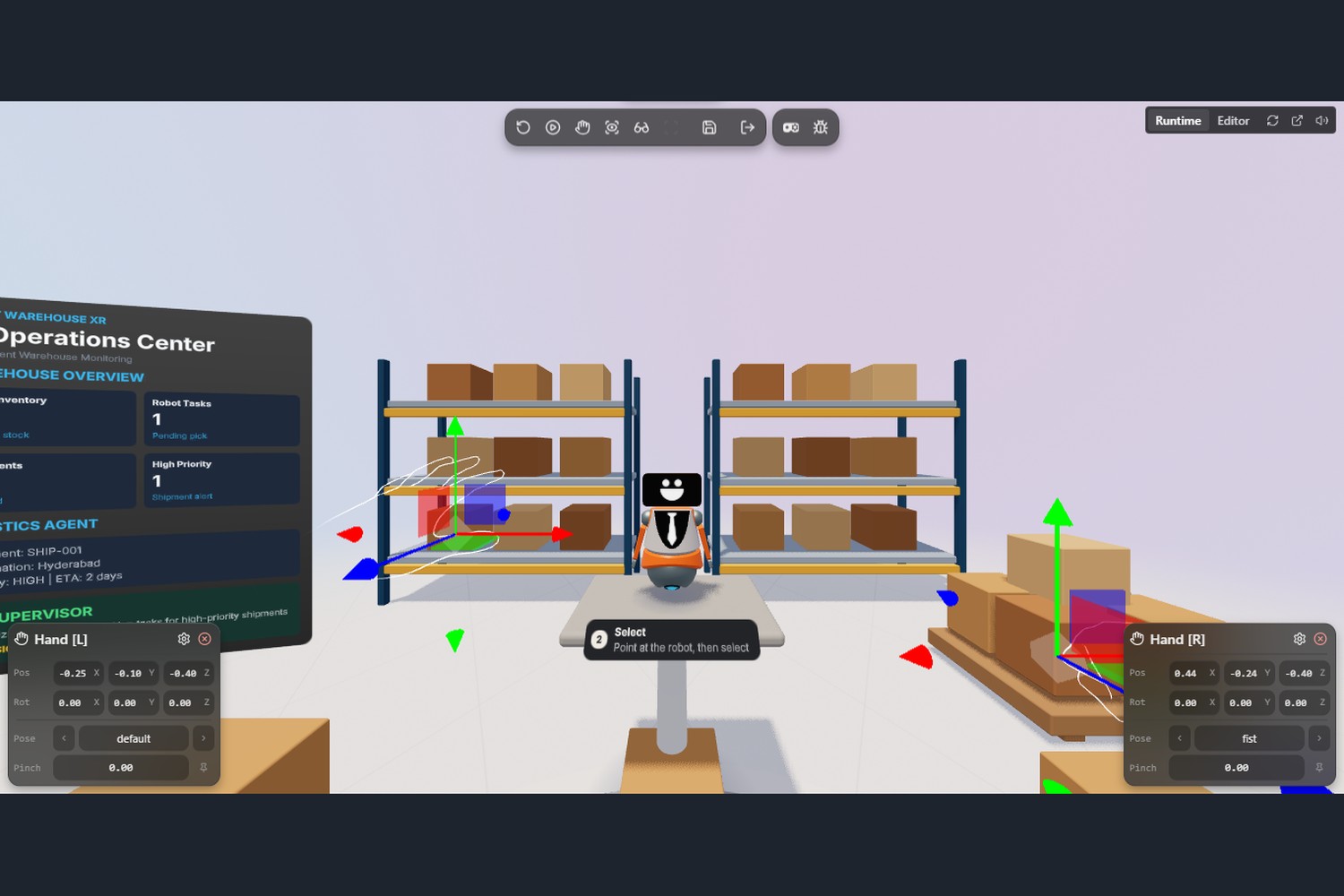
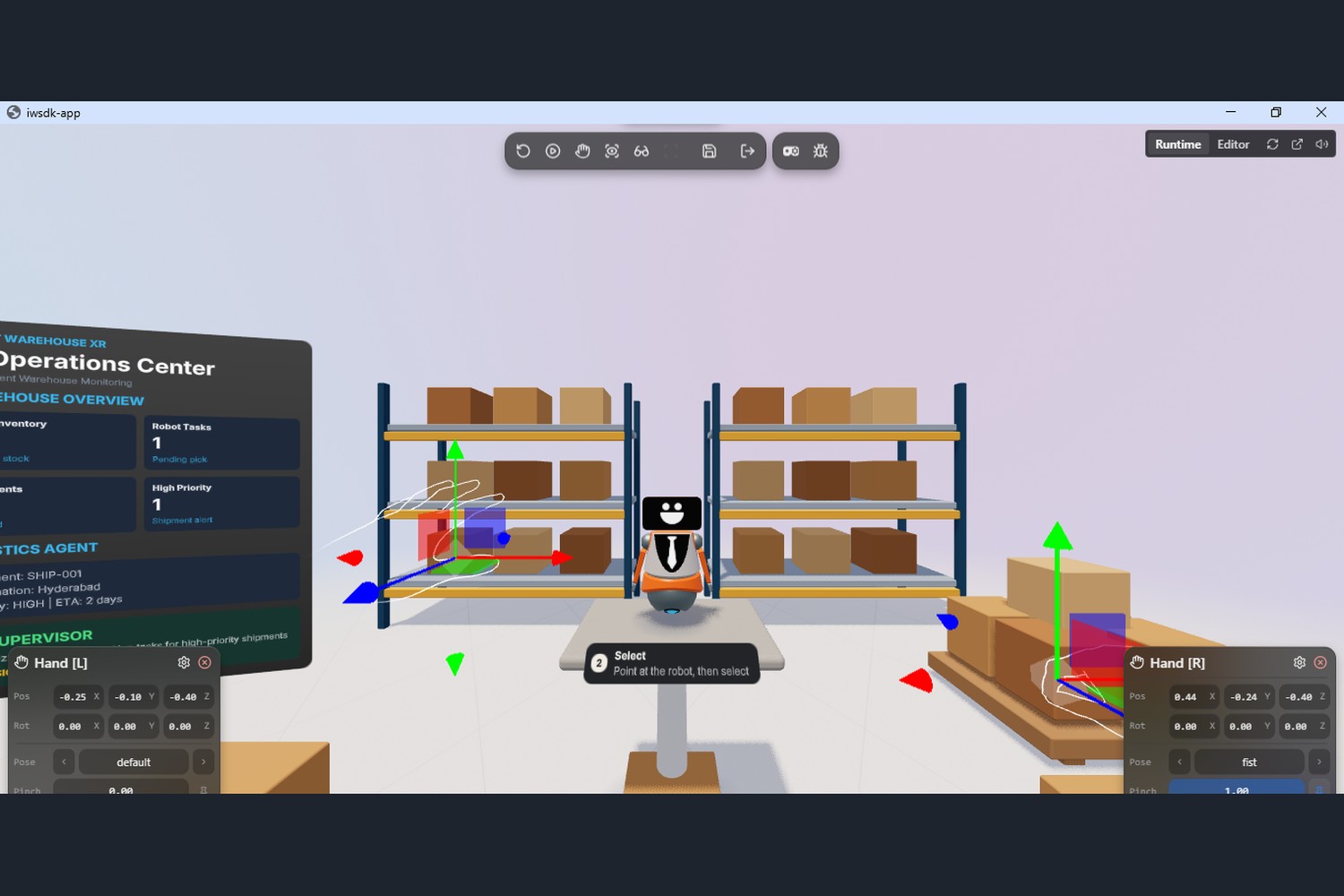
The current prototype demonstrates the IWSDK starter scene, a 3D robot, controller emulation, and Grab, Select, and Spin interactions.
How we built it
We started with Meta's Immersive Web SDK (IWSDK) using TypeScript and Vite.
Our development process includes:
- Setting up the IWSDK development environment.
- Creating the initial 3D scene and runtime.
- Exploring scene configuration and asset registration.
- Testing the starter application using the desktop runtime and controller emulator.
- Building the foundation for a custom warehouse environment.
- Planning interactive inventory and logistics workflows.
We use Git and GitHub to maintain the source code and track development progress.
GitHub Repository: https://github.com/Ramkmm/smart-warehouse-iwsdk
Challenges we ran into
One challenge was setting up the local HTTPS development environment required for immersive WebXR experiences.
We also explored the IWSDK scene configuration, asset registration, 3D object creation, and controller interaction workflows.
Understanding how the scene JSON, TypeScript assets, and runtime work together has been an important part of our development process.
Accomplishments that we're proud of
We successfully created and launched our IWSDK starter application.
We are proud of:
- Setting up the Meta IWSDK development environment.
- Running the 3D experience locally.
- Exploring the robot and interactive 3D objects.
- Testing Grab, Select, and Spin interactions.
- Building and type-checking the application.
- Publishing the initial project source code to GitHub.
This provides the foundation for developing our smart warehouse experience.
What we learned
We gained practical experience with Meta IWSDK, WebXR development, TypeScript, Vite, 3D scene configuration, asset management, and immersive interaction concepts.
We also learned how desktop runtime emulation helps developers test immersive experiences during early development.
What's next for Smart Warehouse XR Simulator
Our next development milestones are:
- Create a custom 3D warehouse environment.
- Add warehouse racks, inventory boxes, and delivery areas.
- Implement interactive product selection and movement.
- Develop inventory storage and warehouse workflows.
- Explore integration with AI-powered logistics analysis.
- Test and optimize the experience for Meta Quest devices.
- Prepare a demonstration video and complete the competition submission.
Our long-term vision is to connect immersive warehouse visualization with intelligent logistics and inventory management.
Built With
- github
- iwsdk
- react
- three.js
- typescript
- vercel
- vite
- webxr
