Inspiration
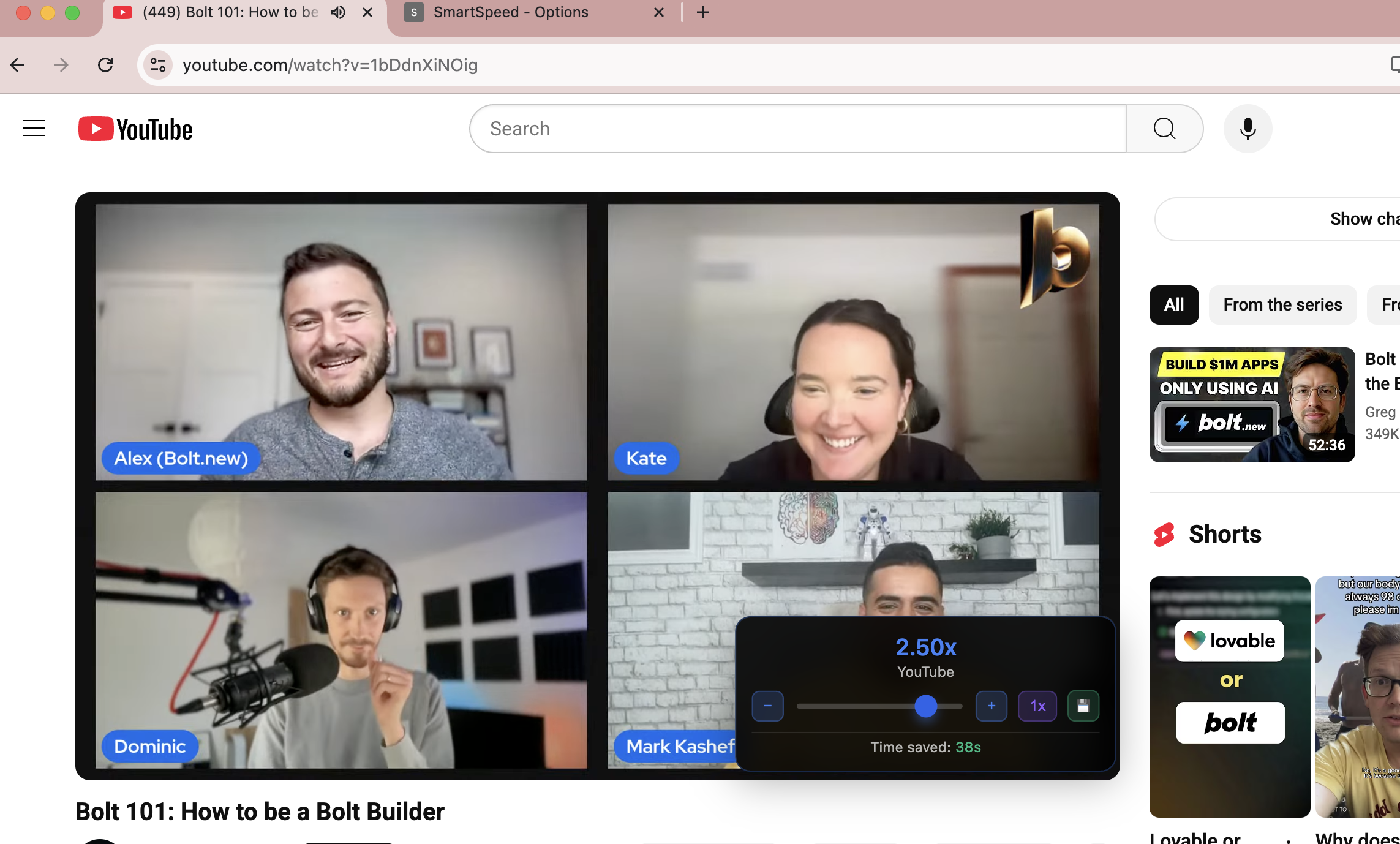
My inspiration was the current playback speed changers on platforms like YouTube and Netflix--also the 2x features on short form content on platforms such as Instagram and TikTok. I wanted to create an extension so these types of features would be available on all streaming platforms, as it was quite annoying when some platforms didn't allow for speed customization. Additionally, I wanted to provide an improved user experience by including a greater range of speeds, hotkeys, site profiles, analytics, and even voice commands.
What it does
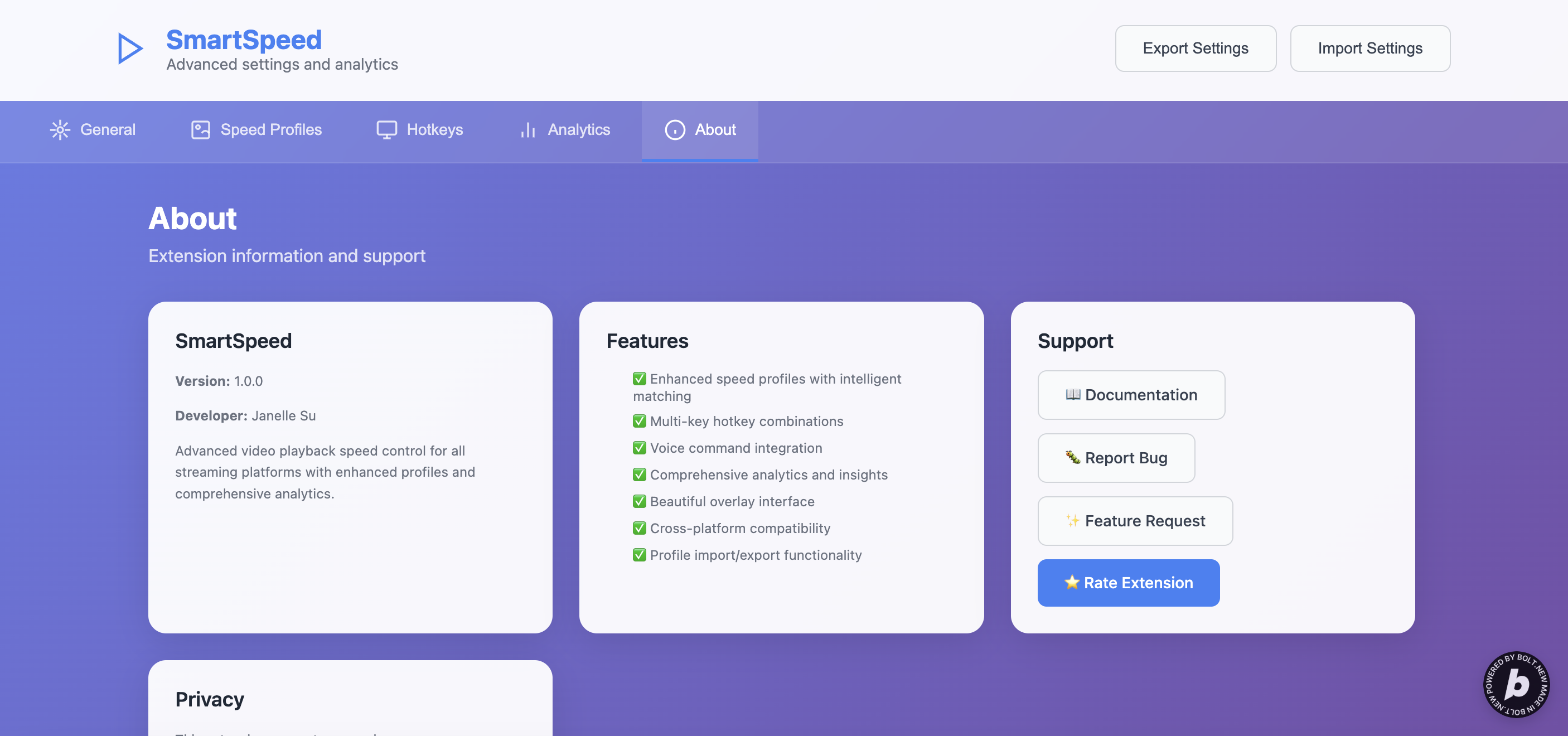
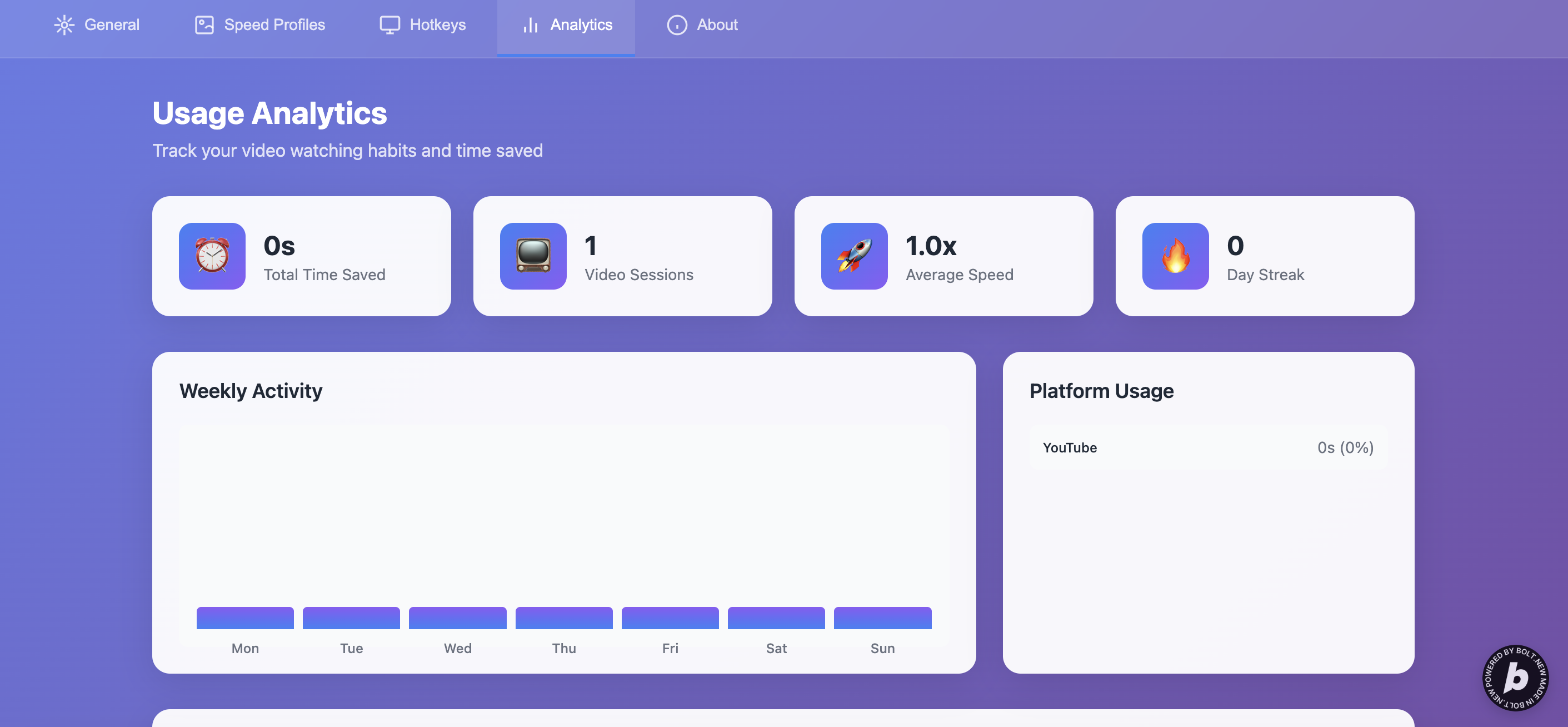
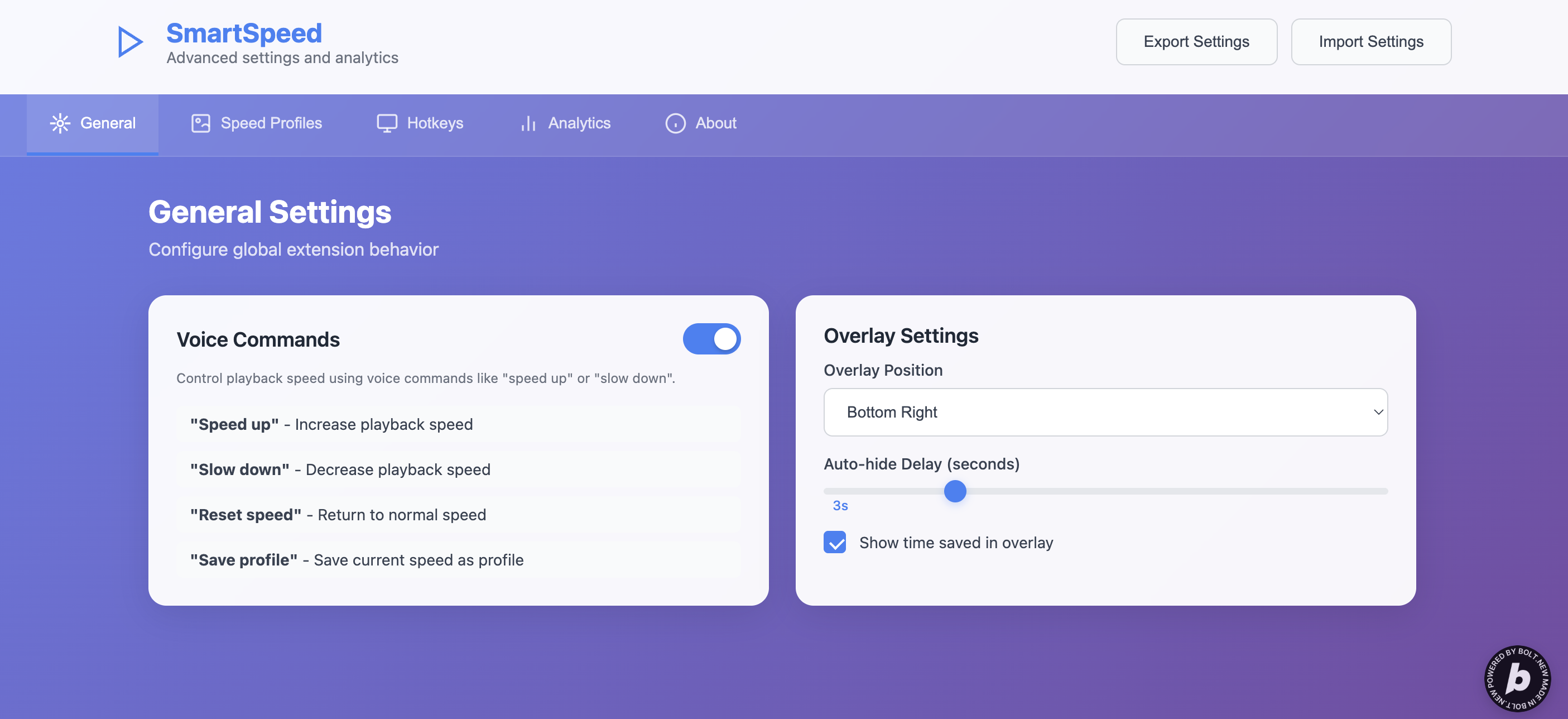
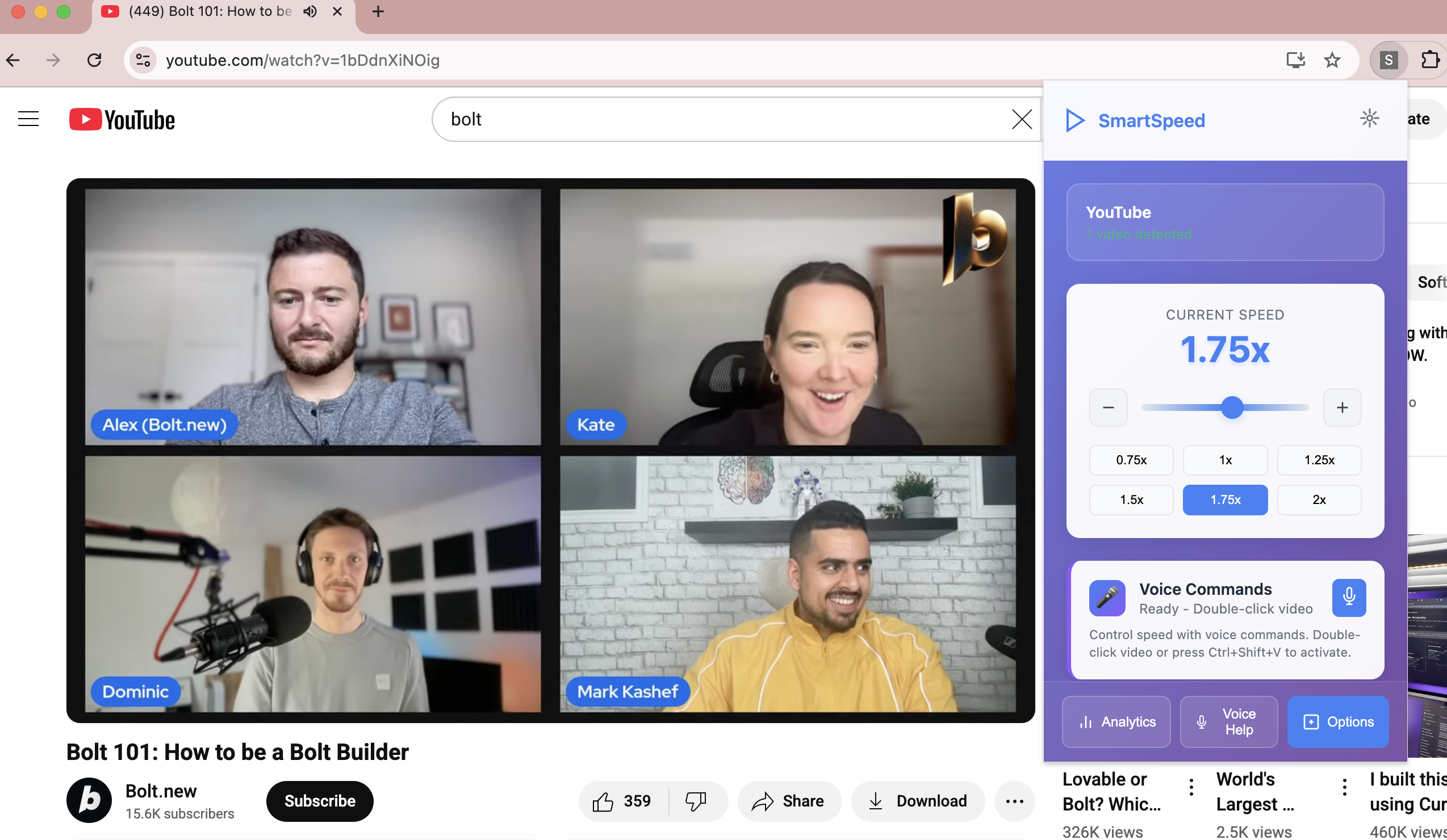
This web extension allows for the user to customize the playback speed on any streaming/video platform, watching up to 3.00x speed or as slow as 0.25x. It also allows the user to save speed profiles for a specific site allowing for ease of use. Users can also access analytics to see how much time they have saved and additionally information about their watch speed. In speech API supported browsers, users can also use voice commands to toggle speed changes.
How we built it
This extension was built using bolt.new and ChatGPT. Some error messages were prompted to chatGPT to generate a better prompt for bolt.new to work with.
Challenges we ran into
One of the challenges faced during the building process was learning how to effectively prompt with AI. Learning how to be token efficient and clear with instructions was very new to me. Another challenge was the extensive amount of debugging tests with the hotkeys, analytics, and voice commands. I had initially also wanted to include a possible smart speed feature for this build (where it would automatically speed up quiet parts), but the feature was too difficult to test and instruct AI to build properly.
Accomplishments that we're proud of
I'm proud of implementing a user-friendly overlay and a functional hotkey feature and voice command feature. The first version of my project had a very--for lack of a better word--clunky overlay that was not user-friendly, so developing a better version in my final project was a great step for me. For the hotkeys, I had experienced so many issues and bugs regarding them properly updating, recording, and being responsive and compatible across different browsers. I'm also happy with my voice command feature because it allows for accessibility and ease-of-use.
What we learned
I learned how to become more token efficient with AI by clearing old and unused files and by also using other AI to prompt AI. I also learned, however, that AI still has its limitations, but is such a powerful tool to teach people coding and help debugging.
What's next for Smart Video Playback Speed Extension
In the future, I want to possibly expand the accessibility features and/or smart features such as the 'smart speed mode' I initially planned to implement. I also might add a smart feature that allows users to calculate what speed to watch on if they want to finish a show/video in a certain amount of time.
Built With
- bolt
- chatgpt

Log in or sign up for Devpost to join the conversation.