-
-
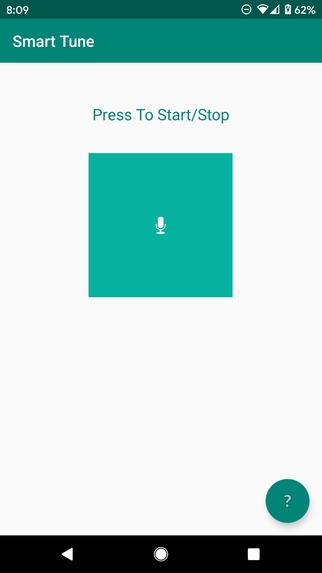
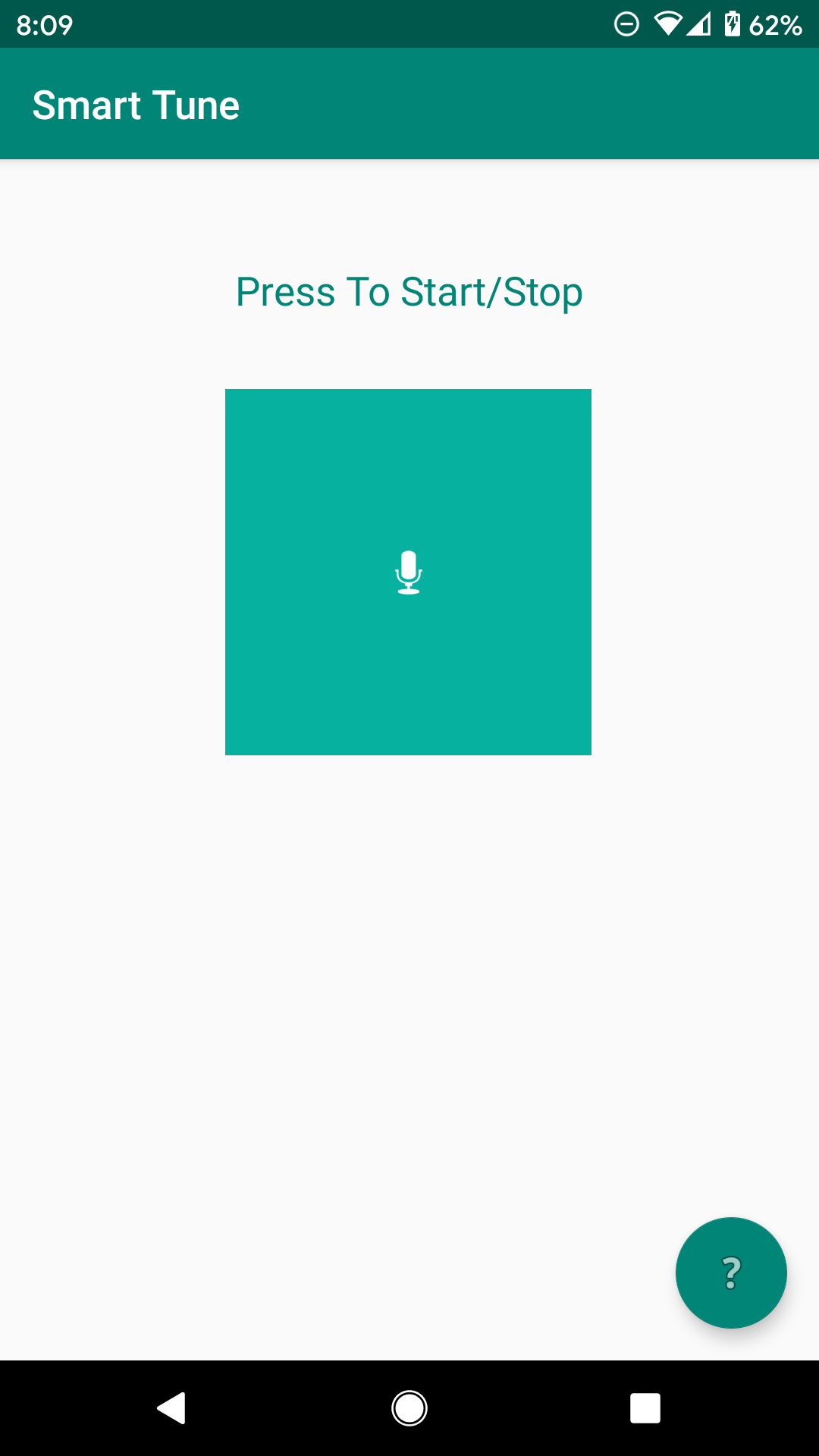
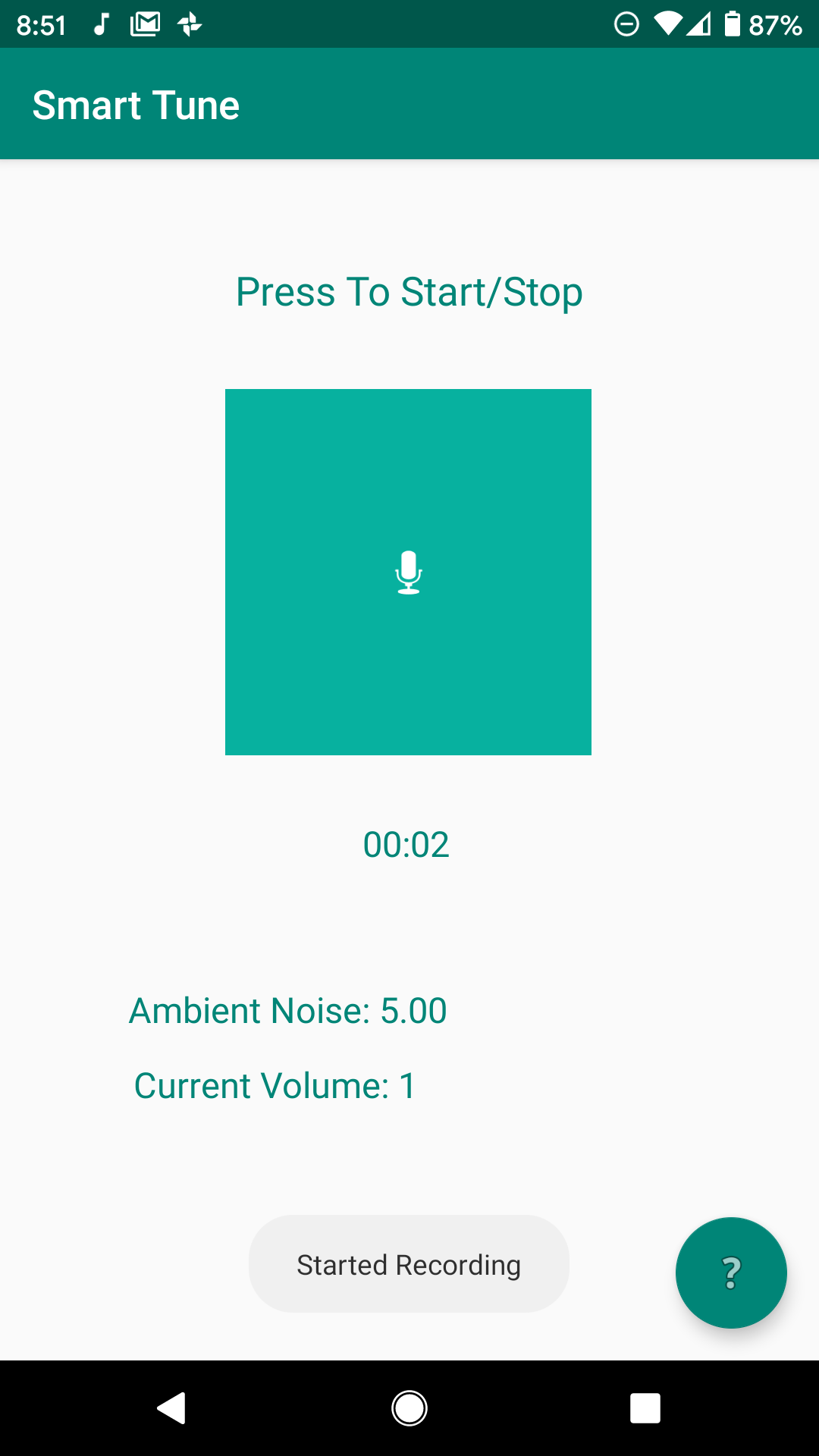
Start Menu.
-
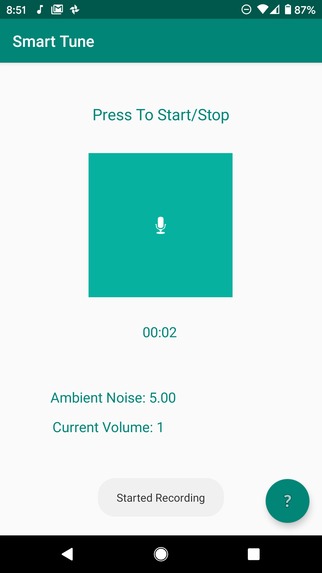
After Recording starts. Gives ambient noise and current volume of phone.
-
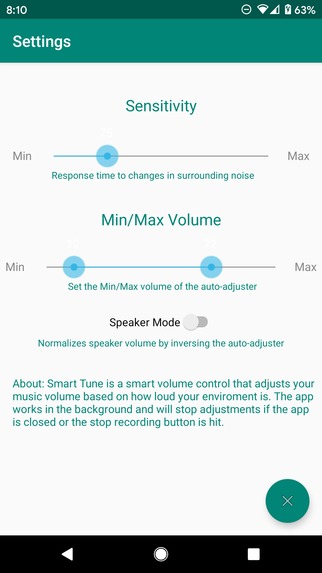
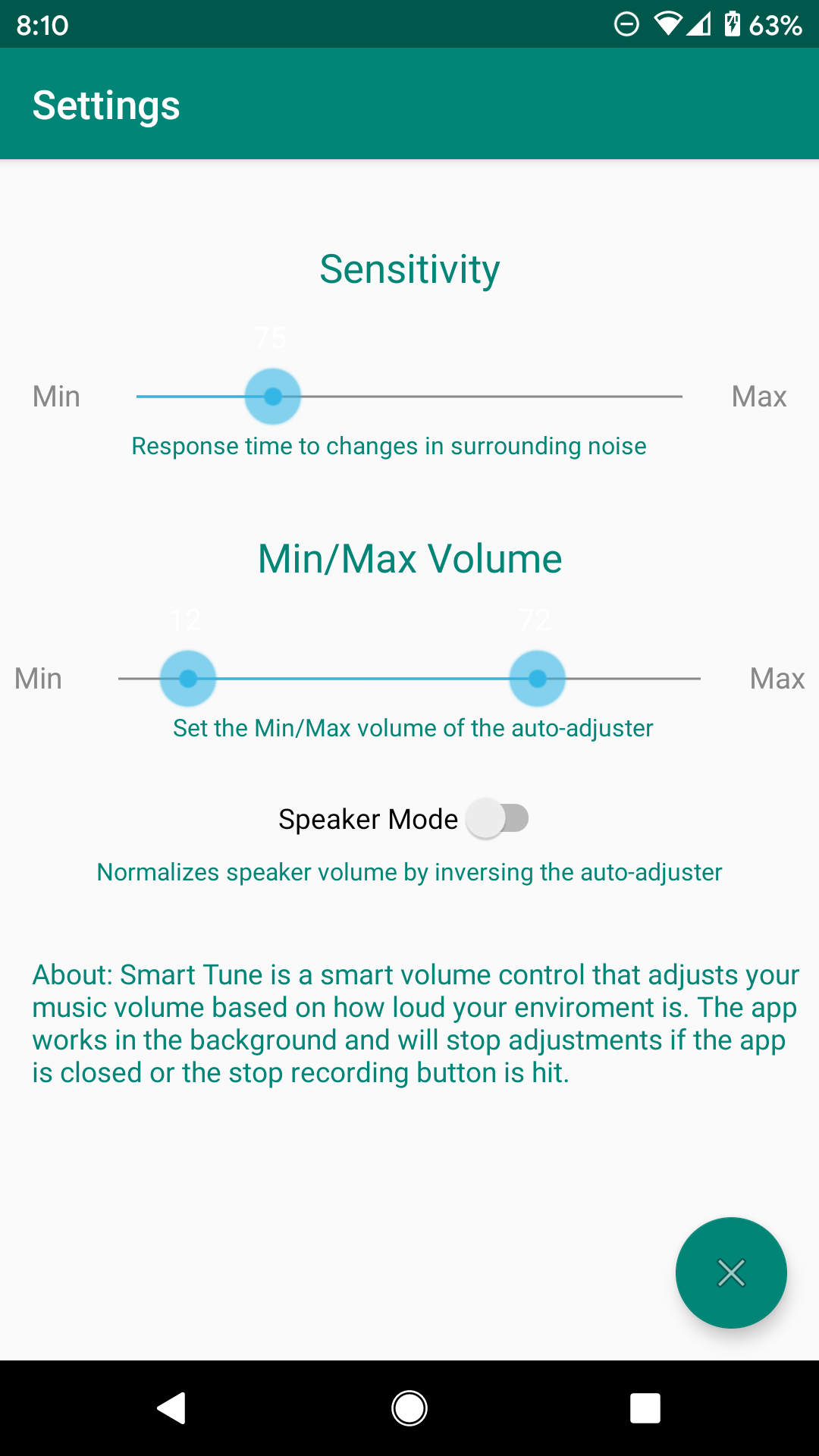
Settings Menu, Users can adjust the sensitivity and set limits on volume. Speaker mode allows audio to play louder as you get further away
Smart Tune
The app for not constantly touching the volume button
Inspiration
Your auditory environment is constantly subject to rapid change. How often it occurs that you are listening to a podcast or jamming out to some music when someone just has to interrupt you to tell you about the most irrelevant news. If only you could raise the volume on your phone without risking offending them.
Imagine you are blasting some tunes on your speaker while doing homework but hunger starts to creep in. As you head to the kitchen to make a sandwich you realize you can barely hear the music - it's the best part of the song. You can't immediately reach your phone for the volume button because your hands are covered in mayonnaise and Alexa can't hear you when she's so far away in your room. If only there were something that could automatically do this for you.
Our app, Smart Tune, handles this task so you don't have to.
What it does
There are two main situations:
- When using headphones often external sounds can interfere with your listening experience. Smart Tune will automatically sense the rise in volume and adjust the volume accordingly.
- When using speakers there are times when you have to move away from the speaker in order to go to the bathroom or do some chores. Smart Tune senses the decrease in ambient noise and raises the volume of the speaker to ensure you can always hear your favorite song.
How we built it
We built our app using Java in Android Studio. Since none of us have actually used Android Studios before, we start off learning the basics such as widgets, UI, permissions and threads. As we developed our program, we moved to more advance features that Android Studio has to offer: foreground services for the app to run as a background process, Shared preferences to store user settings, AsyncTask to update text dynamically and Media Recording. As the basic functionalities of measuring audio came into place, we delved into optimizing our statistical processing of audio data.
Challenges we ran into
- Sleep Deprivation. (4h-7h ish per team member)
- Setting up the Android Studio
- Learning a new software and mobile platform
- Optimization to assure a slick & smooth volume adjustment.
- Using the wrong tools/methods due improper knowledge.
- Android 26+ kills background processes requiring a workaround for all background threads
- Attempted file writing multiple ways without setting permissions first. Later learned about sharedPreferences
Accomplishments that we're proud of
- Working mobile app *Clean UI/UX and settings
- Accessed hardware data properly
- Successful at volume calibration based off of noise.
- Probably the biggest java project completed(?) for all the team members.
- Had Fun!
What we learned
- Android Studio
- Java development
- Should have read Pattis Notes
- "The effectsss of ssssleep deprivations" ~ Scott Buchmiller
- " Caffeine does not work on me" ~ Ricky Yinan Xin
- "Playing tetris is difficult with an injured thumb" ~ Ryan Yoshida
- "I'm Stupid " x53 ~ Jason Zhu
What's next for Smart Tune
- Cross platform to IOS and desktop
- More cohesive volume adjustment algorithms
- Convert app into widget form.
- AI recognition to filter bad readings (and like do everything else)
- Mad Money Makings


Log in or sign up for Devpost to join the conversation.