-
-
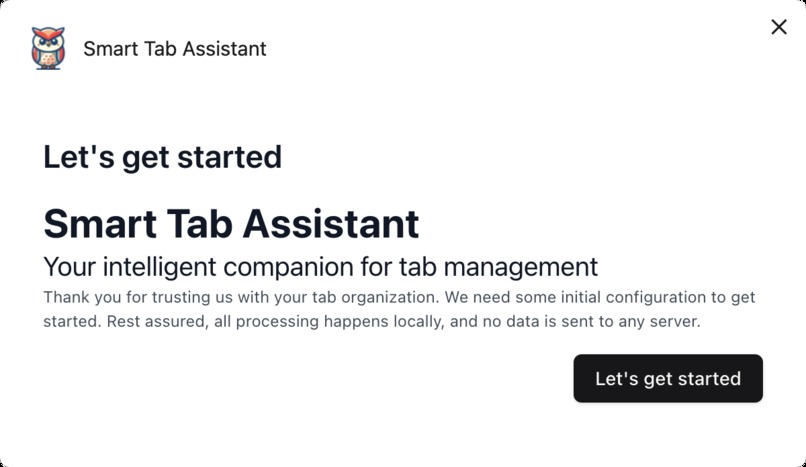
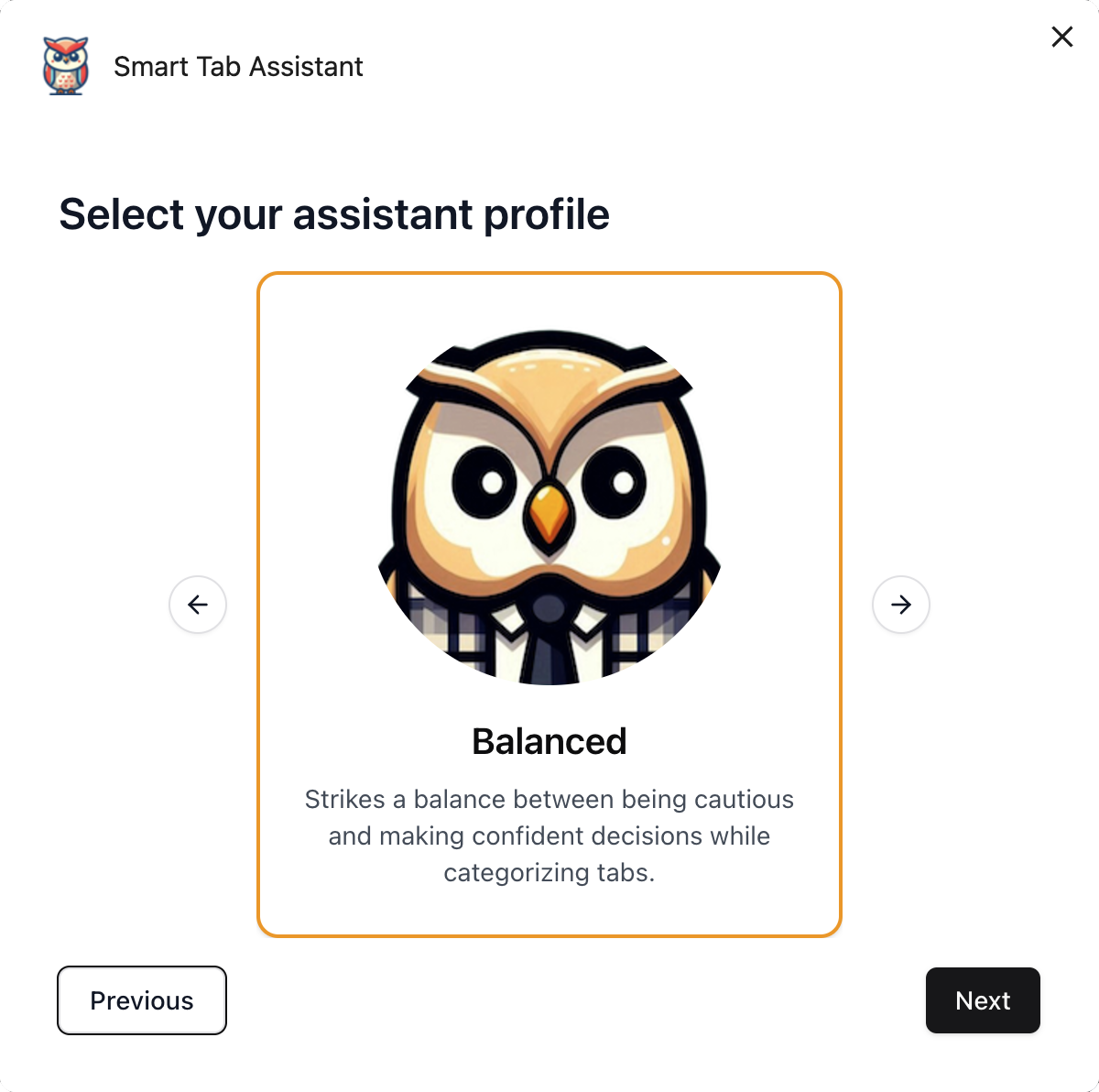
Let's get started
-
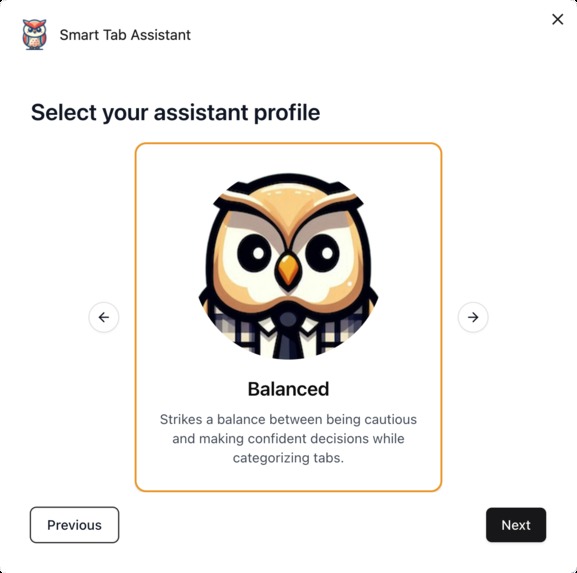
Select your assistant profile
-
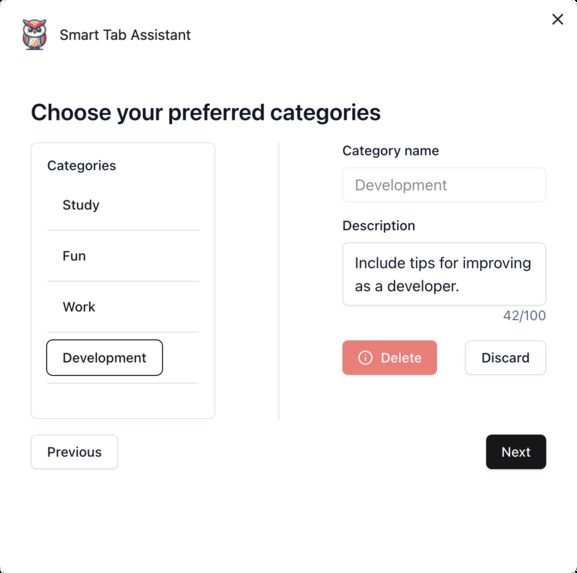
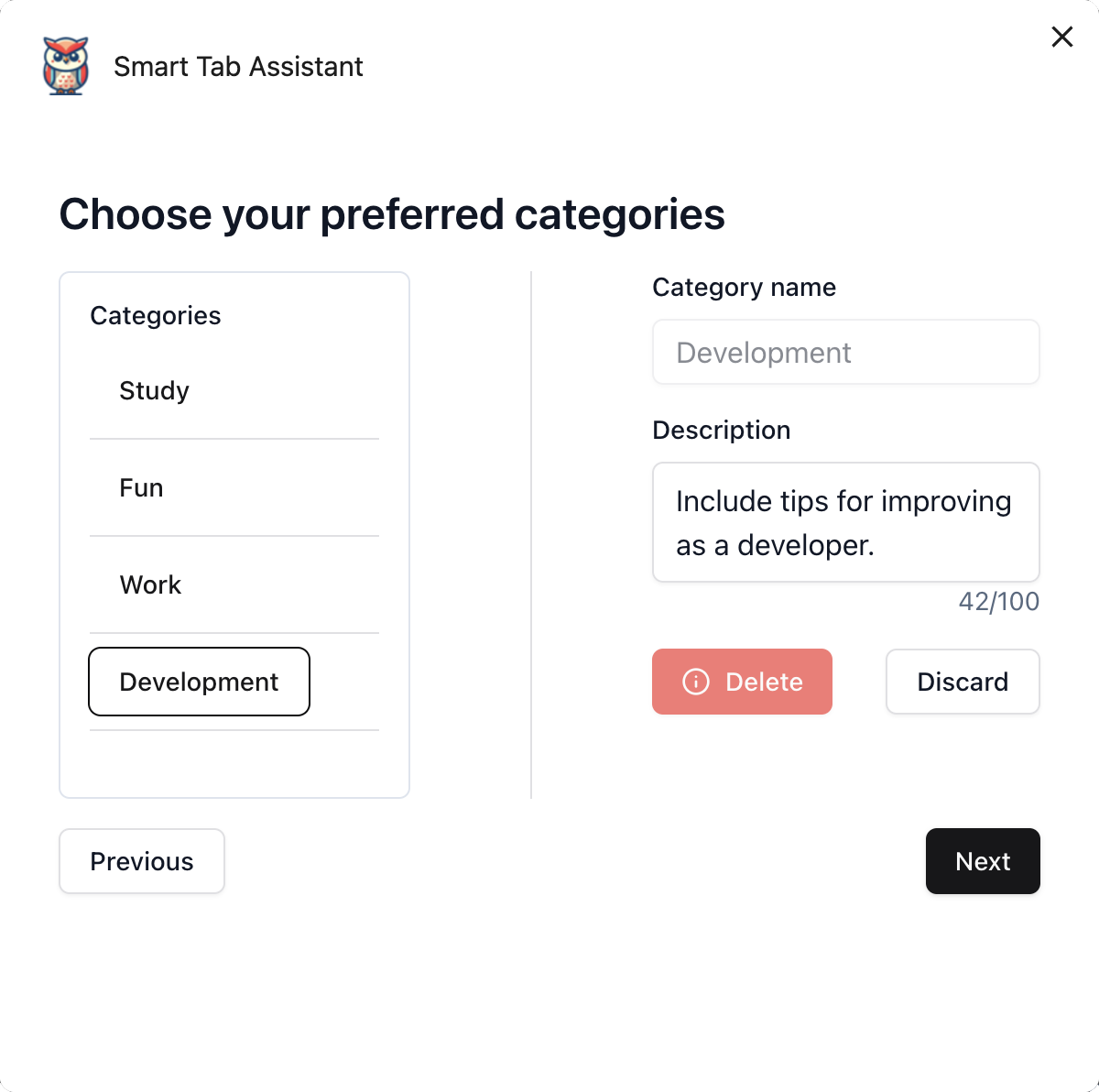
Choose your categories
Inspiration
The idea for Smart Tab Assistant came from my own frustration with managing too many open tabs. As someone who frequently juggles multiple tasks in a browser, I realized there was no efficient way to organize tabs automatically. This inspired me to build a tool that could simplify and improve my (and others’) browsing experience.
What it does
Smart Tab Assistant is a Chrome web extension that uses AI to automatically categorize browser tabs into groups. It helps organize a cluttered workspace, making it easier to navigate and find tabs, streamlining your browsing experience.
How we built it
We built the extension using TypeScript with Vite for efficient transpiling and bundling. For the front-end, we used React and React Hooks for dynamic content and ShadCN + Tailwind for UI components. Dependencies like Radix and Embla Carousel helped with components and interaction. The integration with AI was powered by the AI OriginTrial API, which we used to categorize the tabs based on their content.
Challenges we ran into
A significant challenge was the instability of the AI module, especially in terms of getting consistent results. Finding the right AI prompt to produce meaningful categorization was tricky. There were also issues with handling internal errors from the AI API, which required debugging and refining our approach.
Accomplishments that we're proud of
I’m most proud that the extension works as intended—tabs can be automatically categorized, and it improves the browsing experience. While the categorization can still be improved, it's a great first step towards building a helpful assistant for users.
What we learned
I learned a lot about ShadCN (my first time using it), Vite, and various developer tools. But the most important lesson was around AI prompting—how to craft effective prompts, understand the model's output, and adjust parameters for better accuracy. This experience has been a huge addition to my skill set!
What's next for Smart Tab Assistant
There’s a lot more I want to add! Future plans include:
- Adding a database to track previously visited pages for smarter tab categorization.
- Introducing an “uncertain” category for the AI to suggest possible matches and get user feedback.
- Storing user actions to personalize tab grouping suggestions.
- Making the UI more ergonomic and intuitive.
- Adding keywords/tags for categories to improve predictions.
- Extract important text from the loaded tab injecting content script, for better predictions.
- Exploring remote AI models for better results.
Built With
- chrome
- react
- shadcn
- tailwind
- typescript
- vite

Log in or sign up for Devpost to join the conversation.