
Inspiration
As a student and developer I often read long articles and academic PDFs. I wanted a quick, private way to get the essential ideas without leaving the page — and without sending user text to a remote server.
What it does
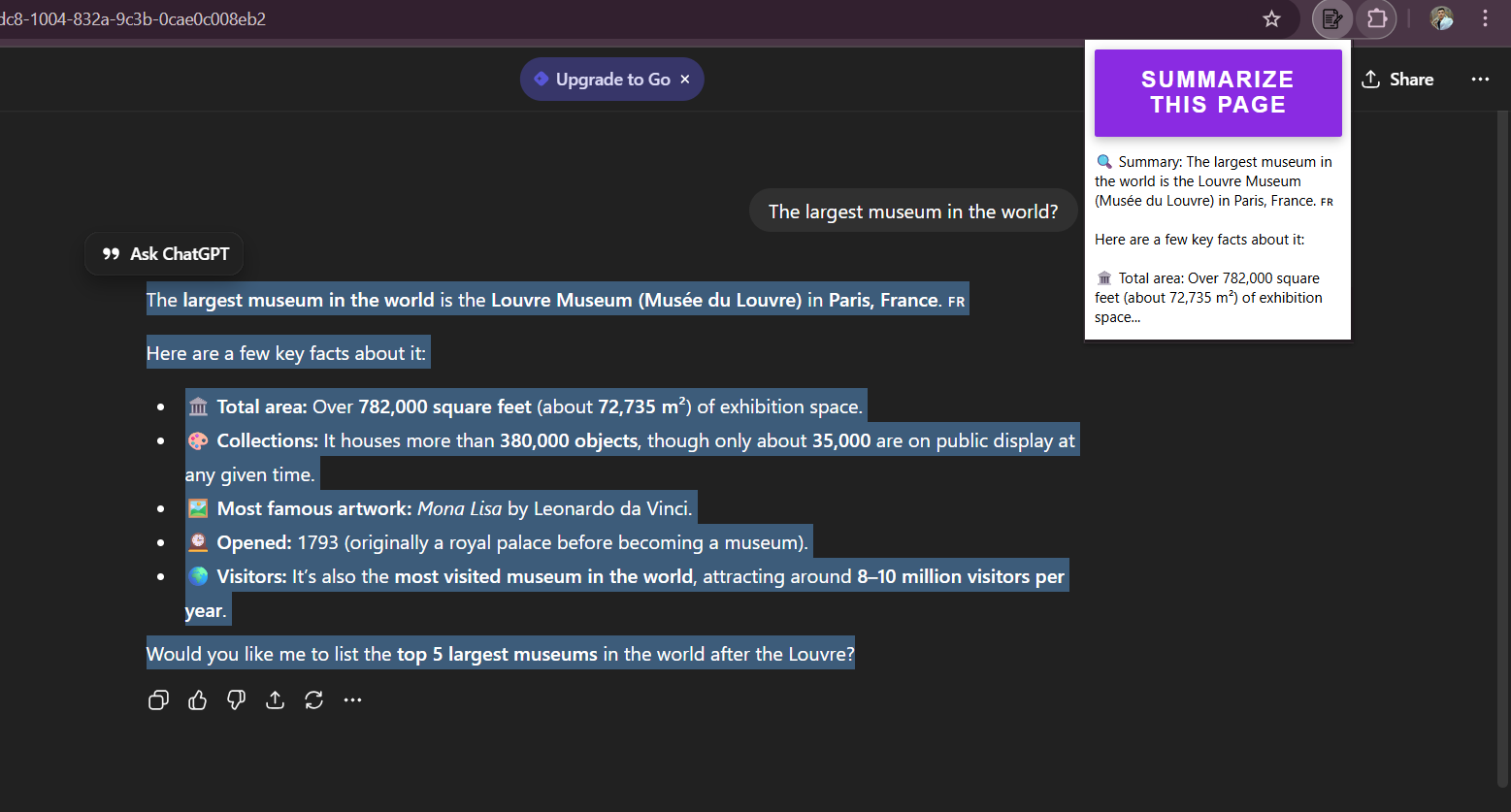
Smart Summarizer is a Chrome extension prototype that lets users highlight any text on a webpage or PDF and get an instant concise summary in the extension popup. The UI demonstrates selection-based summarization and a seamless workflow for reading and note-taking.
How I built it
- Frontend: plain HTML/CSS/JavaScript for the popup UI.
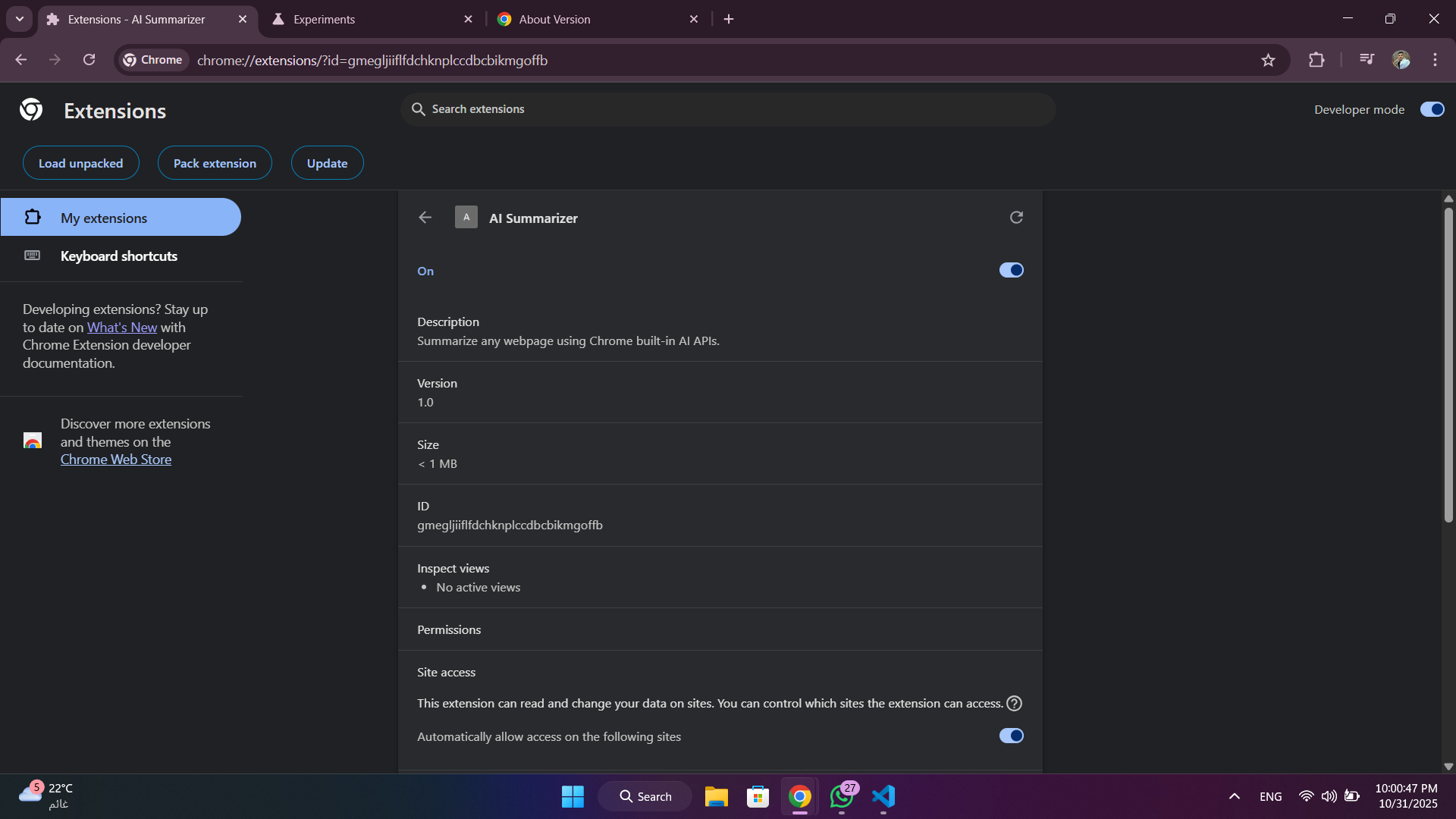
- Chrome integration: Manifest V3 and chrome.scripting to read the selected text from the active tab.
- Proof-of-concept summarization: a local placeholder function to simulate summary output (this is implemented so judges can see the interaction flow).
- Source code and installation steps are available on GitHub.
Challenges & Learnings
- Reading only the user-selected text across different sites (including PDF viewers) required careful handling and fallback instructions.
- Balancing a minimal UI with clear UX for selection, summary display, and error handling (no selection).
- Learned a lot about Chrome Manifest V3, chrome.scripting, and extension packaging.
Future work
- Integrate Chrome Built-in Summarizer API (Gemini Nano) once Early Preview access is granted (or provide a hybrid fallback to Gemini Developer API).
- Add multi-language support, caching of recent summaries, and an option to export summaries as notes.
- Improve PDF extraction for locally opened files and optimize summarization prompts for academic texts.
Demo & Source
- Demo and installation steps are included in the repository.
- This submission is a working prototype; summarization is currently simulated and will be replaced with the Built-in Summarizer API when access is available.
Built With
- chrome-extensions-(manifest-v3)
- chrome.scripting-api
- css
- git
- github
- html
- javascript

Log in or sign up for Devpost to join the conversation.