-
-
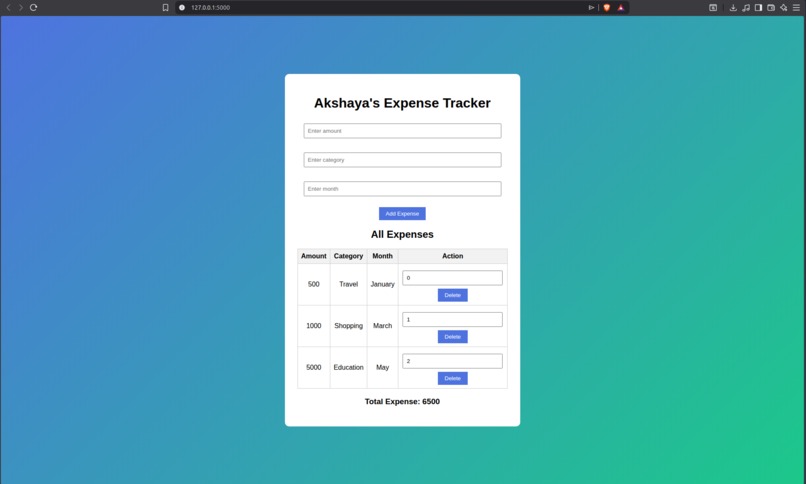
Akshaya's Expense Tracker - Track, manage and analyse expenses easily.
Inspiration
Managing daily expenses as a student can be confusing, especially when expenses are small but frequent. I wanted to build a simple and practical application that helps track expenses without using complex tools or paid apps. This project was inspired by my own need to understand where my money goes every month and to learn how backend and frontend connect in a real application.
What it does
This project is a web-based Expense Tracker that allows users to:
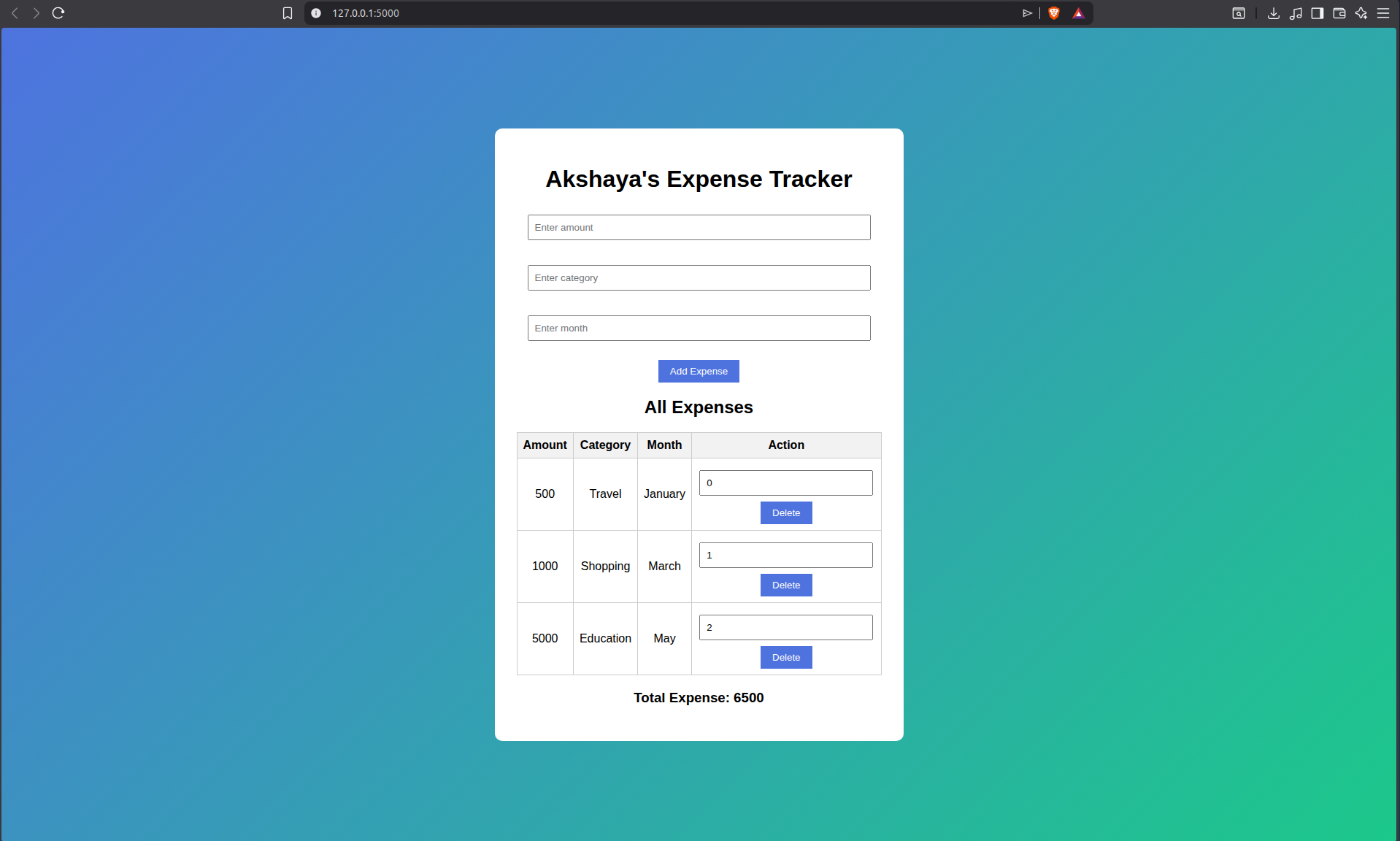
- Add expenses with amount, category, and month
- View all recorded expenses in a clean table
- Automatically calculate the total expense
- Store data persistently using a CSV file The application focuses on simplicity and usability.
How I built it
- I built this project using Python Flask for the backend and HTML/CSS for the frontend.
- Flask handles routing and form submissions
- Expense data is stored in a CSV file using Python’s csv module
- HTML templates (Jinja2) dynamically display expenses
- CSS is used to make the UI clean and user-friendly I also created a screen-recorded demo to show how the application works.
Challenges I ran into
As a beginner, I faced challenges such as:
- Understanding how Flask routes work
- Passing data from Python to HTML templates
- Reading and writing structured data using CSV files
- Debugging issues where data was saved but not displayed I overcame these challenges by experimenting, debugging step by step, and learning how backend logic and frontend rendering connect.
What I learned
Through this project, I learned:
- Basics of Flask web development
- Handling form data and HTTP methods (GET & POST)
- Using CSV files as a simple database
- Debugging real-world issues
- Building and presenting a complete project from scratch This project helped me gain confidence in backend development and web applications.
What’s next for this project
In the future, I would like to:
- Add user authentication
- Enable deleting and editing expenses
- Use a proper database like SQLite or PostgreSQL
- Add charts for expense visualization

Log in or sign up for Devpost to join the conversation.