-
-
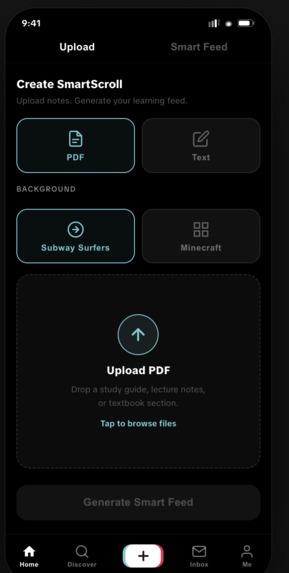
Home screen
-
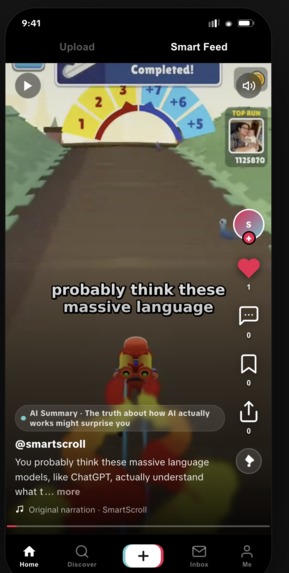
Scroll screen
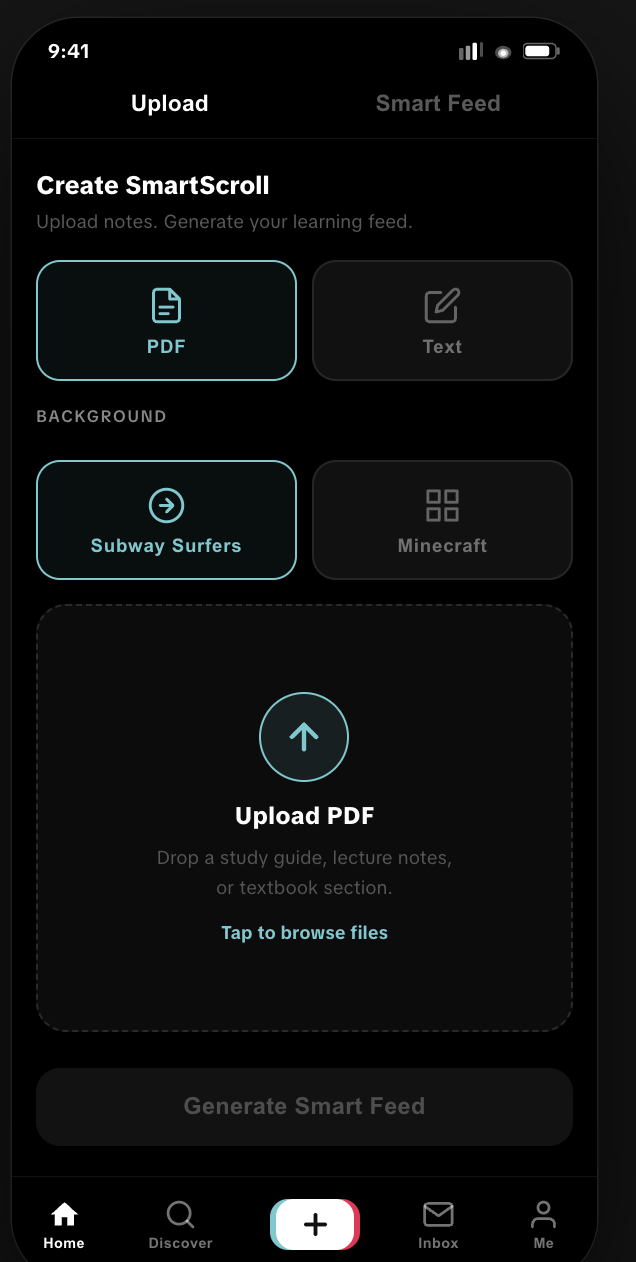
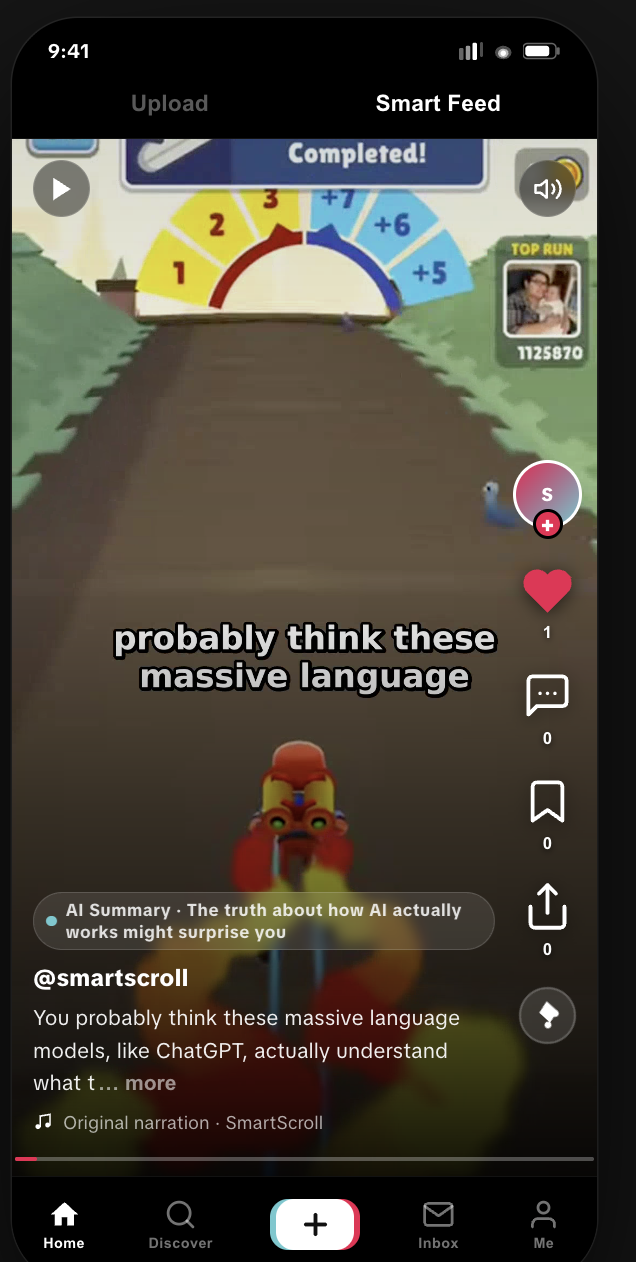
Inspiration
We were inspired by a simple question: what if learning felt as effortless as doom scrolling?
Everyone knows the feeling of opening TikTok, Instagram Reels, or YouTube Shorts for “five minutes” and somehow losing an hour. The problem is not that people lack attention — it is that the best attention-capturing formats are usually used for entertainment, not learning.
SmartScroll was built around the idea of reclaiming that attention. Instead of fighting the dopamine loop, we wanted to redirect it. If people already love full-screen, vertical, auto-playing content, why not use that same format to help them actually learn something?
What it does
SmartScroll turns dense learning material into short-form, TikTok-style educational videos.
Users can upload a PDF, such as a research paper, textbook chapter, report, or reading, and SmartScroll transforms it into an AI-narrated video with burned-in captions over engaging gameplay footage like Subway Surfers or Minecraft parkour.
Users can also ask to learn about a topic, making SmartScroll more than just a PDF summarizer. It becomes a personalized learning feed where educational content feels as easy to consume as scrolling through a For You Page.
The core experience is simple:
Upload a PDF or ask about a topic. Get an AI-generated learning video. Scroll smarter, not harder.
How we built it
We built SmartScroll as a full-stack web app with a Python FastAPI backend and a Next.js frontend.
On the backend, the PDF ingestion pipeline starts when a user uploads a file. The system extracts the full PDF text using PyMuPDF, then sends the content to Gemma 4 on Vertex AI to rewrite it into a conversational, TikTok-style script. Gemma is also used to generate a short, punchy video caption.
The script is then passed to ElevenLabs text-to-speech, which generates natural narration along with word-level timestamps. We use those timestamps to create synchronized captions. Finally, FFmpeg combines the narration, captions, and gameplay footage into a vertical 1080×1920 MP4.
The rendered videos are stored in Google Cloud Storage, while metadata such as PDF status, video paths, captions, and scripts are stored in Firestore. The feed endpoint returns signed video URLs so the frontend can stream videos directly in a TikTok-style vertical scroll interface.
Our stack includes:
- Frontend: Next.js 15 and Tailwind CSS
- Backend: FastAPI and Python 3.12
- LLM: Gemma 4 on Vertex AI
- Voice: ElevenLabs text-to-speech with timestamps
- Video rendering: FFmpeg
- Storage: Google Cloud Storage
- Database: Firestore
Challenges we ran into
One of the biggest challenges was stitching together a multi-step AI pipeline that felt smooth from the user’s perspective. A single upload had to trigger text extraction, script generation, narration, timestamp processing, caption generation, video rendering, cloud upload, and Firestore updates.
Video rendering was especially tricky. Getting gameplay footage, narration, and word-level captions to align correctly required careful handling of timestamps and FFmpeg caption styling. We also had to make sure the final video worked in a vertical mobile-first format.
Another challenge was prompt engineering. The script could not sound like a boring summary. It had to feel natural, punchy, and engaging while still preserving the real meaning of the original PDF or topic. Making educational content feel entertaining without making it shallow was a major balance.
We also had to make practical hackathon tradeoffs. Instead of building an overly complex job queue, recommendation algorithm, or vector search system, we focused on making the core experience work end-to-end: upload, generate, render, and scroll.
Accomplishments that we're proud of
We are proud that SmartScroll is more than a mockup. We built a working backend pipeline that takes a PDF and turns it into an actual rendered video.
Some accomplishments we are especially proud of:
- Uploading PDFs to Google Cloud Storage
- Extracting full PDF text
- Using Gemma 4 to generate TikTok-style learning scripts
- Generating AI narration with ElevenLabs
- Producing word-level synchronized captions
- Rendering vertical videos with FFmpeg
- Saving video metadata in Firestore
- Building a feed endpoint that returns streamable signed URLs
- Adding a chat/comment-style feature where users can ask questions about uploaded PDFs
Most importantly, we are proud of the product idea itself. SmartScroll does not try to shame people for scrolling. It asks: what if the scroll could actually teach you something?
What we learned
We learned a lot about building AI products that go beyond a simple chatbot.
This project taught us how to connect multiple AI and cloud services into one pipeline, including large language models, text-to-speech, video generation, object storage, and database state management. We also learned how important latency, reliability, and fallback planning are when working with AI APIs.
On the product side, we learned that format matters just as much as content. A good summary is useful, but a good summary delivered in a familiar, addictive, mobile-native format can feel completely different.
We also learned how valuable it is to keep the scope focused during a hackathon. There were many features we could have added, but the strongest version of SmartScroll came from focusing on the “magic moment”: turning something hard to read into something easy to scroll.
What's next for SmartScroll
Next, we want to finish and polish the frontend feed experience so users can swipe through videos in a smooth, mobile-first interface.
We also want to expand beyond PDFs by allowing users to generate videos from any topic, question, or learning goal. This would make SmartScroll feel more like a personalized educational For You Page.
Future improvements include:
- User authentication
- Topic-based video generation
- Better feed personalization
- Analytics for watch time, skips, and completion rates
- More gameplay/background styles
- Public sharing for generated learning videos
- A smarter chat layer that lets users ask follow-up questions about each video
- Support for slides, articles, and web links
Long term, we see SmartScroll becoming a new way to learn online: not by fighting short-form content, but by making short-form content worth consuming.
Built With
- auth
- css
- elevenlabs
- fastapi
- ffmpeg
- ffmpeg-python
- firestore
- gcp
- gemma4
- html
- javascript
- next.js
- pydantic
- pymupdf
- python
- react
- typescript
- vertexai


Log in or sign up for Devpost to join the conversation.